Page 86 of 272
Normal mode
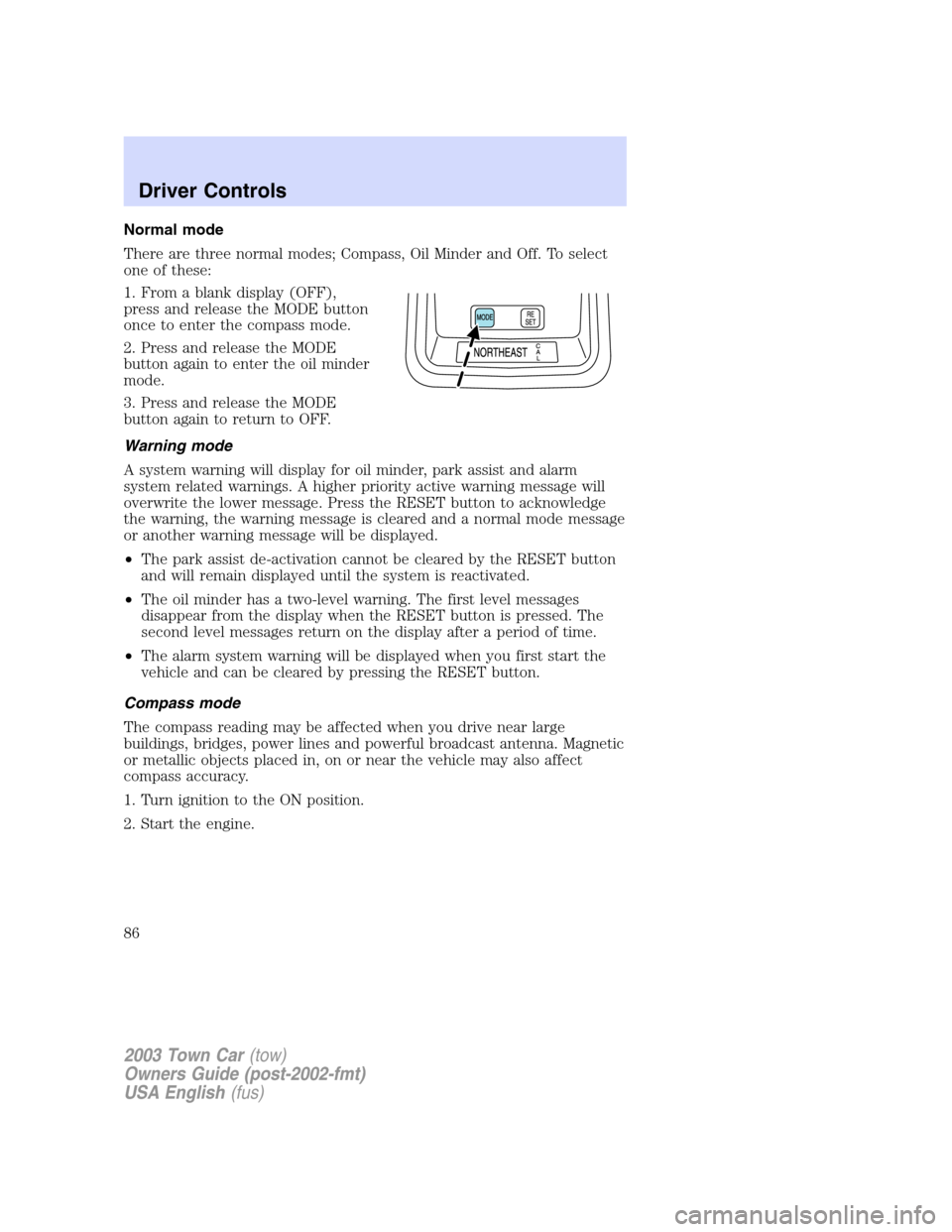
There are three normal modes; Compass, Oil Minder and Off. To select
one of these:
1. From a blank display (OFF),
press and release the MODE button
once to enter the compass mode.
2. Press and release the MODE
button again to enter the oil minder
mode.
3. Press and release the MODE
button again to return to OFF.
Warning mode
A system warning will display for oil minder, park assist and alarm
system related warnings. A higher priority active warning message will
overwrite the lower message. Press the RESET button to acknowledge
the warning, the warning message is cleared and a normal mode message
or another warning message will be displayed.
•The park assist de-activation cannot be cleared by the RESET button
and will remain displayed until the system is reactivated.
•The oil minder has a two-level warning. The first level messages
disappear from the display when the RESET button is pressed. The
second level messages return on the display after a period of time.
•The alarm system warning will be displayed when you first start the
vehicle and can be cleared by pressing the RESET button.
Compass mode
The compass reading may be affected when you drive near large
buildings, bridges, power lines and powerful broadcast antenna. Magnetic
or metallic objects placed in, on or near the vehicle may also affect
compass accuracy.
1. Turn ignition to the ON position.
2. Start the engine.
2003 Town Car(tow)
Owners Guide (post-2002-fmt)
USA English(fus)
Driver Controls
86
Page 87 of 272
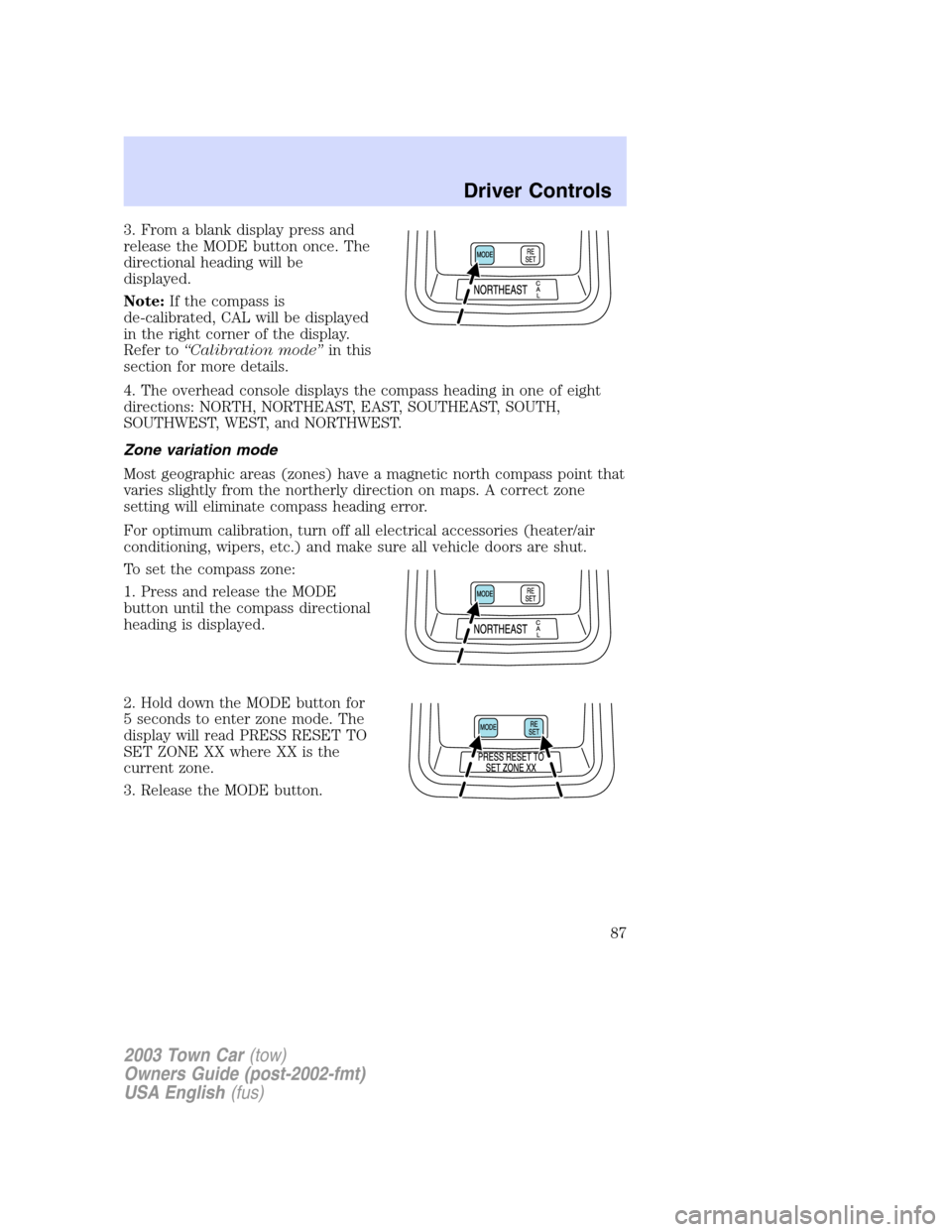
3. From a blank display press and
release the MODE button once. The
directional heading will be
displayed.
Note:If the compass is
de-calibrated, CAL will be displayed
in the right corner of the display.
Refer to“Calibration mode”in this
section for more details.
4. The overhead console displays the compass heading in one of eight
directions: NORTH, NORTHEAST, EAST, SOUTHEAST, SOUTH,
SOUTHWEST, WEST, and NORTHWEST.
Zone variation mode
Most geographic areas (zones) have a magnetic north compass point that
varies slightly from the northerly direction on maps. A correct zone
setting will eliminate compass heading error.
For optimum calibration, turn off all electrical accessories (heater/air
conditioning, wipers, etc.) and make sure all vehicle doors are shut.
To set the compass zone:
1. Press and release the MODE
button until the compass directional
heading is displayed.
2. Hold down the MODE button for
5 seconds to enter zone mode. The
display will read PRESS RESET TO
SET ZONE XX where XX is the
current zone.
3. Release the MODE button.
2003 Town Car(tow)
Owners Guide (post-2002-fmt)
USA English(fus)
Driver Controls
87
Page 88 of 272
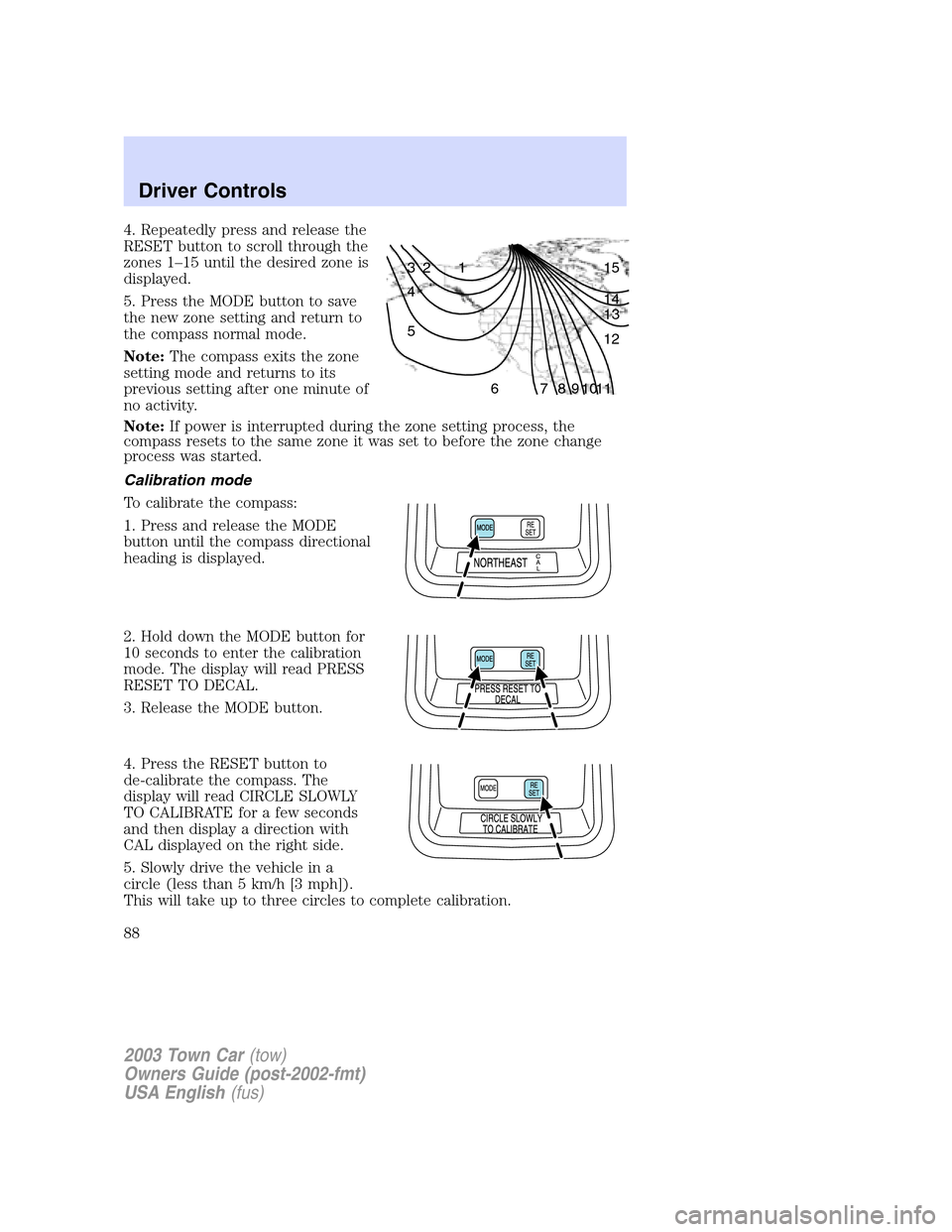
4. Repeatedly press and release the
RESET button to scroll through the
zones 1–15 until the desired zone is
displayed.
5. Press the MODE button to save
the new zone setting and return to
the compass normal mode.
Note:The compass exits the zone
setting mode and returns to its
previous setting after one minute of
no activity.
Note:If power is interrupted during the zone setting process, the
compass resets to the same zone it was set to before the zone change
process was started.
Calibration mode
To calibrate the compass:
1. Press and release the MODE
button until the compass directional
heading is displayed.
2. Hold down the MODE button for
10 seconds to enter the calibration
mode. The display will read PRESS
RESET TO DECAL.
3. Release the MODE button.
4. Press the RESET button to
de-calibrate the compass. The
display will read CIRCLE SLOWLY
TO CALIBRATE for a few seconds
and then display a direction with
CAL displayed on the right side.
5. Slowly drive the vehicle in a
circle (less than 5 km/h [3 mph]).
This will take up to three circles to complete calibration.
1 2 3
4
5
6 7 8 9 101112 13 14 15
2003 Town Car(tow)
Owners Guide (post-2002-fmt)
USA English(fus)
Driver Controls
88
Page 89 of 272
6. The correct compass heading will be displayed when the compass is
calibrated.
Note:If the RESET button is not pressed, the compass will exit
calibration mode after three minutes of no activity and the original
calibration data will be restored.
Note:If power is interrupted during the calibration process, the compass
resets to the original calibration data from before the calibration process
started.
HomeLink�mode (if equipped)
Train mode
Note:Do not train the HomeLink�with the vehicle parked in the garage.
To train a HomeLink�button to control a specific device:
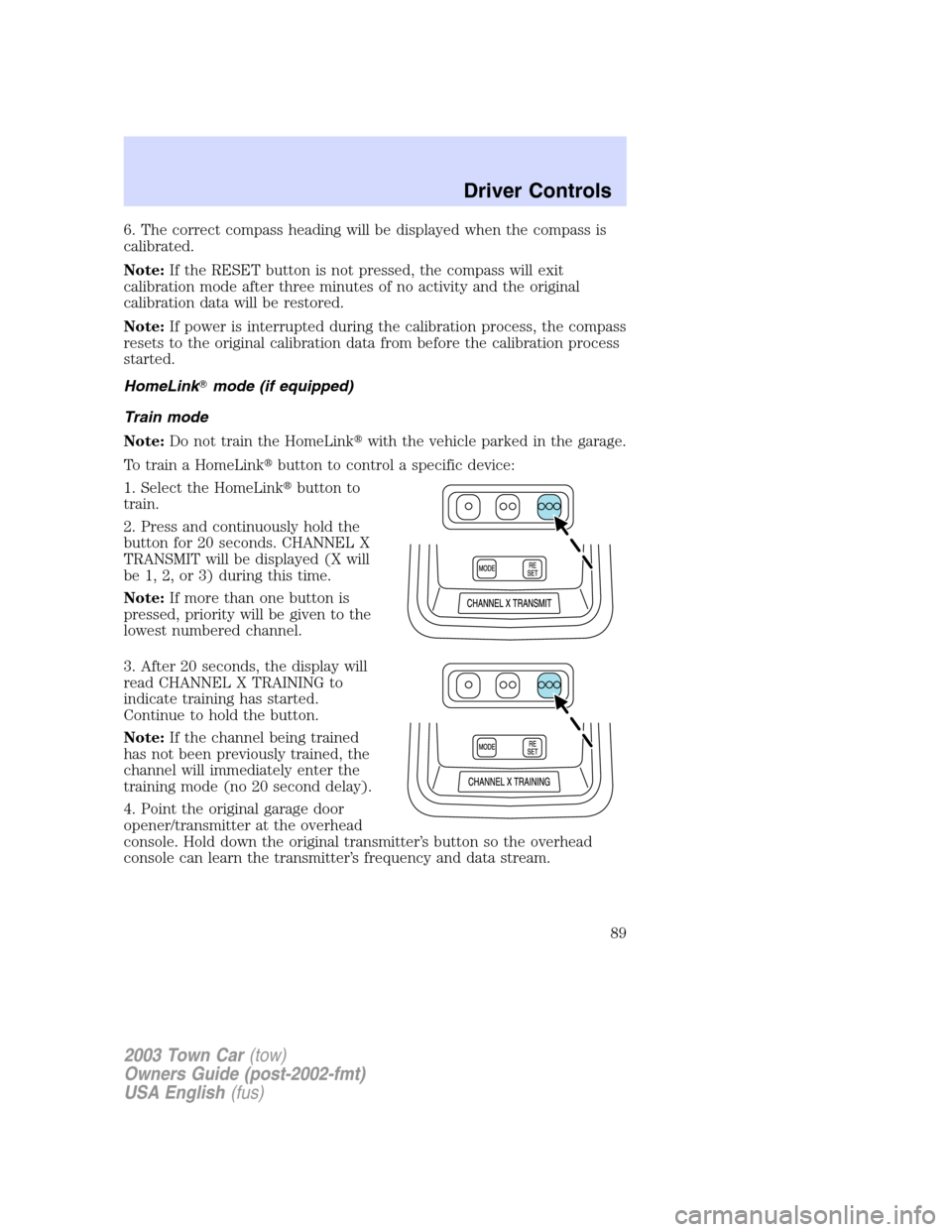
1. Select the HomeLink�button to
train.
2. Press and continuously hold the
button for 20 seconds. CHANNEL X
TRANSMIT will be displayed (X will
be 1, 2, or 3) during this time.
Note:If more than one button is
pressed, priority will be given to the
lowest numbered channel.
3. After 20 seconds, the display will
read CHANNEL X TRAINING to
indicate training has started.
Continue to hold the button.
Note:If the channel being trained
has not been previously trained, the
channel will immediately enter the
training mode (no 20 second delay).
4. Point the original garage door
opener/transmitter at the overhead
console. Hold down the original transmitter’s button so the overhead
console can learn the transmitter’s frequency and data stream.
2003 Town Car(tow)
Owners Guide (post-2002-fmt)
USA English(fus)
Driver Controls
89
Page 90 of 272
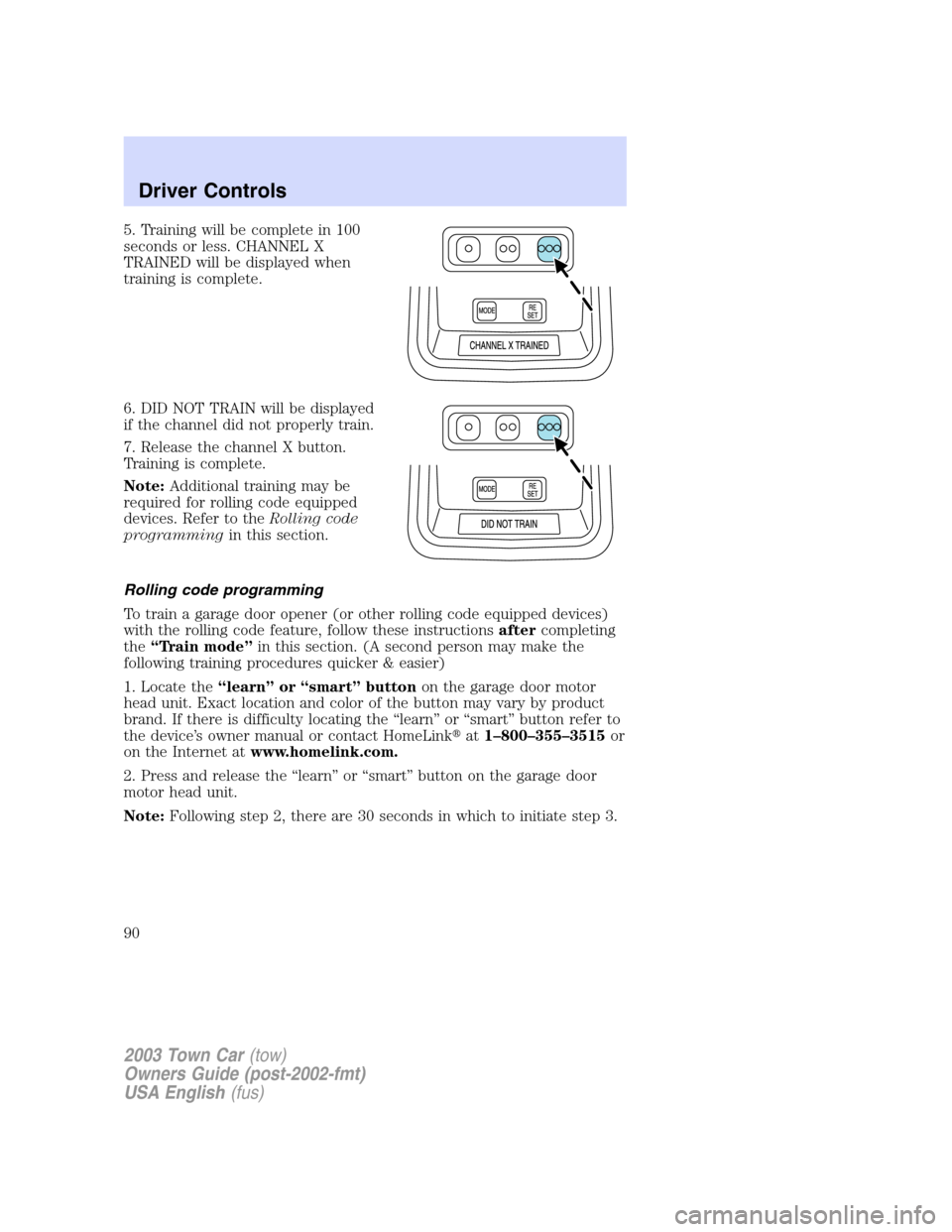
5. Training will be complete in 100
seconds or less. CHANNEL X
TRAINED will be displayed when
training is complete.
6. DID NOT TRAIN will be displayed
if the channel did not properly train.
7. Release the channel X button.
Training is complete.
Note:Additional training may be
required for rolling code equipped
devices. Refer to theRolling code
programmingin this section.
Rolling code programming
To train a garage door opener (or other rolling code equipped devices)
with the rolling code feature, follow these instructionsaftercompleting
the“Train mode”in this section. (A second person may make the
following training procedures quicker & easier)
1. Locate the“learn”or“smart”buttonon the garage door motor
head unit. Exact location and color of the button may vary by product
brand. If there is difficulty locating the“learn”or“smart”button refer to
the device’s owner manual or contact HomeLink�at1–800–355–3515or
on the Internet atwww.homelink.com.
2. Press and release the“learn”or“smart”button on the garage door
motor head unit.
Note:Following step 2, there are 30 seconds in which to initiate step 3.
2003 Town Car(tow)
Owners Guide (post-2002-fmt)
USA English(fus)
Driver Controls
90
Page 91 of 272
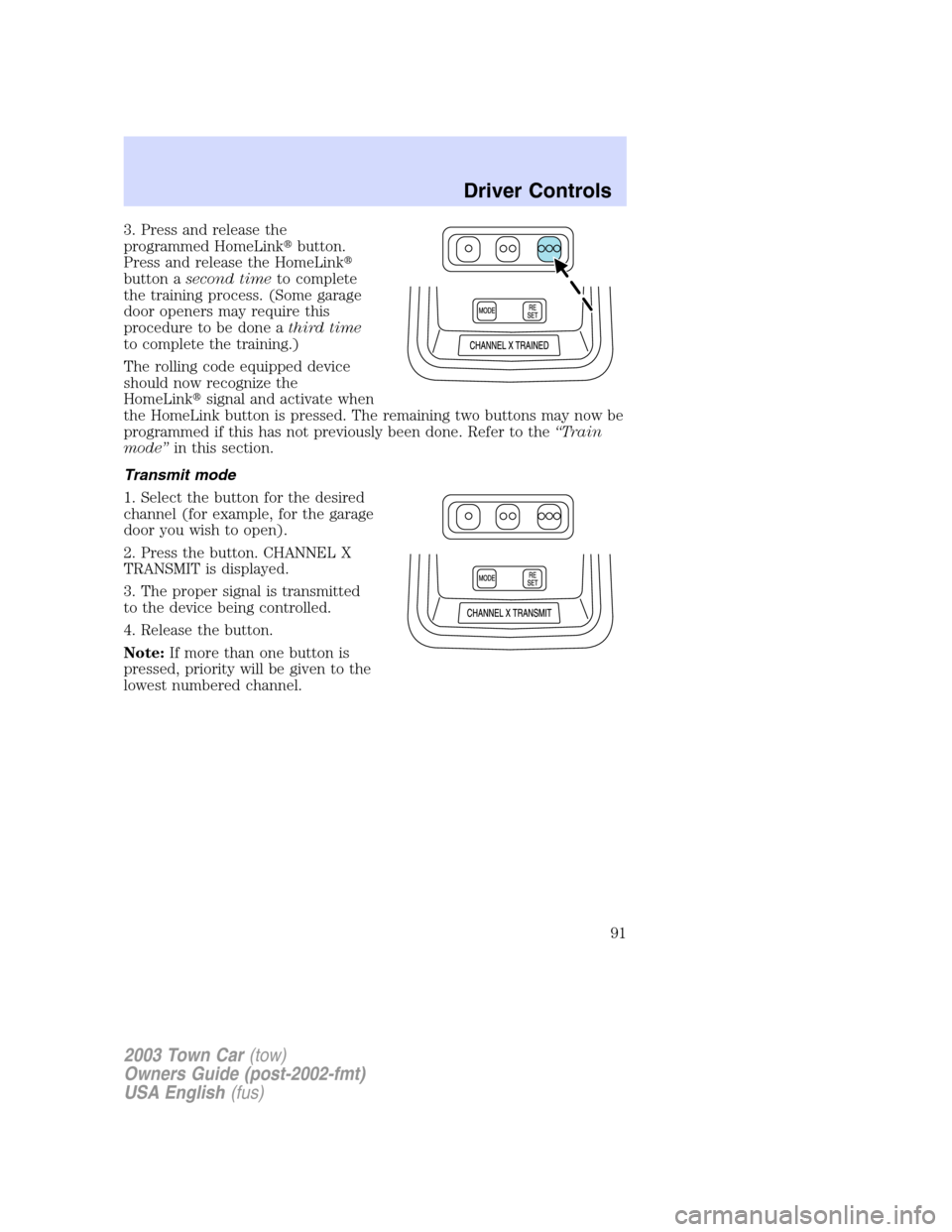
3. Press and release the
programmed HomeLink�button.
Press and release the HomeLink�
button asecond timeto complete
the training process. (Some garage
door openers may require this
procedure to be done athird time
to complete the training.)
The rolling code equipped device
should now recognize the
HomeLink�signal and activate when
the HomeLink button is pressed. The remaining two buttons may now be
programmed if this has not previously been done. Refer to the“Train
mode”in this section.
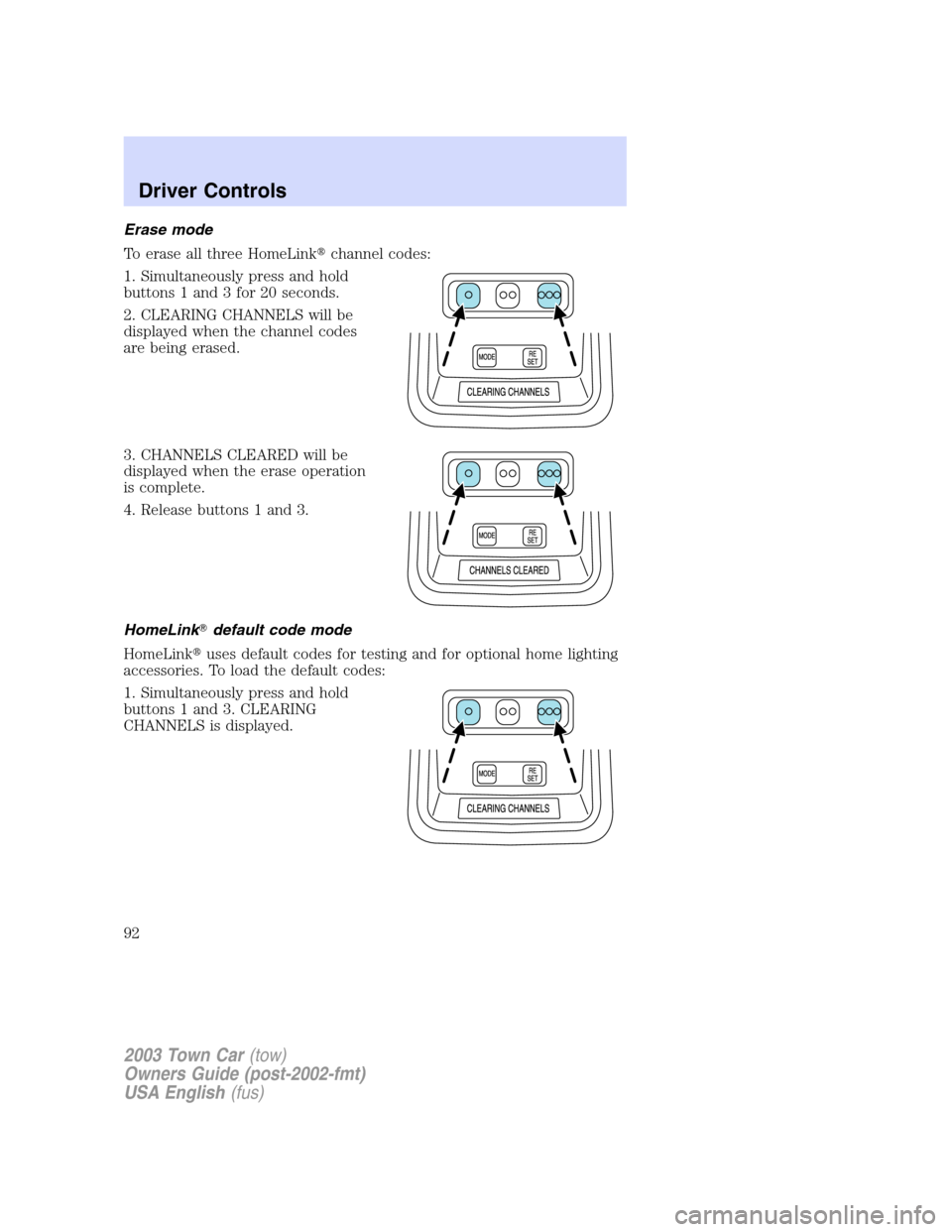
Transmit mode
1. Select the button for the desired
channel (for example, for the garage
door you wish to open).
2. Press the button. CHANNEL X
TRANSMIT is displayed.
3. The proper signal is transmitted
to the device being controlled.
4. Release the button.
Note:If more than one button is
pressed, priority will be given to the
lowest numbered channel.
2003 Town Car(tow)
Owners Guide (post-2002-fmt)
USA English(fus)
Driver Controls
91
Page 92 of 272
Erase mode
To erase all three HomeLink�channel codes:
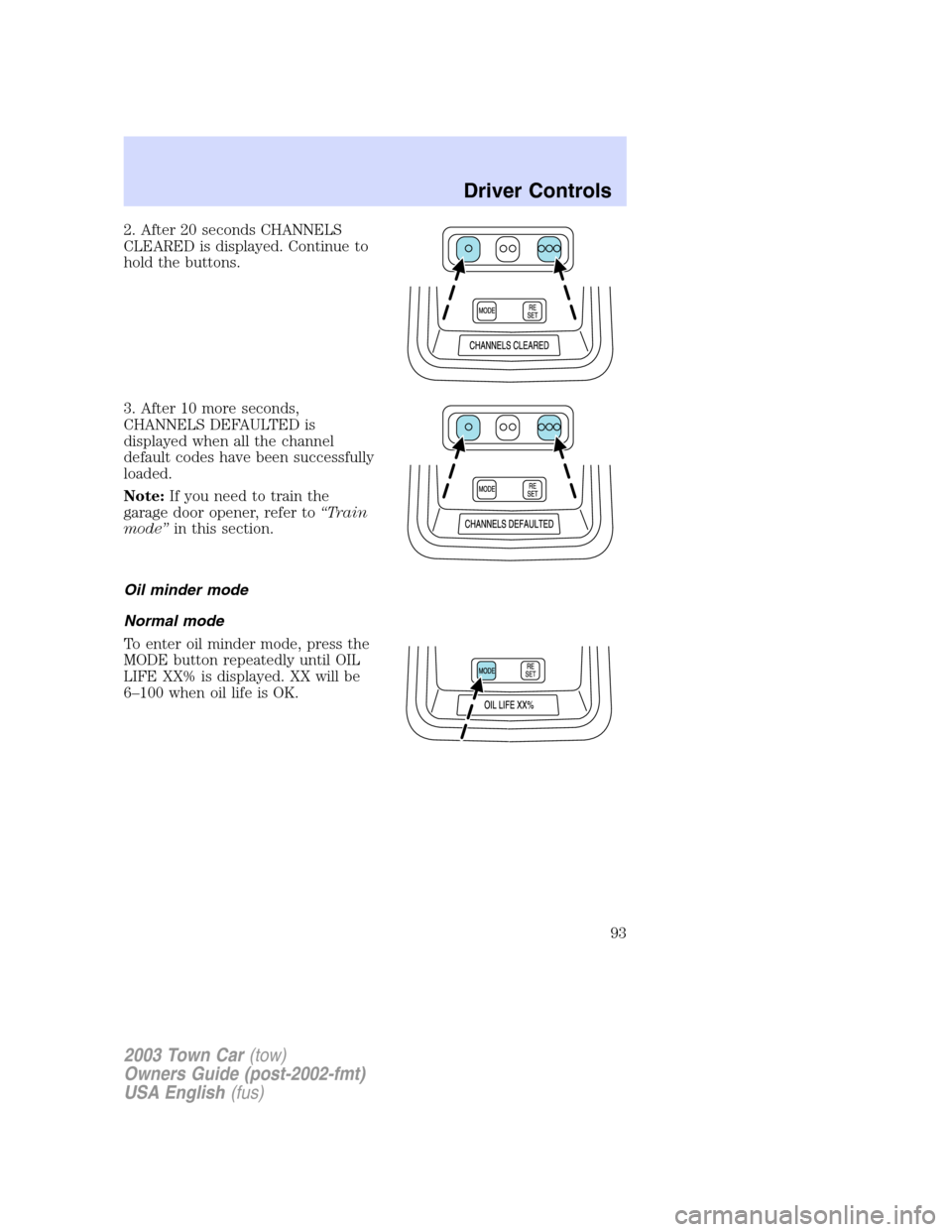
1. Simultaneously press and hold
buttons 1 and 3 for 20 seconds.
2. CLEARING CHANNELS will be
displayed when the channel codes
are being erased.
3. CHANNELS CLEARED will be
displayed when the erase operation
is complete.
4. Release buttons 1 and 3.
HomeLink�default code mode
HomeLink�uses default codes for testing and for optional home lighting
accessories. To load the default codes:
1. Simultaneously press and hold
buttons 1 and 3. CLEARING
CHANNELS is displayed.
2003 Town Car(tow)
Owners Guide (post-2002-fmt)
USA English(fus)
Driver Controls
92
Page 93 of 272
2. After 20 seconds CHANNELS
CLEARED is displayed. Continue to
hold the buttons.
3. After 10 more seconds,
CHANNELS DEFAULTED is
displayed when all the channel
default codes have been successfully
loaded.
Note:If you need to train the
garage door opener, refer to“Train
mode”in this section.
Oil minder mode
Normal mode
To enter oil minder mode, press the
MODE button repeatedly until OIL
LIFE XX% is displayed. XX will be
6–100 when oil life is OK.
2003 Town Car(tow)
Owners Guide (post-2002-fmt)
USA English(fus)
Driver Controls
93