Page 11 of 288
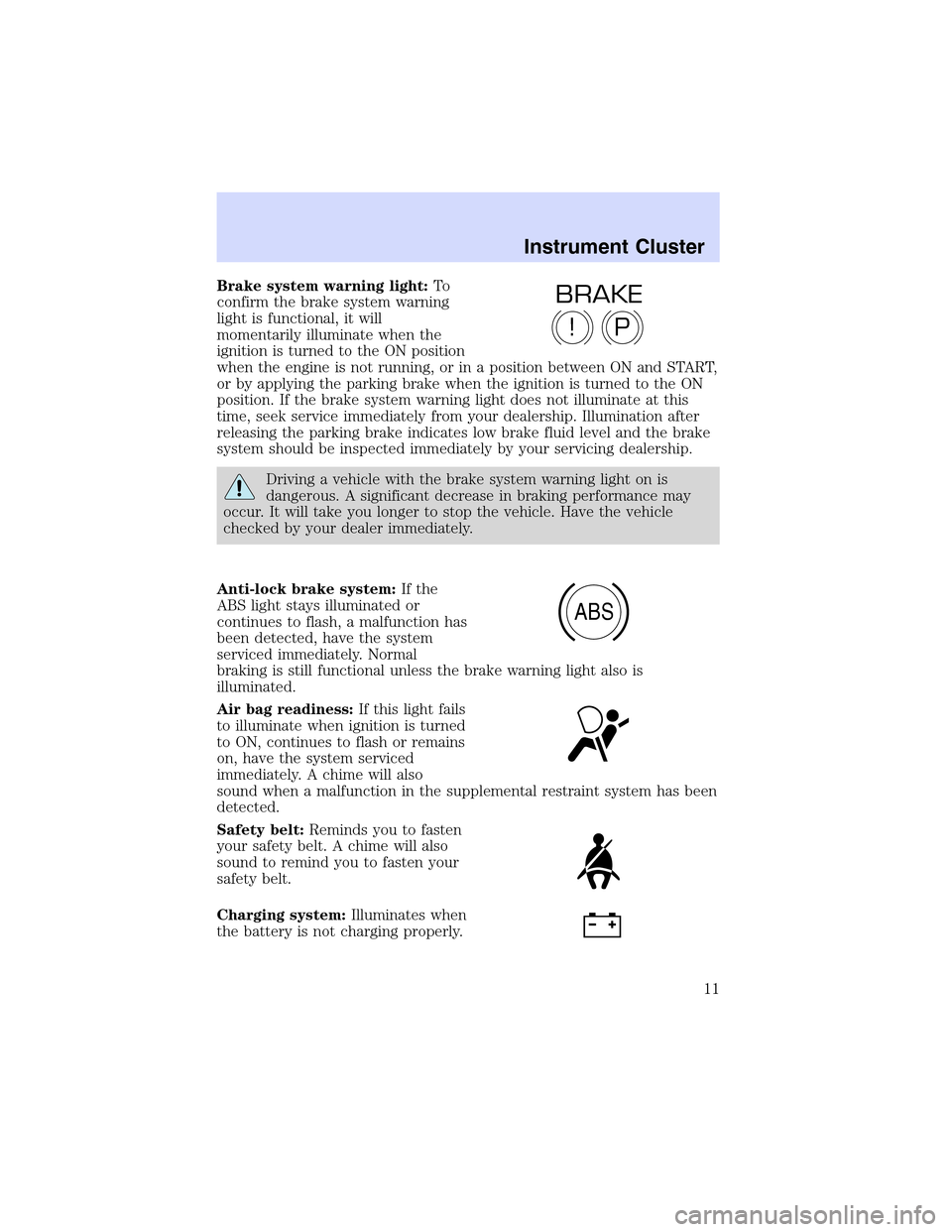
Brake system warning light:To
confirm the brake system warning
light is functional, it will
momentarily illuminate when the
ignition is turned to the ON position
when the engine is not running, or in a position between ON and START,
or by applying the parking brake when the ignition is turned to the ON
position. If the brake system warning light does not illuminate at this
time, seek service immediately from your dealership. Illumination after
releasing the parking brake indicates low brake fluid level and the brake
system should be inspected immediately by your servicing dealership.
Driving a vehicle with the brake system warning light on is
dangerous. A significant decrease in braking performance may
occur. It will take you longer to stop the vehicle. Have the vehicle
checked by your dealer immediately.
Anti-lock brake system:If the
ABS light stays illuminated or
continues to flash, a malfunction has
been detected, have the system
serviced immediately. Normal
braking is still functional unless the brake warning light also is
illuminated.
Air bag readiness:If this light fails
to illuminate when ignition is turned
to ON, continues to flash or remains
on, have the system serviced
immediately. A chime will also
sound when a malfunction in the supplemental restraint system has been
detected.
Safety belt:Reminds you to fasten
your safety belt. A chime will also
sound to remind you to fasten your
safety belt.
Charging system:Illuminates when
the battery is not charging properly.
P!
BRAKE
ABS
Instrument Cluster
11
Page 13 of 288

Low fuel (if equipped):
Illuminates when the fuel level in
the fuel tank is at, or near empty
(refer toFuel gaugein this
chapter).
Speed control:Illuminates when
the speed control is activated. Turns
off when the speed control system
is deactivated.
Low washer fluid (if equipped):
Illuminates when the windshield
washer fluid is low.
Bulb warning (if equipped):
Illuminates when one of the exterior
front turn lamps or rear
brake/turn/tail lamps bulb has
burned out. Depress the RESET control to return to the Trip odometer
display.
Door ajar (if equipped):
Illuminates when the ignition is in
the ON position and any door is
open.
Turn signal:Illuminates when the
left or right turn signal or the
hazard lights are turned on. If the
indicators stay on or flash faster, check for a burned out bulb.
High beams:Illuminates when the
high beam headlamps are turned on.
Electronic throttle control (if
equipped):Illuminates when the
engine has defaulted to a
’limp-home’operation. Report the
fault to a dealer at the earliest opportunity.
Instrument Cluster
13
Page 14 of 288
Key-in-ignition warning chime:Sounds when the key is left in the
ignition in the OFF/LOCK or ACC position and the driver’s door is
opened.
Headlamps on warning chime:Sounds when the headlamps or parking
lamps are on, the ignition is off (and the key is not in the ignition) and
the driver’s door is opened.
GAUGES
Speedometer:Indicates the
current vehicle speed.
Engine coolant temperature
gauge:Indicates engine coolant
temperature. At normal operating
temperature, the needle will be in
the normal range (between“H”and
“C”).If it enters the red section,
the engine is overheating. Stop
the vehicle as soon as safely possible, switch off the engine and
let the engine cool.
Never remove the coolant reservoir cap while the engine is
running or hot.
Instrument Cluster
14
Page 26 of 288

1.VOL-PUSH: Press to turn the system ON/OFF. Turn to adjust the
audio volume level.
2.AUDIO: Press to enter audio mode and access radio, CD, CDDJ, DVD
(if equipped) settings.
3.MAP: Press to enter map mode and view your current vehicle position
on the map. Press and hold to obtain additional position information.
4.DEST: Press to enter Destination Entry mode. This allows you to
enter a destination and route to it. With an active route, pressing DEST
allows the user to request a Detour, display entire route, select route
preferences, or change or cancel the destination.
5.MENU: Press to access system settings such as display, brightness,
clock mode, etc.
6.CD OPEN CLOSE: Press to open/close the display screen and access
the CD player.
Initial map display
After pressing AGREE to the initial
WARNING screen, you will move
into the initial map screen which
shows the current vehicle location.
Pressing the globe icon will take you
to the user settings—audible
feedback, navigation units, language
and clock.
Entertainment Systems
26
Page 28 of 288

increase when the system is ready to accept a disc. Push CD OPEN
CLOSE to close the screen. Once closed, the CD will begin to play.
3. Use the touch controls to advance tracks, scan, pause, etc. The slot
number indicators at the bottom will signify which disc is currently
playing.
To use the Navigation system:
1. Ensure that the vehicle ignition is on, and the navigation DVD is
loaded into the navigation DVD player.
2. Press DEST. The warning screen will appear. After reading, press
AGREE. The screen will show a map with your current location. Press
DEST again.
3. Select the desired type of destination entry; Address, Point of Interest;
Previous Dest; Special Memory Point; Select from map; Memory Point
and Freeway Ent/Exit. Enter the required information.
4. Press DEST at the bottom of the
map screen.
5. Choose the desired route by
pressing the NEXT button (if it
appears). There can be up to three
alternative routes.
6. Press START to begin the
navigation guidance.
Most functions are unavailable
while vehicle is in motion.
Please read the navigation
handbook for operating instructions.
Always drive safely and obey traffic laws.
WARNING
Agree
CD OPEN CLOSE MENU DESTMAP AUDIO VOL PUSH
Entertainment Systems
28
Page 48 of 288
Destination menu
Press DEST on the main bezel to access the navigation mode.
Initial map display
After pressing AGREE to the initial
WARNING screen, you will move
into the initial map screen which
shows the current vehicle location.
Pressing the globe icon will take you
to the user settings—audible
feedback, navigation units, language
and clock.
Note:There may be a slight time
delay between the soft key and the hard key functions.
Entertainment Systems
48
Page 59 of 288
Route interruptions
In the course of your destination, you may decide to temporarily leave
your planned route for gas, food, etc. If you turn off the ignition, the
option to continue the route guidance will be displayed when the ignition
is turned on again. The route can be accessed once again after you press
“Agree”on the warning screen.
Route alterations or cancellations
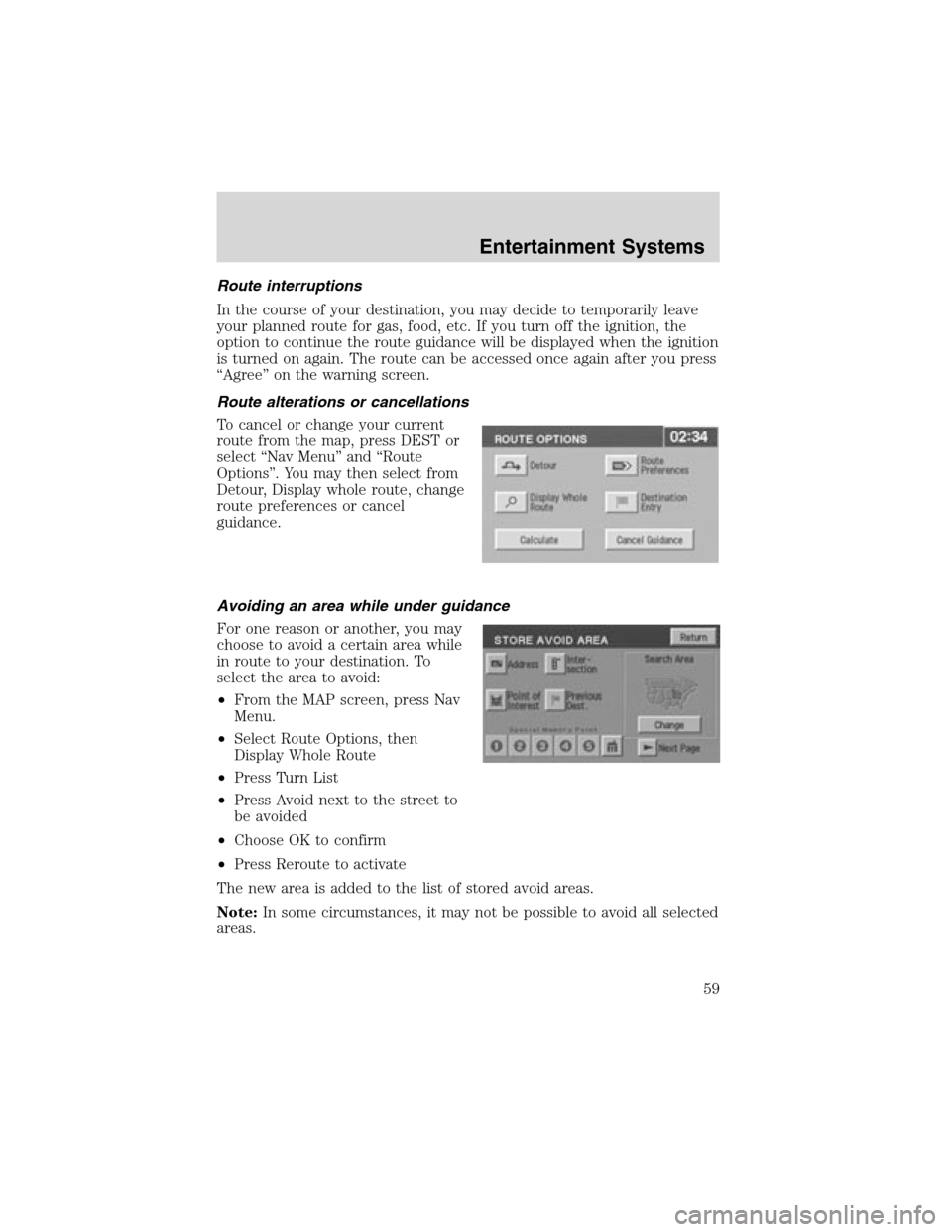
To cancel or change your current
route from the map, press DEST or
select“Nav Menu”and“Route
Options”. You may then select from
Detour, Display whole route, change
route preferences or cancel
guidance.
Avoiding an area while under guidance
For one reason or another, you may
choose to avoid a certain area while
in route to your destination. To
select the area to avoid:
•From the MAP screen, press Nav
Menu.
•Select Route Options, then
Display Whole Route
•Press Turn List
•Press Avoid next to the street to
be avoided
•Choose OK to confirm
•Press Reroute to activate
The new area is added to the list of stored avoid areas.
Note:In some circumstances, it may not be possible to avoid all selected
areas.
Entertainment Systems
59
Page 106 of 288
For questions or comments, contact HomeLink�atwww.homelink.com
or1–800–355–3515.
CELL PHONE USE
The use of Mobile Communications Equipment has become increasingly
important in the conduct of business and personal affairs. However,
drivers must not compromise their own or others’safety when using
such equipment. Mobile Communications can enhance personal safety
and security when appropriately used, particularly in emergency
situations. Safety must be paramount when using mobile communications
equipment to avoid negating these benefits.
Mobile Communication Equipment includes, but is not limited to cellular
phones, pagers, portable email devices, in vehicle communications
systems, telematics devices and portable two-way radios.
A driver’s first responsibility is the safe operation of the vehicle.
The most important thing you can do to prevent a crash is to
avoid distractions and pay attention to the road. Wait until it is safe to
operate Mobile Communications Equipment.
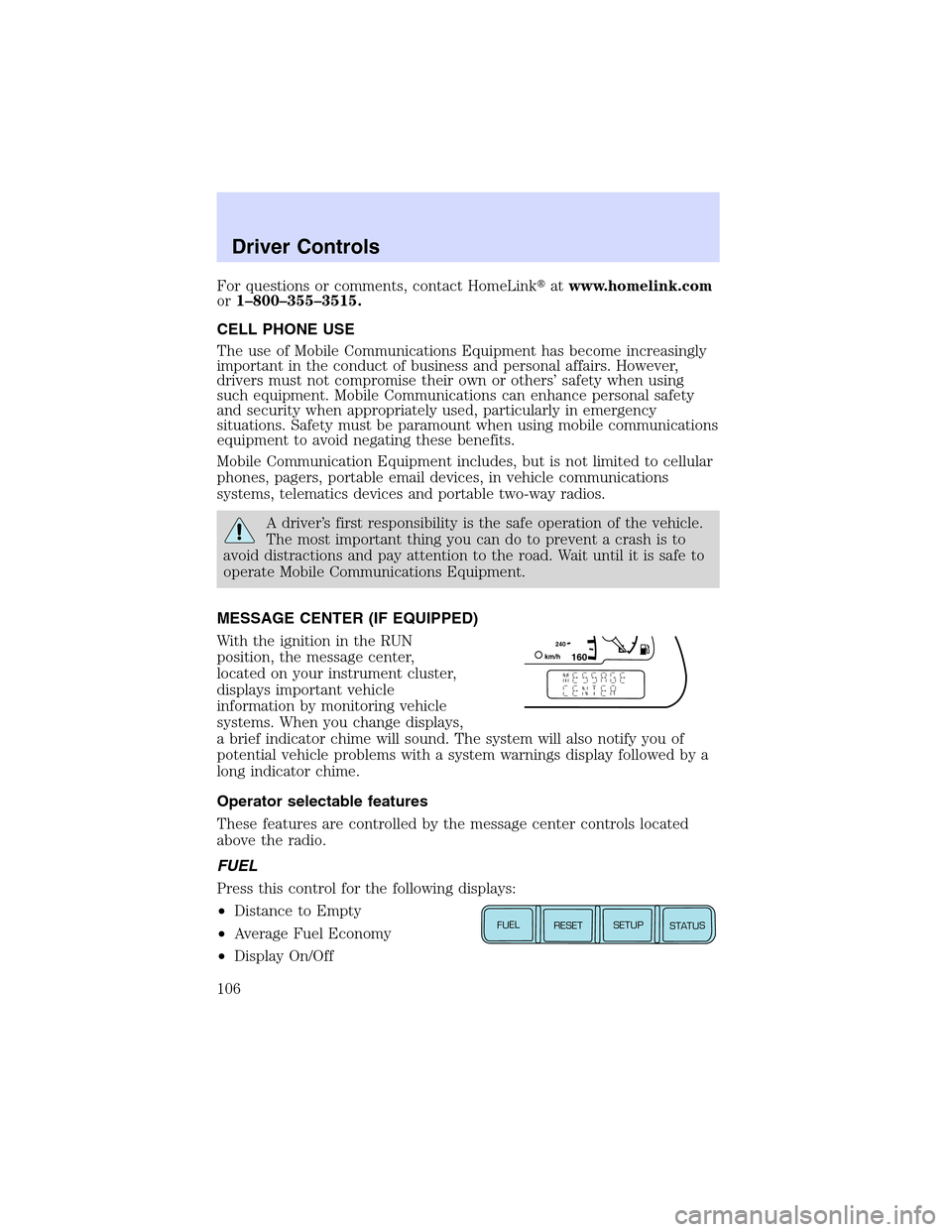
MESSAGE CENTER (IF EQUIPPED)
With the ignition in the RUN
position, the message center,
located on your instrument cluster,
displays important vehicle
information by monitoring vehicle
systems. When you change displays,
a brief indicator chime will sound. The system will also notify you of
potential vehicle problems with a system warnings display followed by a
long indicator chime.
Operator selectable features
These features are controlled by the message center controls located
above the radio.
FUEL
Press this control for the following displays:
•Distance to Empty
•Average Fuel Economy
•Display On/Off
1602
4
0k
m
/
hE
FUEL
RESET
SETUP
STATUS
Driver Controls
106

