Page 68 of 380
To operate the wipers in mist mode,
push the control lever up f rom the
OFF position. The wipers run at high
speed until you release the lever.
This gives you a quick way to clear
the windshield.
In intermittent, the wipers operate
every f ew seconds. The sweep
interval will change slightly with
speed; getting shorter as you drive
f aster. While the car is stopped and
in gear, the wipers sweep the
windshield whenever you remove
your f oot f rom the brake pedal. In
low speed and high speed, the wipers
run continuously.
You can vary how of ten the wipers
sweep the windshield by turning the
INT TIME ring on the lever.
If you turn the INT TIME ring to the
shortest delay, the wipers will
change from intermittent to low
speed operation when car speed
exceeds 12 mph (20 km/h).On all models except DX
Controls Near the Steering Wheel
Inst rument s and Cont rols71
�����—�����—�����y���
�����������y���
�(�����������y���������y
Page 69 of 380

To clean the windshield, pull back on
the wiper control lever. The washers
spray until you release the lever. The
wipers run at low speed while you’re
pulling the lever, then complete one
more sweep of the windshield af ter
you release it.Push the button between the center
vents to turn on the hazard warning
lights (f our-way f lashers). This
causes all f our outside turn signals
and both turn indicators in the
instrument panel to f lash. Use the
hazard warning lights if you need to
park in a dangerous area near heavy
traf f ic, or if your car is disabled.The rear window def ogger will clear
fog, frost, and thin ice from the
window. Push the def ogger button to
turn it on and of f . The light above
the button lights to show the
def ogger is on. It also shuts of f when
you turn off the ignition. You have to
turn it on again when you restart the
car.
Windshield Washers Hazard Warning Rear Window Def ogger
Controls Near the Steering Wheel
Inst rument s and Cont rols72
Manual A/C type shown
�����—�����—�����y�������������
�y���
�(�����������y���������y
Page 71 of 380
Push the lever up to lock the
steering wheel in that position.The master key fits all the locks on
your car:
Ignition
Doors
Trunk
Glovebox
Trunk release handle
Trunk pass-through cover
Rear seat trunk access
Your car comes with two master
keys and a valet key.
Move the steering wheel up or
down, and in or out to the desired
position, making sure the wheel
points toward your chest, not
toward your f ace. Make sure you
can see the instrument panel
gauges and the indicator lights. Make sure you have securely
locked the steering wheel in place
by trying to move it up, down, in,
and out.
3. 4. 5.
Controls Near the Steering Wheel, K eys and L ocks
Inst rument s and Cont rols
Keys
74
�����—�����—�����y�����������
���y���
�(�����������y���������y
Page 72 of 380

These keys contain electronic
circuits that are activated by the
Immobilizer System. They will not
work to start the engine if the
circuits are damaged.Protect the keys f rom direct
sunlight, high temperature, and
high humidity. Donotdropthekeysorsetheavy
objects on them.
Keep the keys away f rom liquids.
If they get wet, dry them immedi-
ately with a soft cloth.
The valet key works only in the
ignition and the door locks. You can
keep the trunk, trunk release handle,
trunk pass-through cover, rear seat
trunk access, and glove box locked
when you leave your car and the
valet key at a parking f acility.
The DX model keys do not contain
batteries. Do not try to take them
apart.
Youshouldhavereceivedakey
number tag with your keys. You will
need this key number if you ever
have to get a lost key replaced. Keep
the tag stored in a safe place. If you
need to replace a key, use only
Honda-approved key blanks. Some models also come with two
remote transmitters built into the
master keys; see page f or an
explanation of the remote
transmitter operation.
80
Keys and Locks
Inst rument s and Cont rols
Remote Transmitter
75
MASTER
KEY
(BLACK)
MASTER
KEY WITH
REMOTE
TRANSMITER VALET KEY
(LIGHT GREY)
VALET KEY
(LIGHT GREY)
Only on DX models
On all models except DX KEY
NUMBERTAG
KEY
NUMBERTAG
�����—�����—�����y���������������y���
�(�����������y���������y
Page 74 of 380
�µ
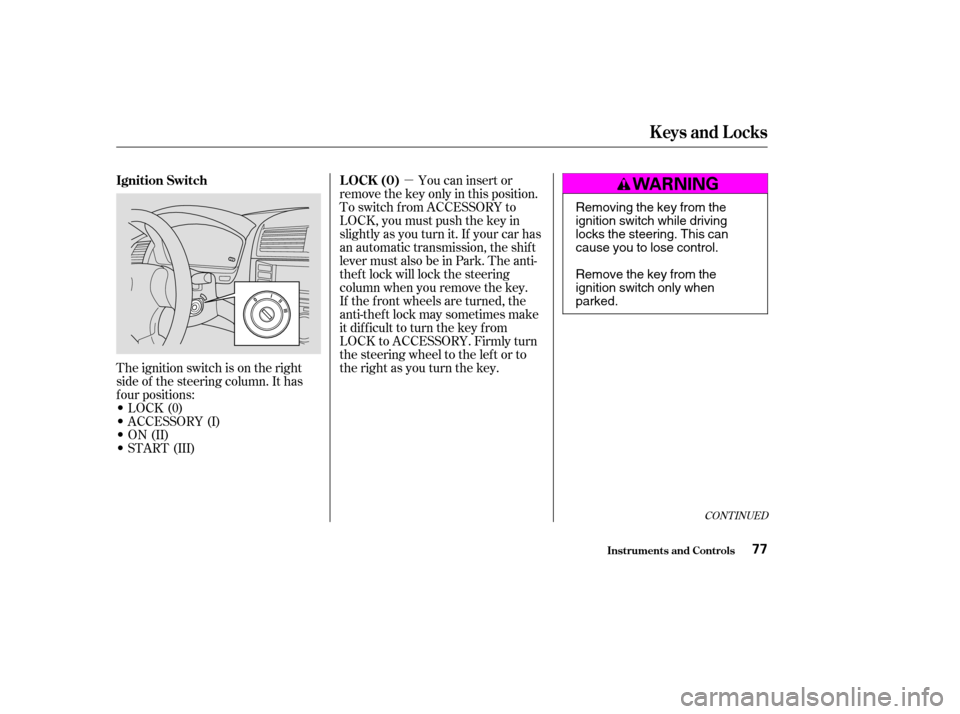
The ignition switch is on the right
side of the steering column. It has
f our positions:
LOCK(0)
ACCESSORY (I)
ON (II)
START (III) If the f ront wheels are turned, the
anti-thef t lock may sometimes make
it difficult to turn the key from
LOCK to ACCESSORY. Firmly turn
the steering wheel to the lef t or to
the right as you turn the key.You can insert or
remove the key only in this position.
To switch f rom ACCESSORY to
LOCK, you must push the key in
slightly as you turn it. If your car has
an automatic transmission, the shif t
lever must also be in Park. The anti-
thef t lock will lock the steering
column when you remove the key.
CONT INUED
Ignition Switch L OCK (0)
Keys and Locks
Inst rument s and Cont rols77
Removing the key from the
ignition switch while driving
locks the steering. This can
cause you to lose control.
Remove the key from the
ignition switch only whenparked.
�����—�����—�����y���������������y���
�(�����������y���������y
Page 75 of 380
�µ
�µ
�µ In this position,
you can operate the audio system
and the accessory power socket.
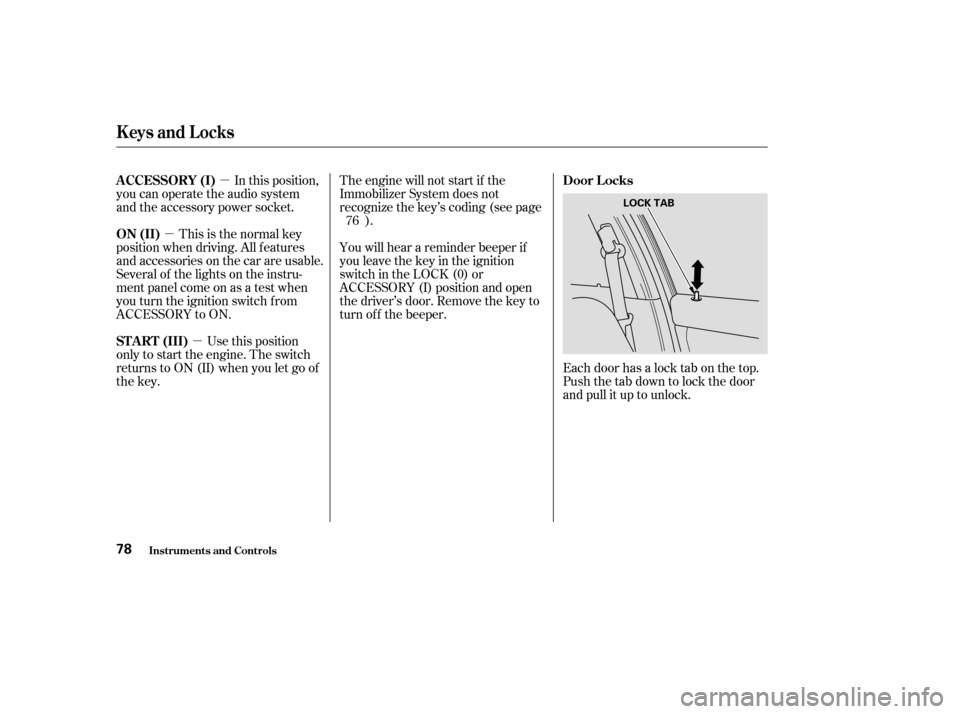
Each door has a lock tab on the top.
Push the tab down to lock the door
and pull it up to unlock.
This is the normal key
position when driving. All f eatures
and accessories on the car are usable.
Several of the lights on the instru-
ment panel come on as a test when
you turn the ignition switch f rom
ACCESSORY to ON.
Use this position
only to start the engine. The switch
returns to ON (II) when you let go of
the key. You will hear a reminder beeper if
you leave the key in the ignition
switch in the LOCK (0) or
ACCESSORY (I) position and open
thedriver’sdoor.Removethekeyto
turn of f the beeper.
The engine will not start if the
Immobilizer System does not
recognize the key’s coding (see page
).
76
A CCESSORY (I)
Door L ocks
ON (II)
ST A RT (III)
Keys and Locks
Inst rument s and Cont rols78
LOCK TAB
�����—�����—�����y��������
����
�y���
�(�����������y�������
�y
Page 77 of 380
If you f orget and leave the key in the
ignition switch, Lockout Prevention
will not allow you to lock the driver’s
door. With the driver’s door open
andthekeyintheignition,both
master door lock switches are
disabled. However, if the driver’s
door is not open, the master door
lock switches are not disabled.
Pushing the switch down on the
open passenger’s door will lock all
doors. If you try to lock an open
driver’s door by pushing in the lock
tab, the tabs on all doors pop out.
Pushinginthelocktabonthe
passenger’s door only locks that door.When you push the LOCK button a
second time within 5 seconds after
you have locked the doors, you will
hear a beep to verify that the doors
are locked and the security system
has set.
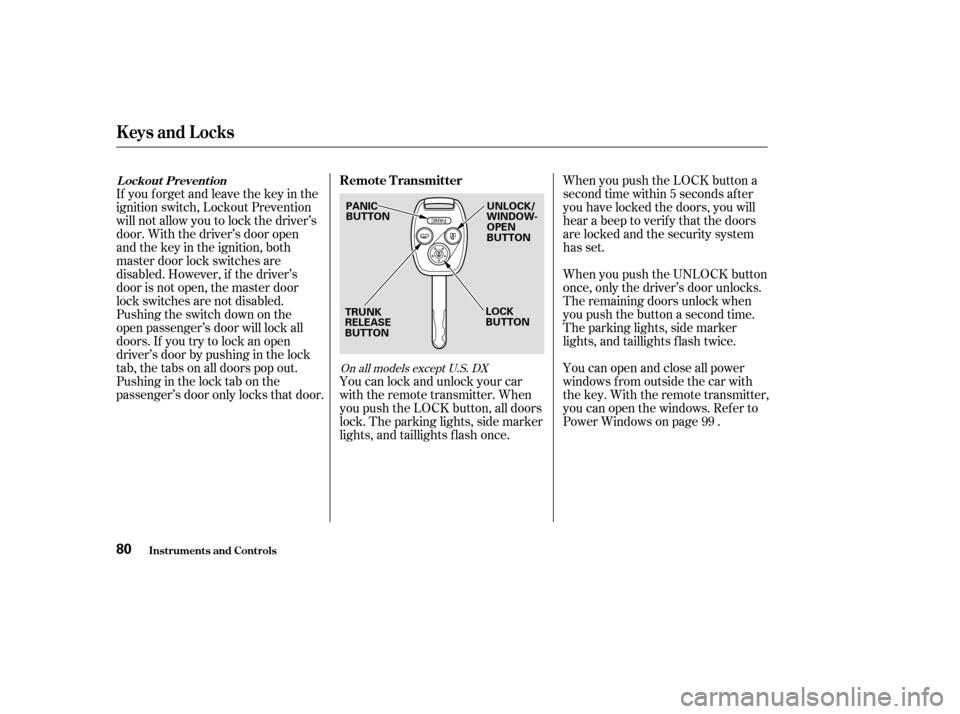
When you push the UNLOCK button
once, only the driver’s door unlocks.
The remaining doors unlock when
you push the button a second time.
The parking lights, side marker
lights, and taillights f lash twice.
You can lock and unlock your car
with the remote transmitter. When
you push the LOCK button, all doors
lock. The parking lights, side marker
lights, and taillights f lash once. You can open and close all power
windows from outside the car with
the key. With the remote transmitter,
you can open the windows. Ref er to
Power Windows on page .
99
On all models except U.S. DX
L ockout Prevent ion
Remote Transmitter
Keys and Locks
Inst rument s and Cont rols80
PANIC
BUTTON
TRUNK
RELEASE
BUTTON UNLOCK/
WINDOW-
OPEN
BUTTON
LOCK
BUTTON
�����—�����—�����y��������
��
���y���
�(�����������y���������y
Page 78 of 380
CONT INUED
The ceiling light (if the ceiling light
switch is in the center position) will
come on when you press the
UNLOCK button. If you do not open
any door, the light stays on f or about
30 seconds, then f ades out. If you
relock the doors with the remote
transmitter before 30 seconds have
elapsed, the light will go of f
immediately.
You cannot lock the doors with the
remote transmitter if any door is not
f ully closed or the key is in the
ignition switch.To open the trunk, push the Trunk
Release button f or approximately
one second.
The trunk will not open if the key is
in the ignition switch.
If you unlock the doors with the
remote transmitter, but do not open
any of the doors within 30 seconds,
the doors automatically relock and
the security system sets.On all models except U.S. and Canada
DX
Keys and Locks
Inst rument s and Cont rols81
�����—�����—�����y��������
������y���
�(�����������y���������y