Page 1 of 216
Table of Contents
Introduction 4
Instrument Cluster 10
Warning and control lights 10
Gauges 14
Entertainment Systems 17
AM/FM stereo cassette 17
AM/FM stereo with CD 20
Climate Controls 35
Heater only 35
Manual heating and air conditioning 36
Lights 38
Headlamps 38
Turn signal control 41
Driver Controls 50
Windshield wiper/washer control 50
Steering wheel adjustment 51
Power windows 52
Mirrors 53
Speed control 53
Locks and Security 62
Keys 62
Locks 62
Anti-theft system 65
Table of Contents
1
Page 19 of 216
Press the security release control and remove the front panel. To
reposition the panel, insert the right-hand edge first, then the left-hand
side, until the retaining latch is engaged.
Replacement panels:Your Ford Dealer will require the following if you
need to order a replacement panel:
•Your name and address.
•The vehicle identification number (visible in the corner of the
windscreen).
•The audio unit type.
•Proof of identification (i.e. driver’s license).
•A vehicle invoice (if the audio unit was installed in the vehicle prior to
delivery) or a parts invoice if the audio unit was purchased separately
form the vehicle, or an appropriate vehicle registration document.
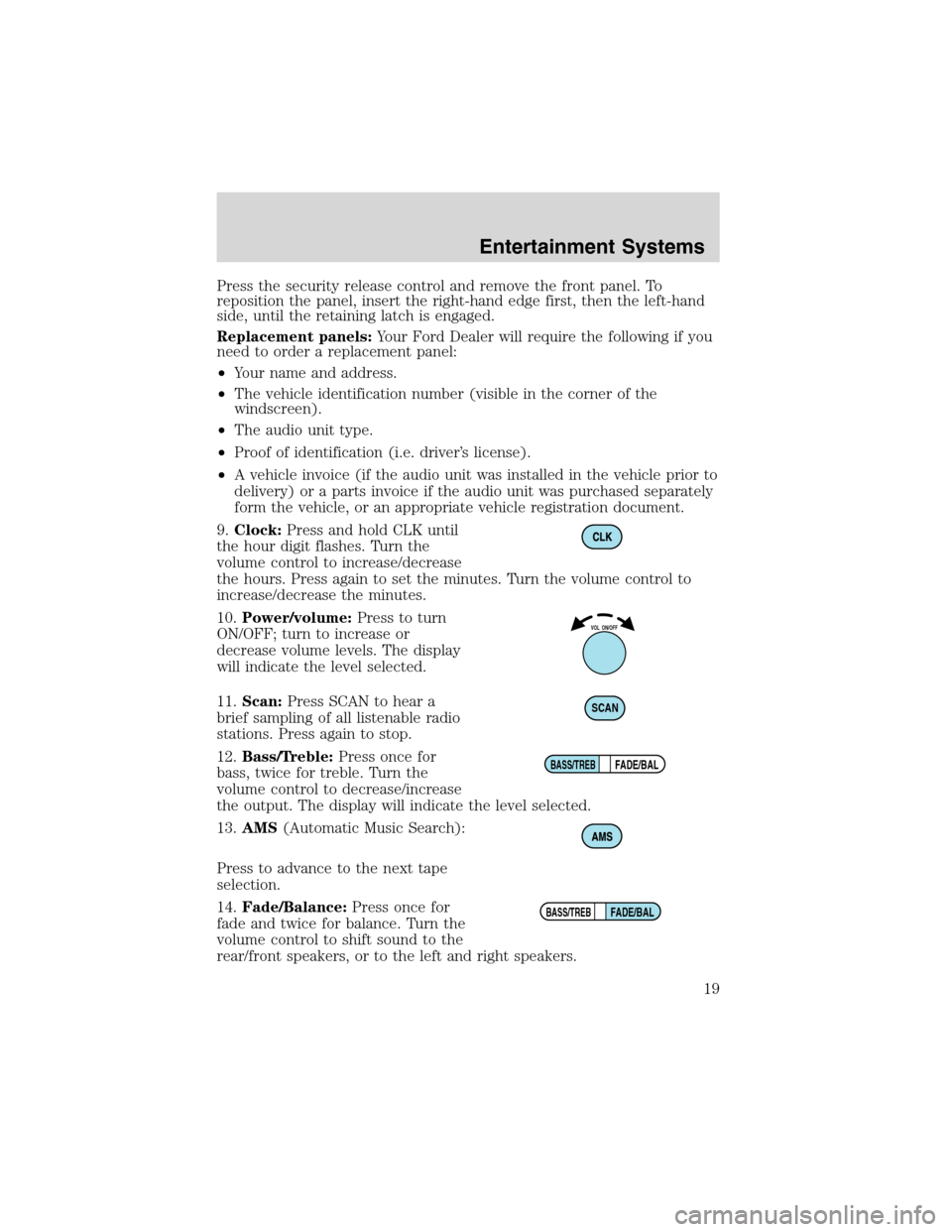
9.Clock:Press and hold CLK until
the hour digit flashes. Turn the
volume control to increase/decrease
the hours. Press again to set the minutes. Turn the volume control to
increase/decrease the minutes.
10.Power/volume:Press to turn
ON/OFF; turn to increase or
decrease volume levels. The display
will indicate the level selected.
11.Scan:Press SCAN to hear a
brief sampling of all listenable radio
stations. Press again to stop.
12.Bass/Treble:Press once for
bass, twice for treble. Turn the
volume control to decrease/increase
the output. The display will indicate the level selected.
13.AMS(Automatic Music Search):
Press to advance to the next tape
selection.
14.Fade/Balance:Press once for
fade and twice for balance. Turn the
volume control to shift sound to the
rear/front speakers, or to the left and right speakers.
VOL ON/OFF
SCAN
FADE/BALBASS/TREB
FADE/BALBASS/TREB
Entertainment Systems
19
Page 21 of 216
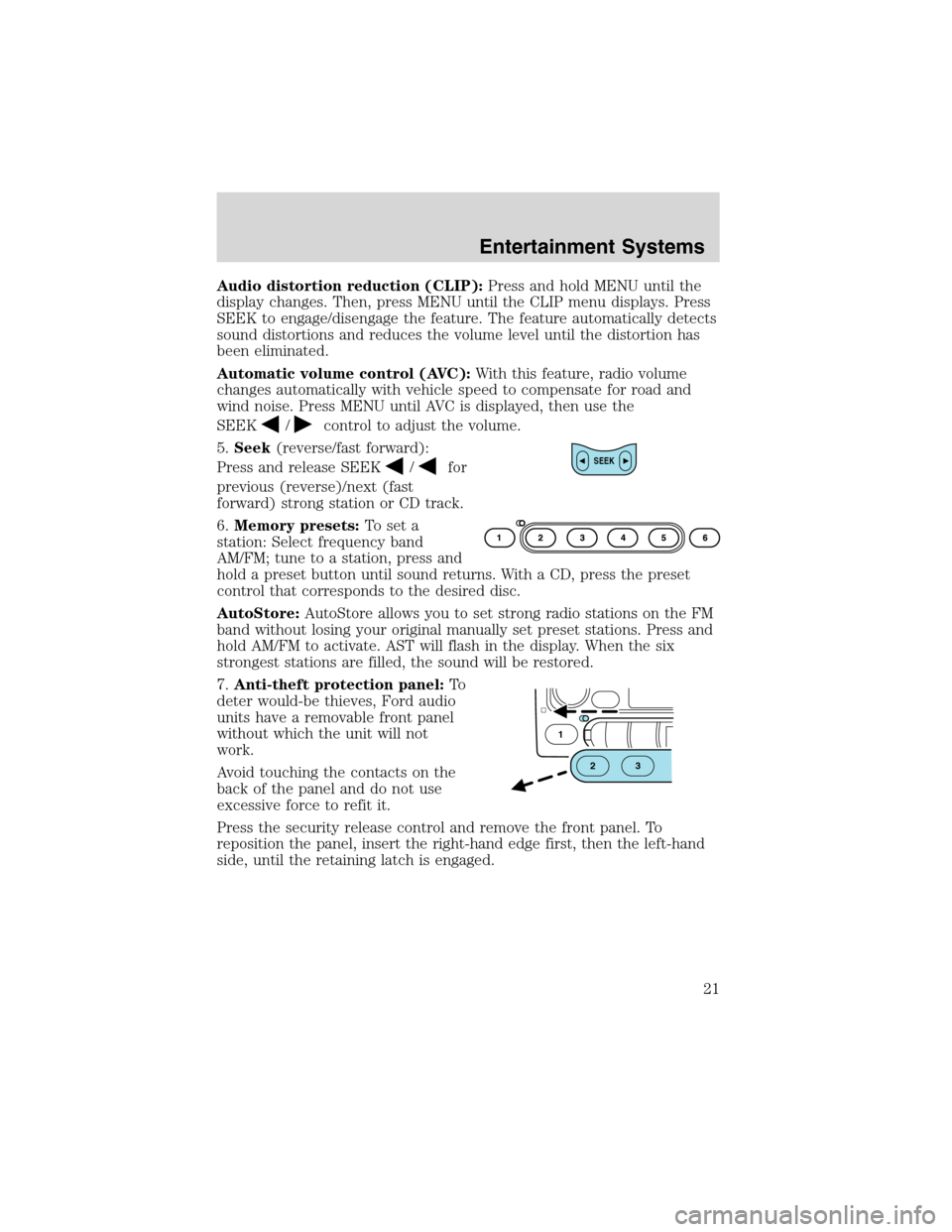
Audio distortion reduction (CLIP):Press and hold MENU until the
display changes. Then, press MENU until the CLIP menu displays. Press
SEEK to engage/disengage the feature. The feature automatically detects
sound distortions and reduces the volume level until the distortion has
been eliminated.
Automatic volume control (AVC):With this feature, radio volume
changes automatically with vehicle speed to compensate for road and
wind noise. Press MENU until AVC is displayed, then use the
SEEK
/control to adjust the volume.
5.Seek(reverse/fast forward):
Press and release SEEK
/for
previous (reverse)/next (fast
forward) strong station or CD track.
6.Memory presets:To set a
station: Select frequency band
AM/FM; tune to a station, press and
hold a preset button until sound returns. With a CD, press the preset
control that corresponds to the desired disc.
AutoStore:AutoStore allows you to set strong radio stations on the FM
band without losing your original manually set preset stations. Press and
hold AM/FM to activate. AST will flash in the display. When the six
strongest stations are filled, the sound will be restored.
7.Anti-theft protection panel:To
deter would-be thieves, Ford audio
units have a removable front panel
without which the unit will not
work.
Avoid touching the contacts on the
back of the panel and do not use
excessive force to refit it.
Press the security release control and remove the front panel. To
reposition the panel, insert the right-hand edge first, then the left-hand
side, until the retaining latch is engaged.SEEK
1
23
Entertainment Systems
21
Page 26 of 216
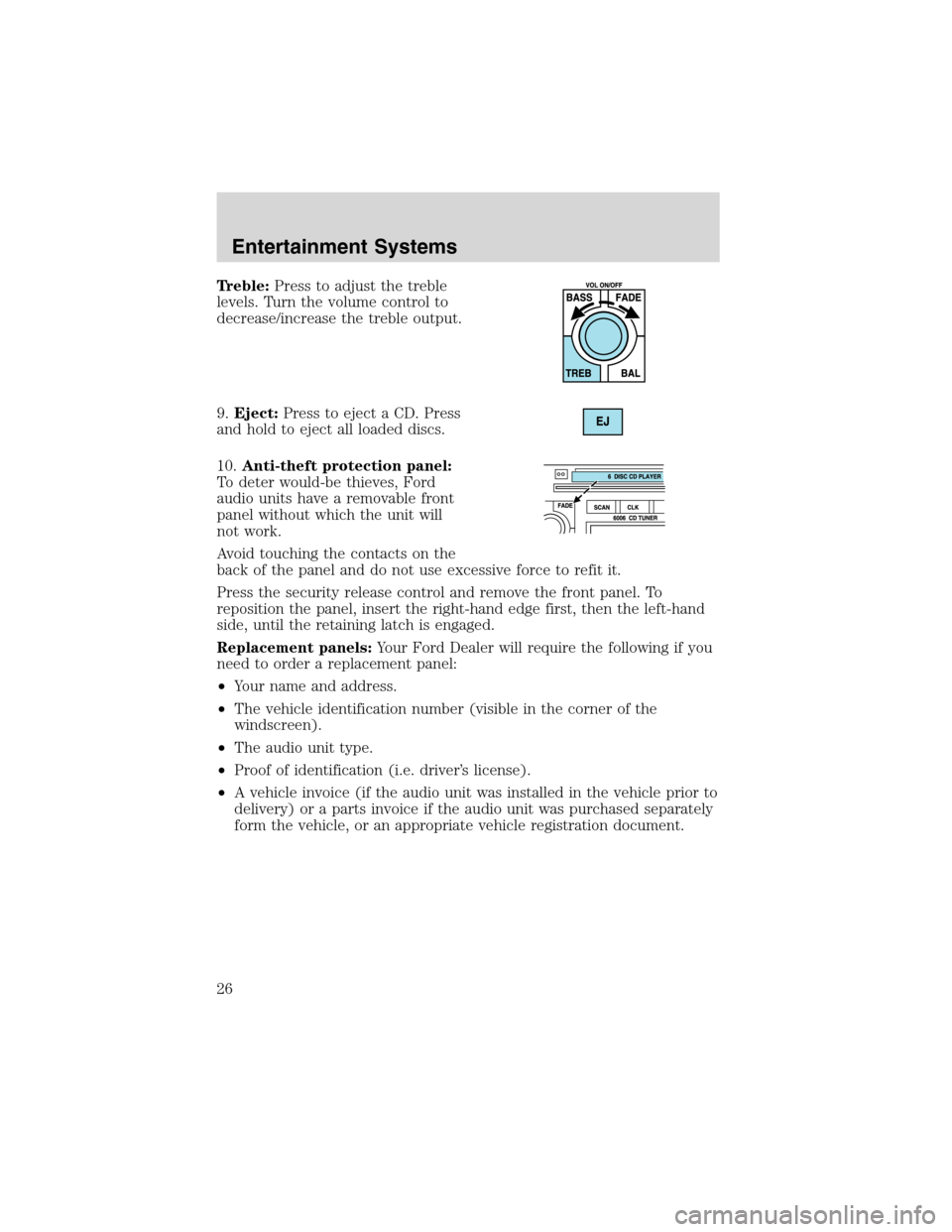
Treble:Press to adjust the treble
levels. Turn the volume control to
decrease/increase the treble output.
9.Eject:Press to eject a CD. Press
and hold to eject all loaded discs.
10.Anti-theft protection panel:
To deter would-be thieves, Ford
audio units have a removable front
panel without which the unit will
not work.
Avoid touching the contacts on the
back of the panel and do not use excessive force to refit it.
Press the security release control and remove the front panel. To
reposition the panel, insert the right-hand edge first, then the left-hand
side, until the retaining latch is engaged.
Replacement panels:Your Ford Dealer will require the following if you
need to order a replacement panel:
•Your name and address.
•The vehicle identification number (visible in the corner of the
windscreen).
•The audio unit type.
•Proof of identification (i.e. driver’s license).
•A vehicle invoice (if the audio unit was installed in the vehicle prior to
delivery) or a parts invoice if the audio unit was purchased separately
form the vehicle, or an appropriate vehicle registration document.
Entertainment Systems
26
Page 51 of 216
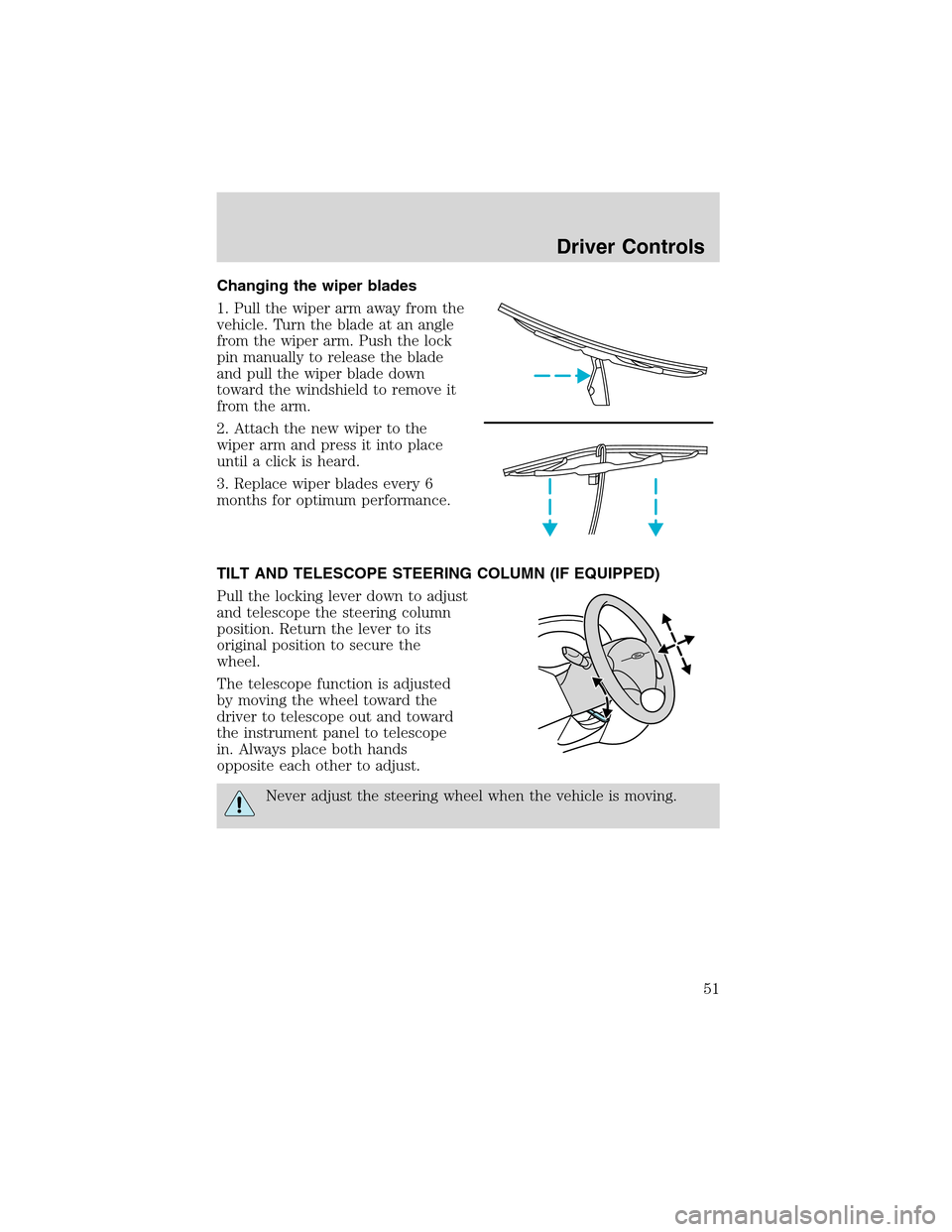
Changing the wiper blades
1. Pull the wiper arm away from the
vehicle. Turn the blade at an angle
from the wiper arm. Push the lock
pin manually to release the blade
and pull the wiper blade down
toward the windshield to remove it
from the arm.
2. Attach the new wiper to the
wiper arm and press it into place
until a click is heard.
3. Replace wiper blades every 6
months for optimum performance.
TILT AND TELESCOPE STEERING COLUMN (IF EQUIPPED)
Pull the locking lever down to adjust
and telescope the steering column
position. Return the lever to its
original position to secure the
wheel.
The telescope function is adjusted
by moving the wheel toward the
driver to telescope out and toward
the instrument panel to telescope
in. Always place both hands
opposite each other to adjust.
Never adjust the steering wheel when the vehicle is moving.
Driver Controls
51
Page 58 of 216
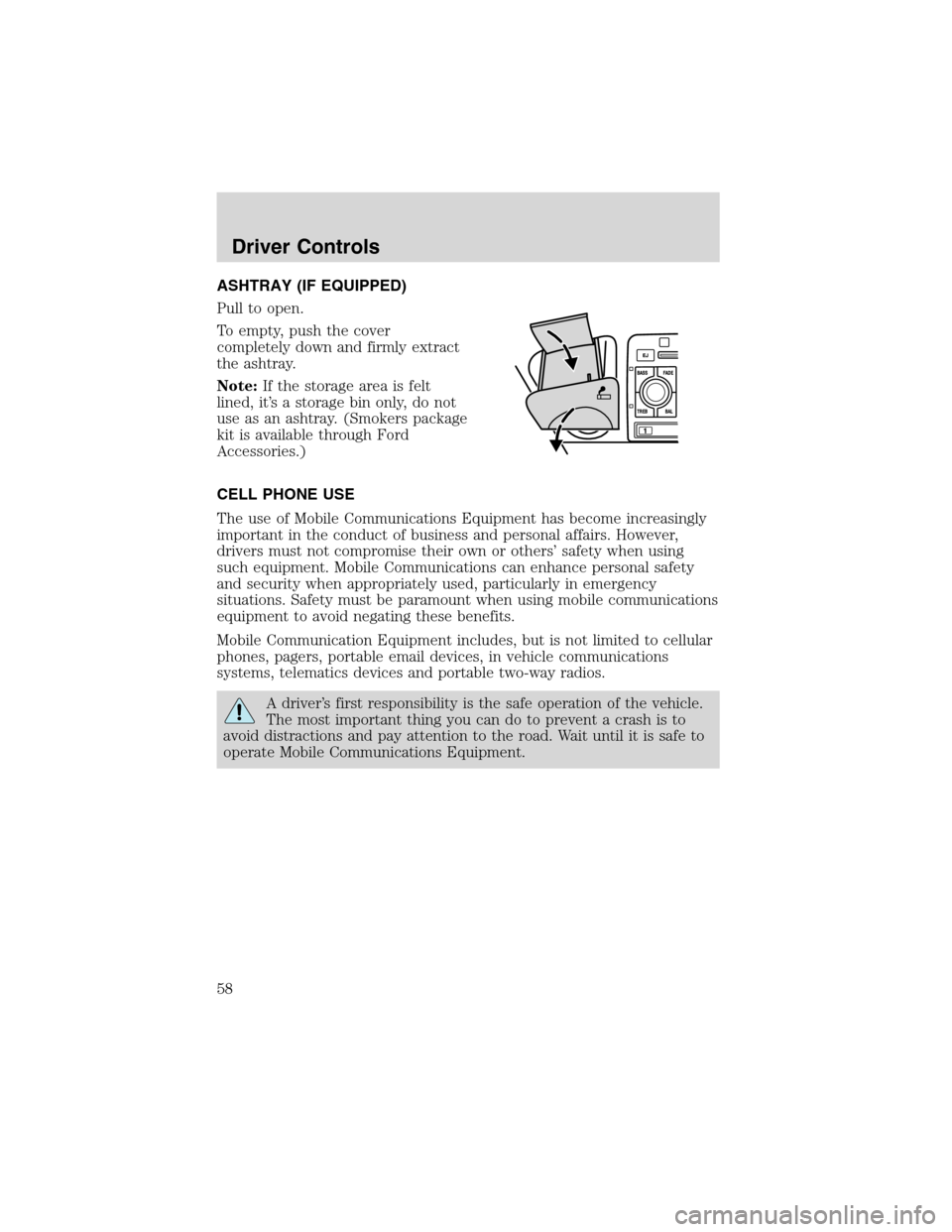
ASHTRAY (IF EQUIPPED)
Pull to open.
To empty, push the cover
completely down and firmly extract
the ashtray.
Note:If the storage area is felt
lined, it’s a storage bin only, do not
use as an ashtray. (Smokers package
kit is available through Ford
Accessories.)
CELL PHONE USE
The use of Mobile Communications Equipment has become increasingly
important in the conduct of business and personal affairs. However,
drivers must not compromise their own or others’safety when using
such equipment. Mobile Communications can enhance personal safety
and security when appropriately used, particularly in emergency
situations. Safety must be paramount when using mobile communications
equipment to avoid negating these benefits.
Mobile Communication Equipment includes, but is not limited to cellular
phones, pagers, portable email devices, in vehicle communications
systems, telematics devices and portable two-way radios.
A driver’s first responsibility is the safe operation of the vehicle.
The most important thing you can do to prevent a crash is to
avoid distractions and pay attention to the road. Wait until it is safe to
operate Mobile Communications Equipment.
Driver Controls
58
Page 60 of 216
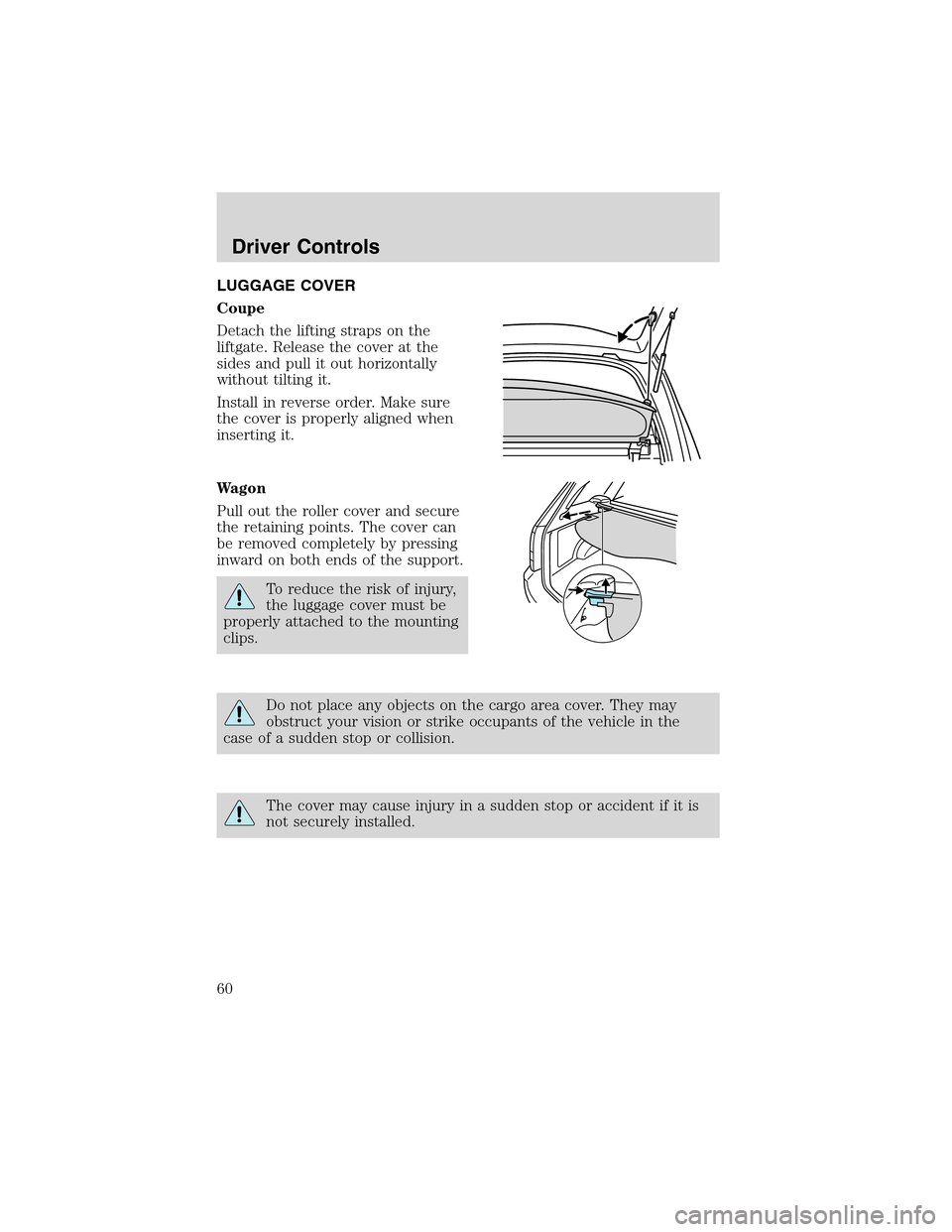
LUGGAGE COVER
Coupe
Detach the lifting straps on the
liftgate. Release the cover at the
sides and pull it out horizontally
without tilting it.
Install in reverse order. Make sure
the cover is properly aligned when
inserting it.
Wagon
Pull out the roller cover and secure
the retaining points. The cover can
be removed completely by pressing
inward on both ends of the support.
To reduce the risk of injury,
the luggage cover must be
properly attached to the mounting
clips.
Do not place any objects on the cargo area cover. They may
obstruct your vision or strike occupants of the vehicle in the
case of a sudden stop or collision.
The cover may cause injury in a sudden stop or accident if it is
not securely installed.
Driver Controls
60
Page 61 of 216
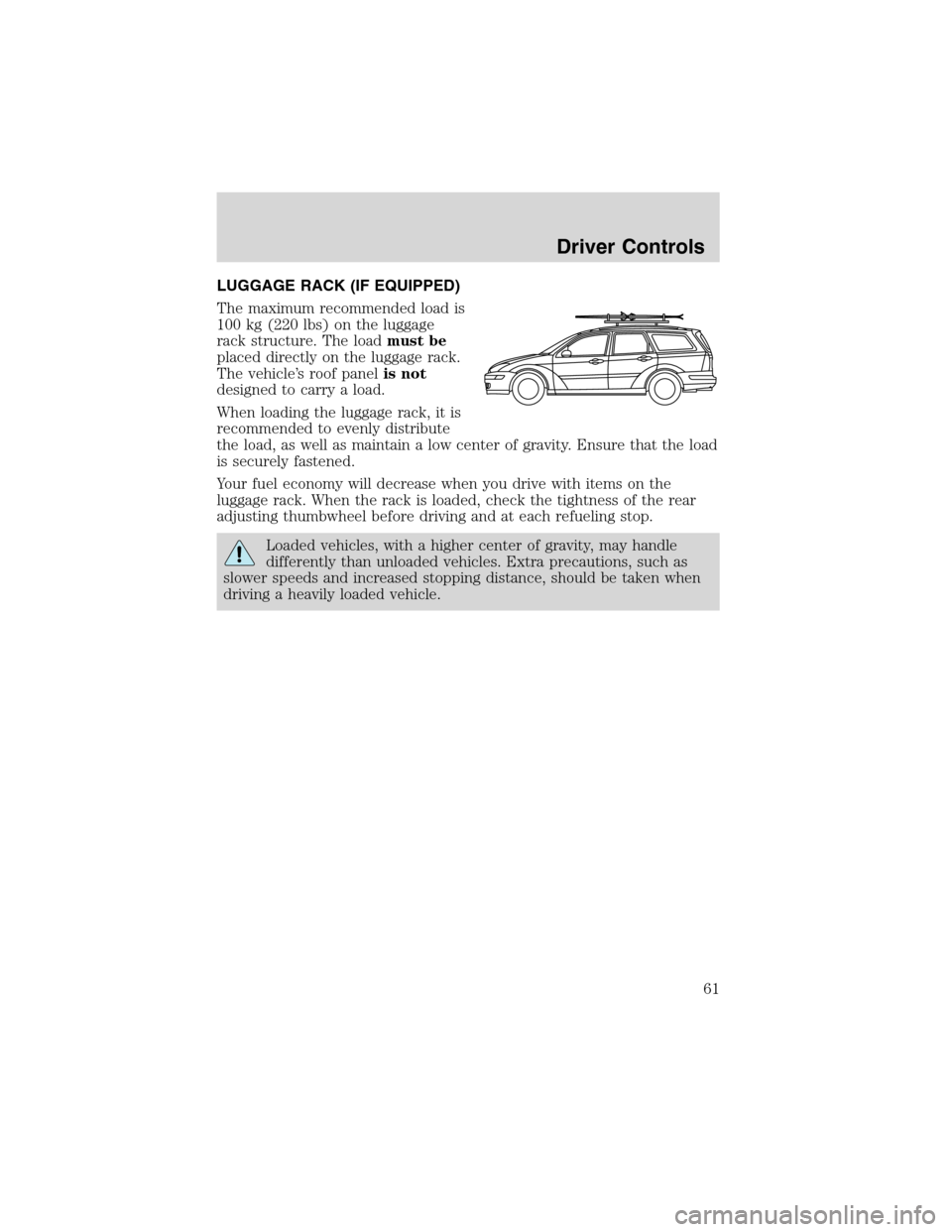
LUGGAGE RACK (IF EQUIPPED)
The maximum recommended load is
100 kg (220 lbs) on the luggage
rack structure. The loadmust be
placed directly on the luggage rack.
The vehicle’s roof panelis not
designed to carry a load.
When loading the luggage rack, it is
recommended to evenly distribute
the load, as well as maintain a low center of gravity. Ensure that the load
is securely fastened.
Your fuel economy will decrease when you drive with items on the
luggage rack. When the rack is loaded, check the tightness of the rear
adjusting thumbwheel before driving and at each refueling stop.
Loaded vehicles, with a higher center of gravity, may handle
differently than unloaded vehicles. Extra precautions, such as
slower speeds and increased stopping distance, should be taken when
driving a heavily loaded vehicle.
Driver Controls
61