2003 CHEVROLET IMPALA headlamp
[x] Cancel search: headlampPage 130 of 408

Turn and Lane-Change Indicator
The turn signal has two upward (for right) and two
downward (for left) positions. These positions allow you
to signal a turn or a lane change.
To signal a turn, move the lever all the way up or down.
When the turn is ®nished, the lever will return
automatically.
An arrow on the instrument
panel cluster will ¯ash in
the direction of the
turn or lane change.
To signal a lane change, just raise or lower the lever
until the arrow starts to ¯ash. Hold it there until you
complete your lane change. The lever will return by itself
when you release it.
If the arrow ¯ashes faster than normal as you signal a
turn or a lane change, a signal bulb may be burned
out and other drivers won't see your turn signal.
If a bulb is burned out, replace it to help avoid an
accident. If the arrows don't go on at all when you signal
a turn, check for burned-out bulbs and then check the
fuse. See
Fuses and Circuit Breakers on page 5-95.
Turn Signal On Chime
If you leave either one of your turn signals on and drive
more than 3/4 mile (1.2 km), a chime will sound to
alert you.
Headlamp High/Low-Beam Changer
To change your headlamps from low beams to
high beams, or high to low, pull the multifunction lever
all the way toward you. Then release it.
While the high beams are
on, this light on the
instrument panel cluster
also will be on.
This light works only while the ignition key is in the ON
position, and your fog lamps (if equipped) will not be
illuminated when your high beams are on.
3-8
Page 131 of 408

Flash-to-Pass
With the turn signal lever in the low-beam position, pull
the lever toward you momentarily to switch to
high-beams (to signal that you are going to pass).
If you have the headlamps on, they will return to
low-beams when you release the lever.
This feature operates even when the headlamps are off.
Windshield Wipers
The windshield wipers will operate with the ignition in
ACC or ON.
WIPER:To operate the windshield wipers, turn the
band labeled WIPER, located on the multifunction lever,
upward or downward.
OFF:To stop the wipers turn the band to OFF.
The ®ve marks between OFF and LO are delay settings.
For a longer delay between wiping cycles, turn the
band downward. For a shorter delay between wiping
cycles turn the band upward.LO (Low Speed):Turn the band up to LO for a steady
wiping at a low speed.
HI (High Speed):Turn the band up to HI for a steady
wiping at a high speed.
MIST:Turn the band downward to MIST for a single
wiping cycle. Hold the band at this setting until the
windshield wipers start, then release it. The windshield
wipers will stop after one wipe. If additional cycles
are needed, hold the band on MIST longer.
Be sure to clear ice and snow from the wiper blades
before using them. Hold the band at this setting until the
windshield wipers start, then release it. The windshield
wipers will stop after one wipe. If additional cycles
are needed, hold the band on MIST longer.
Heavy snow or ice can overload your wipers. A circuit
breaker will stop them until the motor cools. Clear away
snow or ice to prevent an overload. If your blades
become damaged, get new blades or blade inserts. See
Windshield Wiper Blade Replacement on page 5-60for more information.
3-9
Page 136 of 408
Using Cruise Control on Hills
How well your cruise control will work on hills depends
upon your speed, load and the steepness of the
hills. When going up steep hills, you may have to step
on the accelerator pedal to maintain your speed.
When going downhill, you may have to brake or shift to
a lower gear to keep your speed down. Of course,
applying the brake takes you out of cruise control. Many
drivers ®nd this to be too much trouble and don't use
cruise control on steep hills.
Ending Cruise Control
There are three ways to cancel the cruise control:
·Step lightly on the brake pedal.
·Slide the lever on the multifunction lever to the left
to the OFF position.
·Press the COAST and ACCEL buttons at the
same time.
Erasing Speed Memory
When you turn off the cruise control or the ignition, your
cruise control set speed memory is erased.
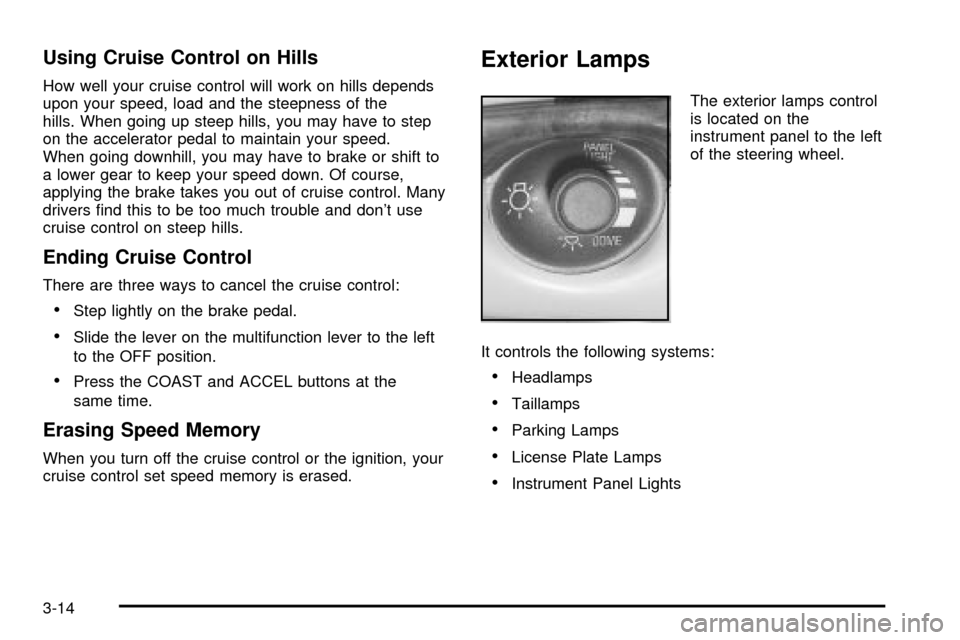
Exterior Lamps
The exterior lamps control
is located on the
instrument panel to the left
of the steering wheel.
It controls the following systems:
·Headlamps
·Taillamps
·Parking Lamps
·License Plate Lamps
·Instrument Panel Lights
3-14
Page 137 of 408

The exterior lamps control has three positions:
Off:Push the control all the way in to turn off the
exterior lamps.
Parking Lamps:Pull the control out halfway to turn on
the parking lamps together with the following:
·Taillamps
·License Plate Lamps
·Instrument Panel Lights
Headlamps:Pull the control all the way out to turn on
the headlamps together with the previously listed
lamps and lights. See
Interior Lamps on page 3-17for
information on the instrument panel brightness
control and on the dome lamps. A warning chime will
sound if you open the driver's door when the ignition
switch is off and the headlamps are on.
Daytime Running Lamps/Automatic
Headlamp System
Daytime Running Lamps (DRL) can make it easier for
others to see the front of your vehicle during the
day. DRL can be helpful in many different driving
conditions, but they can be especially helpful in the short
periods after dawn and before sunset. Fully functional
daytime running lamps are required on all vehicles
®rst sold in Canada.A light sensor on top of the instrument panel makes the
DRL work, so be sure it isn't covered.
The DRL system's automatic headlamp control will
make your high-beam headlamps come on at a reduced
brightness when the following conditions are met:
·The ignition is on,
·the exterior lamps control is off and
·the gearshift is not in PARK (P).
When the DRL are on, only your high-beam headlamps,
at a reduced level of brightness, will be on. The
headlamps, taillamps, sidemarker and other lamps won't
be on. Your instrument panel and cluster won't be lit
up either.
When it's dark enough outside, your high-beam
headlamps will turn off and the headlamps and parking
lamps will turn on. The other lamps that come on
with your headlamps will also come on.
When it's bright enough outside, your headlamps will go
off and your DRL will come on.
As with any vehicle, you should turn on the regular
headlamp system when you need it.
3-15
Page 138 of 408
Delayed Headlamps
The delayed headlamps feature provides a period of
exterior lighting as you leave the area around your
vehicle. The feature is activated when the headlamps
are on due to the automatic headlamps control
feature described previously in this section, and when
the ignition is turned off. Your headlamps will then
remain on until the exterior lamps control is moved to
the parking lamps position or until either a 30 second or
60 second lighting period has ended.
If you turn off the ignition with the headlamps switch in
the parking lamps or headlamps position, the delayed
headlamps cycle will not occur.
To disable the delayed headlamps feature or change
the time of delay, see
Vehicle Customization Settings on
page 3-94.
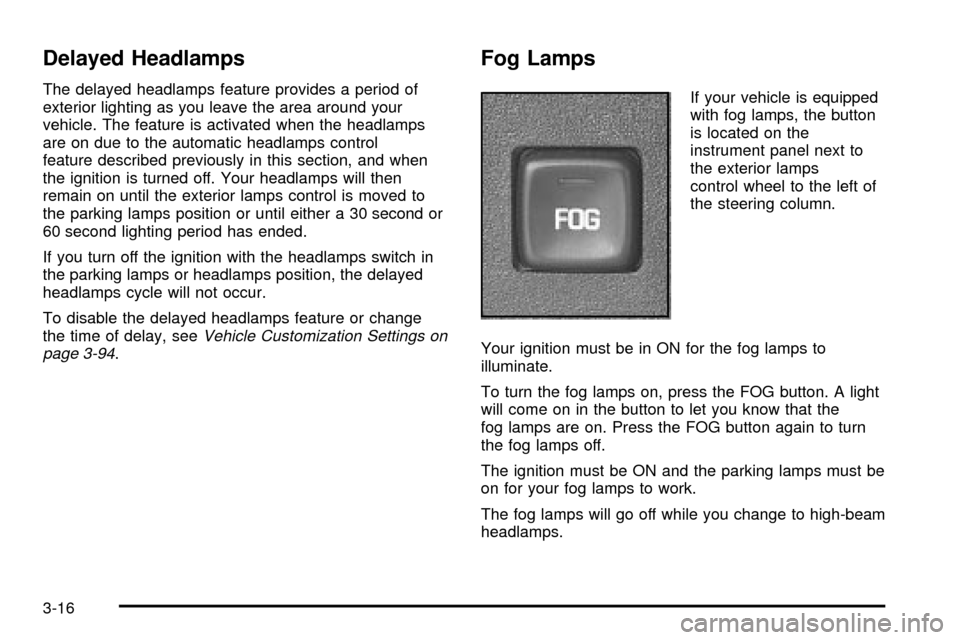
Fog Lamps
If your vehicle is equipped
with fog lamps, the button
is located on the
instrument panel next to
the exterior lamps
control wheel to the left of
the steering column.
Your ignition must be in ON for the fog lamps to
illuminate.
To turn the fog lamps on, press the FOG button. A light
will come on in the button to let you know that the
fog lamps are on. Press the FOG button again to turn
the fog lamps off.
The ignition must be ON and the parking lamps must be
on for your fog lamps to work.
The fog lamps will go off while you change to high-beam
headlamps.
3-16
Page 140 of 408

Delayed Exit Lighting
This feature illuminates the interior for a period of time
after the key is removed from the ignition.
The ignition must be off for delayed exit lighting to work.
When the key is removed, interior illumination will
activate and remain on until one of the following occurs:
·The ignition is moved to ON,
·the power door locks are activated, or
·an illumination period of 25 seconds has elapsed.
If during the illumination period a door is opened,
the timed illumination period will be canceled and the
interior lamps will remain on because a door is open.
Parade Dimming
The instrument panel has an added feature called
parade mode. This feature prohibits the dimming of your
instrument panel displays during the daylight while
the headlamps are on so that you'll still be able to see
the displays.
Reading Lamps
Your vehicle may be equipped with reading lamps that
are located on the assist handles in the headliner.
These lamps and the interior courtesy lamps come on
when any door is opened. Press the lens to turn
them on. Press it again to turn them off.
Dome Lamp
If your vehicle has this feature, the dome lamp will
come on when you open a door. You can also turn this
lamp on by turning the exterior lamps control clockwise
as far as it will go. Vehicles that have the optional
sunroof do not have a dome lamp.
Battery Rundown Protection
Your vehicle has a feature to help prevent you from
draining the battery in case you accidentally leave on the
interior courtesy lamps, reading/map lamps, visor
vanity lamps, trunk lamp or glove box lamps. If you leave
any of these lamps on, they will automatically turn off
after 10 minutes, if the ignition is moved to OFF.
The lamps won't come back on again until you do
the following:
·Turn the ignition on, or
·turn the exterior lamps control off, then on again.
If your vehicle has less than 15 miles (25 km) on
the odometer, the battery saver will turn off the lamps
after only three minutes.
Battery rundown protection will also work if the
headlamps are left on. After having been left on for
10 minutes, the headlamps and the parking lamps will
¯ash three times. They will remain on for one more
minute before being turned off automatically.
3-18
Page 170 of 408
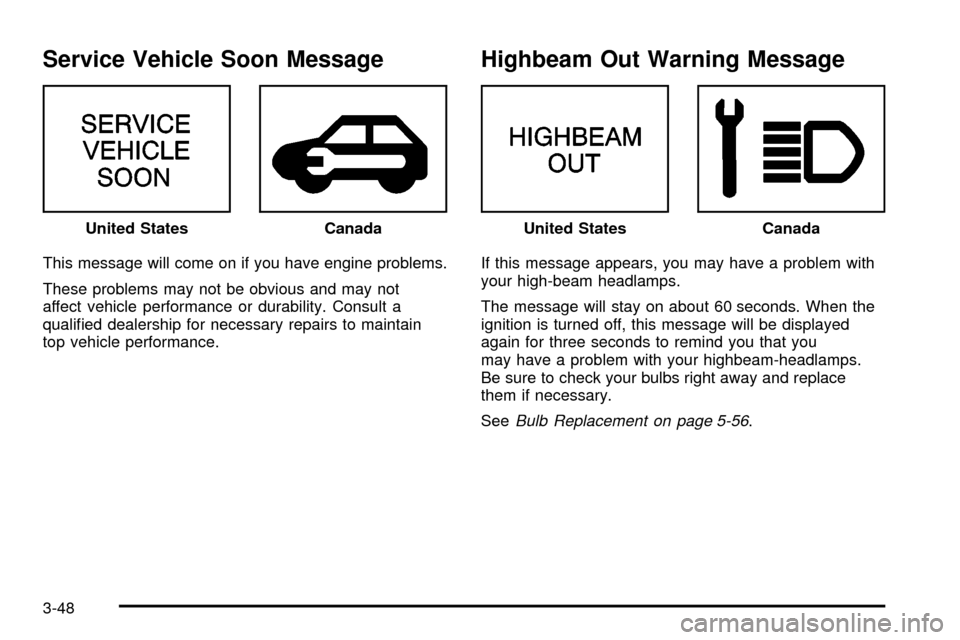
Service Vehicle Soon Message
This message will come on if you have engine problems.
These problems may not be obvious and may not
affect vehicle performance or durability. Consult a
quali®ed dealership for necessary repairs to maintain
top vehicle performance.
Highbeam Out Warning Message
If this message appears, you may have a problem with
your high-beam headlamps.
The message will stay on about 60 seconds. When the
ignition is turned off, this message will be displayed
again for three seconds to remind you that you
may have a problem with your highbeam-headlamps.
Be sure to check your bulbs right away and replace
them if necessary.
See
Bulb Replacement on page 5-56. United States
CanadaUnited StatesCanada
3-48
Page 232 of 408

Driving at Night
Night driving is more dangerous than day driving.
One reason is that some drivers are likely to be
impaired Ð by alcohol or drugs, with night vision
problems, or by fatigue.Here are some tips on night driving.
·Drive defensively.
·Don't drink and drive.
·Adjust your inside rearview mirror to reduce the
glare from headlamps behind you.
·Since you can't see as well, you may need to slow
down and keep more space between you and
other vehicles.
·Slow down, especially on higher speed roads. Your
headlamps can light up only so much road ahead.
·In remote areas, watch for animals.
·If you're tired, pull off the road in a safe place
and rest.
No one can see as well at night as in the daytime. But
as we get older these differences increase. A
50-year-old driver may require at least twice as much
light to see the same thing at night as a 20-year-old.
What you do in the daytime can also affect your
night vision. For example, if you spend the day in bright
sunshine you are wise to wear sunglasses. Your
eyes will have less trouble adjusting to night.
4-16