Page 259 of 492

Problem Recommended Action
After stopping the player, I
push Play but sometimes
the DVD starts where I
left off and sometimes at
the beginning.If the stop button was
pressed one time, the
DVD player will resume
playing where the DVD
was stopped. If the stop
button was pressed two
times the DVD player will
begin to play from the
beginning of the DVD.
The auxiliary source is
running but there is no
picture or sound.Press the SRCE button to
change from the DVD
player mode to the
auxiliary source mode.
Check to make sure that
the auxiliary source is
connected to the inputs
properly.
My disc is stuck in the
player. The Load/Eject
button does not work.Press the Load/Eject
button on the DVD
player.
Turn the power off, then
on again, then press the
Load/Eject button on the
DVD player.
Do not attempt to forcibly
remove the disc from the
DVD player. This could
permanently damage the
DVD player.Problem Recommended Action
Sometimes the wireless
headphone audio cuts out
or buzzes.This could be caused by
interference from cellular
telephone towers or by
using your cellular
telephone in the vehicle.
I lost the remote and/or
the headphones.See your dealer for
assistance.
What is the best way to
clean the video screen?Wipe the video screen
with a soft cloth that is
damp with water.
Rear Seat Audio (RSA)
This feature allows rear seat passengers to listen to any
of the audio sources: radio, cassette tapes, CDs,
DVDs, XMŸ (USA only, if equipped) depending on your
vehicles options. However, the rear seat passengers
can only control the music sources that the front
seat passengers are not listening to. For example, rear
seat passengers may listen to a cassette tape through
headphones while the driver listens to the radio through
the front speakers. The rear seat passengers have
control of the volume for each set of headphones. The
front seat audio controls always override the RSA
controls.
3-99
Page 346 of 492

A. Engine Air Cleaner/Filter. SeeEngine Air
Cleaner/Filter on page 5-20.
B. Coolant Surge Tank. See
Cooling System on
page 5-30andCoolant Surge Tank Pressure Cap
on page 5-27.
C. Air Filter Restriction Indicator (If Equipped). See
Engine Air Cleaner/Filter on page 5-20.
D. Engine Oil Fill. See
Engine Oil on page 5-15.
E. Engine Oil Dipstick. See
Engine Oil on page 5-15.
F. Automatic Transmission Dipstick. See
Automatic
Transmission Fluid on page 5-22.
G. Fan. See
Cooling System on page 5-30andEngine
Fan Noise on page 5-36.H. Remote Negative (-) Terminal (GND). See
Jump
Starting on page 5-43.
I. Power Steering Fluid Reservoir (Out of View). See
Power Steering Fluid on page 5-36.
J. Remote Positive (+) Terminal. See
Jump Starting on
page 5-43.
K. Brake Fluid Reservoir. See
Brakes on page 5-39.
L. Underhood Fuse Block. See ªUnderhood Fuse Blockº
under
Fuses and Circuit Breakers on page 5-97.
M. Battery. See
Battery on page 5-42.
N. Windshield Washer Fluid Reservoir. See
Windshield
Washer Fluid on page 5-38.
5-13
Page 348 of 492
A. Engine Air Cleaner/Filter. SeeEngine Air
Cleaner/Filter on page 5-20.
B. Coolant Surge Tank. See
Cooling System on
page 5-30andCoolant Surge Tank Pressure Cap
on page 5-27.
C. Air Filter Restriction Indicator (If Equipped). See
Engine Air Cleaner/Filter on page 5-20.
D. Engine Oil Dipstick. See
Engine Oil on page 5-15.
E. Automatic Transmission Dipstick. See
Automatic
Transmission Fluid on page 5-22.
F. Engine Oil Fill. See
Engine Oil on page 5-15.
G. Fan. See
Cooling System on page 5-30andEngine
Fan Noise on page 5-36.
H. Remote Negative (-) Terminal (GND). See
Jump
Starting on page 5-43.
I. Remote Positive (+) Terminal. See
Jump Starting on
page 5-43.
J. Power Steering Fluid Reservoir. See
Power Steering
Fluid on page 5-36.
K. Brake Fluid Reservoir. See
Brakes on page 5-39.
L. Underhood Fuse Block. See ªUnderhood Fuse Blockº
under
Fuses and Circuit Breakers on page 5-97.
M. Battery. See
Battery on page 5-42.
N. Windshield Washer Fluid Reservoir. See
Windshield
Washer Fluid on page 5-38.
Engine Oil
If the CHECK OIL LEVEL light appears on the
instrument cluster, it means you need to check your
engine oil level right away.
For more information, see ªCHECK OIL LEVELº under
DIC Warnings and Messages on page 3-57.
You should check your engine oil level regularly; this is
an added reminder.
Checking Engine Oil
It's a good idea to check your engine oil every time you
get fuel. In order to get an accurate reading, the oil
must be warm and the vehicle must be on level ground.
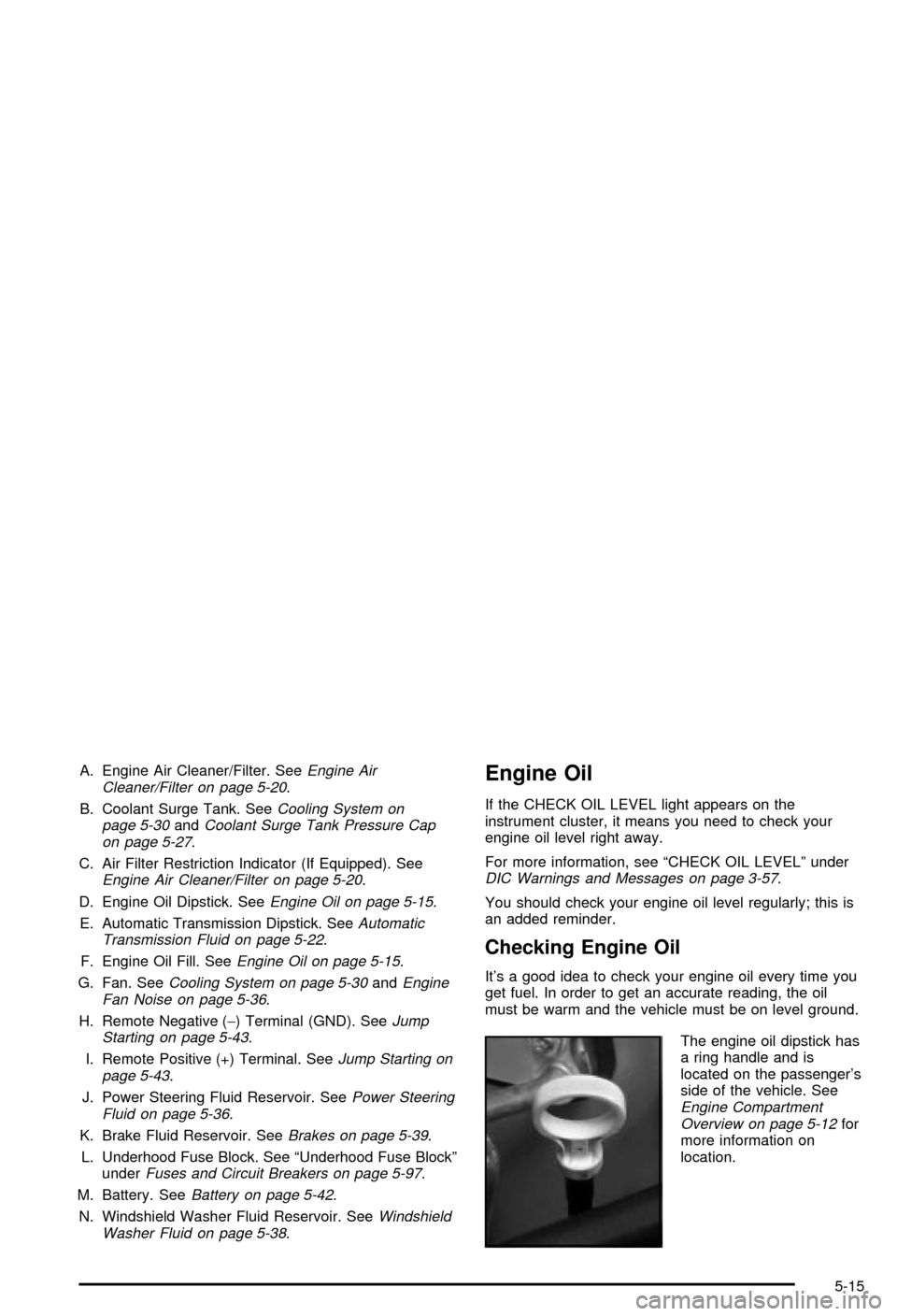
The engine oil dipstick has
a ring handle and is
located on the passenger's
side of the vehicle. See
Engine Compartment
Overview on page 5-12for
more information on
location.
5-15
Page 377 of 492

2. Get the vehicles close enough so the jumper cables
can reach, but be sure the vehicles aren't touching
each other. If they are, it could cause a ground
connection you don't want. You wouldn't be able to
start your vehicle, and the bad grounding could
damage the electrical systems.
To avoid the possibility of the vehicles rolling, set
the parking brake ®rmly on both vehicles involved in
the jump start procedure. Put an automatic
transmission in PARK (P) or a manual transmission
in NEUTRAL before setting the parking brake.
Notice:If you leave your radio on, it could be badly
damaged. The repairs wouldn't be covered by
your warranty.
3. Turn off the ignition on both vehicles. Unplug
unnecessary accessories plugged into the cigarette
lighter or accessory power outlets. Turn off the
radio and all lamps that aren't needed. This
will avoid sparks and help save both batteries. And
it could save your radio!4. Open the hoods and locate the positive (+) and
negative (-) terminal locations of the other vehicle.
Your vehicle has a remote positive (+) jump
starting terminal and a remote negative (-) jump
starting terminal. You should always use these
remote terminals instead of the terminals on the
battery.
The remote positive (+)
terminal is located under a
red plastic cover near
the engine accessory drive
bracket. To access the
remote positive (+)
terminal, open the red
plastic cover.
5-44
Page 380 of 492
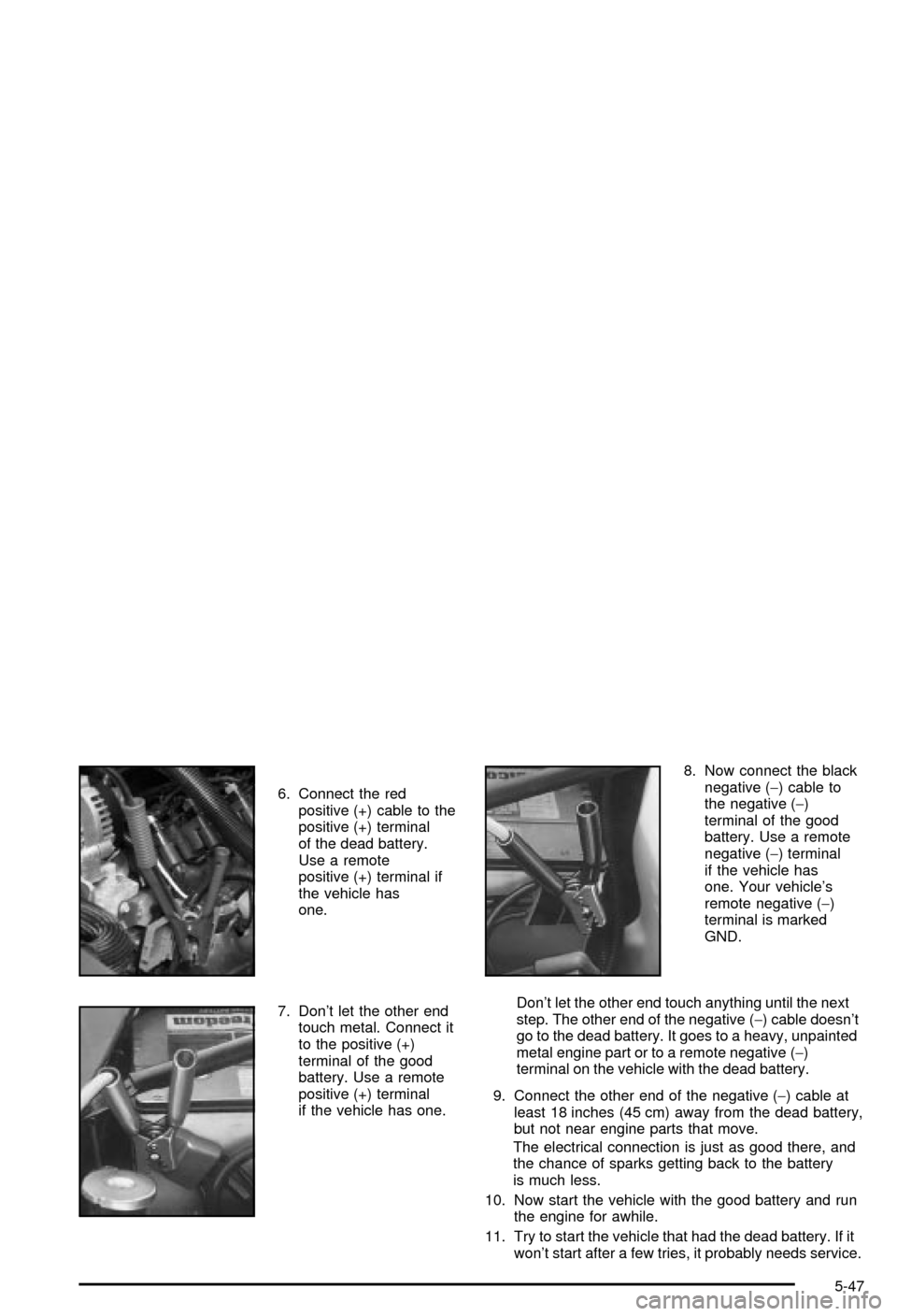
6. Connect the red
positive (+) cable to the
positive (+) terminal
of the dead battery.
Use a remote
positive (+) terminal if
the vehicle has
one.
7. Don't let the other end
touch metal. Connect it
to the positive (+)
terminal of the good
battery. Use a remote
positive (+) terminal
if the vehicle has one.8. Now connect the black
negative (-) cable to
the negative (-)
terminal of the good
battery. Use a remote
negative (-) terminal
if the vehicle has
one. Your vehicle's
remote negative (-)
terminal is marked
GND.
Don't let the other end touch anything until the next
step. The other end of the negative (-) cable doesn't
go to the dead battery. It goes to a heavy, unpainted
metal engine part or to a remote negative (-)
terminal on the vehicle with the dead battery.
9. Connect the other end of the negative (-) cable at
least 18 inches (45 cm) away from the dead battery,
but not near engine parts that move.
The electrical connection is just as good there, and
the chance of sparks getting back to the battery
is much less.
10. Now start the vehicle with the good battery and run
the engine for awhile.
11. Try to start the vehicle that had the dead battery. If it
won't start after a few tries, it probably needs service.
5-47