2003 BUICK CENTURY air condition
[x] Cancel search: air conditionPage 104 of 344

OnStaržSystem
OnStaržuses global positioning system (GPS) satellite
technology, wireless communications, and call centers
to provide you with a wide range of safety, security,
information and convenience services. An OnStar
ž
subscription plan is included in the price of your vehicle.
You can upgrade or extend your OnStaržservices to
meet your needs.
A complete OnStar
žuser's guide and the terms and
conditions of the OnStaržSubscription Service
Agreement are included in your vehicle's glove box
literature. For more information, visit www.onstar.com,
contact OnStar
žat 1-888-4-ONSTAR (1-888-466-7827),
or press the blue OnStaržbutton to speak to an
OnStaržadvisor 24 hours a day, 7 days a week.
OnStaržServices
OnStaržprovides a number of service plans. Some of
the services currently provided by OnStaržare:
·Automatic Noti®cation of Air Bag Deployment
·Emergency Services
·Roadside Assistance Stolen Vehicle Tracking
·AccidentAssist
·Remote Door Unlock
·Remote Diagnostics
·Online and Personal Concierge Services
·Route Support
·RideAssist
·Information and Convenience Services
2-34
Page 123 of 344

Climate Controls
Dual Climate Control System
With this system you can control the heating, cooling
and ventilation for your vehicle.
Manual Operation
To change the current mode, select one of the following
settings on the right knob.MAX (Maximum Air-Conditioning):This mode
recirculates much of the air inside your vehicle and
sends it through the instrument panel outlets. The
air-conditioning compressor will run automatically in this
setting unless the outside temperature is below
40ÉF (4ÉC).
VENT (Ventilation):This mode brings in outside air
direct and directs it through the instrument panel outlet.
BI-LEV (Bi-Level):This mode directs approximately
half of the air to the instrument panel outlets, and then
directs most of the remaining air to the ¯oor outlets.
Some air may be directed toward the windshield.
HTR (Heater):This mode directs most of the air to the
¯oor outlets, with some air directed to the outboard
outlets (for the side windows) and some air directed to
the windshield.
BLEND:This mode directs half of the air to go to the
¯oor outlets and half to the defroster and side window
outlets. The air-conditioning compressor will run
automatically in this setting unless the outside
temperature is below 40ÉF (4ÉC).
The right knob can also be used for the defrost mode.
Information on defrosting and defogging can be
found later in this section.
3-17
Page 124 of 344
9FAN:The left knob controls the fan speed.
OFF:Turn the knob all the way counterclockwise to
turn off the fan.
LO (Low Fan Speed):This setting creates the lowest
fan speed.
HI (High Fan Speed):This setting creates the highest
fan speed.
DRIVER (Driver's Side Temperature):The lever on
the left adjusts the air temperature for the driver's
side outlets. Slide the lever up to raise the temperature
and down to lower the temperature.
PASSENGER (Passenger's Side Temperature):
The lever on the right adjusts the air temperature for the
passenger's side outlets. Slide the lever up to raise
the temperature and down to lower the temperature.
"(Air Conditioning):Press this button to turn the
air-conditioning on and off. An indicator light above the
button will come on when the air conditioning is on.
During daylight hours you may need to adjust the interior
lighting control to the highest setting in order to see the
light. The system will cool and dehumidify the air inside
the vehicle when the A/C indicator light is on.On very hot days, open the windows long enough to let
hot, inside air escape. This reduces the time for the
vehicle to cool down.
For a quick cool-down on a very hot day, use MAX with
the temperature levers all the way in the blue area. If this
setting is used for long periods of time, the air in your
vehicle may become too dry.
For normal cooling on hot days, use VENT with the
temperature levers in the blue area. The system will bring
in outside air and cool it.
On cool, but sunny days, the sun may warm your upper
body, but your lower body may not be warm enough.
Select BI-LEV and set the temperature levers to a
comfortable setting. The system will bring in outside air
and direct it to your upper body, while sending slightly
warmed air to your lower body. Push the A/C button for
cooling.
3-18
Page 125 of 344
Defogging and Defrosting
Fog on the inside of the windows is a result of high
humidity (moisture) condensing on the cool window
glass. This can be minimized if the climate control
system is used properly. There are two modes to clear
fog or frost from your windshield and side windows.
Use the blend mode to clear the windows of fog
or moisture and warm the passengers. Use the defrost
mode to remove frost or fog from the windshield
more quickly. For best results, clear all snow and ice
from the windshield before defrosting.
0DEF (Defrost):This setting, located on the right
knob, directs most of the air through the defroster
and the side window outlets. Some of the air is directed
to the ¯oor and side window outlets. The air-conditioning
compressor will run automatically in this setting unless
the outside temperature is below 40ÉF (4ÉC).
To defrost the window quickly, turn the mode knob to
the defrost setting and turn the driver's and passenger's
temperature levers all the way to the red area.
To warm passengers while keeping the windows clear,
use BLEND.
Do not drive the vehicle until all the windows are clear.
Rear Window Defogger
0
(Rear):Press the button to turn the defogger on.
The rear window defogger will shut off after about
15 minutes. If you turn it on again, the rear window
defogger will only run for about seven and one
half minutes before turning off. You can also turn it off
by pressing the button again.
Do not drive the vehicle until all the windows are clear.
Notice:Don't use a razor blade or something
else sharp on the inside of the rear window. If you
do, you could cut or damage the defogger and
the repairs would not be covered by your warranty.
Do not attach a temporary vehicle license, tape,
a decal or anything similar to the defogger grid.
3-19
Page 126 of 344
Outlet Adjustment
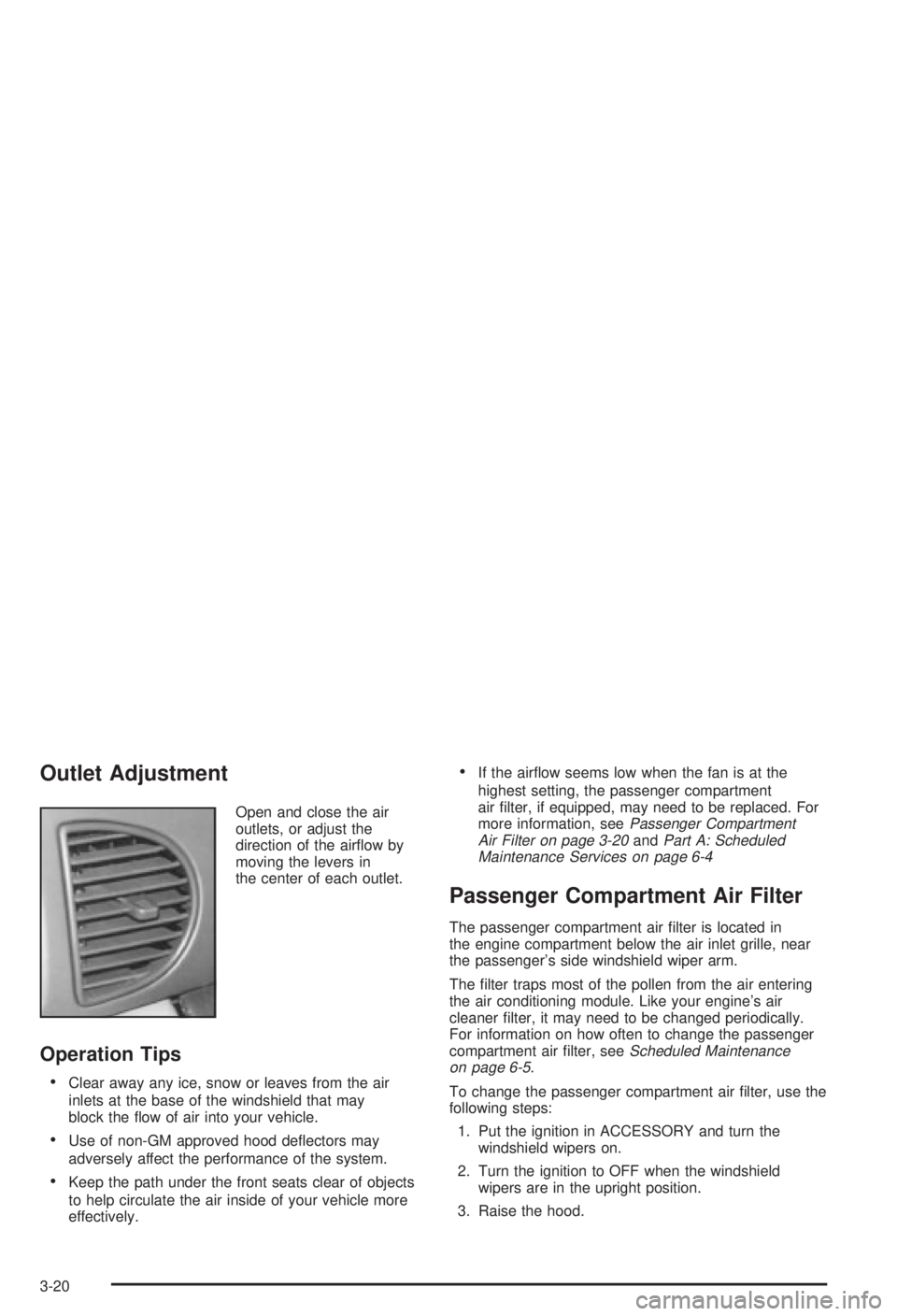
Open and close the air
outlets, or adjust the
direction of the air¯ow by
moving the levers in
the center of each outlet.
Operation Tips
·Clear away any ice, snow or leaves from the air
inlets at the base of the windshield that may
block the ¯ow of air into your vehicle.
·Use of non-GM approved hood de¯ectors may
adversely affect the performance of the system.
·Keep the path under the front seats clear of objects
to help circulate the air inside of your vehicle more
effectively.
·If the air¯ow seems low when the fan is at the
highest setting, the passenger compartment
air ®lter, if equipped, may need to be replaced. For
more information, see
Passenger Compartment
Air Filter on page 3-20andPart A: Scheduled
Maintenance Services on page 6-4
Passenger Compartment Air Filter
The passenger compartment air ®lter is located in
the engine compartment below the air inlet grille, near
the passenger's side windshield wiper arm.
The ®lter traps most of the pollen from the air entering
the air conditioning module. Like your engine's air
cleaner ®lter, it may need to be changed periodically.
For information on how often to change the passenger
compartment air ®lter, see
Scheduled Maintenance
on page 6-5.
To change the passenger compartment air ®lter, use the
following steps:
1. Put the ignition in ACCESSORY and turn the
windshield wipers on.
2. Turn the ignition to OFF when the windshield
wipers are in the upright position.
3. Raise the hood.
3-20
Page 132 of 344

Charging System Light
The charging system light
will come on brie¯y when
you turn on the ignition,
as a check to show you it's
working. Then it should
go out.If it stays on, or comes on while you are driving, you
may have a problem with the charging system. It could
indicate that you have a loose accessory belt or
another electrical problem. Have it checked right away.
Driving while this light is on could drain your battery.
If you must drive a short distance with the light on, be
certain to turn off all your accessories, such as the
radio and air conditioner.
3-26
Page 137 of 344

Malfunction Indicator Lamp
Service Engine Soon Light
Your vehicle is equipped
with a computer which
monitors operation of the
fuel, ignition and emission
control systems.
This system is called OBD II (On-Board
Diagnostics-Second Generation) and is intended to
assure that emissions are at acceptable levels for the
life of the vehicle, helping to produce a cleaner
environment. The SERVICE ENGINE SOON light
comes on and a chime will sound to indicate that there
is a problem and service is required. Malfunctions
often will be indicated by the system before any problem
is apparent. This may prevent more serious damage
to your vehicle. This system is also designed to assist
your service technician in correctly diagnosing any
malfunction.
Notice:If you keep driving your vehicle with this
light on, after a while, your emission controls
may not work as well, your fuel economy may not
be as good and your engine may not run as
smoothly. This could lead to costly repairs that may
not be covered by your warranty.
Notice:Modi®cations made to the engine,
transaxle, exhaust, intake or fuel system of your
vehicle or the replacement of the original tires with
other than those of the same Tire Performance
Criteria (TPC) can affect your vehicle's emission
controls and may cause this light to come on.
Modi®cations to these systems could lead to costly
repairs not covered by your warranty. This may
also result in a failure to pass a required Emission
Inspection/Maintenance test.
This light should come on, as a check to show you it is
working, when the ignition is on and the engine is
not running. If the light doesn't come on, have it
repaired. This light will also come on during a
malfunction in one of two ways:
·Light FlashingÐ A mis®re condition has been
detected. A mis®re increases vehicle emissions and
may damage the emission control system on your
vehicle. Diagnosis and service may be required.
·Light On SteadyÐ An emission control system
malfunction has been detected on your vehicle.
Diagnosis and service may be required.
3-31
Page 174 of 344
Of course, traction is reduced when water, snow, ice,
gravel or other material is on the road. For safety, you'll
want to slow down and adjust your driving to these
conditions. It is important to slow down on slippery
surfaces because stopping distance will be longer and
vehicle control more limited.
While driving on a surface with reduced traction, try
your best to avoid sudden steering, acceleration
or braking (including engine braking by shifting to a
lower gear). Any sudden changes could cause the tires
to slide. You may not realize the surface is slippery
until your vehicle is skidding. Learn to recognize warning
clues Ð such as enough water, ice or packed snow
on the road to make a ªmirrored surfaceº Ð and slow
down when you have any doubt.
If you have the anti-lock braking system, remember:
It helps avoid only the braking skid. If you do not have
anti-lock, then in a braking skid (where the wheels
are no longer rolling), release enough pressure on the
brakes to get the wheels rolling again. This restores
steering control. Push the brake pedal down steadily
when you have to stop suddenly. As long as the wheels
are rolling, you will have steering control.Driving at Night
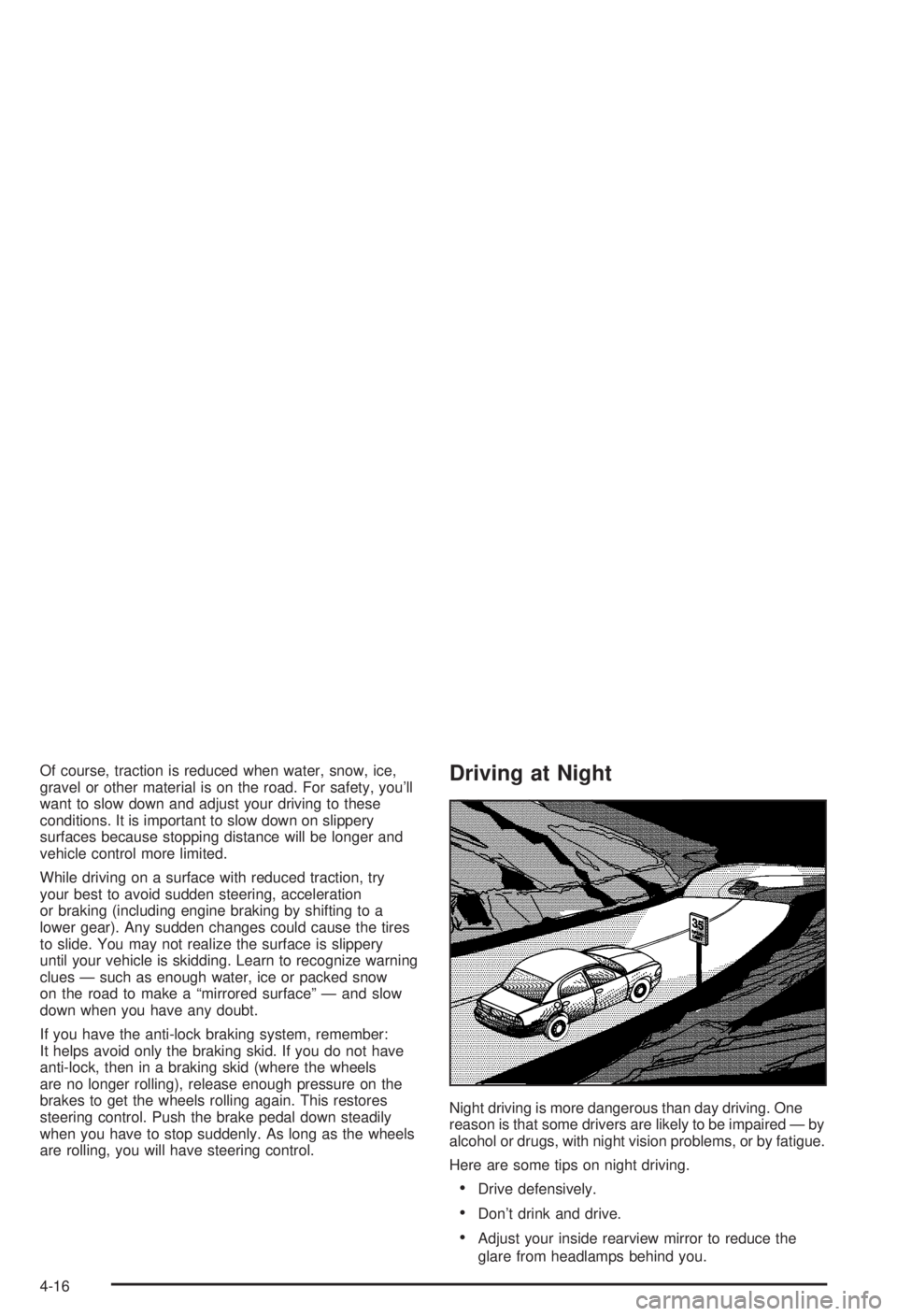
Night driving is more dangerous than day driving. One
reason is that some drivers are likely to be impaired Ð by
alcohol or drugs, with night vision problems, or by fatigue.
Here are some tips on night driving.
·Drive defensively.
·Don't drink and drive.
·Adjust your inside rearview mirror to reduce the
glare from headlamps behind you.
4-16