2003 BUICK CENTURY service
[x] Cancel search: servicePage 104 of 344

OnStaržSystem
OnStaržuses global positioning system (GPS) satellite
technology, wireless communications, and call centers
to provide you with a wide range of safety, security,
information and convenience services. An OnStar
ž
subscription plan is included in the price of your vehicle.
You can upgrade or extend your OnStaržservices to
meet your needs.
A complete OnStar
žuser's guide and the terms and
conditions of the OnStaržSubscription Service
Agreement are included in your vehicle's glove box
literature. For more information, visit www.onstar.com,
contact OnStar
žat 1-888-4-ONSTAR (1-888-466-7827),
or press the blue OnStaržbutton to speak to an
OnStaržadvisor 24 hours a day, 7 days a week.
OnStaržServices
OnStaržprovides a number of service plans. Some of
the services currently provided by OnStaržare:
·Automatic Noti®cation of Air Bag Deployment
·Emergency Services
·Roadside Assistance Stolen Vehicle Tracking
·AccidentAssist
·Remote Door Unlock
·Remote Diagnostics
·Online and Personal Concierge Services
·Route Support
·RideAssist
·Information and Convenience Services
2-34
Page 105 of 344
OnStaržPersonal Calling
With OnStaržPersonal Calling, you have a safer way to
stay connected while driving. It's a hands-free wireless
phone that's integrated into your vehicle. You can place
calls nationwide using voice-activated dialing with no
contracts, no roaming charges and no access fees. To
®nd out more about OnStar
žPersonal Calling, refer
to the OnStaržuser's guide in your vehicle's glove box,
or call OnStaržat 1-888-4-ONSTAR (1-888-466-7827).
OnStaržVirtual Advisor
With OnStaržVirtual Advisor you can listen to the news,
entertainment and informative topics, such as traffic
and weather reports. You are able to listen and reply to
your e-mail through your vehicle's speakers.
A completed Subscription Service Agreement is required
prior to delivery of OnStar
žservices and prepaid
calling minutes are also required for OnStaržPersonal
Calling and OnStaržVirtual Advisor use. Terms and
conditions of the Subscription Service Agreement can be
found at www.onstar.com.
Storage Areas
Glove Box
Use the door key to lock and unlock the glove box.
To open, lift the latch.
Convenience Net
Your vehicle has a convenience net located on the back
wall of the trunk.
Put small loads, like grocery bags, behind the net. It can
help keep them from falling over.
The net isn't for larger, heavier loads. Store those in the
trunk as far forward as you can.
You can unhook the net so that it will lie ¯at when
you're not using it.
2-35
Page 107 of 344

Instrument Panel Overview...............................3-2
Hazard Warning Flashers................................3-3
Other Warning Devices...................................3-4
Horn.............................................................3-4
Tilt Wheel.....................................................3-4
Turn Signal/Multifunction Lever.........................3-5
Exterior Lamps.............................................3-11
Interior Lamps..............................................3-14
Auxiliary Power Connection
(Power Drop)............................................3-16
Ashtrays and Cigarette Lighter........................3-16
Climate Controls............................................3-17
Dual Climate Control System..........................3-17
Outlet Adjustment.........................................3-20
Passenger Compartment Air Filter...................3-20
Warning Lights, Gages and Indicators.............3-22
Instrument Panel Cluster................................3-23
Speedometer and Odometer...........................3-24
Safety Belt Reminder Light.............................3-24
Air Bag Readiness Light................................3-25
Charging System Light..................................3-26
Brake System Warning Light..........................3-27
Anti-Lock Brake System Warning Light.............3-28
Enhanced Traction System Warning Light.........3-28
Low Traction Light........................................3-29Engine Coolant Temperature Warning Light......3-29
Engine Coolant Temperature Gage..................3-30
Tire Pressure Light.......................................3-30
Malfunction Indicator Lamp.............................3-31
Oil Pressure Light.........................................3-34
Low Oil Level Light.......................................3-35
Change Engine Oil Light................................3-35
Security Light...............................................3-36
Cruise Control Light......................................3-36
Low Washer Fluid Warning Light.....................3-36
Door/Trunk Ajar Warning Light........................3-36
Service Vehicle Soon Light............................3-37
Fuel Gage...................................................3-37
Low Fuel Warning Light.................................3-38
Audio System(s).............................................3-39
Setting the Time...........................................3-39
AM-FM Radio...............................................3-40
Radio with Cassette and CD..........................3-42
Theft-Deterrent Feature..................................3-48
Audio Steering Wheel Controls.......................3-50
Understanding Radio Reception......................3-50
Care of Your Cassette Tape Player.................3-51
Care of Your CDs.........................................3-52
Care of Your CD Player................................3-52
Fixed Mast Antenna......................................3-52
Section 3 Instrument Panel
3-1
Page 122 of 344
Auxiliary Power Connection
(Power Drop)
Your vehicle is equipped with an auxiliary power
connection. This feature provides power, ground and
accessory wires which can be accessed to add
aftermarket electrical equipment to your vehicle.
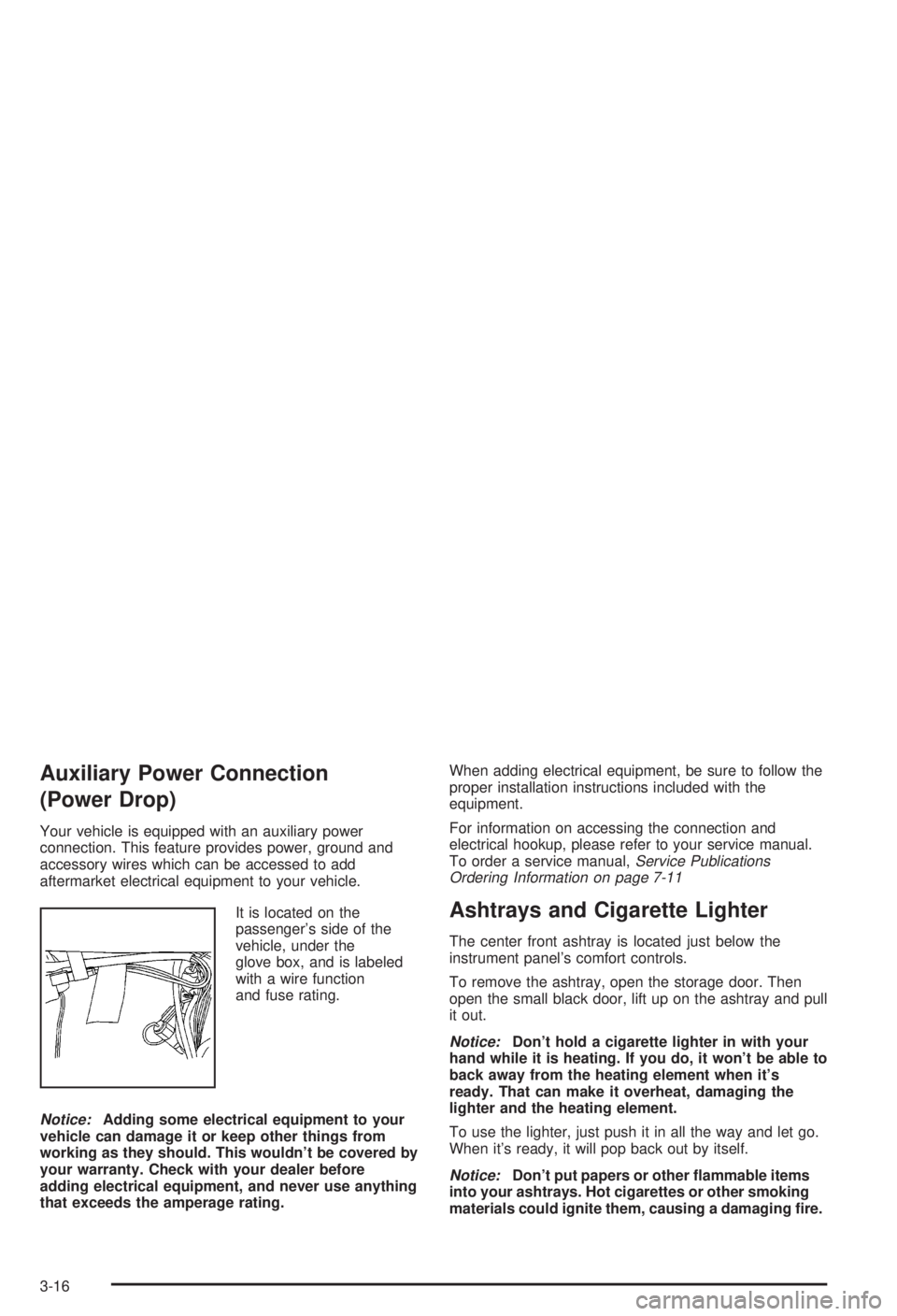
It is located on the
passenger's side of the
vehicle, under the
glove box, and is labeled
with a wire function
and fuse rating.
Notice:Adding some electrical equipment to your
vehicle can damage it or keep other things from
working as they should. This wouldn't be covered by
your warranty. Check with your dealer before
adding electrical equipment, and never use anything
that exceeds the amperage rating.When adding electrical equipment, be sure to follow the
proper installation instructions included with the
equipment.
For information on accessing the connection and
electrical hookup, please refer to your service manual.
To order a service manual,
Service Publications
Ordering Information on page 7-11
Ashtrays and Cigarette Lighter
The center front ashtray is located just below the
instrument panel's comfort controls.
To remove the ashtray, open the storage door. Then
open the small black door, lift up on the ashtray and pull
it out.
Notice:Don't hold a cigarette lighter in with your
hand while it is heating. If you do, it won't be able to
back away from the heating element when it's
ready. That can make it overheat, damaging the
lighter and the heating element.
To use the lighter, just push it in all the way and let go.
When it's ready, it will pop back out by itself.
Notice:Don't put papers or other ¯ammable items
into your ashtrays. Hot cigarettes or other smoking
materials could ignite them, causing a damaging ®re.
3-16
Page 126 of 344
Outlet Adjustment
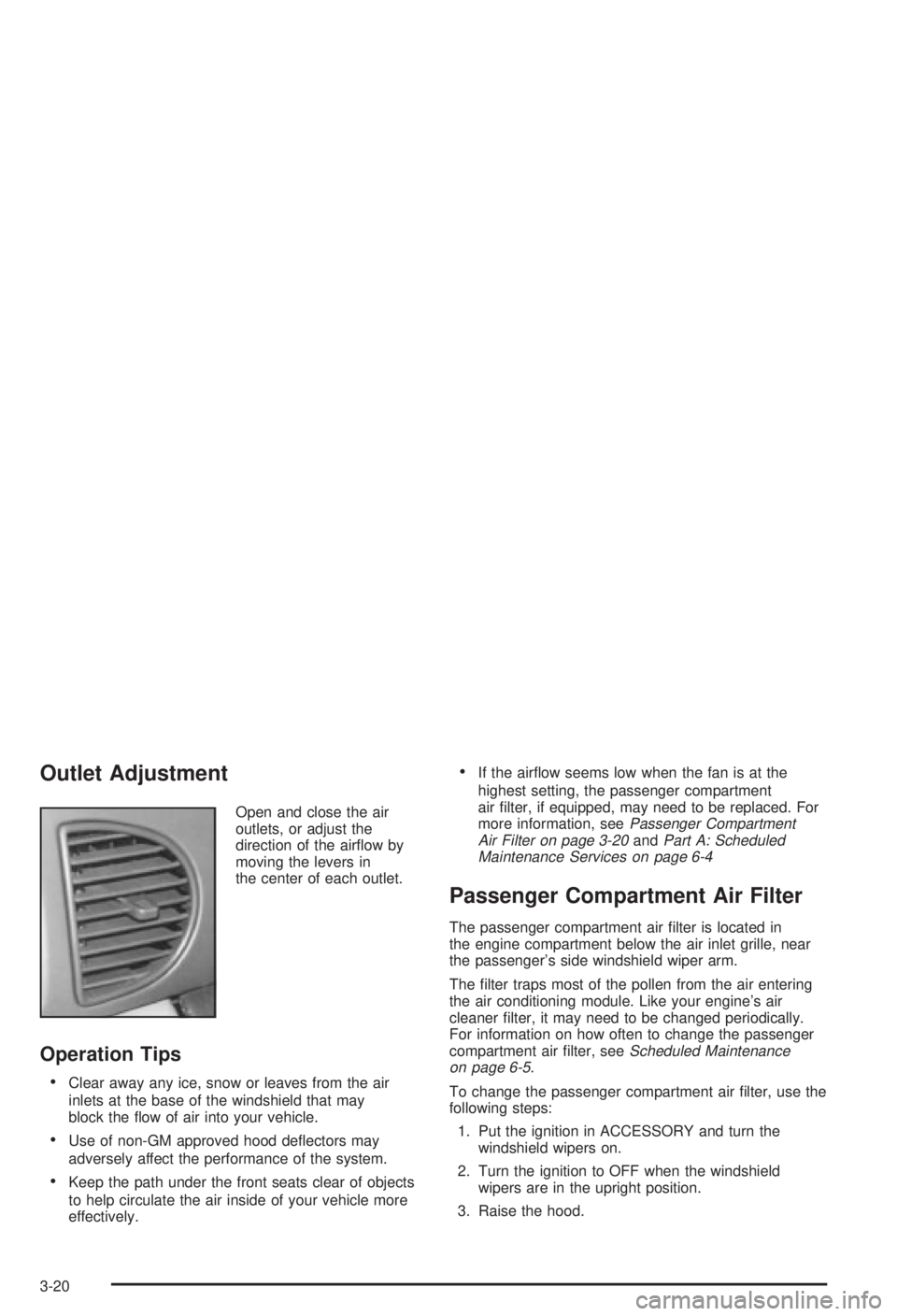
Open and close the air
outlets, or adjust the
direction of the air¯ow by
moving the levers in
the center of each outlet.
Operation Tips
·Clear away any ice, snow or leaves from the air
inlets at the base of the windshield that may
block the ¯ow of air into your vehicle.
·Use of non-GM approved hood de¯ectors may
adversely affect the performance of the system.
·Keep the path under the front seats clear of objects
to help circulate the air inside of your vehicle more
effectively.
·If the air¯ow seems low when the fan is at the
highest setting, the passenger compartment
air ®lter, if equipped, may need to be replaced. For
more information, see
Passenger Compartment
Air Filter on page 3-20andPart A: Scheduled
Maintenance Services on page 6-4
Passenger Compartment Air Filter
The passenger compartment air ®lter is located in
the engine compartment below the air inlet grille, near
the passenger's side windshield wiper arm.
The ®lter traps most of the pollen from the air entering
the air conditioning module. Like your engine's air
cleaner ®lter, it may need to be changed periodically.
For information on how often to change the passenger
compartment air ®lter, see
Scheduled Maintenance
on page 6-5.
To change the passenger compartment air ®lter, use the
following steps:
1. Put the ignition in ACCESSORY and turn the
windshield wipers on.
2. Turn the ignition to OFF when the windshield
wipers are in the upright position.
3. Raise the hood.
3-20
Page 131 of 344
Air Bag Readiness Light
There is an air bag readiness light on the instrument
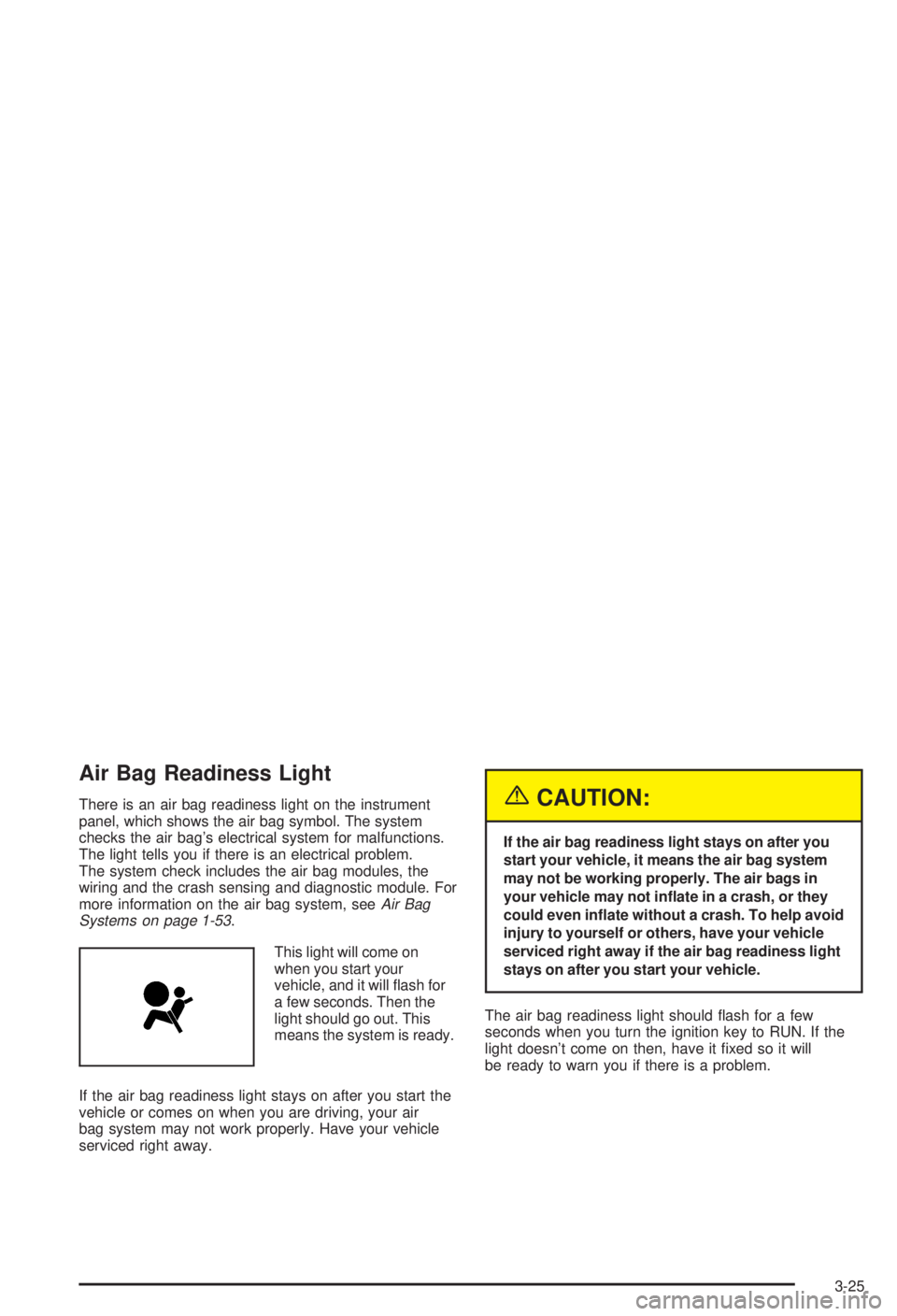
panel, which shows the air bag symbol. The system
checks the air bag's electrical system for malfunctions.
The light tells you if there is an electrical problem.
The system check includes the air bag modules, the
wiring and the crash sensing and diagnostic module. For
more information on the air bag system, see
Air Bag
Systems on page 1-53.
This light will come on
when you start your
vehicle, and it will ¯ash for
a few seconds. Then the
light should go out. This
means the system is ready.
If the air bag readiness light stays on after you start the
vehicle or comes on when you are driving, your air
bag system may not work properly. Have your vehicle
serviced right away.
{CAUTION:
If the air bag readiness light stays on after you
start your vehicle, it means the air bag system
may not be working properly. The air bags in
your vehicle may not in¯ate in a crash, or they
could even in¯ate without a crash. To help avoid
injury to yourself or others, have your vehicle
serviced right away if the air bag readiness light
stays on after you start your vehicle.
The air bag readiness light should ¯ash for a few
seconds when you turn the ignition key to RUN. If the
light doesn't come on then, have it ®xed so it will
be ready to warn you if there is a problem.
3-25
Page 133 of 344
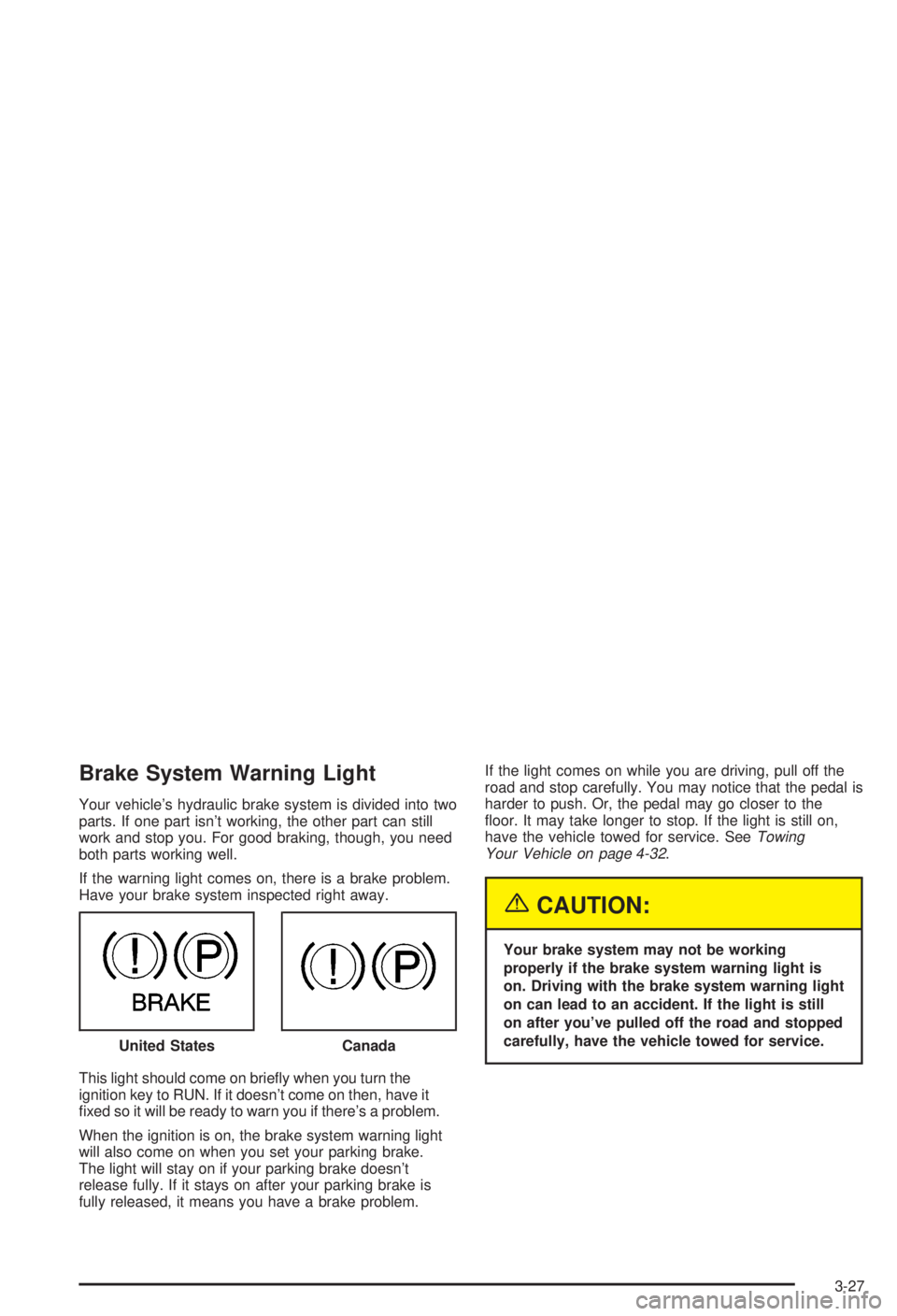
Brake System Warning Light
Your vehicle's hydraulic brake system is divided into two
parts. If one part isn't working, the other part can still
work and stop you. For good braking, though, you need
both parts working well.
If the warning light comes on, there is a brake problem.
Have your brake system inspected right away.
This light should come on brie¯y when you turn the
ignition key to RUN. If it doesn't come on then, have it
®xed so it will be ready to warn you if there's a problem.
When the ignition is on, the brake system warning light
will also come on when you set your parking brake.
The light will stay on if your parking brake doesn't
release fully. If it stays on after your parking brake is
fully released, it means you have a brake problem.If the light comes on while you are driving, pull off the
road and stop carefully. You may notice that the pedal is
harder to push. Or, the pedal may go closer to the
¯oor. It may take longer to stop. If the light is still on,
have the vehicle towed for service. See
Towing
Your Vehicle on page 4-32.
{CAUTION:
Your brake system may not be working
properly if the brake system warning light is
on. Driving with the brake system warning light
on can lead to an accident. If the light is still
on after you've pulled off the road and stopped
carefully, have the vehicle towed for service.
United States
Canada
3-27
Page 134 of 344

Anti-Lock Brake System Warning
Light
If your vehicle has anti-lock brakes, this warning light
will come on for a few seconds when you turn the
ignition key to RUN. If the anti-lock brake system
warning light stays on longer than normal after you've
started your engine, turn the ignition off. Or, if the
light comes on and stays on when you're driving, stop
as soon as possible and turn the ignition off. Then
start the engine again to reset the system. If the light
still stays on, or comes on again while you're driving, the
anti-lock brake system needs service. If the light is on
and the regular brake system warning light isn't on, you
still have brakes, but you don't have anti-lock brakes.
The anti-lock brake system warning light will come
on brie¯y when you turn the ignition key to RUN. This is
normal. If the light doesn't come on then, have it
®xed so it will be ready to warn you if there is a problem.
Enhanced Traction System Warning
Light
If your vehicle has the
Enhanced Traction
System, the warning light
may come on for the
following reasons:
·If you turn the system off by shifting to SECOND (2)
or FIRST (1), the warning light will come on and
stay on. To turn the system back on, shift to
THIRD (3) or AUTOMATIC OVERDRIVE (
X). See
Enhanced Traction System (ETS) on page 4-10.
·If the Enhanced Traction System warning light
comes on and stays on for an extended period
of time when the system is turned on, your vehicle
needs service. Adjust your driving accordingly.
·The warning light will come on when you set your
parking brake with the engine running, and it will
stay on if your parking brake doesn't release fully. United States
Canada
3-28