2003 BMW X5 3.0I buttons
[x] Cancel search: buttonsPage 81 of 183

81n
OverviewControlsMaintenanceRepairsDataIndex
Multi-Information Display MID
Central displayThe MID serves as the central display
and operation for the following onboard
systems:
>Digital clock, e. g. time display, date
>Audio systems Ð radio, cassette, CD
>Computer, e.g. fuel consumption,
cruising range
>Cellular phone, e.g. dialing.
You will find explanations and notes
for operating the digital clock and the
computer on the following pages.
Please refer to the separate Owner's
Manuals for operating the audio sys-
tems, the cellular phone and the
onboard computer.
Any unrealistic numerical entries
will not be accepted.
All stored data will be lost if the power
supply is interrupted. Time display,
switch-on times for independent
heating and ventilation, distance and
cruise control speed limit may have to
be reset once the power supply has
been re-established.<
1 Function button for audio systems
2 Function button for the cellular phone
3 Indicator lamp for independent venti-
lation
>remains on if switch-on time is
active
>flashes while operating
4 Function button for the digital clock
and computer
5 Indicator display for the various
onboard systems390us705
6 Display for the entry and query but-
tons. Depending on the operating
mode, the functions and alternatives
that can be selected at the buttons
are displayed here
7 Entry and query buttons for operating
the various onboard systems
Page 83 of 183
83n
OverviewControlsMaintenanceRepairsDataIndex
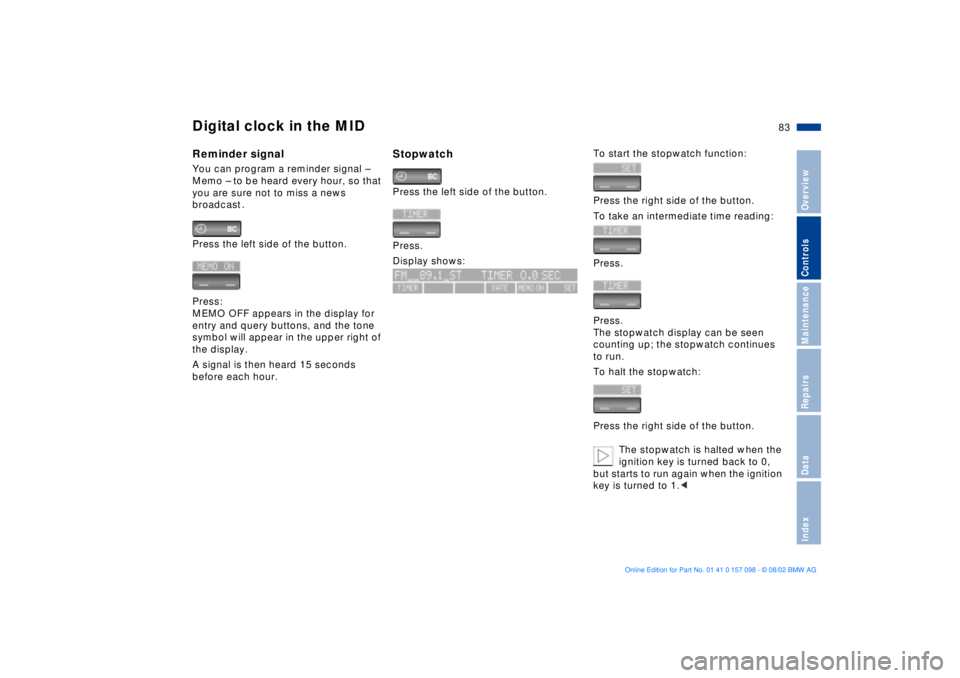
Digital clock in the MIDReminder signalYou can program a reminder signal Ð
Memo Ð to be heard every hour, so that
you are sure not to miss a news
broadcast .
Press the left side of the button.
Press:
MEMO OFF appears in the display for
entry and query buttons, and the tone
symbol will appear in the upper right of
the display.
A signal is then heard 15 seconds
before each hour.
Stopwatch Press the left side of the button.
Press.
Display shows:
To start the stopwatch function:
Press the right side of the button.
To take an intermediate time reading:
Press.
Press.
The stopwatch display can be seen
counting up; the stopwatch continues
to run.
To halt the stopwatch:
Press the right side of the button.
The stopwatch is halted when the
ignition key is turned back to 0,
but starts to run again when the ignition
key is turned to 1.<
Page 85 of 183

85n
OverviewControlsMaintenanceRepairsDataIndex
Computer
** * * in the MID
Only make entries when the
vehicle is stationary Ð to avoid
endangering yourself or other road
users.<
Computer calculations begin at the
start of the journey.
Information can also be called up in the
display by remote control, refer to
page 89.
Speed limitSpeed limit entry:
You can enter the road speed here
at which you wish to hear and see a
reminder signal: a signal will sound,
the word LIMIT will flash, and with the
Check Control with alphanumeric dis-
play
*, the speed limit warning stored in
the memory will appear on the instru-
ment cluster briefly.
The speed limit reminder is only
repeated if road speed has fallen at
least 3 mph/approx. 5 km/h below the
preset speed limit.
Press the right side of the button.
Press.
Press the right side of the button.
Display shows:
Enter the limit by pressing the function
buttons.
To correct an entry:
Press the left side of the button and
repeat the entry.
To store the entry:
Press the right side of the button.
Page 86 of 183
86n
Computer
** * * in the MID
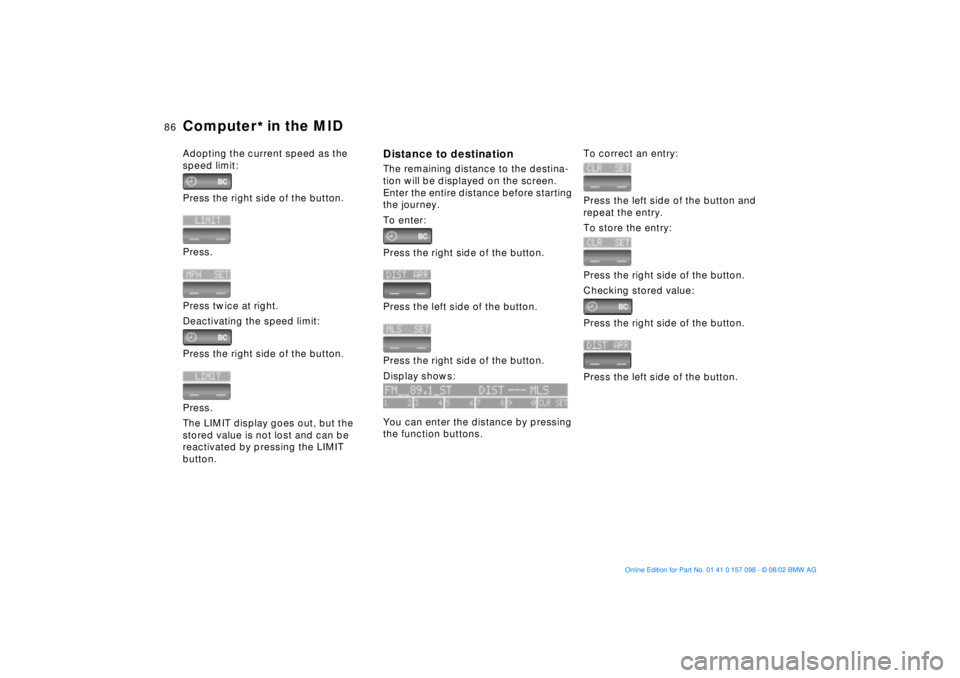
Adopting the current speed as the
speed limit:
Press the right side of the button.
Press.
Press twice at right.
Deactivating the speed limit:
Press the right side of the button.
Press.
The LIMIT display goes out, but the
stored value is not lost and can be
reactivated by pressing the LIMIT
button.
Distance to destinationThe remaining distance to the destina-
tion will be displayed on the screen.
Enter the entire distance before starting
the journey.
To enter:
Press the right side of the button.
Press the left side of the button.
Press the right side of the button.
Display shows:
You can enter the distance by pressing
the function buttons.
To correct an entry:
Press the left side of the button and
repeat the entry.
To store the entry:
Press the right side of the button.
Checking stored value:
Press the right side of the button.
Press the left side of the button.
Page 89 of 183
89n
OverviewControlsMaintenanceRepairsDataIndex
Computer
** * * in the MID
After three incorrect code entries, or
three attempts to start the engine
without a code entry, the alarm will
sound for 30 seconds on vehicles fitted
with an alarm system.
Deactivating the alarm in an
emergency:
If you have forgotten the code, proceed
as follows:
1. Disconnect the battery, wait approx.
2 minutes, then reconnect it. Note
that on vehicles with an alarm
system, the alarm will sound
2. Set the ignition key to position 1:
The time display will count down for
the next ten minutes
3. After ten minutes, start the engine.
If the code becomes available
again in the meantime, it can be
entered during the waiting period after
pressing the CODE button.<
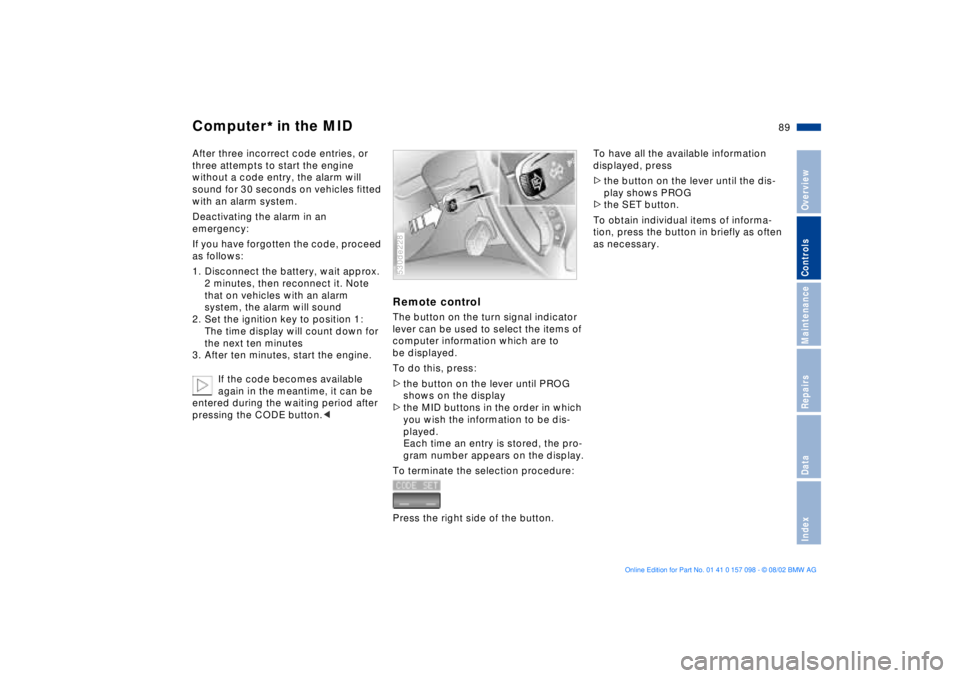
Remote control The button on the turn signal indicator
lever can be used to select the items of
computer information which are to
be displayed.
To do this, press:
>the button on the lever until PROG
shows on the display
>the MID buttons in the order in which
you wish the information to be dis-
played.
Each time an entry is stored, the pro-
gram number appears on the display.
To terminate the selection procedure:
Press the right side of the button.530de228
To have all the available information
displayed, press
>the button on the lever until the dis-
play shows PROG
>the SET button.
To obtain individual items of informa-
tion, press the button in briefly as often
as necessary.
Page 93 of 183
93n
OverviewControlsMaintenanceRepairsDataIndex
Hill Descent Control HDC The concept HDC is a system for driving downhill in
steep terrain. This system reduces
vehicle speed on steep downhill gradi-
ents, thus allowing you to maintain con-
trol of your BMW under these condi-
tions.
The vehicle moves at slightly more than
walking speed without active interven-
tion from the driver.
HDC is available for activation at
vehicle speeds below approx. 20 mph/
35 km/h. When driving down steep hills
with a speed below approx. 20 mph/
35 km/h, the vehicle reduces speed
automatically down to slightly more
than walking speed (approx. 5 mph/
8 km/h) and then maintains this speed
at a constant.
You can use the accelerator or brakes
to vary this automatically controlled
speed within a range extending from
approx. 3 mph/5 km/h to 15 mph/
25 km/h.
You can specify a target speed
within the same range by using the
+/Ð buttons of the cruise control.
HDC is automatically deactivated once
vehicle speed again exceeds approx.
35 mph/60 km/h.
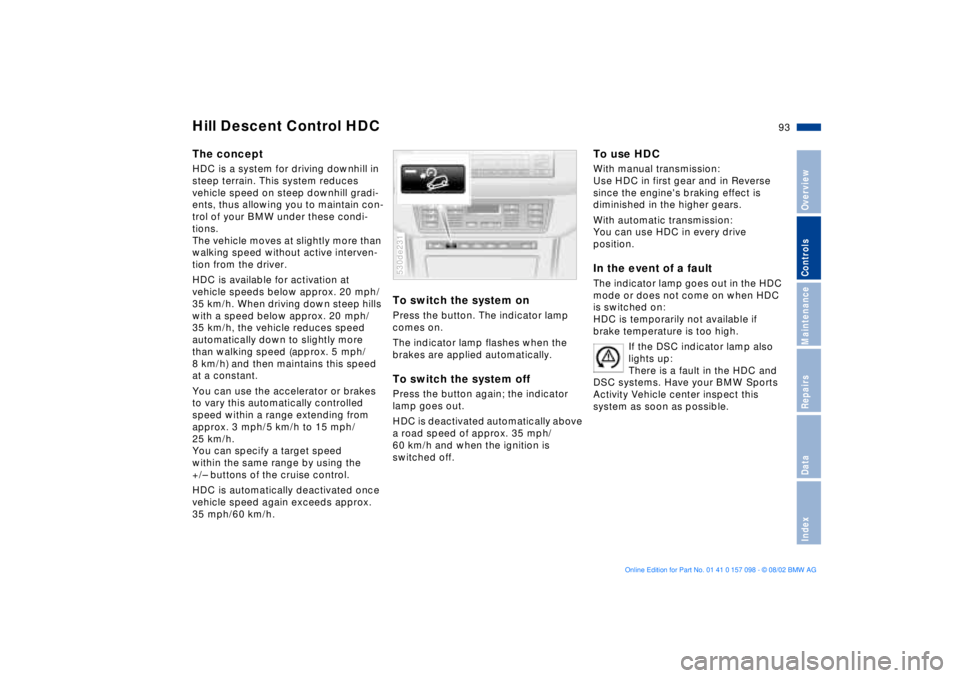
To switch the system onPress the button. The indicator lamp
comes on.
The indicator lamp flashes when the
brakes are applied automatically. To switch the system offPress the button again; the indicator
lamp goes out.
HDC is deactivated automatically above
a road speed of approx. 35 mph/
60 km/h and when the ignition is
switched off. 530de231
To use HDC With manual transmission:
Use HDC in first gear and in Reverse
since the engine's braking effect is
diminished in the higher gears.
With automatic transmission:
You can use HDC in every drive
position. In the event of a faultThe indicator lamp goes out in the HDC
mode or does not come on when HDC
is switched on:
HDC is temporarily not available if
brake temperature is too high.
If the DSC indicator lamp also
lights up:
There is a fault in the HDC and
DSC systems. Have your BMW Sports
Activity Vehicle center inspect this
system as soon as possible.
Page 103 of 183
103n
OverviewControlsMaintenanceRepairsDataIndex
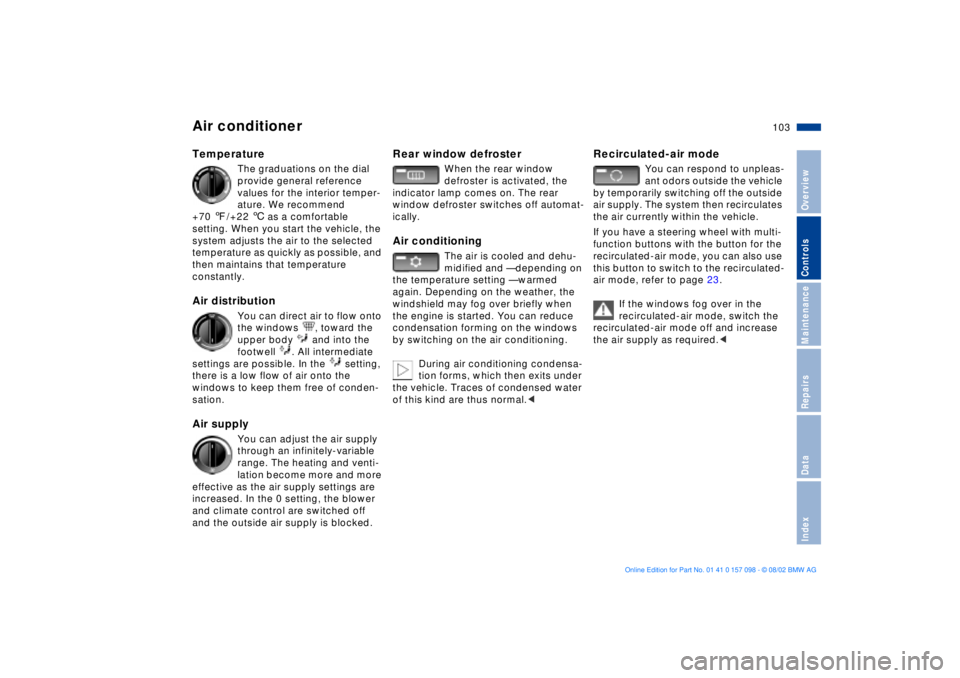
Air conditioner Temperature
The graduations on the dial
provide general reference
values for the interior temper-
ature. We recommend
+70 7/+22 6 as a comfortable
setting. When you start the vehicle, the
system adjusts the air to the selected
temperature as quickly as possible, and
then maintains that temperature
constantly.
Air distribution
You can direct air to flow onto
the windows , toward the
upper body and into the
footwell . All intermediate
settings are possible. In the setting,
there is a low flow of air onto the
windows to keep them free of conden-
sation.
Air supply
You can adjust the air supply
through an infinitely-variable
range. The heating and venti-
lation become more and more
effective as the air supply settings are
increased. In the 0 setting, the blower
and climate control are switched off
and the outside air supply is blocked.
Rear window defroster
When the rear window
defroster is activated, the
indicator lamp comes on. The rear
window defroster switches off automat-
ically.
Air conditioning
The air is cooled and dehu-
midified and Ñ depending on
the temperature setting Ñ warmed
again. Depending on the weather, the
windshield may fog over briefly when
the engine is started. You can reduce
condensation forming on the windows
by switching on the air conditioning.
During air conditioning condensa-
tion forms, which then exits under
the vehicle. Traces of condensed water
of this kind are thus normal.<
Recirculated-air mode
You can respond to unpleas-
ant odors outside the vehicle
by temporarily switching off the outside
air supply. The system then recirculates
the air currently within the vehicle.
If you have a steering wheel with multi-
function buttons with the button for the
recirculated-air mode, you can also use
this button to switch to the recirculated-
air mode, refer to page 23.
If the windows fog over in the
recirculated-air mode, switch the
recirculated-air mode off and increase
the air supply as required.<
Page 108 of 183
108n
Automatic climate control
*
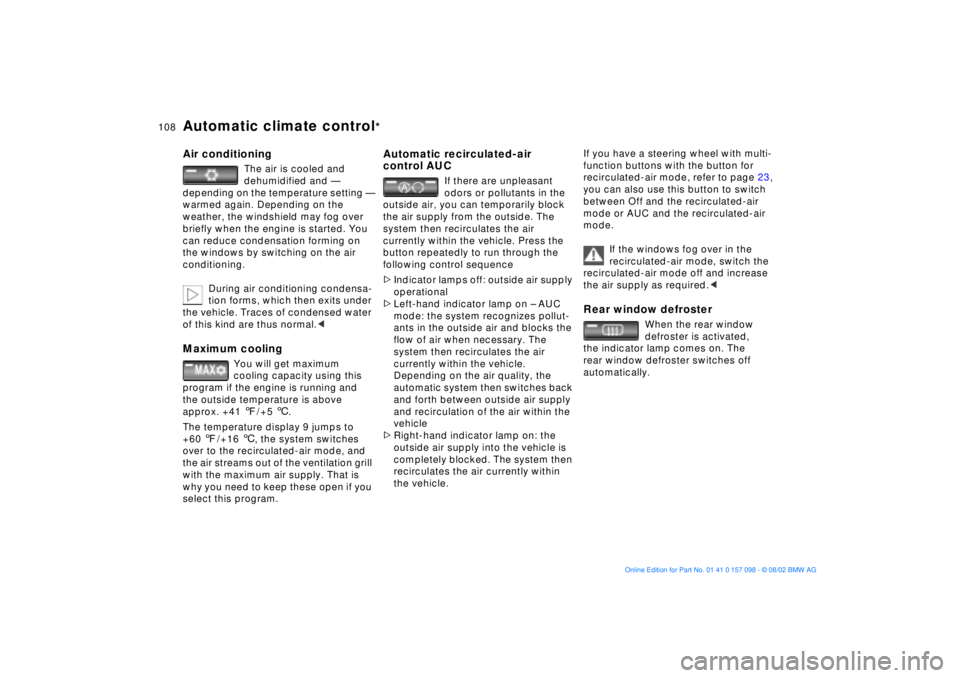
Air conditioning
The air is cooled and
dehumidified and Ñ
depending on the temperature setting Ñ
warmed again. Depending on the
weather, the windshield may fog over
briefly when the engine is started. You
can reduce condensation forming on
the windows by switching on the air
conditioning.
During air conditioning condensa-
tion forms, which then exits under
the vehicle. Traces of condensed water
of this kind are thus normal.<
Maximum cooling
You will get maximum
cooling capacity using this
program if the engine is running and
the outside temperature is above
approx. +41 7/+5 6.
The temperature display 9 jumps to
+60 7/+16 6, the system switches
over to the recirculated-air mode, and
the air streams out of the ventilation grill
with the maximum air supply. That is
why you need to keep these open if you
select this program.
Automatic recirculated-air
control AUC
If there are unpleasant
odors or pollutants in the
outside air, you can temporarily block
the air supply from the outside. The
system then recirculates the air
currently within the vehicle. Press the
button repeatedly to run through the
following control sequence
>Indicator lamps off: outside air supply
operational
>Left-hand indicator lamp on Ð AUC
mode: the system recognizes pollut-
ants in the outside air and blocks the
flow of air when necessary. The
system then recirculates the air
currently within the vehicle.
Depending on the air quality, the
automatic system then switches back
and forth between outside air supply
and recirculation of the air within the
vehicle
>Right-hand indicator lamp on: the
outside air supply into the vehicle is
completely blocked. The system then
recirculates the air currently within
the vehicle.
If you have a steering wheel with multi-
function buttons with the button for
recirculated-air mode, refer to page 23,
you can also use this button to switch
between Off and the recirculated-air
mode or AUC and the recirculated-air
mode.
If the windows fog over in the
recirculated-air mode, switch the
recirculated-air mode off and increase
the air supply as required.< Rear window defroster
When the rear window
defroster is activated,
the indicator lamp comes on. The
rear window defroster switches off
automatically.