Page 189 of 374

4-9
Remember: Anti-lock doesn't change the time you need
to get your foot up to the brake pedal or always decrease
stopping distance. If you get too close to the vehicle in
front of you, you won't have time to apply your brakes
if that vehicle suddenly slows or stops. Always leave
enough room up ahead to stop, even though you have
anti
-lock brakes.
Using Anti
-Lock
Don't pump the brakes. Just hold the brake pedal down
firmly and let anti
-lock work for you. You may feel a
slight brake pedal pulsation or notice some noise, but
this is normal.
Braking in Emergencies
With anti-lock, you can steer and brake at the same
time. In many emergencies, steering can help you more
than even the very best braking.
Traction Control System
(With 3800 Supercharged V6 Engine)
Your vehicle has a traction control system that limits
wheel spin. This is especially useful in slippery road
conditions. The system operates only if it senses that
one or both of the front wheels are spinning or
beginning to lose traction. When this happens, the
system works the front brakes and reduces engine
power to limit wheel spin.
This light will come on
when your traction control
system is limiting wheel
spin. See ªTraction Control
Warning Lightº in
the Index.
You may feel or hear the system working, but this
is normal.
If your vehicle is in cruise control when the traction
control system begins to limit wheel spin, the cruise
control will automatically disengage. When road
conditions allow you to safely use it again, you may
reengage the cruise control. See ªCruise Controlº
in the Index.
Page 190 of 374

4-10
This light should come
on briefly when you start
the engine. If it stays on
or comes on while you
are driving, there is a
problem with your
traction control system.
See ªTraction Control System Warning Lightº in the
Index. When this warning light is on, the system will not
limit wheel spin. Adjust your driving accordingly.
The traction control system automatically comes on
whenever you start your vehicle. To limit wheel spin,
especially in slippery road conditions, you should
always leave the system on. But you can turn the
traction control system off if you ever need to. You
should turn the system off if your vehicle ever gets
stuck in sand, mud or snow and rocking the vehicle is
required. See ªRocking Your Vehicleº in the Index.To turn the system off,
press the button.
The traction control system warning light will come on
and stay on. If the system is limiting wheel spin when
you press the button, the warning light will come on and
the system will turn off instantly.
You can turn the system back on at any time by pressing
the button again. The traction control system warning
light should go off.
Page 191 of 374

4-11
Enhanced Traction System (ETS)
(3100 V6 or 3800 V6 Engine)
Your vehicle may have an Enhanced Traction System
(ETS) that limits wheel spin. This is especially useful in
slippery road conditions. The system operates only if it
senses that one or both of the front wheels are spinning
or beginning to lose traction. When this happens, the
system reduces engine power and may also upshift the
transaxle to limit wheel spin.
This light will come on
when your Enhanced
Traction System is limiting
wheel spin. See ªEnhanced
Traction System Warning
Lightº in the Index.
If your vehicle is in cruise control when the enhanced
traction system begins to limit wheel spin, the cruise
control will automatically disengage. When road
conditions allow you to safely use it again, you may
re
-engage the cruise control. See ªCruise Controlº in
the Index.The Enhanced Traction System operates in all transaxle
shift lever positions. But the system can upshift the
transaxle only as high as the shift lever position you've
chosen, so you should use the lower gears only when
necessary. See ªAutomatic Transaxleº in the Index.
This TRAC OFF warning
light will come on to let you
know if there's a problem.
See ªEnhanced Traction System Warning Lightº in the
Index. When this warning light is on, the system will not
limit wheel spin. Adjust your driving accordingly.
To limit wheel spin, especially in slippery road
conditions, you should always leave the Enhanced
Traction System on. But you can turn the system off if
you ever need to. You should turn the system off if your
vehicle ever gets stuck in sand, mud or snow and
rocking the vehicle is required. See ªRocking Your
Vehicleº in the Index.
Page 192 of 374
4-12
To turn the system on or
off, press the TRAC button
on the far right end of the
Driver Information Center
(DIC) or the trip computer
(if equipped).
When you turn the system off, the Enhanced Traction
System warning light will come on and stay on. If the
Enhanced Traction System is limiting wheel spin
when you press the button to turn the system off,
the warning light will come on and the system will turn
off right away.
You can turn the system back on at any time by pressing
the button again. The Enhanced Traction System
warning light should go off.Steering
Power Steering
If you lose power steering assist because the engine
stops or the system is not functioning, you can steer
but it will take much more effort.
Variable Effort Steering (Option)
This steering system provides less steering effort
for parking and when driving at speeds below 20 mph
(32 km/h). Steering effort will increase at higher speeds
for improved road feel.
Page 204 of 374
4-24
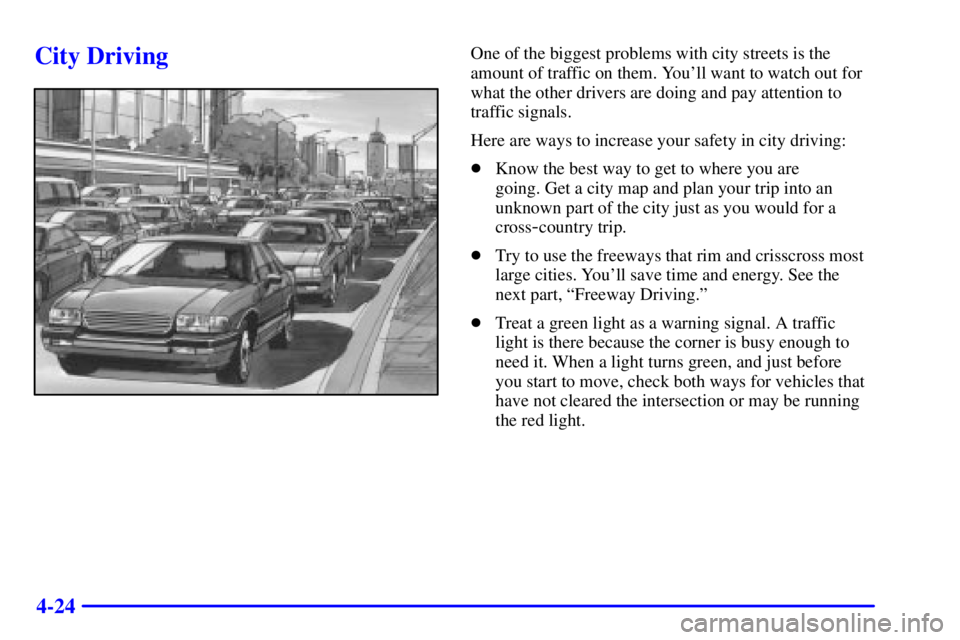
City DrivingOne of the biggest problems with city streets is the
amount of traffic on them. You'll want to watch out for
what the other drivers are doing and pay attention to
traffic signals.
Here are ways to increase your safety in city driving:
�Know the best way to get to where you are
going. Get a city map and plan your trip into an
unknown part of the city just as you would for a
cross
-country trip.
�Try to use the freeways that rim and crisscross most
large cities. You'll save time and energy. See the
next part, ªFreeway Driving.º
�Treat a green light as a warning signal. A traffic
light is there because the corner is busy enough to
need it. When a light turns green, and just before
you start to move, check both ways for vehicles that
have not cleared the intersection or may be running
the red light.
Page 210 of 374
4-30
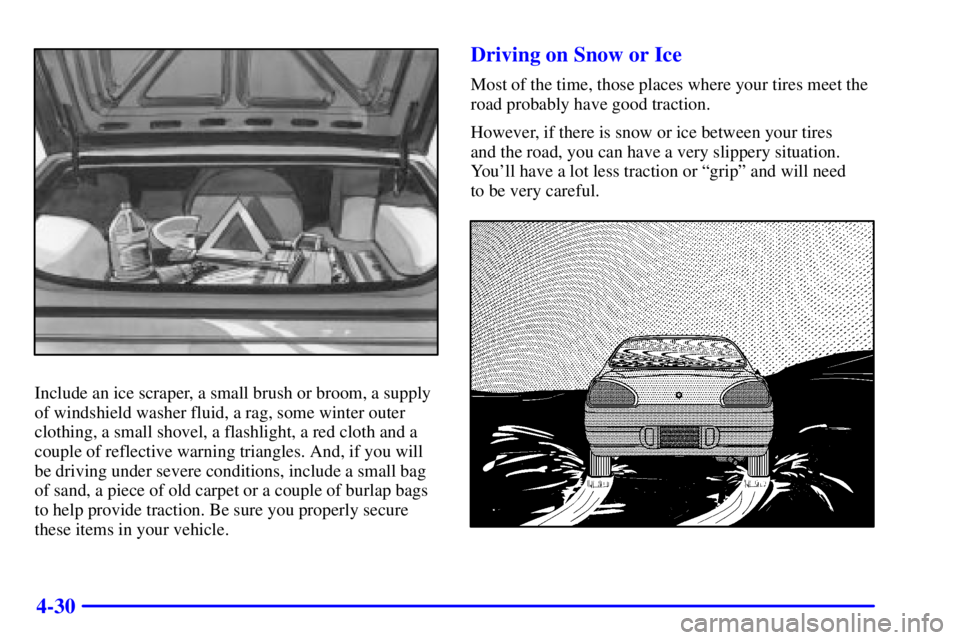
Include an ice scraper, a small brush or broom, a supply
of windshield washer fluid, a rag, some winter outer
clothing, a small shovel, a flashlight, a red cloth and a
couple of reflective warning triangles. And, if you will
be driving under severe conditions, include a small bag
of sand, a piece of old carpet or a couple of burlap bags
to help provide traction. Be sure you properly secure
these items in your vehicle.
Driving on Snow or Ice
Most of the time, those places where your tires meet the
road probably have good traction.
However, if there is snow or ice between your tires
and the road, you can have a very slippery situation.
You'll have a lot less traction or ªgripº and will need
to be very careful.
Page 222 of 374
4-42 Backing Up
Hold the bottom of the steering wheel with one hand.
Then, to move the trailer to the left, just move that hand
to the left. To move the trailer to the right, move your
hand to the right. Always back up slowly and, if
possible, have someone guide you.
Making Turns
NOTICE:
Making very sharp turns while trailering could
cause the trailer to come in contact with the
vehicle. Your vehicle could be damaged. Avoid
making very sharp turns while trailering.
When you're turning with a trailer, make wider turns
than normal. Do this so your trailer won't strike
soft shoulders, curbs, road signs, trees or other
objects. Avoid jerky or sudden maneuvers. Signal well
in advance.
Turn Signals When Towing a Trailer
When you tow a trailer, your vehicle may need a
different turn signal flasher and/or extra wiring. Check
with your dealer. The arrows on your instrument panel
will flash whenever you signal a turn or lane change.
Properly hooked up, the trailer lamps will also flash,
telling other drivers you're about to turn, change lanes
or stop.
When towing a trailer, the arrows on your instrument
panel will flash for turns even if the bulbs on the trailer
are burned out. Thus, you may think drivers behind you
are seeing your signal when they are not. It's important
to check occasionally to be sure the trailer bulbs are
still working.
Your vehicle has bulb warning lights. When you plug a
trailer lighting system into your vehicle's lighting
system, its bulb warning lights may not let you know if
one of your lamps goes out. So, when you have a trailer
lighting system plugged in, be sure to check your
vehicle and trailer lamps from time to time to be sure
they're all working. Once you disconnect the trailer
lamps, the bulb warning lights again can tell you if one
of your vehicle lamps is out.
Page 227 of 374
5-3
Other Warning Devices
If you carry reflective triangles, you can set one up at
the side of the road about 300 feet (100 m) behind
your vehicle.
Jump Starting
If your battery has run down, you may want to use
another vehicle and some jumper cables to start your
vehicle. Be sure to follow the steps listed below to do
it safely.
CAUTION:
Batteries can hurt you. They can be
dangerous because:
�They contain acid that can burn you.
�They contain gas that can explode or ignite.
�They contain enough electricity to burn you.
If you don't follow these steps exactly, some or all
of these things can hurt you.
NOTICE:
Ignoring these steps could result in costly
damage to your vehicle that wouldn't be covered
by your warranty.
The ACDelco� battery in your vehicle has a
built
-in hydrometer. Do not charge, test or jump
start the battery if the hydrometer looks clear
or light yellow. Replace the battery when there
is a clear or light yellow hydrometer and a
cranking complaint.
Trying to start your vehicle by pushing or pulling
it won't work, and it could damage your vehicle.