Page 123 of 374
2-63
Automatic Dimming Feature
The automatic dimming feature is turned on and off by
pressing the far left button, located on the lower part of
the mirror face, for up to three seconds. A light on the
mirror will be lit when the feature is turned on. It will go
out when the feature is turned off.
Temperature Display
The ON/OFF button located on far left on the bottom of
the mirror face changes the temperature display. You can
select �F, �C, or turn the display off.
Compass Operation
There is a compass display in the window in the upper
right corner of the mirror face. The compass displays a
maximum of two characters. For example, NE is
displayed for north
-east.
The compass may need to be calibrated. See ªCompass
Calibrationº in the Index for more information.
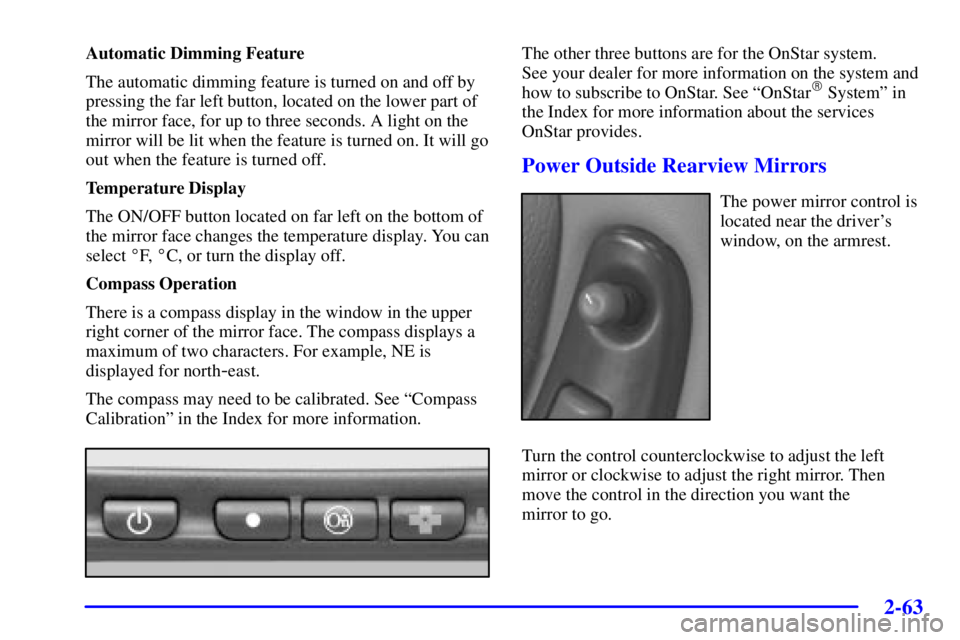
The other three buttons are for the OnStar system.
See your dealer for more information on the system and
how to subscribe to OnStar. See ªOnStar
� Systemº in
the Index for more information about the services
OnStar provides.
Power Outside Rearview Mirrors
The power mirror control is
located near the driver's
window, on the armrest.
Turn the control counterclockwise to adjust the left
mirror or clockwise to adjust the right mirror. Then
move the control in the direction you want the
mirror to go.
Page 135 of 374
2-75
The main components of the instrument panel are the following:
A. Side Window Defogger Vents
B. Fog Lamp Switch
C. Multifunction Lever
D. Instrument Panel Cluster
E. Hazard Warning Button
F. Horn
G. Trip Computer (If Equipped) and/or Driver
Information Center (DIC)
H. Instrument Panel Vents
I. Interior Lamps ControlJ. Exterior Lamps Control
K. Tilt Steering Wheel Control
L. Audio Steering Controls (If Equipped)
M. Head Up Display (HUD) Controls (Option)
N. Comfort Controls
O. Ashtray and Cigarette Lighter
P. Audio System
Q. Glove Box
R. Instrument Panel Fuse Block
Page 137 of 374

2-77
Your vehicle is equipped with this cluster or one very
similar to it. It includes indicator warning lights and
gages that are explained on the following pages. Be sure
to read about them.
Speedometer and Odometer
The speedometer lets you see your speed in both miles
per hour (mph) and kilometers per hour (km/h). The
odometer shows how far the vehicle has been driven in
either miles (used in the United States) or in kilometers
(used in Canada).
The vehicle has a tamper
-resistant odometer. If you see
silver lines between the numbers, you'll know someone
has probably tampered with it and the numbers may not
be correct.
You may wonder what happens if the vehicle needs a
new odometer installed. If the new one can be set to the
mileage total of the old odometer, then that will be done.
If it can't, then it will be set at zero and a label must be
put on the driver's door to show the old mileage reading
when the new odometer was installed.
Trip Odometer
The trip odometer tells how far you have driven since
you last reset it. To set it to zero, press the reset button
located to the right of the instrument panel cluster.
Tachometer
The tachometer displays the engine speed in thousands
of revolutions per minute (rpm).
NOTICE:
Do not operate the engine with the tachometer in
the shaded area, or engine damage may occur.
Page 149 of 374
2-89 Low Oil Level Light
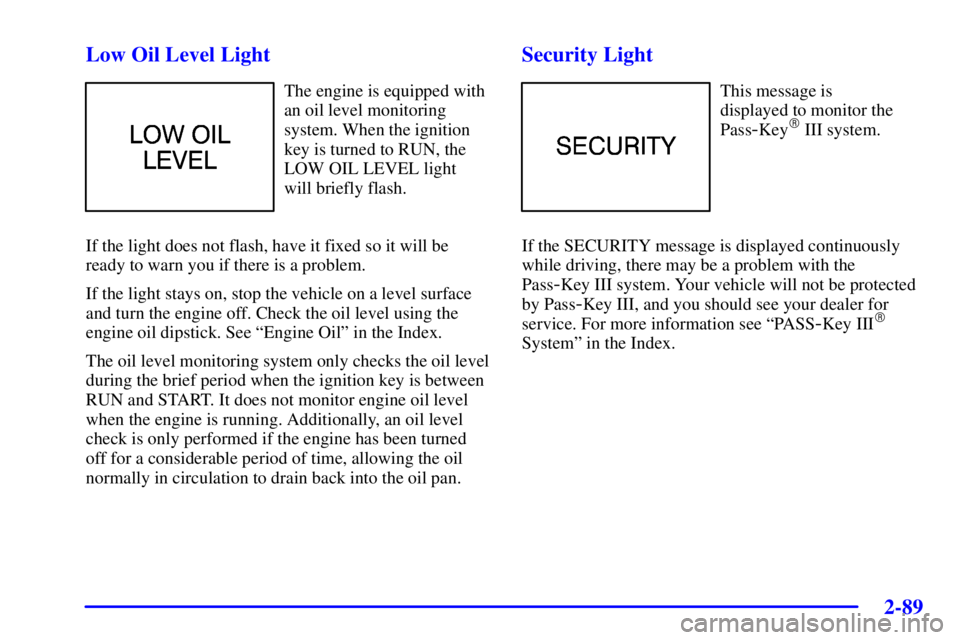
The engine is equipped with
an oil level monitoring
system. When the ignition
key is turned to RUN, the
LOW OIL LEVEL light
will briefly flash.
If the light does not flash, have it fixed so it will be
ready to warn you if there is a problem.
If the light stays on, stop the vehicle on a level surface
and turn the engine off. Check the oil level using the
engine oil dipstick. See ªEngine Oilº in the Index.
The oil level monitoring system only checks the oil level
during the brief period when the ignition key is between
RUN and START. It does not monitor engine oil level
when the engine is running. Additionally, an oil level
check is only performed if the engine has been turned
off for a considerable period of time, allowing the oil
normally in circulation to drain back into the oil pan.
Security Light
This message is
displayed to monitor the
Pass
-Key� III system.
If the SECURITY message is displayed continuously
while driving, there may be a problem with the
Pass
-Key III system. Your vehicle will not be protected
by Pass
-Key III, and you should see your dealer for
service. For more information see ªPASS
-Key III�
Systemº in the Index.
Page 154 of 374
2-94
3800 V6 Supercharged Engine
When you start the engine, the trip computer will display a mode. A lighted oval will appear to the left of the mode
currently being used.
Page 155 of 374

2-95 Control Buttons
The trip computer has three buttons that control its
functions.
ENG/MET (English/Metric): Press this button to
change the display from English to metric units or
metric to English.
RESET: Press this button for two seconds to reset the
mode displayed.
MODE: Press this button to change the mode
being displayed.
Functions
FUEL USED: Shows the total amount of fuel used
since you last reset this mode. The amount can be
displayed in gallons or liters.
AVG ECON (Average Economy): Shows the average
fuel economy since you last reset this mode.
OIL LIFE: Shows a percentage of the oil's remaining
useful life. The system predicts remaining oil life using
data from length of drives, coolant temperature, engine
rpm and vehicle speed. Each time you get an oil change,
be sure to reset this function so that it will give you an
accurate percentage. See ªHow to Reset the GM Oil Life
System�º in the Index.RANGE: Shows how much farther you can travel with
the fuel you have remaining in the gas tank before
refueling. When the range displays L, for 40 to 50 miles
(64.36 to 80.45 km), the display will flash LOW
continuously. The range is calculated from the AVG
ECON value multiplied by the fuel remaining in
the tank.
LOW: This light will come on the vehicle outline when
the ignition is on and the fluid in the washer fluid
container is low.
DOOR AJAR: If one of the doors is left ajar, a light
will appear next to that door on the vehicle outline.
BOOST GAGE: If you have the 3800 V6 supercharged
engine, this gage will show the amount of boost the
engine is receiving.
TRUNK AJAR: If the trunk is not fully closed, the
trunk area will light up on the vehicle outline.
LOW TRAC (Low Traction): This light will come on
when the enhanced traction system (3100 or 3800 V6
engine) or the traction control system (3800
supercharged V6 engine) is limiting wheel spin. See
ªTraction Control Systemº ªEnhanced Traction Systemº
and ªLow Traction Lightº in the Index.
Page 156 of 374

2-96
TRAC OFF (Traction Off) or TCS OFF (Traction
Control System Off): This light lets you know that the
enhanced traction system (3100 or 3800 V6 engine) or
the traction control system (3800 supercharged V6
engine) has been disabled and will not limit wheel spin.
See ªTraction Control System Warning Light,º
ªEnhanced Traction System Warning Lightº and ªLow
Traction Lightº in the Index.
TRAC (Traction) or TCS (Traction Control System):
If the vehicle has the enhanced traction system (3100 or
3800 V6 engine) or the traction control system
(3800 supercharged V6 engine), you will have a disable
button on the far right side of the trip computer. The
enhanced traction system and traction control system are
automatically activated when you turn the ignition on.
This button will activate/deactivate the system. If you
need to disable the system, such as when you are stuck
and are rocking the vehicle back and forth, push this
button. See ªStuck: In Sand, Mud, Ice or Snowº in
the Index.Head-Up Display (HUD) (Option)
CAUTION:
If the HUD image is too bright, or too high in
your field of view, it may take you more time to
see things you need to see when it's dark outside.
Be sure to keep the HUD image dim and placed
low in your field of view.
If you have the Head-Up
Display (HUD), you can
see the speedometer reading
(in English or metric units)
and a brief display of the
current radio station or CD
track, displayed ªthroughº
the windshield.
Page 157 of 374

2-97
When you sit up straight in your seat, the HUD image
will appear straight ahead near the front bumper.
The HUD also shows the following lights when they are
lit on the instrument panel cluster:
�Turn Signal Indicators
�High
-Beam Indicator Symbol
�Low Fuel Symbol
The HUD will display CHECK GAGES when the
following items are lit on the instrument panel cluster:
�Oil Warning Symbol
�Coolant Temperature Symbol
�Charging System Symbol
When the ignition key is turned to RUN, the entire HUD
image will come on. Then the Head
-Up Display will
operate normally.
NOTICE:
Although the HUD image appears to be near
the front of the vehicle, do not use it as a parking
aid. The HUD was not designed for that purpose.
If you try to use it that way, such as in a parking
lot, you may misjudge distance and run
into something.
When the HUD is on, the speedometer reading will be
displayed continually. The current radio station or CD
track number will only be displayed for three seconds
after the radio or CD track status changes. This will
happen whenever one of the radio controls is pressed,
either on the radio itself or on the optional steering
wheel controls.

