Page 79 of 341
76 Rear view mirrors
Te ch n i c a l
data Instruments
and controlsOperationDrivingInstrument
cluster displayPractical hints Car care Index
Important!
Electrolyte drops coming into contact with the vehicle
paint finish can only be completely removed while in
their liquid state, by applying plenty of water.
Storing mirror positions in memory
The exterior rear view mirror positions are stored in
memory with the seat/head restraint position and can
be recalled when necessary, see page 43.
Wa r n i n g !
In the case of an accident liquid electrolyte may
escape the mirror housing when the mirror glass
breaks.Electrolyte has an irritating effect. Do not allow the
liquid to come into contact with eyes, skin,
clothing, or respiratory system. In cases it does,
immediately flush affected area with water, and
seek medical help if necessary.
ProCarManuals.com
Page 82 of 341
79 Instrument cluster
Te ch n i c a l
data Instruments
and controlsOperationDrivingInstrument
cluster displayPractical hints Car care Index 1Push buttonsVandWfor intensity of instrument
lamps, see page 81
2Push buttonJ for resetting trip odometer, see
page 83, or to acknowledge a malfunction or
warning message, see page 100.
3Coolant temperature gauge, see page 82
4Fuel gauge with reserve and fuel cap placement
warning lamp, see page 226
5Outside temperature indicator, see page 82
6Left turn signal indicator lamp, see combination
switch on page 113
7ESP warning lamp, see page 2278Speedometer
9Trip odometer, see page 83
10Main odometer, see page 88
11Multifunction indicator, see page 84
or FSS indicator, see page 105
or engine oil level indicator, see page 108
12Right turn signal indicator lamp, see combination
switch on page 113
13Tachometer, see page 83
14Gear range indicator display, see selector lever
positions on page 194
15Clock, see page 102
ProCarManuals.com
Page 83 of 341
80 Instrument cluster
Te ch n i c a l
data Instruments
and controlsOperationDrivingInstrument
cluster displayPractical hints Car care Index
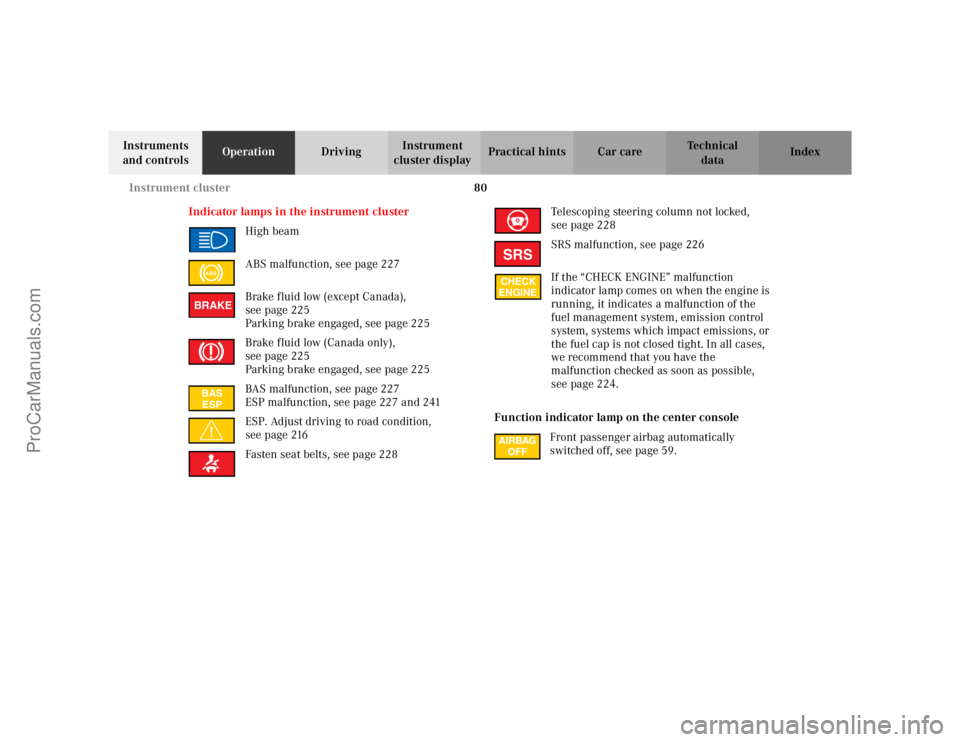
Indicator lamps in the instrument cluster
High beam
ABS malfunction, see page 227
Brake fluid low (except Canada),
seepage225
Parking brake engaged, see page 225
Brake fluid low (Canada only),
seepage225
Parking brake engaged, see page 225
BAS malfunction, see page 227
ESP malfunction, see page 227 and 241
ESP. Adjust driving to road condition,
seepage216
Fasten seat belts, see page 228Telescoping steering column not locked,
seepage228
SRS malfunction, see page 226
If the “CHECK ENGINE” malfunction
indicator lamp comes on when the engine is
running, it indicates a malfunction of the
fuel management system, emission control
system, systems which impact emissions, or
the fuel cap is not closed tight. In all cases,
we recommend that you have the
malfunction checked as soon as possible,
seepage224.
Function indicator lamp on the center console
Front passenger airbag automatically
switched off, see page 59.
ABSBRAKEBAS
ESP
SRSCHECK
ENGINE
ProCarManuals.com
Page 84 of 341
81 Instrument cluster
Te ch n i c a l
data Instruments
and controlsOperationDrivingInstrument
cluster displayPractical hints Car care Index Activating instrument cluster display
The instrument cluster is activated by:
•Opening the door.
•Pressing buttonJ, VorWon the instrument
cluster.
•Turning the electronic key in steering lock to
position 1 or 2.
•Switching on the exterior lamps.
Display illumination
The display for temperature, odometer, multifunction
indicator, FSS indicator and clock is illuminated briefly
when opening the driver’s door.
The display illumination brightness responds
automatically according to changes in the surrounding
light sensitivity.
To briefly illuminate the display (with electronic key
removed or in steering lock position 0), press buttonJ.Instrument lamps
Activate the instrument cluster.
PressVorWbutton to vary intensity of instrument
lamps.
ProCarManuals.com
Page 101 of 341
98 Multifunction steering wheel, multifunction display
Te ch n i c a l
data Instruments
and controlsOperationDrivingInstrument
cluster displayPractical hints Car care Index
Trip computer 1“AFTER START” – trip odometer records distance
from first engine start after more than five hours of
electronic key not being in steering lock position 2
2“AFTER RESET” – trip odometer records distance
from first engine start until reset
3Estimated driving range remaining and fuel tank
contents
4Distance covered “AFTER START” respectively
“AFTER RESET”
5Elapsed time “AFTER START” respectively
“AFTER RESET”
6Average speed “AFTER START” respectively
“AFTER RESET”
7Average fuel consumption “AFTER START”
respectively “AFTER RESET”
ProCarManuals.com
Page 104 of 341
101 Multifunction steering wheel, multifunction display
Te ch n i c a l
data Instruments
and controlsOperationDrivingInstrument
cluster displayPractical hints Car care Index Specific malfunctions can be recalled by pressing
button J. Each malfunction or warning message must
be acknowledged by pressing button J. Once all
messages are cancelled, the odometer display should
reappear.
Pressing the J button in the instrument cluster
immediately switches to the next malfunction message.
The malfunction message memory will be cleared when
the electronic key is turned in the steering lock to
position 1 or 2. Should any subsequent malfunctions
occur, they will be displayed in the malfunction
message memory.
Pressing the è or ÿ button displays the next or
previous system.Important!
Malfunction and warning messages are only indicated
for certain systems and displayed to a low level of detail.
The malfunction and warning messages are simply a
reminder with respect to the operation of certain
systems and do not replace the driver’s responsibility to
maintain the vehicle’s operating safety by having all
required maintenance and safety checks performed on
the vehicle and by bringing the vehicle to an authorized
Mercedes-Benz Center to address the malfunction and
warning messages. See page 224.
ProCarManuals.com
Page 118 of 341
115 Hazard warning flasher
Te ch n i c a l
data Instruments
and controlsOperationDrivingInstrument
cluster displayPractical hints Car care Index Vehicles without rain sensor:
If the vehicle is standing still, the wiper will switch back
to setting I, intermittent wiping.
Windshield wiper smears
If the windshield wiper smears the windshield, even
during rain, activate the washer system as often as
necessary. The fluid in the washer reservoir should be
mixed in the correct ratio, see page 255.
Blocked windshield wiper
If the windshield wiper becomes blocked (for example,
due to snow), switch off the wiper.
For safety reasons before removing ice or snow, remove
electronic key from steering lock. Remove blockage.
Activate combination switch again (electronic key in
steering lock position 1).Hazard warning f lasher switch
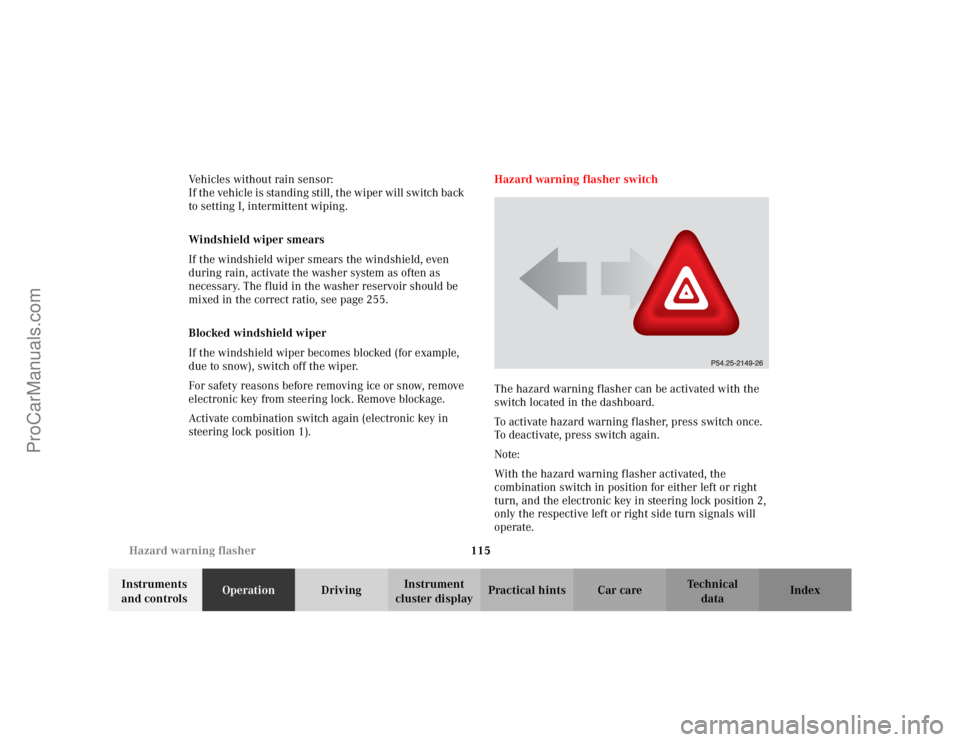
The hazard warning flasher can be activated with the
switch located in the dashboard.
To activate hazard warning flasher, press switch once.
To deactivate, press switch again.
Note:
With the hazard warning flasher activated, the
combination switch in position for either left or right
turn, and the electronic key in steering lock position 2,
only the respective left or right side turn signals will
operate.
ProCarManuals.com
Page 122 of 341
119 Automatic climate control
Te ch n i c a l
data Instruments
and controlsOperationDrivingInstrument
cluster displayPractical hints Car care Index Economy
The function of this setting corresponds to the
automatic mode. However, because the air conditioning
compressor will not engage (fuel savings), it is not
possible to air condition in this setting.
Press S button to activate.
Press S button once again to return to previous
setting.
Special settings (use only for short duration)
Defogging windows
Switch off O button.
Press left and right U buttons.
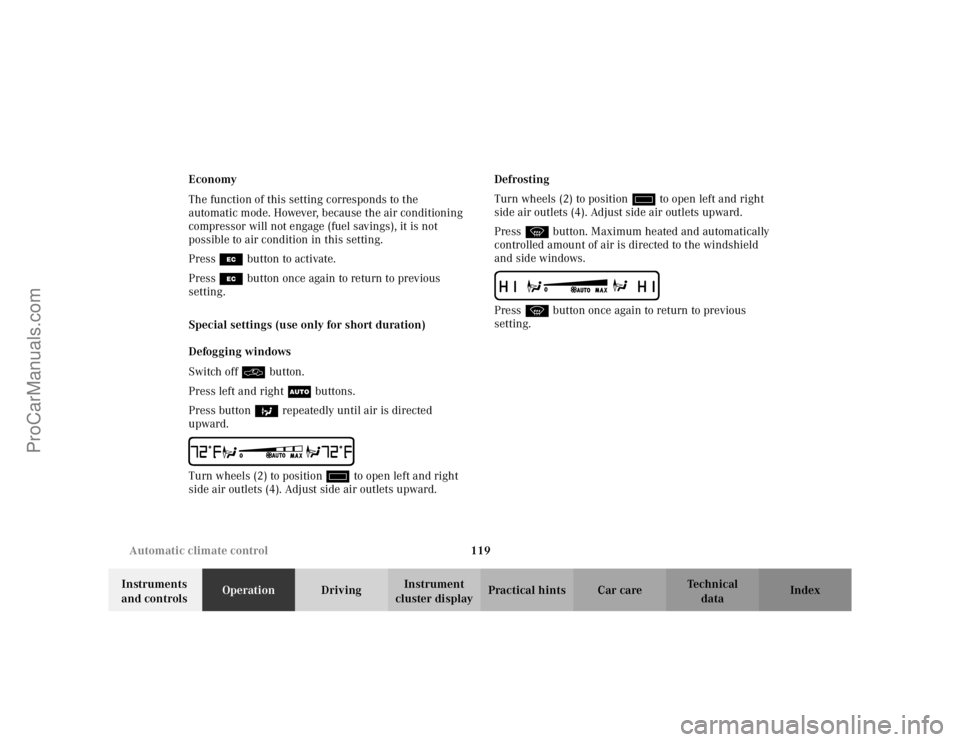
Press button b repeatedly until air is directed
upward.
Turn wheels (2) to position i to open left and right
side air outlets (4). Adjust side air outlets upward.Defrosting
Turn wheels (2) to position i to open left and right
side air outlets (4). Adjust side air outlets upward.
Press P button. Maximum heated and automatically
controlled amount of air is directed to the windshield
and side windows.
Press P button once again to return to previous
setting.
ProCarManuals.com