Page 180 of 399

177
Audio system
Te ch n i c a l
data
Instruments
and controls Operation
DrivingInstrument
cluster display Practical hints Car care Index
Adjusting the volume
Turning the control knob cl
ockwise will increase the
volume, counterclockwise will decrease the volume.
Note:
The volume setting can be selected separately for the
telephone, audio system and voice recognition system.
Audio fu nctions
The “AUD” key is used to select the BASS, TREBLE,
FADER and BALANCE functions. Settings for bass and
treble are stored separately for the radio, cassette and
CD modes. Tone level settings are identified by the
vertical bars. The center (flat) setting is shown by one
longer bar in the center of the display. Bass
Press the “AUD” key
repeatedly until “BASS”
appears on the display.
Press the “+” key to increase
or the “-” key to decrease the level.
Pressing the “+” and “-” keys simultaneously resets the
Bass to its center (flat) level.
Treble
Press the “AUD” key
repeatedly until “TREBLE”
appears on the display.
Press the “+” key to increase
or the “-” key to decrease the level.
Pressing the “+” and “-” keys simultaneously resets the
Treble to its center (flat) level.
ProCarManuals.com
Page 181 of 399
178
Audio system
Te ch n i c a l
data
Instruments
and controls Operation
DrivingInstrument
cluster display Practical hints Car care Index
Fader Press the “AUD” key
repeatedly until “FADER”
appears on the display. Press
the “R” key to move the sound
to the rear speakers or the “F”
key to move the sound to the front speakers.
Pressing the “F” and “R” keys simultaneously resets the
Fader to its center level.
Balance
Press the “AUD” key
repeatedly until “BALANCE”
appears on the display.
Press the “L” key to move the
sound to the left speakers or the “R” key to move the
sound to the right speakers.
Pressing the “L” and “R” keys simultaneously resets the
Balance to its center level. Centering all audio functions
Push and hold down the
“AUD” key. All audio
functions (bass, treble,
balance and fader) are set to
center or flat positions, and
the volume is adjusted to a preset level. “RESET”
appears on the display.
ProCarManuals.com
Page 182 of 399
179
Audio system
Te ch n i c a l
data
Instruments
and controls Operation
DrivingInstrument
cluster display Practical hints Car care Index
Audio system tone level selection
To select the tone level
settings for radio, cassette,
and CD operation press the
key “AUD”. The tone level
settings menu is now
displayed. Press key “EXT”, and “SOUND” appears on
the display.
Press the key “DRV” to adjust the sound to the driver
and co-driver position.
The key “SP” is for “Speech”, optimizing the sound for
spoken language.
The key “AMB” offers “Ambience”, a three-dimensional
sound.
The key “OFF” switches off the tone level setting
selection. Radio mode
Selecting radio mode
Press button.
Selecting the band
Press the key located below
the desired band. The band
selected is shown in the top
line of the display.
Frequency ranges: FM 87.9 -107.9 MHzAM 530 -1710 kHz
WB approx.162 MHz
ProCarManuals.com
Page 184 of 399

181
Audio system
Te ch n i c a l
data
Instruments
and controls Operation
DrivingInstrument
cluster display Practical hints Car care Index
We a t h e r B a n d
Press the “WB” key. The last weather band station is
tuned in.
Use buttons - to select a different station. If
the station cannot be received, the next available station
is selected automatically.
Press button or . The next available station is
tuned in. The message “WB NONE” appears if no station
can be received.
Station memory
Ten stations each in the AM and FM bands can be stored
via the alpha-numeric keypad. The button
corresponds to location 10. Weatherband (WB)
channels 1 to 7 are preset at the factory and can be
retrieved via the alpha-numeric keypad, but cannot be
changed.
Storing stations automatically (Autostore)
Press the “AS” key until the
word “SEARCH” is displayed.
The ten strongest stations are
stored automatically, with having the strongest
signal.
If less than 10 stations are available within receiving
range, only those will be stored.
Pressing a station selection button without a stored
station will not display a frequency for approximately
2 seconds. Thereafter the station selected last will be
displayed.
Note:
Autostore memory is in addition to the regular station
memory. Previously stored stations are not erased.
Briefly press “AS” to leave the Autostore and return to
manual presets. Press “AS” again to call up Autostore.
7PQRS
0OPR
ProCarManuals.com
Page 185 of 399

182
Audio system
Te ch n i c a l
data
Instruments
and controls Operation
DrivingInstrument
cluster display Practical hints Car care Index
Storing stations
Hold the desired number button - down for
approximately 2 seconds. The currently displayed
frequency is stored on the selected station button. The
storage procedure is confirmed by a short signal tone.
Retrieving a station from memory
Press the desired station button - .
Direct frequency input (AM and FM only) Select the band. Press the
“ button and enter the
desired frequency using the
alpha-numeric keypad - . Frequencies outside of
the frequency ranges (frequencies specified on
page 179) will not be accepted. The frequency input
mode is cancelled if no button is pressed within
4seconds. Cassette mode
Playing cassettes
Press the button. When the button is pressed,
the display folds down and the cassette slot becomes
visible. Push the cassette gently into the slot until it
engages. The cassette will be pulled in automatically.
Note:
Do not press directly on the display face.
Return the display panel to its normal position by
folding it back up and pressing gently on the display
frame to lock in place.
Important!
If the display is in the down position for more than
20 seconds, 2 successive beeps will be heard. This will
continue at 5 second intervals until the display is
returned to its normal position.
0OPR0OPR
0OPR
TAPE
EJ
ProCarManuals.com
Page 187 of 399

184
Audio system
Te ch n i c a l
data
Instruments
and controls Operation
DrivingInstrument
cluster display Practical hints Car care Index
Track selection Press the track selection
“TRK” key. The current track
will be displayed as “SIDE 1”
or “SIDE 2”. The track will be
changed automatically at the
end of the tape.
Track search forward/backward Press the button.
“SEEK FWD” will be shown on
the display and the track
search will run the tape
forward to the start of the next
track.
Press the button.
“SEEK RWD” will be shown
on the display and the track
search will run the tape
backward to the start of the
track currently playing. Track search can be interrupted
by pressing the same button again. Note:
The beginning of a track can only be located if there is a
break of at least 4 seconds between tracks.
Fast forward/reverse
Press the button.
“FORWARD” will appear on
the display and fast forward
will start.
Press the button.
“REWIND” will appear on the
display and fast reverse will
start.
Fast forward/reverse is stopped by pressing the same
button again, or it will stop automatically at the
beginning or the end of the tape. The track will
automatically change at the end or beginning of the tape
and play will begin.
ProCarManuals.com
Page 188 of 399

185
Audio system
Te ch n i c a l
data
Instruments
and controls Operation
DrivingInstrument
cluster display Practical hints Car care Index
Scanning
Press the button. “SEEK
FWD” will appear on the
display. Each track will be
played for 8 seconds in
ascending order. The search
will stop if any of the , , , ,
buttons are pressed.
Skipping of blank sections (Skip-Blank)
Press the “SB” key. The Skip-
Blank function is switched on
or off. When switched on, the
“SB” on the display is
highlighted.
With the “SB” function activated and no sound signal
received for approximately 10 to 15 seconds, the tape
will fast forward to the next sound signal. Dolby NR
1 (noise reduction system)
To enable optimum sound
reproduction of cassettes
recorded using the Dolby B
system, press the “NR” key so
the “NR” on the display is
highlighted. To turn off Dolby B noise reduction, press
the “NR” key so the “NR” on the display is not
highlighted.
1 Dolby and the double-D symbol
Ù
are trademarks of Dolby
Laboratories Licensing Corporation. The Dolby noise reduction
system is manufactured under licence from Dolby Laboratories
Licensing Corporation.
SC #
SC #
ProCarManuals.com
Page 192 of 399
189
Audio system
Te ch n i c a l
data
Instruments
and controls Operation
DrivingInstrument
cluster display Practical hints Car care Index
Fast forward/reverse
Press and hold the button for audible fast forward.
Press and hold the button for audible reverse.
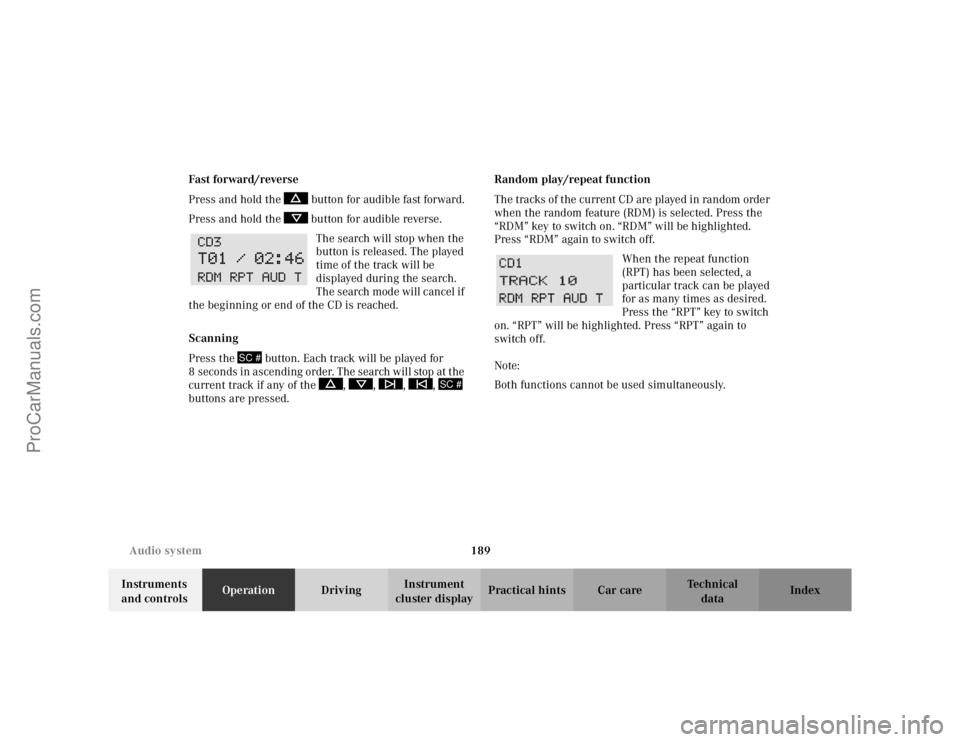
The search will stop when the
button is released. The played
time of the track will be
displayed during the search.
The search mode will cancel if
the beginning or end of the CD is reached.
Scanning
Press the button. Each track will be played for
8 s econ d s i n as cen di ng or de r. The s earch will stop at t he
current track if any of the , , , ,
buttons are pressed. Random play/repeat function
The tracks of the current CD are played in random order
when the random feature (RDM) is selected. Press the
“RDM” key to switch on. “RDM” will be highlighted.
Press “RDM” again to switch off.
When the repeat function
(RPT) has been selected, a
particular track can be played
for as many times as desired.
Press the “RPT” key to switch
on. “RPT” will be highlighted. Press “RPT” again to
switch off.
Note:
Both functions cannot be used simultaneously.
SC #
SC #
ProCarManuals.com

