Page 102 of 280
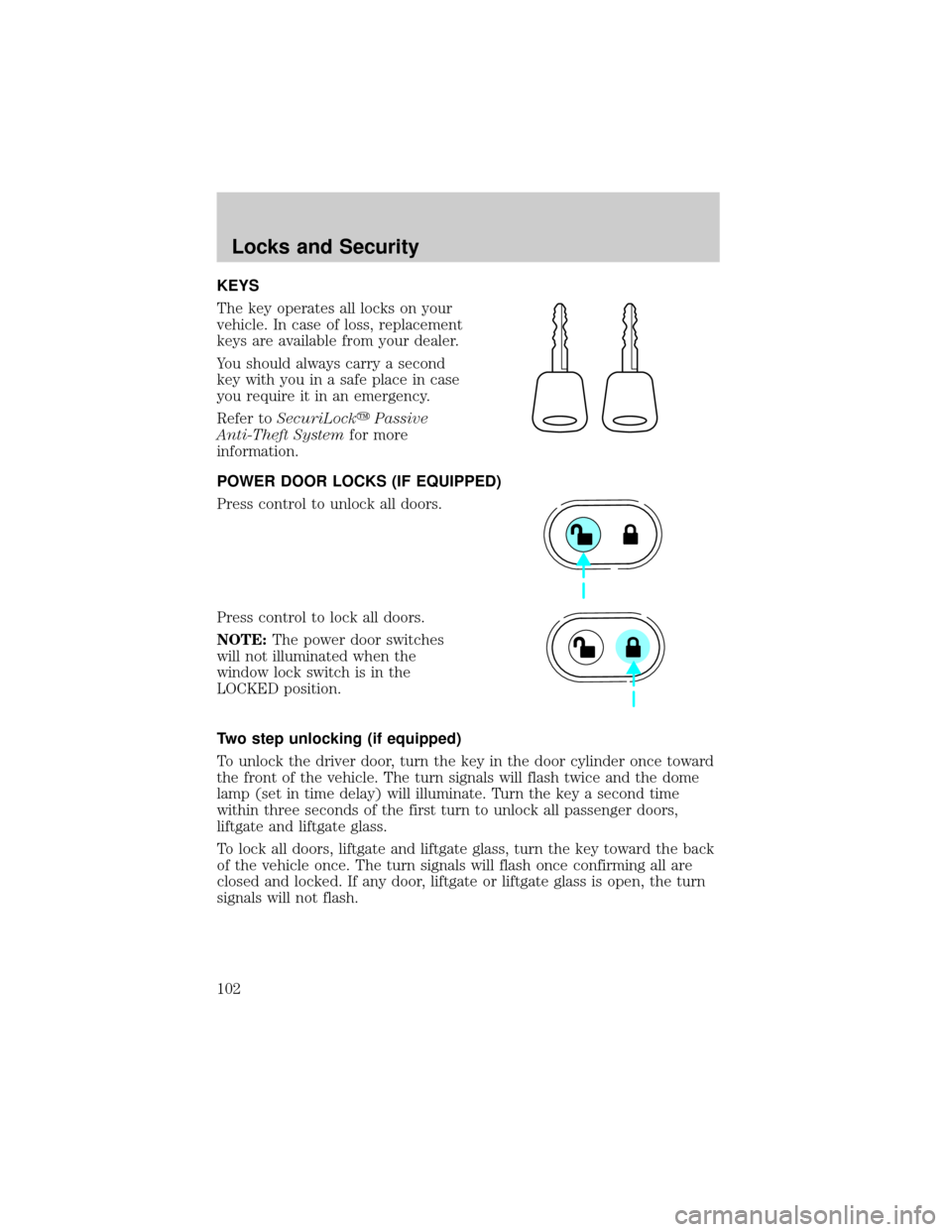
KEYS
The key operates all locks on your
vehicle. In case of loss, replacement
keys are available from your dealer.
You should always carry a second
key with you in a safe place in case
you require it in an emergency.
Refer toSecuriLockyPassive
Anti-Theft Systemfor more
information.
POWER DOOR LOCKS (IF EQUIPPED)
Press control to unlock all doors.
Press control to lock all doors.
NOTE:The power door switches
will not illuminated when the
window lock switch is in the
LOCKED position.
Two step unlocking (if equipped)
To unlock the driver door, turn the key in the door cylinder once toward
the front of the vehicle. The turn signals will flash twice and the dome
lamp (set in time delay) will illuminate. Turn the key a second time
within three seconds of the first turn to unlock all passenger doors,
liftgate and liftgate glass.
To lock all doors, liftgate and liftgate glass, turn the key toward the back
of the vehicle once. The turn signals will flash once confirming all are
closed and locked. If any door, liftgate or liftgate glass is open, the turn
signals will not flash.
Locks and Security
102
Page 105 of 280

Replacing the battery
The transmitter is powered by one coin type three-volt lithium battery
CR2032 or equivalent. Typical operating range will allow you to be up to
10 meters (33 feet) away from your vehicle. A decrease in operating
range can be caused by:
²weather conditions
²nearby radio towers
²structures around the vehicle
²other vehicles parked next to the vehicle
To replace the battery:
1. Twist a thin coin between the two
halves of the transmitter near the
key ring. DO NOT TAKE THE
FRONT PART OF THE
TRANSMITTER APART.
2. Place the positive (+) side of new
battery in the same orientation.
Refer to the diagram inside the
transmitter unit.
3. Snap the two halves back
together.
Replacing lost transmitters
If a remote transmitter has been lost
and you would like to remove it
from the vehicle's memory, or you
would like to purchase additional
remote transmitters and have them
programmed to your vehicle:
²Takeallyour vehicle's
transmitters to your dealer for
programming, or
²Perform the programming
procedure yourself
Locks and Security
105
Page 109 of 280
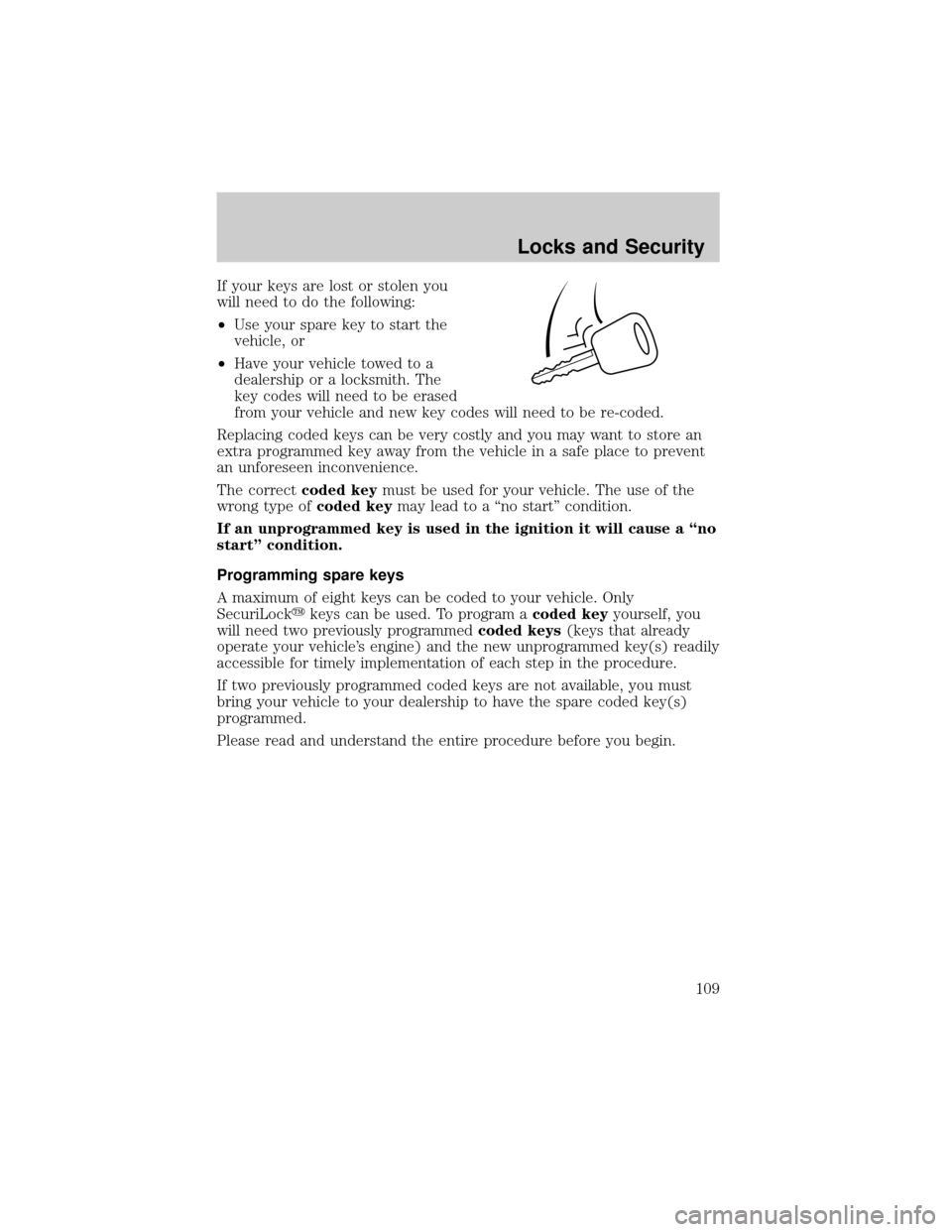
If your keys are lost or stolen you
will need to do the following:
²Use your spare key to start the
vehicle, or
²Have your vehicle towed to a
dealership or a locksmith. The
key codes will need to be erased
from your vehicle and new key codes will need to be re-coded.
Replacing coded keys can be very costly and you may want to store an
extra programmed key away from the vehicle in a safe place to prevent
an unforeseen inconvenience.
The correctcoded keymust be used for your vehicle. The use of the
wrong type ofcoded keymay lead to a ªno startº condition.
If an unprogrammed key is used in the ignition it will cause a ªno
startº condition.
Programming spare keys
A maximum of eight keys can be coded to your vehicle. Only
SecuriLockykeys can be used. To program acoded keyyourself, you
will need two previously programmedcoded keys(keys that already
operate your vehicle's engine) and the new unprogrammed key(s) readily
accessible for timely implementation of each step in the procedure.
If two previously programmed coded keys are not available, you must
bring your vehicle to your dealership to have the spare coded key(s)
programmed.
Please read and understand the entire procedure before you begin.
Locks and Security
109
Page 118 of 280
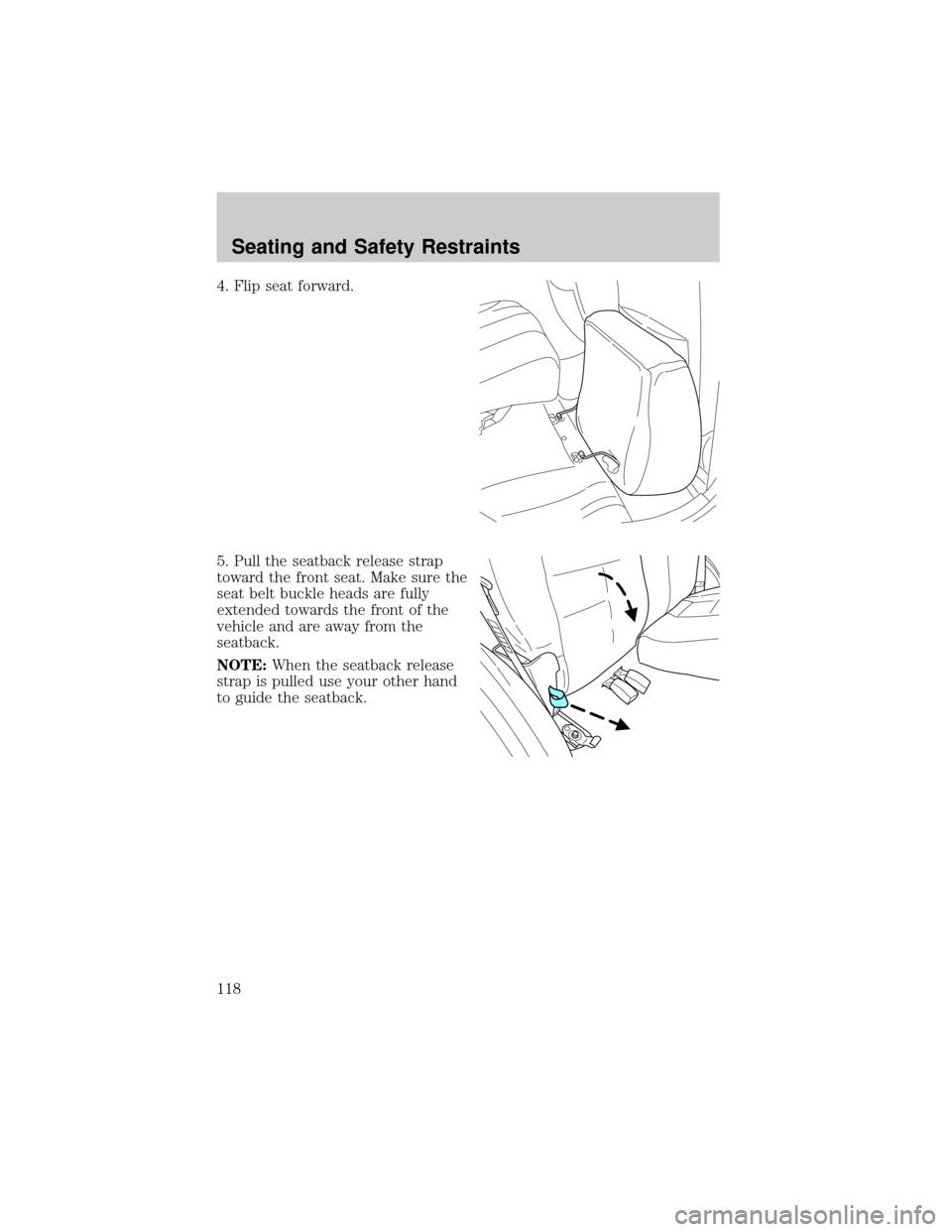
4. Flip seat forward.
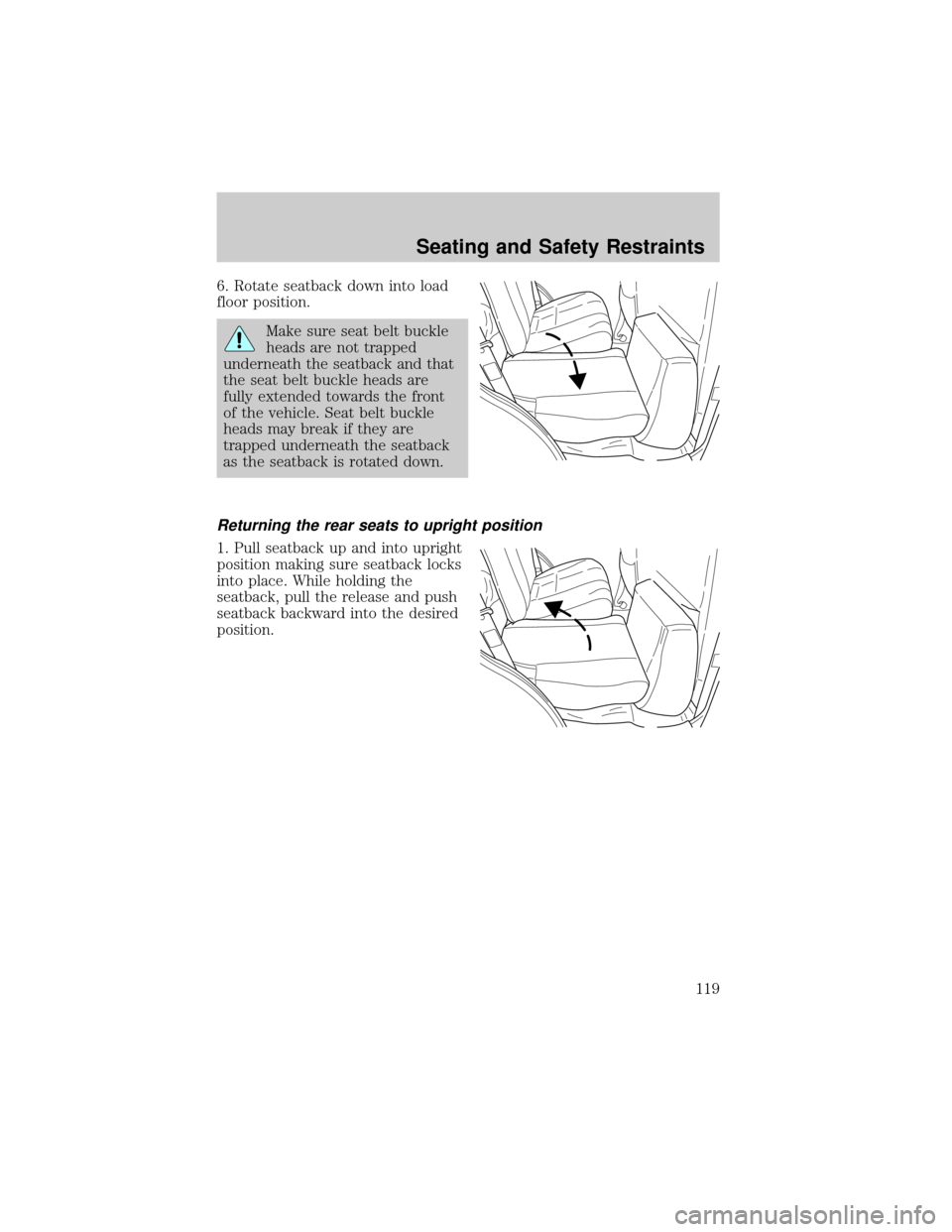
5. Pull the seatback release strap
toward the front seat. Make sure the
seat belt buckle heads are fully
extended towards the front of the
vehicle and are away from the
seatback.
NOTE:When the seatback release
strap is pulled use your other hand
to guide the seatback.
Seating and Safety Restraints
118
Page 119 of 280
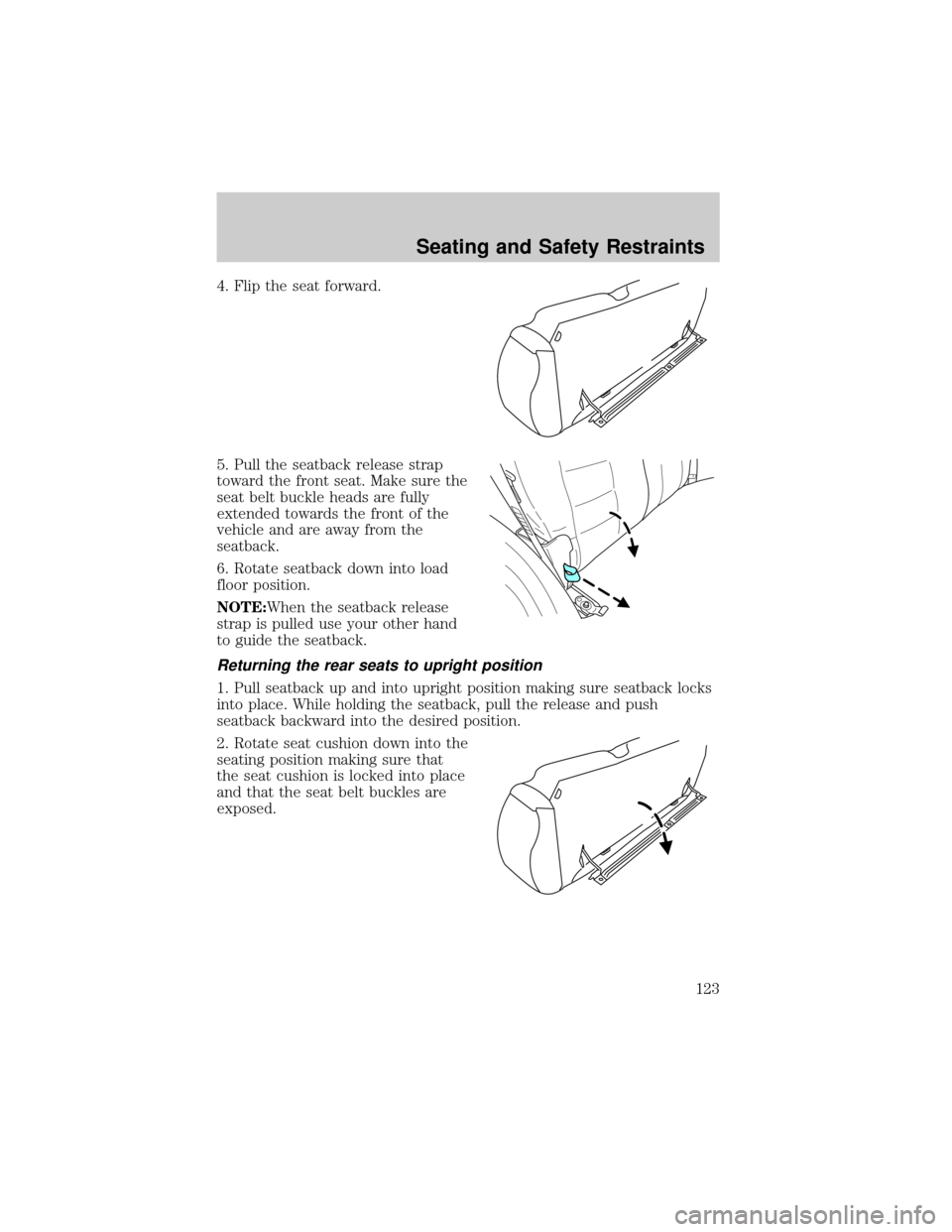
6. Rotate seatback down into load
floor position.
Make sure seat belt buckle
heads are not trapped
underneath the seatback and that
the seat belt buckle heads are
fully extended towards the front
of the vehicle. Seat belt buckle
heads may break if they are
trapped underneath the seatback
as the seatback is rotated down.
Returning the rear seats to upright position
1. Pull seatback up and into upright
position making sure seatback locks
into place. While holding the
seatback, pull the release and push
seatback backward into the desired
position.
Seating and Safety Restraints
119
Page 123 of 280
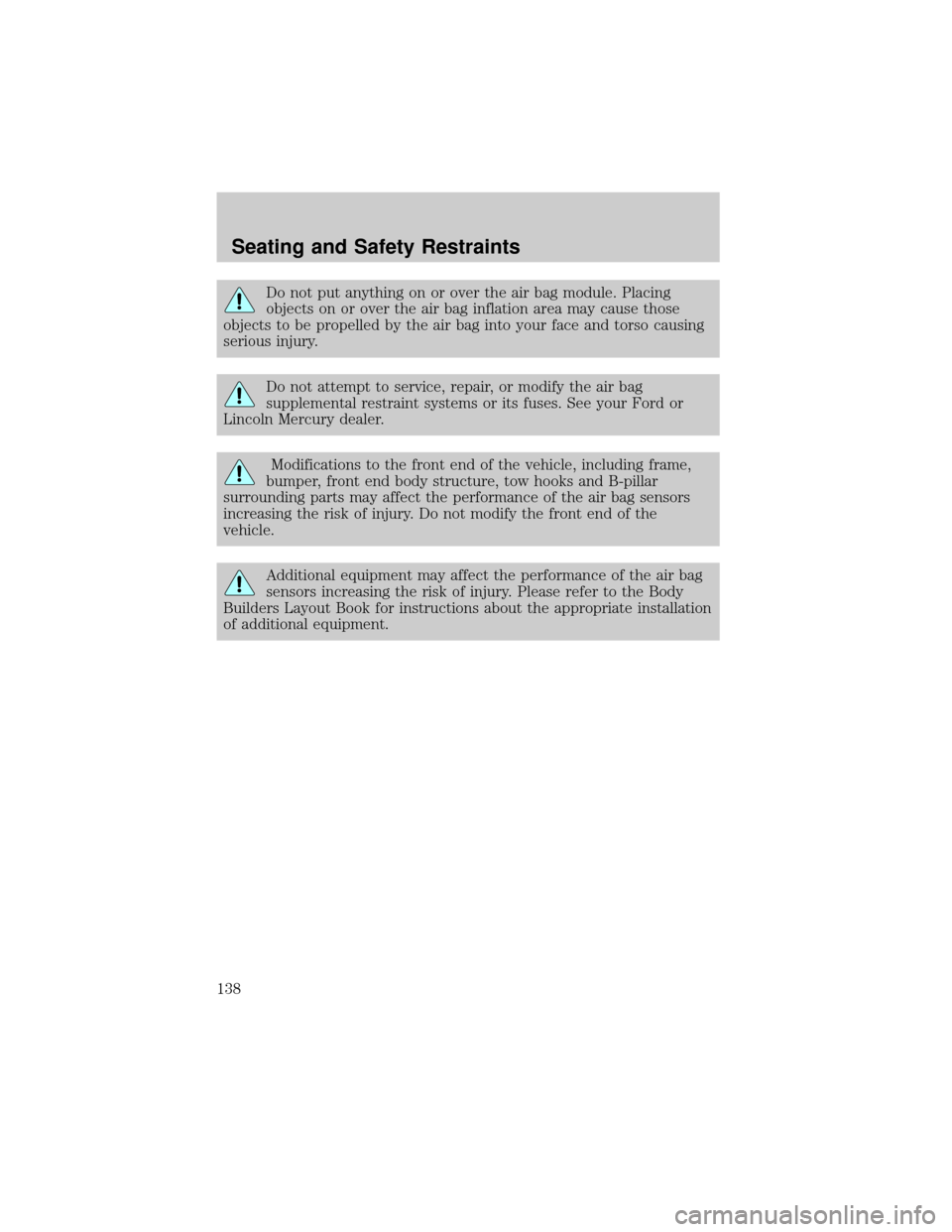
4. Flip the seat forward.
5. Pull the seatback release strap
toward the front seat. Make sure the
seat belt buckle heads are fully
extended towards the front of the
vehicle and are away from the
seatback.
6. Rotate seatback down into load
floor position.
NOTE:When the seatback release
strap is pulled use your other hand
to guide the seatback.
Returning the rear seats to upright position
1. Pull seatback up and into upright position making sure seatback locks
into place. While holding the seatback, pull the release and push
seatback backward into the desired position.
2. Rotate seat cushion down into the
seating position making sure that
the seat cushion is locked into place
and that the seat belt buckles are
exposed.
Seating and Safety Restraints
123
Page 138 of 280
Do not put anything on or over the air bag module. Placing
objects on or over the air bag inflation area may cause those
objects to be propelled by the air bag into your face and torso causing
serious injury.
Do not attempt to service, repair, or modify the air bag
supplemental restraint systems or its fuses. See your Ford or
Lincoln Mercury dealer.
Modifications to the front end of the vehicle, including frame,
bumper, front end body structure, tow hooks and B-pillar
surrounding parts may affect the performance of the air bag sensors
increasing the risk of injury. Do not modify the front end of the
vehicle.
Additional equipment may affect the performance of the air bag
sensors increasing the risk of injury. Please refer to the Body
Builders Layout Book for instructions about the appropriate installation
of additional equipment.
Seating and Safety Restraints
138
Page 149 of 280
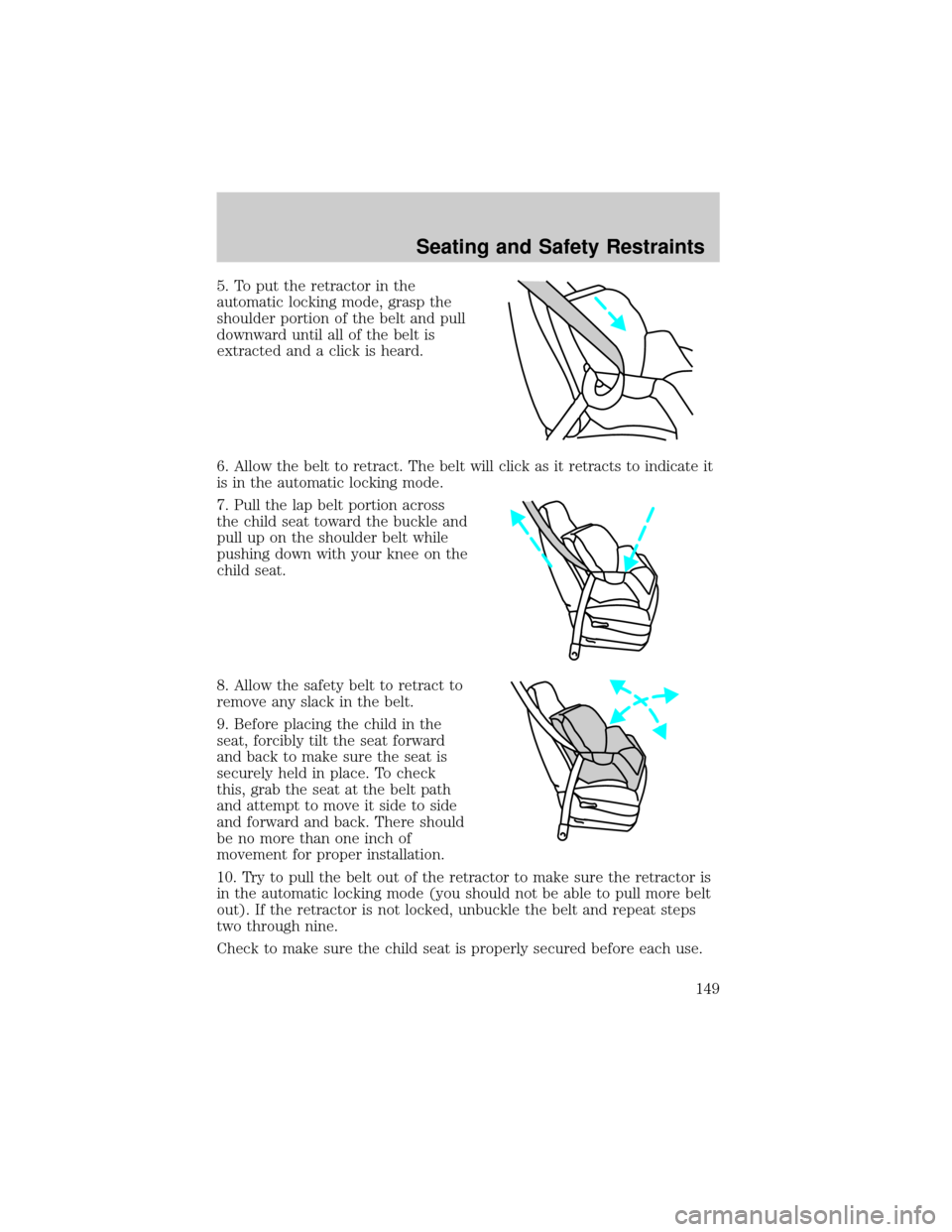
5. To put the retractor in the
automatic locking mode, grasp the
shoulder portion of the belt and pull
downward until all of the belt is
extracted and a click is heard.
6. Allow the belt to retract. The belt will click as it retracts to indicate it
is in the automatic locking mode.
7. Pull the lap belt portion across
the child seat toward the buckle and
pull up on the shoulder belt while
pushing down with your knee on the
child seat.
8. Allow the safety belt to retract to
remove any slack in the belt.
9. Before placing the child in the
seat, forcibly tilt the seat forward
and back to make sure the seat is
securely held in place. To check
this, grab the seat at the belt path
and attempt to move it side to side
and forward and back. There should
be no more than one inch of
movement for proper installation.
10. Try to pull the belt out of the retractor to make sure the retractor is
in the automatic locking mode (you should not be able to pull more belt
out). If the retractor is not locked, unbuckle the belt and repeat steps
two through nine.
Check to make sure the child seat is properly secured before each use.
Seating and Safety Restraints
149