Page 113 of 397
2-47
Tilt Wheel
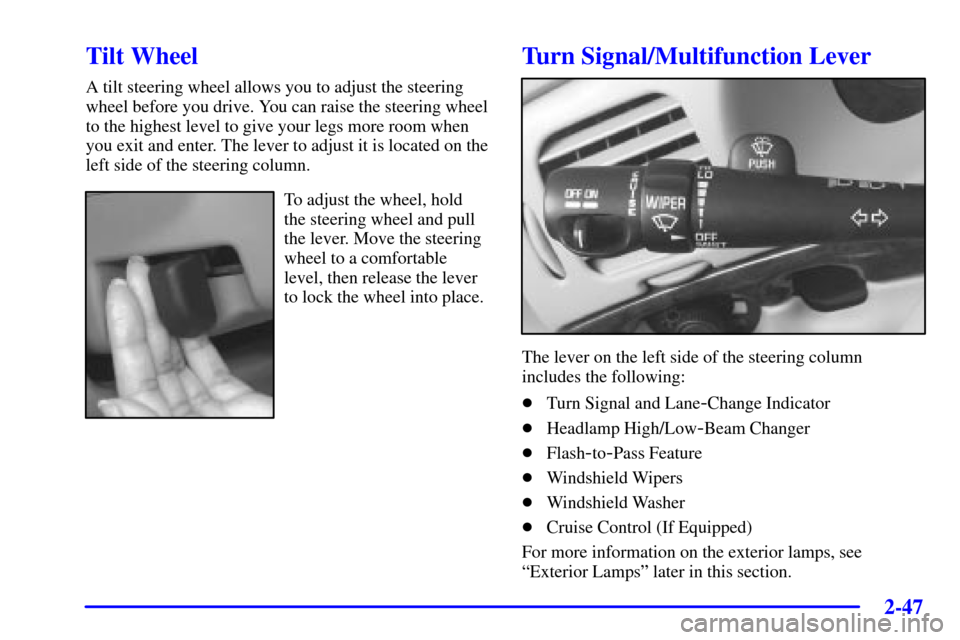
A tilt steering wheel allows you to adjust the steering
wheel before you drive. You can raise the steering wheel
to the highest level to give your legs more room when
you exit and enter. The lever to adjust it is located on the
left side of the steering column.
To adjust the wheel, hold
the steering wheel and pull
the lever. Move the steering
wheel to a comfortable
level, then release the lever
to lock the wheel into place.
Turn Signal/Multifunction Lever
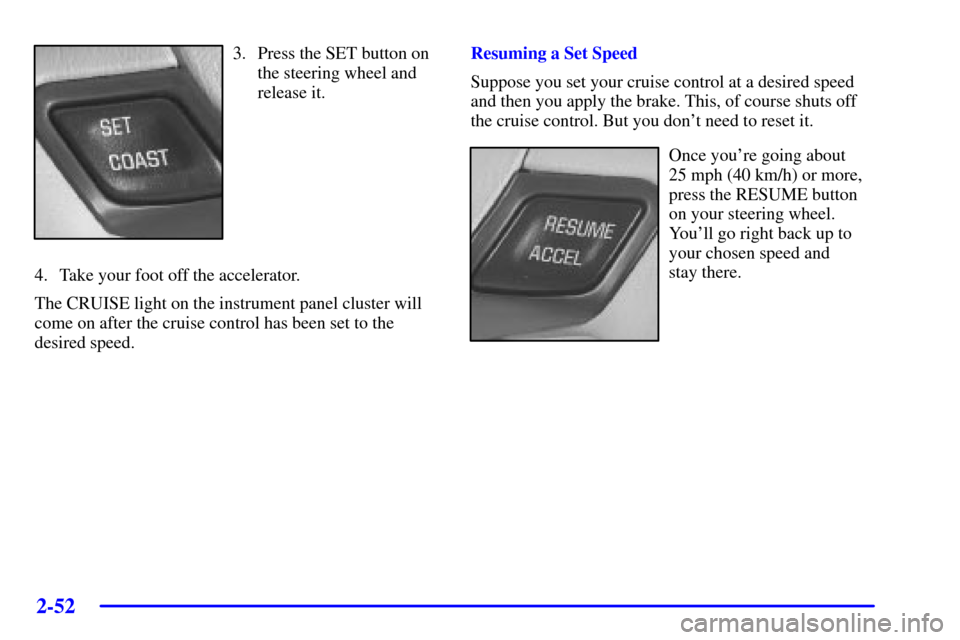
The lever on the left side of the steering column
includes the following:
�Turn Signal and Lane
-Change Indicator
�Headlamp High/Low
-Beam Changer
�Flash
-to-Pass Feature
�Windshield Wipers
�Windshield Washer
�Cruise Control (If Equipped)
For more information on the exterior lamps, see
ªExterior Lampsº later in this section.
Page 118 of 397
2-52
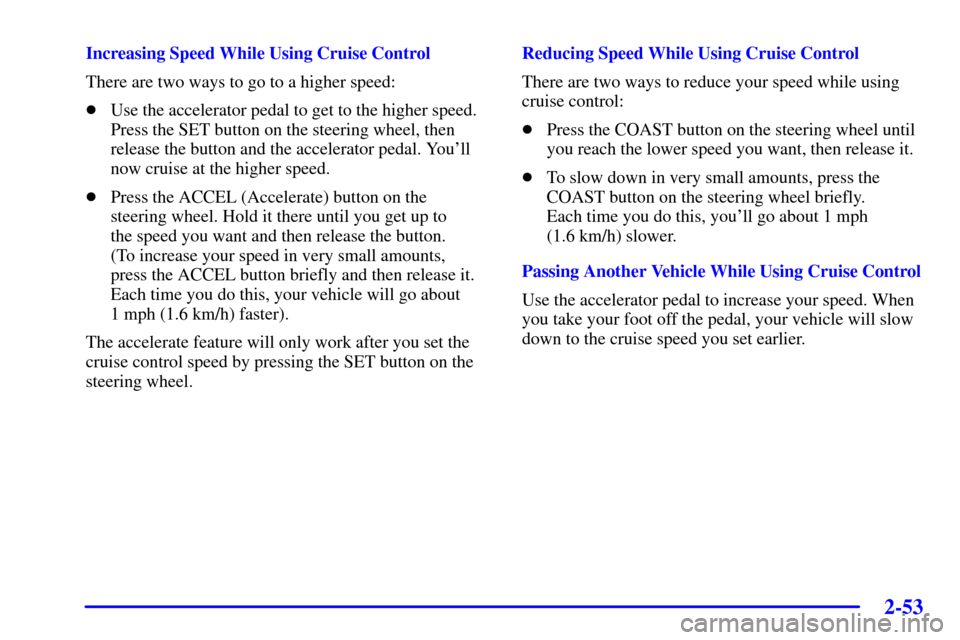
3. Press the SET button on
the steering wheel and
release it.
4. Take your foot off the accelerator.
The CRUISE light on the instrument panel cluster will
come on after the cruise control has been set to the
desired speed.Resuming a Set Speed
Suppose you set your cruise control at a desired speed
and then you apply the brake. This, of course shuts off
the cruise control. But you don't need to reset it.
Once you're going about
25 mph (40 km/h) or more,
press the RESUME button
on your steering wheel.
You'll go right back up to
your chosen speed and
stay there.
Page 119 of 397
2-53
Increasing Speed While Using Cruise Control
There are two ways to go to a higher speed:
�Use the accelerator pedal to get to the higher speed.
Press the SET button on the steering wheel, then
release the button and the accelerator pedal. You'll
now cruise at the higher speed.
�Press the ACCEL (Accelerate) button on the
steering wheel. Hold it there until you get up to
the speed you want and then release the button.
(To increase your speed in very small amounts,
press the ACCEL button briefly and then release it.
Each time you do this, your vehicle will go about
1 mph (1.6 km/h) faster).
The accelerate feature will only work after you set the
cruise control speed by pressing the SET button on the
steering wheel.Reducing Speed While Using Cruise Control
There are two ways to reduce your speed while using
cruise control:
�Press the COAST button on the steering wheel until
you reach the lower speed you want, then release it.
�To slow down in very small amounts, press the
COAST button on the steering wheel briefly.
Each time you do this, you'll go about 1 mph
(1.6 km/h) slower.
Passing Another Vehicle While Using Cruise Control
Use the accelerator pedal to increase your speed. When
you take your foot off the pedal, your vehicle will slow
down to the cruise speed you set earlier.
Page 120 of 397
2-54
Using Cruise Control on Hills
How well your cruise control will work on hills depends
upon your speed, load and the steepness of the hills.
When going up steep hills, you may have to step on the
accelerator pedal to maintain your speed. When going
downhill, you may have to brake or shift to a lower gear
to keep your speed down. Of course, applying the brake
takes you out of cruise control. Many drivers find this to
be too much trouble and don't use cruise control on
steep hills.
Ending Cruise Control
There are three ways to cancel the cruise control:
�Step lightly on the brake pedal.
�Slide the lever on the turn signal lever to the left to
the OFF position.
�Press the COAST and ACCEL buttons at the
same time.
Erasing Cruise Speed Memory
When you turn off the cruise control or the ignition,
your cruise control set speed memory is erased.Exterior Lamps
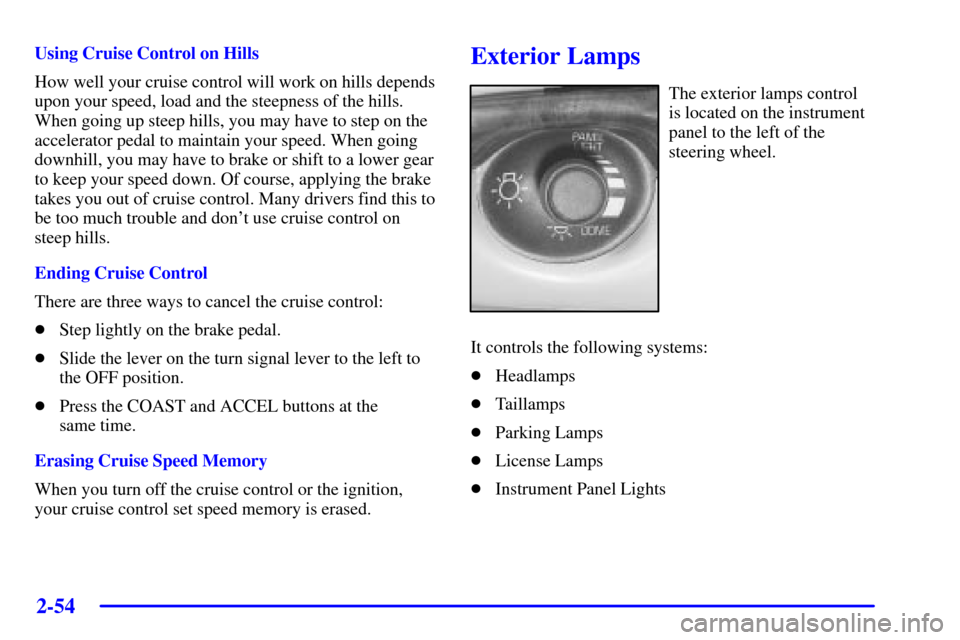
The exterior lamps control
is located on the instrument
panel to the left of the
steering wheel.
It controls the following systems:
�Headlamps
�Taillamps
�Parking Lamps
�License Lamps
�Instrument Panel Lights
Page 122 of 397
2-56 Delayed Headlamp Illumination
Delayed headlamp illumination provides a period of
exterior lighting as you leave the area. The feature is
activated when the headlamps are on due to the
automatic headlamp control feature described previously
in this section, and when the ignition is turned off. Your
headlamps will then remain on until the exterior lamps
control is moved from OFF to the parking lamp position
or until either a 30 second or 60 second lighting period
has ended.
If you turn off the ignition with the headlamp switch in
the parking lamp or headlamp position, the delayed
headlamp illumination cycle will not occur.
To disable the delayed headlamp illumination feature or
change the time of delay, see ªVehicle Customization
Settingsº in the Index.
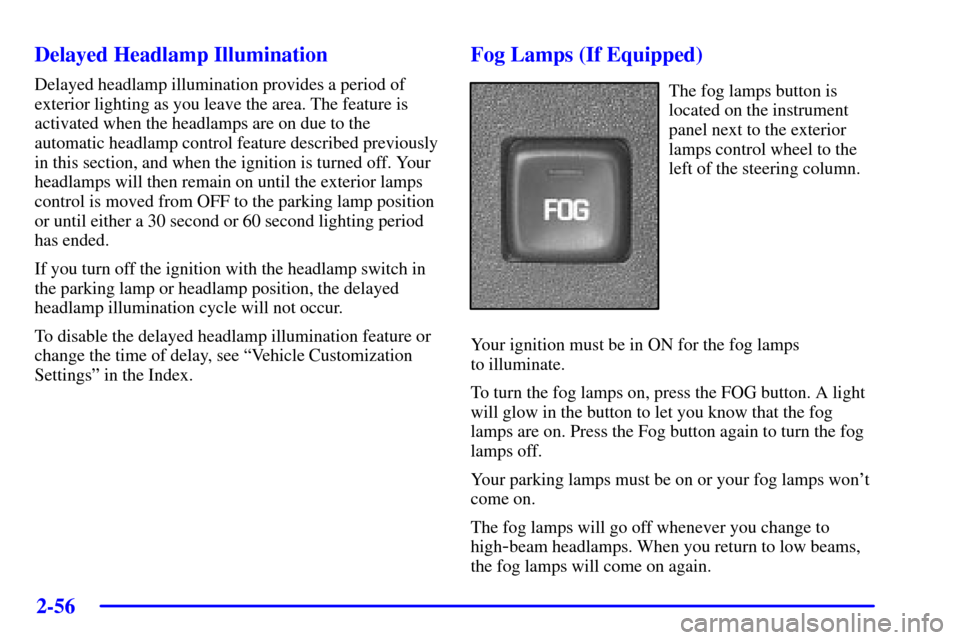
Fog Lamps (If Equipped)
The fog lamps button is
located on the instrument
panel next to the exterior
lamps control wheel to the
left of the steering column.
Your ignition must be in ON for the fog lamps
to illuminate.
To turn the fog lamps on, press the FOG button. A light
will glow in the button to let you know that the fog
lamps are on. Press the Fog button again to turn the fog
lamps off.
Your parking lamps must be on or your fog lamps won't
come on.
The fog lamps will go off whenever you change to
high
-beam headlamps. When you return to low beams,
the fog lamps will come on again.
Page 136 of 397
2-70
Volume Control: You can control the volume of
the OnStar System using either the volume knob
on the radio or using the optional steering wheel
volume control.
Telltale Light: This light will indicate the status of
the system. A solid green light will come on when you
start the vehicle to let you know that the system is on
and is ready to make or receive calls.
If the light blinks green it means that an incoming or
outgoing call is in progress. Press the Communication
button if you notice the light blinking and you are not
on a call.
The light will be red in the event of an OnStar system
malfunction. If this occurs press the OnStar Services
button to attempt to contact an advisor. If the connection
is made, the advisor will assist you with steps to take to
make sure that the system is functioning properly. If you
cannot contact the advisor, take your vehicle to your
dealership as soon as possible for assistance.
Cellular Antenna
The cellular antenna on the outside of your vehicle is
critical to effective communications using the OnStar
system. Optimum cellular reception can be obtained
when the mast is straight up and down.
OnStar Services
The following services are available within OnStar
service plans. Your vehicle comes with a specific
one
-year service plan that allows use of some or all of
the following services.
Automatic Notification of Air Bag Deployment: If an
air bag deploys, a priority emergency signal is
automatically sent to the center. An advisor will locate
your vehicle's position, try to contact you and assist you
in the situation. If the center is unable to contact you,
an emergency service provider will be contacted.
Stolen Vehicle Tracking: Call the center at
1
-888-4-ONSTAR (1-888-466-7827) to report your
vehicle stolen. The system can then attempt to locate
and track your vehicle and the advisor will assist the
proper authorities.
Roadside Assistance with Location: For vehicle
breakdowns, press the OnStar Services button.
An advisor will contact the appropriate help.
Page 145 of 397
2-79
The main components of your instrument panel are listed here:
A. Instrument Panel Fuse Block
B. Traction Control On/Off Button (If Equipped)
C. Multifunction Lever
D. Audio Steering Wheel Controls (Option)
E. Hazard Warning Flasher Button
F. Audio System
G. Air Vent
H. Exterior Lamps ControlI. Remote Trunk Release Button
J. Tilt Steering Wheel Lever
K. Hood Release
L. Steering Wheel Cruise Control (If Equipped)
M. Ignition Switch
N. Center Console Shift Lever (If Equipped)
O. Climate Controls
P. Glove Box
Page 173 of 397
3-
3-1
Section 3 Comfort Controls and Audio Systems
In this section, you'll find out how to operate the comfort control and audio systems offered with your vehicle.
Be sure to read about the particular systems supplied with your vehicle.
3
-2 Comfort Controls
3
-2 Dual ComforTemp� Climate Controls
3
-4 Air Conditioning
3
-4 Heating
3
-4 Ventilation
3
-4 Defogging and Defrosting
3
-5 Rear Window Defogger
3
-6 Ventilation System
3
-7 Audio Systems
3
-7 Setting the Clock
3
-7AM-FM Stereo with Cassette Tape Player
with Radio Data System (RDS) and Automatic
Tone Control
3
-16 AM-FM Stereo with Compact Disc Player
with Radio Data System (RDS) and Automatic
Tone Control (If Equipped)3
-25 AM-FM Stereo with Cassette Tape and
Compact Disc Player with Radio Data
System (RDS) and Automatic Tone Control
(If Equipped)
3
-35 Theft-Deterrent Feature
3
-36 Audio Steering Wheel Controls (If Equipped)
3
-37 Understanding Radio Reception
3
-37 Tips About Your Audio System
3
-38 Care of Your Cassette Tape Player
3
-39 Care of Your Compact Discs
3
-39 Care of Your Compact Disc Player
3
-39 Backglass Antenna
3
-40 Vehicle Customization Settings
3
-40 Chime Level Adjustment