1-3 Manual Lumbar Support (If Equipped)
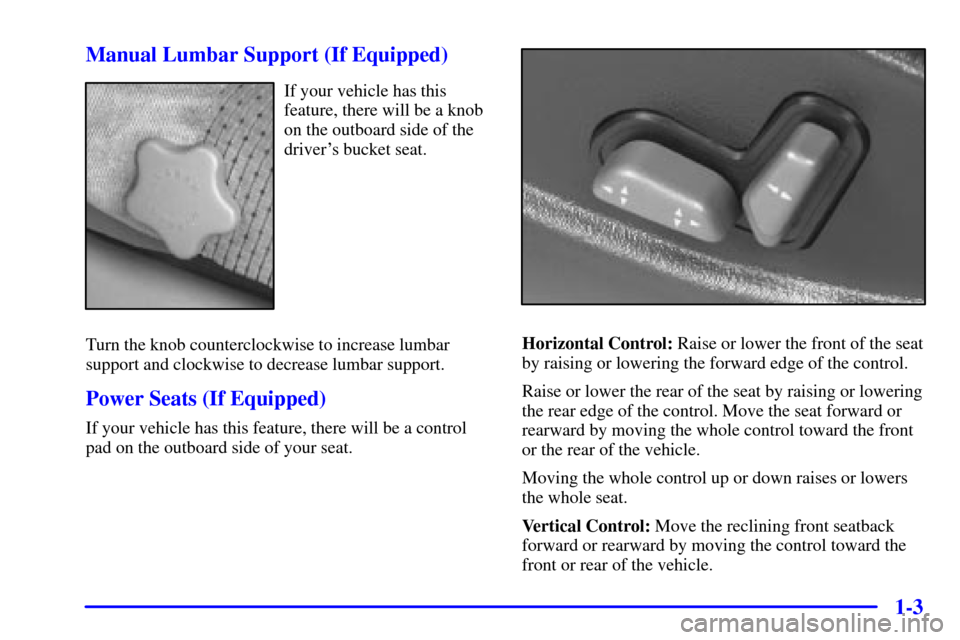
If your vehicle has this
feature, there will be a knob
on the outboard side of the
driver's bucket seat.
Turn the knob counterclockwise to increase lumbar
support and clockwise to decrease lumbar support.
Power Seats (If Equipped)
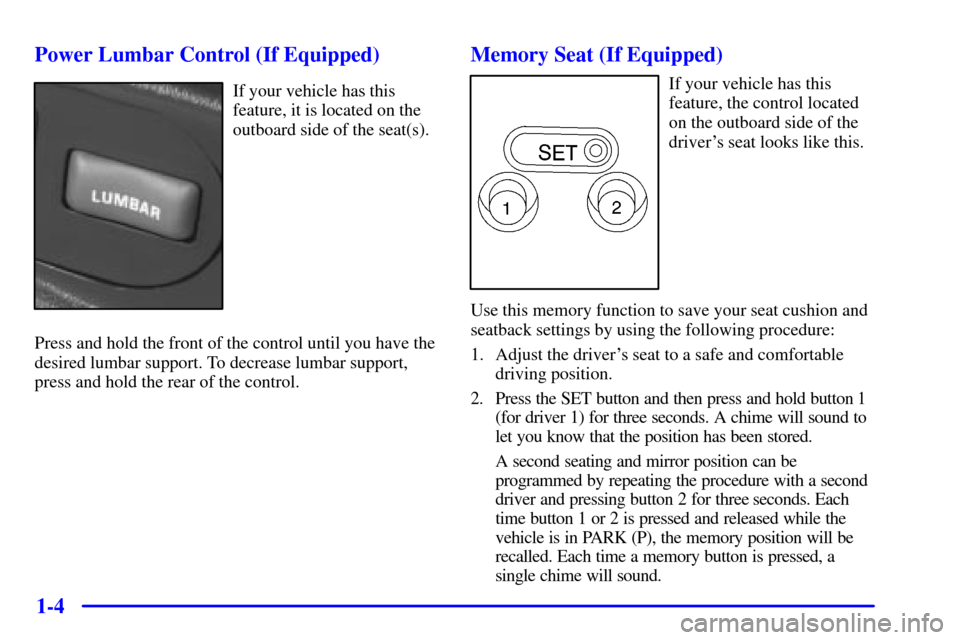
If your vehicle has this feature, there will be a control
pad on the outboard side of your seat.
Horizontal Control: Raise or lower the front of the seat
by raising or lowering the forward edge of the control.
Raise or lower the rear of the seat by raising or lowering
the rear edge of the control. Move the seat forward or
rearward by moving the whole control toward the front
or the rear of the vehicle.
Moving the whole control up or down raises or lowers
the whole seat.
Vertical Control: Move the reclining front seatback
forward or rearward by moving the control toward the
front or rear of the vehicle.
1-4 Power Lumbar Control (If Equipped)
If your vehicle has this
feature, it is located on the
outboard side of the seat(s).
Press and hold the front of the control until you have the
desired lumbar support. To decrease lumbar support,
press and hold the rear of the control.
Memory Seat (If Equipped)
If your vehicle has this
feature, the control located
on the outboard side of the
driver's seat looks like this.
Use this memory function to save your seat cushion and
seatback settings by using the following procedure:
1. Adjust the driver's seat to a safe and comfortable
driving position.
2. Press the SET button and then press and hold button 1
(for driver 1) for three seconds. A chime will sound to
let you know that the position has been stored.
A second seating and mirror position can be
programmed by repeating the procedure with a second
driver and pressing button 2 for three seconds. Each
time button 1 or 2 is pressed and released while the
vehicle is in PARK (P), the memory position will be
recalled. Each time a memory button is pressed, a
single chime will sound.