Page 118 of 399
2-61
NOTICE:
Adding some electrical equipment to your vehicle
can damage it or keep other things from working
as they should. This wouldn't be covered by your
warranty. Check with your dealer before adding
electrical equipment, and never use anything that
exceeds the fuse rating.
Follow the proper installation instructions that are
included with any electrical equipment you install.
NOTICE:
Power outlets are designed for accessory plugs
only. Do not hang any type of accessory or
accessory bracket from the plug. Improper use
of the accessory power outlets can cause damage
not covered by your warranty.
Cellular Telephone (Option)
With this option, your vehicle has been prewired
for dealer installation of a portable cellular telephone
system. The system has steering wheel telephone
controls and information output through the Driver
Information Center (DIC). Voice activation with remote
record and hands
-free operation are standard features.
For more information, contact your dealer. A user's
guide is provided with the telephone.
Page 120 of 399

2-63
Volume Control: You can control the volume of the
OnStar System using the steering wheel controls.
Telltale Light: This light will indicate the status of
the system. A solid green light will come on when you
start the vehicle to let you know that the system is on
and is ready to make or receive calls.
If the light blinks green it means that an incoming or
outgoing call is in progress. Press the Communication
button if you notice the light blinking and you are not
on a call.
The light will be red in the event of an OnStar system
malfunction. If this occurs press the OnStar Services
button to attempt to contact an advisor. If the connection
is made, the advisor will assist you with steps to take
to make sure that the system is functioning properly.
If you cannot contact the advisor, take your vehicle to
your dealership as soon as possible for assistance.
Cellular Antenna
The cellular antenna on the outside of your vehicle is
critical to effective communication using the OnStar
system. Optimum cellular reception can be obtained
when the mast is straight up and down.
OnStar Services
The following services are available within OnStar service
plans. Your vehicle comes with a specific one
-year
service plan that allows use of some or all of the
following services.
Automatic Notification of Air Bag Deployment:
If an air bag deploys, a priority emergency signal is
automatically sent to the center. An advisor will locate
your vehicle's position, try to contact you and assist you
in the situation. If the center is unable to contact you,
an emergency service provider will be contacted.
Stolen Vehicle Tracking: Call the center at
1
-888-4-ONSTAR (1-888-466-7827) to report your
vehicle stolen. The system can then attempt to locate
and track your vehicle and the advisor will assist the
proper authorities.
Page 128 of 399
2-71
The main components of the instrument panel are the following:
A. Air Outlets
B. Driver Information Center (DIC) Buttons
C. Turn Signal/Multifunction Lever
D. HVAC Steering Wheel Controls
(or Cellular Telephone Controls, If Equipped)
E. Instrument Panel Cluster
F. Windshield Wiper/Washer Lever
G. Audio Steering Wheel Controls
H. Ignition Switch
I. Air Vent Control Thumbwheel
J. Hazard Warning Flasher Button
K. Audio SystemL. Exterior Lamp Controls
M. Hood Release
N. Fuel Door Release
O. Trunk Release
P. Cruise Control
Q. Horn
R. Heated Seat Controls
S. Traction Control Switch
T. Console Shift Lever
U. Convenience Storage/Optional Ashtray
V. Climate Controls
W. Glove Box
Page 130 of 399
2-73 Speedometer and Odometer
The speedometer lets you see your speed in both
miles per hour (mph) and kilometers per hour (km/h).
The odometer shows how far your vehicle has been
driven, in either miles (used in the United States) or
kilometers (used in Canada).
You may wonder what happens if a vehicle has to have
a new odometer installed. The new one may read the
correct mileage. This is because your vehicle's computer
has stored the mileage in memory.
Trip Odometer
The trip odometer can record the number of miles or
kilometers traveled for up to two trips.
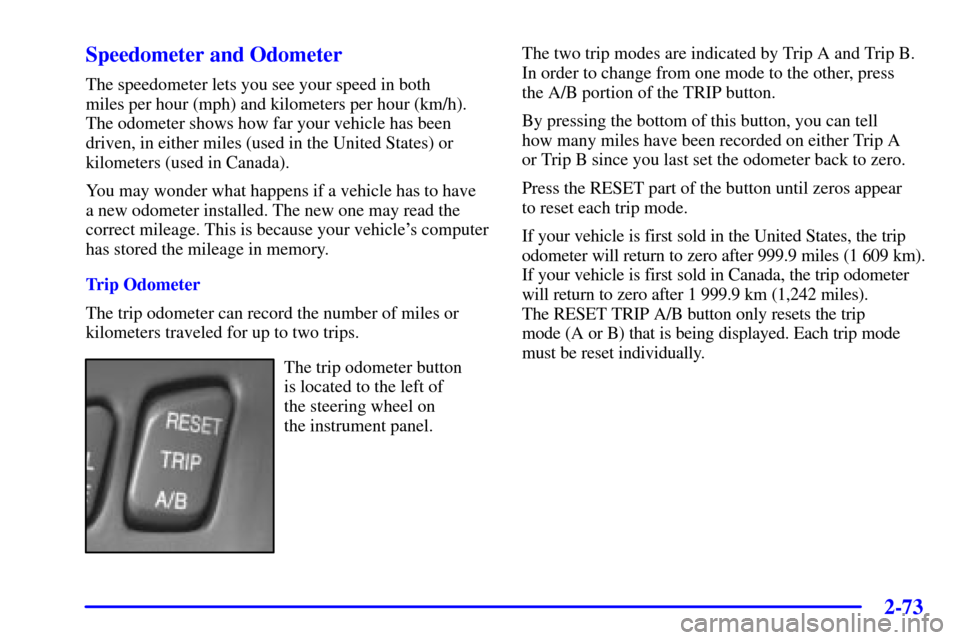
The trip odometer button
is located to the left of
the steering wheel on
the instrument panel.The two trip modes are indicated by Trip A and Trip B.
In order to change from one mode to the other, press
the A/B portion of the TRIP button.
By pressing the bottom of this button, you can tell
how many miles have been recorded on either Trip A
or Trip B since you last set the odometer back to zero.
Press the RESET part of the button until zeros appear
to reset each trip mode.
If your vehicle is first sold in the United States, the trip
odometer will return to zero after 999.9 miles (1 609 km).
If your vehicle is first sold in Canada, the trip odometer
will return to zero after 1 999.9 km (1,242 miles).
The RESET TRIP A/B button only resets the trip
mode (A or B) that is being displayed. Each trip mode
must be reset individually.
Page 131 of 399
2-74
Display Mode
This button is located
between the RESET
TRIP A/B button and the
ENG/MET button to the
left of the steering wheel
on the instrument panel.
Press DSPL MODE to turn the backlighting and the
digital speed image on and off.English/Metric DisplayBy pressing this button
located to the left of
the steering wheel on
the instrument panel,
you can go back and
forth from English (miles)
to metric (kilometers).
Other readings such as temperature, fuel and trip odometer
also go back and forth between English and metric.
Vehicle Speed Limiter
This feature prevents your vehicle from exceeding
speeds that the tires are not rated for. When this
happens, the engine's fuel supply is shut off.
When the vehicle speed slows, the fuel supply will
come on again.
Page 145 of 399

2-88
Driver Information Center (DIC)
This display gives you the status of many of your
vehicle's systems. The DIC is also used to display driver
personalization features and warning/status messages.
All messages will appear in the DIC display, located at
the bottom of the instrument panel cluster.
DIC Controls and Displays
The Driver Information Center (DIC) buttons are
located to the right of the steering wheel on the
instrument panel, near the air outlets.INFO (Information): Pressing this button up or down
will display the OUTSIDE TEMP, MILES RANGE,
MPG AVG, MPG INST, GAL FUEL USED, AVG
MPH, TIMER, BATTERY VOLTS, LF
-RF-LR-RR
TIRE (If Equipped), ENGINE OIL LIFE, TRANS
FLUID LIFE, PHONE (Option) and FEATURE
PROGRAMMING and Blank Display.
INFO (Information) RESET: Pressing this button will
reset the MPG AVG, GAL FUEL USED, AVG MPH,
TIMER, ENGINE OIL LIFE and TRANS FLUID
LIFE. For more information about the trip odometer,
see ªOdometerº in the Index.
�MPG AVG (Average Miles per Gallon): This
message shows the approximate fuel economy you
have averaged since the last time you reset the value.
To reset the MPG AVG (Average Fuel Economy),
press the INFO button to display the MPG AVG
then press and hold the INFO RESET button until
0.0 MPG AVG is displayed.
�GAL (Gallons) FUEL USED: This message shows
how much fuel has been used since the last reset.
To learn how much fuel is used from a new starting
point, press the RESET button while the GAL FUEL
USED is displayed in the DIC.
Page 159 of 399
2-102
Auto Exit Steering Wheel (If Equipped)
This feature will move the column to the driver's
previously programmed exit position when the
ignition is turned off and the driver's door is opened.
Programmable Modes
Mode 1: ON
Mode 2: OFF
Before your vehicle was shipped from the factory, it was
programmed to Mode 1. The mode to which the vehicle
was programmed may have been changed since it left
the factory. To determine the mode to which the vehicle
is programmed or to program the vehicle to a different
mode, do the following:
1. Enter FEATURE PROGRAMMING following
the instructions listed previously.
2. Press the down arrow on the INFO button until
AUTO EXIT STRG WHEEL appears on the
DIC display.3. To turn on the feature, press the ON/OFF button
until ON appears on the DIC display. To turn it off,
press the ON/OFF button until OFF appears on
the display.
The mode you selected is now set. You can either exit
the programming mode by following the instructions
later in this section or program the next feature available
on your vehicle.
Lights Flash at Unlock
This feature allows the parking lamps to flash twice
when the remote keyless entry transmitter is used to
unlock the vehicle. All doors must be closed, and the
lamps will not flash if the manual parking lamps or
headlamps are active.
Programmable Modes
Mode 1: ON
Mode 2: OFF
Page 173 of 399
3-
3-1
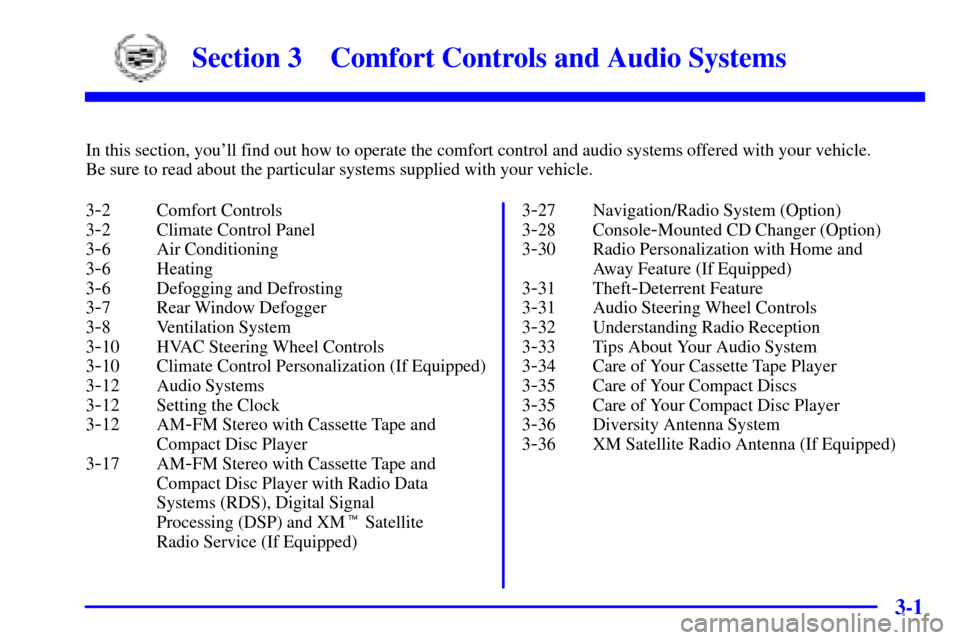
Section 3 Comfort Controls and Audio Systems
In this section, you'll find out how to operate the comfort control and audio systems offered with your vehicle.
Be sure to read about the particular systems supplied with your vehicle.
3
-2 Comfort Controls
3
-2 Climate Control Panel
3
-6 Air Conditioning
3
-6 Heating
3
-6 Defogging and Defrosting
3
-7 Rear Window Defogger
3
-8 Ventilation System
3
-10 HVAC Steering Wheel Controls
3
-10 Climate Control Personalization (If Equipped)
3
-12 Audio Systems
3
-12 Setting the Clock
3
-12 AM-FM Stereo with Cassette Tape and
Compact Disc Player
3
-17 AM-FM Stereo with Cassette Tape and
Compact Disc Player with Radio Data
Systems (RDS), Digital Signal
Processing (DSP) and XM� Satellite
Radio Service (If Equipped)3
-27 Navigation/Radio System (Option)
3
-28 Console-Mounted CD Changer (Option)
3
-30 Radio Personalization with Home and
Away Feature (If Equipped)
3
-31 Theft-Deterrent Feature
3
-31 Audio Steering Wheel Controls
3
-32 Understanding Radio Reception
3
-33 Tips About Your Audio System
3
-34 Care of Your Cassette Tape Player
3
-35 Care of Your Compact Discs
3
-35 Care of Your Compact Disc Player
3
-36 Diversity Antenna System
3
-36 XM Satellite Radio Antenna (If Equipped)