2001 VOLVO S60 center console
[x] Cancel search: center consolePage 4 of 128
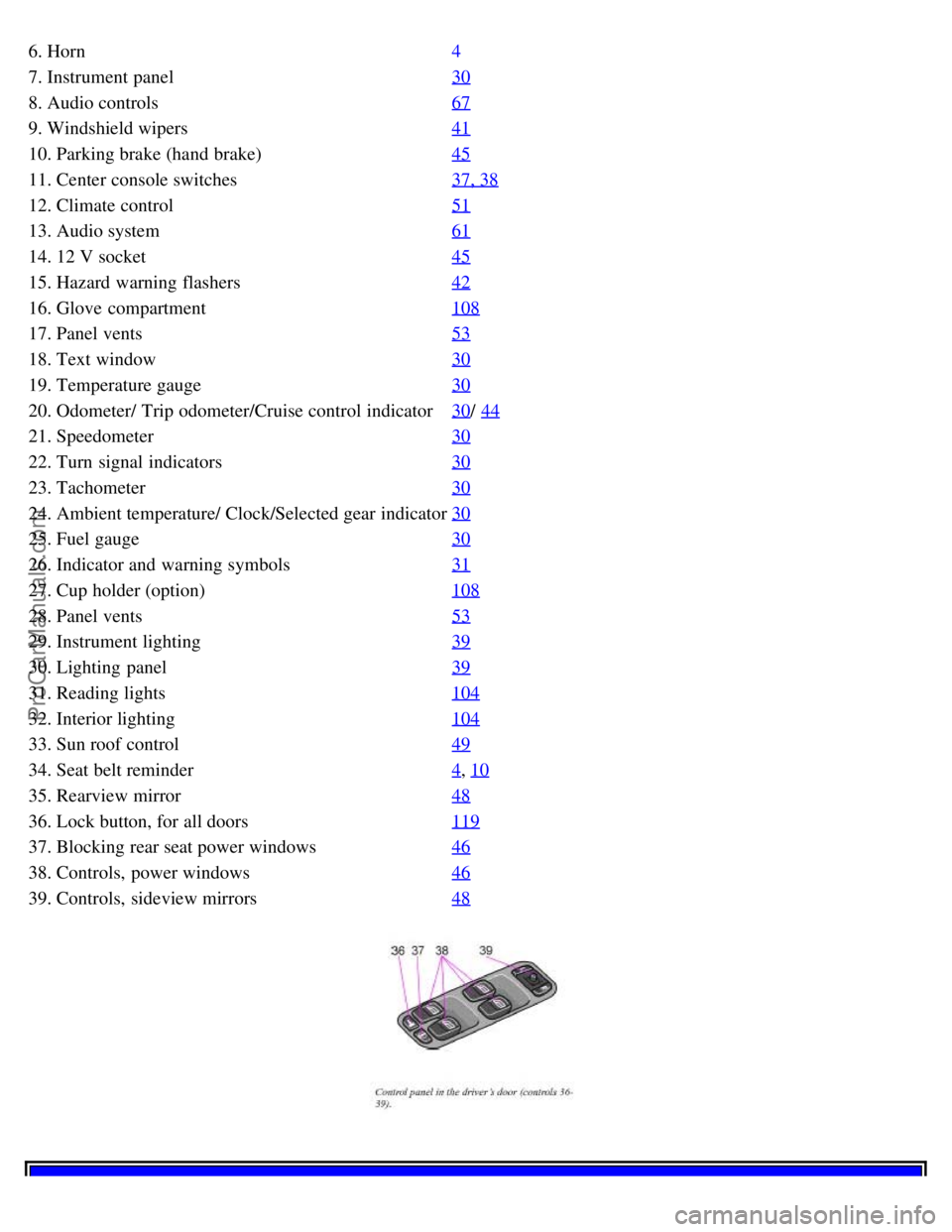
6. Horn4
7. Instrument panel30
8. Audio controls67
9. Windshield wipers41
10. Parking brake (hand brake)45
11. Center console switches37, 38
12. Climate control51
13. Audio system61
14. 12 V socket45
15. Hazard warning flashers42
16. Glove compartment108
17. Panel vents53
18. Text window30
19. Temperature gauge30
20. Odometer/ Trip odometer/Cruise control indicator30/ 44
21. Speedometer30
22. Turn signal indicators30
23. Tachometer30
24. Ambient temperature/ Clock/Selected gear indicator30
25. Fuel gauge30
26. Indicator and warning symbols31
27. Cup holder (option)108
28. Panel vents53
29. Instrument lighting39
30. Lighting panel39
31. Reading lights104
32. Interior lighting104
33. Sun roof control49
34. Seat belt reminder4, 10
35. Rearview mirror48
36. Lock button, for all doors119
37. Blocking rear seat power windows46
38. Controls, power windows46
39. Controls, sideview mirrors48
ProCarManuals.com
Page 6 of 128

2 0 0 1
VOLVO S60
Instruments and controls
pg. 29 Instruments and controls
Instrument panel 30
Indicator and warning symbols31
Steering wheel adjustment36
Switches in the center console37
Lighting panel39
Turn signals40
Windshield wipers/ washer41
Hazard warning flashers, rear window/ sideview mirror defroster, heated front seats42
Trip computer (option)43
Cruise control44
Parking brake, electric socket/ cigarette lighter45
Electrically operated windows46
Rearview mirror/ sideview mirrors48
Electrically operated sun roof49
pg. 30 Instrument panel
1. Turn signal indicators - right - left
2. Text window
The text window displays information and warning messages.
3. Temperature gauge
The pointer should be approximately midway on the gauge when driving. Do not drive the car if the warning light is
on. The text window will provide you with additional information. If the engine temperature remains high, check
coolant level - see page 169
.
4. Trip odometer
The trip odometers are used for measuring shorter distances. The right- hand digit gives tenth of a mile/ kilometer.
Press the button for more than 2 seconds to reset. Change between trip odometers 1 and 2 using one short press on the
button.
ProCarManuals.com
Page 9 of 128

PARK BRAKE Parking brake applied
This light will be on when the parking brake (hand brake) is applied. The parking brake lever is situated between the
front seats.
Canadian models are equipped with this symbol.
Rear fog light
This light indicates that the fog light is on.
Turn signal indicator - trailer (certain models)
If you are towing a trailer, this light will flash simultaneously with the turn signals on the trailer. If the light does not
flash when signaling, neither the trailer's turn signals nor the car's turn signals are functioning.
Oil pressure warning light
If the light comes on while driving, stop the car and then stop the engine immediately and check the engine oil level.
See page 172
. If the light stays on after restart, have the car towed to the nearest authorized Volvo retailer. After hard
driving, the light may come on occasionally when the engine is idling. This is normal, provided it goes off when the
engine speed is increased.
CHECK ENGINE Malfunction indicator light
If the light comes on (or stays on after the vehicle has started), the engine diagnostic system has detected a possible
fault in the emission control system. Although driveability may not be affected, see an authorized Volvo retailer as
soon as possible for inspection.
Canadian models are equipped with this warning light:
NOTE: If the fuel filler cap is not closed tightly or if the engine is running when the car is refueled, the Malfunction
Indicator Lamp may indicate a fault. However, your vehicle's performance will not be affected. Use only Volvo
original or approved fuel filler caps.
pg. 34 Indicator and warning symbols
Cars equipped with STC or DSTC (option) Cars equipped with STC or DSTC have a switch in the center console
marked STC or DSTC. See pages 37, 38
.
If the indicator light flashes, it indicates that the STC or DSTC system is working.
The indicator light stays on when the STC or DSTC system has been switched off with the appropriate button in the
center console.
Fault in the STC or DSTC system
If the indicator light remains on, there is a fault in one of the systems.
Stop the car in a safe place and switch off the engine. Restart the engine.
If the indicator light goes off, no further action is necessary.
ProCarManuals.com
Page 10 of 128

If the indicator light remains on, drive to an authorized Volvo retailer to have the system inspected.
pg. 35 Indicator and warning symbols
Messages in the text window
When a warning light in the instrument panel comes on, a message is also displayed in the text window. After you
have read the message, you can erase it by pressing button A (see illus- tration).
NOTE: Certain messages cannot be erased until the condition has been corrected. If a warning message is displayed
when e. g. you are using the trip computer or would like to use the telephone, this message must be erased before you
can access the function of your choice. Press button A to erase the warning message.
You can scroll through the stored messages by pressing button A (see illustration). The text window can be cleared
(the message will be returned to memory) by pressing button A again.
MessageMeaning:
REDUCE SPEED This message may be displayed when STC or DSTC are not switched on.
STOP SAFELY ASAP Stop and switch off the engine. Serious risk of damage.
STOP ENGINE Stop and switch off the engine. Serious risk of damage.
SERVICE URGENT Take your car in for service immediately.
SEE MANUAL Consult your owner's manual.
SERVICE REQUIRED Take your car in for service as soon as possible.
FIX NEXT SERVICE Have your car checked at the next service interval.
pg. 36 Steering wheel adjustment
Both the height and the reach of the steering wheel can be adjusted to a comfortable position for the driver. Pull down
the lever on the left of the steering column. Adjust the steering wheel to a suitable position and press the lever back
into place to lock the steering wheel in the new position. Check that the steering wheel is locked in the new position.
WARNING!
Never adjust the steering wheel while driving.
pg. 37 Switches in the center console
ProCarManuals.com
Page 11 of 128

1. Folding head restraints (option)
This button is used to fold down the outboard rear head restraints. The ignition key must be in position I or II or the
engine must be running.
NOTE: If the head restraints have been folded down, they must be returned to their original position manually. The
head restraints should be in the upright position before the rear seat backrests are folded down.
WARNING!
For safety reasons, no one should be allowed to sit in the outboard rear seat positions if the head restraints are
folded down. If these positions are occupied, the head restraints should be in the upright (fixed) position.
2. Not in use.
3. Not in use
4. Stability Traction Control system (option)
NOTE: Press this switch for at least half a second to turn the STC system on or off. An LED in the switch will light
up to indicate that the system is on. See page 139
for more information on STC. This system should be switched off if
you, for any reason, temporarily have to drive with tires of different dimensions (e. g., spare tire).
NOTE: To help reduce the risk that this system is turned off inadvertently, the switch must be held in for at least half
a second to turn STC off. The warning symbol in the instrument panel will light up to indicate that STC is OFF.
pg. 38 Switches in the center console
5. Dynamic Stability Traction Control system (option)
This button is used to switch DSTC off. When the LED in the button is ON, this indicates that the system is ON (the
light will also come on if a fault has been detected in the system).
NOTE: To avoid inadvertently switching the system off, the button must be pressed for at least half a second before
DSTC is deactivated. The text "DSTC off" will be displayed briefly in the text window. The warning symbol will
come on to indicate that DSTC has been switched off. The system is automatically switched on when the engine is
started. DSTC should be switched off if the steering wheel position or the front wheels are not properly aligned.
See page 140
for more information on
WARNING!
ProCarManuals.com
Page 27 of 128
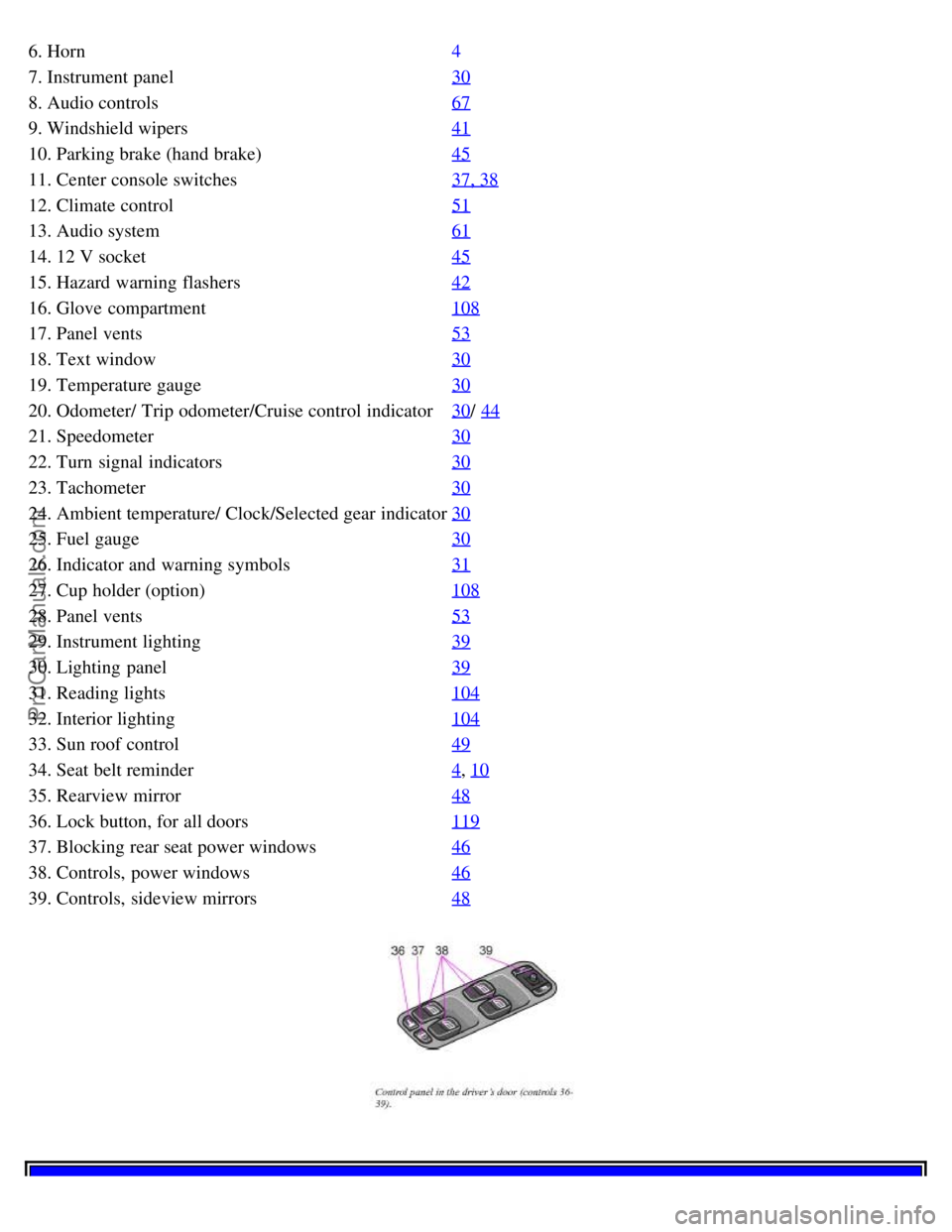
6. Horn4
7. Instrument panel30
8. Audio controls67
9. Windshield wipers41
10. Parking brake (hand brake)45
11. Center console switches37, 38
12. Climate control51
13. Audio system61
14. 12 V socket45
15. Hazard warning flashers42
16. Glove compartment108
17. Panel vents53
18. Text window30
19. Temperature gauge30
20. Odometer/ Trip odometer/Cruise control indicator30/ 44
21. Speedometer30
22. Turn signal indicators30
23. Tachometer30
24. Ambient temperature/ Clock/Selected gear indicator30
25. Fuel gauge30
26. Indicator and warning symbols31
27. Cup holder (option)108
28. Panel vents53
29. Instrument lighting39
30. Lighting panel39
31. Reading lights104
32. Interior lighting104
33. Sun roof control49
34. Seat belt reminder4, 10
35. Rearview mirror48
36. Lock button, for all doors119
37. Blocking rear seat power windows46
38. Controls, power windows46
39. Controls, sideview mirrors48
ProCarManuals.com
Page 47 of 128
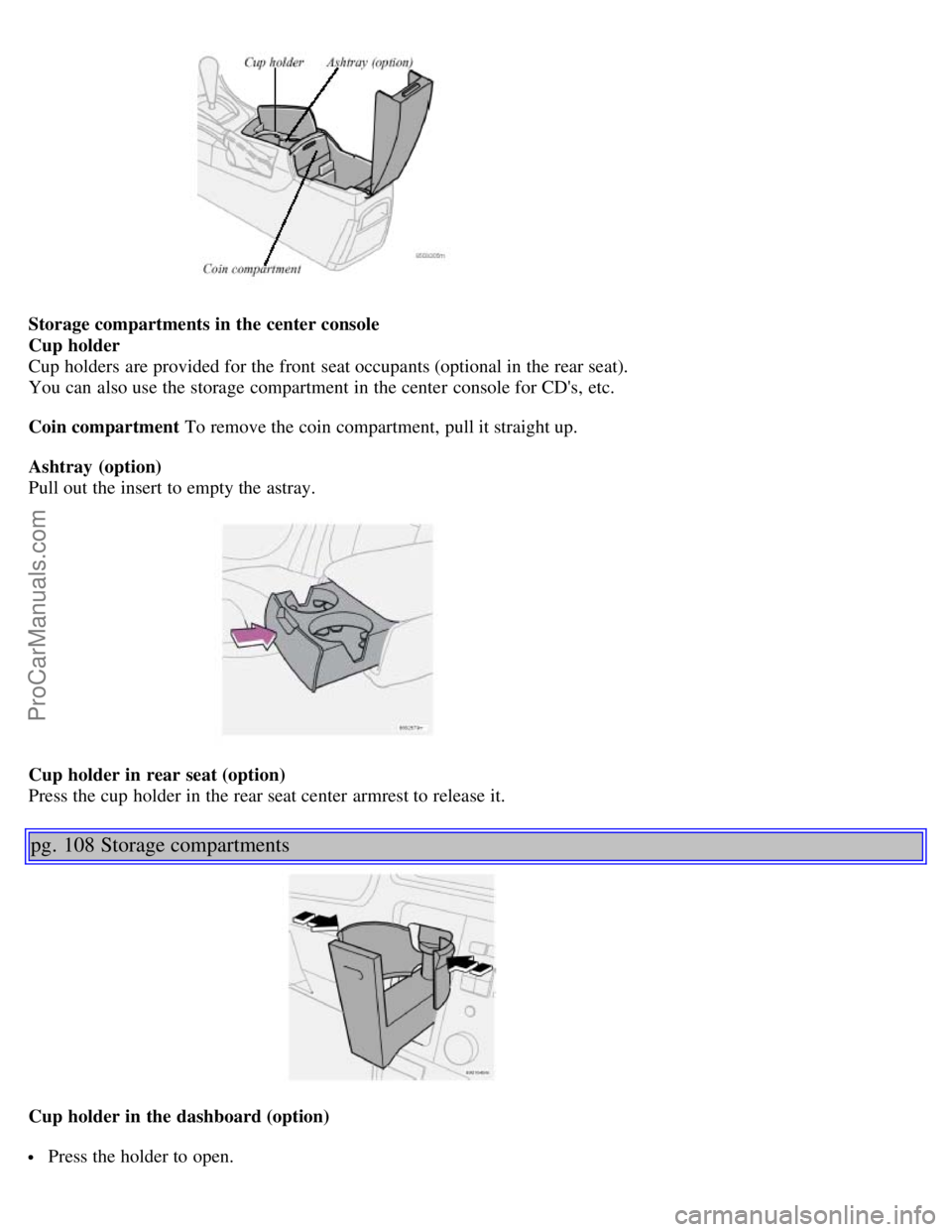
Storage compartments in the center console
Cup holder
Cup holders are provided for the front seat occupants (optional in the rear seat).
You can also use the storage compartment in the center console for CD's, etc.
Coin compartment To remove the coin compartment, pull it straight up.
Ashtray (option)
Pull out the insert to empty the astray.
Cup holder in rear seat (option)
Press the cup holder in the rear seat center armrest to release it.
pg. 108 Storage compartments
Cup holder in the dashboard (option)
Press the holder to open.
ProCarManuals.com
Page 76 of 128

center console*. The LED in the switch will light up and a message will be displayed in the text window to indicate
that the sensors are disconnected.
The car can then be locked in the usual way to set the alarm.
NOTE: The optional sensors are automatically reconnected to the alarm system the next time the car is unlocked and
then locked again.
LED alarm status signals The status of the alarm system is indicated by the red LED at the top of the dash:
LED off - the alarm is not armed
LED flashes once per second - the alarm is armed
LED flashes rapidly before the ignition is switched on - the alarm has been triggered
Fault in the alarm system: If a fault has been detected in the alarm system, a message will be displayed in the text
window. Contact your Volvo retailer.
Automatic re-lock/ re-arm system
If the car is unlocked with the remote, the car will re- lock and the alarm will re- arm after 2 minutes unless a door or
the trunk has been opened.
* The position of this button may vary, depending on the specifications of your car.
Contents | Top of Page
ProCarManuals.com