2001 FORD WINDSTAR instrument cluster
[x] Cancel search: instrument clusterPage 147 of 288
Determining if the system is operational
The supplemental restraint system uses a warning indicator in the
instrument cluster or a back-up tone to indicate the condition of the
system. Refer to theRestraints Warning Indicatorsection in the
Instrumentationchapter. Routine maintenance of the air bag is not
required.
A difficulty with the system is indicated by one or more of the following:
²The readiness light (same light
for front and side air bag system)
will either flash or stay lit.
²The readiness light will not
illuminate immediately after ignition is turned on.
²A series of five beeps will be heard. The tone pattern will repeat
periodically until the problem and/or light are repaired.
If any of these things happen, even intermittently, have the supplemental
restraint system serviced at your dealership or by a qualified technician
immediately. Unless serviced, the system may not function properly in
the event of a collision.
How does the air bag supplemental restraint system work?
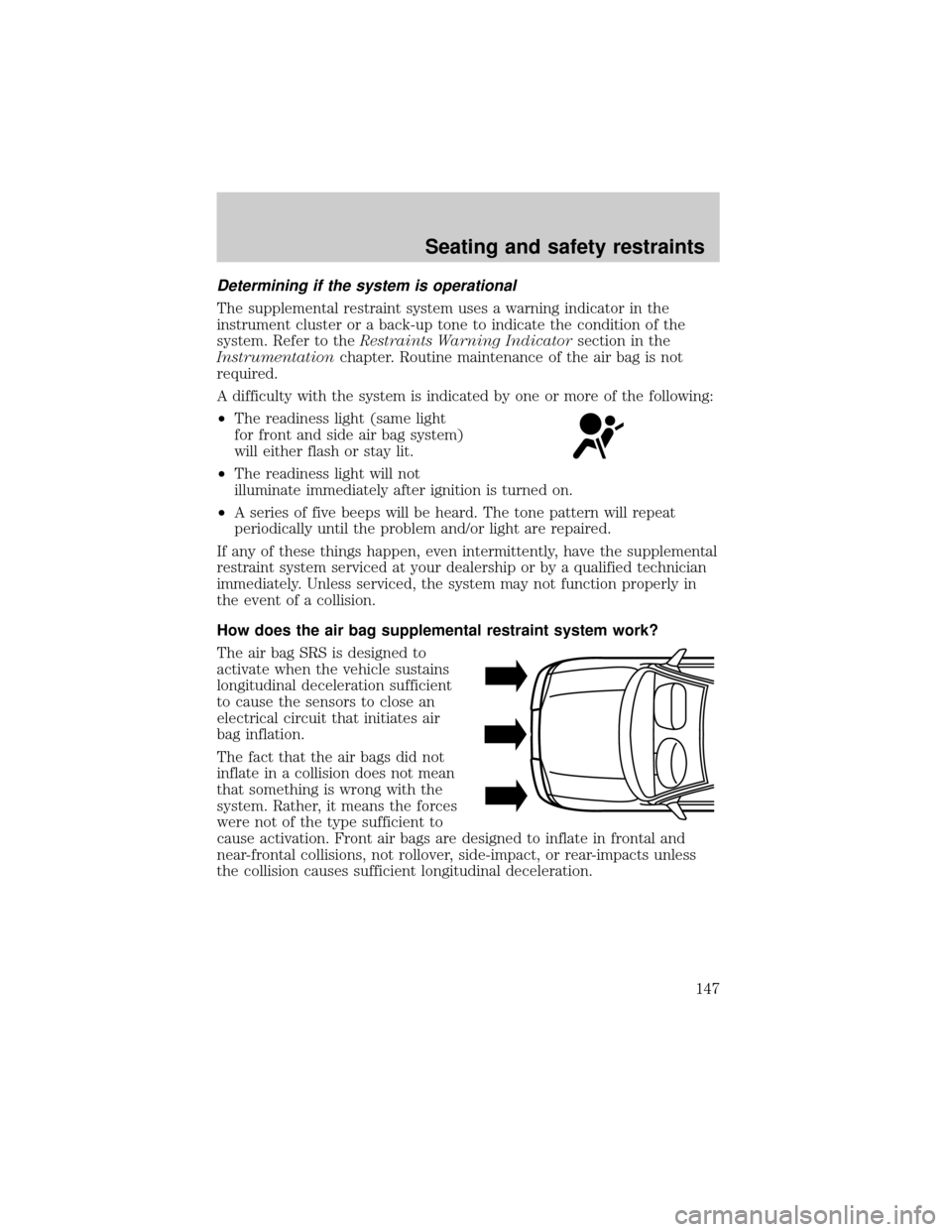
The air bag SRS is designed to
activate when the vehicle sustains
longitudinal deceleration sufficient
to cause the sensors to close an
electrical circuit that initiates air
bag inflation.
The fact that the air bags did not
inflate in a collision does not mean
that something is wrong with the
system. Rather, it means the forces
were not of the type sufficient to
cause activation. Front air bags are designed to inflate in frontal and
near-frontal collisions, not rollover, side-impact, or rear-impacts unless
the collision causes sufficient longitudinal deceleration.
Seating and safety restraints
147
Page 168 of 288
ABS warning lampABS
TheABSwarning lamp in the instrument cluster momentarily illuminates
when the ignition is turned to the ON position. If the light does not
illuminate momentarily at start up or remains on the ABS needs to be
serviced.
With the ABS light on, the anti-lock
brake system is disabled and normal
braking is still effective unless the
brake warning light also remains
illuminated with parking brake
released. (If your brake warning lamp illuminates, have your vehicle
serviced immediately.)
Using ABS
²In an emergency or when maximum efficiency from the four wheel
ABS is required, apply continuous force on the brake. The four wheel
ABS will be activated immediately, thus allowing you to retain full
steering control of your vehicle and, providing there is sufficient
space, will enable you to avoid obstacles and bring the vehicle to a
controlled stop.
²The Anti-Lock system does not decrease the time necessary to apply
the brakes or always reduce stopping distance. Always leave enough
room between your vehicle and the vehicle in front of you to stop.
²We recommend that you familiarize yourself with this braking
technique. However, avoid taking any unnecessary risks.
Parking brake
Apply the parking brake whenever
the vehicle is parked. To set the
parking brake, pull the handle up as
far as possible.
!
BRAKE
Driving
168
Page 169 of 288
The BRAKE warning lamp in the
instrument cluster illuminates and
remains illuminated (when the
ignition is turned ON) until the
parking brake is released.
The parking brake is not recommended to stop a moving vehicle.
However, if the normal brakes fail, the parking brake can be used to stop
your vehicle in an emergency. Since the parking brake applies only the
rear brakes, the vehicle's stopping distance will increase greatly and the
handling of your vehicle will be adversely affected.
Always set the parking brake fully and make sure that the
gearshift is securely latched in P (Park) (automatic transaxle).
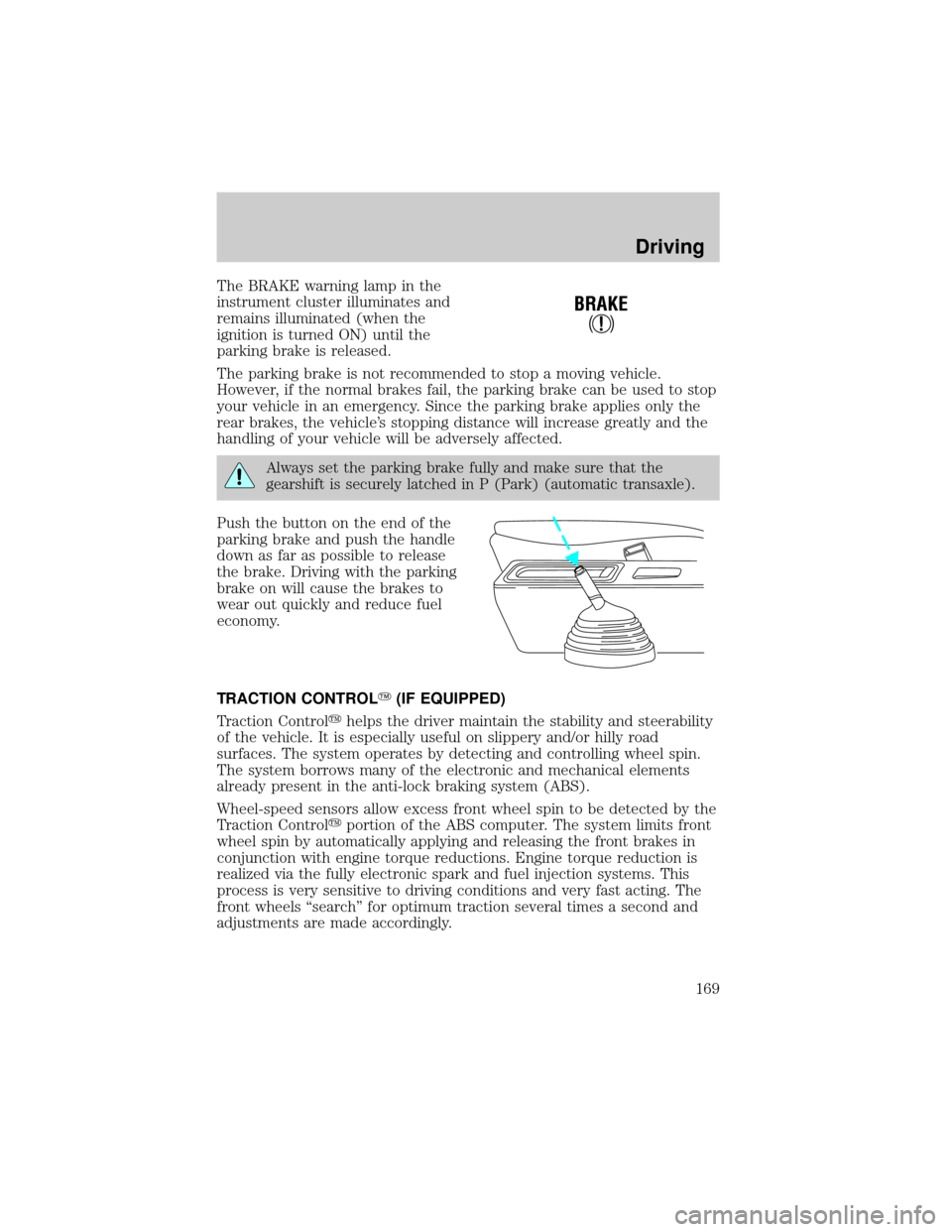
Push the button on the end of the
parking brake and push the handle
down as far as possible to release
the brake. Driving with the parking
brake on will cause the brakes to
wear out quickly and reduce fuel
economy.
TRACTION CONTROLY(IF EQUIPPED)
Traction Controlyhelps the driver maintain the stability and steerability
of the vehicle. It is especially useful on slippery and/or hilly road
surfaces. The system operates by detecting and controlling wheel spin.
The system borrows many of the electronic and mechanical elements
already present in the anti-lock braking system (ABS).
Wheel-speed sensors allow excess front wheel spin to be detected by the
Traction Controlyportion of the ABS computer. The system limits front
wheel spin by automatically applying and releasing the front brakes in
conjunction with engine torque reductions. Engine torque reduction is
realized via the fully electronic spark and fuel injection systems. This
process is very sensitive to driving conditions and very fast acting. The
front wheels ªsearchº for optimum traction several times a second and
adjustments are made accordingly.
!
BRAKE
Driving
169
Page 172 of 288
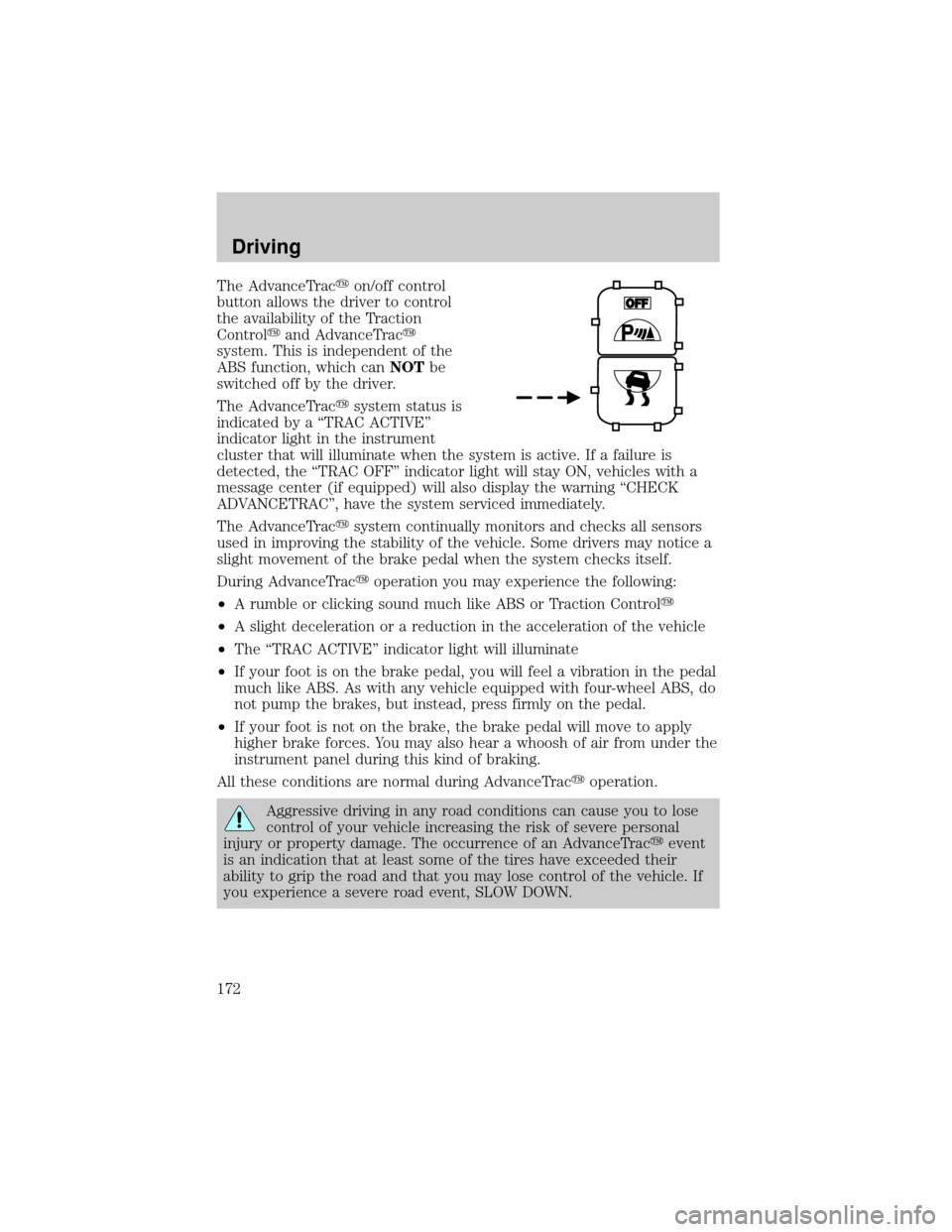
The AdvanceTracyon/off control
button allows the driver to control
the availability of the Traction
Controlyand AdvanceTracy
system. This is independent of the
ABS function, which canNOTbe
switched off by the driver.
The AdvanceTracysystem status is
indicated by a ªTRAC ACTIVEº
indicator light in the instrument
cluster that will illuminate when the system is active. If a failure is
detected, the ªTRAC OFFº indicator light will stay ON, vehicles with a
message center (if equipped) will also display the warning ªCHECK
ADVANCETRACº, have the system serviced immediately.
The AdvanceTracysystem continually monitors and checks all sensors
used in improving the stability of the vehicle. Some drivers may notice a
slight movement of the brake pedal when the system checks itself.
During AdvanceTracyoperation you may experience the following:
²A rumble or clicking sound much like ABS or Traction Controly
²A slight deceleration or a reduction in the acceleration of the vehicle
²The ªTRAC ACTIVEº indicator light will illuminate
²If your foot is on the brake pedal, you will feel a vibration in the pedal
much like ABS. As with any vehicle equipped with four-wheel ABS, do
not pump the brakes, but instead, press firmly on the pedal.
²If your foot is not on the brake, the brake pedal will move to apply
higher brake forces. You may also hear a whoosh of air from under the
instrument panel during this kind of braking.
All these conditions are normal during AdvanceTracyoperation.
Aggressive driving in any road conditions can cause you to lose
control of your vehicle increasing the risk of severe personal
injury or property damage. The occurrence of an AdvanceTracyevent
is an indication that at least some of the tires have exceeded their
ability to grip the road and that you may lose control of the vehicle. If
you experience a severe road event, SLOW DOWN.
Driving
172
Page 177 of 288
![FORD WINDSTAR 2001 2.G Owners Manual When to use(Overdrive) or press the O/D OFF switch
You will notice that there is only one
drive position (
[Overdrive]) on
your gearshift indicator (instead of
Drive and Overdrive). However, you
will](/manual-img/11/5417/w960_5417-176.png "FORD WINDSTAR 2001 2.G Owners Manual When to use(Overdrive) or press the O/D OFF switch
You will notice that there is only one
drive position (
[Overdrive]) on
your gearshift indicator (instead of
Drive and Overdrive). However, you
will")
When to use(Overdrive) or press the O/D OFF switch
You will notice that there is only one
drive position (
[Overdrive]) on
your gearshift indicator (instead of
Drive and Overdrive). However, you
will find a control labeled O/D
located on the gearshift lever. Push in the switch and the O/D OFF light
in the instrument cluster will illuminate. With the O/D OFF light
illuminated, the transaxle will operate in first, second and third gears and
will not shift into fourth gear (
[Overdrive]). Operating in Drive (O/D
OFF) provides more engine braking than
(Overdrive) for descending
hills or city driving.
To return the transaxle to the normal
(Overdrive) operation, press
the O/D OFF control again. Use this control to select between
(Overdrive) or Drive (O/D OFF) whenever you drive your vehicle.
If the O/D OFF indicator light is flashing on and off repeatedly when the
vehicle is started or does not come on when the O/D OFF control is
pressed, it means that there is a transaxle electronic system malfunction.
You should contact your dealer as soon as possible or damage to the
transaxle could occur.
2 (Second)
Use 2 (Second) to accelerate from a
stop on slippery roads, or to give
you more engine braking to slow
your vehicle on downgrades.
1 (First)
Use 1 (First) when added engine
braking is desired while descending
steep hills. Manual downshifts to
1(first) can be obtained at speeds
below 15 mph.
The automatic transaxle will shift to the proper gear to ascend any grade
without any need to shift to 1 (First).
Do not go faster than 61 km/h (38 mph) when in this gear. You can
upshift from 1 (First) to overdrive at any time.
O/D
ON/OFF
Driving
177
Page 255 of 288
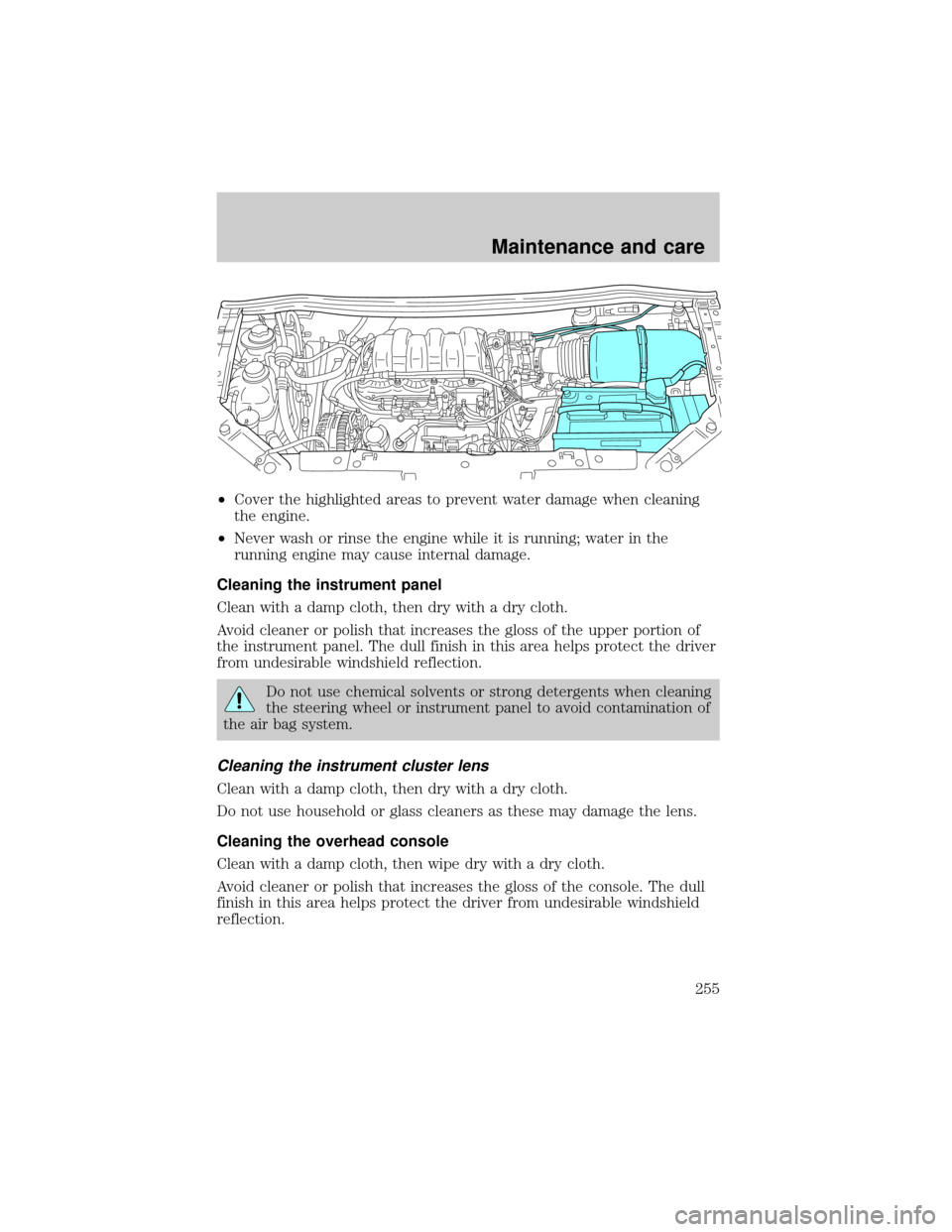
²Cover the highlighted areas to prevent water damage when cleaning
the engine.
²Never wash or rinse the engine while it is running; water in the
running engine may cause internal damage.
Cleaning the instrument panel
Clean with a damp cloth, then dry with a dry cloth.
Avoid cleaner or polish that increases the gloss of the upper portion of
the instrument panel. The dull finish in this area helps protect the driver
from undesirable windshield reflection.
Do not use chemical solvents or strong detergents when cleaning
the steering wheel or instrument panel to avoid contamination of
the air bag system.
Cleaning the instrument cluster lens
Clean with a damp cloth, then dry with a dry cloth.
Do not use household or glass cleaners as these may damage the lens.
Cleaning the overhead console
Clean with a damp cloth, then wipe dry with a dry cloth.
Avoid cleaner or polish that increases the gloss of the console. The dull
finish in this area helps protect the driver from undesirable windshield
reflection.
Maintenance and care
255
Page 279 of 288

exterior ............................252±253
exterior lamps .........................254
instrument cluster lens ..........255
instrument panel ....................255
interior .............................255±257
mirrors .....................................254
plastic parts ............................253
safety belts ..............................256
washing ....................................252
waxing .....................................253
wheels ......................................253
windows ..................................256
wiper blades ............................254
woodtone trim ........................256
Climate control (see Air
conditioning or Heating) ............29
Clock ..........................42, 50, 59, 73
Compass, electronic
set zone adjustment .................24
Console ......................................101
overhead ....................................96
Controls
power seat ...............................120
Coolant
checking and adding ..............215
refill capacities ................220, 258
specifications ..................259, 261
Cruise control
(see Speed control) ....................79
Cupholder(s) .............................123
Customer Assistance ................185
Ford accessories
for your vehicle ......................272
Ford Extended
Service Plan ............................264
Getting assistance outside
the U.S. and Canada ..............271
Getting roadside assistance ...185Getting the
service you need ....................264
Ordering additional
owner's literature ...................275
The Dispute
Settlement Board ...................267
Utilizing the Mediation/
Arbitration Program ...............270
D
Daytime running lamps
(see Lamps) ................................27
Defrost
rear window ..............................38
Dipstick
automatic
transmission fluid ...................222
engine oil .................................211
Doors
door ajar warning .....................13
lubricant specifications ..........259
power sliding ............................98
Driving under special
conditions
through water .........................178
E
Emergencies, roadside
jump-starting ..........................202
Emission control system ..........243
Engine ........................................261
check engine/service engine
soon light ..................................11
cleaning ...................................254
coolant .....................................215
idle speed control ...................227
Index
279
Page 281 of 288

daytime running lights .............27
flash to pass ..............................28
high beam ...........................10, 27
replacing bulbs .......................246
turning on and off ....................27
warning chime ..........................14
Heating ........................................29
heater only system ...................29
rear seat controls .....................37
HomeLink universal
transceiver (see
Garage door opener) ......90, 92±94
Hood ..........................................209
I
Ignition .................................79, 261
Infant seats
(see Safety seats) .....................153
Inspection/maintenance
(I/M) testing ..............................245
Instrument panel
cleaning ...................................255
cluster ..................................8, 255
lighting up panel and interior .28
location of components ..............8
J
Jack ............................................196
positioning ...............................196
storage .....................................196
Jump-starting your vehicle ......202
K
Keyless entry system
autolock ...................................110
locking and unlocking doors ..112programming entry code .......111
Keys ...................................113±115
key in ignition chime ...............14
positions of the ignition ...........79
L
Lamps
autolamp system .......................29
bulb replacement
specifications chart ................250
cargo lamps ...............................28
daytime running light ...............27
headlamps .................................27
headlamps, flash to pass ..........28
instrument panel, dimming .....28
interior lamps .....................95±97
replacing bulbs ...............245±249
Lane change indicator
(see Turn signal) ........................82
Liftgate ..............................117±118
Lights, warning and indicator ......8
air bag ........................................10
anti-lock brakes (ABS) ....10, 168
anti-theft .....................................9
brake ..........................................10
charging system ..........................8
check engine .............................11
door ajar ....................................13
fuel cap light .............................12
fuel reset ...................................13
high beam ...........................10, 13
low fuel ........................................8
low washer fluid .......................13
oil pressure ...............................10
overdrive off ..............................11
safety belt ...................................9
traction control active ................8
traction control off .....................9
turn signal indicator ...................9
Index
281