Page 30 of 256
USING YOUR AUDIO SYSTEM
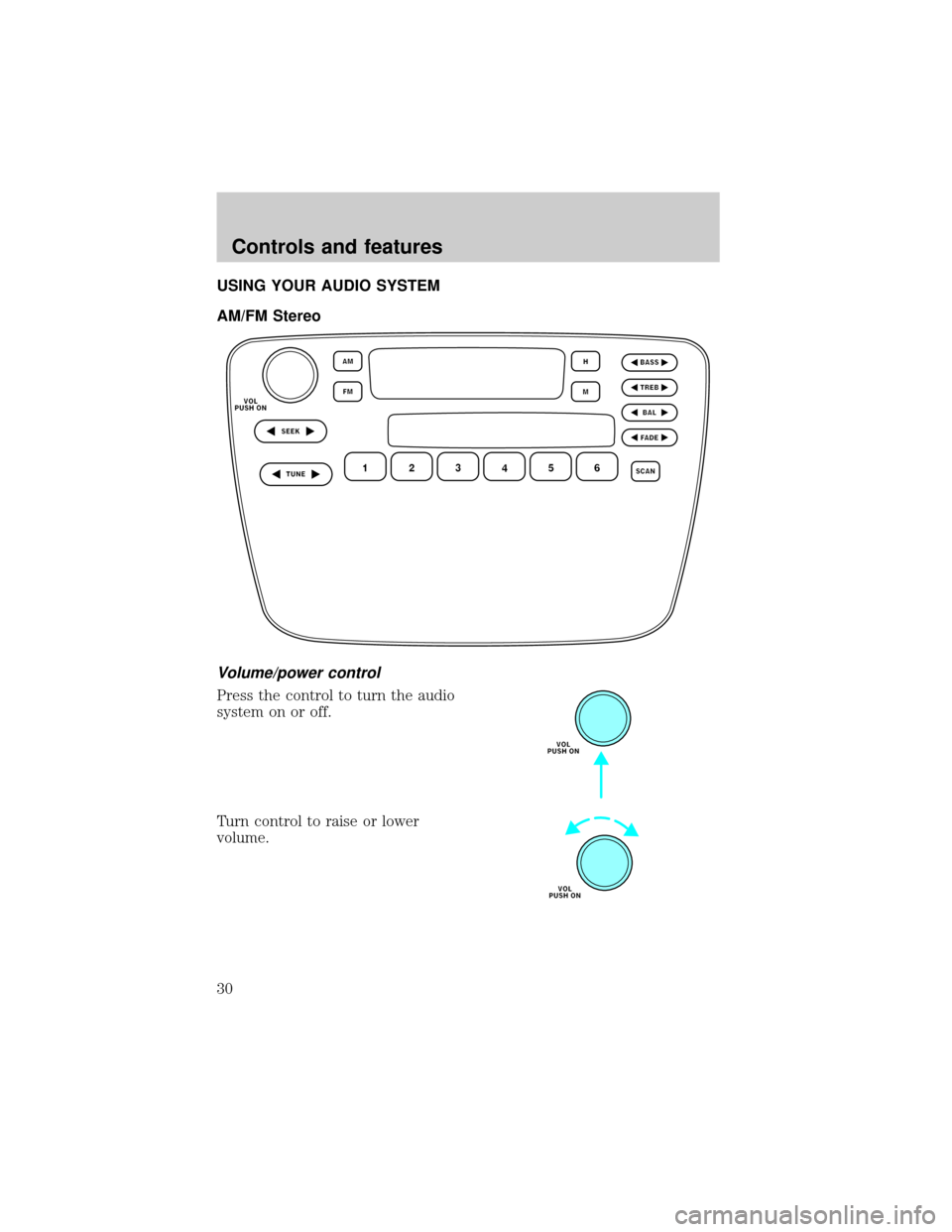
AM/FM Stereo
Volume/power control
Press the control to turn the audio
system on or off.
Turn control to raise or lower
volume.
Controls and features
30
Page 31 of 256
If the volume is set above a certain level and the ignition is turned off,
the volume will come back on at a ªnominalº listening level when the
ignition switch is turned back on. If you wish to maintain your preset
volume level, turn the audio system off with the power control before
switching off the ignition.
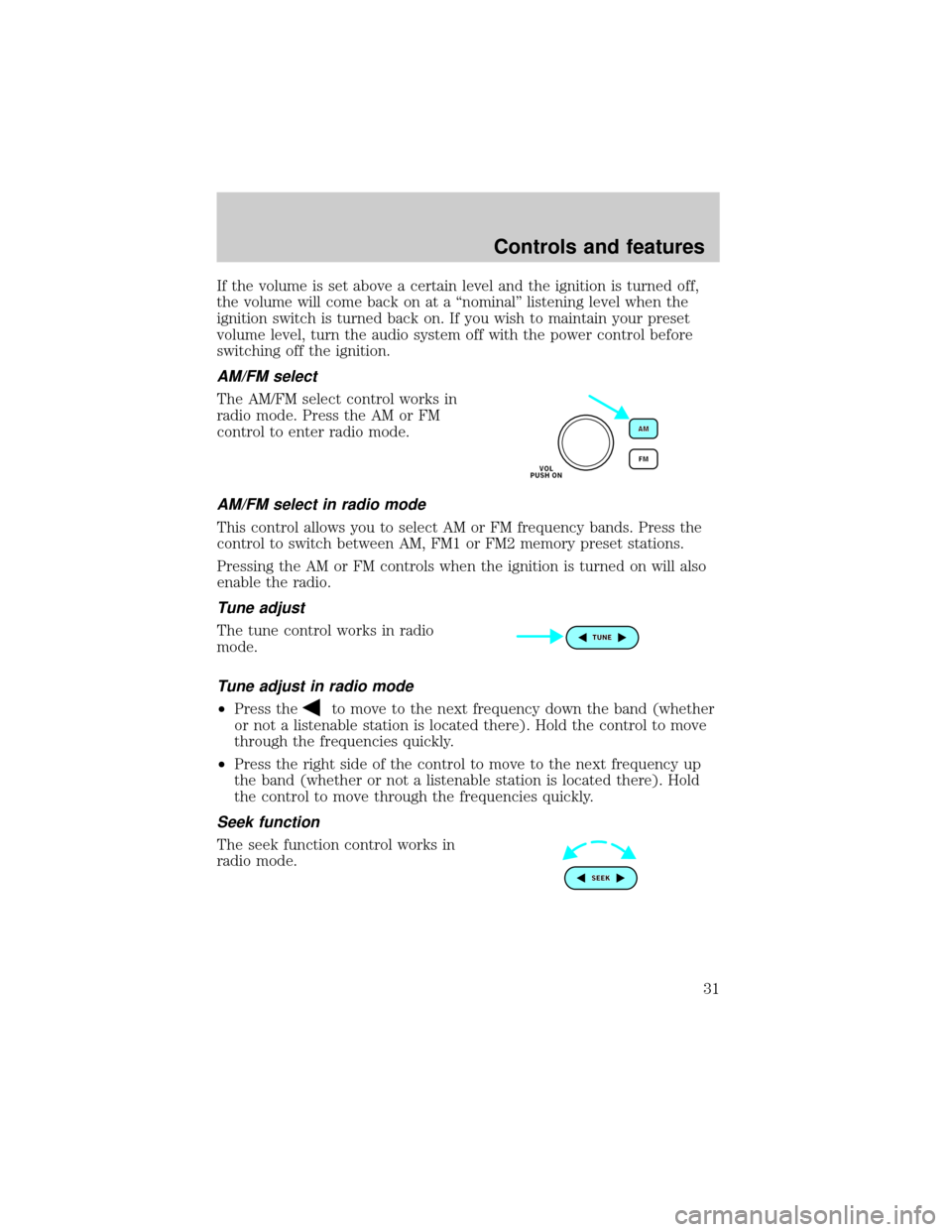
AM/FM select
The AM/FM select control works in
radio mode. Press the AM or FM
control to enter radio mode.
AM/FM select in radio mode
This control allows you to select AM or FM frequency bands. Press the
control to switch between AM, FM1 or FM2 memory preset stations.
Pressing the AM or FM controls when the ignition is turned on will also
enable the radio.
Tune adjust
The tune control works in radio
mode.
Tune adjust in radio mode
²Press theto move to the next frequency down the band (whether
or not a listenable station is located there). Hold the control to move
through the frequencies quickly.
²Press the right side of the control to move to the next frequency up
the band (whether or not a listenable station is located there). Hold
the control to move through the frequencies quickly.
Seek function
The seek function control works in
radio mode.
Controls and features
31
Page 32 of 256
Seek function in radio mode
²Pressto find the next listenable station down the frequency band.
²Press
to find the next listenable station up the frequency band.
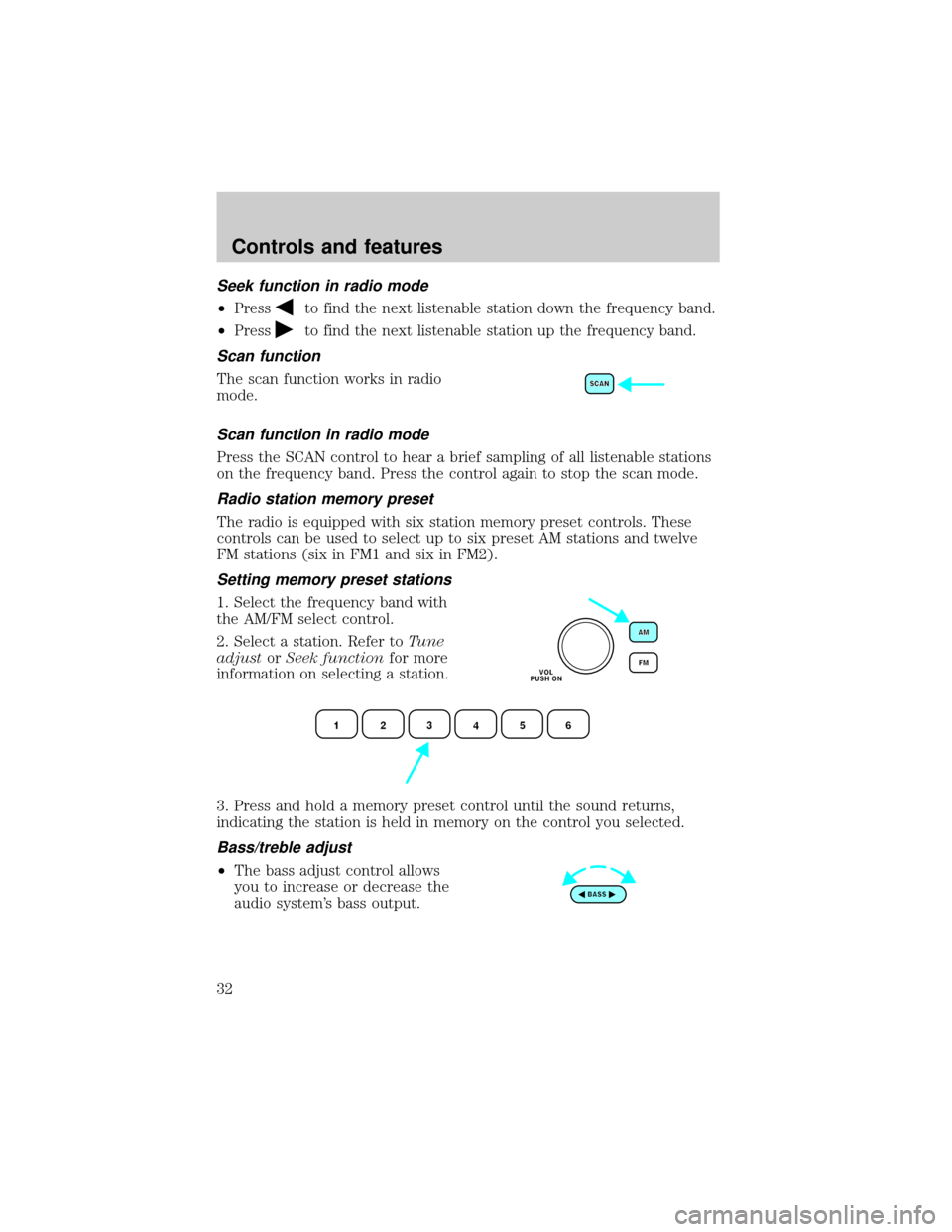
Scan function
The scan function works in radio
mode.
Scan function in radio mode
Press the SCAN control to hear a brief sampling of all listenable stations
on the frequency band. Press the control again to stop the scan mode.
Radio station memory preset
The radio is equipped with six station memory preset controls. These
controls can be used to select up to six preset AM stations and twelve
FM stations (six in FM1 and six in FM2).
Setting memory preset stations
1. Select the frequency band with
the AM/FM select control.
2. Select a station. Refer toTune
adjustorSeek functionfor more
information on selecting a station.
3. Press and hold a memory preset control until the sound returns,
indicating the station is held in memory on the control you selected.
Bass/treble adjust
²The bass adjust control allows
you to increase or decrease the
audio system's bass output.
Controls and features
32
Page 33 of 256
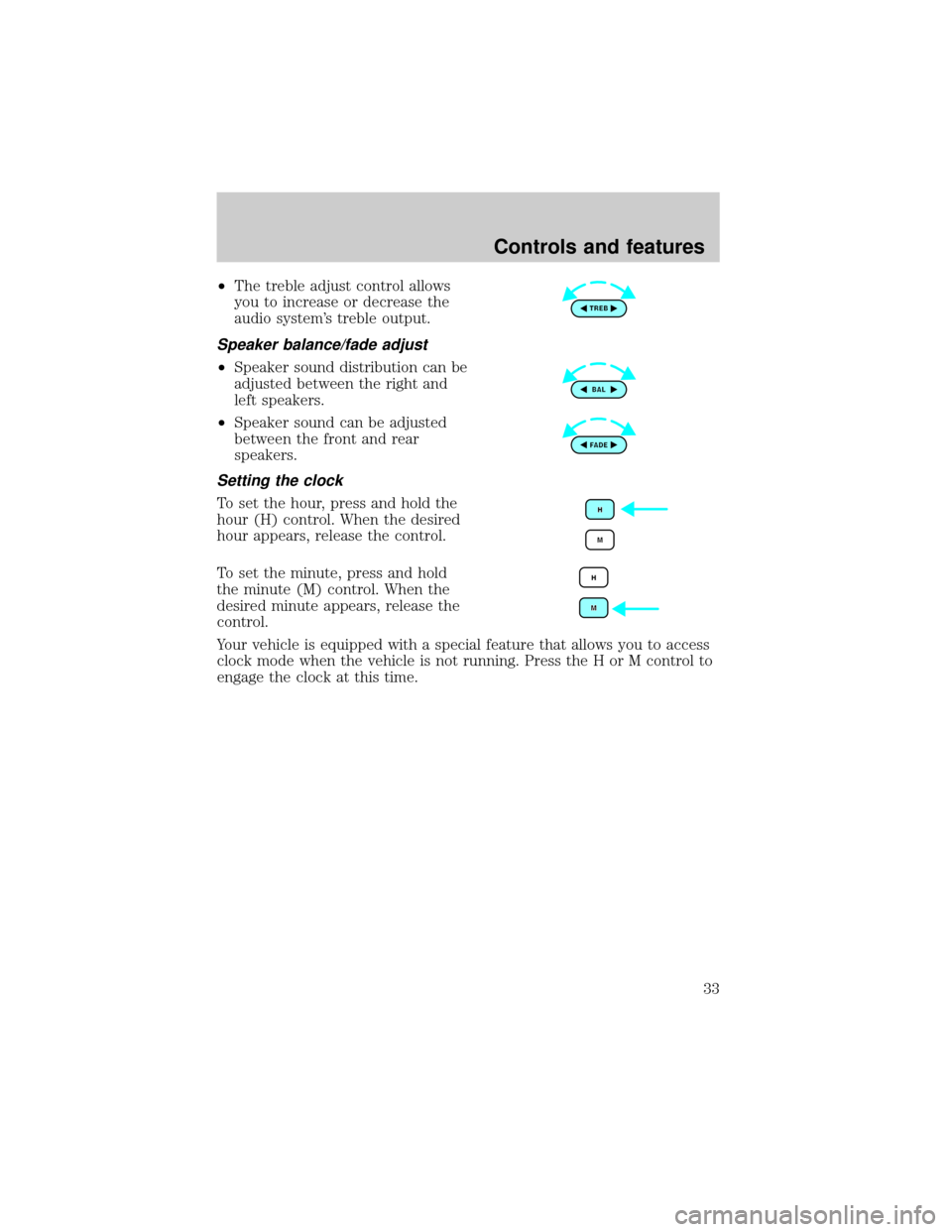
²The treble adjust control allows
you to increase or decrease the
audio system's treble output.
Speaker balance/fade adjust
²Speaker sound distribution can be
adjusted between the right and
left speakers.
²Speaker sound can be adjusted
between the front and rear
speakers.
Setting the clock
To set the hour, press and hold the
hour (H) control. When the desired
hour appears, release the control.
To set the minute, press and hold
the minute (M) control. When the
desired minute appears, release the
control.
Your vehicle is equipped with a special feature that allows you to access
clock mode when the vehicle is not running. Press the H or M control to
engage the clock at this time.
Controls and features
33
Page 34 of 256
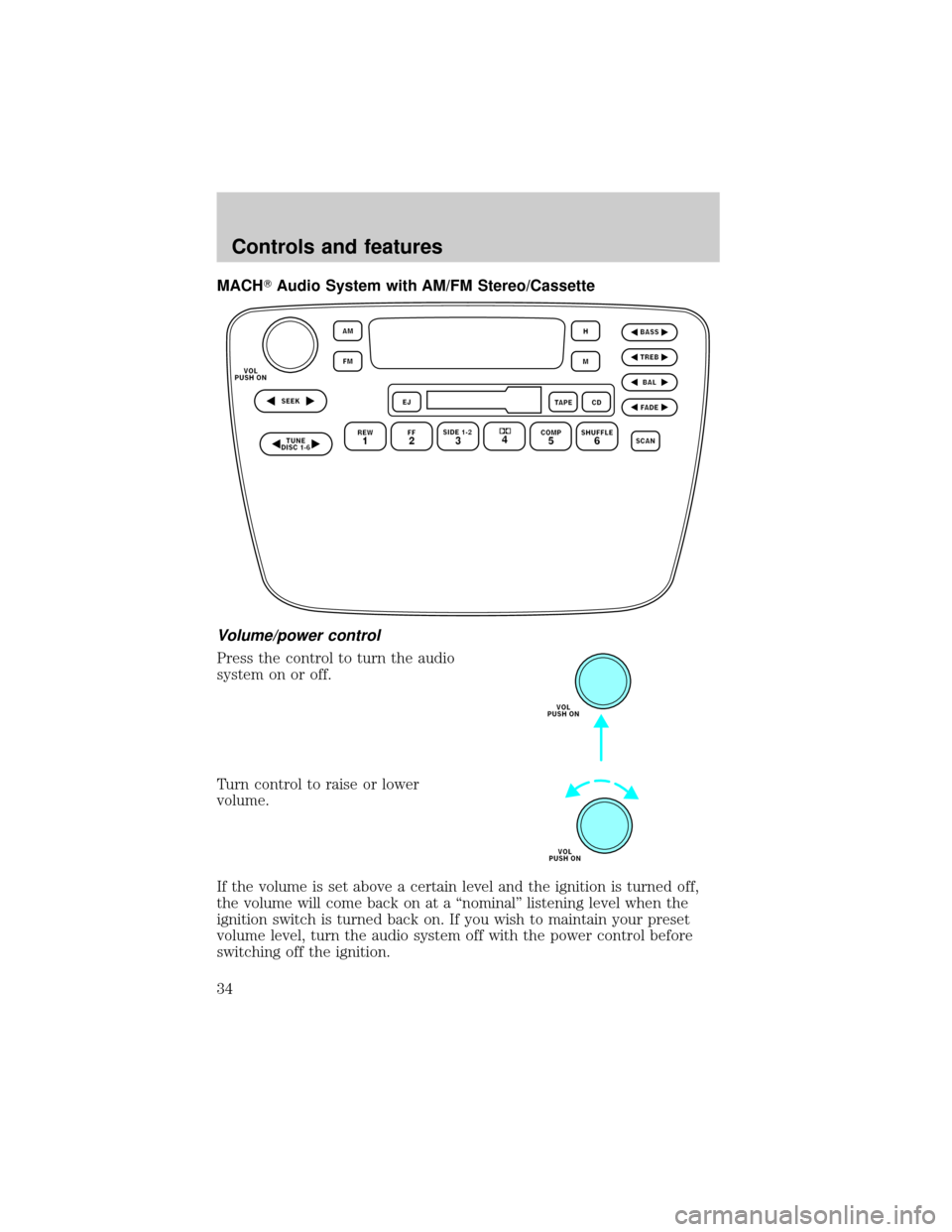
MACHTAudio System with AM/FM Stereo/Cassette
Volume/power control
Press the control to turn the audio
system on or off.
Turn control to raise or lower
volume.
If the volume is set above a certain level and the ignition is turned off,
the volume will come back on at a ªnominalº listening level when the
ignition switch is turned back on. If you wish to maintain your preset
volume level, turn the audio system off with the power control before
switching off the ignition.
Controls and features
34
Page 37 of 256
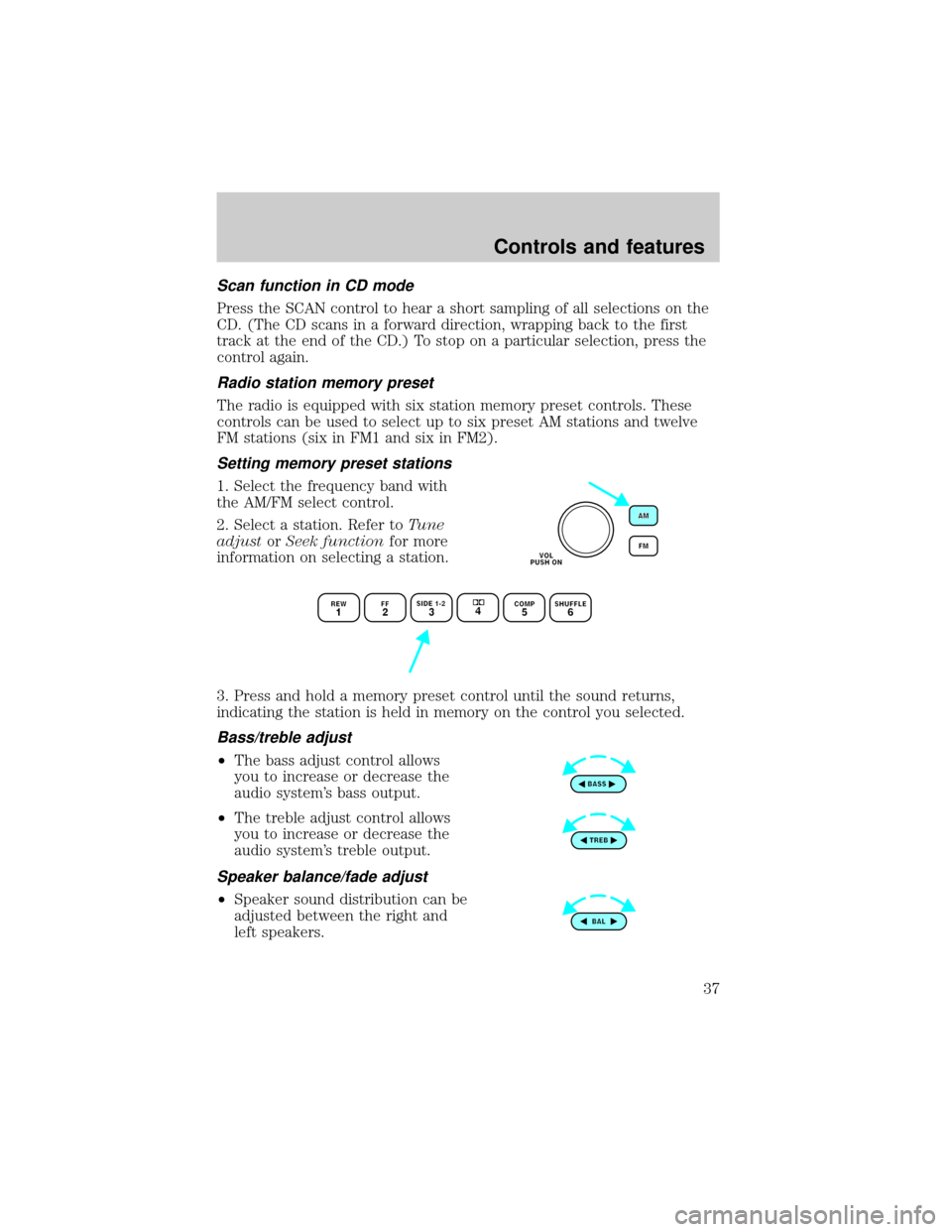
Scan function in CD mode
Press the SCAN control to hear a short sampling of all selections on the
CD. (The CD scans in a forward direction, wrapping back to the first
track at the end of the CD.) To stop on a particular selection, press the
control again.
Radio station memory preset
The radio is equipped with six station memory preset controls. These
controls can be used to select up to six preset AM stations and twelve
FM stations (six in FM1 and six in FM2).
Setting memory preset stations
1. Select the frequency band with
the AM/FM select control.
2. Select a station. Refer toTune
adjustorSeek functionfor more
information on selecting a station.
3. Press and hold a memory preset control until the sound returns,
indicating the station is held in memory on the control you selected.
Bass/treble adjust
²The bass adjust control allows
you to increase or decrease the
audio system's bass output.
²The treble adjust control allows
you to increase or decrease the
audio system's treble output.
Speaker balance/fade adjust
²Speaker sound distribution can be
adjusted between the right and
left speakers.
Controls and features
37
Page 38 of 256
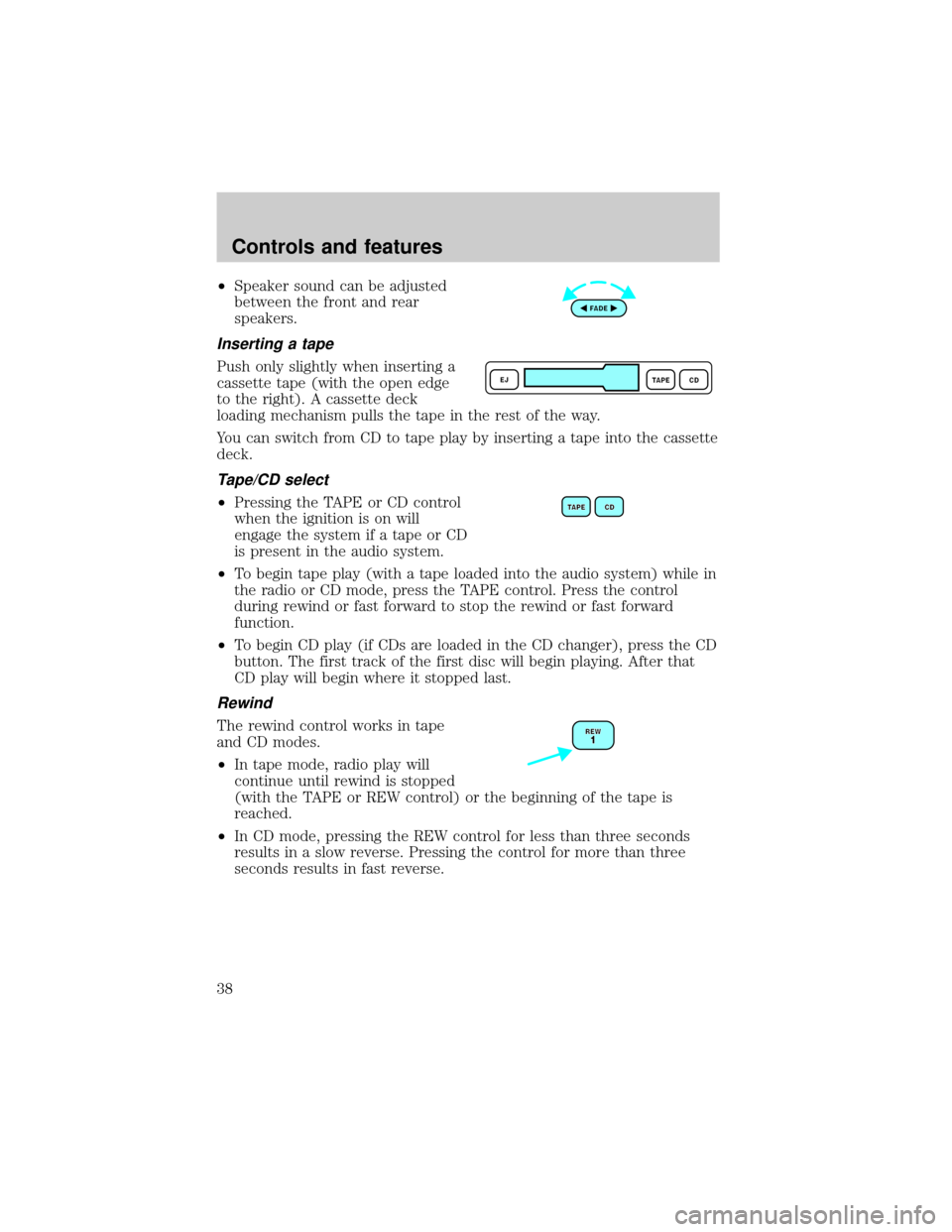
²Speaker sound can be adjusted
between the front and rear
speakers.
Inserting a tape
Push only slightly when inserting a
cassette tape (with the open edge
to the right). A cassette deck
loading mechanism pulls the tape in the rest of the way.
You can switch from CD to tape play by inserting a tape into the cassette
deck.
Tape/CD select
²Pressing the TAPE or CD control
when the ignition is on will
engage the system if a tape or CD
is present in the audio system.
²To begin tape play (with a tape loaded into the audio system) while in
the radio or CD mode, press the TAPE control. Press the control
during rewind or fast forward to stop the rewind or fast forward
function.
²To begin CD play (if CDs are loaded in the CD changer), press the CD
button. The first track of the first disc will begin playing. After that
CD play will begin where it stopped last.
Rewind
The rewind control works in tape
and CD modes.
²In tape mode, radio play will
continue until rewind is stopped
(with the TAPE or REW control) or the beginning of the tape is
reached.
²In CD mode, pressing the REW control for less than three seconds
results in a slow reverse. Pressing the control for more than three
seconds results in fast reverse.
Controls and features
38
Page 41 of 256
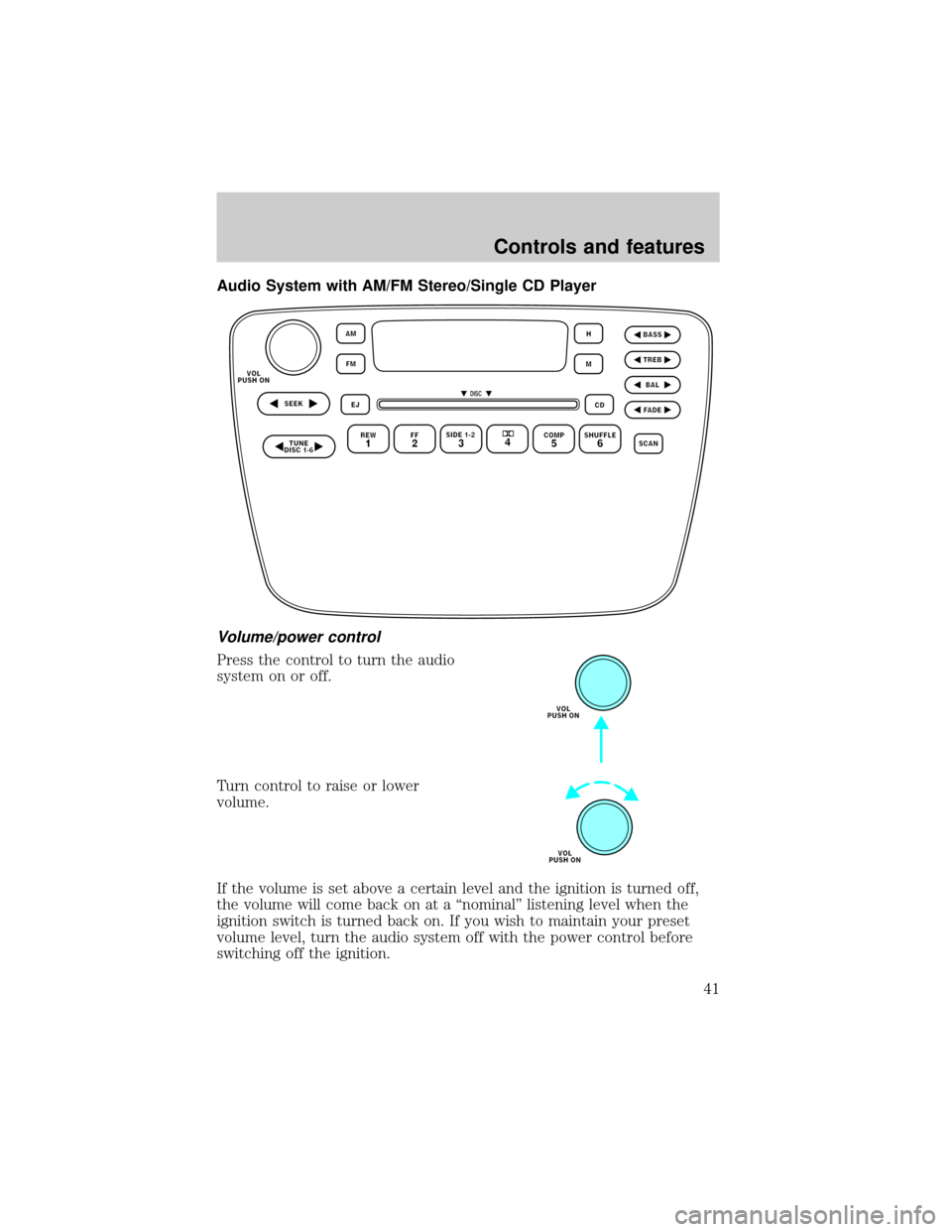
Audio System with AM/FM Stereo/Single CD Player
Volume/power control
Press the control to turn the audio
system on or off.
Turn control to raise or lower
volume.
If the volume is set above a certain level and the ignition is turned off,
the volume will come back on at a ªnominalº listening level when the
ignition switch is turned back on. If you wish to maintain your preset
volume level, turn the audio system off with the power control before
switching off the ignition.
Controls and features
41