Page 17 of 256
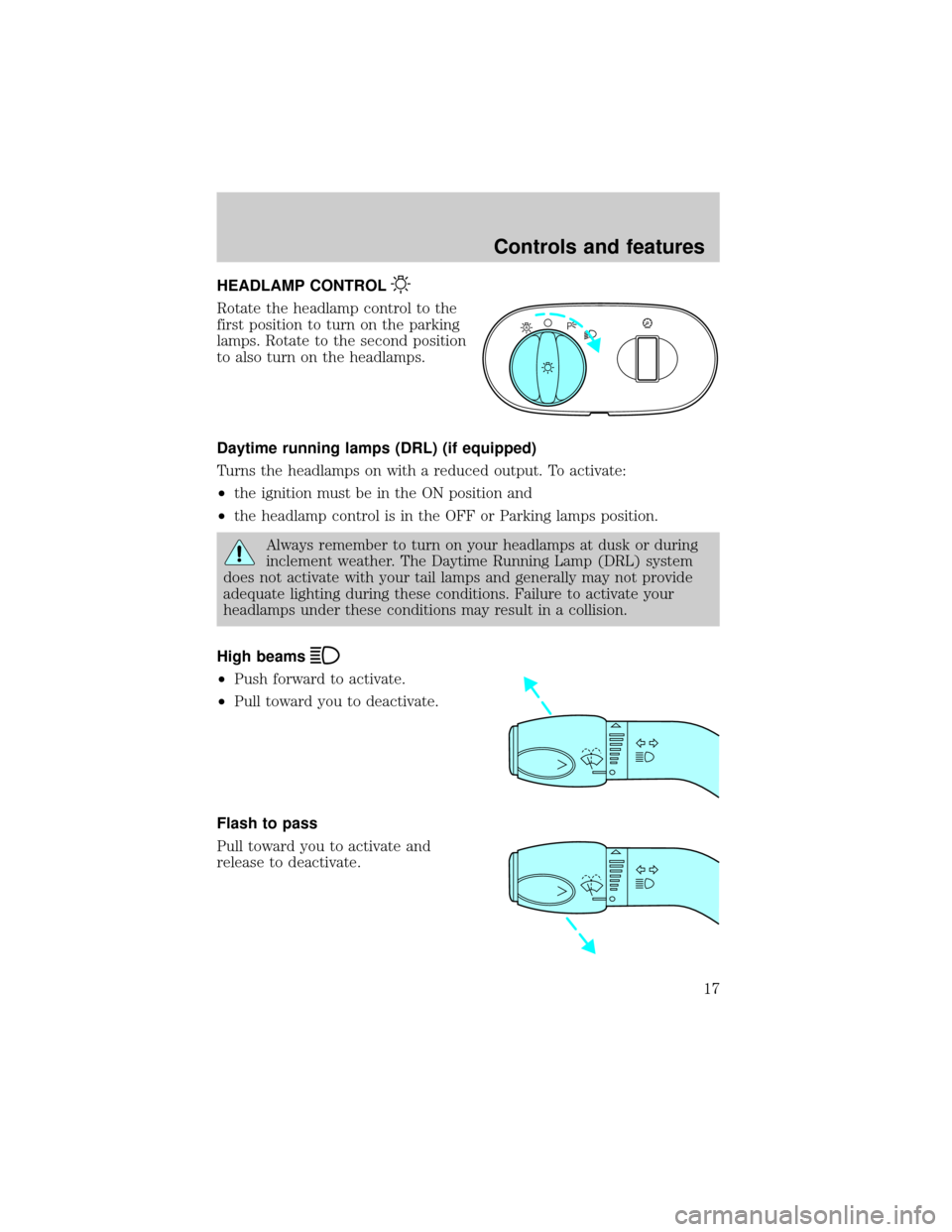
HEADLAMP CONTROL
Rotate the headlamp control to the
first position to turn on the parking
lamps. Rotate to the second position
to also turn on the headlamps.
Daytime running lamps (DRL) (if equipped)
Turns the headlamps on with a reduced output. To activate:
²the ignition must be in the ON position and
²the headlamp control is in the OFF or Parking lamps position.
Always remember to turn on your headlamps at dusk or during
inclement weather. The Daytime Running Lamp (DRL) system
does not activate with your tail lamps and generally may not provide
adequate lighting during these conditions. Failure to activate your
headlamps under these conditions may result in a collision.
High beams
²Push forward to activate.
²Pull toward you to deactivate.
Flash to pass
Pull toward you to activate and
release to deactivate.
A
Controls and features
17
Page 18 of 256
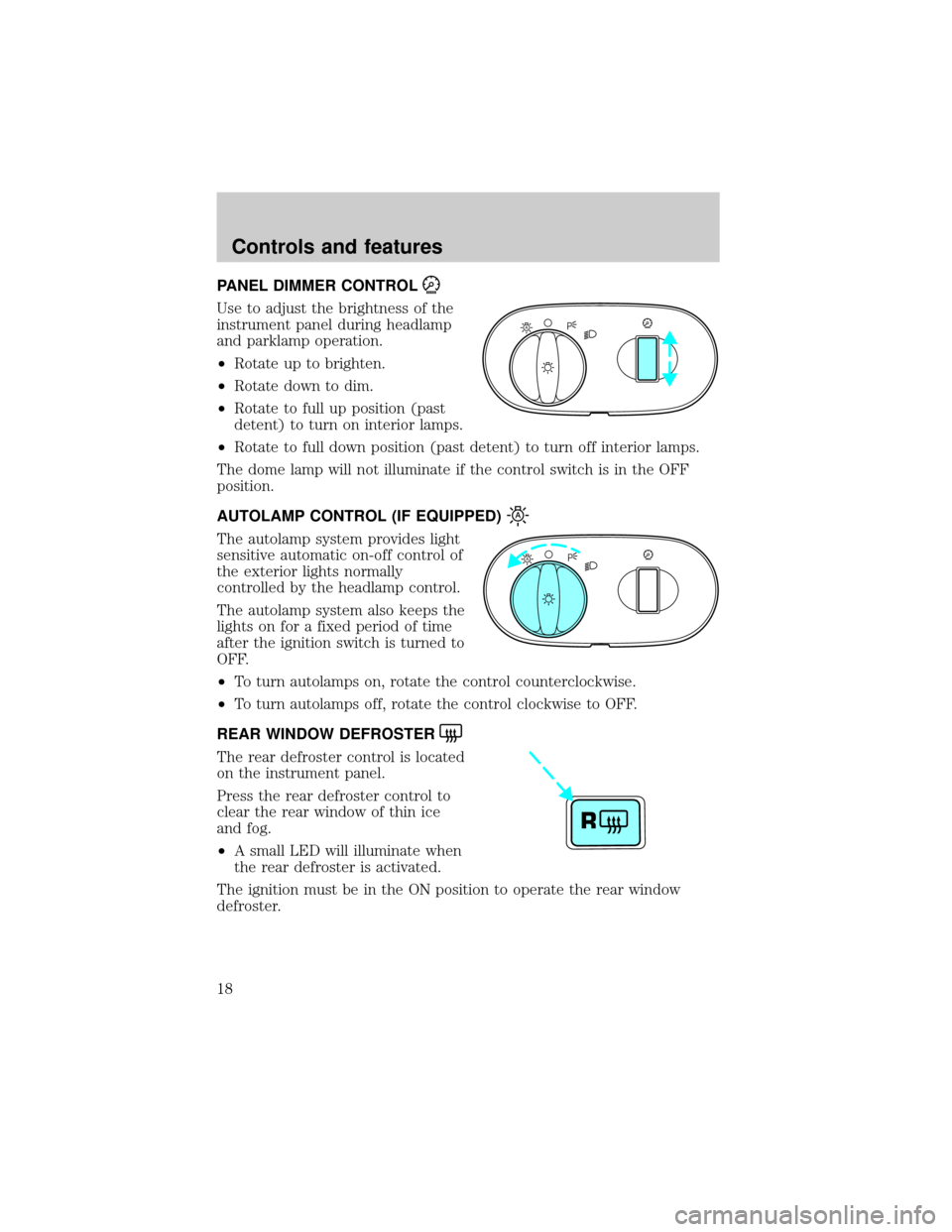
PANEL DIMMER CONTROL
Use to adjust the brightness of the
instrument panel during headlamp
and parklamp operation.
²Rotate up to brighten.
²Rotate down to dim.
²Rotate to full up position (past
detent) to turn on interior lamps.
²Rotate to full down position (past detent) to turn off interior lamps.
The dome lamp will not illuminate if the control switch is in the OFF
position.
AUTOLAMP CONTROL (IF EQUIPPED)
The autolamp system provides light
sensitive automatic on-off control of
the exterior lights normally
controlled by the headlamp control.
The autolamp system also keeps the
lights on for a fixed period of time
after the ignition switch is turned to
OFF.
²To turn autolamps on, rotate the control counterclockwise.
²To turn autolamps off, rotate the control clockwise to OFF.
REAR WINDOW DEFROSTER
The rear defroster control is located
on the instrument panel.
Press the rear defroster control to
clear the rear window of thin ice
and fog.
²A small LED will illuminate when
the rear defroster is activated.
The ignition must be in the ON position to operate the rear window
defroster.
A
A
R
Controls and features
18
Page 19 of 256
The defroster turns off automatically after 10 minutes or when the
ignition is turned to the OFF position. To manually turn off the defroster
before 10 minutes have passed, push the control again.
Activating the rear window defroster will also activate the heated mirrors
(if equipped). For more information refer toHeated outside mirrorsin
this chapter.
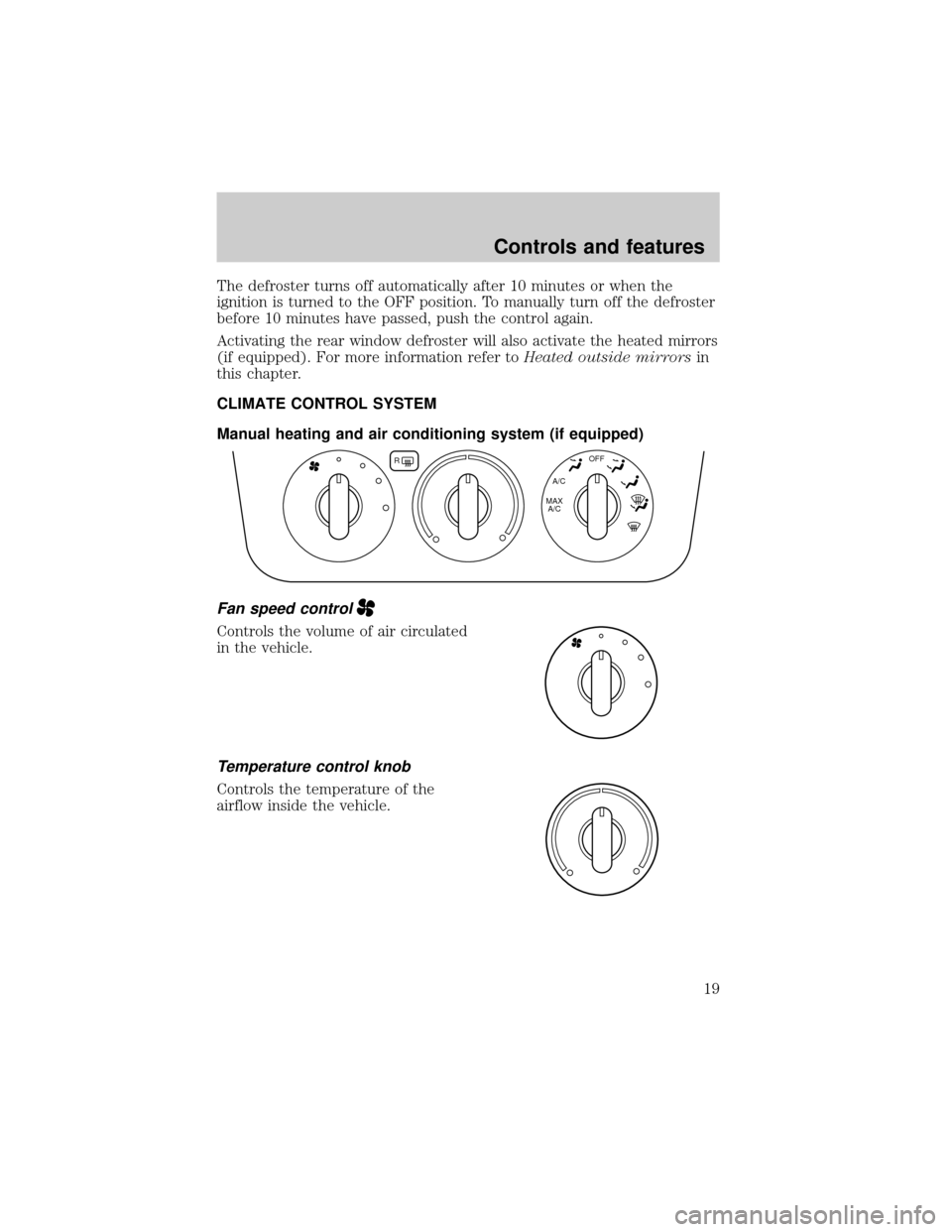
CLIMATE CONTROL SYSTEM
Manual heating and air conditioning system (if equipped)
Fan speed control
Controls the volume of air circulated
in the vehicle.
Temperature control knob
Controls the temperature of the
airflow inside the vehicle.
R
A/C
MAX
A/COFF
Controls and features
19
Page 23 of 256
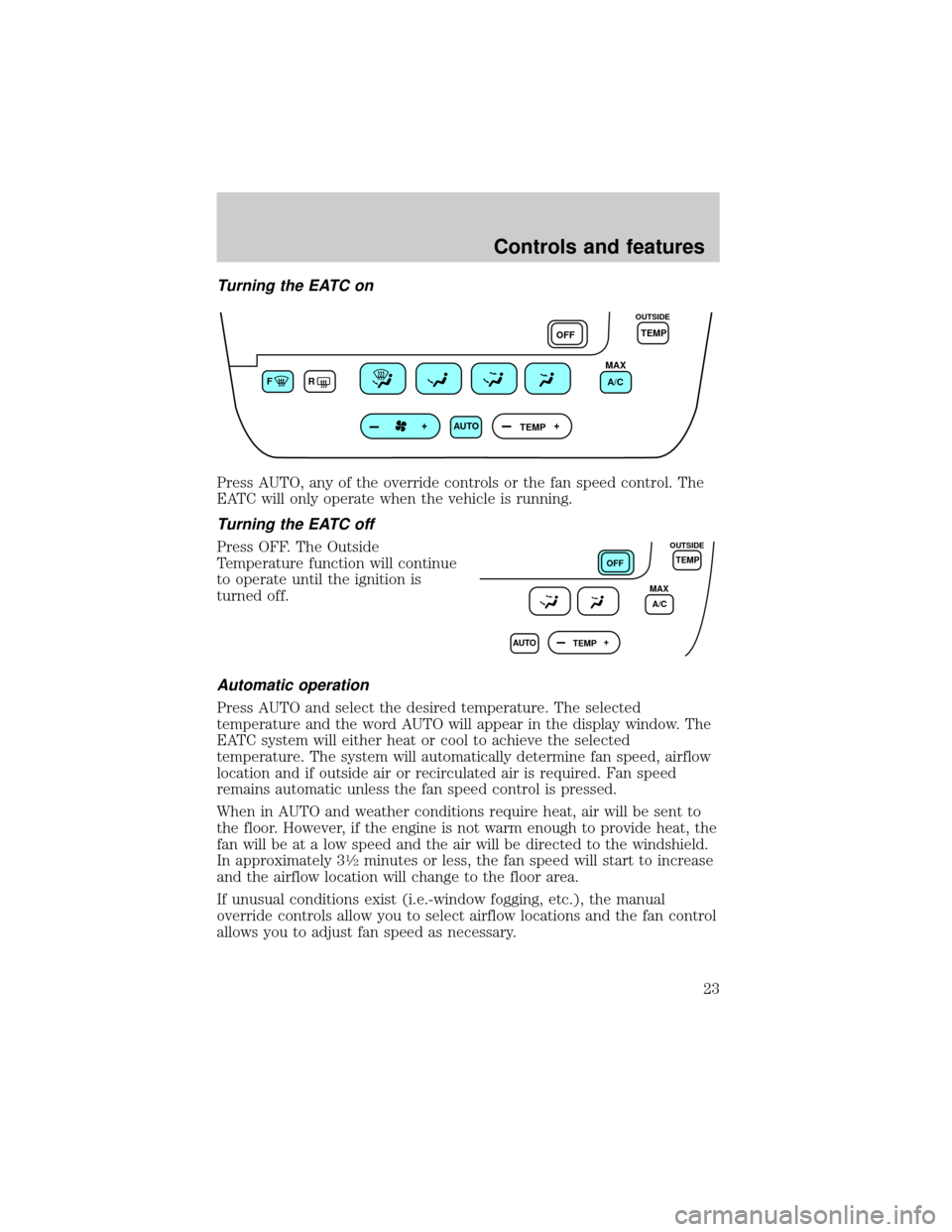
Turning the EATC on
Press AUTO, any of the override controls or the fan speed control. The
EATC will only operate when the vehicle is running.
Turning the EATC off
Press OFF. The Outside
Temperature function will continue
to operate until the ignition is
turned off.
Automatic operation
Press AUTO and select the desired temperature. The selected
temperature and the word AUTO will appear in the display window. The
EATC system will either heat or cool to achieve the selected
temperature. The system will automatically determine fan speed, airflow
location and if outside air or recirculated air is required. Fan speed
remains automatic unless the fan speed control is pressed.
When in AUTO and weather conditions require heat, air will be sent to
the floor. However, if the engine is not warm enough to provide heat, the
fan will be at a low speed and the air will be directed to the windshield.
In approximately 3
1¤2minutes or less, the fan speed will start to increase
and the airflow location will change to the floor area.
If unusual conditions exist (i.e.-window fogging, etc.), the manual
override controls allow you to select airflow locations and the fan control
allows you to adjust fan speed as necessary.
FR
AUTO
TEMPOFFTEMP
MAX
A/C
OUTSIDE
AUTO
TEMPOFF
MAX
A/CTEMP
OUTSIDE
Controls and features
23
Page 31 of 256
If the volume is set above a certain level and the ignition is turned off,
the volume will come back on at a ªnominalº listening level when the
ignition switch is turned back on. If you wish to maintain your preset
volume level, turn the audio system off with the power control before
switching off the ignition.
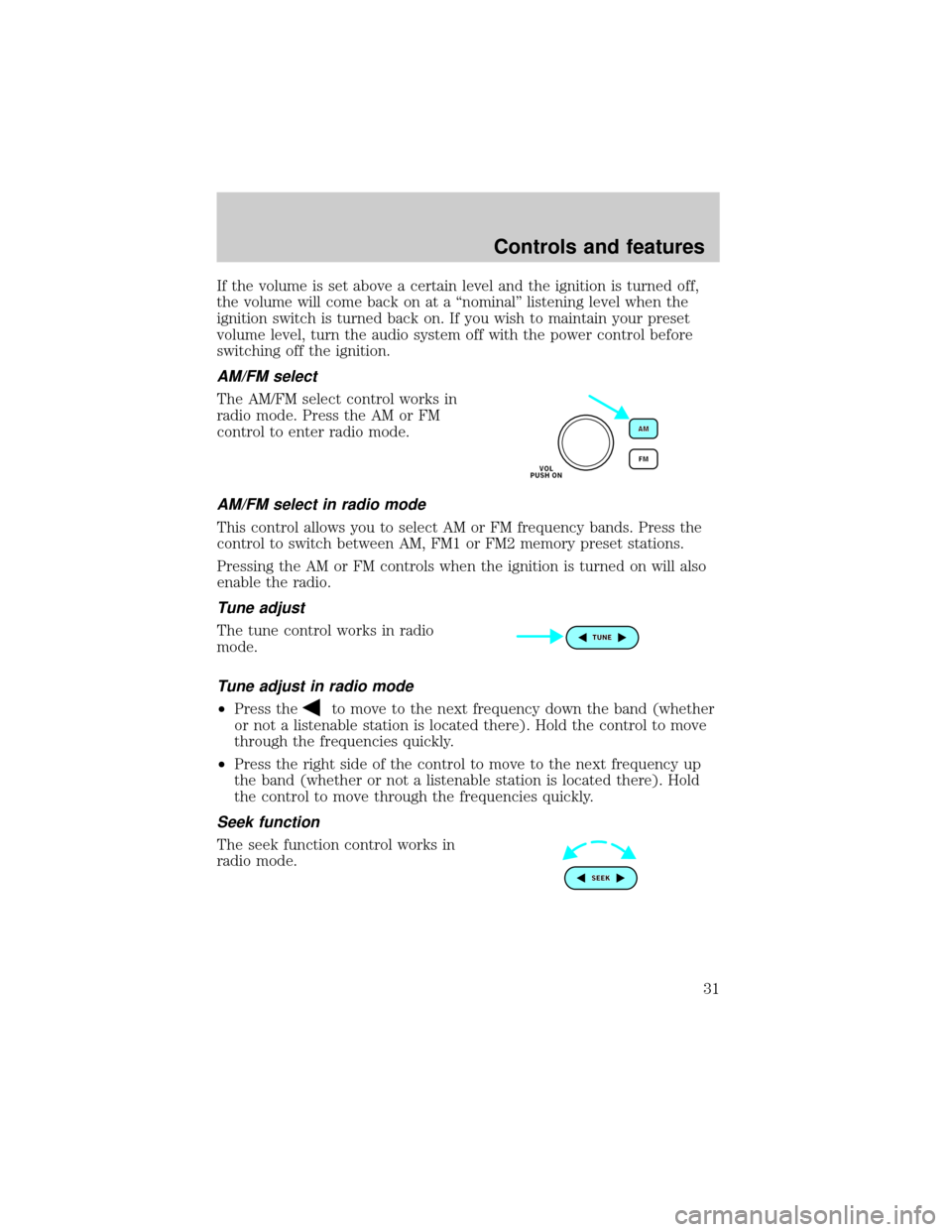
AM/FM select
The AM/FM select control works in
radio mode. Press the AM or FM
control to enter radio mode.
AM/FM select in radio mode
This control allows you to select AM or FM frequency bands. Press the
control to switch between AM, FM1 or FM2 memory preset stations.
Pressing the AM or FM controls when the ignition is turned on will also
enable the radio.
Tune adjust
The tune control works in radio
mode.
Tune adjust in radio mode
²Press theto move to the next frequency down the band (whether
or not a listenable station is located there). Hold the control to move
through the frequencies quickly.
²Press the right side of the control to move to the next frequency up
the band (whether or not a listenable station is located there). Hold
the control to move through the frequencies quickly.
Seek function
The seek function control works in
radio mode.
Controls and features
31
Page 34 of 256
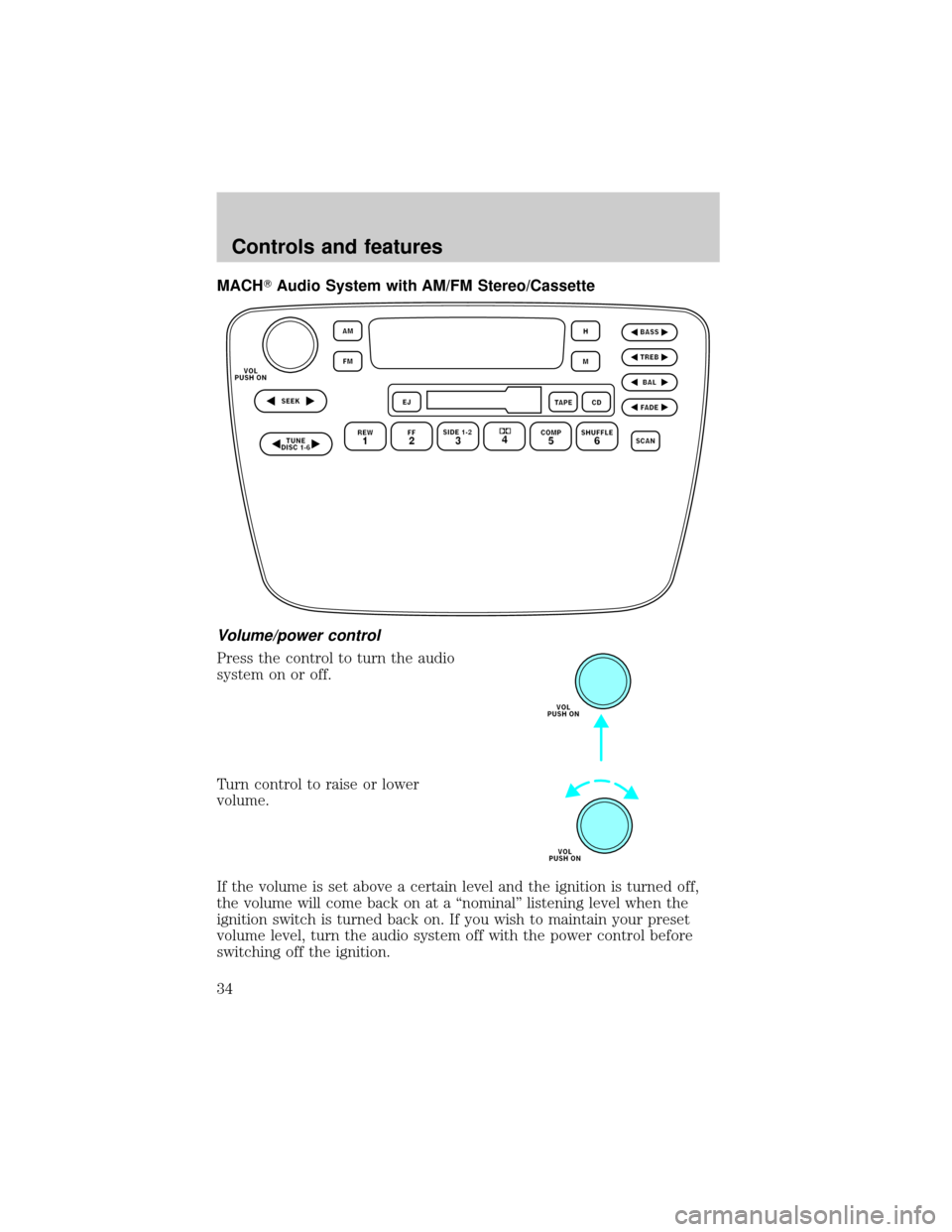
MACHTAudio System with AM/FM Stereo/Cassette
Volume/power control
Press the control to turn the audio
system on or off.
Turn control to raise or lower
volume.
If the volume is set above a certain level and the ignition is turned off,
the volume will come back on at a ªnominalº listening level when the
ignition switch is turned back on. If you wish to maintain your preset
volume level, turn the audio system off with the power control before
switching off the ignition.
Controls and features
34
Page 35 of 256
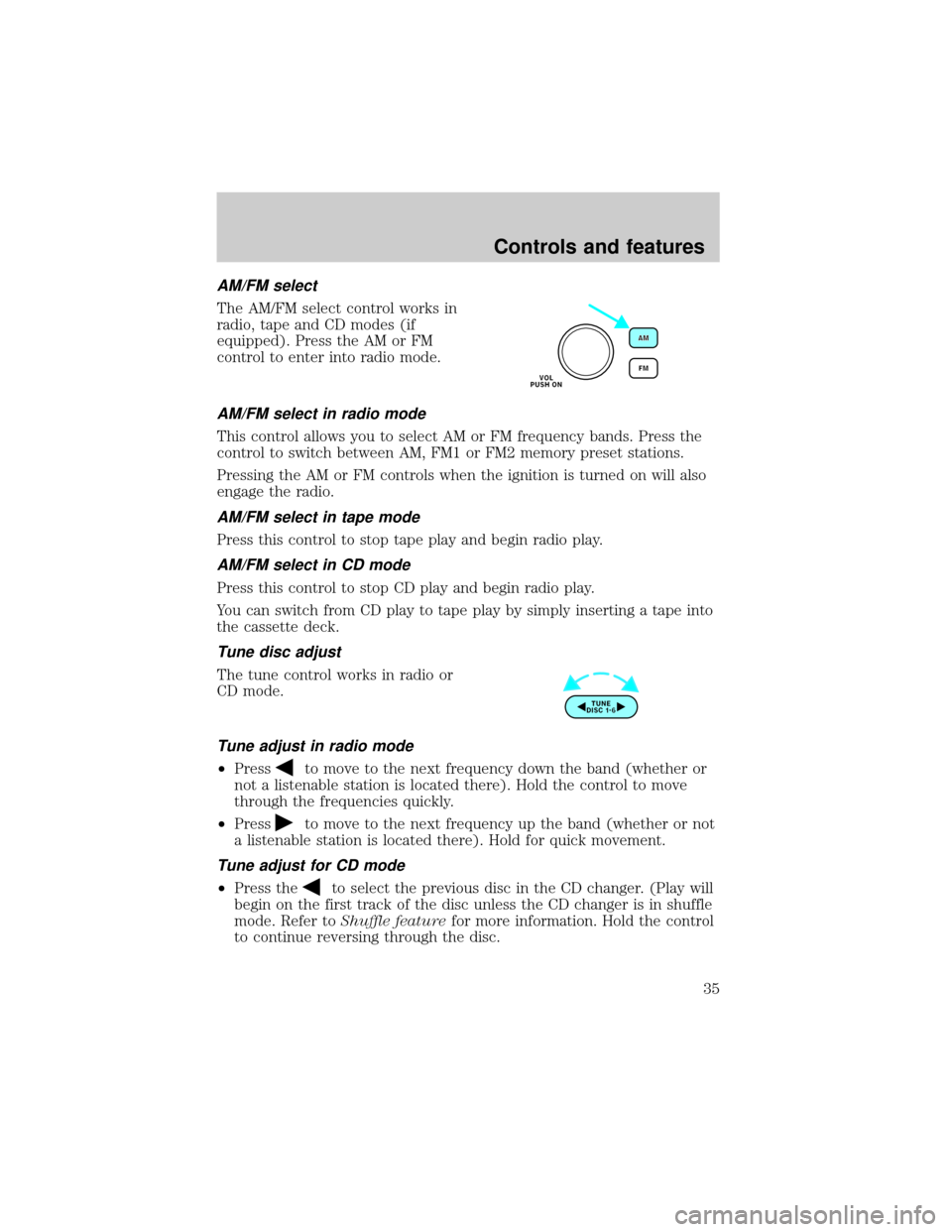
AM/FM select
The AM/FM select control works in
radio, tape and CD modes (if
equipped). Press the AM or FM
control to enter into radio mode.
AM/FM select in radio mode
This control allows you to select AM or FM frequency bands. Press the
control to switch between AM, FM1 or FM2 memory preset stations.
Pressing the AM or FM controls when the ignition is turned on will also
engage the radio.
AM/FM select in tape mode
Press this control to stop tape play and begin radio play.
AM/FM select in CD mode
Press this control to stop CD play and begin radio play.
You can switch from CD play to tape play by simply inserting a tape into
the cassette deck.
Tune disc adjust
The tune control works in radio or
CD mode.
Tune adjust in radio mode
²Pressto move to the next frequency down the band (whether or
not a listenable station is located there). Hold the control to move
through the frequencies quickly.
²Press
to move to the next frequency up the band (whether or not
a listenable station is located there). Hold for quick movement.
Tune adjust for CD mode
²Press theto select the previous disc in the CD changer. (Play will
begin on the first track of the disc unless the CD changer is in shuffle
mode. Refer toShuffle featurefor more information. Hold the control
to continue reversing through the disc.
Controls and features
35
Page 38 of 256
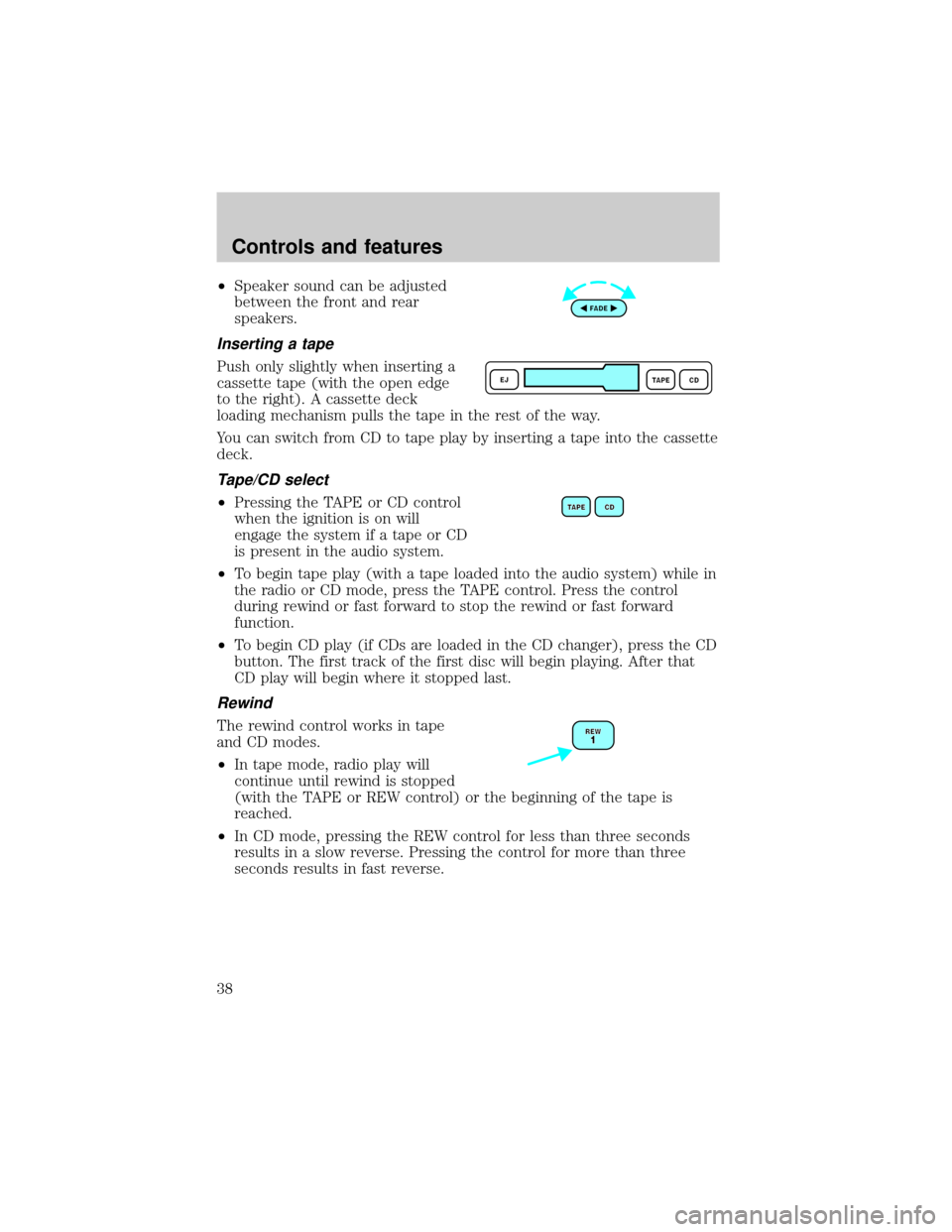
²Speaker sound can be adjusted
between the front and rear
speakers.
Inserting a tape
Push only slightly when inserting a
cassette tape (with the open edge
to the right). A cassette deck
loading mechanism pulls the tape in the rest of the way.
You can switch from CD to tape play by inserting a tape into the cassette
deck.
Tape/CD select
²Pressing the TAPE or CD control
when the ignition is on will
engage the system if a tape or CD
is present in the audio system.
²To begin tape play (with a tape loaded into the audio system) while in
the radio or CD mode, press the TAPE control. Press the control
during rewind or fast forward to stop the rewind or fast forward
function.
²To begin CD play (if CDs are loaded in the CD changer), press the CD
button. The first track of the first disc will begin playing. After that
CD play will begin where it stopped last.
Rewind
The rewind control works in tape
and CD modes.
²In tape mode, radio play will
continue until rewind is stopped
(with the TAPE or REW control) or the beginning of the tape is
reached.
²In CD mode, pressing the REW control for less than three seconds
results in a slow reverse. Pressing the control for more than three
seconds results in fast reverse.
Controls and features
38