Page 7 of 248
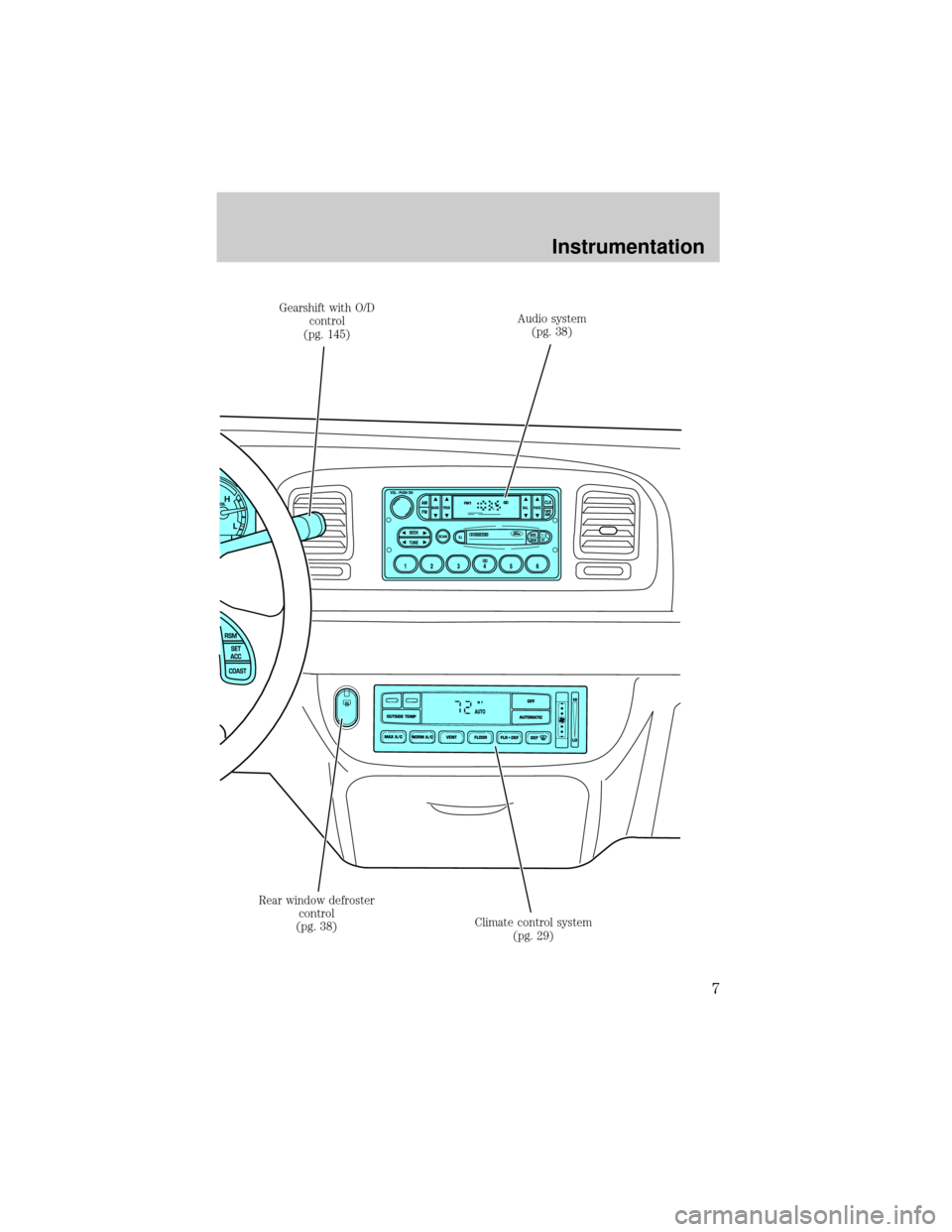
Gearshift with O/D
control
(pg. 145)Audio system
(pg. 38)
Climate control system
(pg. 29) Rear window defroster
control
(pg. 38)
Instrumentation
7
Page 38 of 248
REAR WINDOW DEFROSTER
The rear defroster control is located
on the instrument panel.
Press the rear defroster control to
clear the rear window of thin ice
and fog.
²A small LED will illuminate when
the rear defroster is activated.
The ignition must be in the ON position to operate the rear window
defroster.
The defroster turns off automatically after 10 minutes or when the
ignition is turned to the OFF position. To manually turn off the defroster
before 10 minutes have passed, push the control again.
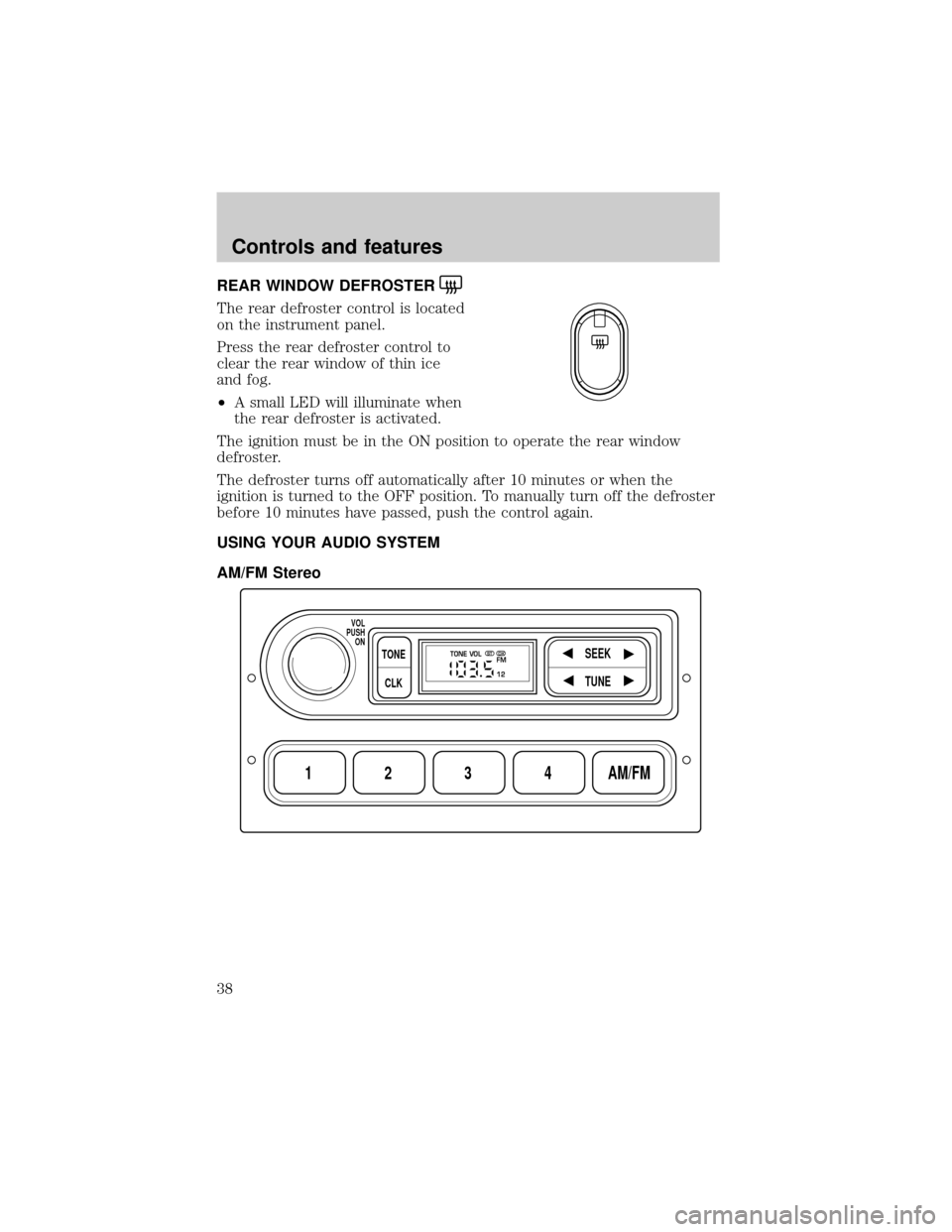
USING YOUR AUDIO SYSTEM
AM/FM Stereo
1234AM/FM
SEEKTONE
CLK
TUNE
TONE VOL
12 FMSTDX
VOL
PUSH
ON
Controls and features
38
Page 39 of 248
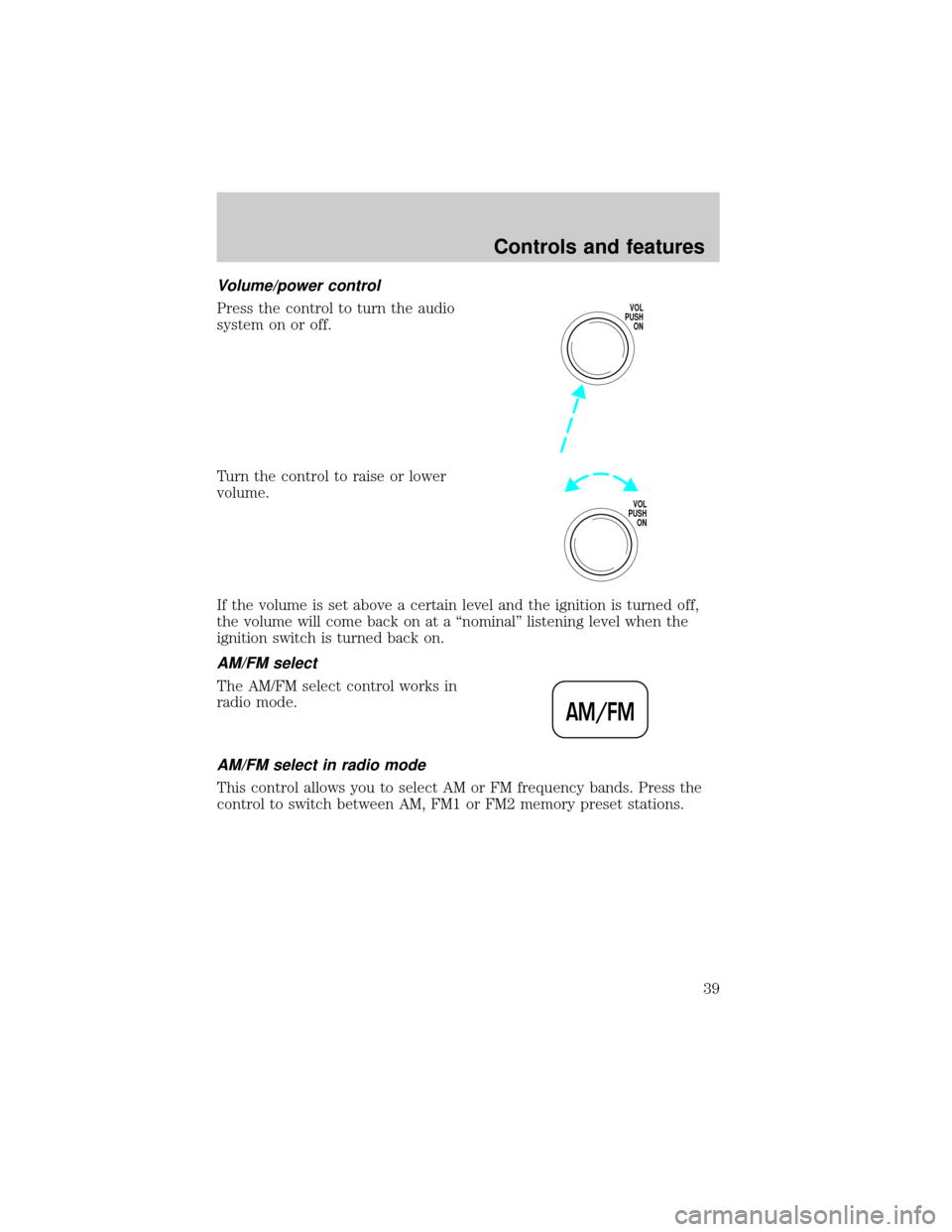
Volume/power control
Press the control to turn the audio
system on or off.
Turn the control to raise or lower
volume.
If the volume is set above a certain level and the ignition is turned off,
the volume will come back on at a ªnominalº listening level when the
ignition switch is turned back on.
AM/FM select
The AM/FM select control works in
radio mode.
AM/FM select in radio mode
This control allows you to select AM or FM frequency bands. Press the
control to switch between AM, FM1 or FM2 memory preset stations.
VOL
PUSH
ON
VOL
PUSH
ON
AM/FM
Controls and features
39
Page 41 of 248
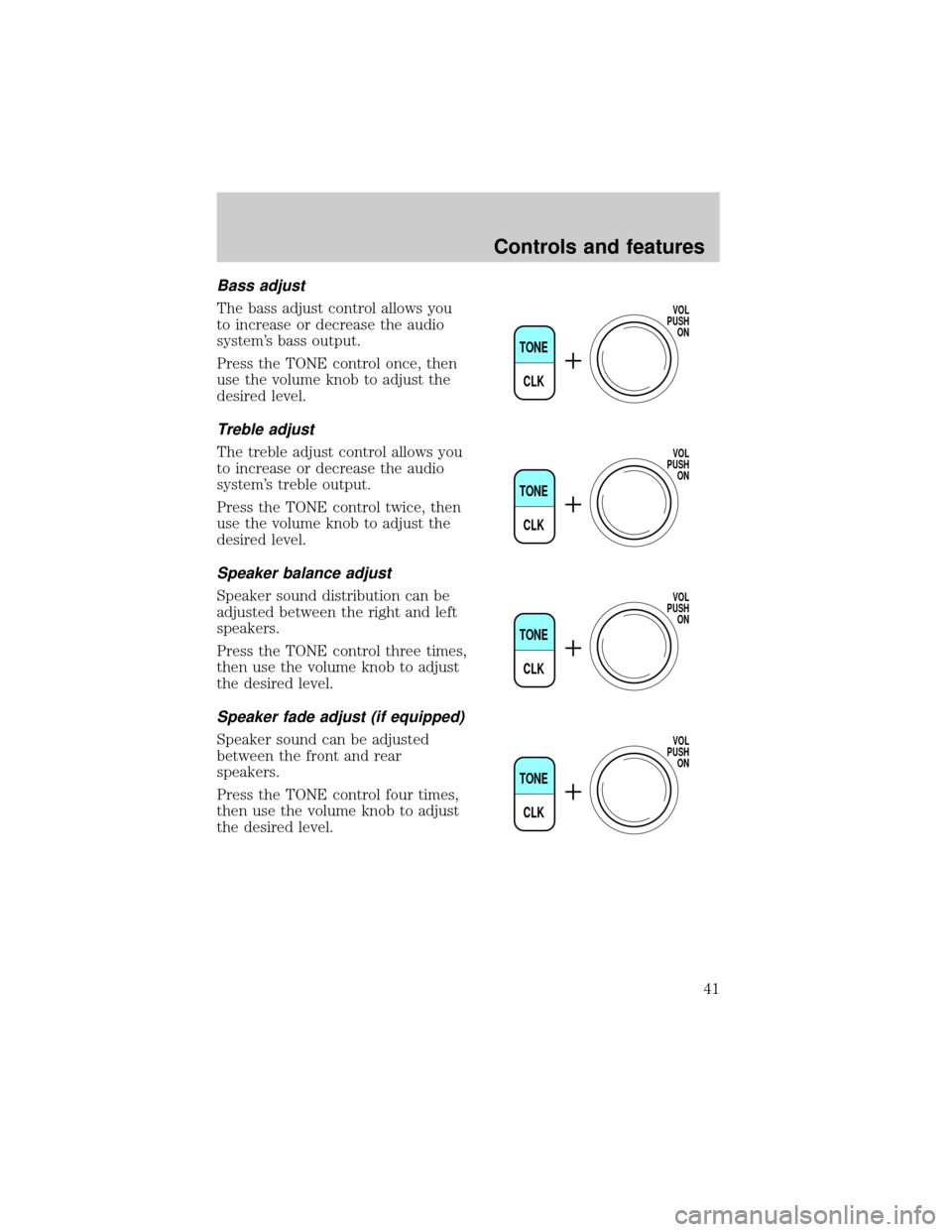
Bass adjust
The bass adjust control allows you
to increase or decrease the audio
system's bass output.
Press the TONE control once, then
use the volume knob to adjust the
desired level.
Treble adjust
The treble adjust control allows you
to increase or decrease the audio
system's treble output.
Press the TONE control twice, then
use the volume knob to adjust the
desired level.
Speaker balance adjust
Speaker sound distribution can be
adjusted between the right and left
speakers.
Press the TONE control three times,
then use the volume knob to adjust
the desired level.
Speaker fade adjust (if equipped)
Speaker sound can be adjusted
between the front and rear
speakers.
Press the TONE control four times,
then use the volume knob to adjust
the desired level.
TONE
CLK
VOL
PUSH
ON
TONE
CLK
VOL
PUSH
ON
TONE
CLK
VOL
PUSH
ON
TONE
CLK
VOL
PUSH
ON
Controls and features
41
Page 44 of 248
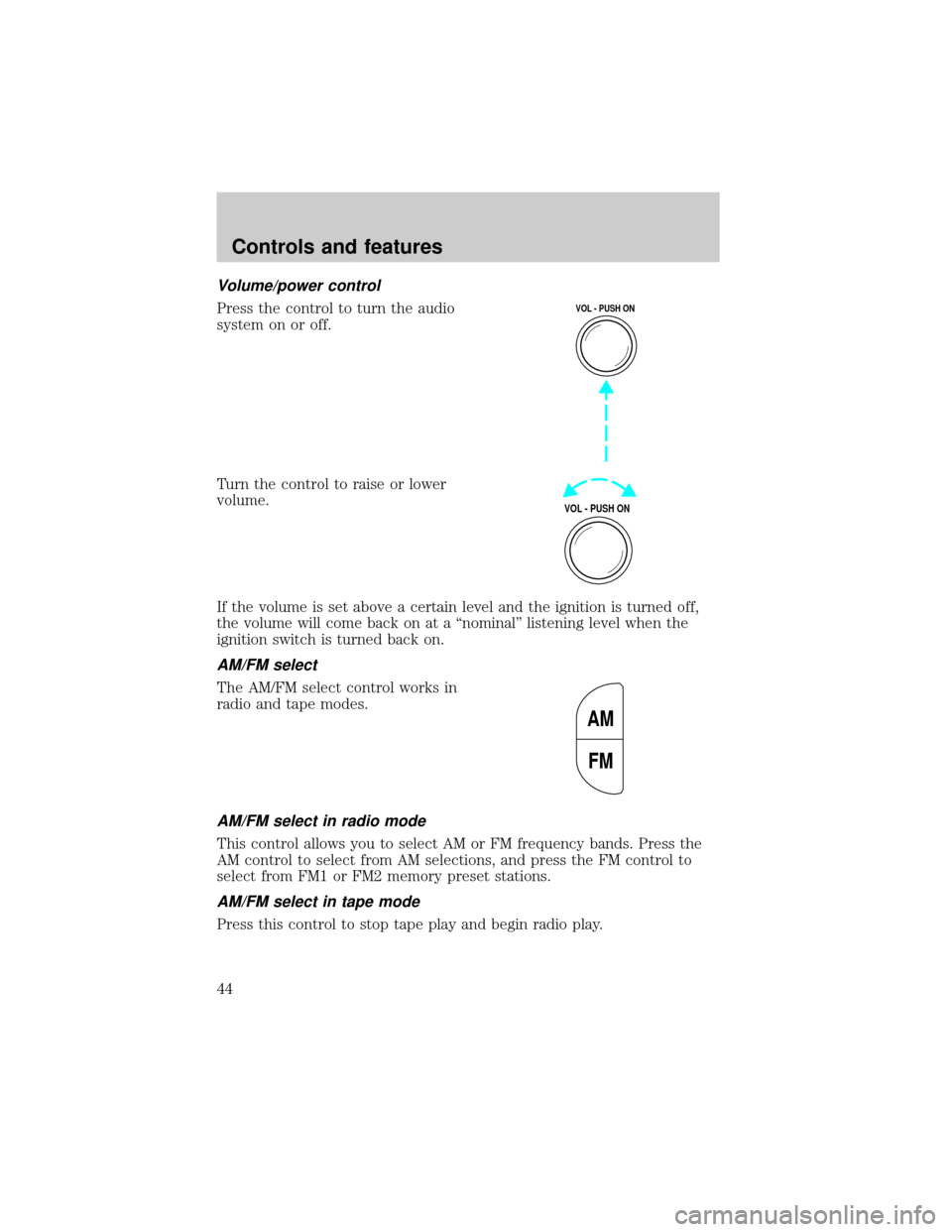
Volume/power control
Press the control to turn the audio
system on or off.
Turn the control to raise or lower
volume.
If the volume is set above a certain level and the ignition is turned off,
the volume will come back on at a ªnominalº listening level when the
ignition switch is turned back on.
AM/FM select
The AM/FM select control works in
radio and tape modes.
AM/FM select in radio mode
This control allows you to select AM or FM frequency bands. Press the
AM control to select from AM selections, and press the FM control to
select from FM1 or FM2 memory preset stations.
AM/FM select in tape mode
Press this control to stop tape play and begin radio play.
VOL - PUSH ON
VOL - PUSH ON
AM
FM
Controls and features
44
Page 46 of 248
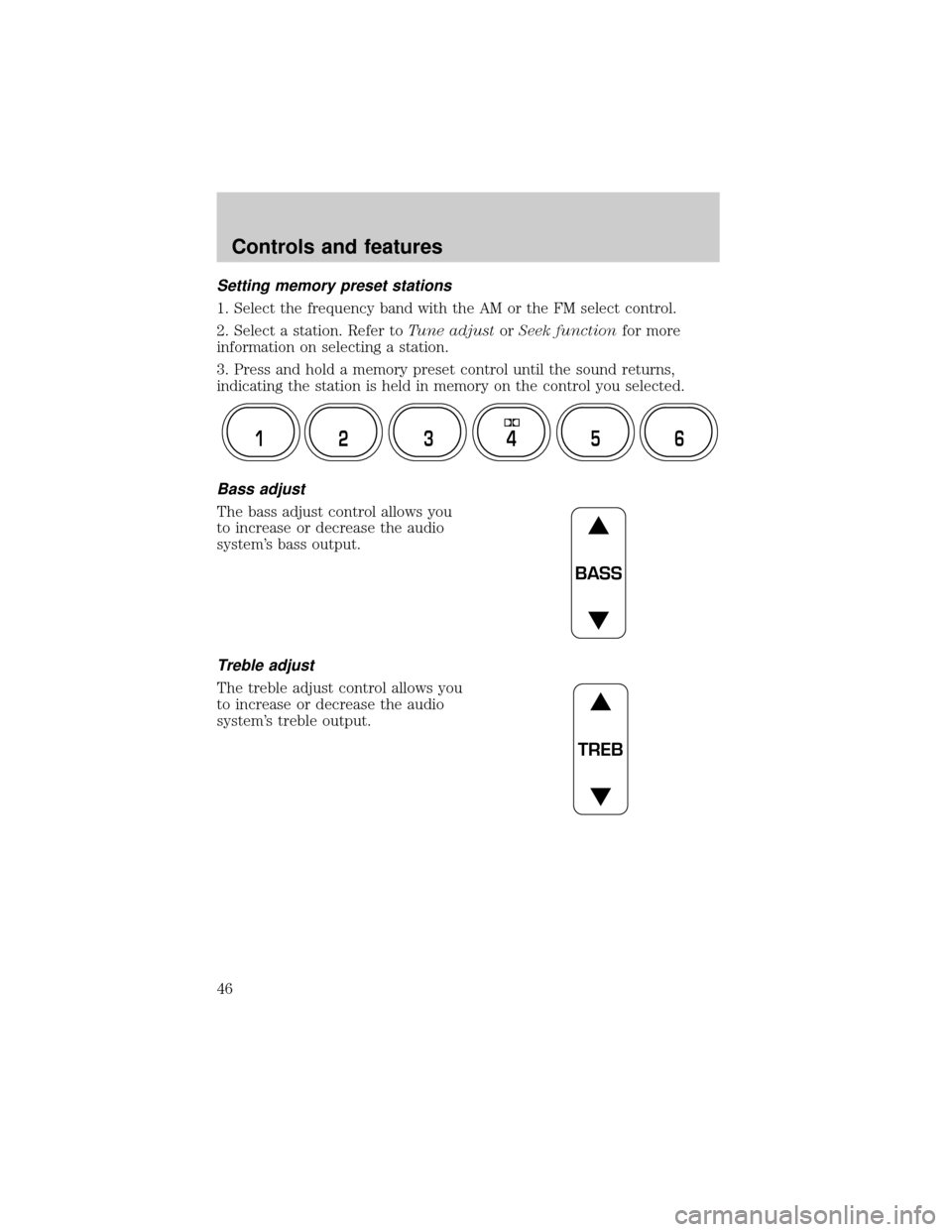
Setting memory preset stations
1. Select the frequency band with the AM or the FM select control.
2. Select a station. Refer toTune adjustorSeek functionfor more
information on selecting a station.
3. Press and hold a memory preset control until the sound returns,
indicating the station is held in memory on the control you selected.
Bass adjust
The bass adjust control allows you
to increase or decrease the audio
system's bass output.
Treble adjust
The treble adjust control allows you
to increase or decrease the audio
system's treble output.
12 3456
BASS
TREB
Controls and features
46
Page 51 of 248
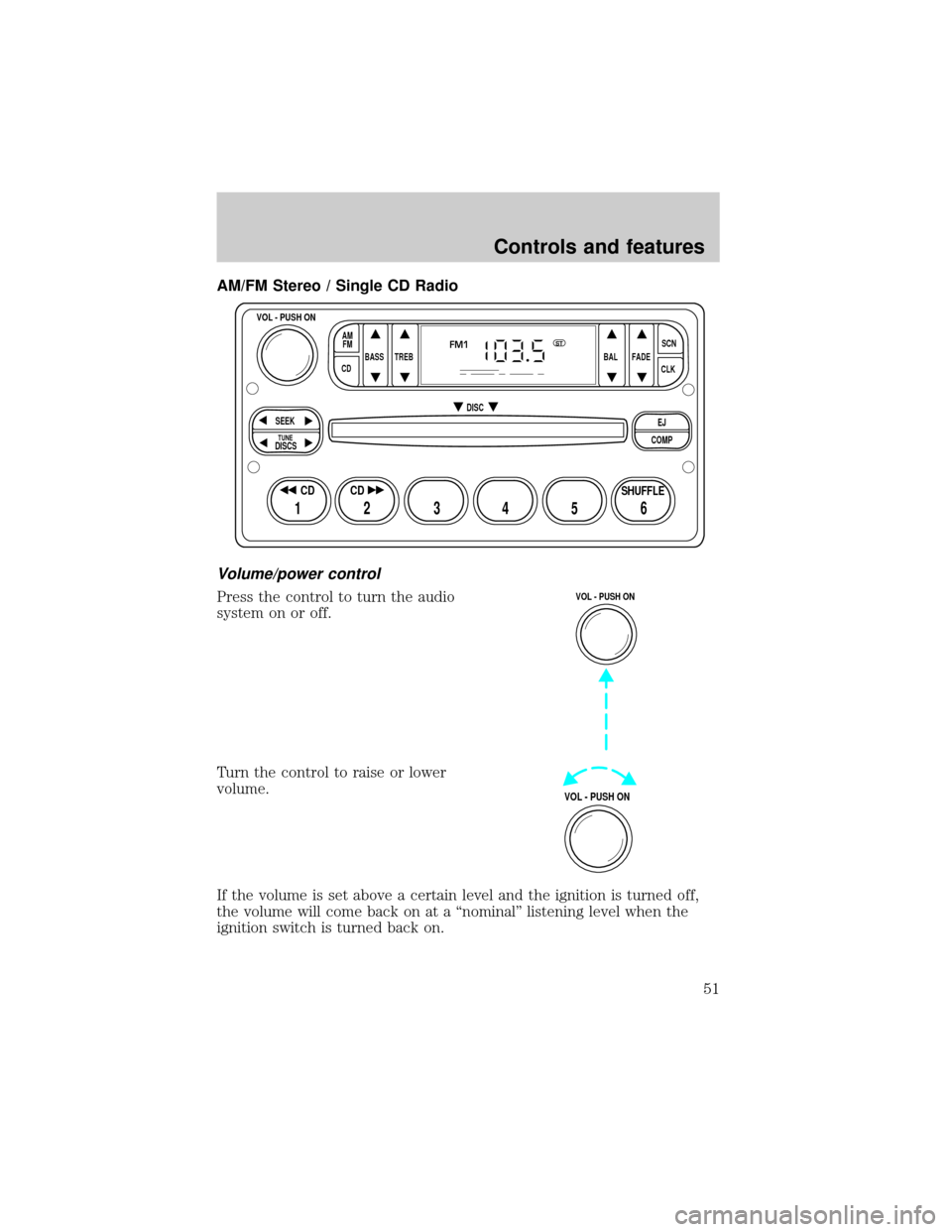
AM/FM Stereo / Single CD Radio
Volume/power control
Press the control to turn the audio
system on or off.
Turn the control to raise or lower
volume.
If the volume is set above a certain level and the ignition is turned off,
the volume will come back on at a ªnominalº listening level when the
ignition switch is turned back on.
BASS
CDTREB BAL FADESCN
CLK AM
FM
VOL - PUSH ON
SEEK
EJ
COMP DISC
DISCS
TUNE
12 3456
FM1ST
SHUFFLE CD CD
VOL - PUSH ON
VOL - PUSH ON
Controls and features
51
Page 54 of 248
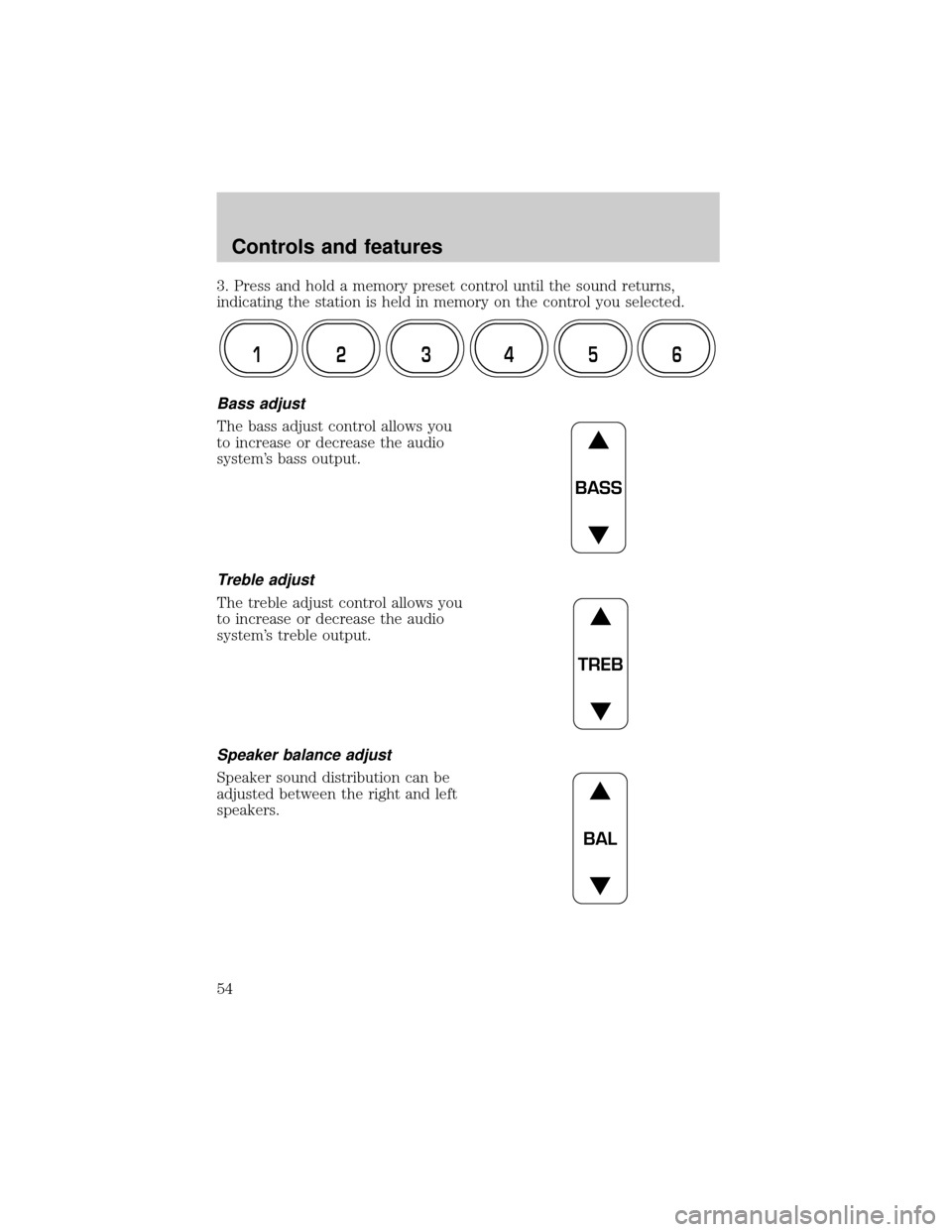
3. Press and hold a memory preset control until the sound returns,
indicating the station is held in memory on the control you selected.
Bass adjust
The bass adjust control allows you
to increase or decrease the audio
system's bass output.
Treble adjust
The treble adjust control allows you
to increase or decrease the audio
system's treble output.
Speaker balance adjust
Speaker sound distribution can be
adjusted between the right and left
speakers.
12 3456
BASS
TREB
BAL
Controls and features
54