Page 4 of 460
Table of Contents
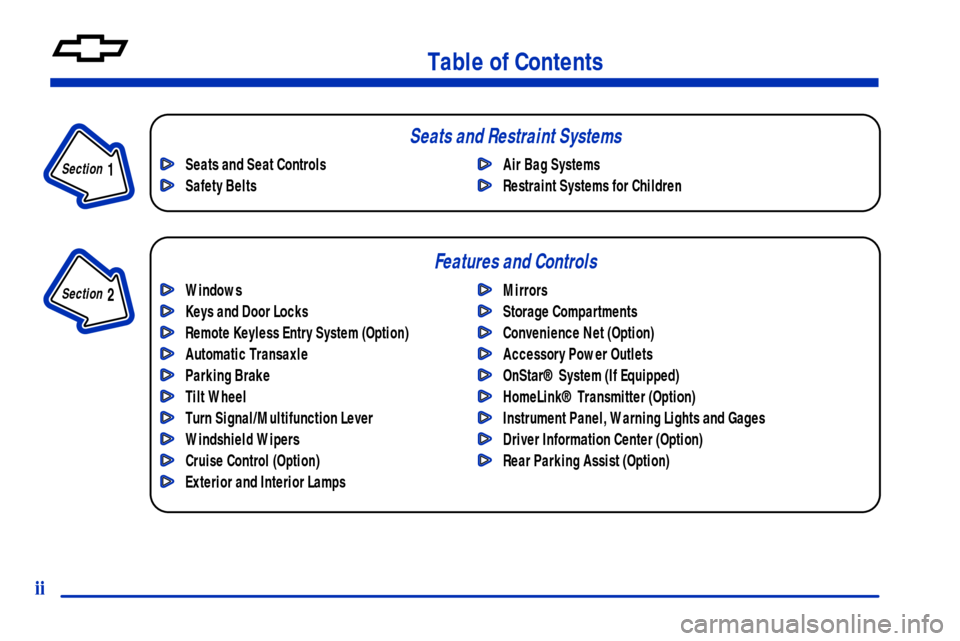
Windows
Keys and Door Locks
Remote Keyless Entry System (Option)
Automatic Transaxle
Parking Brake
Tilt Wheel
Turn Signal/Multifunction Lever
Windshield Wipers
Cruise Control (Option)
Exterior and Interior LampsMirrors
Storage Compartments
Convenience Net (Option)
Accessory Power Outlets
OnStar® System (If Equipped)
HomeLink® Transmitter (Option)
Instrument Panel, Warning Lights and Gages
Driver Information Center (Option)
Rear Parking Assist (Option) Seats and Seat Controls
Safety BeltsAir Bag Systems
Restraint Systems for Children
Section
1
Section
2
Seats and Restraint Systems
Features and Controls
ii
Page 11 of 460

ix
For example,
these symbols
are used on an
original battery:
CAUTION
POSSIBLE
INJURY
PROTECT
EYES BY
SHIELDING
CAUSTIC
BATTERY
ACID COULD
CAUSE
BURNS
AVOID
SPARKS OR
FLAMES
SPARK OR
FLAME
COULD
EXPLODE
BATTERY
These symbols
are important for
you and your
passengers
whenever your
vehicle is driven:
CHILD
RESTRAINT
TOP STRAP
ANCHOR
DOOR LOCK
UNLOCK
FASTEN
SEAT
BELTS
POWER
WINDOW
AIR BAG
These symbols
have to do with
your lamps:
MASTER
LIGHTING
SWITCH
TURN
SIGNALS
PARKING
LAMPS
HAZARD
WARNING
FLASHER
DAYTIME
RUNNING
LAMPS
FOG LAMPS
These symbols
are on some of
your controls:
WINDSHIELD
WIPER
WINDSHIELD
WASHER
WINDSHIELD
DEFROSTER
REAR
WINDOW
DEFOGGER
VENTILATING
FAN
These symbols
are used on
warning and
indicator lights:
ENGINE
COOLANT
TEMP
BATTERY
CHARGING
SYSTEM
BRAKE
COOLANT
ENGINE OIL
PRESSURE
ANTI-LOCK
BRAKES
Here are some
other symbols
you may see:
FUSE
LIGHTER
HORN
FUEL
Vehicle Symbols
These are some of the symbols you may find on your vehicle. Also see ªWarning Lights and Gagesº in the Index.
Page 114 of 460
2-
2-1
Section 2 Features and Controls
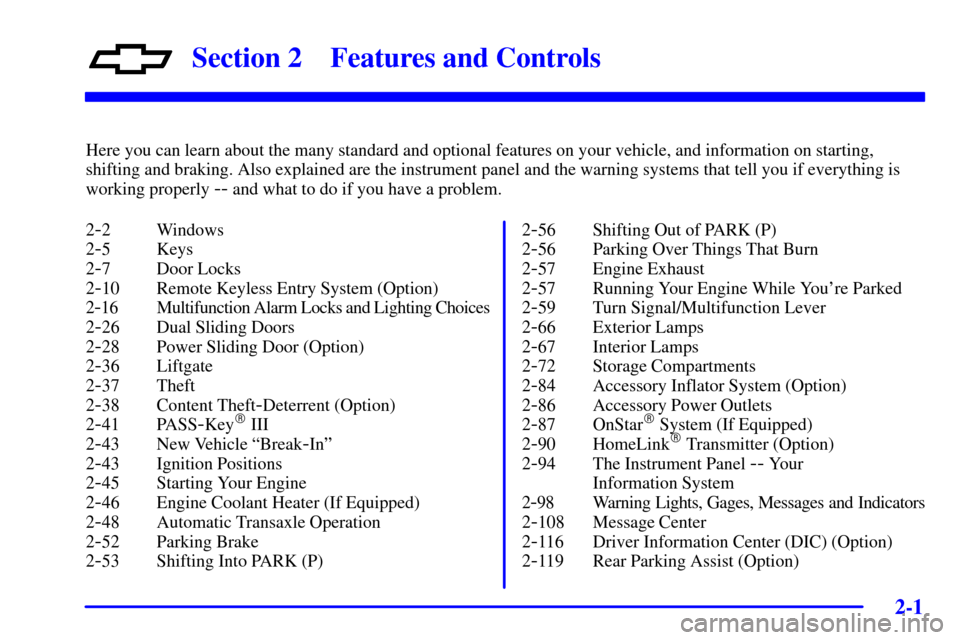
Here you can learn about the many standard and optional features on your vehicle, and information on starting,
shifting and braking. Also explained are the instrument panel and the warning systems that tell you if everything is
working properly
-- and what to do if you have a problem.
2
-2 Windows
2
-5 Keys
2
-7 Door Locks
2
-10 Remote Keyless Entry System (Option)
2
-16 Multifunction Alarm Locks and Lighting Choices
2
-26 Dual Sliding Doors
2
-28 Power Sliding Door (Option)
2
-36 Liftgate
2
-37 Theft
2
-38 Content Theft-Deterrent (Option)
2
-41 PASS-Key� III
2
-43 New Vehicle ªBreak-Inº
2
-43 Ignition Positions
2
-45 Starting Your Engine
2
-46 Engine Coolant Heater (If Equipped)
2
-48 Automatic Transaxle Operation
2
-52 Parking Brake
2
-53 Shifting Into PARK (P)2
-56 Shifting Out of PARK (P)
2
-56 Parking Over Things That Burn
2
-57 Engine Exhaust
2
-57 Running Your Engine While You're Parked
2
-59 Turn Signal/Multifunction Lever
2
-66 Exterior Lamps
2
-67 Interior Lamps
2
-72 Storage Compartments
2
-84 Accessory Inflator System (Option)
2
-86 Accessory Power Outlets
2
-87 OnStar� System (If Equipped)
2
-90 HomeLink� Transmitter (Option)
2
-94 The Instrument Panel -- Your
Information System
2
-98 Warning Lights, Gages, Messages and Indicators
2
-108 Message Center
2
-116 Driver Information Center (DIC) (Option)
2
-119 Rear Parking Assist (Option)
Page 165 of 460
2-52
FIRST (1): This position gives you even more
power (but lower fuel economy) than SECOND (2).
You can use it on very steep hills, or in deep snow or
mud. If the selector lever is put in FIRST (1), the
transaxle won't downshift into first gear until the vehicle
is going slow enough.
NOTICE:
If your front wheels can't turn, don't try to drive.
This might happen if you were stuck in very deep
sand or mud or were up against a solid object.
You could damage your transaxle.
Also, if you stop when going uphill, don't hold
your vehicle there with only the accelerator
pedal. This could overheat and damage the
transaxle. Use your brakes or shift into PARK (P)
to hold your vehicle in position on a hill.
Parking Brake
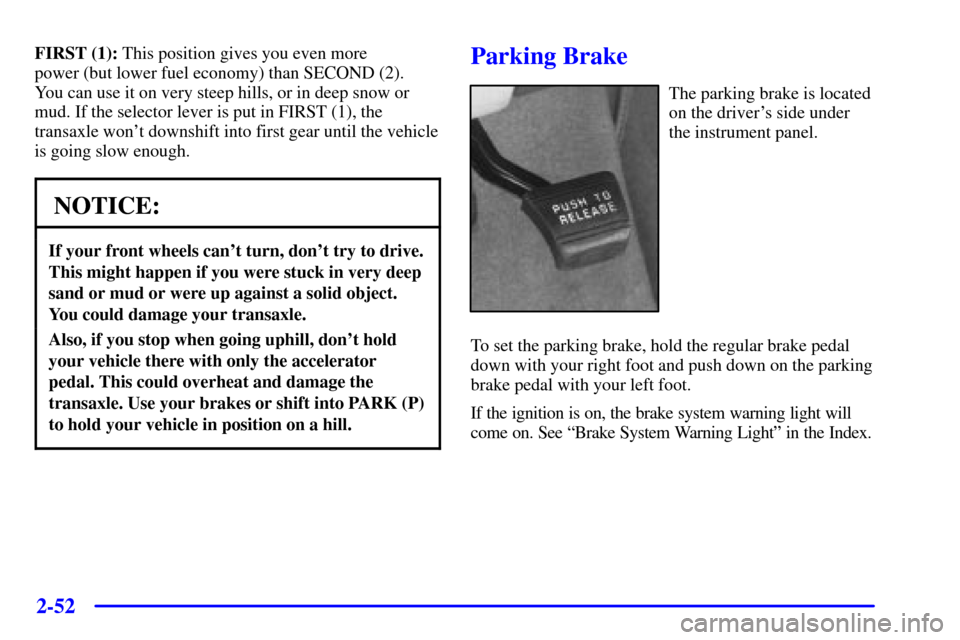
The parking brake is located
on the driver's side under
the instrument panel.
To set the parking brake, hold the regular brake pedal
down with your right foot and push down on the parking
brake pedal with your left foot.
If the ignition is on, the brake system warning light will
come on. See ªBrake System Warning Lightº in the Index.
Page 178 of 460
2-65
Reducing Speed While Using Cruise Control
There are two ways to reduce speed while using
cruise control:
�Push in the SET button at the end of the lever until
you reach the lower speed you want, then release it.
�To slow down in very small amounts, push the
SET button briefly. Each time you do this, you'll go
1 mph (1.6 km/h) slower.
Passing Another Vehicle While Using Cruise Control
Use the accelerator pedal to increase your speed. When
you take your foot off the pedal, your vehicle will slow
down to the cruise control speed you set earlier.Using Cruise Control on Hills
How well your cruise control will work on hills depends
upon your speed, load and the steepness of the hills.
When going up steep hills, you may have to step on the
accelerator pedal to maintain your speed. When going
downhill, you may have to brake or shift to a lower gear
to keep your speed down. Of course, applying the brake
takes you out of cruise control. Many drivers find this to
be too much trouble and don't use cruise control on
steep hills.
Ending Cruise Control
There are two ways to turn off the cruise control:
�Step lightly on the brake pedal, or
�move the cruise switch to OFF.
Erasing Cruise Speed Memory
When you turn off the cruise control or the ignition,
your cruise control set speed memory is erased.
Page 180 of 460

2-67
A light sensor on top of the instrument panel makes the
DRL work, so be sure it isn't covered. The DRL system
will make front parking and turn signal lamps come on
in daylight when the following conditions are met:
�The ignition is on,
�the headlamp control is off, and
�the parking brake is released.
When the DRL are on, only your front parking and turn
signal lamps will be on. Your instrument panel won't be
lit up.
When it's dark enough outside, the exterior lamps will
come on automatically. When it's bright enough outside,
the exterior lamps will turn off and the DRL will turn
on. Of course, you may still turn on the headlamps any
time you need to.
To idle your vehicle with the DRL off, set the parking
brake while the ignition is in OFF or LOCK. Then start
the vehicle. The DRL will stay off until you release the
parking brake.
As with any vehicle, you should turn on the regular
headlamp system when you need it.Interior Lamps
Instrument Panel Intensity Control
Turn the thumbwheel, located below the headlamps
control, clockwise to increase the brightness of the
instrument panel lights, and counterclockwise to
decrease the brightness. Turn the thumbwheel all the
way counterclockwise to turn them off.
Interior Lamps Control
Turn the thumbwheel all the way clockwise to turn on
the interior lamps, if the interior lamps override switch
is off. Turn the thumbwheel counterclockwise to turn the
lamps off.
Page 213 of 460
2-100 Air Bag Readiness Light
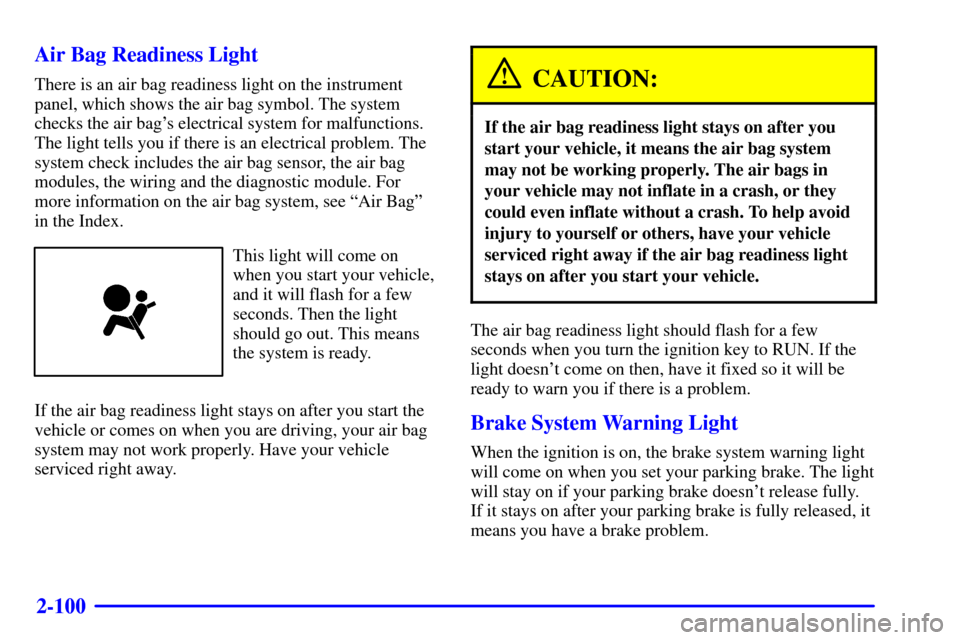
There is an air bag readiness light on the instrument
panel, which shows the air bag symbol. The system
checks the air bag's electrical system for malfunctions.
The light tells you if there is an electrical problem. The
system check includes the air bag sensor, the air bag
modules, the wiring and the diagnostic module. For
more information on the air bag system, see ªAir Bagº
in the Index.
This light will come on
when you start your vehicle,
and it will flash for a few
seconds. Then the light
should go out. This means
the system is ready.
If the air bag readiness light stays on after you start the
vehicle or comes on when you are driving, your air bag
system may not work properly. Have your vehicle
serviced right away.
CAUTION:
If the air bag readiness light stays on after you
start your vehicle, it means the air bag system
may not be working properly. The air bags in
your vehicle may not inflate in a crash, or they
could even inflate without a crash. To help avoid
injury to yourself or others, have your vehicle
serviced right away if the air bag readiness light
stays on after you start your vehicle.
The air bag readiness light should flash for a few
seconds when you turn the ignition key to RUN. If the
light doesn't come on then, have it fixed so it will be
ready to warn you if there is a problem.
Brake System Warning Light
When the ignition is on, the brake system warning light
will come on when you set your parking brake. The light
will stay on if your parking brake doesn't release fully.
If it stays on after your parking brake is fully released, it
means you have a brake problem.
Page 214 of 460
2-101
Your vehicle's hydraulic brake system is divided into
two parts. If one part isn't working, the other part can
still work and stop you. For good braking, though, you
need both parts working well.
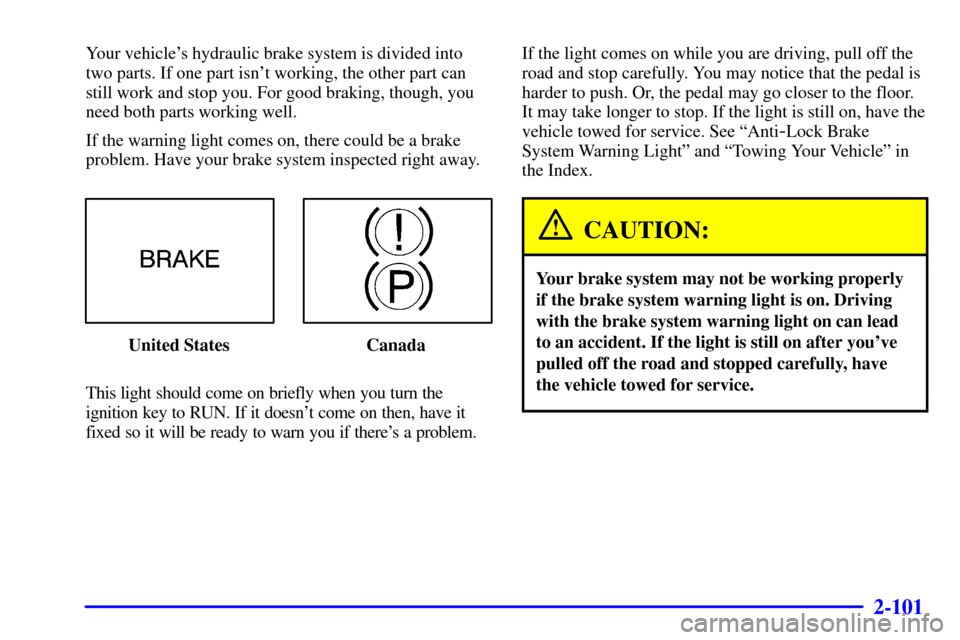
If the warning light comes on, there could be a brake
problem. Have your brake system inspected right away.
United States Canada
This light should come on briefly when you turn the
ignition key to RUN. If it doesn't come on then, have it
fixed so it will be ready to warn you if there's a problem.If the light comes on while you are driving, pull off the
road and stop carefully. You may notice that the pedal is
harder to push. Or, the pedal may go closer to the floor.
It may take longer to stop. If the light is still on, have the
vehicle towed for service. See ªAnti
-Lock Brake
System Warning Lightº and ªTowing Your Vehicleº in
the Index.
CAUTION:
Your brake system may not be working properly
if the brake system warning light is on. Driving
with the brake system warning light on can lead
to an accident. If the light is still on after you've
pulled off the road and stopped carefully, have
the vehicle towed for service.