Page 87 of 223
IndexDataTechnologyRepairsCar careControlsOverview
87n
Digital clock in the MID
*
Enter the switch-on times for the
independent ventilation*You can enter two different switch-on
times.
The ventilation will shut off
automatically after 30 minutes.
Please follow the instructions for
operating the independent ventila-
tion that start on page 114.<
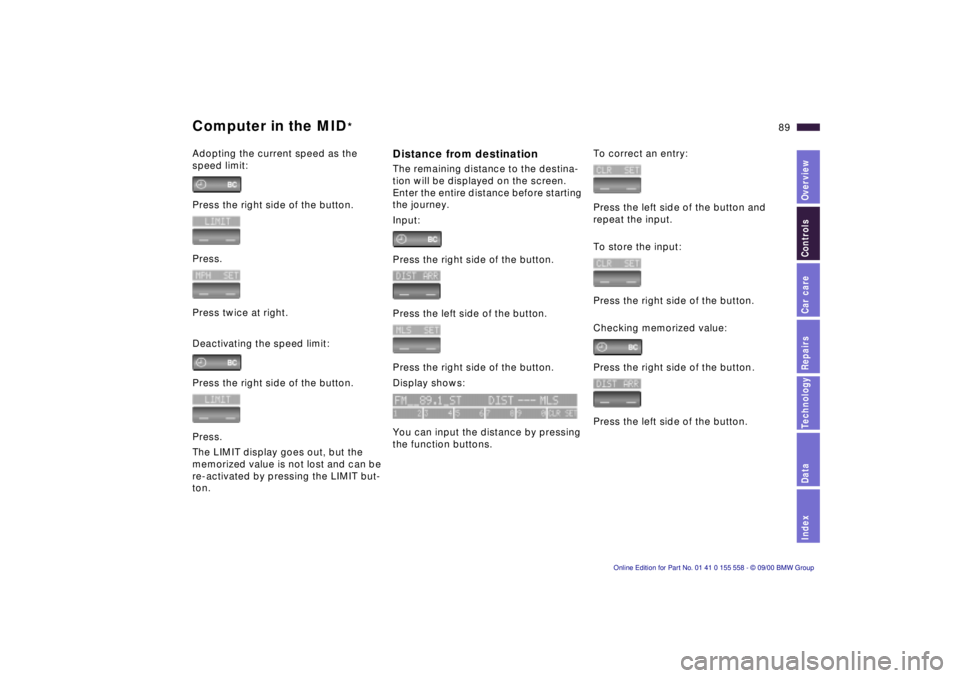
Press the left side of the button.
Press on the left/right.
Display shows:
Press the right side of the button:
Display flashes, e. g. TIMER 1.
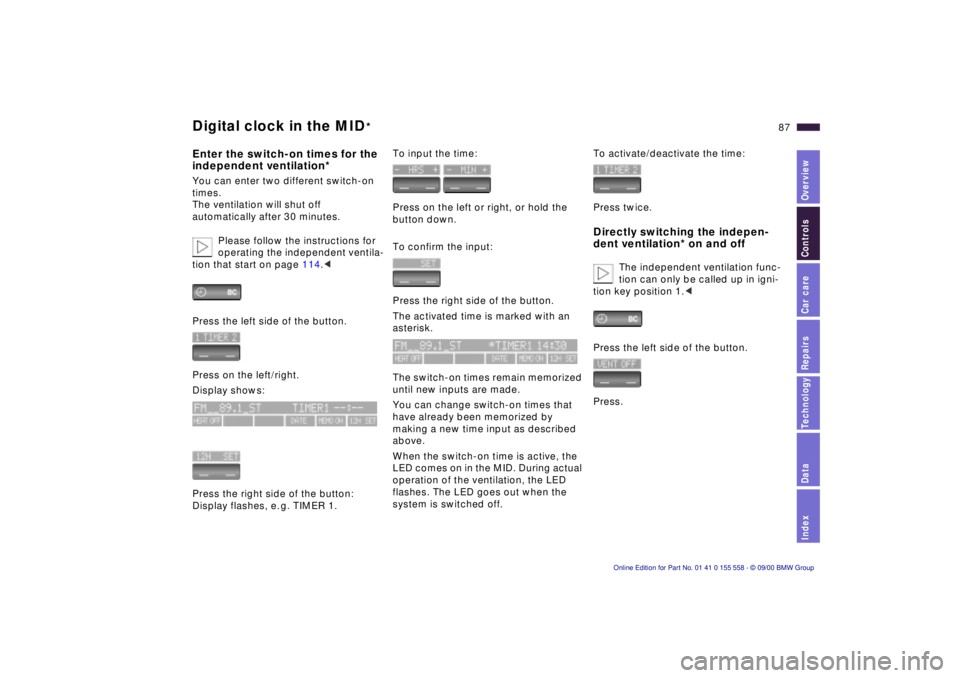
To input the time:
Press on the left or right, or hold the
button down.
To confirm the input:
Press the right side of the button.
The activated time is marked with an
asterisk.
The switch-on times remain memorized
until new inputs are made.
You can change switch-on times that
have already been memorized by
making a new time input as described
above.
When the switch-on time is active, the
LED comes on in the MID. During actual
operation of the ventilation, the LED
flashes. The LED goes out when the
system is switched off.
To activate/deactivate the time:
Press twice.Directly switching the indepen-
dent ventilation* on and off
The independent ventilation func-
tion can only be called up in igni-
tion key position 1.<
Press the left side of the button.
Press.
Page 88 of 223

88n
Computer in the MID
*
Only make inputs when the
vehicle is standing still – to avoid
endangering yourself or other road
users.<
Computer calculations begin at the
start of the journey.
Information can also be called up in the
display by remote control, refer to
page 92.
Speed limitSpeed limit input:
You can input the road speed here
at which you wish to hear and see a
reminder signal: a signal will sound, the
word LIMIT will flash, and with the
Check Control with alphanumeric
display
*, the speed limit warning stored
in the memory will appear on the instru-
ment cluster briefly
The speed limit reminder is only
repeated if the vehicle has in the
meantime been driven at least 3 mph
(approx. 5 km/h) slower.
Press the right side of the button.
Press.
Press the right side of the button.
Display shows:
Input the limit by pressing the function
buttons.
To correct an entry:
Press the left side of the button and
repeat the input.
To store the input:
Press the right side of the button.
Page 89 of 223
IndexDataTechnologyRepairsCar careControlsOverview
89n
Computer in the MID
*
Adopting the current speed as the
speed limit:
Press the right side of the button.
Press.
Press twice at right.
Deactivating the speed limit:
Press the right side of the button.
Press.
The LIMIT display goes out, but the
memorized value is not lost and can be
re-activated by pressing the LIMIT but-
ton.
Distance from destinationThe remaining distance to the destina-
tion will be displayed on the screen.
Enter the entire distance before starting
the journey.
Input:
Press the right side of the button.
Press the left side of the button.
Press the right side of the button.
Display shows:
You can input the distance by pressing
the function buttons.
To correct an entry:
Press the left side of the button and
repeat the input.
To store the input:
Press the right side of the button.
Checking memorized value:
Press the right side of the button.
Press the left side of the button.
Page 90 of 223

90n
Computer in the MID
*
Estimated time of arrivalWhen you have input the distance from
your destination, you can obtain an
estimated time of arrival display which
is continuously updated by the com-
puter as your average driving period
varies.
Press the right side of the button.
Press the right side of the button:
The estimated time of arrival is
displayed.
Cruising rangeThe distance which the vehicle should
cover on the remaining fuel in the tank
is displayed.
Press the right side of the button.
Press.
The display shows the probable range.
When you have only enough fuel
left to drive fewer than 30 miles
(50 km), then refuel, as otherwise the
engine or the catalytic converter could
be damaged.<
The computer will only register fuel
amounts over 1.8 gal (6 liters).
Fuel consumptionYou can have the average fuel
consumption displayed for two different
distances, for example a complete
journey and part of the journey .
To start the calculation, select the
CONS function with the engine running.
Press the right side of the button.
Press on the left or right:
The display will show the average fuel
consumption.
To restart the fuel consumption
calculation:
Press on the left or right.
Press the right side of the button.
Page 91 of 223
IndexDataTechnologyRepairsCar careControlsOverview
91n
Computer in the MID
*
SpeedYou can call up a display of the
vehicle's average speed.
To start the calculation, select the
SPEED function with the engine
running.
Press the right side of the button.
Press.
The display shows the average speed.
To recalculate the speed:
Press the right side of the button.
Extended immobilizer functionYou can establish a code that will pre-
vent the engine from being started un-
less the code is entered.
If you do not have access to the code,
the emergency deactivation procedure
will have to be carried out.
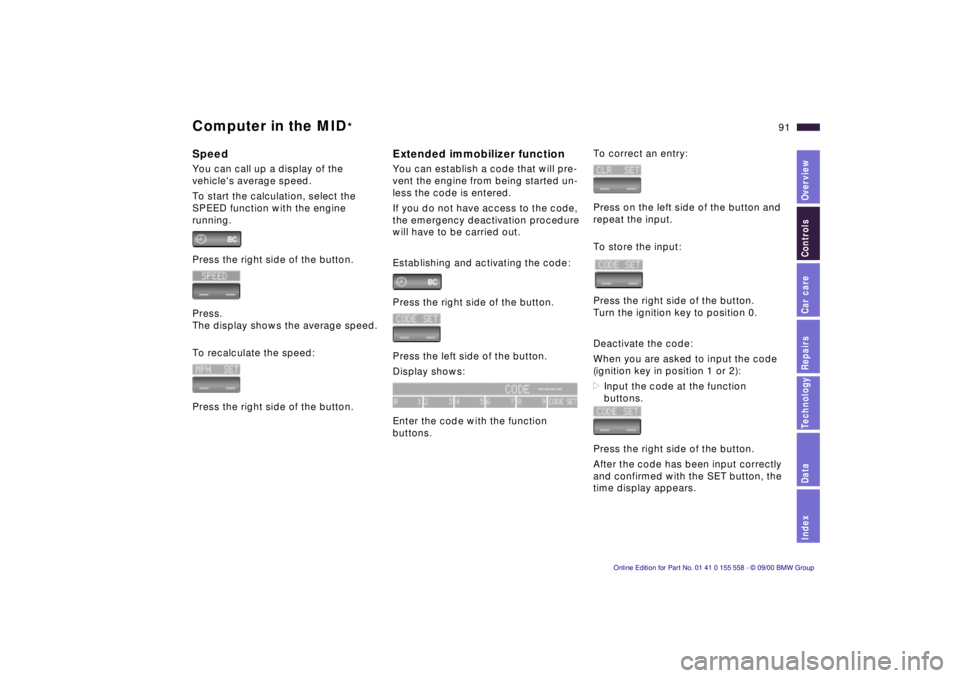
Establishing and activating the code:
Press the right side of the button.
Press the left side of the button.
Display shows:
Enter the code with the function
buttons.
To correct an entry:
Press on the left side of the button and
repeat the input.
To store the input:
Press the right side of the button.
Turn the ignition key to position 0.
Deactivate the code:
When you are asked to input the code
(ignition key in position 1 or 2):
>Input the code at the function
buttons.
Press the right side of the button.
After the code has been input correctly
and confirmed with the SET button, the
time display appears.
Page 92 of 223

92n
Computer in the MID
*
After three incorrect code inputs, or
three attempts to start the engine with-
out a code input, the alarm will sound
for 30 seconds on vehicles fitted with
an alarm.
Deactivating the alarm in an
emergency:
If you have forgotten the code, proceed
as follows:
1 Disconnect the battery, wait approx.
2 minutes, then reconnect it. Note
that on vehicles with an alarm, this
will sound.
2 Set the ignition key to position 1:
The time display will count down for
the next ten minutes.
3 After ten minutes, start the engine.
If the code becomes available
again in the meantime, it can be
input during the waiting period after
pressing the CODE button.<
Remote controlThe button on the turn indicator lever
can be used to select the items of
computer information which are to
be displayed.
To do this, press
>the button on the lever until PROG 1
shows on the display.
>the MID buttons in the order in which
you wish the information to be dis-
played.
Each time an entry is stored, the pro-
gram number appears on the display.
To terminate the selection procedure:
Press the right side of the button.530us047
To have all the available information
displayed, press
>the button on the lever until the
display shows PROG 1.
>the SET button.
To obtain individual items of informa-
tion, press the button in briefly as often
as necessary.
Page 107 of 223

IndexDataTechnologyRepairsCar careControlsOverview
107n
Automatic climate control
*
1 Airflow directed toward the wind-
shield and side windows
2 Airflow for the upper body
The side rotary dials provide infi-
nitely-variable regulation of the air
supply, while the levers change the
airflow direction. The center rotary
dial controls the temperature of the
air as it flows out. Refer to page 111
3 Front footwell ventilation
4 Rear footwell ventilation
5 Air flow for the upper body in the
rear seat110
6 Automatic air distribution108
7 Individual air distribution108
8 Temperature control –
left-hand side108
9 Display for temperature and air
supply10910 Temperature control –
right-hand side108
11 To defrost windshield and side
windows109
12 Air conditioner109
13 Automatic recirculated air control
(AUC)110
14 Rear window defroster73, 110
15 Air supply109
16 Maximum cooling109
or using up residual heat110
17 Air grille for interior temperature
sensor – please keep clear and
unobstructed
Page 108 of 223

108n
Automatic climate control
*
Tips for pleasant drivingUse the automatic system; that is press
AUTO button 6. Select an interior
temperature that is comfortable for you
— we recommend +72 7 (+22 6).
When the outside temperature is above
+41 7 (+5 6), you can also use the air
conditioner 12. This will dry the air as
well as preventing condensation on the
window surfaces — if there are passen-
gers with damp clothing, for example.
Set the air outlets 2 so that the air flows
past you and is not directed straight at
you. Set the rotary dial between the
outlets 2 for the upper body to a central
position so that cooler air will help to
prevent fatigue during the journey.
Detailed setting options are described
for you in the following section.
Your vehicle is set in such a
manner that, when you unlock the
vehicle via remote control with your
personalized key, your own setting for
the automatic climate control is initi-
ated.<
Automatic air distribution
The AUTO program
assumes the adjustment of
the air distribution and the air supply for
you and also adapts the temperature to
external influences (summer, winter) to
meet preferences you can specify. This
program maintains a comfortable in-car
climate regardless of the season. Select
an interior temperature that is comfort-
able for you — we recommend +72 7
(+22 6).
The selected temperature and AUTO
for the air flow appear in the display 9.
Refer to the overview on page 106.
Open the air outlets for the upper body.
Switch on the air conditioner 12 in
warm weather. The maximum cooling
capacity is achieved when you set
rotary dial 3 (refer to page 110) to cold.
Individual air distribution
You can cancel the AUTO
program by selecting
specific air distribution
patterns for your personal
comfort. You can direct air
to flow onto the windows , toward
the upper body , and into the
footwell .
Temperature
You can make individual
temperature adjustments on
the driver's side or the front
passenger side. Your settings will be
shown in the display 9. The displayed
temperatures are reference values for
the interior temperature. We recom-
mend +72 7 (+22 6) as a comfortable
setting, whether the air conditioner is
operating or not. When you start the
vehicle, this system ensures that the
selected temperature is achieved as
quickly as possible. It then maintains
this temperature, regardless of the
season.
Set the rotary dial 3 (refer to "Draft-free
ventilation" on page 110) to a medium
position to provide somewhat cooler
air. This helps to promote driving
without fatigue. Utilize this method of
mixing air especially for making minor
adjustments for personal comfort.
You can set uncontrolled heater
output up to +90 7 (+32 6). Full
cooling output is available from the air
conditioner down to +60 7 (+16 6).<