Page 152 of 474
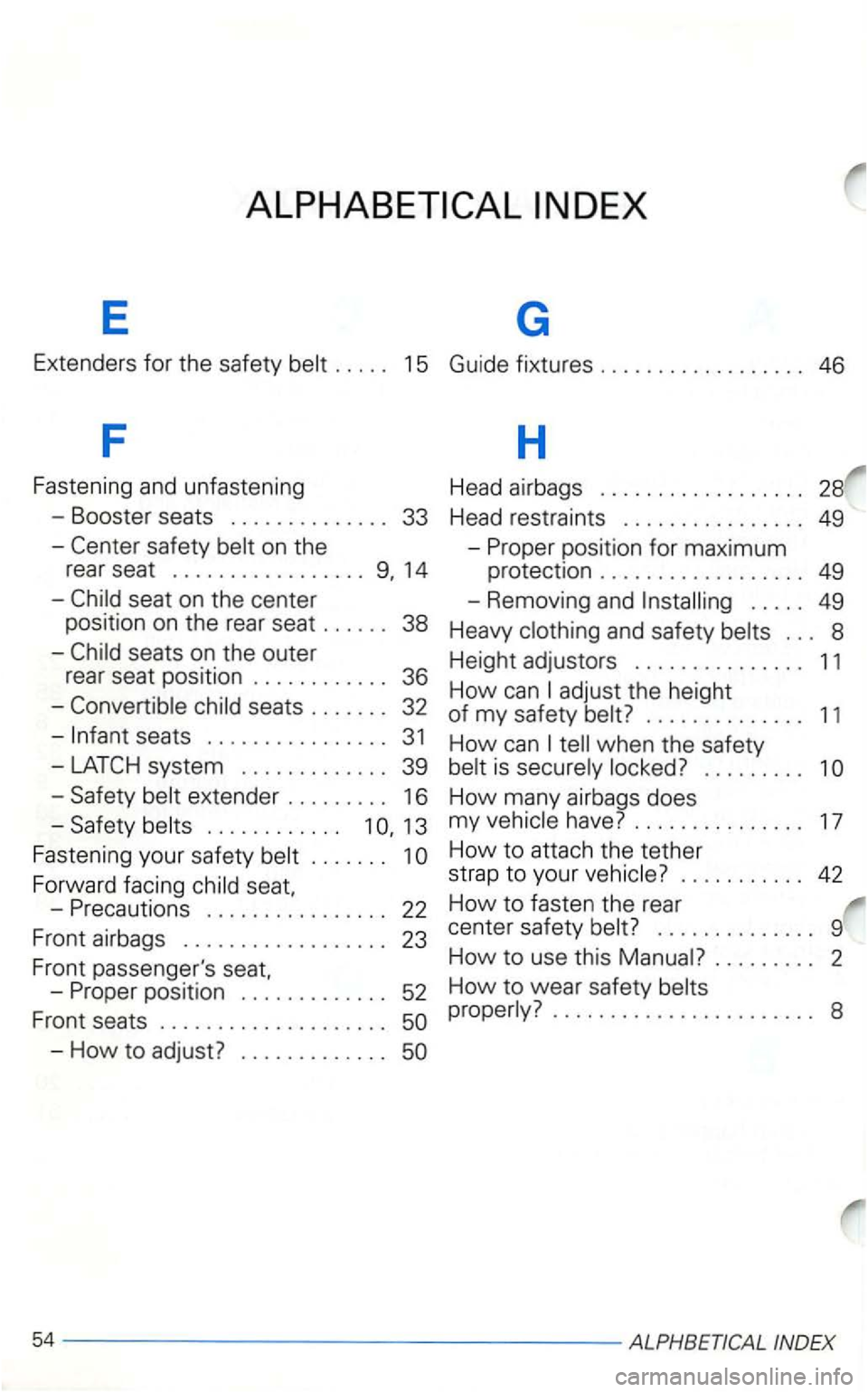
E G
Extenders for the safety belt . . . . . 15 Guide fixtures . . . . . . . . . . . . . . . . . . 46
F
H
Fastening and unfastening Head airbags . . . . . . . . . . . . . . . . . . 28
- Booster seats . . . . . . . . . . . . . . 33
Head restraints . . . . . . . . . . . . . . . . 49
-
safety belt on the
rear seat
................. 14
-
chil d seats . . . . . . . 32
-
seats . . . . . . . . . . . . . . . . 31
system ............. 39
-
Saf ety belt extender . . . . . . . . . 16
-Safety belts . . . . . . . . . . . . 13
Faste ning your safety belt . . . . . . .
Forward facing child
..... 49
Heavy clothing and safety belts . . . 8
H eight adjustors . . . . . . . . . . . . . . . 11
How
can adjust the height
of
my safety belt? . . . . . . . . . . . . . . 11
How can tell when the safety
belt is secure ly locked? . . . . . . . . .
INDE X
Page 153 of 474
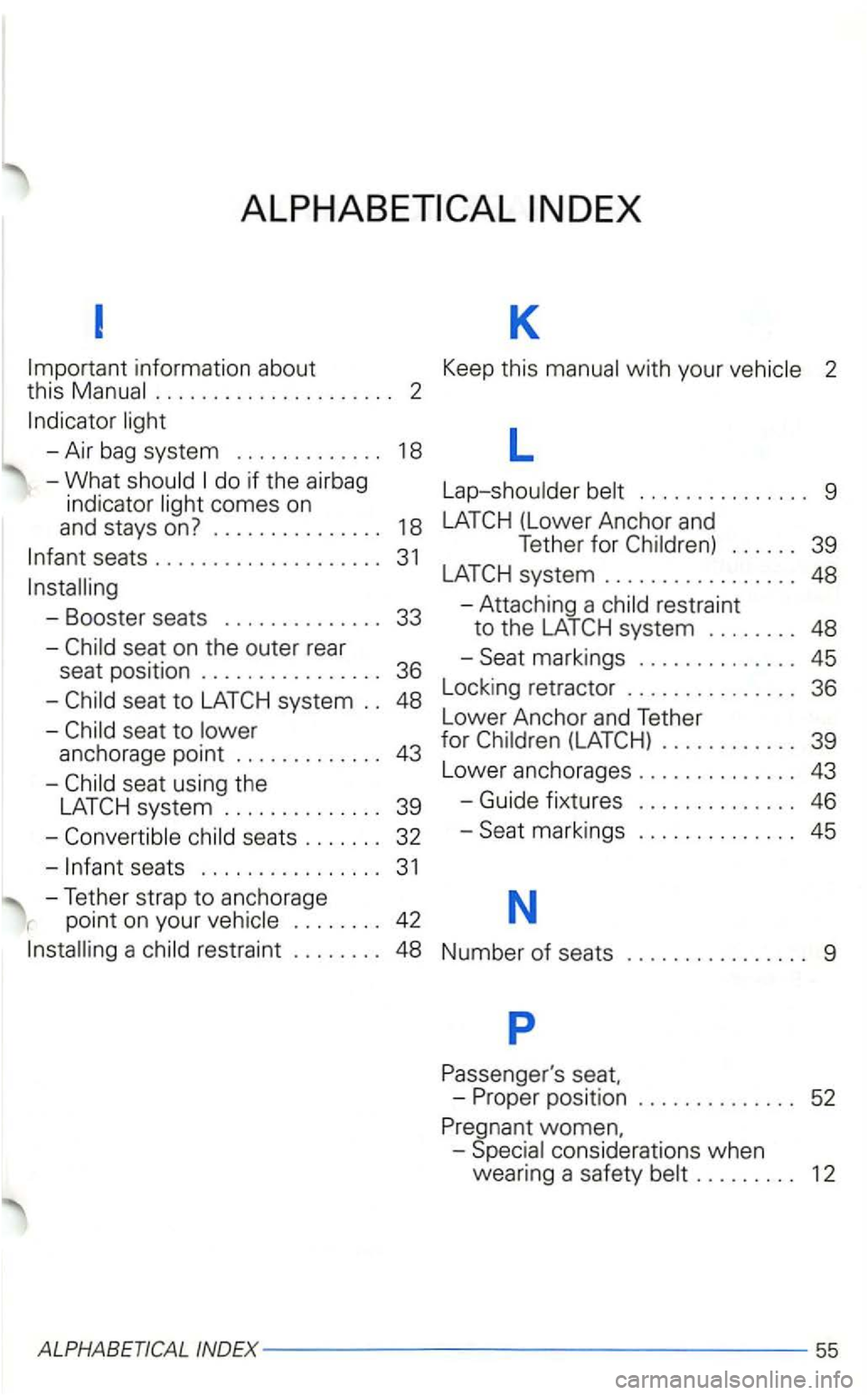
information about Keep this with your . . . . . . . . . . . . . . . . . . . . . 2
-Air bag system ............ . 18 L
-What
comes on
and stays
on? .............. .
seats ................... .
Booster seats ............. .
seat on the outer rear
seat position ............... .
seat to anchorage point ........ .... .
seat using the
system ............. .
se ats ...... . L
ap-shou lder
9
1 8
39
system ................. 48
33 -Attaching a res traint
to the
45
48 Lock
ing retra ctor
............... 36
L o
wer Anchor and Tether
43 for ............ 39
Lower anchorages
.............. 43
39
-Guide fixtures .............. 46
32 Seat marking s 45
seats ............... . 3 1
-Tether strap to anchorage N point on your . . . . . . . . 42
restraint ........ 48 Number of seats . . . . . . . . . . . . . . . . 9
p
women.
co nsid erations when
wearing a safety . . . . . . . . . 12
ALPHABETICAL INDEX------------------55
Page 154 of 474
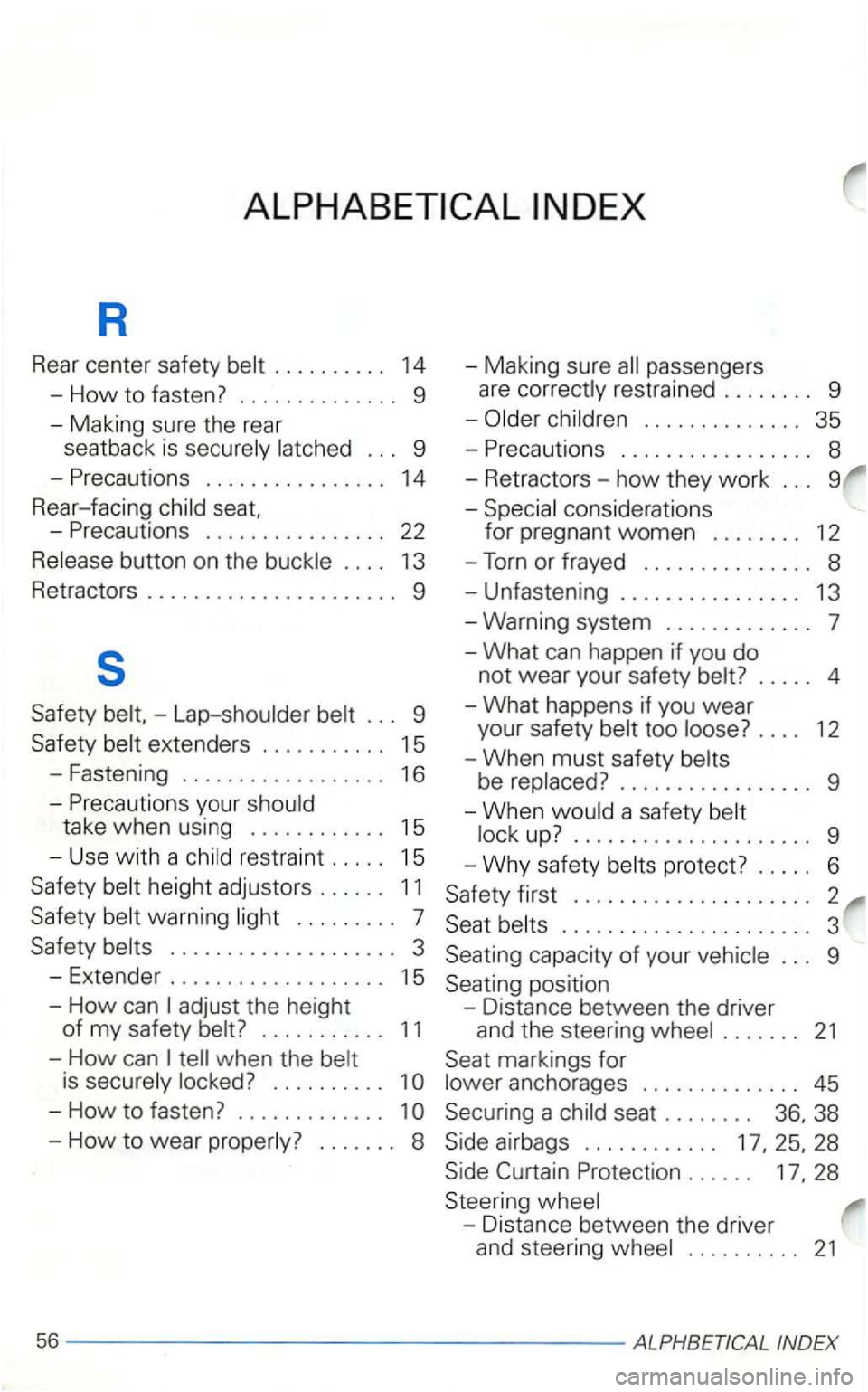
R
Rear center safety belt 14
-How to fasten? 9
-Making sure the rear
seatback
is securely latched 9
-
1 4
Rear-facing child
-
13
Retractors
9
s
Safety - Lap-shoulder belt
15
- Fastening
16
-
15
- Use
with a child restraint 15
Safety belt height adjustor s 11
Safety belt warning light 7
Safety belts
1 5
-
How can 11
-How can tell when the belt
is securely locked? 1
-How to wear properly?
9
35
-
1 2
-
Torn or frayed 8
- Unfas tening
9
Seating position
- Dist ance between the driver
and the steering wheel
markings for
lower anchorages
28
Steering wheel
- Distance between the driver
and steering wheel
INDEX
Page 162 of 474
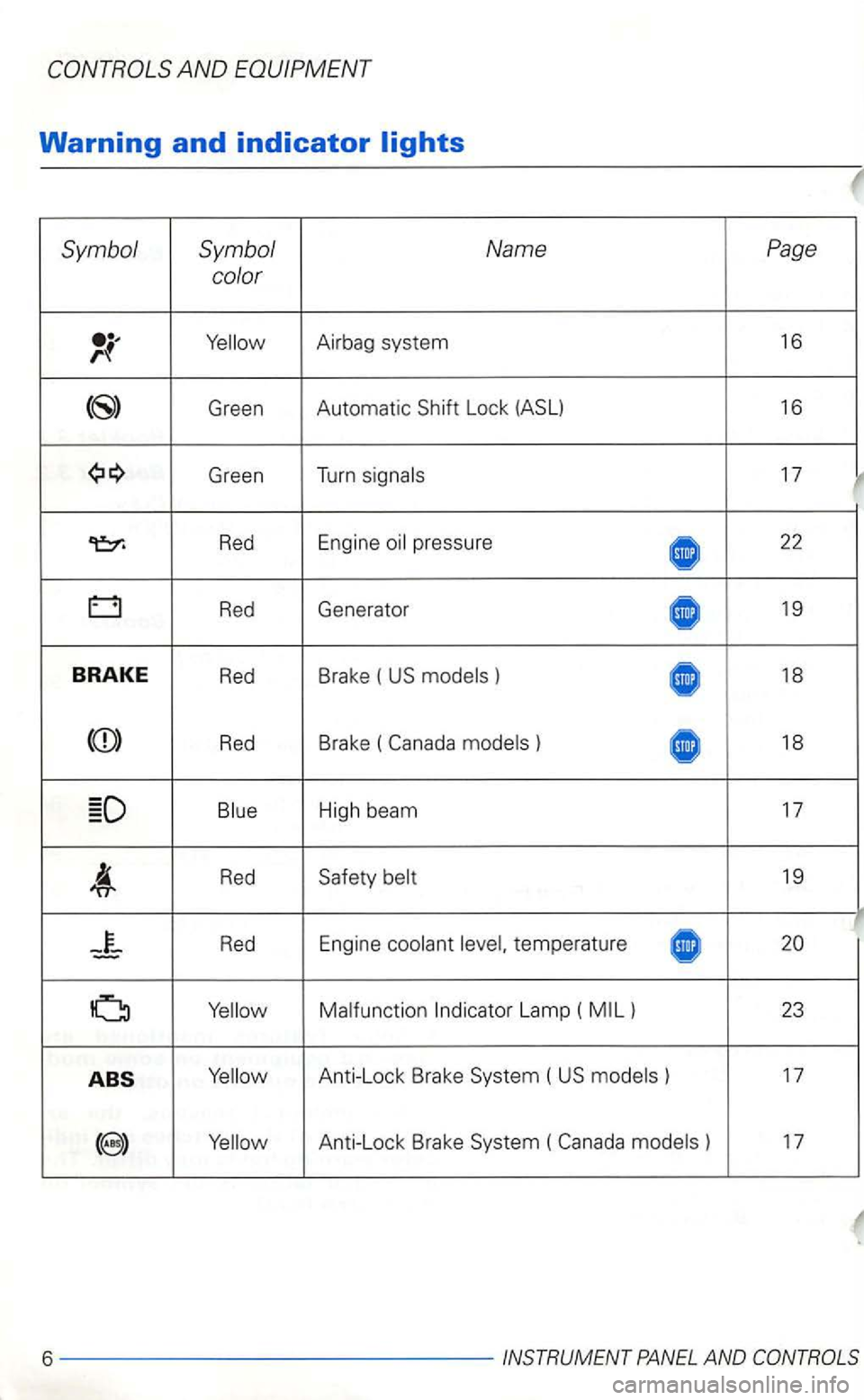
Symbol Symbol Name Page
color
Green Automatic Lock
Green T
u rn
Red Engine 22
Red Generator 19
BRA KE Red Brake ( ) 18
Red B rake ( 18
Red 19
temperature
Lamp (
( ) 17
) 17
6 -------- ------INSTRUMENT
Page 164 of 474
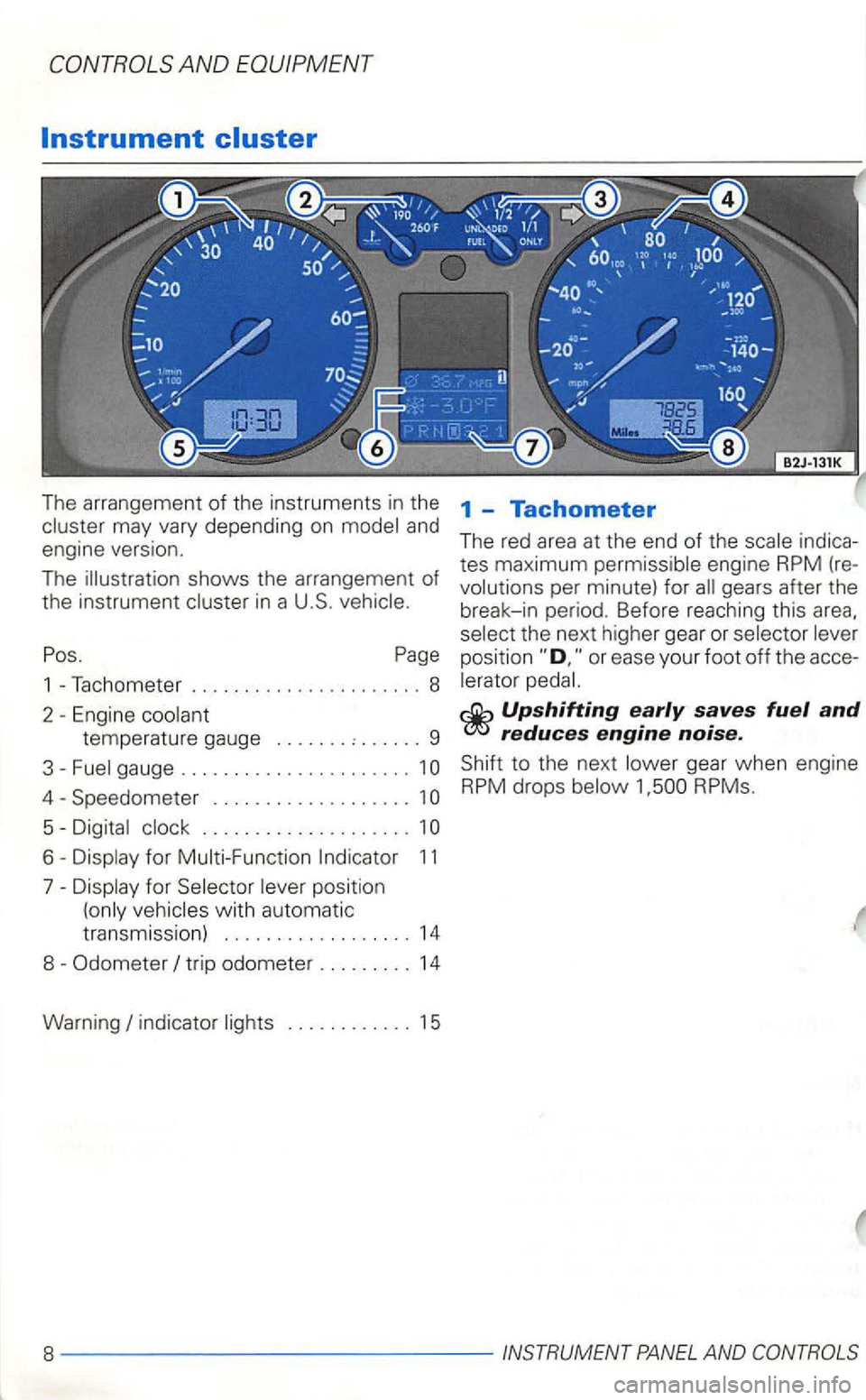
The arrangement of the instruments in the may vary depending on model and engine version.
The illustration shows the arrangement
of the instrumen t in a U.S.
Pos. Page
1 -Tachometer ...................... 8
2
Engine coo lant
temperature gauge ....... : ...... 9
3-Fuel gauge ......................
Speedometer . . . . . . . . . . . . . . . . . . . 1
Digital clock .................... 1
Display for Selector lever position
(only
indicator lights ............ 15
1 -Tachometer
The red area at th e end of the scale indica
tes maximum permissible engine RPM (
re
volutio ns per minute) for all gears after th e
break-in period. Before reachi ng this
selec t the next higher gear or selector lever
position
Upshifting early saves fuel and reduces engine noise.
Shift to the next lower gear when engine RPM drops below
Page 166 of 474
AND EQUIPMENT
3 -Fuel gauge 5 -Digital clock
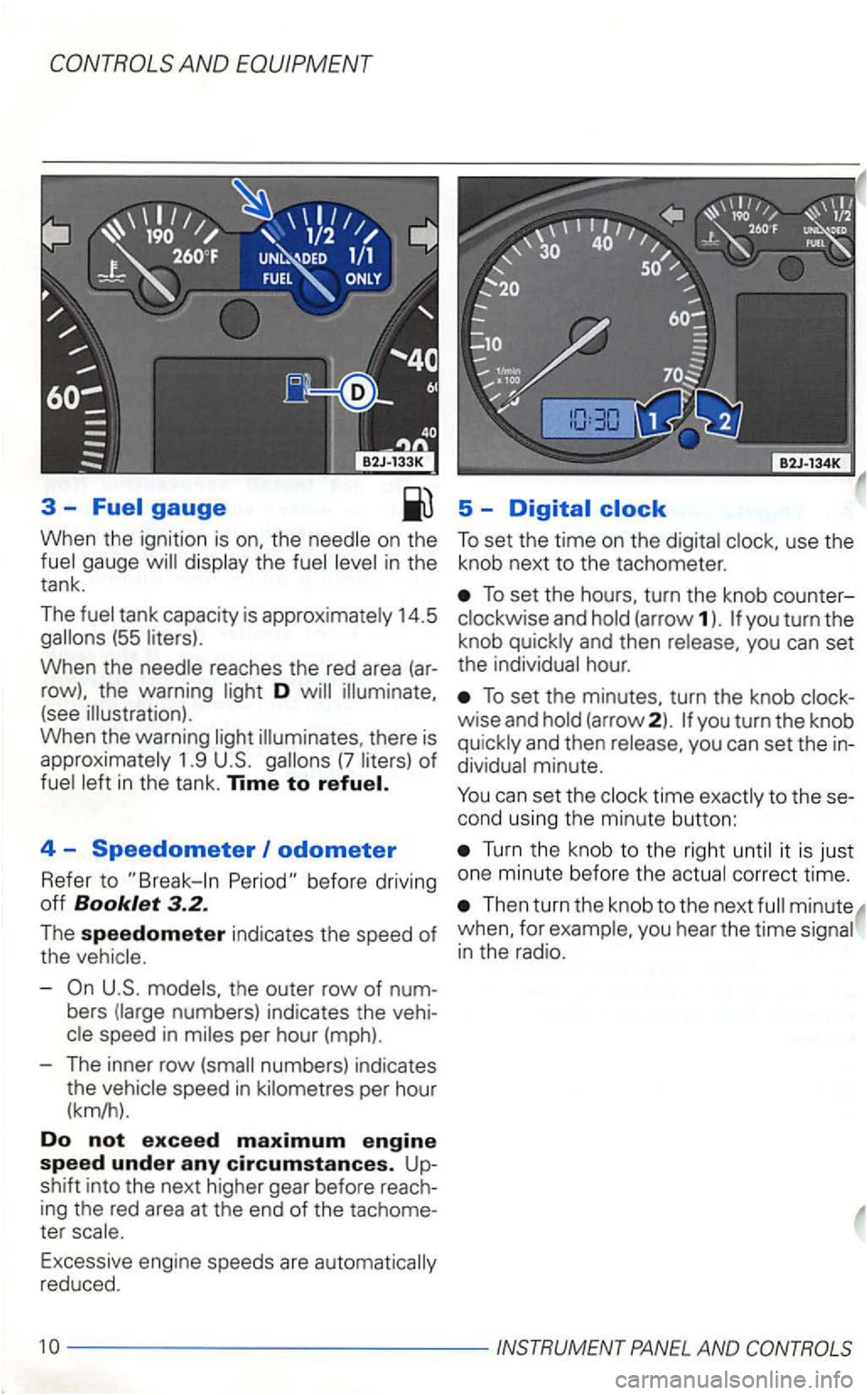
When the ignition is on, the on the the
14.5 (55
When the reaches the red area (ar
row), the warning D
there is
1.9 (7
4 -Speedometer odometer
Refer to
-the outer row of num
bers numbers) indicates the vehi spee d in
numbers) indicates
t h e
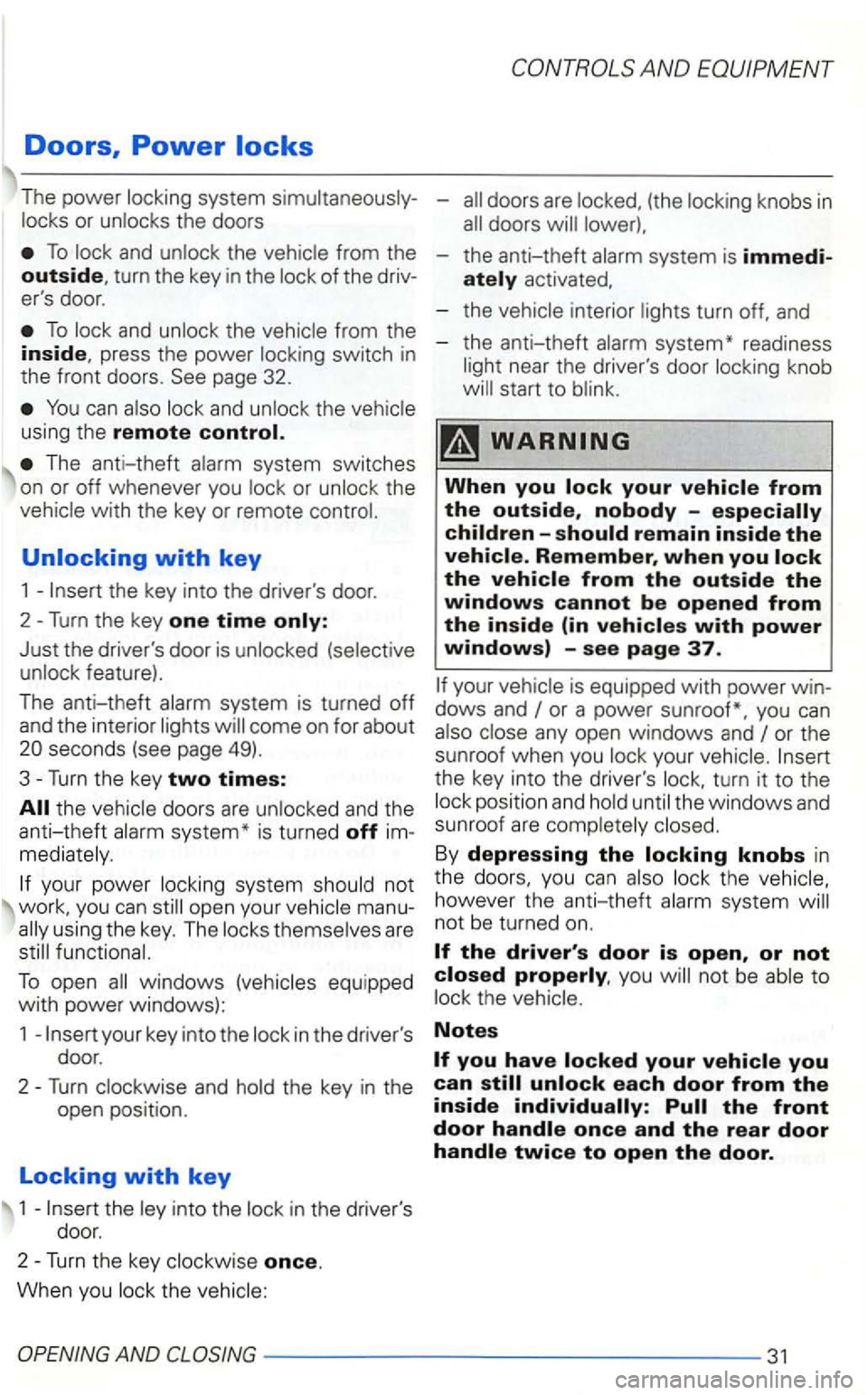
To set the hours, turn the knob counter
(arrow 1 ). you turn the
kno b
hour .
To set the minutes, turn the knob
minute.
can set th e time to thesecond using the minute button:
Turn th e knob to the right it is just
one minute before the
Then turn th e knob to the next w hen , for
------------ -- INSTRUMENT PANEL AND
Page 187 of 474
Doors, Power
The power
To
To from the inside, press the power page 32.
You can and using the remote control.
The anti-theft
whenever you the
Just the driver's door is
system is turned off and the interior
the doors are and the anti-theft system* is turn ed off im
your power open your man uusing the key. The
To open windows equippe d with power windows):
1
and the key in the
open position.
Locking with key
1 into the in the drive r's
doo r.
2-Turn the key once.
When you the
(the
-the anti-theft
activated,
the anti-theft
near the driver's door knob
Remember, when you
your
any open windows and or the
sunroof when you
the key into the driver's the windows and
s un roof are
By depressing the th e however th e an ti-theft sys tem
you not be the
Notes
AND -----------------31
Page 188 of 474
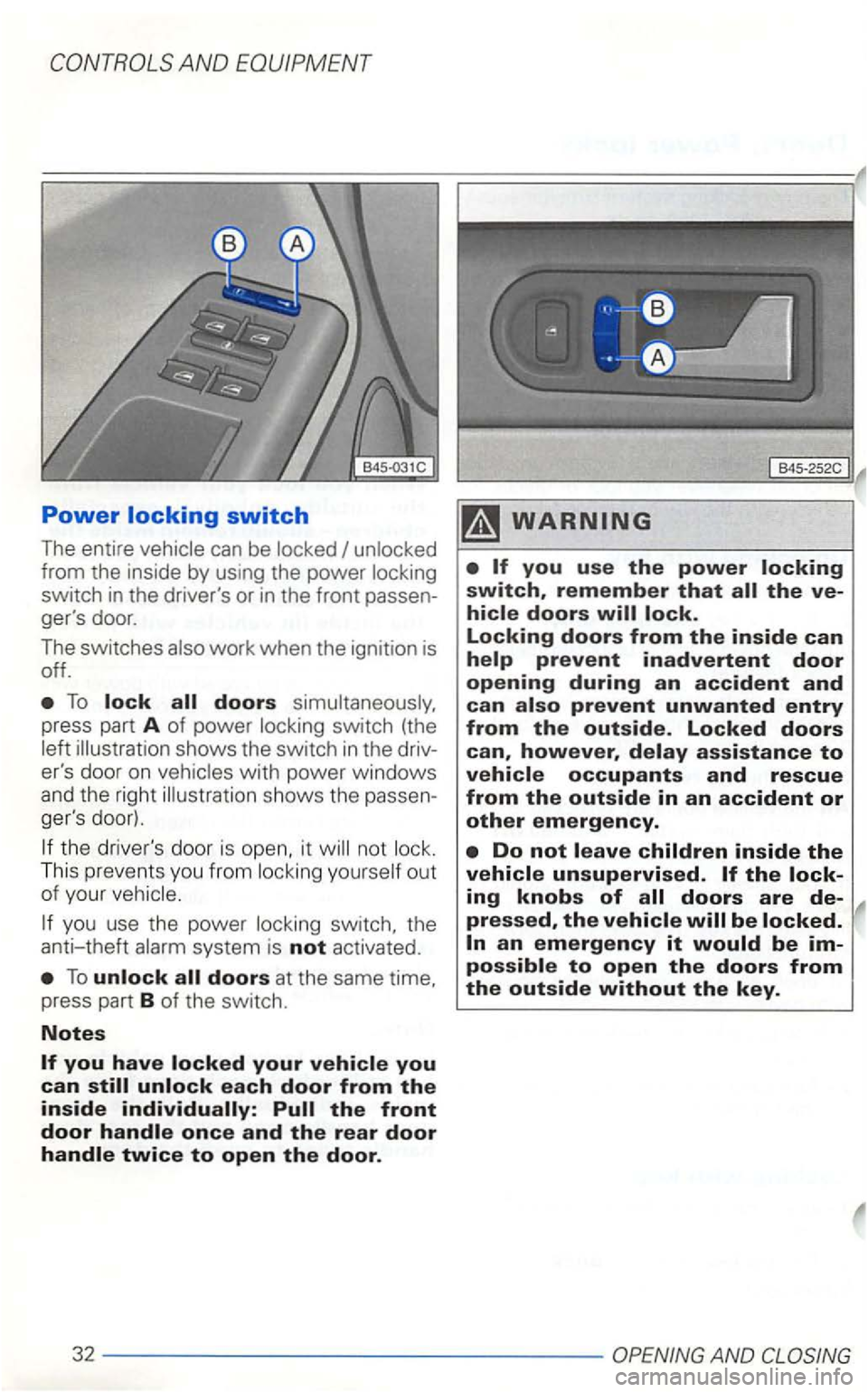
Power
can be
To lock all doors
illu strat io n shows the switch in t h e driv
er's door on
the driver's do or is open, it not
ou t
of your
you use the power switch, the
anti-theft
To unlock all doors at the same time,
press part B of the switch.
Notes
Do not leave children inside the vehicle unsupervised.
pressed, the vehicle will be locked.
an emergency it would be impossible to open the doors from the outside without the key.
32 -----------------AND