Page 14 of 232

This gauge indicates the temperature of the engine coolant, not the
coolant level. If the coolant is not at its proper level the gauge indication
will not be accurate.
ELECTRONIC MESSAGE CENTER
The electronic message center only
works when the ignition is in the
ON position.
The message center tells you about
the condition of your vehicle by two
methods:
²operator selectable features
²continuous warning reporting of
monitored systems
You can select different features for
the message center to display by
using the message center controls
located to the right of the instrument
cluster. You will hear a tone when you press one of these controls.
However, the message center will display the appropriate warning message
if it detects a warning from any of the monitored systems.
If you have a vehicle with the Driver
Select System, which allows you to
save operator selectable features to
DRIVER 1 or DRIVER 2, you have a
DRIVER ID control in place of the E/M control.
The message center will display theMemory Profile Systemfeatures
(operator selectable features) which are selected from the MENU and
VEHICLE HANDLING controls.
The Memory Profile System allows for two primary drivers to save their
individual seat and outside rearview mirror position preferences. The
feature will then be set to the remote entry transmitter, that will
automatically recall the saved individualized preferences. Refer toBasic
Operation of Memory Profile Systemin this section.
SYSTEM
E/M
MENU
TRIP
RESETSELECT
DISPLAY
DTE ECON VEHICLE HANDLING
DRIVER ID
Instrumentation
14
Page 16 of 232

If Memory position 1 or Memory
position 2 wishes to make
temporary changes to their seat or
outside mirror positions without
affecting their preferred positions
they may do so by:
²
Using the switch on the back of
the remote transmitter to turn the
Memory Profile System OFF prior
to pressing the unlock control on
the remote transmitter or
unlocking the vehicle with the key.
²Entering the vehicle without
identifying themselves using the two methods listed above.
²Turning the DRIVER ID (if equipped in the message center) OFF to
allow for temporary setting changes.
This option may be useful to temporarily reposition the driver's seat and
mirrors during an extended drive.
Operator selectable features
System check
Pressing this control causes the
message center to cycle through the
status of each of the systems being
monitored. For each of these systems, the message center will indicate
either an OK message or a warning message for three seconds.
The sequence of the system check report is:
²voltage level
²engine temp
²oil level
²coolant level
²washer fluid
²doors (driver and passenger side). This message can only be reset by
closing the door(s). If the RESET control is pressed, PLEASE CLOSE
DOOR will be displayed.
²trunk closed
²exterior lamps (front turn, brake and tail)
ON
MEMORY1 RECALL
OFF
SYSTEM
Instrumentation
16
Page 17 of 232
²fuel level
²distance to empty
²traction control
²ride control
System warnings
System warnings alert you to possible problems or malfunctions in your
vehicle's operating systems.
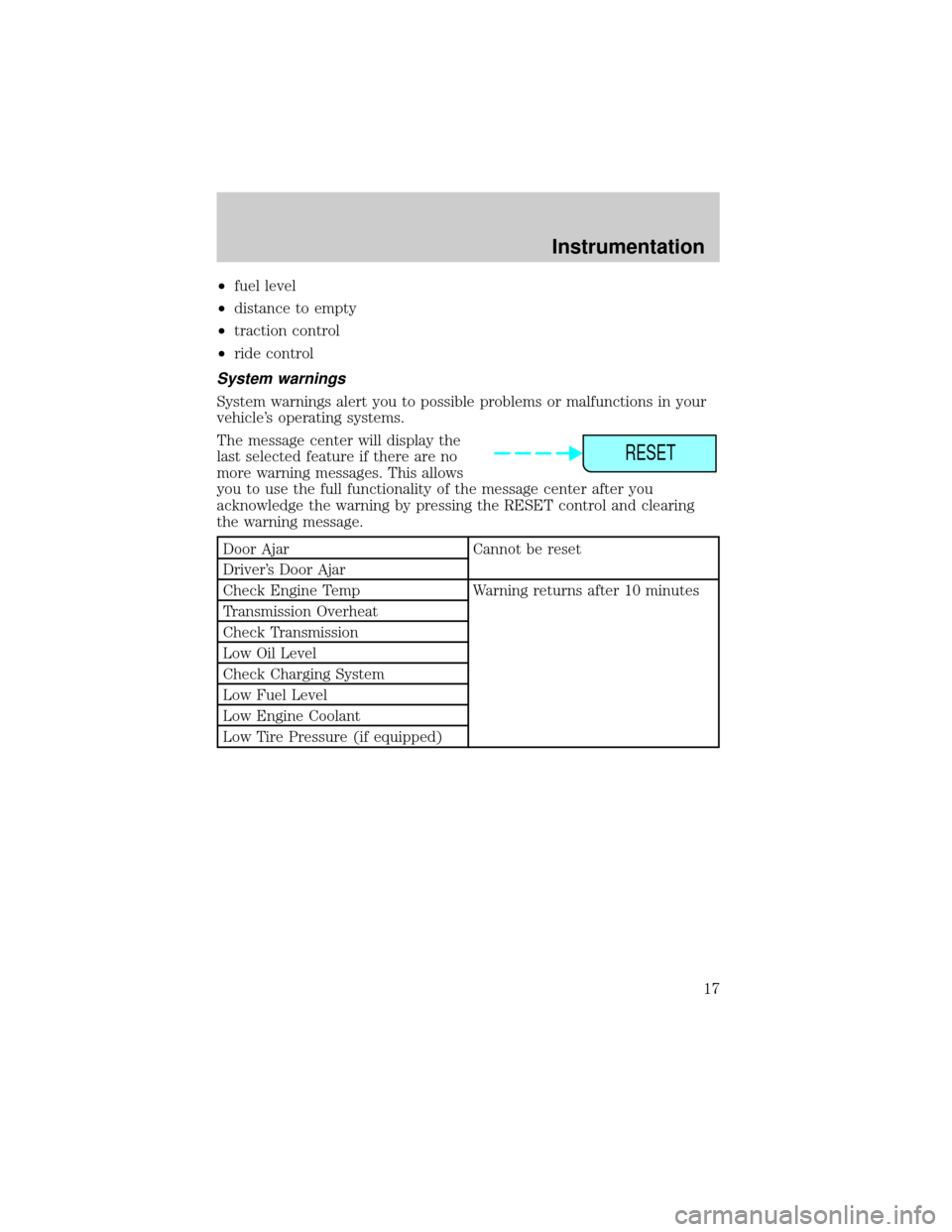
The message center will display the
last selected feature if there are no
more warning messages. This allows
you to use the full functionality of the message center after you
acknowledge the warning by pressing the RESET control and clearing
the warning message.
Door Ajar Cannot be reset
Driver's Door Ajar
Check Engine Temp Warning returns after 10 minutes
Transmission Overheat
Check Transmission
Low Oil Level
Check Charging System
Low Fuel Level
Low Engine Coolant
Low Tire Pressure (if equipped)
RESET
Instrumentation
17
Page 18 of 232

Gear Display Data ERR Warning reappears after key is
turned from OFF to ON
Brake Lamp Out
Check Traction Control
Check Ride Control
Trunk Ajar
Check Steering Assist
Low Washer Fluid
Air Leveling Disabled
Tail Lamp Out
Check FRT Turn Lamps
Turn on Headlamps
Warning messages that have been reset are divided into two categories:
²They will reappear on the display ten minutes from the reset.
²They will not reappear until an ignition OFF-ON cycle has been
completed. This acts as a reminder that these warning conditions still
exist within the vehicle.
E/M (if equipped)
Press this control to switch the
odometer and display readouts from
metric (kilometers) to English
(miles) units.
DRIVER ID (if equipped)
Press this control and use SELECT
to choose DRIVER 1 or DRIVER 2
when choosing operator selectable
features. Seat and mirror positions
and nine operator selectable features, found under the MENU and
VEHICLE HANDLING controls, will be saved to DRIVER 1 or DRIVER 2.
These will be automatically recalled when the drivers identify themselves
to the system with the remote entry transmitter (refer toBasic
Operation of Memory Profile Systemin this section) or selecting
DRIVER 1 or DRIVER 2 in the message center. When a vehicle setting is
changed, the message center will display ªSAVED TO DRIVER 1 or
DRIVER 2º for 5 seconds to confirm the change has been made. Press
the SELECT to choose ªOFFº for temporary position/setting changes
which will not be stored.
E/M
DRIVER ID
Instrumentation
18
Page 20 of 232
TRIP
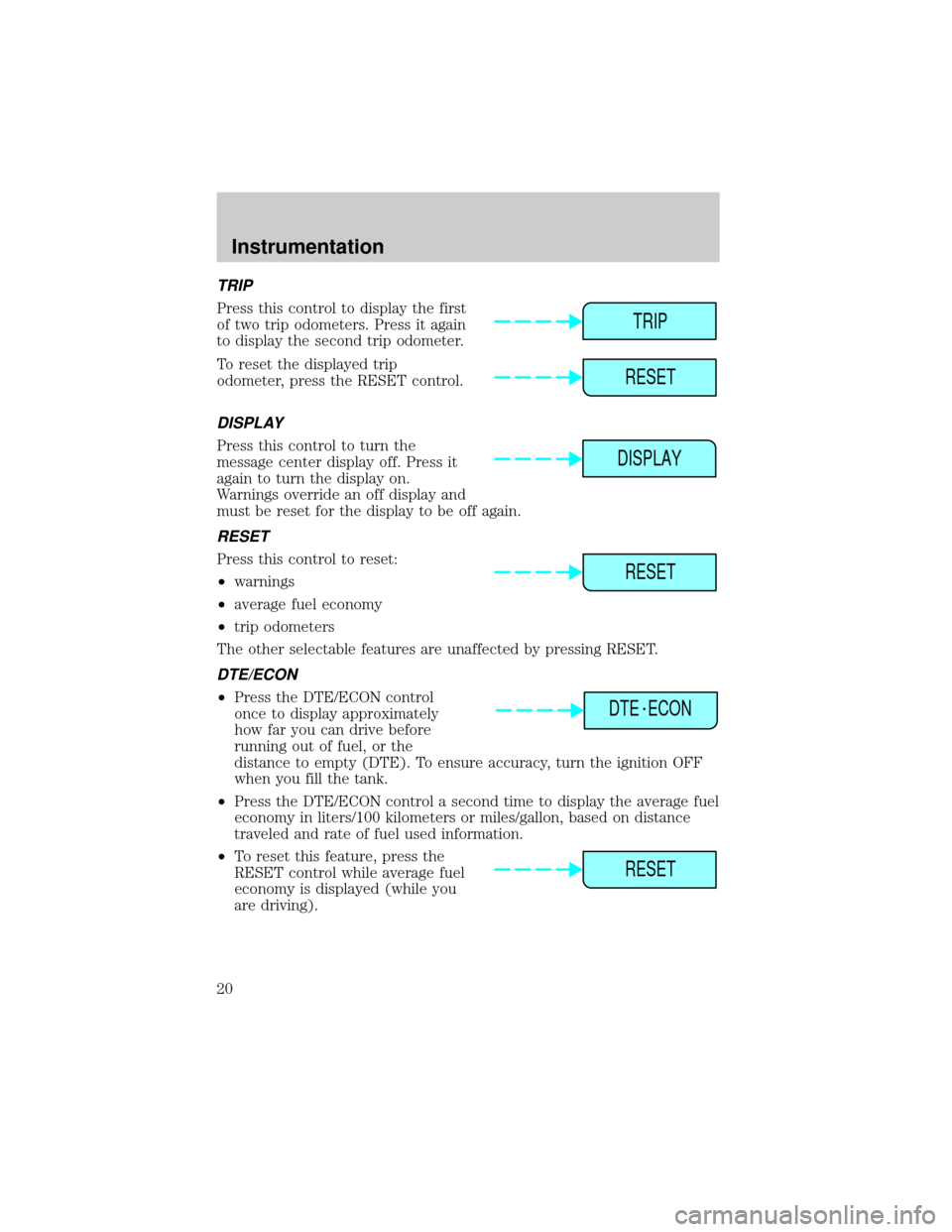
Press this control to display the first
of two trip odometers. Press it again
to display the second trip odometer.
To reset the displayed trip
odometer, press the RESET control.
DISPLAY
Press this control to turn the
message center display off. Press it
again to turn the display on.
Warnings override an off display and
must be reset for the display to be off again.
RESET
Press this control to reset:
²warnings
²average fuel economy
²trip odometers
The other selectable features are unaffected by pressing RESET.
DTE/ECON
²Press the DTE/ECON control
once to display approximately
how far you can drive before
running out of fuel, or the
distance to empty (DTE). To ensure accuracy, turn the ignition OFF
when you fill the tank.
²Press the DTE/ECON control a second time to display the average fuel
economy in liters/100 kilometers or miles/gallon, based on distance
traveled and rate of fuel used information.
²To reset this feature, press the
RESET control while average fuel
economy is displayed (while you
are driving).
TRIP
RESET
DISPLAY
RESET
DTE ECON
RESET
Instrumentation
20
Page 46 of 232
Radio reception factors
Three factors can affect radio reception:
²Distance/strength.The further an FM signal travels, the weaker it is.
The listenable range of the average FM station is approximately 40 km
(24 miles). This range can be affected by ªsignal modulation.º Signal
modulation is a process radio stations use to increase their
strength/volume relative to other stations.
²Terrain.Hills, mountains and tall buildings between your vehicle's
antenna and the radio station signal can cause FM reception problems.
Static can be caused on AM stations by power lines, electric fences,
traffic lights and thunderstorms. Moving away from an interfering
structure (out of its ªshadowº) returns your reception to normal.
²Station overload.Weak signals are sometimes captured by stronger
signals when you pass a broadcast tower. A stronger signal may
temporarily overtake a weaker signal and play while the weak station
frequency is displayed.
The audio system automatically switches to single channel reception if it
will improve the reception of a station normally received in stereo.
Audio system warranties and service
Refer to the ªWarranty Guideº for audio system warranty information.
If service is necessary, see your dealer or a qualified technician.
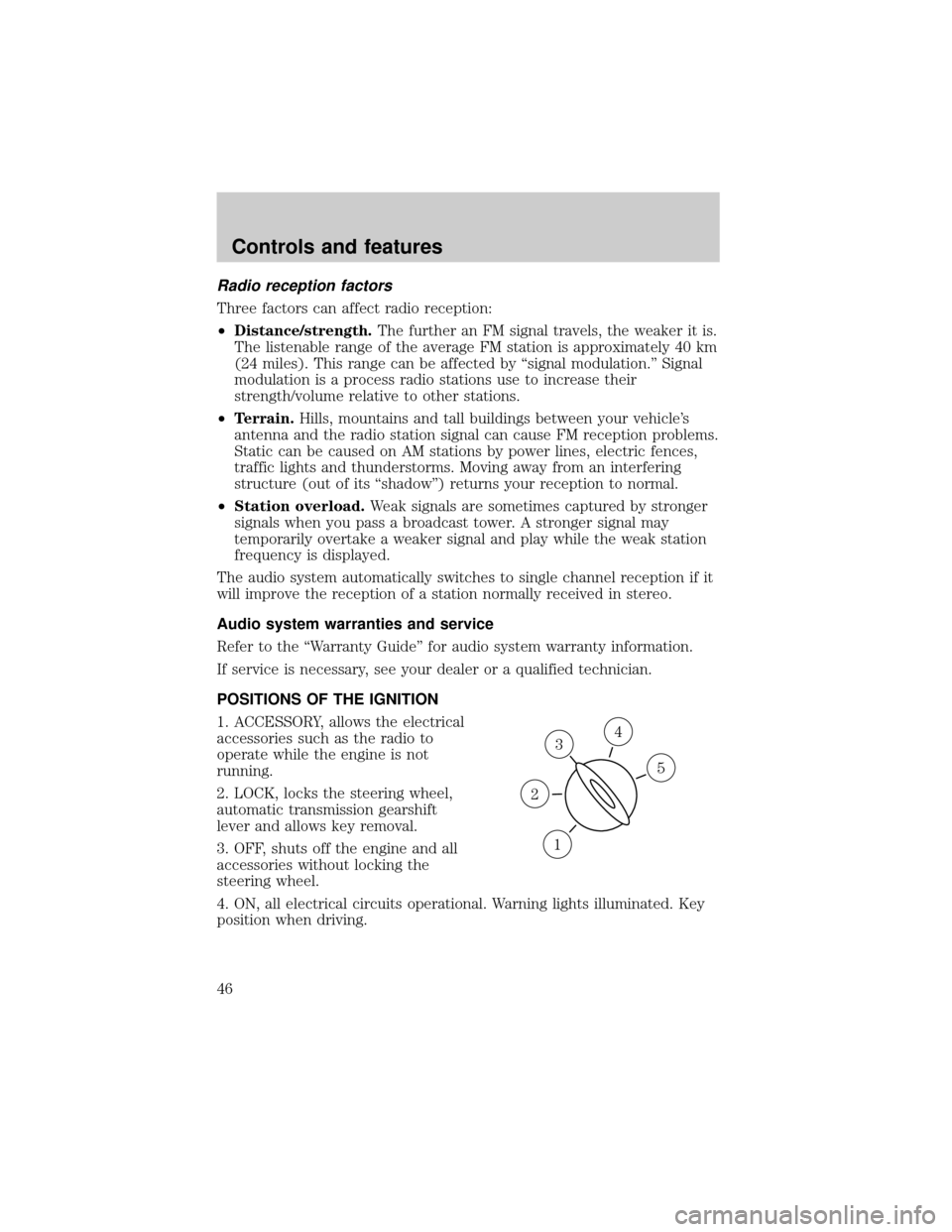
POSITIONS OF THE IGNITION
1. ACCESSORY, allows the electrical
accessories such as the radio to
operate while the engine is not
running.
2. LOCK, locks the steering wheel,
automatic transmission gearshift
lever and allows key removal.
3. OFF, shuts off the engine and all
accessories without locking the
steering wheel.
4. ON, all electrical circuits operational. Warning lights illuminated. Key
position when driving.
3
1
2
5
4
Controls and features
46
Page 54 of 232
If equipped with a moon roof, the
map lamps are located on the
rearview mirror. Press the control
next to the map lamp to illuminate
the lamp.
Rear courtesy/reading lamps
The courtesy lamp lights when:
²any door is opened.
²the instrument panel dimmer
switch is held up until the
courtesy lamps come on.
²any of the remote entry controls
are pressed and the ignition is
OFF.
With the ignition key in the ACC or ON position, the reading lamp can be
turned on by pressing the rocker control.
LINCOLN RESCU SYSTEM (IF EQUIPPED)
Lincoln RESCU runs a self-test
when you start your vehicle. During
this test, the Lincoln RESCU
warning light (located in the
overhead console) will illuminate for
several seconds. If the phone is
disconnected, or a problem is
detected during the self-check, the
light will remain lit and the message
ªRESCU FAILUREº will be displayed
on the vehicle's message center for
several seconds.
S.O.S.INFO
S.O.S.INFO
i
i
Controls and features
54
Page 55 of 232
If the phone is properly connected
and the warning light fails to
illuminate when you start your
vehicle, or if it remains lit, have
your Lincoln RESCU System
checked by an authorized dealer as soon as possible. Your system may be
inoperative.
It is important that you understand the limitations of your
Lincoln RESCU System prior to initiating an activation. See
Lincoln RESCU System Limitationslater in this chapter for details.
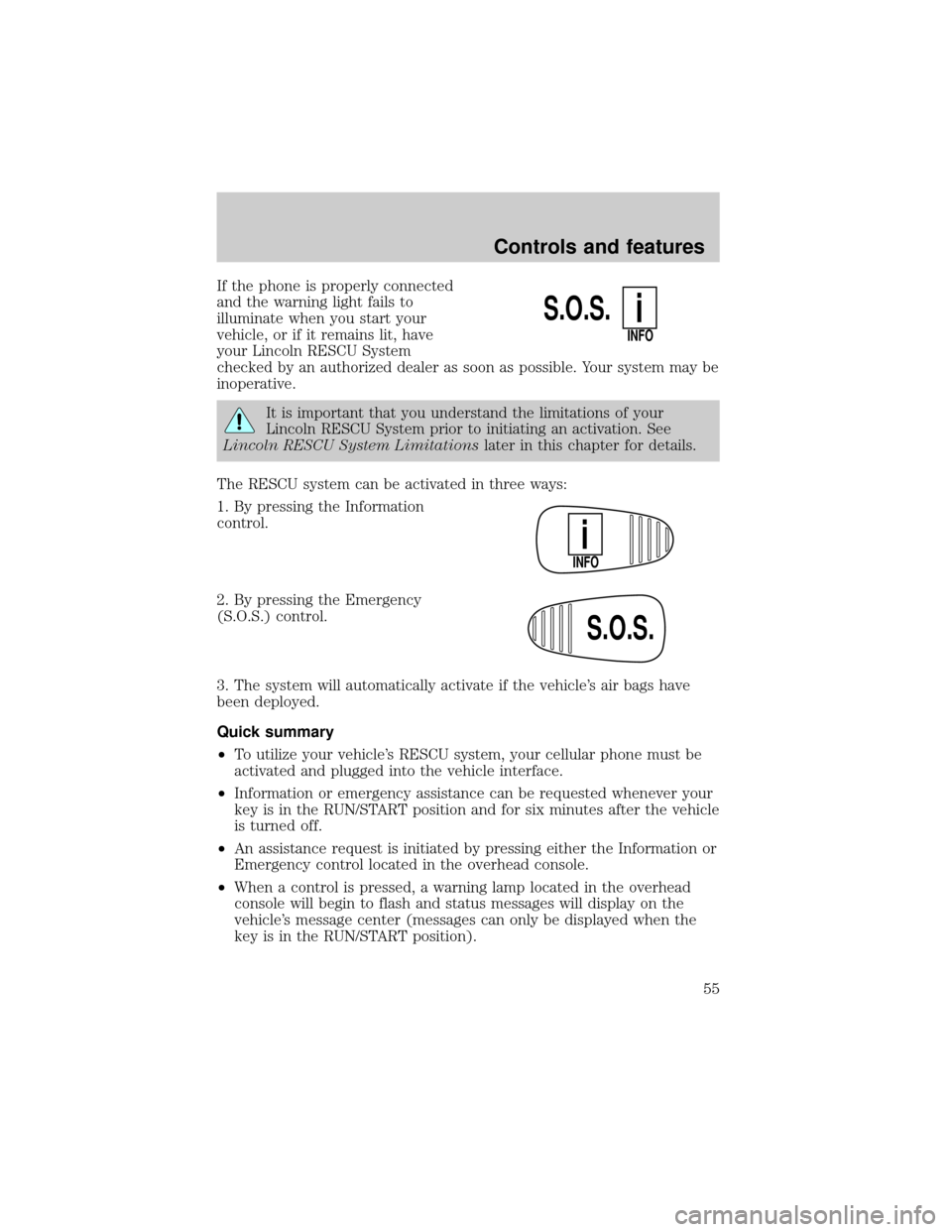
The RESCU system can be activated in three ways:
1. By pressing the Information
control.
2. By pressing the Emergency
(S.O.S.) control.
3. The system will automatically activate if the vehicle's air bags have
been deployed.
Quick summary
²To utilize your vehicle's RESCU system, your cellular phone must be
activated and plugged into the vehicle interface.
²Information or emergency assistance can be requested whenever your
key is in the RUN/START position and for six minutes after the vehicle
is turned off.
²An assistance request is initiated by pressing either the Information or
Emergency control located in the overhead console.
²When a control is pressed, a warning lamp located in the overhead
console will begin to flash and status messages will display on the
vehicle's message center (messages can only be displayed when the
key is in the RUN/START position).
S.O.S.
INFO
i
INFO
i
S.O.S.
Controls and features
55