Page 32 of 224
3. Press and hold a
memory preset control
until the sound returns,
indicating the station is
held in memory on the control you selected.
If the battery is disconnected, the memory preset
stations will need to be reset.
Bass adjust
The bass adjust control allows you to increase or
decrease the audio system's bass output.
²Push the AUDIO
control repeatedly
until the display
reads BASS.
²Press (+) or (þ) on
the volume control
to increase or
decrease bass output.
Treble adjust
The treble adjust control allows you to increase or
decrease the audio system's treble output.
²Push the AUDIO
control repeatedly
until the display
reads TREB.
²Press (+) or (þ) on
the volume control
to increase or
decrease treble output.
Speaker balance adjust
Speaker sound distribution can be adjusted between
the right and left speakers.
²Push the AUDIO
control repeatedly
until the display
reads BAL.
123
45
AUDIO
VOLUME
AUDIO
VOLUME
AUDIO
Controls and features
32
Page 33 of 224
²Press the (+) side of
the volume control
to shift sound to the
right speakers.
²Press the (þ) side of the volume control to shift
sound to the left speakers.
Speaker fade adjust
Speaker sound distribution can be adjusted between
the front and rear speakers.
²Push the AUDIO
control repeatedly
until the display
reads FADE.
²Press the (+) side of
the volume control
to shift sound to the
front speakers.
²Press the (þ) side of the volume control to shift
sound to the rear speakers.
Tape play select
Insert a cassette tape into the cassette deck.
Push only slightly when inserting a cassette tape
(with the open edge to the right). A cassette deck
loading mechanism pulls the tape in the rest of the
way.
Press PLAY to begin
cassette tape play.
Rewind/fast forward function in tape mode
Press the control to
rewind the tape.
Play will continue once
the beginning of the
tape is reached or rewind is stopped.
VOLUME
AUDIO
VOLUME
PLAYPROG
REW
Controls and features
33
Page 36 of 224

approximately eight seconds. This continues until
you press the SCAN control a second time or eject
the CD. While in the scan mode, the display flashes
SCAN.
Reverse/fast forward
To quickly search for a
particular point in a
selection, press the
right side of the REV/FF control (to fast forward) or
the left side (to reverse). If you hold down the
desired function for longer than a few seconds, the
process will speed up. Release the button when you
have reached the desired point of the CD.
If you hold down the fast forward control until the
end of the CD is reached, the display will show the
end time of the last track and the sound will be
muted. When the fast forward control is released,
the player will resume play at the beginning of the
first track.
AMS control
The AMS (Automatic
Music Search) control
on your CD player
allows you to quickly find a particular selection on
the disc. Press the left side of the AMS control to
locate a previous selection, or the right side to
locate a later selection.
Compression feature
Press the COMPRESS
control to activate (and
deactivate)
compression adjust.
Compression adjust brings soft and loud CD
passages together for a more consistent listening
level.
REV/FF
AMS
COMPRESS
Controls and features
36
Page 39 of 224

and FM stations may use for their broadcasts.
Allowable frequencies are:
AM 530, 540±1600, 1610 kHz
FM 87.7, 87.9±107.7, 107.9 MHz
Not all frequencies are used in a given area.
Radio reception factors
Three factors can affect radio reception:
²Distance/strength.The further an FM signal
travels, the weaker it is. The listenable range of
the average FM station is approximately 40 km
(24 miles). This range can be affected by ªsignal
modulation.º Signal modulation is a process radio
stations use to increase their strength/volume
relative to other stations.
²Terrain.Hills, mountains and tall buildings
between your vehicle's antenna and the radio
station signal can cause FM reception problems.
Static can be caused on AM stations by power
lines, electric fences, traffic lights and
thunderstorms. Moving away from an interfering
structure (out of its ªshadowº) returns your
reception to normal.
²Station overload.Weak signals are sometimes
captured by stronger signals when you pass a
broadcast tower. A stronger signal may
temporarily overtake a weaker signal and play
while the weak station frequency is displayed.
The audio system automatically switches to single
channel reception if it will improve the reception of
a station normally received in stereo.
Audio system warranties and service
Refer to the ªWarranty Guideº for audio system
warranty information.
If service is necessary, see your dealer or a qualified
technician.
Controls and features
39
Page 104 of 224
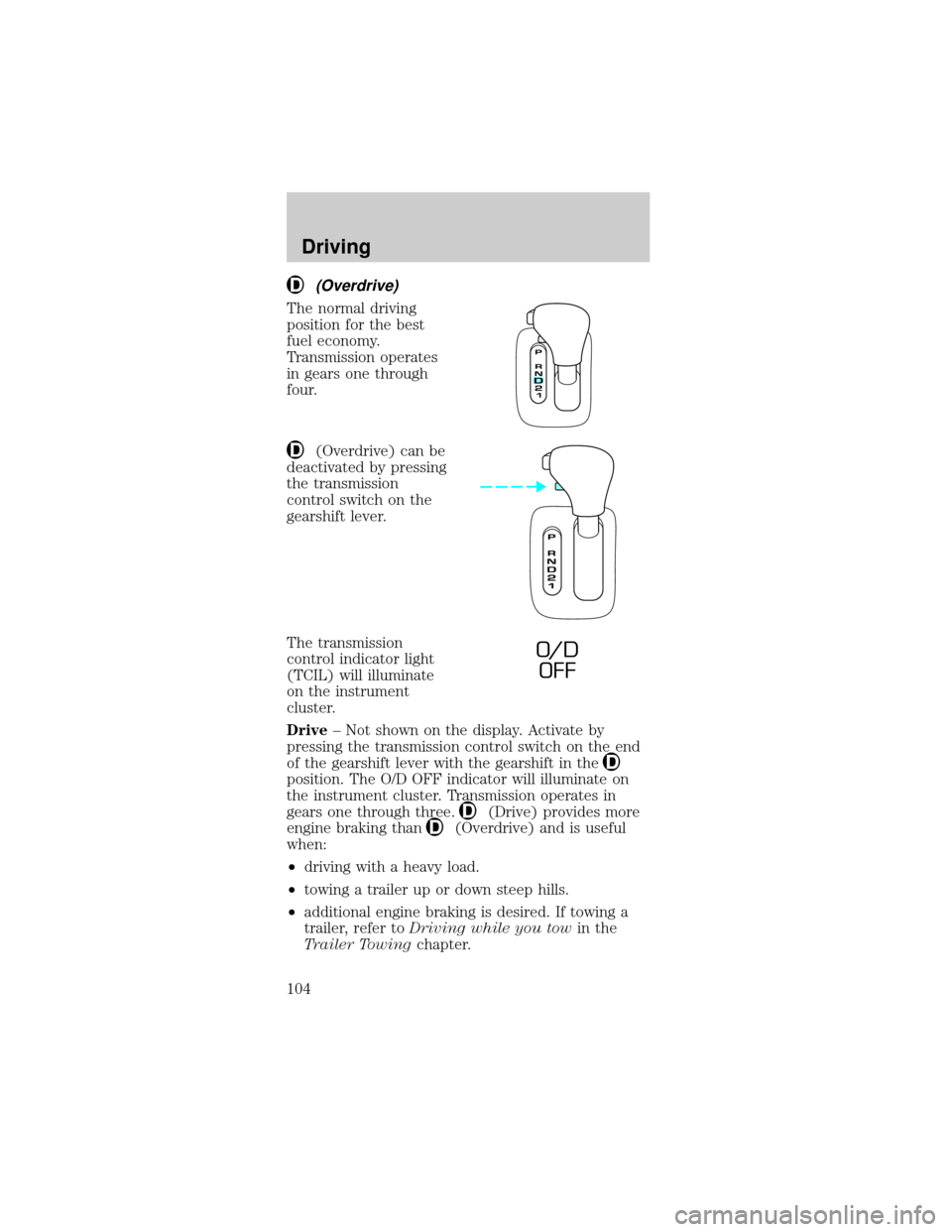
(Overdrive)
The normal driving
position for the best
fuel economy.
Transmission operates
in gears one through
four.
(Overdrive) can be
deactivated by pressing
the transmission
control switch on the
gearshift lever.
The transmission
control indicator light
(TCIL) will illuminate
on the instrument
cluster.
Drive± Not shown on the display. Activate by
pressing the transmission control switch on the end
of the gearshift lever with the gearshift in the
position. The O/D OFF indicator will illuminate on
the instrument cluster. Transmission operates in
gears one through three.
(Drive) provides more
engine braking than
(Overdrive) and is useful
when:
²driving with a heavy load.
²towing a trailer up or down steep hills.
²additional engine braking is desired. If towing a
trailer, refer toDriving while you towin the
Trailer Towingchapter.
O/ D
OFF
Driving
104
Page 140 of 224
4. Install the indicator and ensure it is fully seated.
5. Fully install the engine oil filler cap by turning the
filler cap clockwise until three clicks can be heard.
To avoid possible oil loss, DO NOT operate the
vehicle with the engine oil level indicator
and/or the engine oil filler cap removed.
Engine oil and filter recommendations
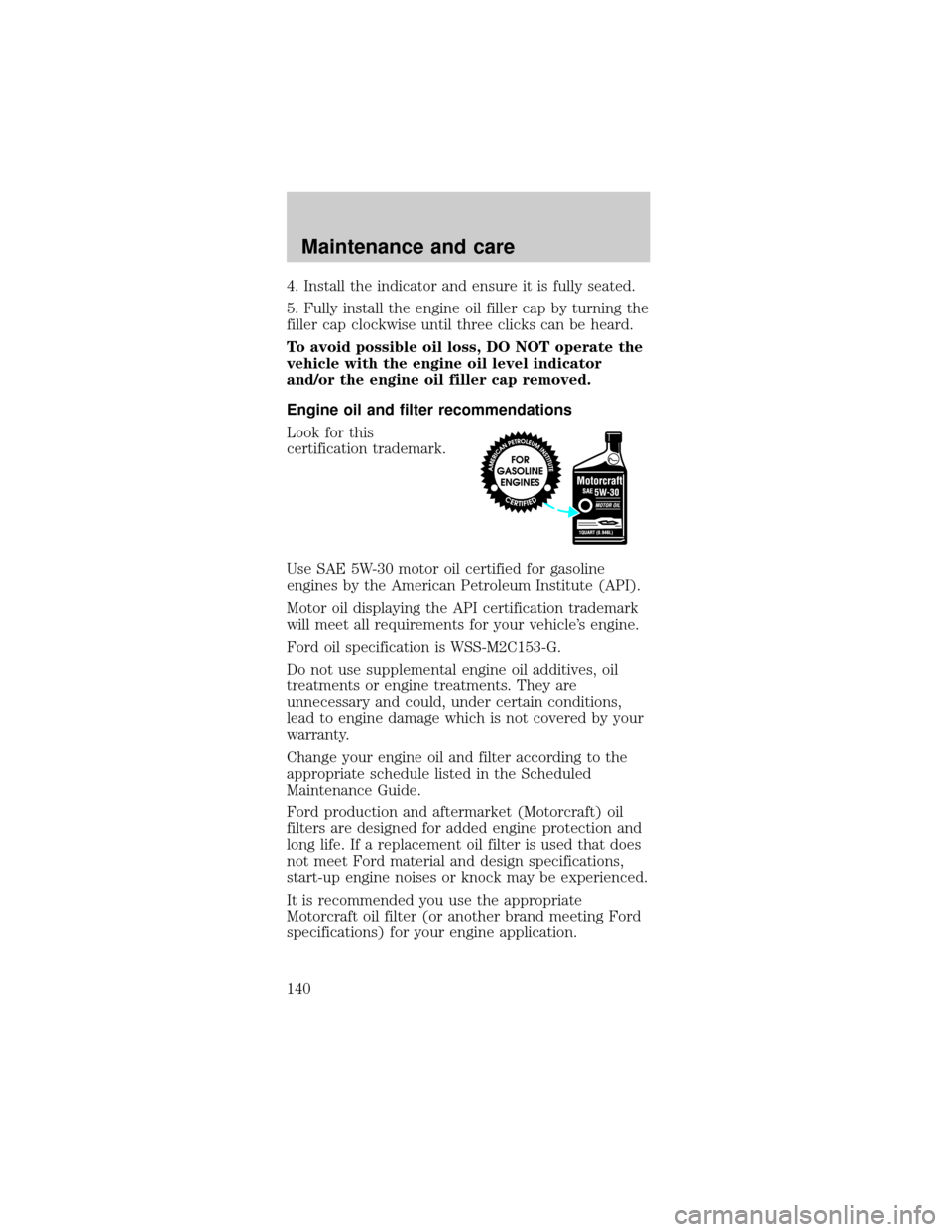
Look for this
certification trademark.
Use SAE 5W-30 motor oil certified for gasoline
engines by the American Petroleum Institute (API).
Motor oil displaying the API certification trademark
will meet all requirements for your vehicle's engine.
Ford oil specification is WSS-M2C153-G.
Do not use supplemental engine oil additives, oil
treatments or engine treatments. They are
unnecessary and could, under certain conditions,
lead to engine damage which is not covered by your
warranty.
Change your engine oil and filter according to the
appropriate schedule listed in the Scheduled
Maintenance Guide.
Ford production and aftermarket (Motorcraft) oil
filters are designed for added engine protection and
long life. If a replacement oil filter is used that does
not meet Ford material and design specifications,
start-up engine noises or knock may be experienced.
It is recommended you use the appropriate
Motorcraft oil filter (or another brand meeting Ford
specifications) for your engine application.
Maintenance and care
140
Page 208 of 224
greater. See your dealer for complete warranty
information and availability.
Not all accessories are available for all models.
Vehicle Security
Styled wheel protector locks
Vehicle security systems
Comfort and convenience
Ash Cup
Cargo nets
Cargo organizers
Dash trim
Electrochromic mirror with compass
Electrochromic mirror with compass and
temperature display
Engine block heaters
Travel equipment
Auto headlamps with daytime running lights (DRL)
Cassette holder
Daytime running lights (DRL)
Fog lights
Heavy-duty battery
Removable luggage rack
Removable luggage rack adapters
Soft luggage cover
Speed control
Protection and appearance equipment
Air bag anti-theft locks
Cargo liners, interior
Carpet floor mats
Customer assistance
208