Page 119 of 365
yellowblue
2-56
2. Hold the end of the hand-held transmitter against the
bottom surface of the universal transmitter so that
you can still see the red light.
3. Decide which one of the three channels you want to
program. Using both hands, press the hand
-held
transmitter button and the desired button on the
universal transmitter. Continue to hold both buttons
through Step 4.
4. Hold down both buttons until you see the red light
on the universal transmitter flash rapidly. The rapid
flashing, which could take up to 90 seconds,
indicates that the universal transmitter has been
programmed. Release both buttons once the light
starts to flash rapidly.
If you have trouble programming the universal
transmitter, make sure that you have followed the
directions exactly as described and that the battery in the
hand
-held transmitter is not dead. If you still cannot
program it, rotate the hand
-held transmitter end over end
and try again. The universal transmitter may not work
with older garage door openers that do not meet current
Federal Consumer Safety Standards. If you cannot
program the transmitter after repeated attempts, consult
your dealer.Be sure to keep the original hand
-held transmitter
in case you need to erase and reprogram the
universal transmitter.
Operating the Transmitter
Press and hold the appropriate button on the universal
transmitter. The red light comes on while the signal is
being transmitted.
Note that the effective transmission range of the
universal transmitter may differ from the hand
-held
transmitter and from one channel to another.
Training a Garage Opener with a
ªRolling Codeº Feature
If you programmed the universal transmitter, but the
garage door will not open, and if your garage door opener
was manufactured after 1995, your garage door may have
a security feature that changes the ªcodeº of your garage
door opener every time it is opened or closed.
Page 227 of 365
yellowblue
5-6
5. Check that the jumper cables don't have loose or
missing insulation. If they do, you could get a shock.
The vehicles could be damaged, too.
Before you connect the cables, here are some basic
things you should know. Positive (+) will go to
positive (+) and negative (
-) will go to an unpainted
metal engine part. Don't connect positive (+) to
negative (
-), or you'll get a short that would damage
the battery and maybe other parts, too.
CAUTION:
Fans or other moving engine parts can injure you
badly. Keep your hands away from moving parts
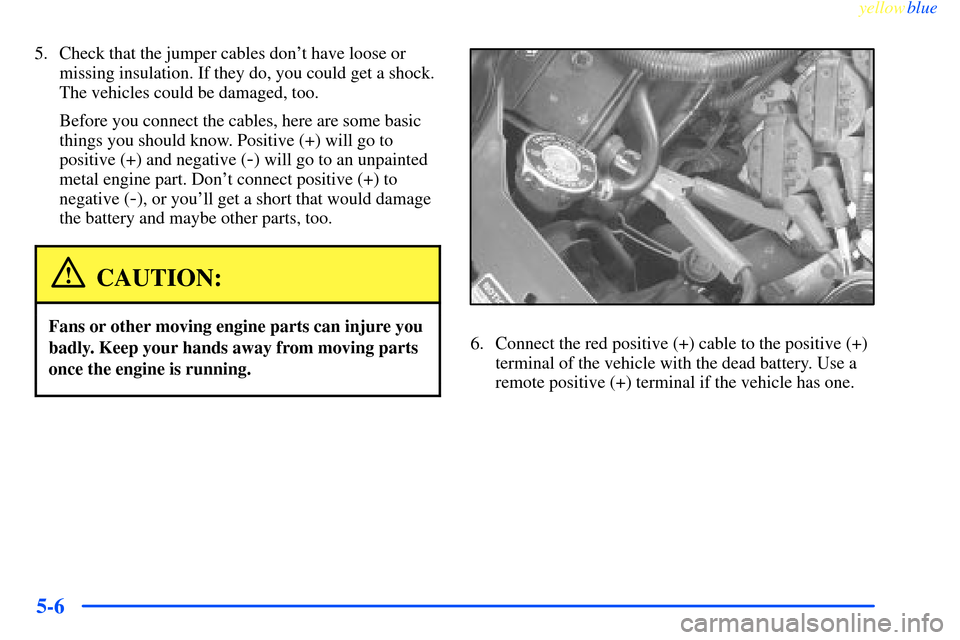
once the engine is running.6. Connect the red positive (+) cable to the positive (+)
terminal of the vehicle with the dead battery. Use a
remote positive (+) terminal if the vehicle has one.
Page 228 of 365
yellowblue
5-7
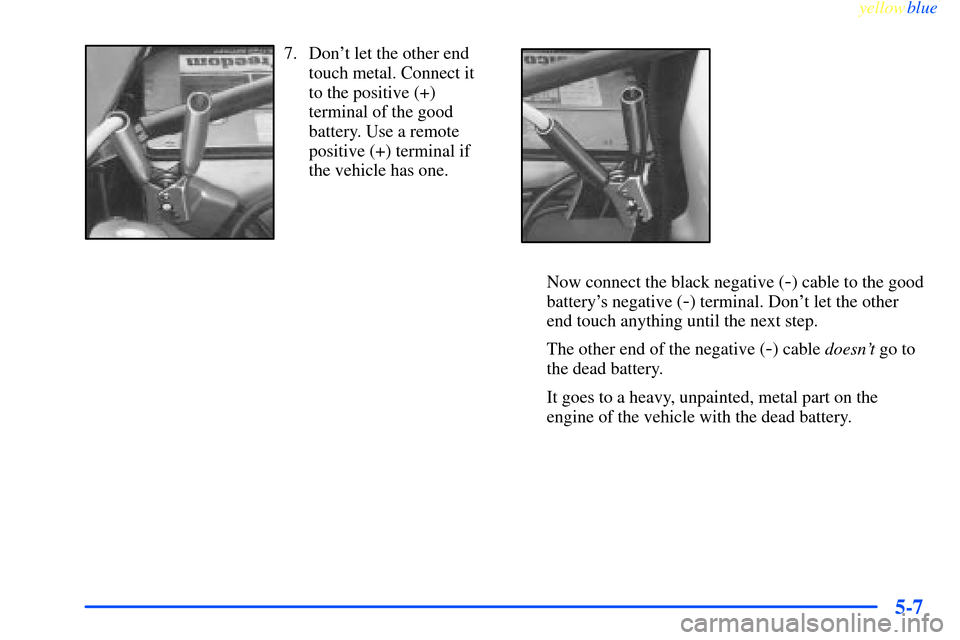
7. Don't let the other end
touch metal. Connect it
to the positive (+)
terminal of the good
battery. Use a remote
positive (+) terminal if
the vehicle has one.
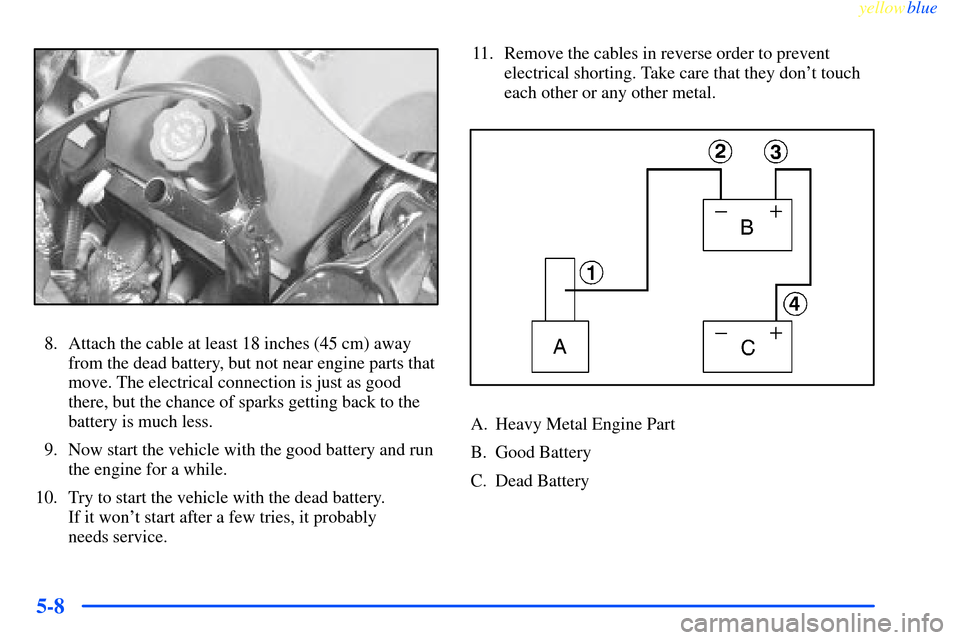
Now connect the black negative (-) cable to the good
battery's negative (
-) terminal. Don't let the other
end touch anything until the next step.
The other end of the negative (
-) cable doesn't go to
the dead battery.
It goes to a heavy, unpainted, metal part on the
engine of the vehicle with the dead battery.
Page 229 of 365
yellowblue
5-8
8. Attach the cable at least 18 inches (45 cm) away
from the dead battery, but not near engine parts that
move. The electrical connection is just as good
there, but the chance of sparks getting back to the
battery is much less.
9. Now start the vehicle with the good battery and run
the engine for a while.
10. Try to start the vehicle with the dead battery.
If it won't start after a few tries, it probably
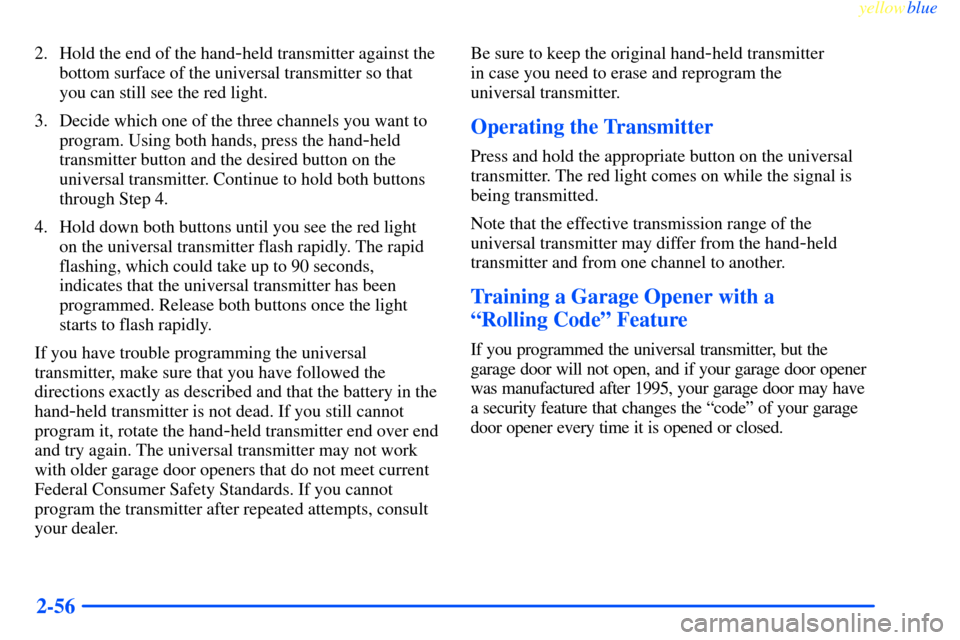
needs service.11. Remove the cables in reverse order to prevent
electrical shorting. Take care that they don't touch
each other or any other metal.
A. Heavy Metal Engine Part
B. Good Battery
C. Dead Battery