Page 3 of 430
2000 Chevrolet Blazer
Owner's Manual
Litho in U.S.A.
Part Number C2011 A First Edition© Copyright General Motors Corporation 1999
All Rights Reserved
i
Page 4 of 430
Table of Contents
Keys and Door Locks
Remote Keyless Entry (RKE) System (If Equipped)
Endgate/Liftgate
Automatic Transmission (If Equipped)
Manual Transmission Operation (If Equipped)
Four-Wheel Drive Operation (If Equipped)
Parking Brake
Windows
Tilt Wheel
Turn Signal/Multifunction Lever
Windshield WipersCruise Control
Interior and Exterior Lamps
Mirrors
Storage Compartments
Luggage Carrier (If Equipped)
Accessory Power Outlets
OnStar® System (If Equipped)
Sunroof (If Equipped)
HomeLink® Transmitter (If Equipped)
Instrument Panel, Warning Lights and Gages Seats and Seat Controls
Safety BeltsAir Bag Systems
Child Restraints
Section
1
Section
2
Seats and Restraint Systems
Features and Controls
ii
Page 7 of 430
Table of Contents (cont'd)
Customer Assistance Information
In the Index you will find an alphabetical listing of almost every subject in this manual.
You can use it to quickly find something you want to read.
Section
8Customer Satisfaction Procedures
Customer Assistance Offices
Roadside Assistance and Courtesy Transportation
Warranty Information (See Warranty Manual)
Reporting Safety Defects on page 8-10
Service Publications
Index
Section
9
Please refer to the last page of this manual for your Service Station Guide
v
Page 8 of 430
vi
GENERAL MOTORS, GM, the GM Emblem,
CHEVROLET, the CHEVROLET Emblem and the
name BLAZER are registered trademarks of General
Motors Corporation.
This manual includes the latest information at the time it
was printed. We reserve the right to make changes in the
product after that time without further notice. For
vehicles first sold in Canada, substitute the name
ªGeneral Motors of Canada Limitedº for Chevrolet
Motor Division whenever it appears in this manual.
Please keep this manual in your vehicle, so it will be
there if you ever need it when you're on the road. If you
sell the vehicle, please leave this manual in it so the new
owner can use it.
We support voluntary
technician certification.
For Canadian Owners Who Prefer a
French Language Manual:
Aux propri‡taires canadiens: Vous pouvez vous
procurer un exemplaire de ce guide en fran†ais chez
votre concessionaire ou au:
DGN Marketing Services Ltd.
1577 Meyerside Dr.
Mississauga, Ontario L5T 1B9
Page 10 of 430
viii
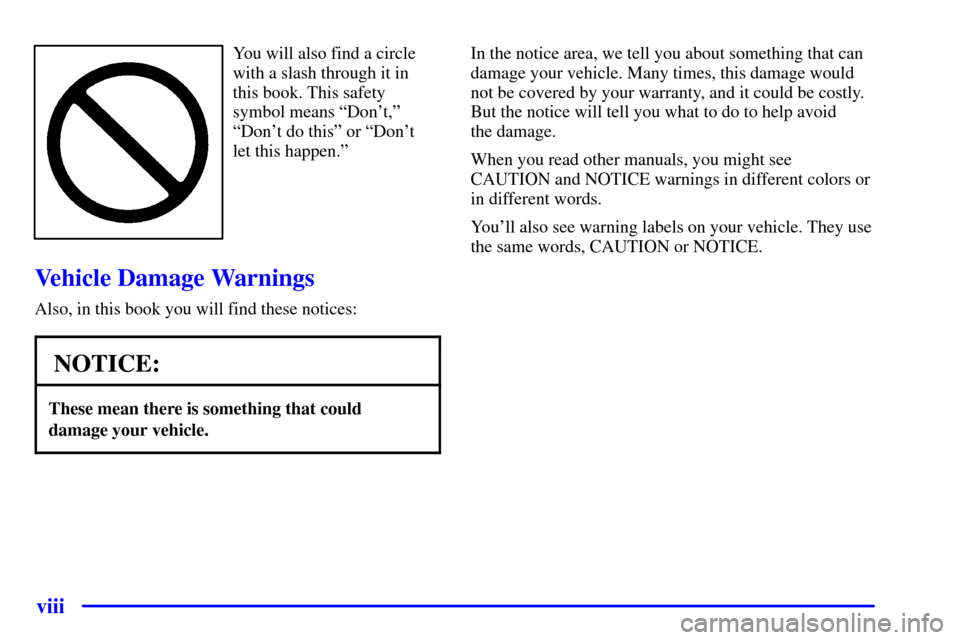
You will also find a circle
with a slash through it in
this book. This safety
symbol means ªDon't,º
ªDon't do thisº or ªDon't
let this happen.º
Vehicle Damage Warnings
Also, in this book you will find these notices:
NOTICE:
These mean there is something that could
damage your vehicle.
In the notice area, we tell you about something that can
damage your vehicle. Many times, this damage would
not be covered by your warranty, and it could be costly.
But the notice will tell you what to do to help avoid
the damage.
When you read other manuals, you might see
CAUTION and NOTICE warnings in different colors or
in different words.
You'll also see warning labels on your vehicle. They use
the same words, CAUTION or NOTICE.
Page 14 of 430
1-2
Seats and Seat Controls
This section tells you about the seats -- how to adjust
them, and fold them up and down.
Manual Front Seat
CAUTION:
You can lose control of the vehicle if you try to
adjust a manual driver's seat while the vehicle is
moving. The sudden movement could startle and
confuse you, or make you push a pedal when you
don't want to. Adjust the driver's seat only when
the vehicle is not moving.
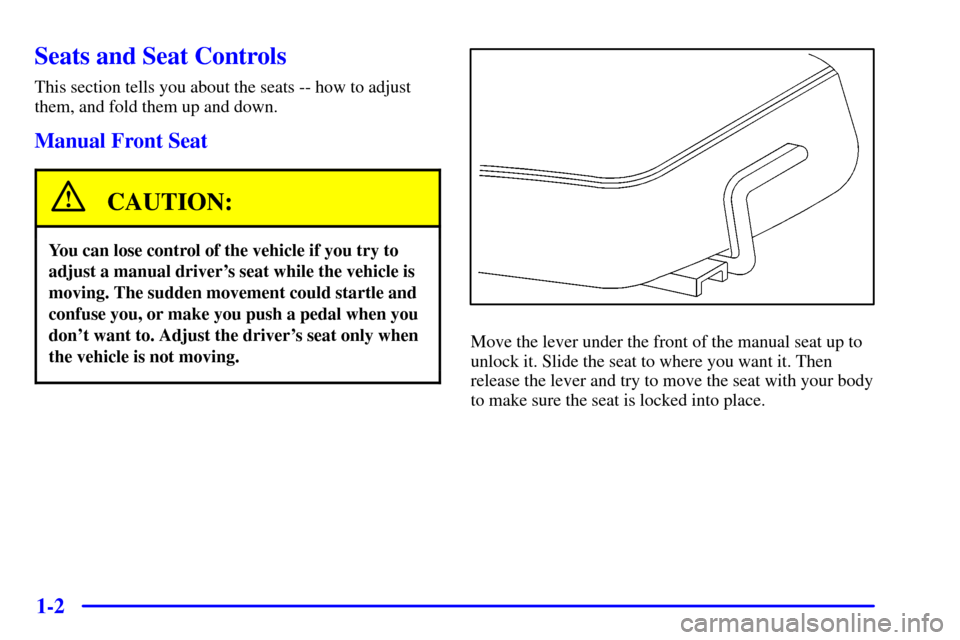
Move the lever under the front of the manual seat up to
unlock it. Slide the seat to where you want it. Then
release the lever and try to move the seat with your body
to make sure the seat is locked into place.
Page 15 of 430
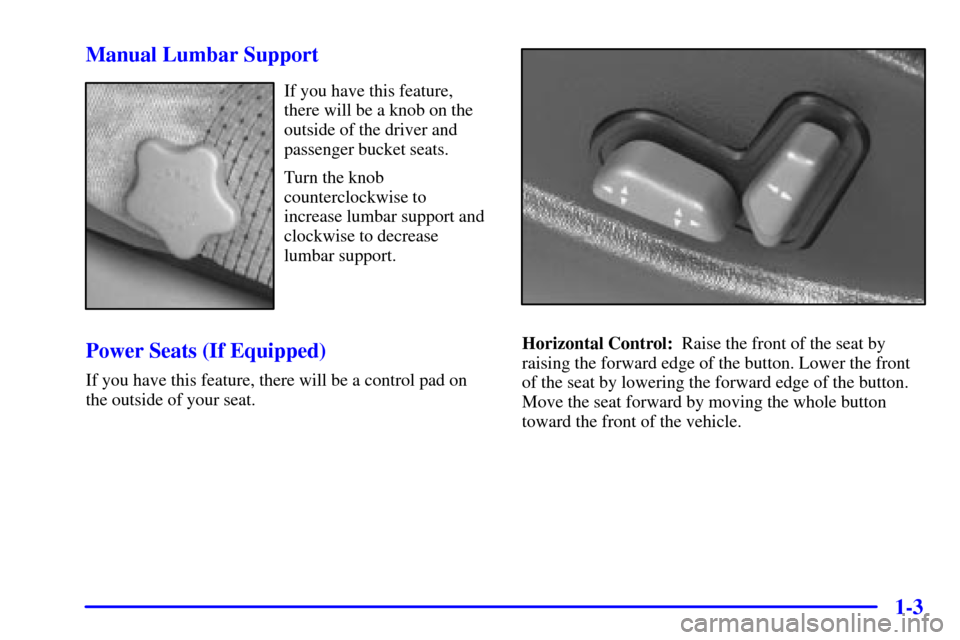
1-3 Manual Lumbar Support
If you have this feature,
there will be a knob on the
outside of the driver and
passenger bucket seats.
Turn the knob
counterclockwise to
increase lumbar support and
clockwise to decrease
lumbar support.
Power Seats (If Equipped)
If you have this feature, there will be a control pad on
the outside of your seat.
Horizontal Control: Raise the front of the seat by
raising the forward edge of the button. Lower the front
of the seat by lowering the forward edge of the button.
Move the seat forward by moving the whole button
toward the front of the vehicle.
Page 17 of 430

1-5 Memory Seat (If Equipped)
If your vehicle has this
feature, the control on the
driver's seat looks like this.
You can use this memory function to save your
seat cushion and seatback settings by using the
following procedure:
1. Adjust the driver's seat to a safe and comfortable
driving position.
2. Press the SET button and then one of the two
numbered memory buttons. You will hear a chime
for each button pushed to confirm that your settings
have been placed in memory.
3. To program your keyless entry transmitter, press the
UNLOCK button within five seconds of
programming the memory button. You will hear a
chime to confirm programming of the transmitter.When your vehicle is in PARK (P) for an automatic
transmission or the parking brake is engaged for a
manual transmission, push and release the numbered
memory button you just stored. The seat will move to
the set position. You will hear one chime.
Pressing the UNLOCK button of a keyless entry
transmitter will adjust the seat to the corresponding
stored memory position. You will hear one chime.
Repeat Steps 1 and 2 to readjust the seat. The transmitter
need not be reprogrammed unless it needs to correspond
to the other numbered memory button.
To set the seat for a second driver, follow the previous
steps, but use the other numbered button and the other
keyless entry transmitter.
If there is a third driver, use the seat adjuster switch to
adjust the seat. Pressing any of the seat adjuster
switches, the SET button or pressing the desired
memory button twice will cause the seat to stop moving.
If you push the numbered button to adjust the seat
and start the vehicle while the seat is still adjusting,
adjustment will pause while the ignition is in START.
Adjustment will resume after the ignition is in RUN.