Page 98 of 392
2-33
Windows
Power Windows
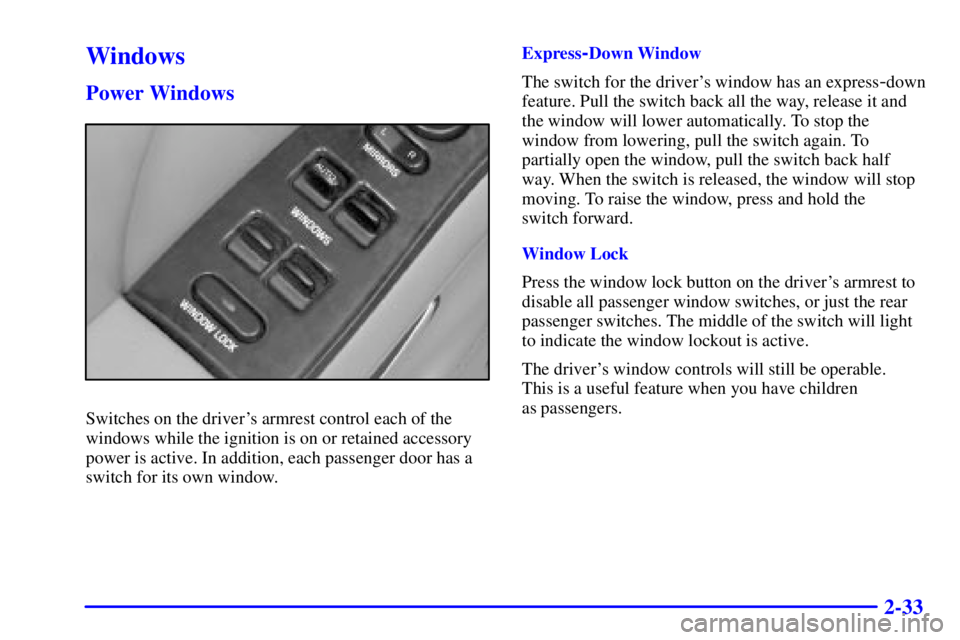
Switches on the driver's armrest control each of the
windows while the ignition is on or retained accessory
power is active. In addition, each passenger door has a
switch for its own window.Express
-Down Window
The switch for the driver's window has an express
-down
feature. Pull the switch back all the way, release it and
the window will lower automatically. To stop the
window from lowering, pull the switch again. To
partially open the window, pull the switch back half
way. When the switch is released, the window will stop
moving. To raise the window, press and hold the
switch forward.
Window Lock
Press the window lock button on the driver's armrest to
disable all passenger window switches, or just the rear
passenger switches. The middle of the switch will light
to indicate the window lockout is active.
The driver's window controls will still be operable.
This is a useful feature when you have children
as passengers.
Page 103 of 392

2-38
Moisture-Sensing Delay Windshield Wipers
(If Equipped)
The moisture sensor is mounted on the passenger's
interior side of the windshield behind the rearview
mirror and is used to automatically operate the
wipers by monitoring the amount of moisture on
the windshield.The moisture
-sensing system is activated by turning the
wiper control band to one of the five sensitivity levels
within the delay area. The delay position closest to
OFF/MIST is the lowest sensitivity setting. This allows
more water to collect on the windshield between wipes.
You can increase the sensitivity of the system and the
frequency of wipes by turning the wiper control band
away from you to the other delay settings. A single wipe
will occur each time you turn the wiper control band to a
higher sensitivity level.
An initial wipe will occur when you turn the ignition on
and the wiper switch is left in one of the sensitivity
settings, as a reminder that the rain sense feature is active.
The moisture
-sensing wipers operate in a delay mode as
well as a continuous low or high speed, depending on the
amount of moisture on the windshield and the sensitivity
setting. The MIST and wash cycles operate as normal and
are not affected by the moisture
-sensing function.
NOTICE:
Turn the wiper band to OFF to avoid wiper damage
when going through an automatic car wash.
Page 107 of 392
2-42
Passing Another Vehicle While Using Cruise Control
Use the accelerator pedal to increase your speed. When
you take your foot off the pedal, your vehicle will slow
down to the cruise control speed you set earlier.
Using Cruise Control on Hills
How well your cruise control will work on hills depends
upon your speed, load and the steepness of the hills.
When going up steep hills, you may have to step on the
accelerator pedal to maintain your speed. When going
downhill, you may have to brake or shift to a lower gear
to keep your speed down. Of course, applying the brake
takes you out of cruise control. Many drivers find this to
be too much trouble and don't use cruise control on
steep hills.
Ending Cruise Control
There are two ways to turn off the cruise control:
�Step lightly on the brake pedal, or
�Move the cruise switch to OFF. The CRUISE light
will also go out.
Erasing Speed Memory
When you turn off the cruise control or the ignition,
your cruise control set speed memory is erased.Exterior Lamps
Headlamps
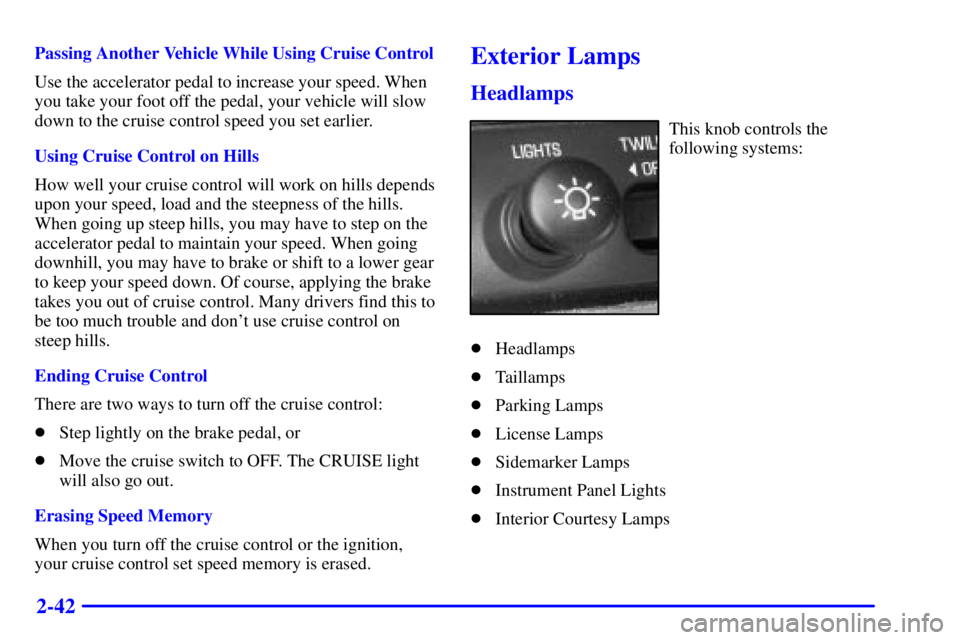
This knob controls the
following systems:
�Headlamps
�Taillamps
�Parking Lamps
�License Lamps
�Sidemarker Lamps
�Instrument Panel Lights
�Interior Courtesy Lamps
Page 108 of 392

2-43
Pull the headlamp knob out to the first position to turn
on the parking, license and sidemarker lamps. Pull the
knob out further, to the second position, to turn on the
headlamps. Push the knob all the way back in to turn off
the parking and headlamps.
Lamps On Reminder
If you leave the manual headlamp or parking lamp
switch on, remove the key from the ignition and open
the driver's door, you will hear a continuous warning
chime. The chime will turn off when the lamps are
turned off.
Daytime Running Lamps
Daytime Running Lamps (DRL) can make it easier for
others to see the front of your vehicle during the day.
DRL can be helpful in many different driving
conditions, but they can be especially helpful in the
short periods after dawn and before sunset.
A light sensor on top of the instrument panel monitors
the exterior light level for the operation of DRL and
Twilight Sentinel
�, so be sure it isn't covered.
The DRL system will make your high
-beam headlamps
come on at reduced brightness in daylight when:
�The ignition is on,
�The headlamp switch is off, and
�The transaxle is not in PARK (P).
When DRL are on, only your high
-beam headlamps will
be on. The parking lamps, taillamps, sidemarker and
other lamps won't be on. Your instrument panel won't
be lit up either.
Page 110 of 392
2-45
Interior Lamps
Instrument Panel Intensity Control
Instrument panel light brightness can be adjusted by
turning the headlamp knob counterclockwise
and clockwise.
Courtesy Lamps
When any door is opened, several lamps go on. They
make it easy for you to enter and leave the car. You can
also turn these lamps on by turning the headlamp knob
clockwise all the way past the normal stop.
Illuminated Entry System
When you open either front door or press the button
with the unlock symbol on the remote keyless entry
transmitter, the lamps inside your vehicle will turn on.
These lamps will turn off after about 40 seconds. These
lamps will also turn off if you start the engine or activate
the power door locks.
Delayed Entry Lighting
When you open the door, the interior lamps will come
on. When you close the door with the ignition off, the
interior lamps will stay on for 25 seconds or until the
ignition is turned to an on position. Locking the doors
with the power door lock switch will override the
delayed entry lighting feature and the lamps will turn off
right away.
Using the remote keyless entry transmitter to lock the
door will not cancel delayed lighting.
Theater Dimming
This feature allows for a three to five-second fade out of
the courtesy lamps instead of immediate turn off.
Delayed Exit Lighting
With this feature, the interior lamps will come on for
25 seconds after you remove the key from the ignition.
This will give you time to find the door handle or
lock switches.
Page 112 of 392
2-47 Front Reading Lamps
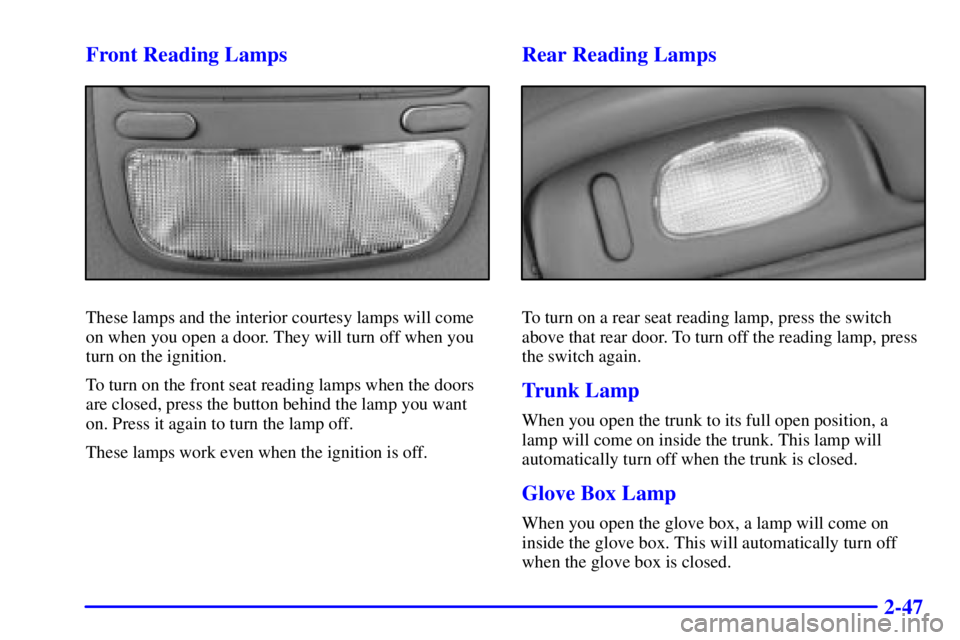
These lamps and the interior courtesy lamps will come
on when you open a door. They will turn off when you
turn on the ignition.
To turn on the front seat reading lamps when the doors
are closed, press the button behind the lamp you want
on. Press it again to turn the lamp off.
These lamps work even when the ignition is off.
Rear Reading Lamps
To turn on a rear seat reading lamp, press the switch
above that rear door. To turn off the reading lamp, press
the switch again.
Trunk Lamp
When you open the trunk to its full open position, a
lamp will come on inside the trunk. This lamp will
automatically turn off when the trunk is closed.
Glove Box Lamp
When you open the glove box, a lamp will come on
inside the glove box. This will automatically turn off
when the glove box is closed.
Page 113 of 392
2-48 Battery Rundown Protection
This feature shuts off all lamps that are left on for more
than 10 minutes when the ignition is off. This will keep
your battery from running down.
Mirrors
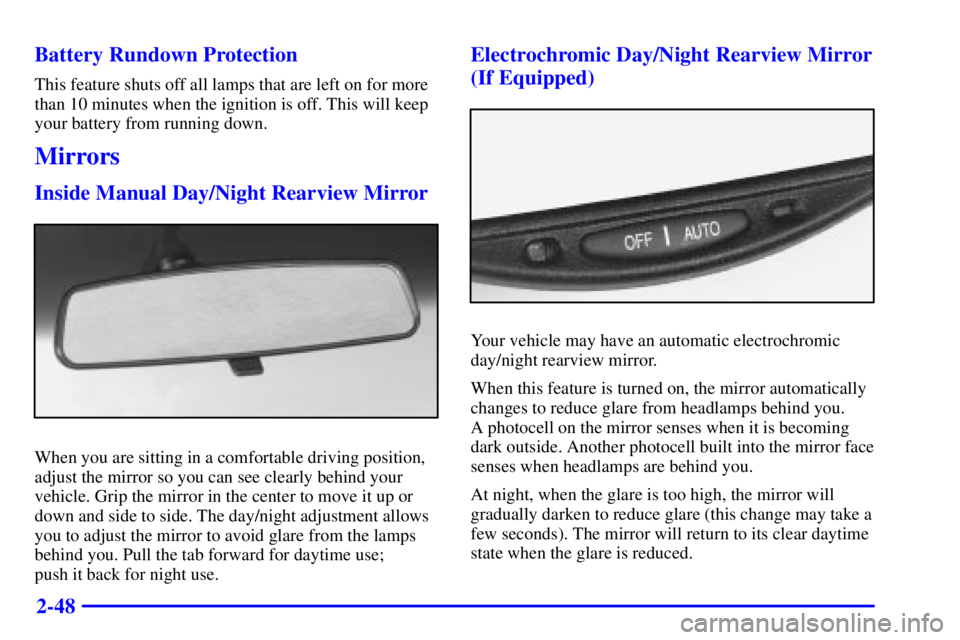
Inside Manual Day/Night Rearview Mirror
When you are sitting in a comfortable driving position,
adjust the mirror so you can see clearly behind your
vehicle. Grip the mirror in the center to move it up or
down and side to side. The day/night adjustment allows
you to adjust the mirror to avoid glare from the lamps
behind you. Pull the tab forward for daytime use;
push it back for night use.
Electrochromic Day/Night Rearview Mirror
(If Equipped)
Your vehicle may have an automatic electrochromic
day/night rearview mirror.
When this feature is turned on, the mirror automatically
changes to reduce glare from headlamps behind you.
A photocell on the mirror senses when it is becoming
dark outside. Another photocell built into the mirror face
senses when headlamps are behind you.
At night, when the glare is too high, the mirror will
gradually darken to reduce glare (this change may take a
few seconds). The mirror will return to its clear daytime
state when the glare is reduced.
Page 115 of 392
2-50
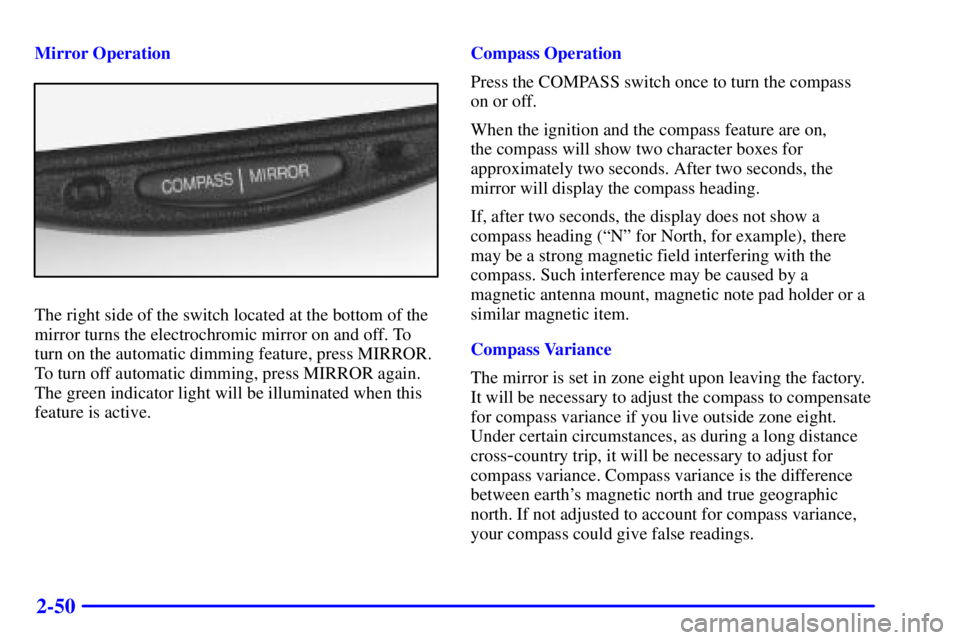
Mirror Operation
The right side of the switch located at the bottom of the
mirror turns the electrochromic mirror on and off. To
turn on the automatic dimming feature, press MIRROR.
To turn off automatic dimming, press MIRROR again.
The green indicator light will be illuminated when this
feature is active.Compass Operation
Press the COMPASS switch once to turn the compass
on or off.
When the ignition and the compass feature are on,
the compass will show two character boxes for
approximately two seconds. After two seconds, the
mirror will display the compass heading.
If, after two seconds, the display does not show a
compass heading (ªNº for North, for example), there
may be a strong magnetic field interfering with the
compass. Such interference may be caused by a
magnetic antenna mount, magnetic note pad holder or a
similar magnetic item.
Compass Variance
The mirror is set in zone eight upon leaving the factory.
It will be necessary to adjust the compass to compensate
for compass variance if you live outside zone eight.
Under certain circumstances, as during a long distance
cross
-country trip, it will be necessary to adjust for
compass variance. Compass variance is the difference
between earth's magnetic north and true geographic
north. If not adjusted to account for compass variance,
your compass could give false readings.