Page 19 of 217
19n
RepairsIndexOverview Controls Car care Technology Data
Instrument cluster
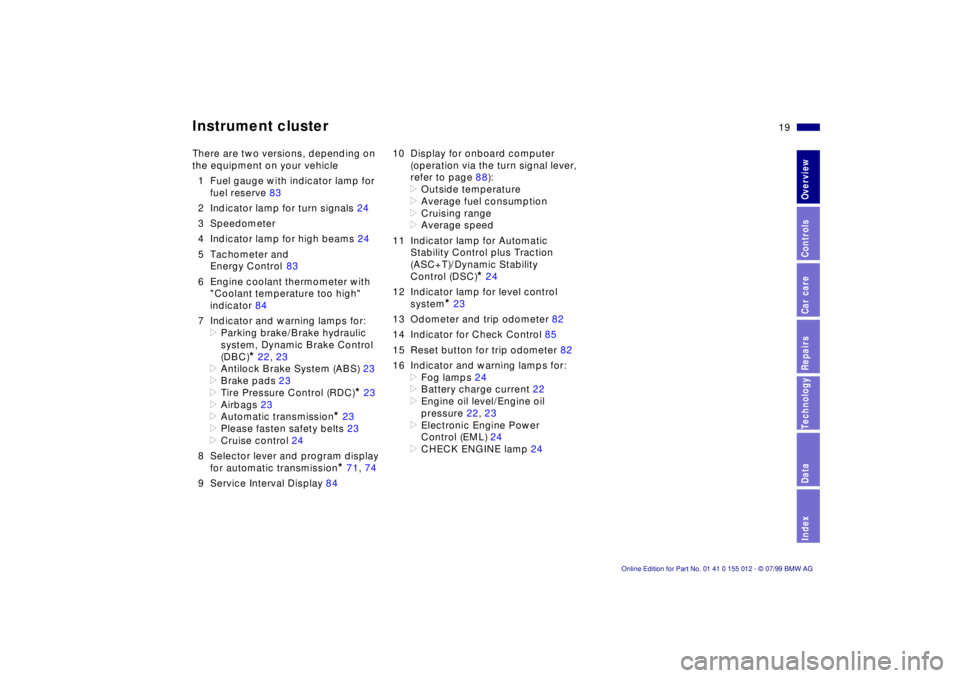
There are two versions, depending on
the equipment on your vehicle
1 Fuel gauge with indicator lamp for
fuel reserve 83
2 Indicator lamp for turn signals 24
3 Speedometer
4 Indicator lamp for high beams 24
5 Tachometer and
Energy Control 83
6 Engine coolant thermometer with
"Coolant temperature too high"
indicator 84
7 Indicator and warning lamps for:
>
Parking brake/Brake hydraulic
system, Dynamic Brake Control
(DBC)
*
22, 23
>
Antilock Brake System (ABS) 23
>
Brake pads 23
>
Tire Pressure Control (RDC)
*
23
>
Airbags 23
>
Automatic transmission
*
23
>
Please fasten safety belts 23
>
Cruise control 24
8 Selector lever and program display
for automatic transmission
*
71, 74
9 Service Interval Display 8410 Display for onboard computer
(operation via the turn signal lever,
refer to page 88):
>
Outside temperature
>
Average fuel consumption
>
Cruising range
>
Average speed
11 Indicator lamp for Automatic
Stability Control plus Traction
(ASC+T)/Dynamic Stability
Control (DSC)
*
24
12 Indicator lamp for level control
system
*
23
13 Odometer and trip odometer 82
14 Indicator for Check Control 85
15 Reset button for trip odometer 82
16 Indicator and warning lamps for:
>
Fog lamps 24
>
Battery charge current 22
>
Engine oil level/Engine oil
pressure 22, 23
>
Electronic Engine Power
Control (EML) 24
>
CHECK ENGINE lamp 24
Page 21 of 217
21n
RepairsIndexOverview Controls Car care Technology Data
Instrument cluster
*
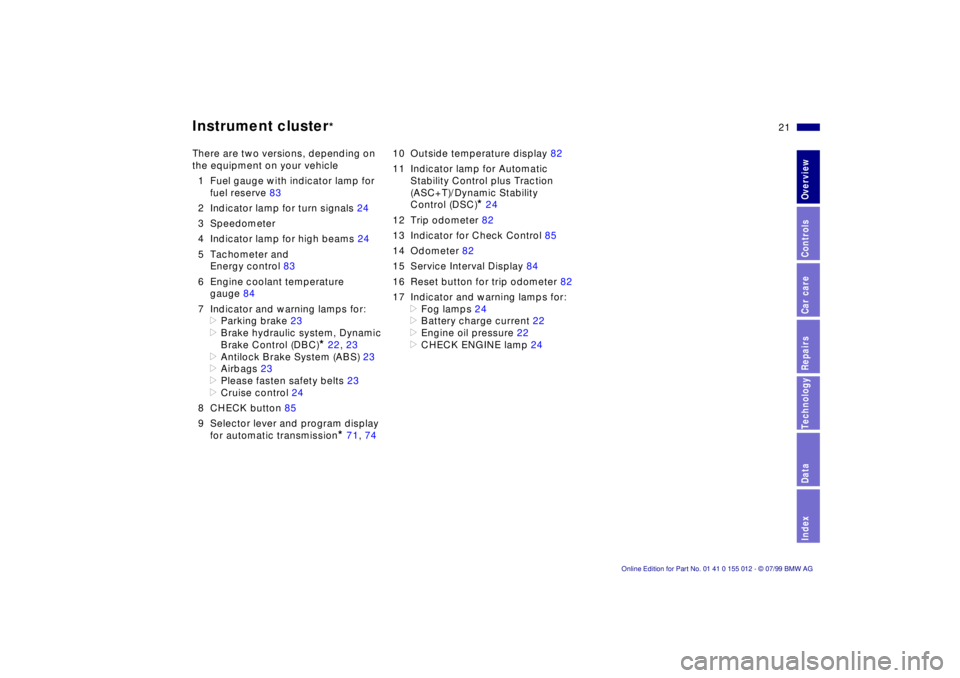
There are two versions, depending on
the equipment on your vehicle
1 Fuel gauge with indicator lamp for
fuel reserve 83
2 Indicator lamp for turn signals 24
3 Speedometer
4 Indicator lamp for high beams 24
5 Tachometer and
Energy control 83
6 Engine coolant temperature
gauge 84
7 Indicator and warning lamps for:
>
Parking brake 23
>
Brake hydraulic system, Dynamic
Brake Control (DBC)
*
22, 23
>
Antilock Brake System (ABS) 23
>
Airbags 23
>
Please fasten safety belts 23
>
Cruise control 24
8 CHECK button 85
9 Selector lever and program display
for automatic transmission
*
71, 7410 Outside temperature display 82
11 Indicator lamp for Automatic
Stability Control plus Traction
(ASC+T)/Dynamic Stability
Control (DSC)
*
24
12 Trip odometer 82
13 Indicator for Check Control 85
14 Odometer 82
15 Service Interval Display 84
16 Reset button for trip odometer 82
17 Indicator and warning lamps for:
>
Fog lamps 24
>
Battery charge current 22
>
Engine oil pressure 22
>
CHECK ENGINE lamp 24
Page 82 of 217
82n
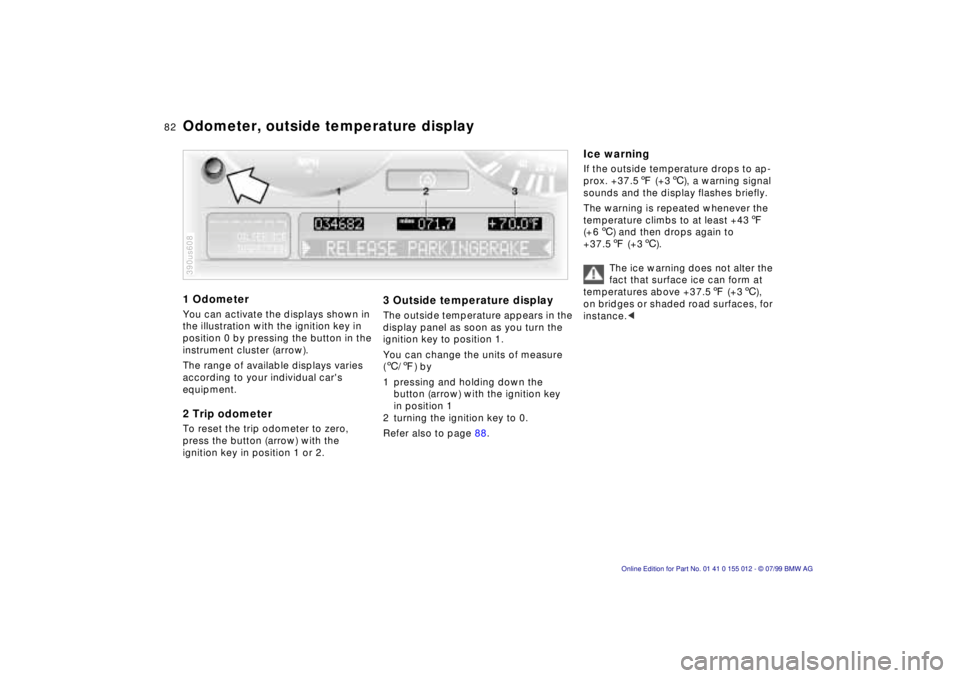
1 OdometerYou can activate the displays shown in
the illustration with the ignition key in
position 0 by pressing the button in the
instrument cluster (arrow).
The range of available displays varies
according to your individual car's
equipment.2 Trip odometerTo reset the trip odometer to zero,
press the button (arrow) with the
ignition key in position 1 or 2.390us608
3 Outside temperature displayThe outside temperature appears in the
display panel as soon as you turn the
ignition key to position 1.
You can change the units of measure
(6/7) by
1 pressing and holding down the
button (arrow) with the ignition key
in position 1
2 turning the ignition key to 0.
Refer also to page 88.
Ice warningIf the outside temperature drops to ap-
prox. +37.57 (+36), a warning signal
sounds and the display flashes briefly.
The warning is repeated whenever the
temperature climbs to at least +437
(+66) and then drops again to
+37.57 (+36).
The ice warning does not alter the
fact that surface ice can form at
temperatures above +37.57 (+36),
on bridges or shaded road surfaces, for
instance.<
Odometer, outside temperature display
Page 88 of 217
88n
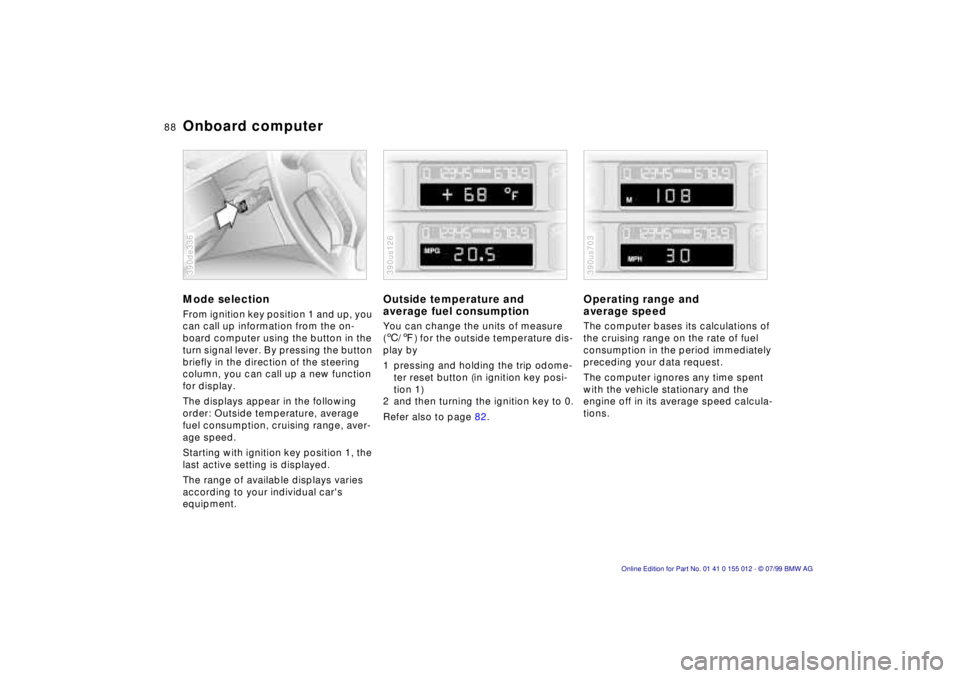
Onboard computerMode selectionFrom ignition key position 1 and up, you
can call up information from the on-
board computer using the button in the
turn signal lever. By pressing the button
briefly in the direction of the steering
column, you can call up a new function
for display.
The displays appear in the following
order: Outside temperature, average
fuel consumption, cruising range, aver-
age speed.
Starting with ignition key position 1, the
last active setting is displayed.
The range of available displays varies
according to your individual car's
equipment.390de336
Outside temperature and
average fuel consumptionYou can change the units of measure
(6/7) for the outside temperature dis-
play by
1 pressing and holding the trip odome-
ter reset button (in ignition key posi-
tion 1)
2 and then turning the ignition key to 0.
Refer also to page 82.390us126
Operating range and
average speed The computer bases its calculations of
the cruising range on the rate of fuel
consumption in the period immediately
preceding your data request.
The computer ignores any time spent
with the vehicle stationary and the
engine off in its average speed calcula-
tions.390us703