2000 BMW 323Ci key
[x] Cancel search: keyPage 46 of 189
44n
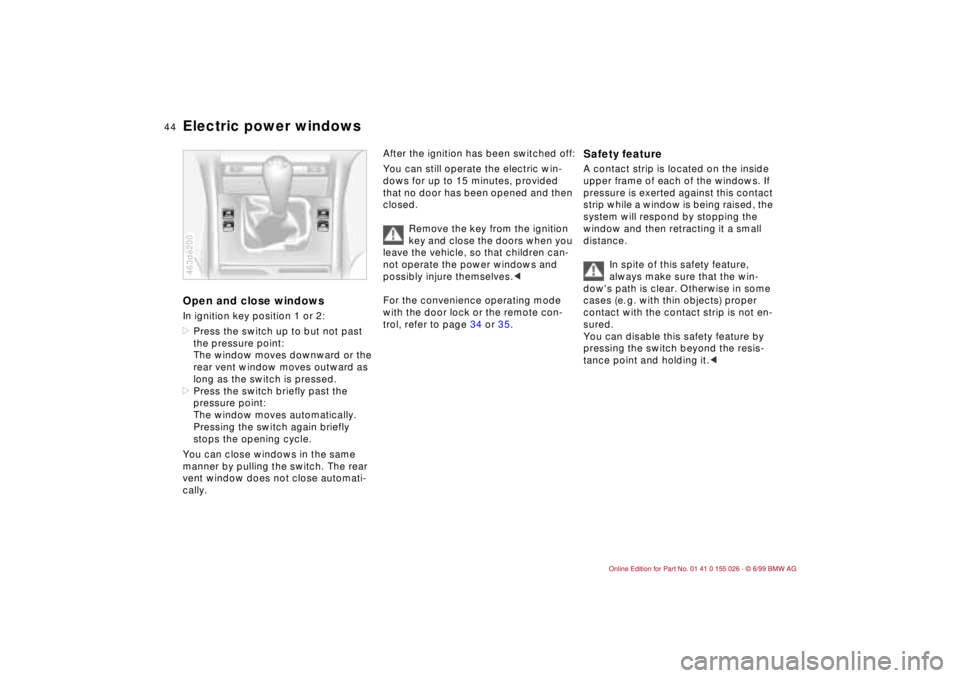
Electric power windowsOpen and close windowsIn ignition key position 1 or 2:
>Press the switch up to but not past
the pressure point:
The window moves downward or the
rear vent window moves outward as
long as the switch is pressed.
>Press the switch briefly past the
pressure point:
The window moves automatically.
Pressing the switch again briefly
stops the opening cycle.
You can close windows in the same
manner by pulling the switch. The rear
vent window does not close automati-
cally.463de200
After the ignition has been switched off:
You can still operate the electric win-
dows for up to 15 minutes, provided
that no door has been opened and then
closed.
Remove the key from the ignition
key and close the doors when you
leave the vehicle, so that children can-
not operate the power windows and
possibly injure themselves.<
For the convenience operating mode
with the door lock or the remote con-
trol, refer to page 34 or 35.
Safety feature A contact strip is located on the inside
upper frame of each of the windows. If
pressure is exerted against this contact
strip while a window is being raised, the
system will respond by stopping the
window and then retracting it a small
distance.
In spite of this safety feature,
always make sure that the win-
dow's path is clear. Otherwise in some
cases (e. g. with thin objects) proper
contact with the contact strip is not en-
sured.
You can disable this safety feature by
pressing the switch beyond the resis-
tance point and holding it.<
Page 47 of 189
45n
RepairsIndexOverview Controls Car care Technology Data
Sliding/tilt sunroof
*
To prevent injuries, exercise care
when closing the sliding/tilt sun-
roof and keep it in your field of vision
until it is completely closed.
Remove the key from the ignition and
close the doors when you leave the
vehicle, so that children cannot operate
the sunroof and possibly injure them-
selves.<
To avoid pressure or drafts in the pas-
senger compartment when the sunroof
is open or raised, keep the air vents in
the dashboard open and increase the air
supply if necessary. Refer to page 91.
When competely opened, the sunroof
may cause unpleasant vibrations in the
vehicle interior. To eliminate these
vibrations, close the sunroof until this
natural effect disappears.
For the convenience operating mode
with the door lock or the remote con-
trol, refer to page 34 or 35.
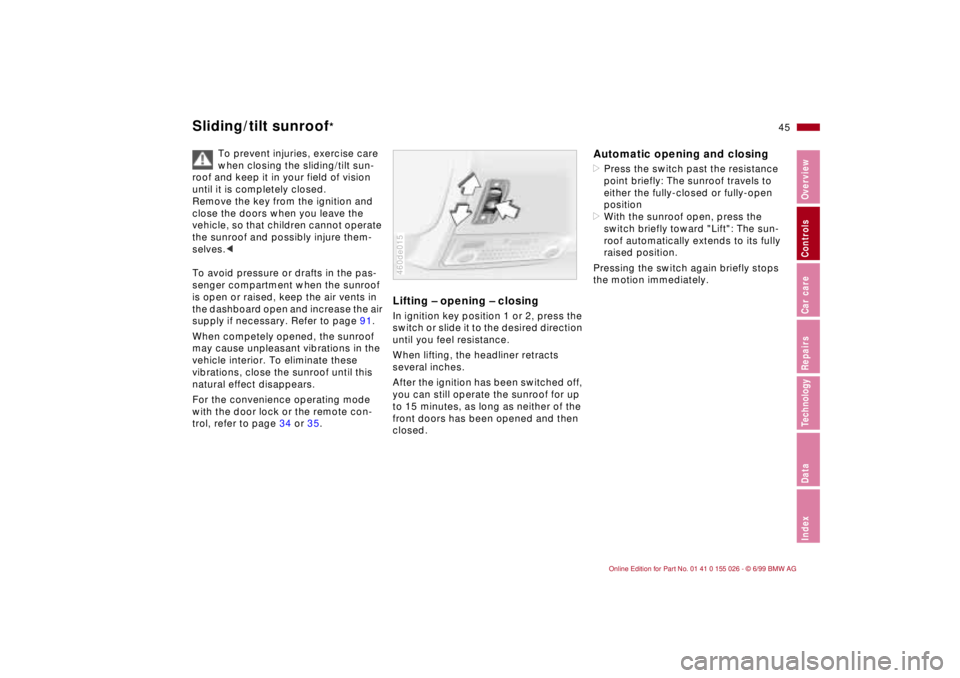
Lifting – opening – closingIn ignition key position 1 or 2, press the
switch or slide it to the desired direction
until you feel resistance.
When lifting, the headliner retracts
several inches.
After the ignition has been switched off,
you can still operate the sunroof for up
to 15 minutes, as long as neither of the
front doors has been opened and then
closed.460de015
Automatic opening and closing>Press the switch past the resistance
point briefly: The sunroof travels to
either the fully-closed or fully-open
position
>With the sunroof open, press the
switch briefly toward "Lift": The sun-
roof automatically extends to its fully
raised position.
Pressing the switch again briefly stops
the motion immediately.
Page 52 of 189
50n
Electric power seat
*
Seat and mirror memory
*
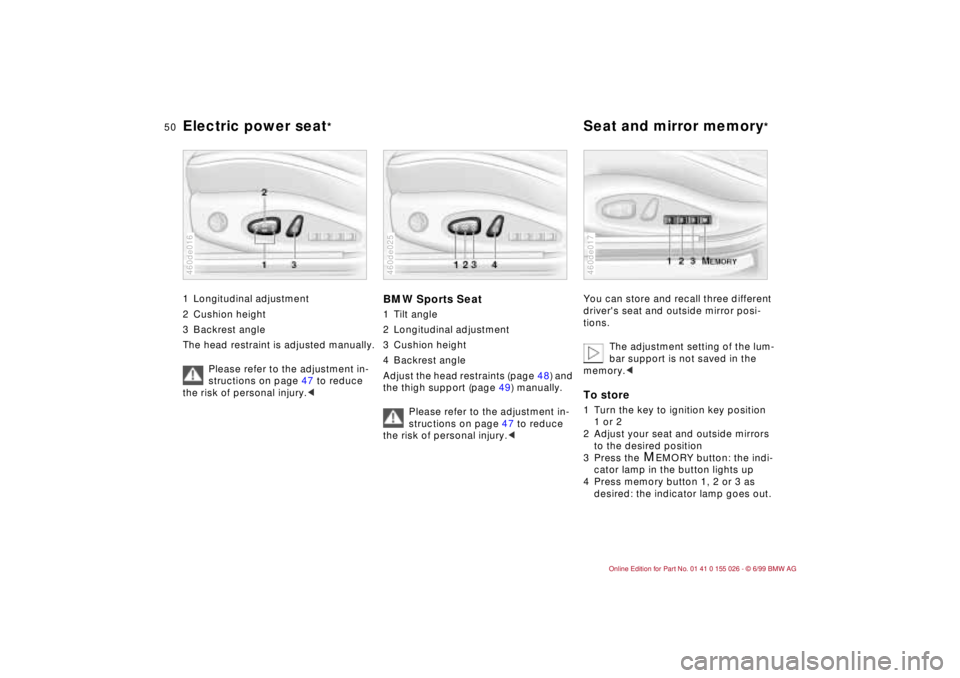
1 Longitudinal adjustment
2 Cushion height
3 Backrest angle
The head restraint is adjusted manually.
Please refer to the adjustment in-
structions on page 47 to reduce
the risk of personal injury.<460de016
BMW Sports Seat1 Tilt angle
2 Longitudinal adjustment
3 Cushion height
4 Backrest angle
Adjust the head restraints (page 48) and
the thigh support (page 49) manually.
Please refer to the adjustment in-
structions on page 47 to reduce
the risk of personal injury.<460de025
You can store and recall three different
driver's seat and outside mirror posi-
tions.
The adjustment setting of the lum-
bar support is not saved in the
memory.
2 Adjust your seat and outside mirrors
to the desired position
3 Press the
M
EMORY button: the indi-
cator lamp in the button lights up
4 Press memory button 1, 2 or 3 as
desired: the indicator lamp goes out.
460de017
Page 53 of 189
51n
RepairsIndexOverview Controls Car care Technology Data
Seat and mirror memory
*
Adjusting steering wheel
To select a stored setting:Automatic:
1 Open driver's door after unlocking or
ignition key in position 1
2 Briefly press memory button 1, 2 or 3
as desired.
The adjustment cycle is canceled im-
mediately if you press a seat adjust-
ment switch or one of the memory
buttons.
Manual:
1 With driver's door closed and ignition
key either removed or in position
0 or 2
2 Maintain pressure on desired mem-
ory button 1, 2 or 3 until the adjust-
ment process is completed.
If you press the
M
EMORY button acci-
dentally: Press the button a second
time, the indicator lamp goes out.
Do not select a memory position
while the vehicle is moving. There
is a risk of accident from unexpected
seat movement.<
You can adapt the vehicle settings
so that your own personalized
seat setting is initiated when you unlock
the car using your personalized remote
control key.<
When this setting is used, be sure
that the footwell behind the driver's
seat is clear before unlocking the vehi-
cle. Otherwise, persons or objects could
be injured or damaged should the seat
move backward.<
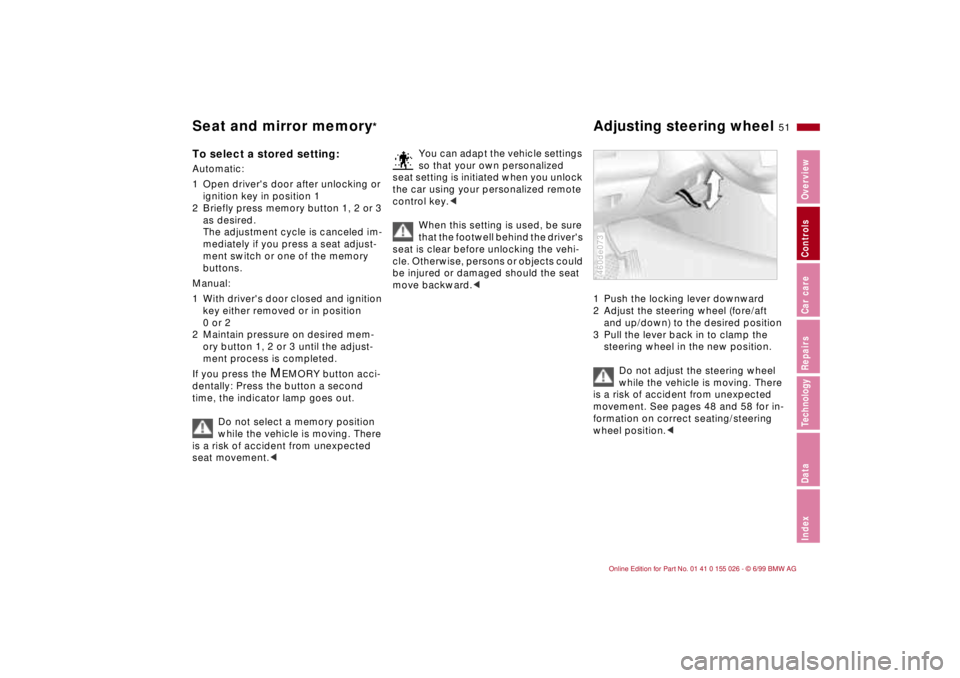
1 Push the locking lever downward
2 Adjust the steering wheel (fore/aft
and up/down) to the desired position
3 Pull the lever back in to clamp the
steering wheel in the new position.
Do not adjust the steering wheel
while the vehicle is moving. There
is a risk of accident from unexpected
movement. See pages 48 and 58 for in-
formation on correct seating/steering
wheel position.<460de073
Page 54 of 189
52n
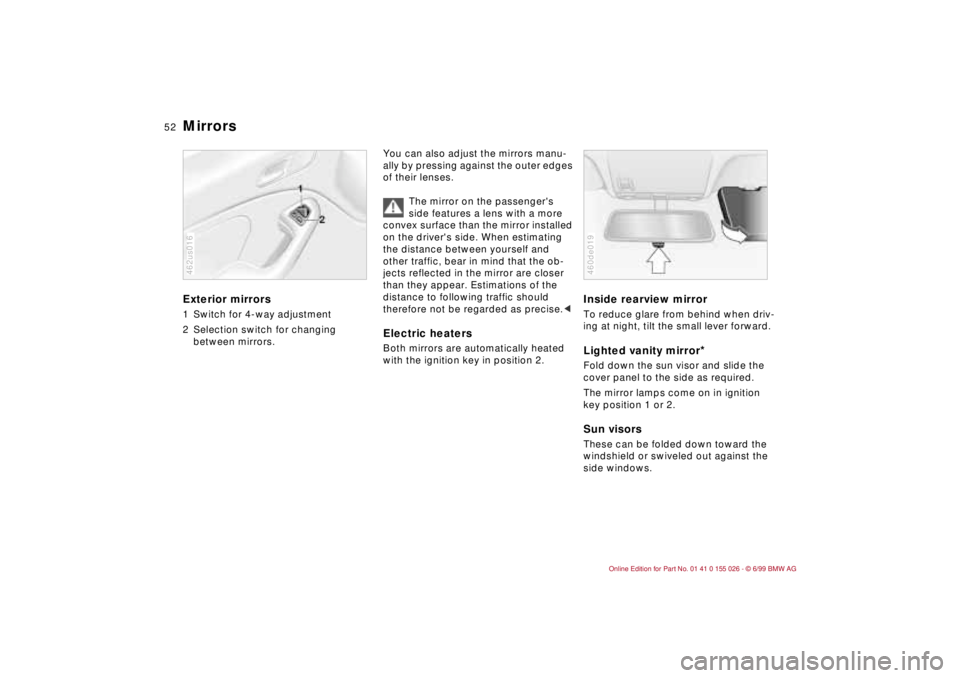
Mirrors Exterior mirrors1 Switch for 4-way adjustment
2 Selection switch for changing
between mirrors.462us016
You can also adjust the mirrors manu-
ally by pressing against the outer edges
of their lenses.
The mirror on the passenger's
side features a lens with a more
convex surface than the mirror installed
on the driver's side. When estimating
the distance between yourself and
other traffic, bear in mind that the ob-
jects reflected in the mirror are closer
than they appear. Estimations of the
distance to following traffic should
therefore not be regarded as precise.
Inside rearview mirror To reduce glare from behind when driv-
ing at night, tilt the small lever forward.Lighted vanity mirror
*
Fold down the sun visor and slide the
cover panel to the side as required.
The mirror lamps come on in ignition
key position 1 or 2.Sun visorsThese can be folded down toward the
windshield or swiveled out against the
side windows.460de019
Page 56 of 189
54n
Car Memory, Key Memory How the system functionsYou have probably frequently wished
that you could configure individual
functions of your vehicles to reflect your
own personal requirements. BMW has
included several user-defined func-
tions in the vehicle's design. Your BMW
center can make these settings for you
in accordance with your wishes.
There are settings related to the vehicle
("Car Memory") and settings related to
individuals ("Key Memory"). You can
have up to four different basic settings
adjusted for four different persons. The
only requirement is that each person
uses his or her own remote control key. 463de029
When your vehicle is unlocked with the
remote control, the vehicle recognizes
the individual user by means of a data
exchange with the key, and makes ad-
justments accordingly.
In order for you to distinguish between
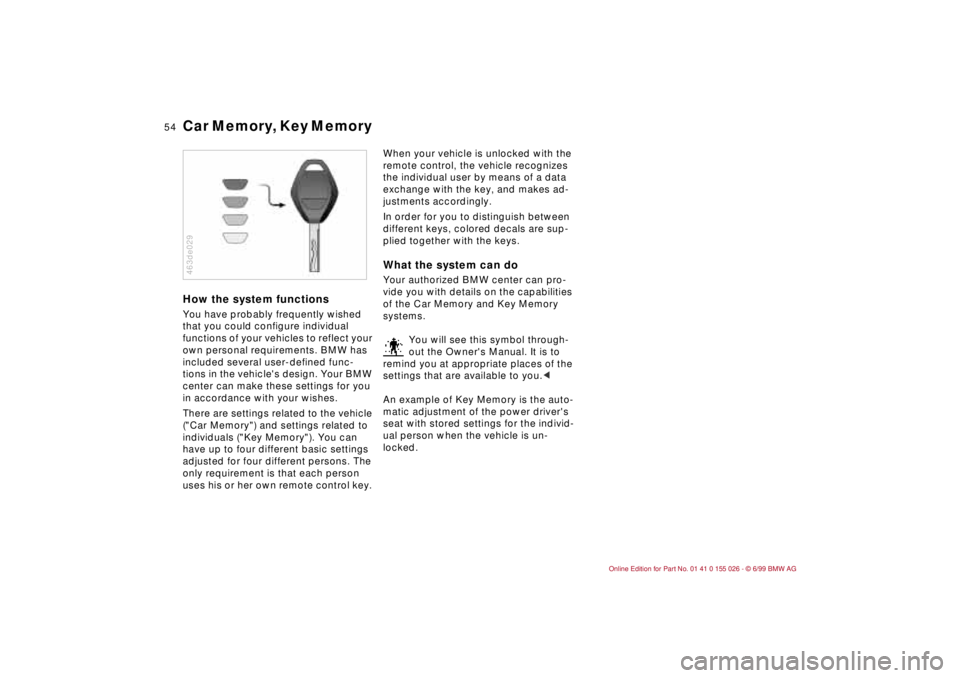
different keys, colored decals are sup-
plied together with the keys.What the system can doYour authorized BMW center can pro-
vide you with details on the capabilities
of the Car Memory and Key Memory
systems.
You will see this symbol through-
out the Owner's Manual. It is to
remind you at appropriate places of the
settings that are available to you.<
An example of Key Memory is the auto-
matic adjustment of the power driver's
seat with stored settings for the individ-
ual person when the vehicle is un-
locked.
Page 59 of 189
57n
RepairsIndexOverview Controls Car care Technology Data
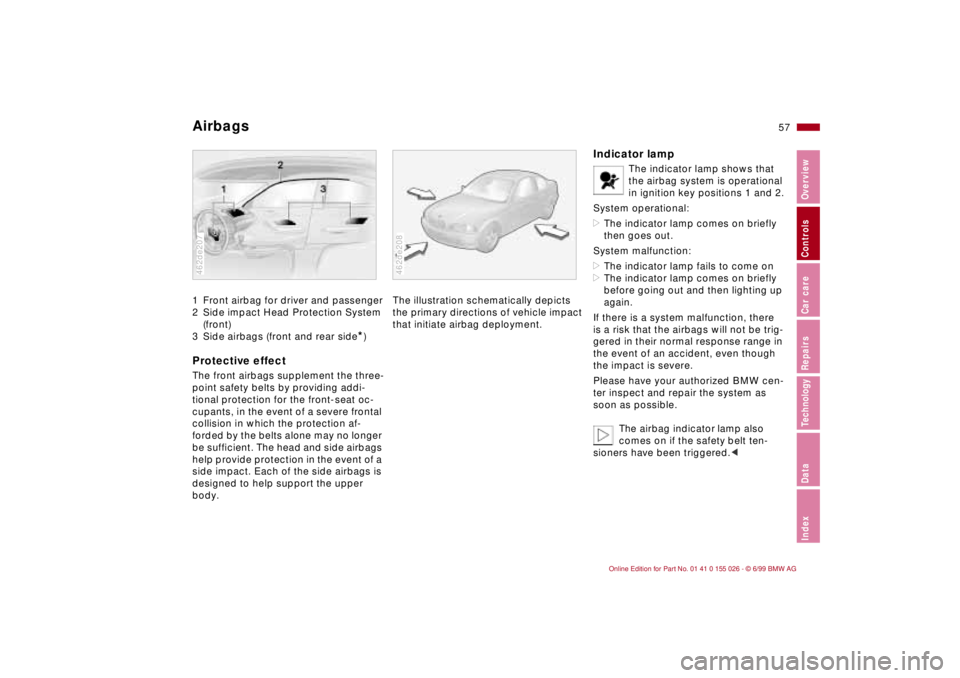
Airbags 1 Front airbag for driver and passenger
2 Side impact Head Protection System
(front)
3 Side airbags (front and rear side
*)
Protective effectThe front airbags supplement the three-
point safety belts by providing addi-
tional protection for the front-seat oc-
cupants, in the event of a severe frontal
collision in which the protection af-
forded by the belts alone may no longer
be sufficient. The head and side airbags
help provide protection in the event of a
side impact. Each of the side airbags is
designed to help support the upper
body.462de207
The illustration schematically depicts
the primary directions of vehicle impact
that initiate airbag deployment.462de208
Indicator lamp
The indicator lamp shows that
the airbag system is operational
in ignition key positions 1 and 2.
System operational:
>The indicator lamp comes on briefly
then goes out.
System malfunction:
>The indicator lamp fails to come on
>The indicator lamp comes on briefly
before going out and then lighting up
again.
If there is a system malfunction, there
is a risk that the airbags will not be trig-
gered in their normal response range in
the event of an accident, even though
the impact is severe.
Please have your authorized BMW cen-
ter inspect and repair the system as
soon as possible.
The airbag indicator lamp also
comes on if the safety belt ten-
sioners have been triggered.<
Page 64 of 189
62n
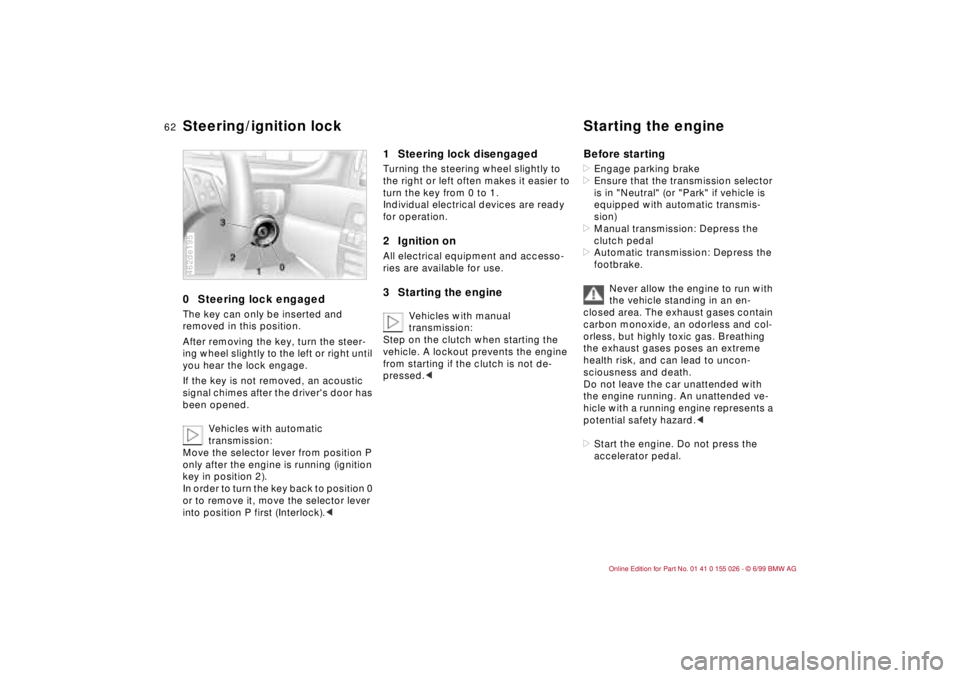
0 Steering lock engaged The key can only be inserted and
removed in this position.
After removing the key, turn the steer-
ing wheel slightly to the left or right until
you hear the lock engage.
If the key is not removed, an acoustic
signal chimes after the driver's door has
been opened.
Vehicles with automatic
transmission:
Move the selector lever from position P
only after the engine is running (ignition
key in position 2).
In order to turn the key back to position 0
or to remove it, move the selector lever
into position P first (Interlock).<462de195
1 Steering lock disengaged Turning the steering wheel slightly to
the right or left often makes it easier to
turn the key from 0 to 1.
Individual electrical devices are ready
for operation.2 Ignition onAll electrical equipment and accesso-
ries are available for use.3 Starting the engine
Vehicles with manual
transmission:
Step on the clutch when starting the
vehicle. A lockout prevents the engine
from starting if the clutch is not de-
pressed.c
Before starting>Engage parking brake
>Ensure that the transmission selector
is in "Neutral" (or "Park" if vehicle is
equipped with automatic transmis-
sion)
>Manual transmission: Depress the
clutch pedal
>Automatic transmission: Depress the
footbrake.
Never allow the engine to run with
the vehicle standing in an en-
closed area. The exhaust gases contain
carbon monoxide, an odorless and col-
orless, but highly toxic gas. Breathing
the exhaust gases poses an extreme
health risk, and can lead to uncon-
sciousness and death.
Do not leave the car unattended with
the engine running. An unattended ve-
hicle with a running engine represents a
potential safety hazard.<
>Start the engine. Do not press the
accelerator pedal.
Steering/ignition lock Starting the engine