Page 61 of 376

2-
yellowblue
2-1
Section 2 Features and Controls
Here you can learn about the many standard and optional features on your vehicle, and information on starting,
shifting and braking. Also explained are the instrument panel and the warning systems that tell you if everything is
working properly
-- and what to do if you have a problem.
2
-2 Keys
2
-4 Door Locks
2
-8 Keyless Entry System (If Equipped)
2
-12 Multifunction Alarm Locks and
Lighting Choices
2
-22 Trunk
2
-23 Theft
2
-24 Content Theft-Deterrent (If Equipped)
2
-26 New Vehicle ªBreak-Inº
2
-26 Ignition Positions
2
-28 Starting Your Engine
2
-30 Engine Coolant Heater (If Equipped)
2
-32 Automatic Transaxle Operation
2
-36 Parking Brake
2
-37 Shifting Into PARK (P)
2
-40 Shifting Out of PARK (P)
2
-43 Parking Over Things That Burn2
-43 Engine Exhaust
2
-44 Running Your Engine While You're Parked
2
-45 Power Windows
2
-46 Turn Signal/Multifunction Lever
2
-51 Exterior Lamps
2
-54 Interior Lamps
2
-57 Mirrors
2
-59 Storage Compartments
2
-64 OnStar� System (Option)
2
-65 Sunroof (If Equipped)
2
-66 The Instrument Panel -- Your Information
System
2
-70 Warning Lights, Gages and Indicators
2
-82 Head-Up Display (Option)
2
-86 Driver Information Center (DIC)
(If Equipped)
Page 87 of 376

yellowblue
2-27
ACCESSORY (A): This position lets you use things
like the radio and windshield wipers when the engine is
off. To use ACCESSORY, push in the key and turn it
toward you. The steering wheel will stay locked.
LOCK (B): Before you put the key into the ignition
switch, the switch is in LOCK. It's also the only position
from which you can remove the key. This position locks
the ignition, steering wheel and transaxle. It's a
theft
-deterrent feature.
OFF (C): This position lets you turn off the engine but
still turn the steering wheel. It doesn't lock the steering
wheel like LOCK. Use OFF if you must have the
vehicle pushed or towed.RUN (D): This position is where the key returns after you
start the vehicle. With the engine off, you can use RUN to
display some of the warning and indicator lights.
START (E): This position starts the engine.
A warning chime will sound if you open the driver's
door when the ignition is in OFF, LOCK or
ACCESSORY and the key is in the ignition.
NOTICE:
If your key seems stuck in LOCK and you can't
turn it, be sure you are using the correct key; if
so, is it all the way in? If it is, then turn the
steering wheel left and right while you turn the
key hard. But turn the key only with your hand.
Using a tool to force it could break the key or the
ignition switch. If none of this works, then your
vehicle needs service.
Retained Accessory Power (RAP)
With Retained Accessory Power, the power windows,
audio system and sunroof will continue to work up to
10 minutes after the ignition key is turned to OFF and
none of the doors are opened.
Page 127 of 376
yellowblue
2-67
The main components of the instrument panel are:
A. Side Window Defogger Vents
B. Fog Lamp Switch
C. Multifunction Lever
D. Instrument Panel Cluster
E. Emergency Flasher Button
F. Full Floating Horn
G. Column Shift Lever (If Equipped)
H. Trip Computer/Driver Information Center (DIC)
I. Instrument Panel Vents
J. Interior Lamp ControlK. Exterior Lamp Control
L. Tilt Wheel Control
M. Audio Steering Controls (If Equipped)
N. HUD Display Controls (If Equipped)
O. Comfort Controls
P. Ashtray and Cigarette Lighter
Q. Audio System
R. Glove Box
S. Instrument Panel Fuse Block
Page 129 of 376
yellowblue
2-69 Speedometer/Odometer
The speedometer lets you see your speed in both miles
per hour (mph) and kilometers per hour (km/h). The
odometer shows how far the vehicle has been driven in
either miles (used in the United States) or in kilometers
(used in Canada).
The vehicle has a tamper
-resistant odometer. If you see
silver lines between the numbers, you'll know someone
has probably tampered with it and the numbers may not
be correct.
You may wonder what happens if the vehicle needs a
new odometer installed. If the new one can be set to the
mileage total of the old odometer, then that will be done.
If it can't, then it will be set at zero and a label must be
put on the driver's door to show the old mileage reading
when the new odometer was installed.
Trip Odometer
The trip odometer tells how far you have driven since
you last reset it. To set it to zero, press the RESET
button on the right side of the instrument cluster.
Tachometer
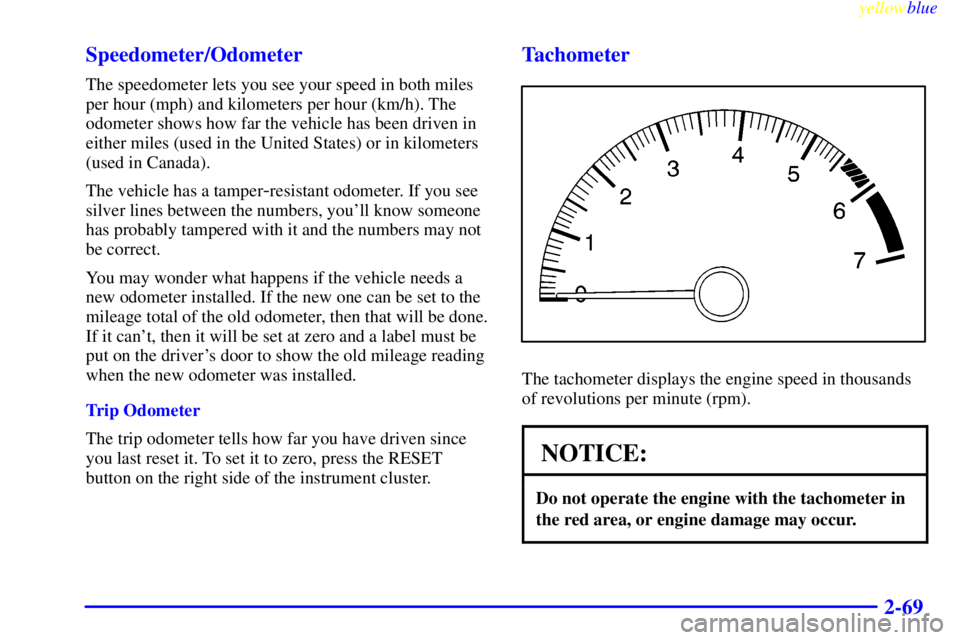
The tachometer displays the engine speed in thousands
of revolutions per minute (rpm).
NOTICE:
Do not operate the engine with the tachometer in
the red area, or engine damage may occur.
Page 142 of 376
yellowblue
2-82
Head-Up Display (Option)
CAUTION:
If the HUD image is too bright, or too high in
your field of view, it may take you more time to
see things you need to see when it's dark outside.
Be sure to keep the HUD image dim and placed
low in your field of view.
If you have the Head-Up
Display (HUD), you can see
the speedometer reading (in
English or metric units) and
a brief display of the current
radio station or CD track,
displayed ªthroughº
the windshield.The HUD also shows these lights when they are lit on
the instrument panel:
�Turn Signal Indicators
�High
-Beam Indicator Symbol
�Low Fuel Symbol
The HUD will display ªCHECK GAGEº when the
following items are lit on the instrument panel:
�Oil Warning Symbol
�Coolant Temperature Symbol
�Charging System Symbol
When you sit straight in your seat, the HUD image will
appear straight ahead near the front bumper.
Page 143 of 376
yellowblue
2-83
When the ignition key is turned to RUN, the HUD
image will come on. Then the Head
-Up Display will
operate normally.
NOTICE:
Although the HUD image appears yo be near the
front of the vehicle, do not use it as a parking aid.
The HUD was not designed for that purpose. If
you try to use it that way, such as in a parking
lot, you may misjudge distance and run
into something.
When the HUD is on, the speedometer reading will be
displayed continually. The current radio station or CD
track number will only be displayed for three seconds
after the radio or CD track status changes. This will
happen whenever one of the radio controls is pressed,
either on the radio itself or on the optional steering
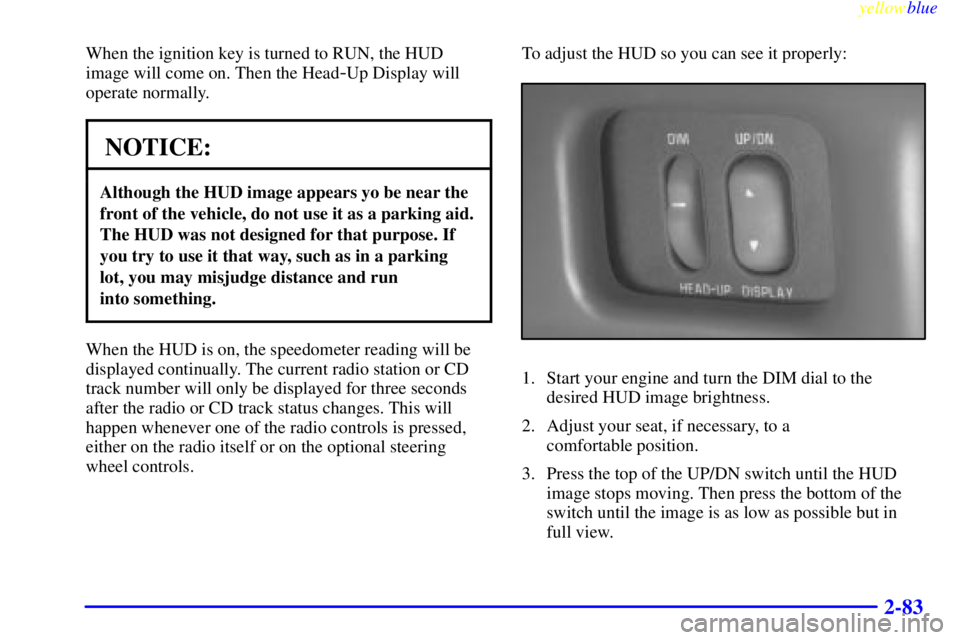
wheel controls.To adjust the HUD so you can see it properly:
1. Start your engine and turn the DIM dial to the
desired HUD image brightness.
2. Adjust your seat, if necessary, to a
comfortable position.
3. Press the top of the UP/DN switch until the HUD
image stops moving. Then press the bottom of the
switch until the image is as low as possible but in
full view.
Page 144 of 376
yellowblue
2-84
4. Turn the DIM dial down until the HUD image is no
brighter than necessary. To turn the HUD off, turn
the DIM dial all the way down.
If the sun comes out, it becomes cloudy, or if you turn
on your headlamps, you may need to adjust the HUD
brightness again. Polarized sunglasses could make the
HUD image harder to see.
Push the ENG/MET button
on the trip calculator to
switch the HUD display
from English to metric or
metric to English. If your
vehicle is not equipped with
the trip calculator, you can't
change the display.
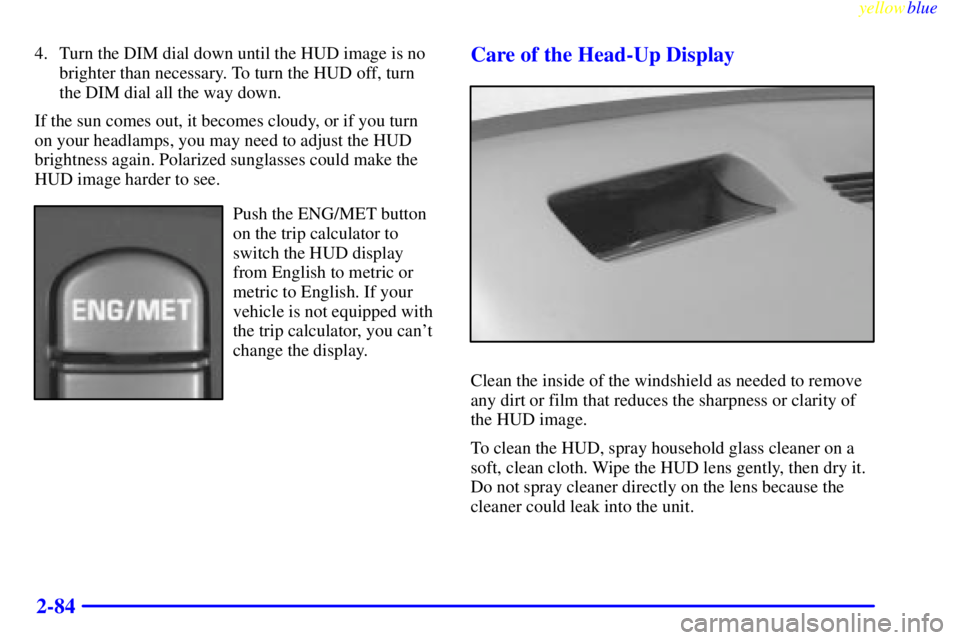
Care of the Head-Up Display
Clean the inside of the windshield as needed to remove
any dirt or film that reduces the sharpness or clarity of
the HUD image.
To clean the HUD, spray household glass cleaner on a
soft, clean cloth. Wipe the HUD lens gently, then dry it.
Do not spray cleaner directly on the lens because the
cleaner could leak into the unit.
Page 148 of 376
yellowblue
2-88
Trip Computer (If Equipped)
3100 and 3800 Engines
When you start the engine, the trip computer will display a mode. A lighted oval will appear to the left of the mode
currently being used.