1999 NISSAN SENTRA CD player
[x] Cancel search: CD playerPage 97 of 223

AM-FM RADIO WITH CASSETTE
PLAYER AND COMPACT DISC
PLAYER
RADIO OPERATION
To turn the radio on, turn the ignition key to
ACC or ON. If you listen to the radio with the
engine not running, turn the key to the ACC
position.
Radio reception is affected by station signal
strength, distance from radio transmitter,
buildings, bridges, mountains, and other
external influences. Intermittent changes in
reception quality normally are caused by
these external influences.
Using a cellular phone in or near the
vehicle may influence radio reception
quality.
This radio has an FM Diversity reception
system, which employs two antennas. One
is a rod type antenna; the other is an
antenna printed on the rear window. This
system automatically switches to the an-
tenna which is receiving the strongest radio
signal.
AHA1072
4-20Heater, air conditioner and audio systems
ZX
Page 98 of 223
ONzOFF/VOL control knob
Turn the ignition key to ACC or ON, then
push the ONzOFF/VOL control knob button.
The mode (radio, tape or CD) which was
playing immediately before the system was
turned off resumes playing. When no CD or
tape is loaded, the radio comes on. Pushing
the ONzOFF/VOL control knob button again
turns the system off.
Turn the ONzOFF/VOL control knob to ad-
just the volume.
Clock operation
Pressing the clock button alternates the
clock and the radio/cassette/CD player op-
tions in the display.
Clock set
Depressing the clock andbuttons to-
gether sets hours. Depressing the clock and
buttons together sets minutes.
Clock priority mode
In this mode, the clock is shown in the
display. If any radio, cassette or CD func-
tions are activated, the radio, cassette or
CD display illuminates for 10 seconds then
returns to the clock mode.NOTE:
After clock adjustment, the radio is in the
clock priority mode.
FM-AM band select button
Pushing thebutton changes the band.
The FM stereo indicator, ST, illuminates
during FM stereo reception. When the ste-
reo broadcast signal is weak, the radio
automatically changes from stereo to mon-
aural reception.
TUNE/DISC buttons
WARNING
The radio should not be tuned while
driving in order that full attention may
be given to the driving operation.
Use the
andbuttons for manual
tuning. To move quickly through the chan-
nels, hold either of the tuning buttons down.
SEEK/SCAN buttons
SEEK tuning
Push the SEEK/SCAN tuning button
orfor less than 0.5 seconds. SEEK tuning
begins from low to high frequencies or highto low frequencies, depending on which
button is pressed, and stops at the next
broadcasting station. Once the highest
broadcasting station is reached, the radio
continues in the SEEK mode at the lowest
broadcasting station. If using the
button, once the lowest broadcasting
station is reached, the radio continues in the
SEEK mode at the highest broadcasting
station.
SCAN tuning
Push the SEEK/SCAN tuning button
orfor more than 0.5 seconds. SCAN illu-
minates in the display, and the radio station
blinks. SCAN tuning begins from low to high
frequencies or high to low frequencies, de-
pending on which button is pressed. SCAN
tuning stops at each broadcasting station
for five seconds. Pushing the button again
during this five second period stops SCAN
tuning and the radio remains tuned to that
station.
Heater, air conditioner and audio systems
4-21
ZX
Page 100 of 223

Adjusting tone quality and speaker
balance
To adjust the audio levels for bass, treble,
balance, and fader, push the audio button
and adjust the level with the TUNE/DISC
buttons. Press the audio button once for
BAS (bass), twice for TRE (treble), three
times for FAD (fader), and four times for
BAL (balance). Once the audio level is set
the display will return back to radio, cassette
or CD display mode after 7 seconds or the
audio button can be pressed again within 7
seconds to set the next audio level. Press-
ing the audio button a fifth time will return
the display back to radio, cassette or CD
display mode.
Fader adjusts the sound level between the
front and rear speakers, balance adjusts the
sound level between the right and left
speakers.
CASSETTE TAPE OPERATION
Turn the ignition key to the ACC or ON
position, and carefully insert a cassette tape
into the tape door. The cassette tape auto-
matically pulls into the player. The word
TAPE illuminates in the display.
AHA1088
Heater, air conditioner and audio systems4-23
ZX
Page 101 of 223
CAUTION
Do not force the cassette tape into the
tape door. This could cause player
damage.
Precautions on cassette player op-
eration
cTo maintain good quality sound,
NISSAN recommends using cassette
tapes of 60 minutes or shorter in
length.
cCassette tapes should be removed
from the player when not in use. Store
cassettes in their protective cases
and away from direct sunlight, heat,
dust, moisture or magnetic sources.
cDirect sunlight can cause the cassette
to become deformed. The use of de-
formed cassettes may cause the cas-
sette to jam in the player.
cDo not use cassettes that have peel-
ing or loose labels. If used, the label
could jam in the player.
cIf a cassette has loose tape, insert a
pencil through one of the cassettehubs and rewind the tape firmly.
Loose tape may cause jamming and
wavering sound quality.
cOver a period of time, the playback
head, capstan and pinch roller may
collect a tape coating residue as the
tape is played. This residue accumu-
lation can cause a weak or wavering
sound and should be removed peri-
odically with a head cleaning tape. If
the residue is not removed periodi-
cally, the player may need to be dis-
assembled for cleaning.
PLAY/STOP TAPE button
When thebutton is pushed with the
system turned off and a tape loaded, the
system comes on and the tape plays.
The word TAPE illuminates in the display.
When the
button is pushed with either
the radio or compact disc turned on and a
tape loaded, the compact disc or the radio
turns off and the tape plays.
FF (fast forward) and REW (rewind)
buttons
Push thebutton to fast forward the
tape. Push the
button to rewind the
tape. Either REW or FF illuminates in the
display. To stop the FF or REW function,
press the
,,orbuttons.
Automatic Program Search (APS)
FF and REW buttons
When thebutton is pushed while the
tape is being played, the tape runs quickly,
stops, then plays the next selection from the
beginning. Push the
button several
times to skip several selections. Each time
the button is pushed, the tape fast forwards
one additional selection. This number ap-
pears in the display window. The tape can
be fast forwarded through up to nine selec-
tions. (for example: 7 in the display indi-
cates that the
button has been pushed
seven times to skip forward through seven
selections).
When the
button is pushed, the selec-
tion being played starts again from the
beginning. Push the
button several
4-24Heater, air conditioner and audio systems
ZX
Page 102 of 223
times to rewind several selections. Each
time the
button is pushed, the tape re-
winds back one additional selection. The
number of selections skipped appears in the
display window as a negative number (for
example: -7 in the display indicates that the
button has been pushed seven times
to rewind back through seven selections).
Either the FF or REW blinks in the display
when the
orbutton is pushed.
The system searches for the blank intervals
between selections. If there is a blank inter-
val within one selection or there is no inter-
val between selections, the system may not
stop in the desired or expected location.
PROG (Program) button
Push thebutton to change the tape
side while the tape is being played.
The cassette tape automatically changes
directions to play the other side when the
first side is complete.
Dolby NR (noise reduction)
Push thebutton for Dolby NR encoded
tapes to reduce high frequency tape noise.
The
indicator illuminates in the dis-
play.Dolby NR is manufactured under license
from Dolby Laboratories Licensing Corpora-
tion. DOLBY NR and the double-D symbol
are trademarks of Dolby Laboratories Li-
censing Corporation.
Metal or chrome usage
The cassette player is automatically set to
high performance play when playing a metal
or chrome cassette tape.
TAPE EJECT button
Push thebutton to eject the cassette
tape.
COMPACT DISC (CD) PLAYER
OPERATION
Turn the ignition key to the ACC or ON
position and carefully insert the compact
disc into the slot with the label side up. The
compact disc is automatically pulled into the
slot and starts to play.
If the radio or cassette tape is already
operating, it automatically turns off and the
compact disc begins to play.
CAUTION
Do not force the compact disc into the
slot. This could damage the player.
CD button
When thebutton is pushed with the
compact disc loaded and the tape or the
radio playing, the tape or radio turns off and
compact disc starts to play.
FF (fast forward) REW (rewind)
buttons
When theorbutton is pushed
while the compact disc is playing, the com-
pact disc plays at an increased speed while
fast forwarding or rewinding. When the but-
ton is released, the compact disc returns to
normal play speed.
Automatic Program Search (APS)
APS FF, APS REW buttons
When thebutton is pushed while the
compact disc is playing, the selection fol-
lowing the present one starts to play from
the beginning. Push the
button several
Heater, air conditioner and audio systems
4-25
ZX
Page 103 of 223
times to skip several selections. Each time
the button is pushed, the CD advances one
additional selection. The number appears in
the display window. (When the last selec-
tion on the compact disc is skipped, the first
selection is played.)
When the
button is pushed, the selec-
tion being played returns to the beginning.
Push the
button several times to skip
back several selections. Each time the but-
ton is pushed, the CD moves back one
selection.
PROG (program) button
When thebutton is pushed while the
compact disc is playing, the play pattern
changes as follows.
1.The current selection is repeated.
RANDOM:Selections are played at ran-
dom, not following the sequence on the
compact disc. The same program may be
repeated twice.
Blank(no symbol): All selections are played
repeatedly in sequence.
When a new compact disc is inserted,
the play pattern automatically changes
to Blank.
CD EJECT button
When thebutton is pushed with a com-
pact disc loaded, the compact disc ejects.
When the
button is pushed while the
compact disc is playing, the compact disc
ejects and the system turns off.
If the compact disc ejects and is not
removed within 10 seconds, it is pulled
back into the slot.
CD IN (DISC) indicator light
CD IN appears in the display when a com-
pact disc is loaded into the player.
CAUTION
cDuring cold weather or rainy days,
the player may malfunction due to
the humidity. If this occurs, remove
the CD and dehumidify or ventilate
the player completely.
cThe player may skip while driving on
rough roads.cThe CD player sometimes cannot
function when the compartment tem-
perature is extremely high. Decrease
the temperature before use.
cDo not expose the CD to direct sun-
light.
ANTENNA
Manual antenna
The manual antenna cannot be shortened,
but can be removed. When you need to
remove the antenna, turn the antenna rod
clockwise.
To install the antenna rod, turn the antenna
clockwise. Tighten the antenna rod to speci-
fication using a suitable tool such as a
open-end wrench. The antenna rod tighten-
ing specification is 3.4 - 3.6 Nzm(30-32
in-lb). Do not use pliers to tighten the an-
tenna as they can leave marks on the
antenna surface. The antenna rod can not
be hand tightened to the proper specifica-
tion.
4-26Heater, air conditioner and audio systems
ZX
Page 218 of 223
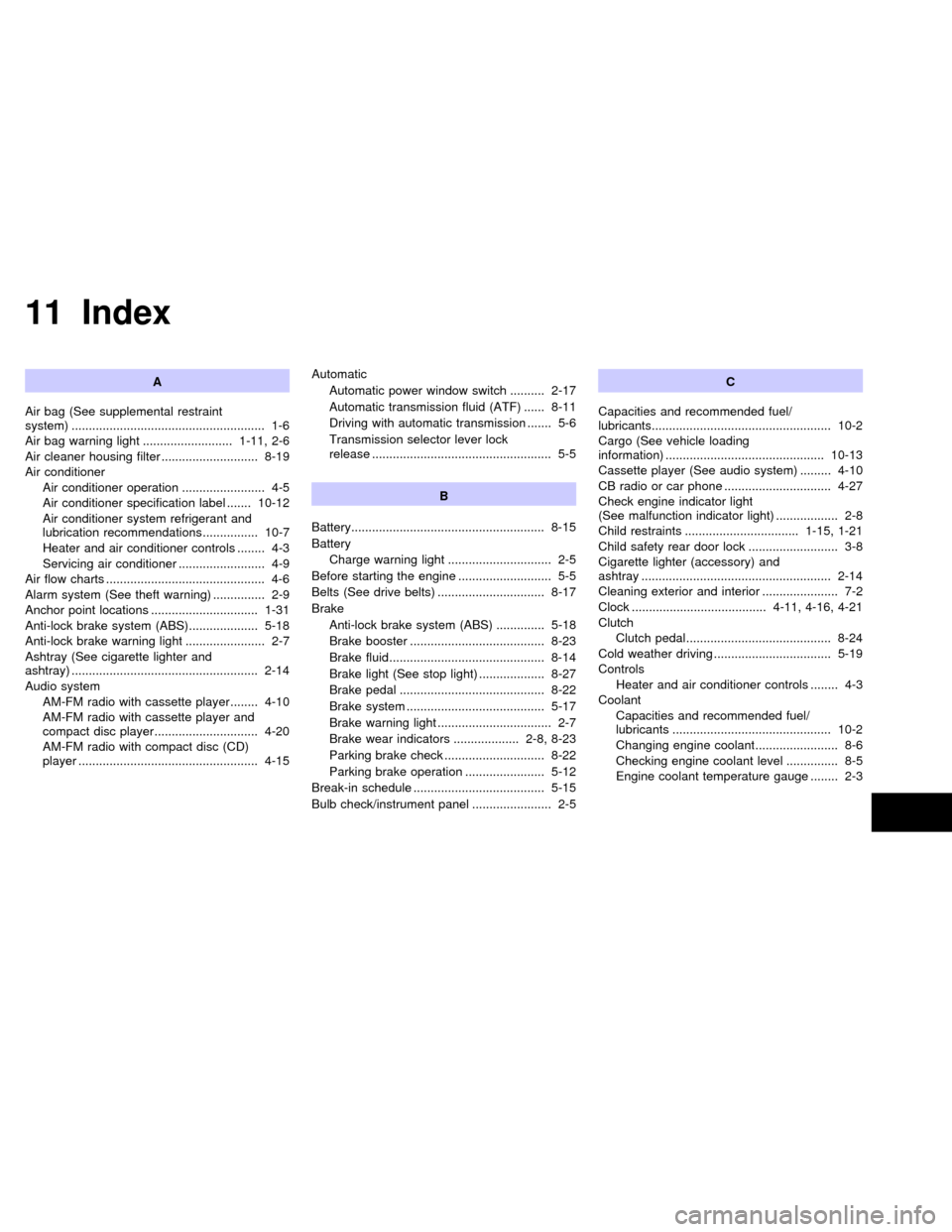
11 Index
A
Air bag (See supplemental restraint
system) ........................................................ 1-6
Air bag warning light .......................... 1-11, 2-6
Air cleaner housing filter ............................ 8-19
Air conditioner
Air conditioner operation ........................ 4-5
Air conditioner specification label ....... 10-12
Air conditioner system refrigerant and
lubrication recommendations ................ 10-7
Heater and air conditioner controls ........ 4-3
Servicing air conditioner ......................... 4-9
Air flow charts .............................................. 4-6
Alarm system (See theft warning) ............... 2-9
Anchor point locations ............................... 1-31
Anti-lock brake system (ABS).................... 5-18
Anti-lock brake warning light ....................... 2-7
Ashtray (See cigarette lighter and
ashtray) ...................................................... 2-14
Audio system
AM-FM radio with cassette player ........ 4-10
AM-FM radio with cassette player and
compact disc player.............................. 4-20
AM-FM radio with compact disc (CD)
player .................................................... 4-15Automatic
Automatic power window switch .......... 2-17
Automatic transmission fluid (ATF) ...... 8-11
Driving with automatic transmission ....... 5-6
Transmission selector lever lock
release .................................................... 5-5
B
Battery........................................................ 8-15
Battery
Charge warning light .............................. 2-5
Before starting the engine ........................... 5-5
Belts (See drive belts) ............................... 8-17
Brake
Anti-lock brake system (ABS) .............. 5-18
Brake booster ....................................... 8-23
Brake fluid............................................. 8-14
Brake light (See stop light) ................... 8-27
Brake pedal .......................................... 8-22
Brake system ........................................ 5-17
Brake warning light ................................. 2-7
Brake wear indicators ................... 2-8, 8-23
Parking brake check ............................. 8-22
Parking brake operation ....................... 5-12
Break-in schedule ...................................... 5-15
Bulb check/instrument panel ....................... 2-5C
Capacities and recommended fuel/
lubricants.................................................... 10-2
Cargo (See vehicle loading
information) .............................................. 10-13
Cassette player (See audio system) ......... 4-10
CB radio or car phone ............................... 4-27
Check engine indicator light
(See malfunction indicator light) .................. 2-8
Child restraints ................................. 1-15, 1-21
Child safety rear door lock .......................... 3-8
Cigarette lighter (accessory) and
ashtray ....................................................... 2-14
Cleaning exterior and interior ...................... 7-2
Clock ....................................... 4-11, 4-16, 4-21
Clutch
Clutch pedal.......................................... 8-24
Cold weather driving .................................. 5-19
Controls
Heater and air conditioner controls ........ 4-3
Coolant
Capacities and recommended fuel/
lubricants .............................................. 10-2
Changing engine coolant........................ 8-6
Checking engine coolant level ............... 8-5
Engine coolant temperature gauge ........ 2-3
ZX
Page 221 of 223
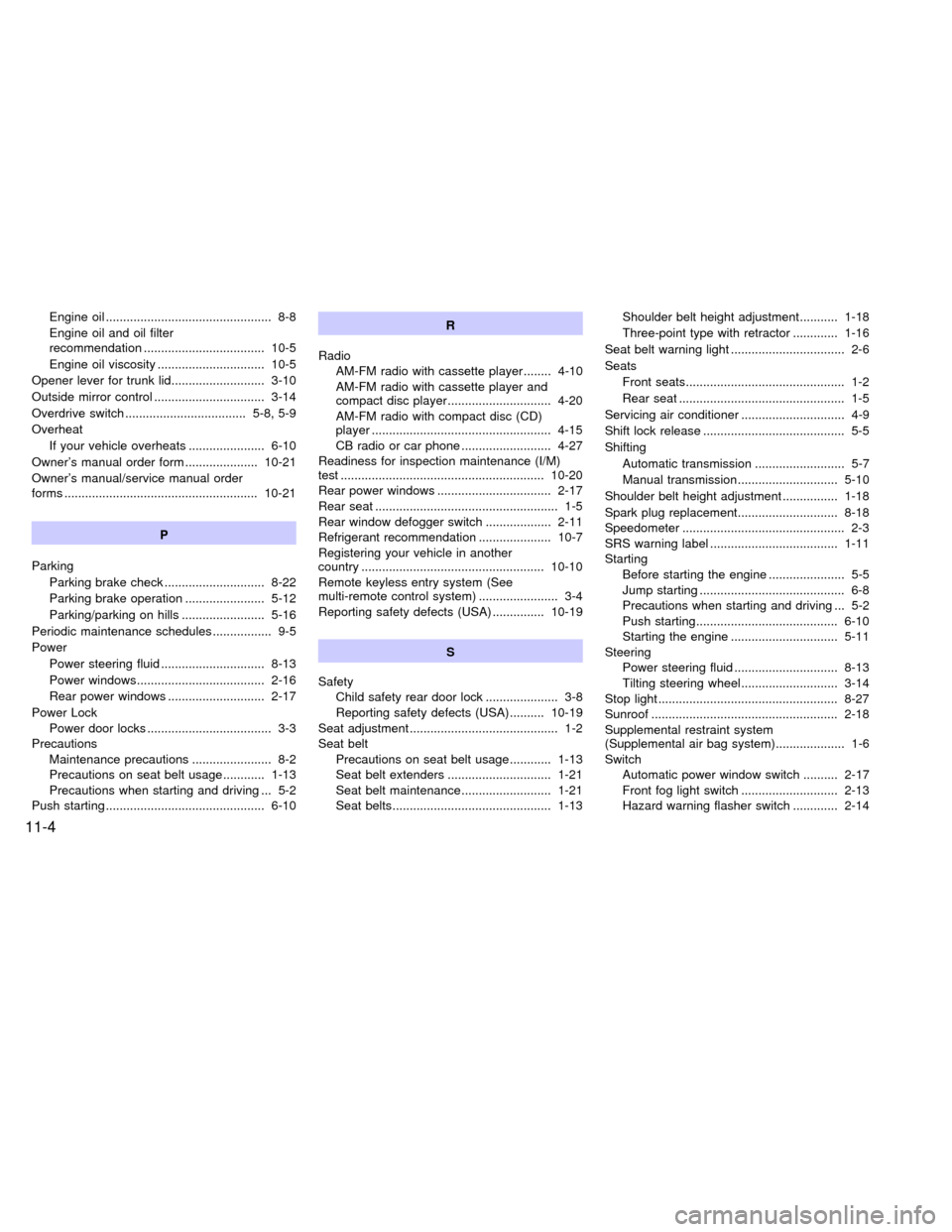
Engine oil ................................................ 8-8
Engine oil and oil filter
recommendation ................................... 10-5
Engine oil viscosity ............................... 10-5
Opener lever for trunk lid........................... 3-10
Outside mirror control ................................ 3-14
Overdrive switch ................................... 5-8, 5-9
Overheat
If your vehicle overheats ...................... 6-10
Owner's manual order form ..................... 10-21
Owner's manual/service manual order
forms ........................................................ 10-21
P
Parking
Parking brake check ............................. 8-22
Parking brake operation ....................... 5-12
Parking/parking on hills ........................ 5-16
Periodic maintenance schedules ................. 9-5
Power
Power steering fluid .............................. 8-13
Power windows..................................... 2-16
Rear power windows ............................ 2-17
Power Lock
Power door locks .................................... 3-3
Precautions
Maintenance precautions ....................... 8-2
Precautions on seat belt usage............ 1-13
Precautions when starting and driving ... 5-2
Push starting .............................................. 6-10R
Radio
AM-FM radio with cassette player ........ 4-10
AM-FM radio with cassette player and
compact disc player.............................. 4-20
AM-FM radio with compact disc (CD)
player .................................................... 4-15
CB radio or car phone .......................... 4-27
Readiness for inspection maintenance (I/M)
test ........................................................... 10-20
Rear power windows ................................. 2-17
Rear seat ..................................................... 1-5
Rear window defogger switch ................... 2-11
Refrigerant recommendation ..................... 10-7
Registering your vehicle in another
country ..................................................... 10-10
Remote keyless entry system (See
multi-remote control system) ....................... 3-4
Reporting safety defects (USA) ............... 10-19
S
Safety
Child safety rear door lock ..................... 3-8
Reporting safety defects (USA) .......... 10-19
Seat adjustment ........................................... 1-2
Seat belt
Precautions on seat belt usage............ 1-13
Seat belt extenders .............................. 1-21
Seat belt maintenance.......................... 1-21
Seat belts.............................................. 1-13Shoulder belt height adjustment ........... 1-18
Three-point type with retractor ............. 1-16
Seat belt warning light ................................. 2-6
Seats
Front seats.............................................. 1-2
Rear seat ................................................ 1-5
Servicing air conditioner .............................. 4-9
Shift lock release ......................................... 5-5
Shifting
Automatic transmission .......................... 5-7
Manual transmission............................. 5-10
Shoulder belt height adjustment ................ 1-18
Spark plug replacement............................. 8-18
Speedometer ............................................... 2-3
SRS warning label ..................................... 1-11
Starting
Before starting the engine ...................... 5-5
Jump starting .......................................... 6-8
Precautions when starting and driving ... 5-2
Push starting......................................... 6-10
Starting the engine ............................... 5-11
Steering
Power steering fluid .............................. 8-13
Tilting steering wheel............................ 3-14
Stop light .................................................... 8-27
Sunroof ...................................................... 2-18
Supplemental restraint system
(Supplemental air bag system).................... 1-6
Switch
Automatic power window switch .......... 2-17
Front fog light switch ............................ 2-13
Hazard warning flasher switch ............. 2-14
11-4
ZX