1999 FORD RANGER instrument cluster
[x] Cancel search: instrument clusterPage 85 of 216
The SRS consists of:
²driver and passenger air bag modules (which include the inflators and
air bags),
²one or more impact and safing sensors, passenger air bag deactivation
switch and diagnostic monitor (RCM)
²a readiness light and tone
²and the electrical wiring which connects the components.
The RCM (restraints control module) monitors its own internal circuits
and the supplemental air bag electrical system warning (including the
passenger air bag deactivation switch, the impact sensors, the system
wiring, the air bag system readiness light, the air bag back up power and
the air bag ignitors).
Determining if the system is operational
The SRS uses readiness lights in the instrument cluster and the
passenger air bag deactivate switch or a tone to indicate the condition of
the system. Refer to theAir bag readinesssection in the
Instrumentationchapter orPassenger air bag deactivate switch
section in this chapter. Routine maintenance of the air bag is not
required.
A difficulty with the system is indicated by one or more of the following:
²The readiness lights will either
flash or stay lit.
²The readiness lights will not
illuminate immediately after
ignition is turned on.
²A series of five beeps will be heard. The tone pattern will repeat
periodically until the problem and light are repaired.
If any of these things happen, even intermittently, have the SRS serviced
at your dealership or by a qualified technician immediately. Unless
serviced, the system may not function properly in the event of a
collision.
Disposal of air bags and air bag equipped vehicles
For disposal of air bags or air bag equipped vehicles, see your local
dealership or qualified technician. Air bags MUST BE disposed of by
qualified personnel.
Seating and safety restraints
85
Page 103 of 216

BRAKES
Your service brakes are self-adjusting. Refer to the ªService Guideº for
scheduled maintenance.
Occasional brake noise is normal and often does not indicate a
performance concern with the vehicle's brake system. In normal
operation, automotive brake systems may emit occasional or intermittent
squeal or groan noises when the brakes are applied. Such noises are
usually heard during the first few brake applications in the morning;
however, they may be heard at any time while braking and can be
aggravated by environmental conditions such as cold, heat, moisture,
road dust, salt or mud. If a ªmetal-to-metal,º ªcontinuous grindingº or
ªcontinuous squealº sound is present while braking, the brake linings
may be worn-out and should be inspected by a qualified service
technician.
Rear anti-lock brake system (RABS)
Rear Anti-lock Brake System (RABS) is standard equipment on this
vehicle. RABS is designed to help you maintain directional stability in
emergency stopping situations. With RABS, the rear brakes are kept from
locking during panic stops; however, the front wheels can lock because
they are not controlled by RABS.
A clicking noise and slight pedal pulsation during RABS braking events
indicates the RABS is functioning. Pedal pulsation coupled with clicking
noise while braking under panic conditions on loose gravel, wet or snowy
roads is normal and indicates proper functioning of the vehicle's RABS. If
the vehicle has continuous vibration or shudder in the steering wheel
while braking, the vehicle should be inspected by a qualified service
technician.
The RABS operates by detecting the onset of rear wheel lockup during
brake applications and compensating for this tendency.
RABS warning lamp
TheABSwarning lamp in the instrument cluster illuminates if a RABS
fault is detected. Have your vehicle serviced as soon as possible.
Normal braking is still effective
unless the BRAKE warning lamp is
also illuminated.
!
BRAKE
Driving
103
Page 104 of 216

Using RABS
²In an emergency, applying full pressure may cause the front wheels to
lock.If the front brakes lock, the vehicle cannot be steered.Yo u
should apply the brakes with steadily increasing force, as if
ªsqueezingº the brakes. If you feel the front wheels begin to lock,
momentarily release the pedal and repeat the ªsqueezeº technique.
²We recommend that you familiarize yourself with how the RABS
performs. However, avoid unnecessary risks.
Four-wheel anti-lock brake system (ABS) (if equipped)
On vehicles equipped with an anti-lock braking system (ABS), a noise
from the hydraulic pump motor and pulsation in the pedal may be
observed during ABS braking events. Pedal pulsation coupled with noise
while braking under panic conditions or on loose gravel, bumps, wet or
snowy roads is normal and indicates proper functioning of the vehicle's
anti-lock brake system. If the vehicle has continuous vibration or shudder
in the steering wheel while braking, the vehicle should be inspected by a
qualified service technician.
The ABS operates by detecting the
onset of wheel lockup during brake
applications and compensating for
this tendency. The wheels are
prevented from locking even when
the brakes are firmly applied. The
accompanying illustration depicts
the advantage of an ABS equipped
vehicle (on bottom) to a non-ABS
equipped vehicle (on top) during
hard braking with loss of front braking traction.
ABS warning lamp
The
ABSwarning lamp in the instrument cluster momentarily illuminates
when the ignition is turned on and the engine is off. If the light does not
illuminate momentarily at start up, remains on or continues to flash, the
ABS needs to be serviced.
Driving
104
Page 105 of 216
With the ABS light on, the anti-lock
brake system is disabled and normal
braking is still effective unless the
brake warning light also remains
illuminated with parking brake
released. (If your brake warning lamp illuminates, have your vehicle
serviced immediately).
Using ABS
²In an emergency or when maximum efficiency from the ABS is
required, apply continuous full force on the brake. The ABS will be
activated immediately, thus allowing you to retain full steering control
of your vehicle and, providing there is sufficient space, will enable you
to avoid obstacles and bring the vehicle to a controlled stop.
²The Anti-Lock system does not decrease the time necessary to apply
the brakes or always reduce stopping distance. Always leave enough
room between your vehicle and the vehicle in front of you to stop.
²We recommend that you familiarize yourself with this braking
technique. However, avoid taking any unnecessary risks.
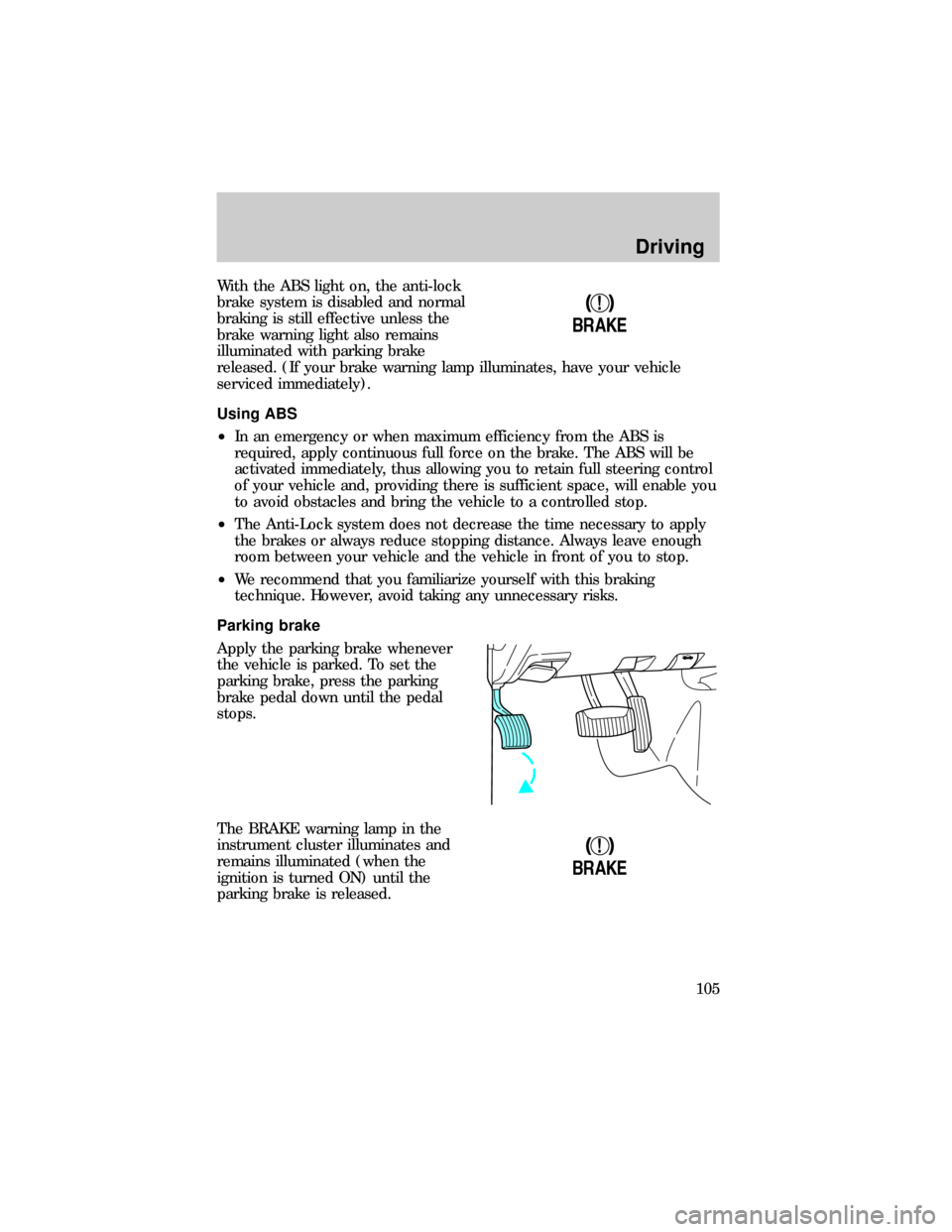
Parking brake
Apply the parking brake whenever
the vehicle is parked. To set the
parking brake, press the parking
brake pedal down until the pedal
stops.
The BRAKE warning lamp in the
instrument cluster illuminates and
remains illuminated (when the
ignition is turned ON) until the
parking brake is released.
!
BRAKE
!
BRAKE
Driving
105
Page 109 of 216

(Overdrive)
The normal driving position for the
best fuel economy. Transmission
operates in gears one through four.
(Overdrive) can be deactivated
by pressing the transmission control
switch on the end of the gearshift
lever.
The transmission control indicator
light (TCIL) will illuminate on the
instrument cluster.
Drive± Not shown on the display. Activate by pressing the transmission
control switch on the end of the gearshift lever with the gearshift in the
position. The O/D OFF indicator will illuminate on the instrument
cluster. Transmission operates in gears one through three.
(Drive)
provides more engine braking than
(Overdrive) and is useful when:
²driving with a heavy load
²towing a trailer up or down steep hills
²additional engine braking is desired. If towing a trailer, refer to
Driving while you towin theTrailer Towingchapter.
To return to
(Overdrive) mode, press the transmission control switch.
The O/D OFF indicator will no longer be illuminated.
Each time the vehicle is started, the transmission will automatically
return to normal overdrive mode.
Every time the vehicle is shut off and restarted, you must press the
transmission control switch to cancel overdrive operation if driving in
overdrive is not desired.
2 (Second)
Use 2 (Second) to start-up on
slippery roads or to provide
additional engine braking on
downgrades.
O/D
ON/OFF
O/ D
OFF
Driving
109
Page 111 of 216

N (Neutral)
With the gearshift in N (Neutral),
the vehicle can be started and is
free to roll. Hold the brake pedal
down while in this gear.
(Overdrive)
The normal driving position for the
best fuel economy. Transmission
operates in gears one through five.
(Overdrive) can be deactivated
by pressing the transmission control
switch on the end of the gearshift
lever.
The transmission control indicator
light (TCIL) will illuminate on the
instrument cluster.
Drive± Not shown on the display. Activate by pressing the transmission
control switch on the end of the gearshift lever with the gearshift in the
position. The TCIL will illuminate on the instrument cluster.
Transmission operates in gears one through four.
(Drive) provides
more engine braking than
(Overdrive) and is useful whenever driving
conditions (i.e., city traffic, hilly terrain, etc.) cause the transmission to
excessively shift between
(Overdrive) and(Drive). Also deactivate
(Overdrive) when:
²driving with a heavy load
²towing a trailer up or down steep hills
²additional engine braking is desired. If towing a trailer, refer to
Driving while you towin theTrailer Towingchapter.
To return to
(Overdrive) mode, press the transmission control switch.
The TCIL will no longer be illuminated.
Each time the vehicle is started, the transmission will automatically
return to normal overdrive mode.
O/D
ON/OFF
O/ D
OFF
Driving
111
Page 131 of 216
These guidelines are designed to ensure that your transmission is not
damaged due to insufficient lubrication.
2WD (automatic transmissions)
²Release the parking brake and place the transmission in N (Neutral).
²Maximum speed is 56 km/h (35 mph).
²Maximum distance is 80 km (50 miles).
If a distance of 80 km (50 miles) or a speed of 56 km/h (35 mph) must
be exceeded, you must disconnect the driveshaft. Mark the driveshaft
and axle flanges to ensure proper position when reconnecting the
driveshaft. Refer to the ªWorkshop Manualº for proper fastener torque
specifications.
When disconnecting/installing the driveshaft, the parking brake
must be set and the wheels blocked to ensure the vehicle does
not roll.
With the driveshaft disconnected, the maximum speed is 88 km/h (55
mph) and there are no mileage restrictions.
See your dealer for help with disconnecting the driveshaft.
2WD (manual transmissions)
²Release the parking brake and place the transmission in the neutral
position.
²Maximum speed is 56 km/h (35 mph).
²Maximum distance is limited by towing equipment manufacturer's
recommendation.
4WD ± Electronic shift transfer case
²Release the parking brake and place transmission in the neutral
position.
²Shift the transfer case to 2H (2WD high).
Both the 4WD HIGH and 4WD LOW indicator lights in the instrument
cluster will be off when the 4WD control is in 2WD.
Driving
131
Page 132 of 216
For automatic transmissions,maximum speed is 56 km/h (35 mph)
and maximum distance is 80 km (50 miles).
²If you must exceed the distance or 80 km (50 miles) and/or speed of
56 km/h (35 mph), you must remove the rear driveshaft. Mark the
driveshaft and axle flanges to ensure proper position when
reconnecting the driveshaft. Refer to the ªWorkshop Manualº for
proper fastener torque specifications.
When disconnecting/installing the driveshaft, the parking brake
must be set and the wheels blocked to ensure the vehicle does
not roll.
²When the driveshaft is disconnected, the maximum speed is 88 km/h
(55 mph) and the distance is unlimited.
For manual transmissions,maximum speed is 88 km/h (55 mph) and
distance is unlimited.
Limited vehicle operation, such as driving the vehicle at a campsite, can
be accomplished with the rear driveshaft removed by using the front
drive to propel the vehicle. To operate the vehicle in this condition, you
mustfollow these guidelines:
²Place the transfer case in 4WD by rotating the 4WD control to 4WD
HIGH.
²Drive the vehicle only on good surface roads to avoid excessive loads
on the front-wheel drive system.
²Maximum speed is 56 km/h (35 mph).
²Maximum distance is 80 km (50 miles).
²Avoid quick acceleration and steep grades.
To return the vehicle to a towable condition, youmustplace the transfer
case in 2WD by rotating the 4WD control to 2WD. Both the 4WD HIGH
and 4WD LOW indicator lights in the instrument cluster will be off when
the 4WD control is in 2WD.
In addition, it is recommended that you follow the instruction provided
by the manufacturer of the towing apparatus.
CAMPER BODIES
Your Ranger Pickup is not recommended for slide±in camper bodies.
Driving
132