Page 27 of 216
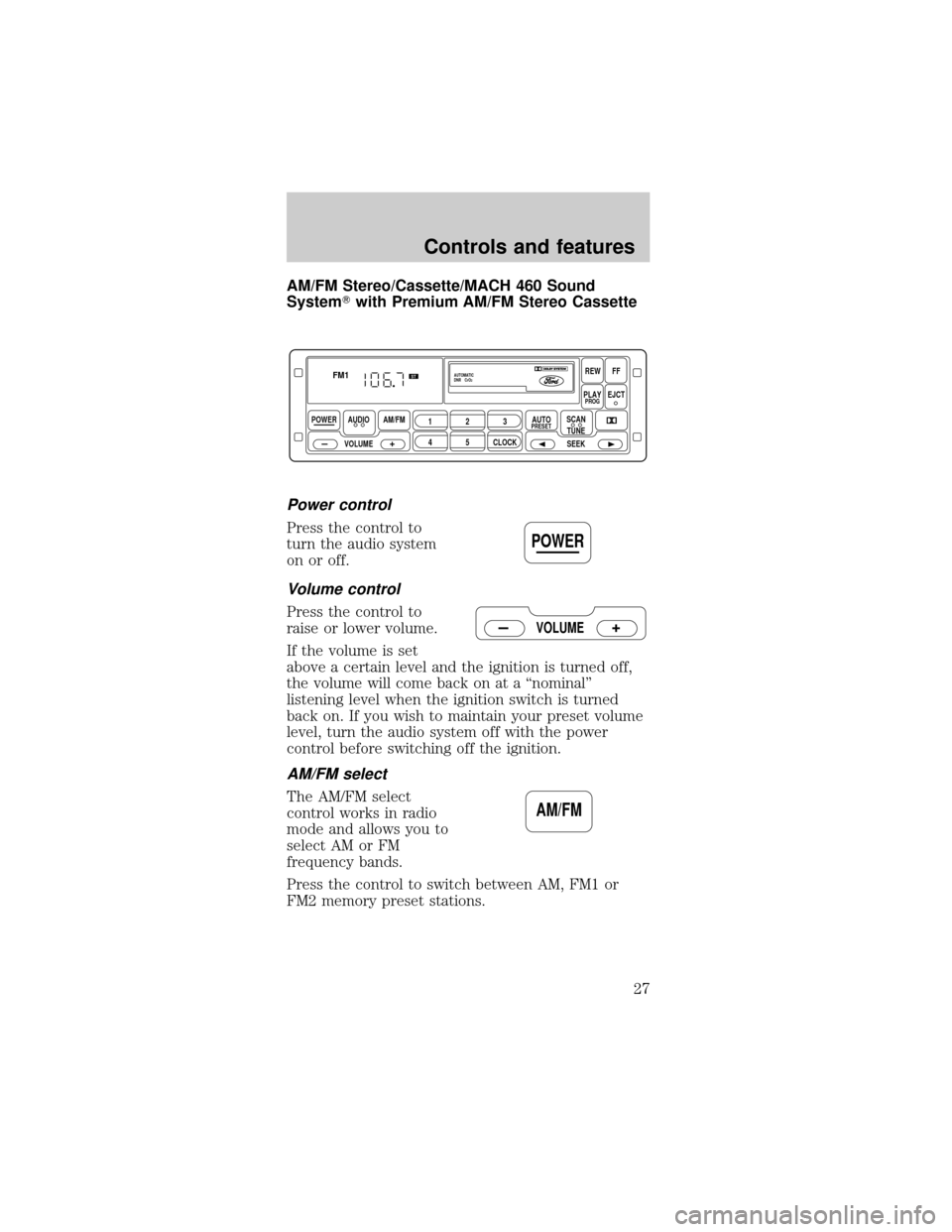
AM/FM Stereo/Cassette/MACH 460 Sound
SystemTwith Premium AM/FM Stereo Cassette
Power control
Press the control to
turn the audio system
on or off.
Volume control
Press the control to
raise or lower volume.
If the volume is set
above a certain level and the ignition is turned off,
the volume will come back on at a ªnominalº
listening level when the ignition switch is turned
back on. If you wish to maintain your preset volume
level, turn the audio system off with the power
control before switching off the ignition.
AM/FM select
The AM/FM select
control works in radio
mode and allows you to
select AM or FM
frequency bands.
Press the control to switch between AM, FM1 or
FM2 memory preset stations.
POWER AUDIO
VOLUMEAM/FM
REWFF
PLAYEJCT
123
45CLOCK
AUTOPRESETPROG
AUTOMATIC
DNR CrO2
SCAN
TUNE
SEEK
FM1ST
POWER
VOLUME
AM/FM
Controls and features
27
Page 33 of 216
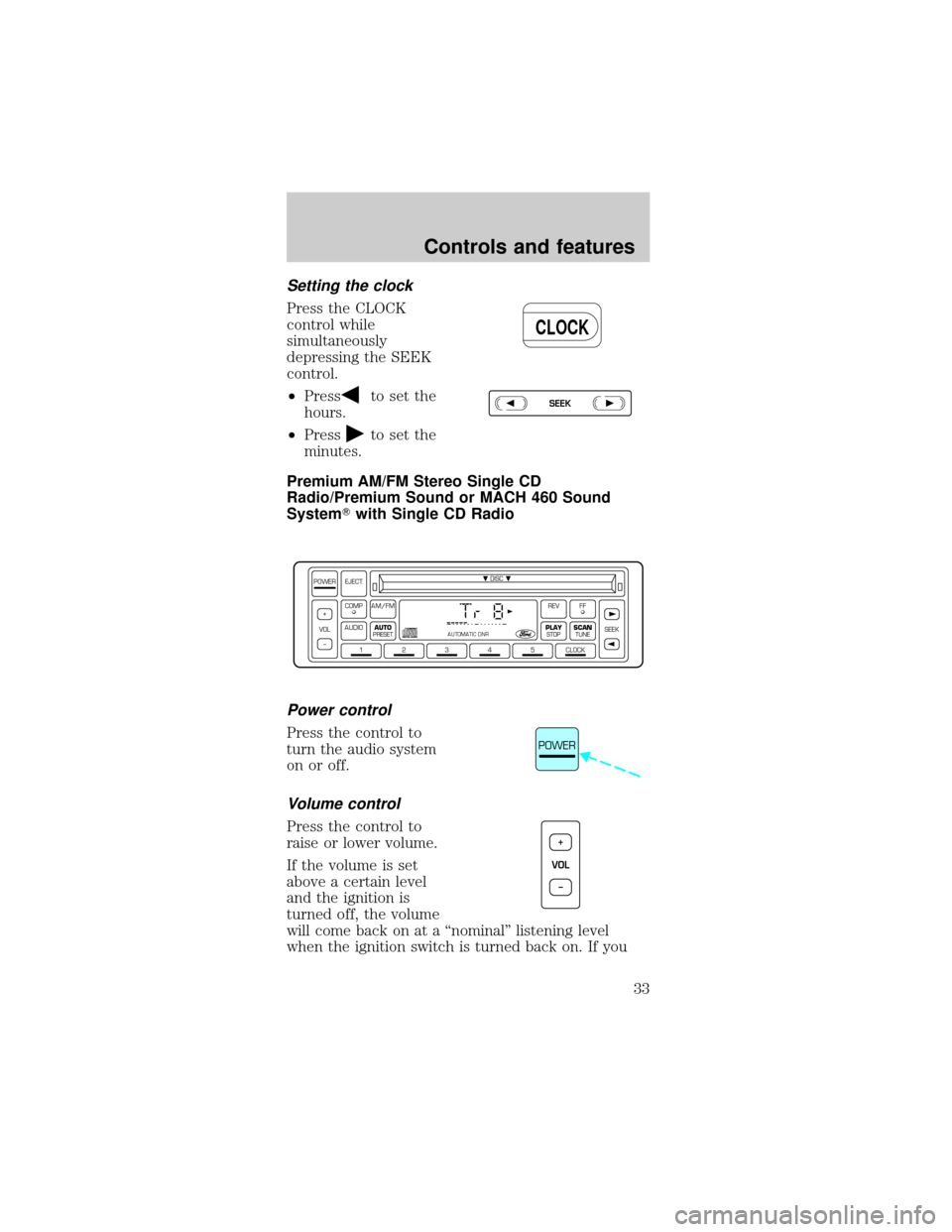
Setting the clock
Press the CLOCK
control while
simultaneously
depressing the SEEK
control.
²Press
to set the
hours.
²Press
to set the
minutes.
Premium AM/FM Stereo Single CD
Radio/Premium Sound or MACH 460 Sound
SystemTwith Single CD Radio
Power control
Press the control to
turn the audio system
on or off.
Volume control
Press the control to
raise or lower volume.
If the volume is set
above a certain level
and the ignition is
turned off, the volume
will come back on at a ªnominalº listening level
when the ignition switch is turned back on. If you
CLOCK
SEEK
DISC
12345CLOCK
VOL+
–SEEK
FFREV
PLAY
STOPSCANTUNE
AM/FMCOMP
AUDIOAUTO
PRESET
POWER EJECT
AUTOMATIC DNR
POWER
VOL+
–
Controls and features
33
Page 36 of 216
3. Press and hold a memory preset control until the
sound returns, indicating the station is held in
memory on the control you selected.
If the battery is disconnected, the memory preset
stations will need to be reset.
Automatic memory store (if equipped)
Automatic memory store allows you to set strong
radio stations without losing your original manually
set preset stations. This feature is helpful on trips
when you travel between cities with different radio
stations.
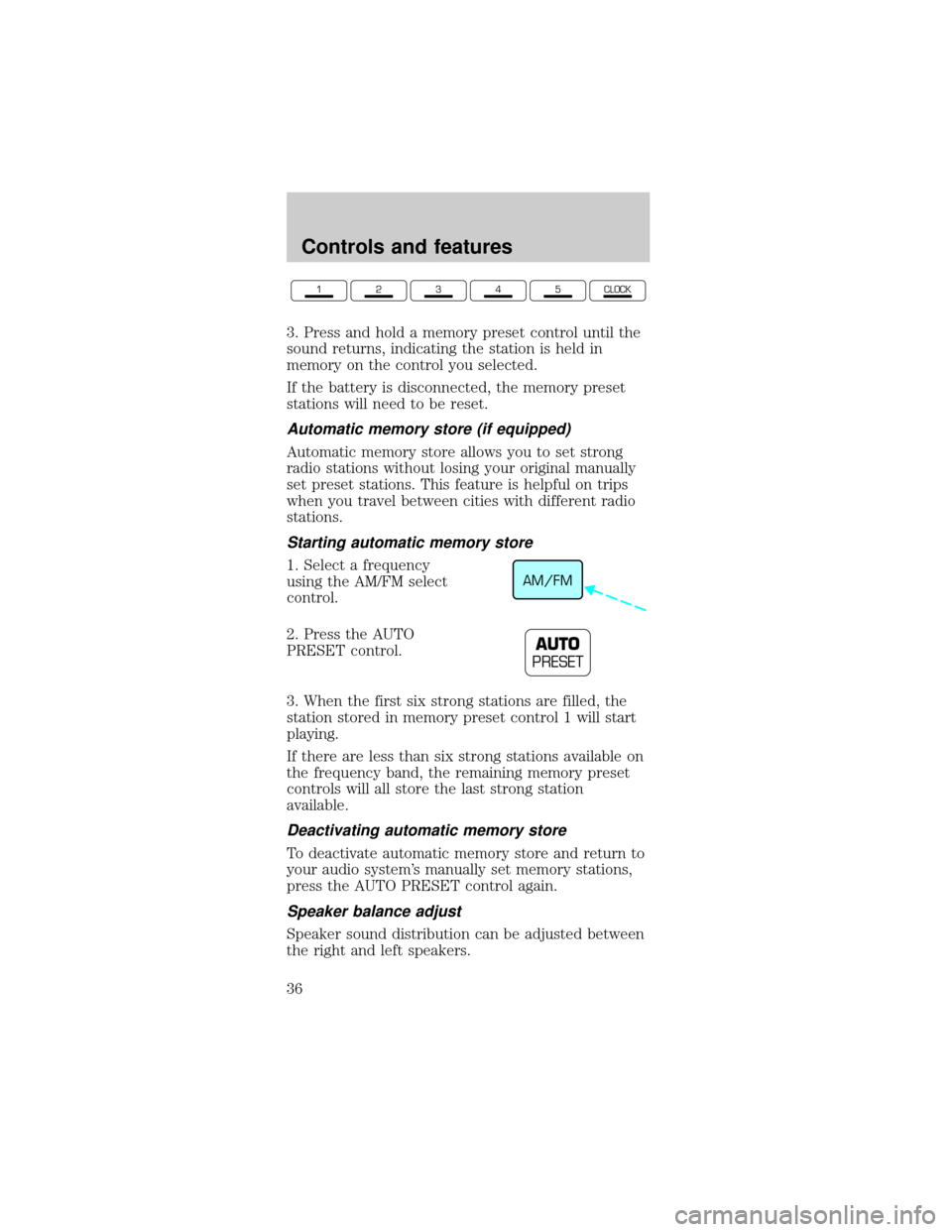
Starting automatic memory store
1. Select a frequency
using the AM/FM select
control.
2. Press the AUTO
PRESET control.
3. When the first six strong stations are filled, the
station stored in memory preset control 1 will start
playing.
If there are less than six strong stations available on
the frequency band, the remaining memory preset
controls will all store the last strong station
available.
Deactivating automatic memory store
To deactivate automatic memory store and return to
your audio system's manually set memory stations,
press the AUTO PRESET control again.
Speaker balance adjust
Speaker sound distribution can be adjusted between
the right and left speakers.
12345CLOCK
AM/FM
AUTO
PRESET
Controls and features
36
Page 38 of 216
²Press the control for more than three seconds for
fast forward action.
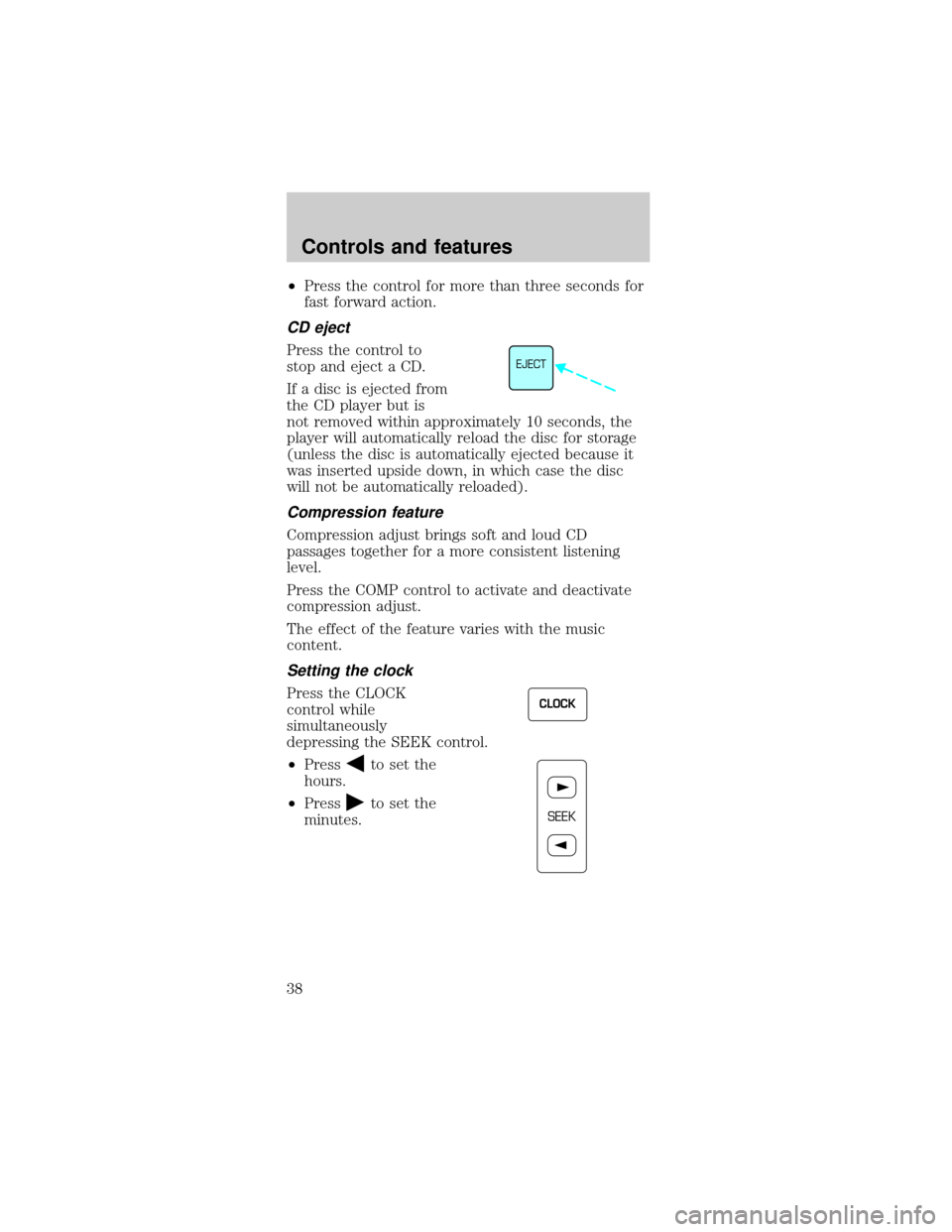
CD eject
Press the control to
stop and eject a CD.
If a disc is ejected from
the CD player but is
not removed within approximately 10 seconds, the
player will automatically reload the disc for storage
(unless the disc is automatically ejected because it
was inserted upside down, in which case the disc
will not be automatically reloaded).
Compression feature
Compression adjust brings soft and loud CD
passages together for a more consistent listening
level.
Press the COMP control to activate and deactivate
compression adjust.
The effect of the feature varies with the music
content.
Setting the clock
Press the CLOCK
control while
simultaneously
depressing the SEEK control.
²Press
to set the
hours.
²Press
to set the
minutes.
EJECT
CLOCK
SEEK
Controls and features
38
Page 45 of 216
Mist Function
To operate the Mist
function of the
windshield wipers,
push and release the
windshield washer control quickly. The wipers will
cycle one or two times.
HIGH BEAMS
Push forward to
activate.
FLASH TO PASS
Pull toward you to
activate and release to
deactivate.
POSITIONS OF THE IGNITION
1. ACCESSORY, allows
the electrical
accessories such as the
radio to operate while
the engine is not
running.
2. LOCK, locks the
steering wheel,
automatic transmission gearshift lever and allows
key removal.
3. OFF, shuts off the engine and all accessories
without locking the steering wheel.
4. ON, all electrical circuits operational. Warning
lights illuminated. Key position when driving.
OFFHI
LO
OFFHI
LO
OFFHI
LO
1
23
4
5
Controls and features
45
Page 46 of 216
5. START, cranks the engine. Release the key as
soon as the engine starts.
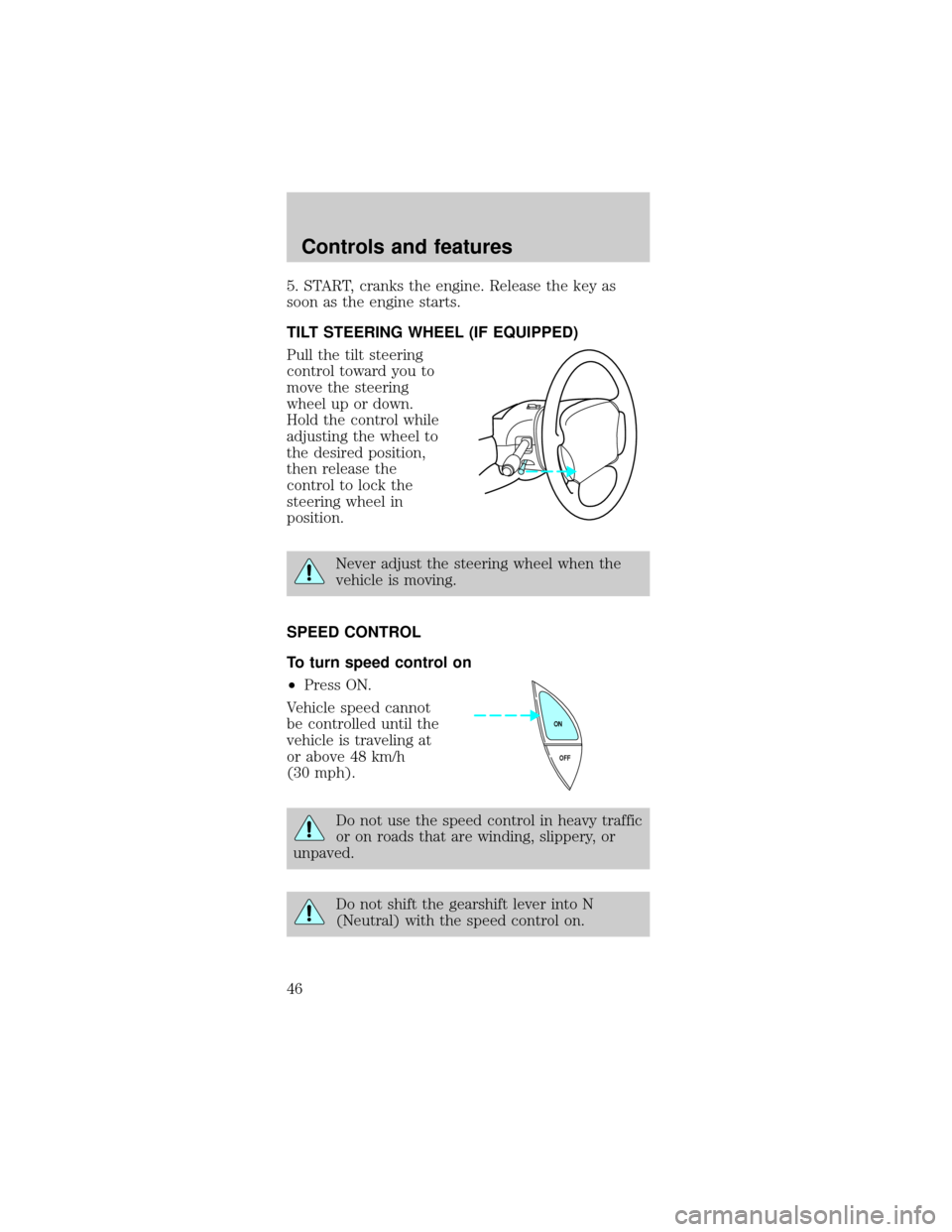
TILT STEERING WHEEL (IF EQUIPPED)
Pull the tilt steering
control toward you to
move the steering
wheel up or down.
Hold the control while
adjusting the wheel to
the desired position,
then release the
control to lock the
steering wheel in
position.
Never adjust the steering wheel when the
vehicle is moving.
SPEED CONTROL
To turn speed control on
²Press ON.
Vehicle speed cannot
be controlled until the
vehicle is traveling at
or above 48 km/h
(30 mph).
Do not use the speed control in heavy traffic
or on roads that are winding, slippery, or
unpaved.
Do not shift the gearshift lever into N
(Neutral) with the speed control on.
OFF ON
Controls and features
46
Page 51 of 216
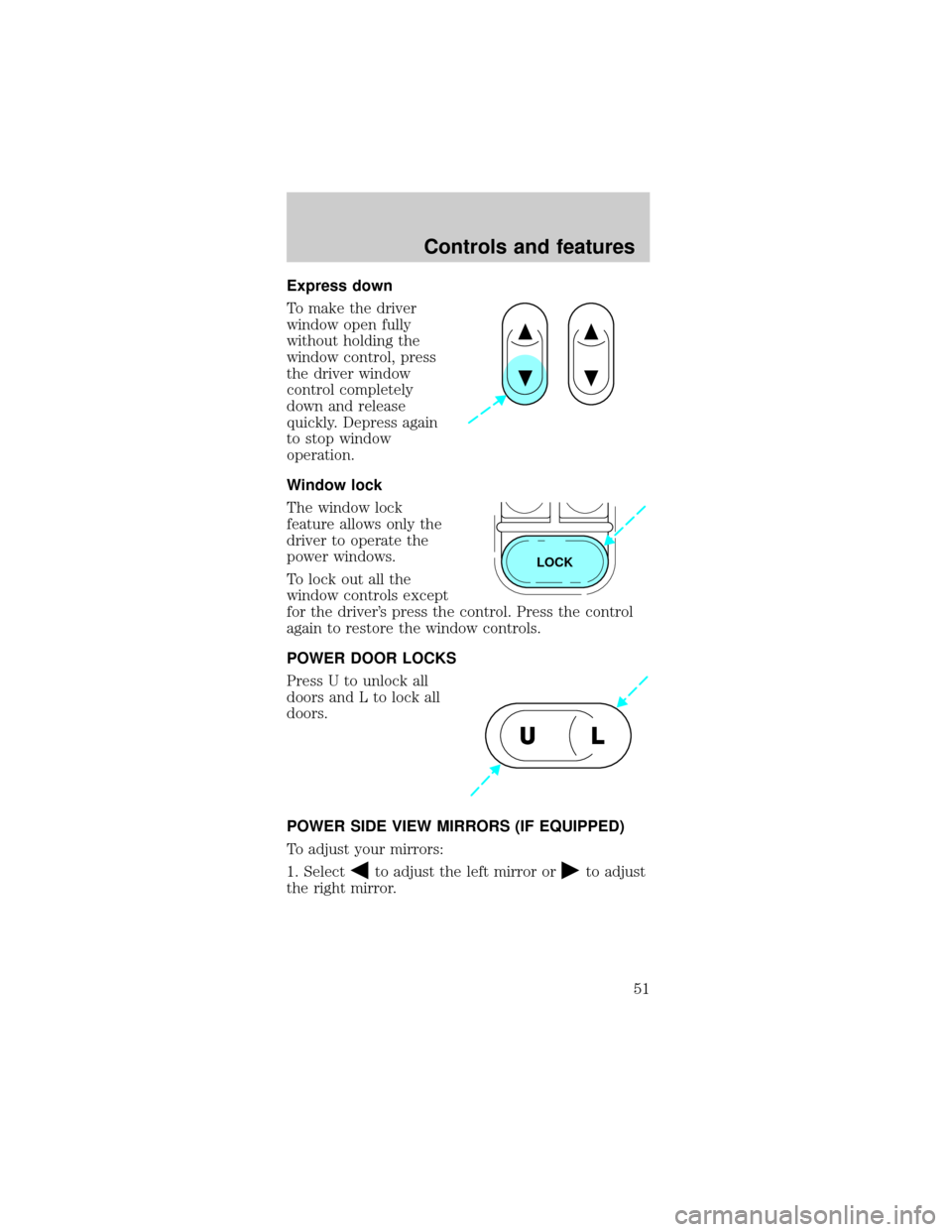
Express down
To make the driver
window open fully
without holding the
window control, press
the driver window
control completely
down and release
quickly. Depress again
to stop window
operation.
Window lock
The window lock
feature allows only the
driver to operate the
power windows.
To lock out all the
window controls except
for the driver's press the control. Press the control
again to restore the window controls.
POWER DOOR LOCKS
Press U to unlock all
doors and L to lock all
doors.
POWER SIDE VIEW MIRRORS (IF EQUIPPED)
To adjust your mirrors:
1. Select
to adjust the left mirror orto adjust
the right mirror.
LOCK
UL
Controls and features
51
Page 52 of 216
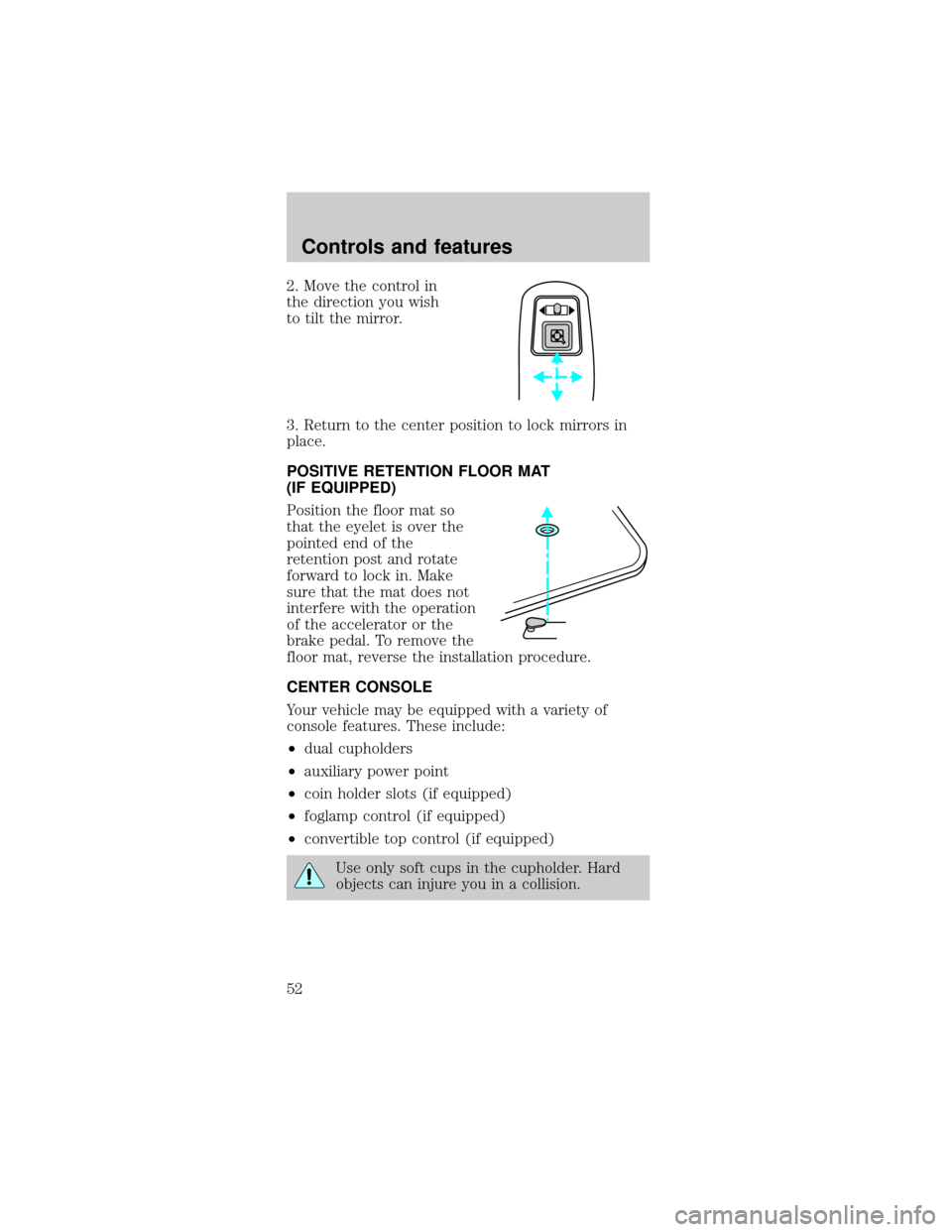
2. Move the control in
the direction you wish
to tilt the mirror.
3. Return to the center position to lock mirrors in
place.
POSITIVE RETENTION FLOOR MAT
(IF EQUIPPED)
Position the floor mat so
that the eyelet is over the
pointed end of the
retention post and rotate
forward to lock in. Make
sure that the mat does not
interfere with the operation
of the accelerator or the
brake pedal. To remove the
floor mat, reverse the installation procedure.
CENTER CONSOLE
Your vehicle may be equipped with a variety of
console features. These include:
²dual cupholders
²auxiliary power point
²coin holder slots (if equipped)
²foglamp control (if equipped)
²convertible top control (if equipped)
Use only soft cups in the cupholder. Hard
objects can injure you in a collision.
Controls and features
52