Page 13 of 216
Never remove the coolant reservoir cap
while the engine is running or hot.
This gauge indicates the temperature of the engine
coolant, not the coolant level. If the coolant is not at
its proper level the gauge indication will not be
accurate.
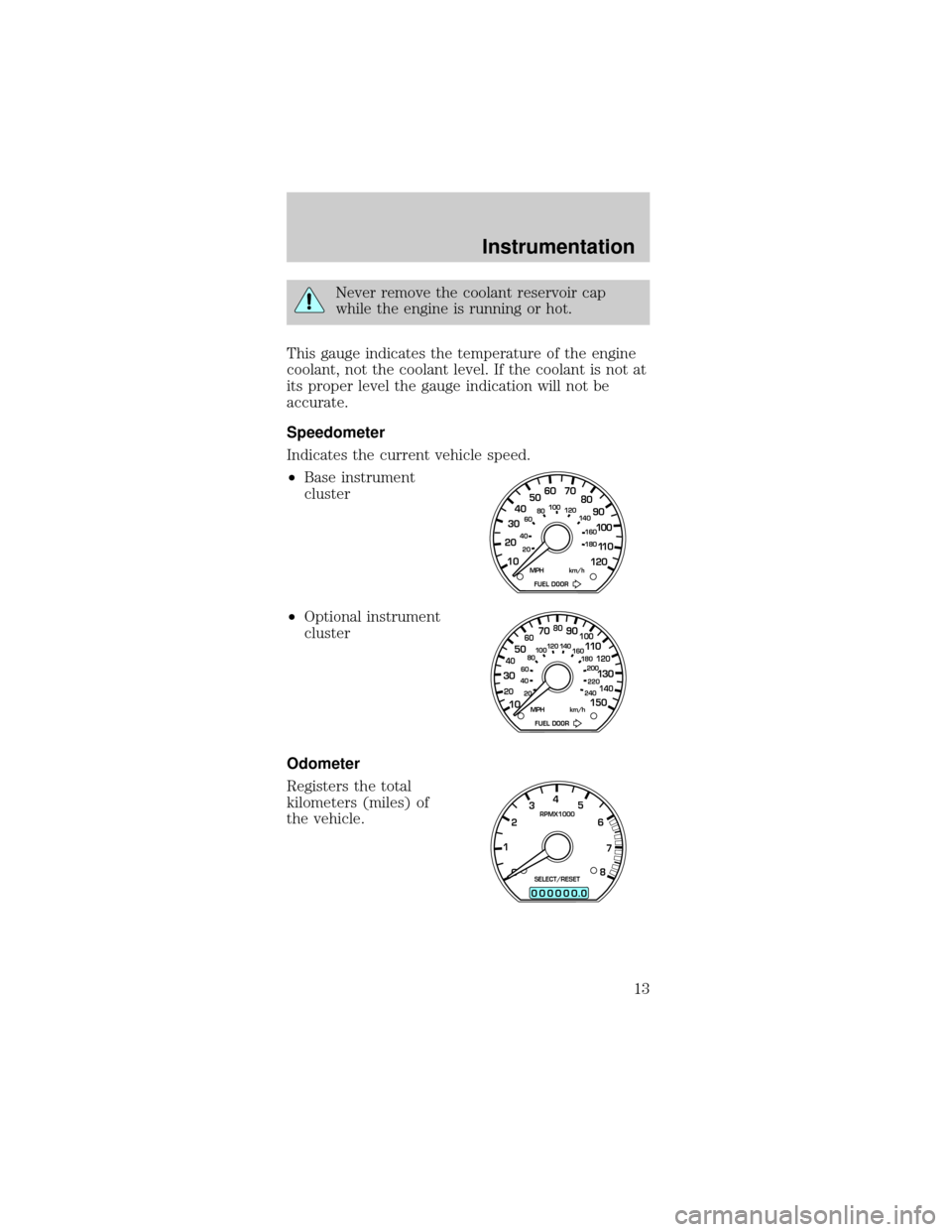
Speedometer
Indicates the current vehicle speed.
²Base instrument
cluster
²Optional instrument
cluster
Odometer
Registers the total
kilometers (miles) of
the vehicle.
10 203020 406080100
120
140
160
180
405060 70
80
90
100
11 0
120
FUEL DOOR MPH km/h
102040608020 40608010 012 0 14 0
160
180
200
220
240
100
120
140
305070 90
110
13 0
150
FUEL DOOR MPH km/h
0
00000 00
4
5
6
7
8 3
2
1RPMX1000
SELECT/RESET
.
Instrumentation
13
Page 14 of 216
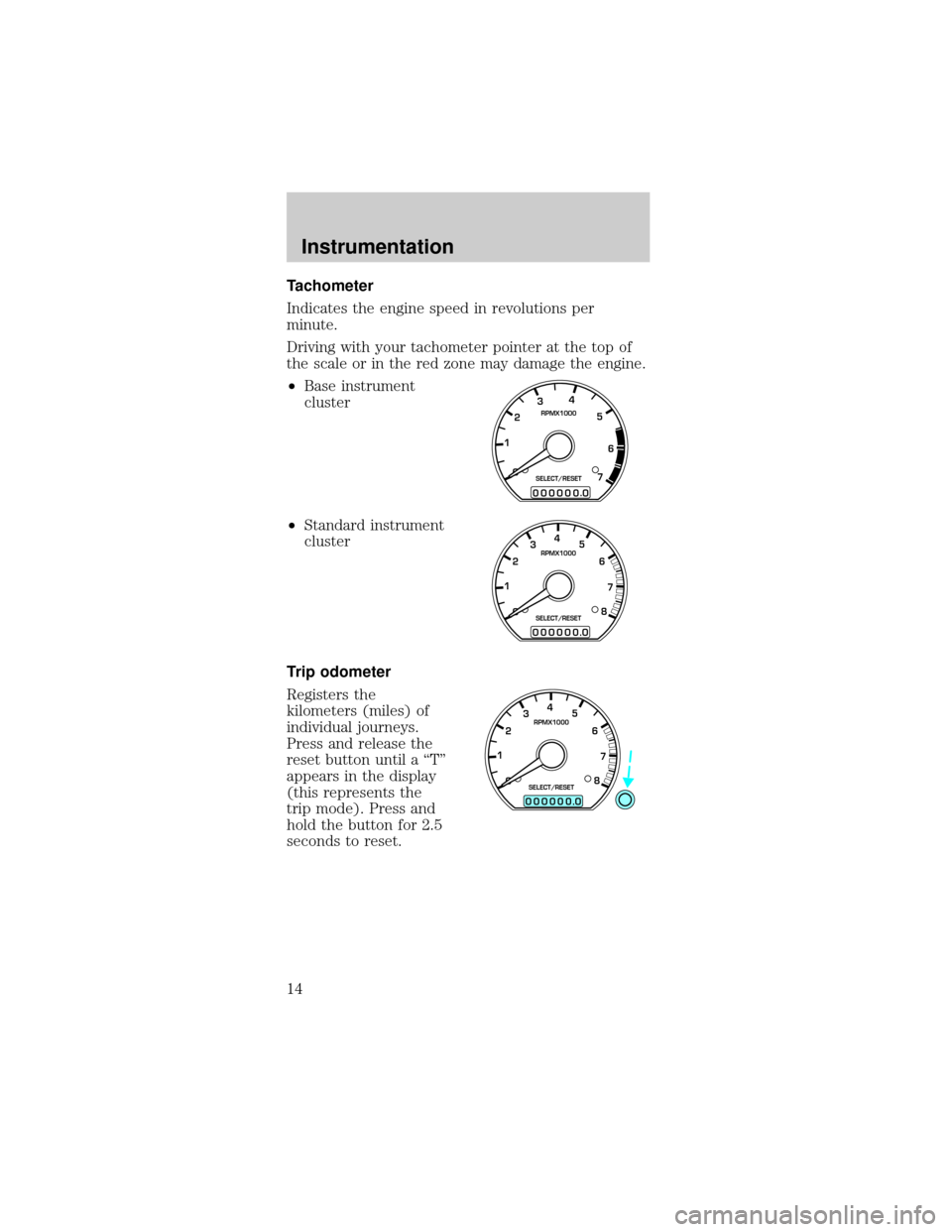
Tachometer
Indicates the engine speed in revolutions per
minute.
Driving with your tachometer pointer at the top of
the scale or in the red zone may damage the engine.
²Base instrument
cluster
²Standard instrument
cluster
Trip odometer
Registers the
kilometers (miles) of
individual journeys.
Press and release the
reset button until a ªTº
appears in the display
(this represents the
trip mode). Press and
hold the button for 2.5
seconds to reset.
0
00000 00
4
5
6
7 3
2
1RPMX1000
SELECT/RESET
.
0
00000 00
4
5
6
7
8 3
2
1RPMX1000
SELECT/RESET
.
0
00000 00
4
5
6
7
8 3
2
1RPMX1000
SELECT/RESET
.
Instrumentation
14
Page 15 of 216
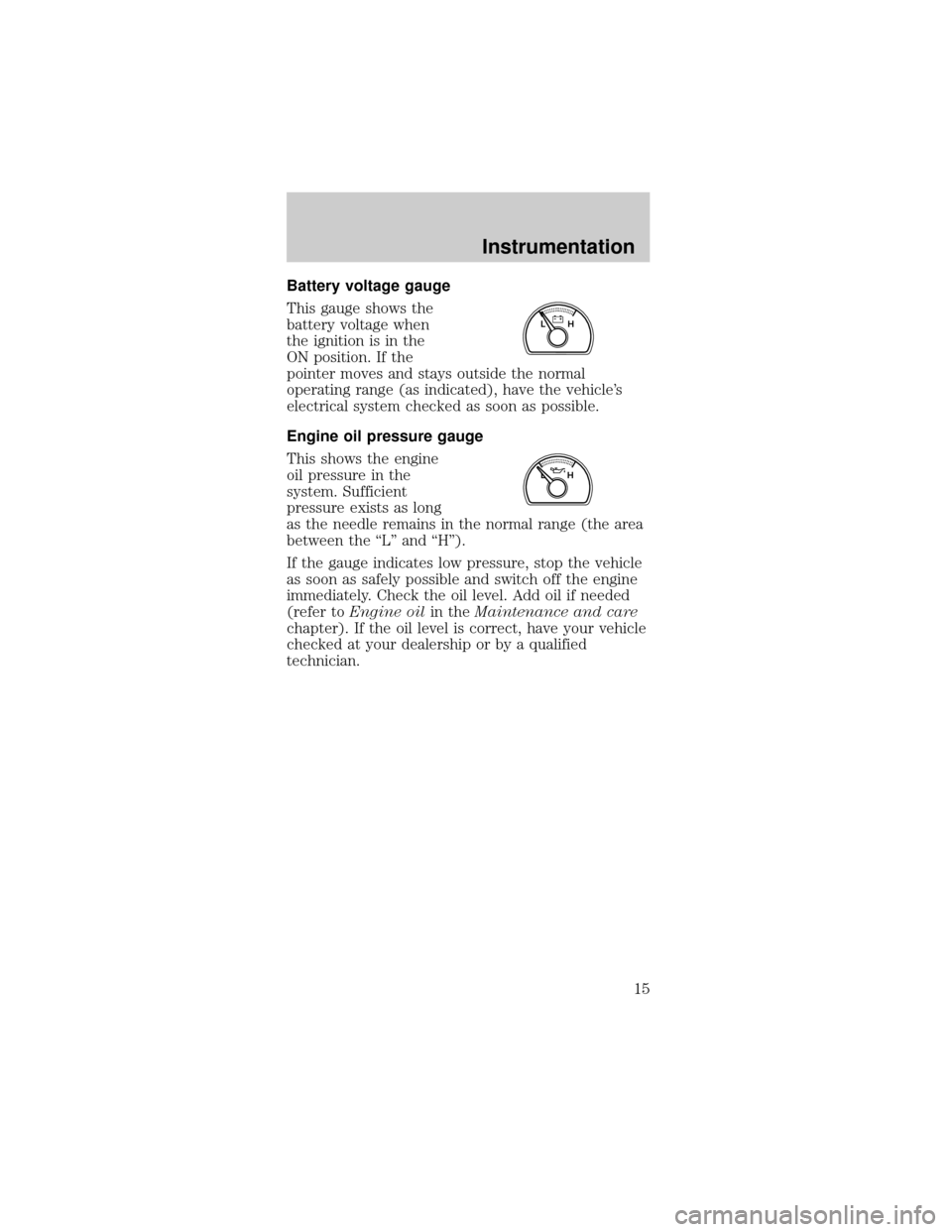
Battery voltage gauge
This gauge shows the
battery voltage when
the ignition is in the
ON position. If the
pointer moves and stays outside the normal
operating range (as indicated), have the vehicle's
electrical system checked as soon as possible.
Engine oil pressure gauge
This shows the engine
oil pressure in the
system. Sufficient
pressure exists as long
as the needle remains in the normal range (the area
between the ªLº and ªHº).
If the gauge indicates low pressure, stop the vehicle
as soon as safely possible and switch off the engine
immediately. Check the oil level. Add oil if needed
(refer toEngine oilin theMaintenance and care
chapter). If the oil level is correct, have your vehicle
checked at your dealership or by a qualified
technician.
LH
LH
Instrumentation
15
Page 45 of 216
Mist Function
To operate the Mist
function of the
windshield wipers,
push and release the
windshield washer control quickly. The wipers will
cycle one or two times.
HIGH BEAMS
Push forward to
activate.
FLASH TO PASS
Pull toward you to
activate and release to
deactivate.
POSITIONS OF THE IGNITION
1. ACCESSORY, allows
the electrical
accessories such as the
radio to operate while
the engine is not
running.
2. LOCK, locks the
steering wheel,
automatic transmission gearshift lever and allows
key removal.
3. OFF, shuts off the engine and all accessories
without locking the steering wheel.
4. ON, all electrical circuits operational. Warning
lights illuminated. Key position when driving.
OFFHI
LO
OFFHI
LO
OFFHI
LO
1
23
4
5
Controls and features
45
Page 46 of 216
5. START, cranks the engine. Release the key as
soon as the engine starts.
TILT STEERING WHEEL (IF EQUIPPED)
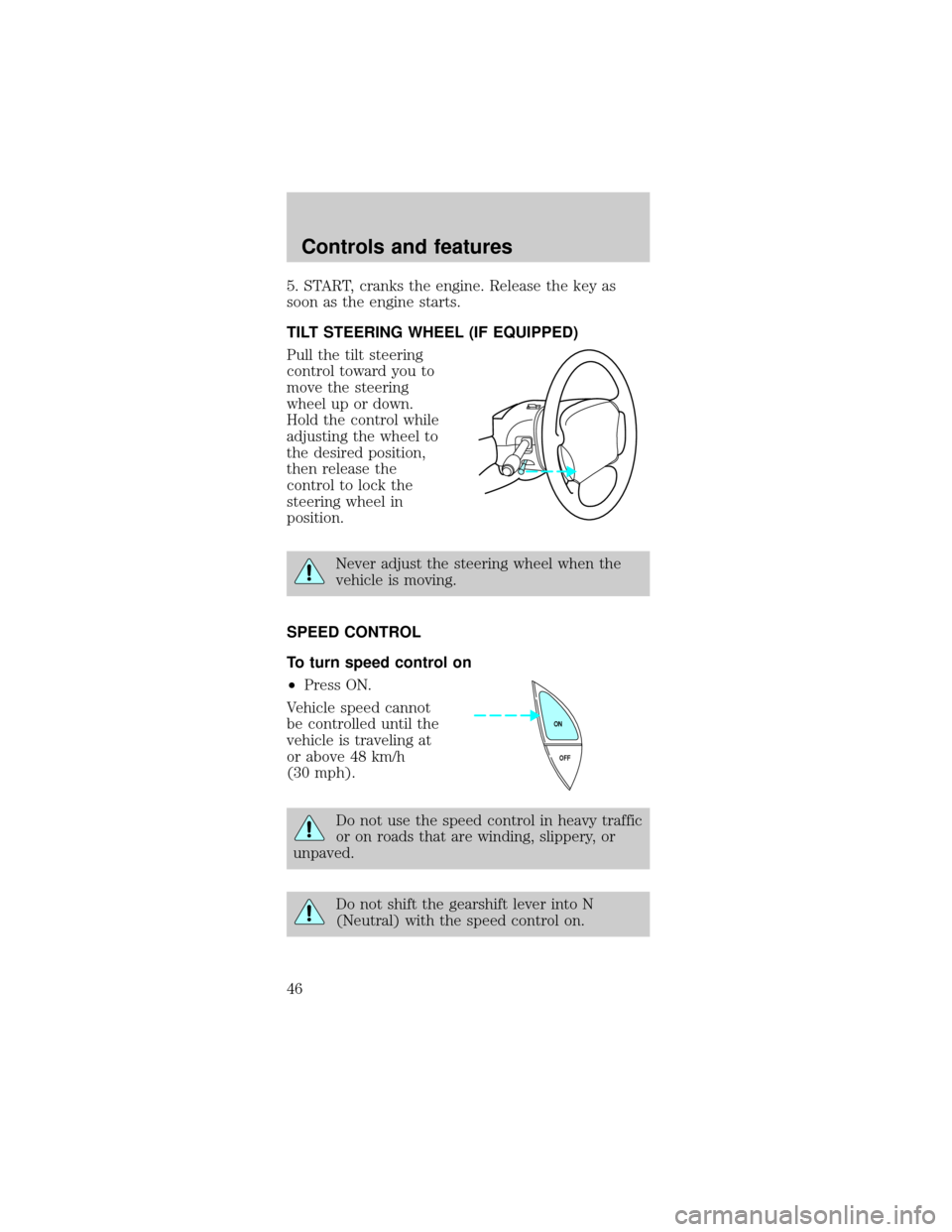
Pull the tilt steering
control toward you to
move the steering
wheel up or down.
Hold the control while
adjusting the wheel to
the desired position,
then release the
control to lock the
steering wheel in
position.
Never adjust the steering wheel when the
vehicle is moving.
SPEED CONTROL
To turn speed control on
²Press ON.
Vehicle speed cannot
be controlled until the
vehicle is traveling at
or above 48 km/h
(30 mph).
Do not use the speed control in heavy traffic
or on roads that are winding, slippery, or
unpaved.
Do not shift the gearshift lever into N
(Neutral) with the speed control on.
OFF ON
Controls and features
46
Page 60 of 216
²weather conditions
²nearby radio towers
²structures around the vehicle
²other vehicles parked next to the vehicle
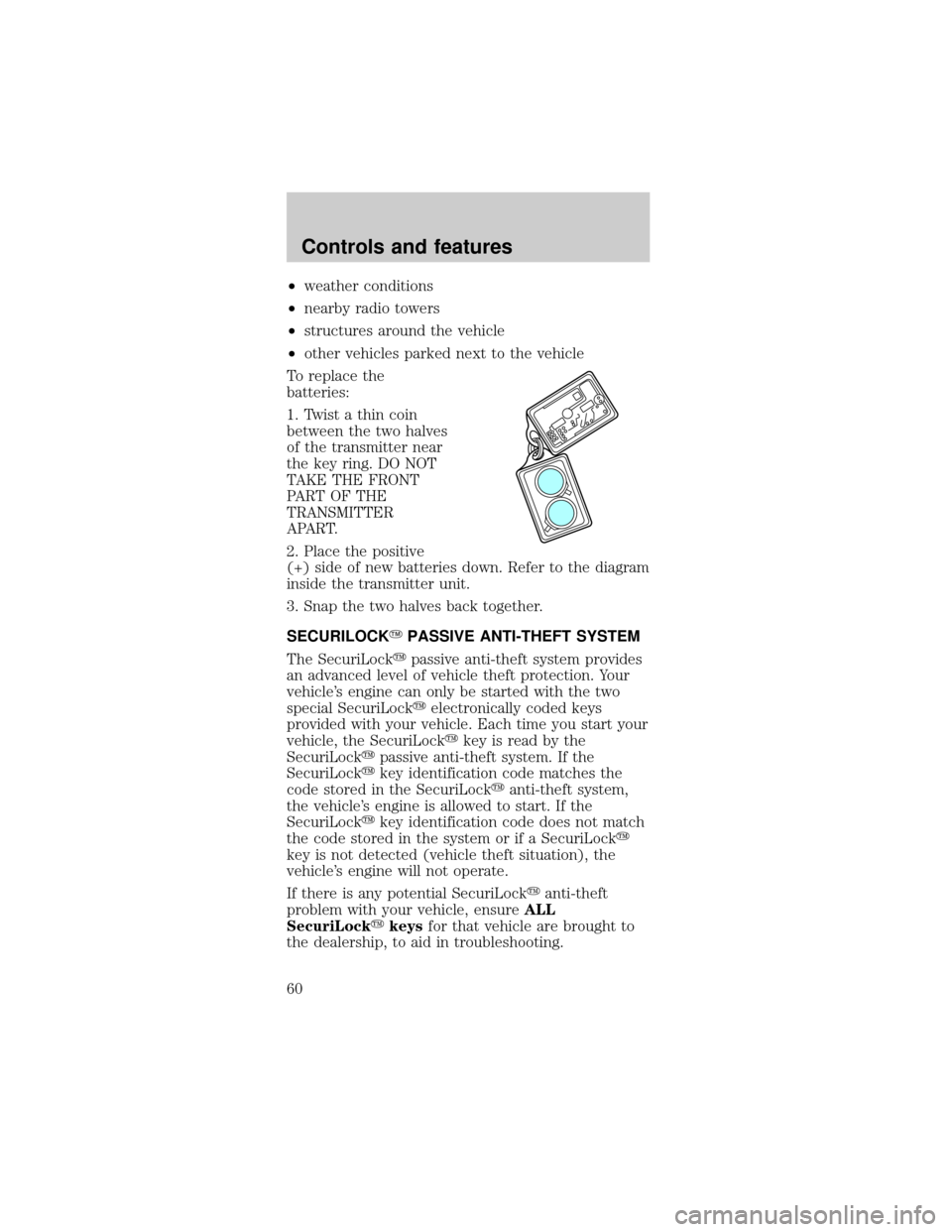
To replace the
batteries:
1. Twist a thin coin
between the two halves
of the transmitter near
the key ring. DO NOT
TAKE THE FRONT
PART OF THE
TRANSMITTER
APART.
2. Place the positive
(+) side of new batteries down. Refer to the diagram
inside the transmitter unit.
3. Snap the two halves back together.
SECURILOCKYPASSIVE ANTI-THEFT SYSTEM
The SecuriLockypassive anti-theft system provides
an advanced level of vehicle theft protection. Your
vehicle's engine can only be started with the two
special SecuriLockyelectronically coded keys
provided with your vehicle. Each time you start your
vehicle, the SecuriLockykey is read by the
SecuriLockypassive anti-theft system. If the
SecuriLockykey identification code matches the
code stored in the SecuriLockyanti-theft system,
the vehicle's engine is allowed to start. If the
SecuriLockykey identification code does not match
the code stored in the system or if a SecuriLocky
key is not detected (vehicle theft situation), the
vehicle's engine will not operate.
If there is any potential SecuriLockyanti-theft
problem with your vehicle, ensureALL
SecuriLockykeysfor that vehicle are brought to
the dealership, to aid in troubleshooting.
Controls and features
60
Page 61 of 216

The SecuriLockypassive anti-theft system is not
compatible with aftermarket remote start systems.
Use of these systems may result in vehicle starting
problems and a loss of security protection. Large
metallic objects or devices such as the Mobil
Speedpassyon the same key ring as your
SecuriLockykey may cause vehicle starting
problems. These objects and devices cannot damage
the SecuriLockykey, but can cause a momentary
problem if they are too close to the key when
starting the engine. If a problem occurs, turn
ignition off and restart the engine with all other
objects on the key ring held away from the
SecuriLockyignition key.
Spare SecuriLockykeys can be purchased from
your dealership and programmed to your
SecuriLockypassive anti-theft system. Refer to
Programming spare SecuriLockykeysfor more
information.
If one or both of your SecuriLockykeys are lost or
stolen and you want to ensure the lost or stolen key
will not operate your vehicle, bring your vehicle and
all available SecuriLockykeys to your dealership for
reinitialization.
Theft indicator
The theft indicator on the instrument cluster will
operate as follows:
²When the ignition is OFF, the theft indicator will
flash briefly every 2 seconds to indicate the
SecuriLockysystem is protecting your vehicle.
²When the ignition is turned to RUN or START, the
theft indicator will light for 3 seconds and then go
out. If the theft indicator stays on for an extended
period of time or flashes rapidly, have the system
serviced by your dealership or a qualified
technician.
Controls and features
61
Page 62 of 216

Programming spare SecuriLockYkeys
Spare SecuriLockykeys can be purchased from
your dealership and programmed to your
SecuriLockypassive anti-theft system (up to a total
of 8 keys). Your dealership can program your new
SecuriLockykey(s) to your vehicle or you can do it
yourself using the following simple procedure. To
program a new SecuriLockykey yourself, you will
need two previously programmed SecuriLockykeys
(keys that already operate your vehicle's engine). If
two previously programmed SecuriLockykeys are
not available (one or both of your original keys were
lost or stolen), you must bring your vehicle to your
dealership to have the spare SecuriLockykey(s)
programmed.
Procedure to program spare SecuriLockYkeys
to your vehicle
New SecuriLockykeys must have the correct
mechanical key cut for your vehicle.
Conventional (non-SecuriLocky) keyscannotbe
programmed to your vehicle.
You will need to have two previously programmed
SecuriLockykeys and the new unprogrammed
SecuriLockykey readily accessible for the
procedure. Please read and understand the entire
procedure before you begin.
1. Insert the first previously programmed
SecuriLockykey into the ignition and turn the
ignition from OFF to RUN (maintain ignition in RUN
for at least one second).
2. Turn ignition to OFF and remove the first
SecuriLockykey from the ignition.
3. Within five seconds of turning the ignition to OFF,
insert the second previously programmed
SecuriLockykey into the ignition and turn the
ignition from OFF to RUN (maintain ignition in RUN
for at least one second but no more than 5 seconds).
Controls and features
62