Page 18 of 264
Oil change reset
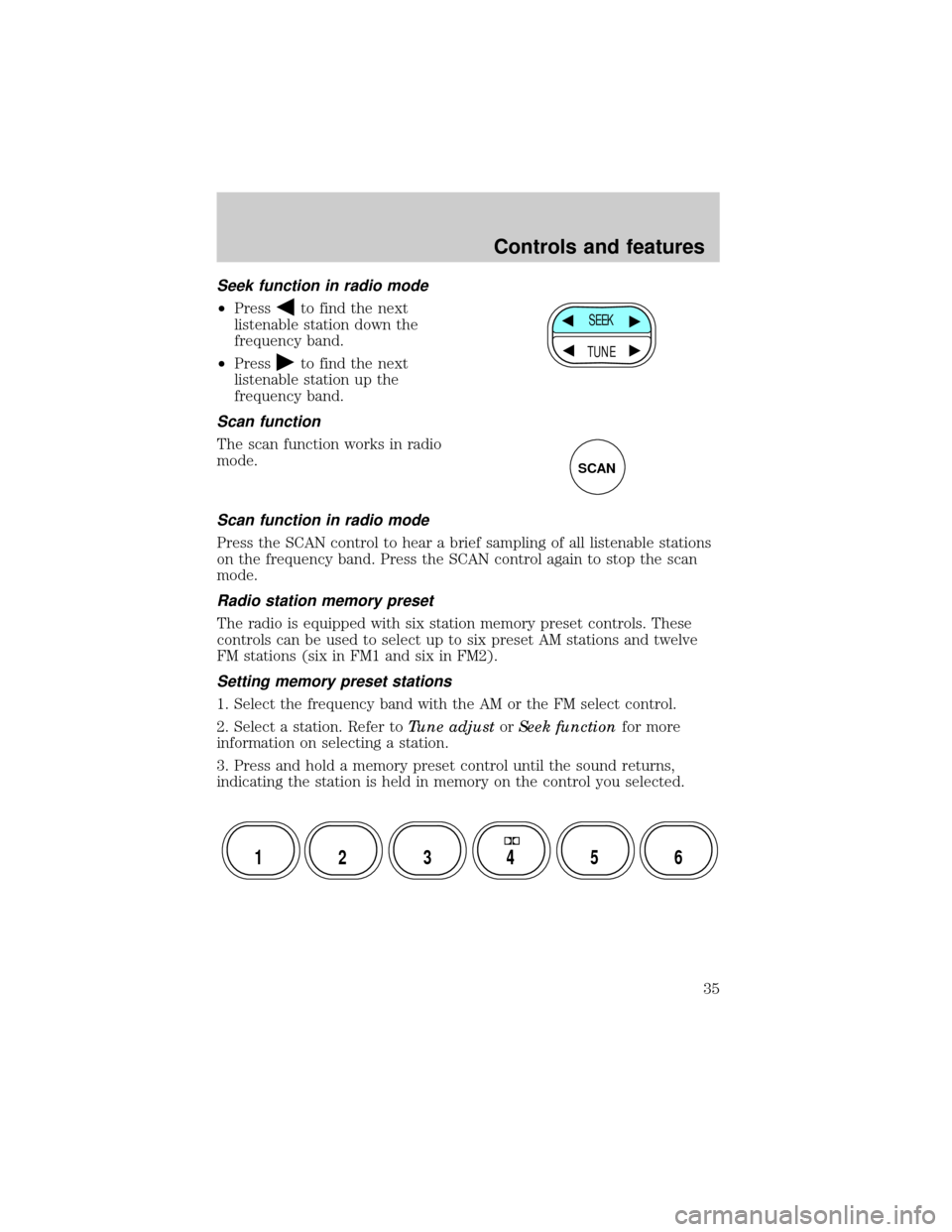
Press the OIL CHANGE RESET
control to reset the oil life feature to
100% (or your personalized oil reset
percentage) (at optimal driving
conditions, 100% oil life is
equivalent to a maximum of 12 000
kilometers [7 500 miles]). After you
have the oil changed, you must
press and hold the OIL CHANGE
RESET control for five seconds. The
message center will count down for
five seconds. After a successful reset, the message center will display
OIL LIFE RESET TO 100%. (If you have established a personalized oil
reset percentage, the display will show that percentage instead of 100%.)
This reset procedure should be performed only after an oil change to
ensure accurate oil life indications.
Your personalized oil reset percentage allows you to establish a smaller
oil change interval than the manufacturer's recommended interval. To
establish your personalized oil reset percentage:
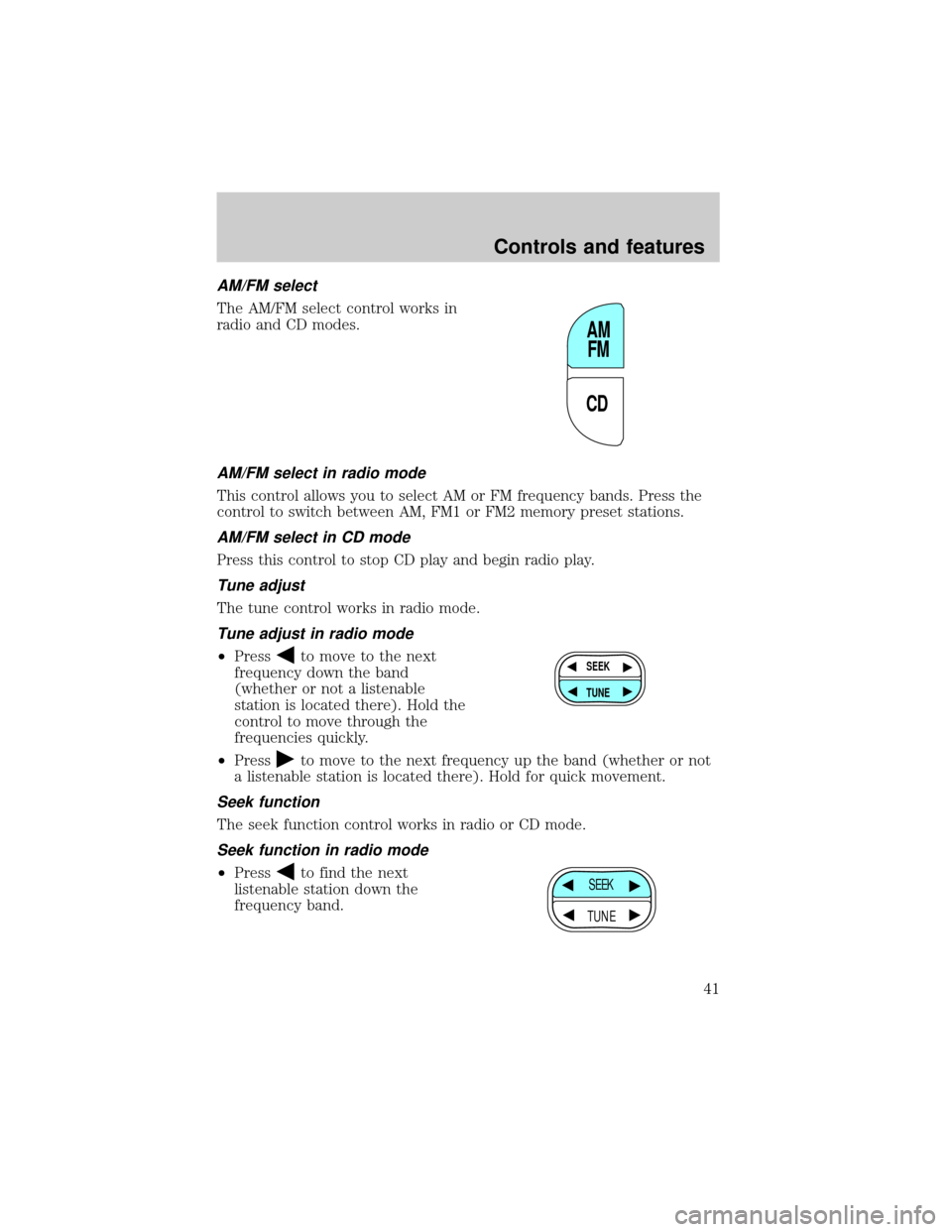
1. Press and hold the OIL CHANGE RESET control and press the RESET
control while the display is still counting down the 5 seconds to reset.
The display will change to START OIL LIFE AT XXX%.
2. Press the OIL CHANGE RESET control until the displayed percentage
is the personalized oil reset percentage you desire. Your choices are
100%, 90%, 80%, 70%, 60%, 50%, 40% and 30%.
3. Press the RESET control to
complete the procedure. Pressing
any control other than RESET or
OIL CHANGE RESET will abort this
procedure and will not establish
your new personalized oil reset
percentage.
When your personalized oil reset
percentage has been established, it
will be used beginning with the
completion of your next OIL CHANGE RESET procedure.
ENGLISH/
METRICRANGESTATUS
ECONRESETSYSTEM
CHECKOIL
CHANGE
RESET
FUEL
ENGLISH/
METRICRANGESTATUS
ECONRESETSYSTEM
CHECKOIL
CHANGE
RESET
FUEL
Instrumentation
18
Page 34 of 264
If the volume is set above a certain level and the ignition is turned off,
the volume will come back on at a ªnominalº listening level when the
ignition switch is turned back on.
AM/FM select
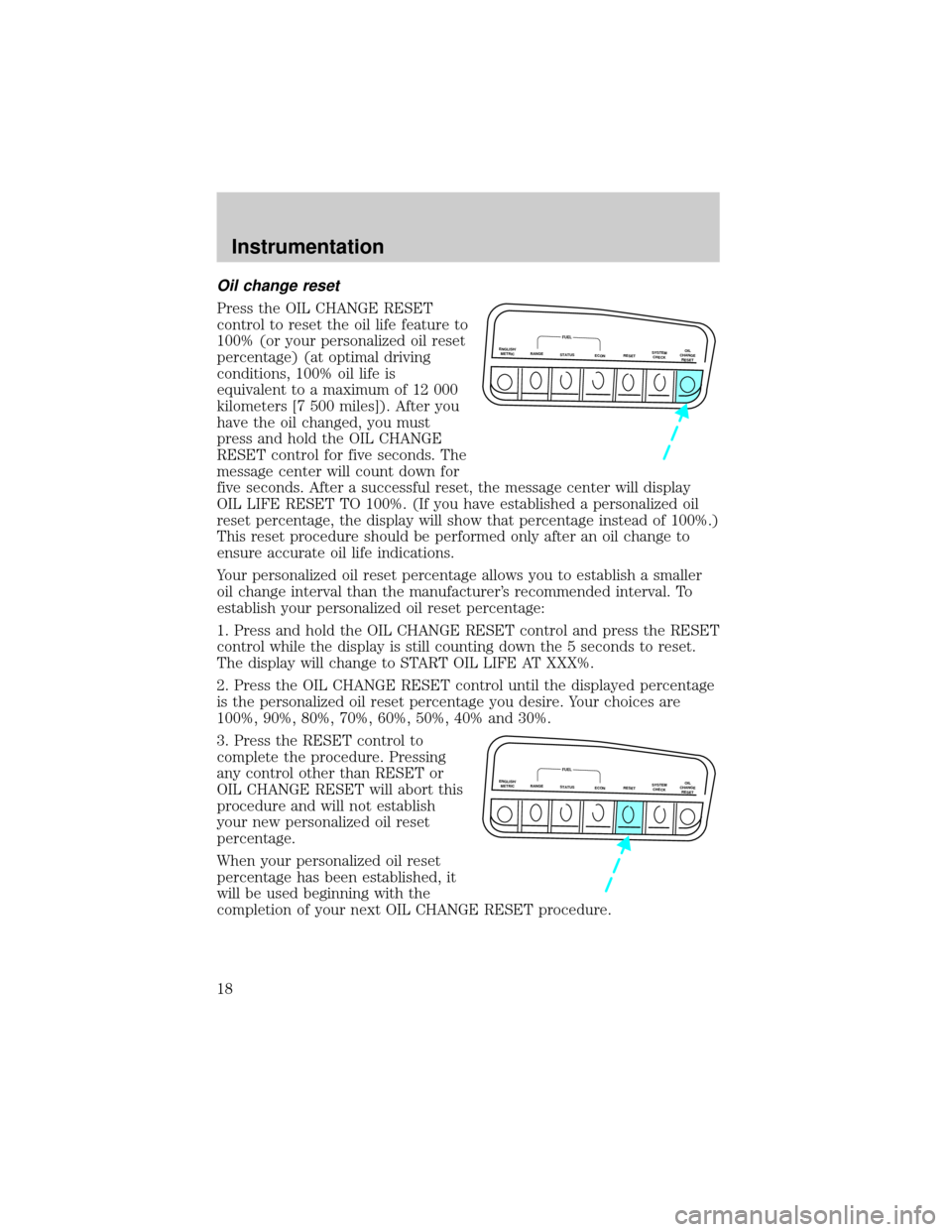
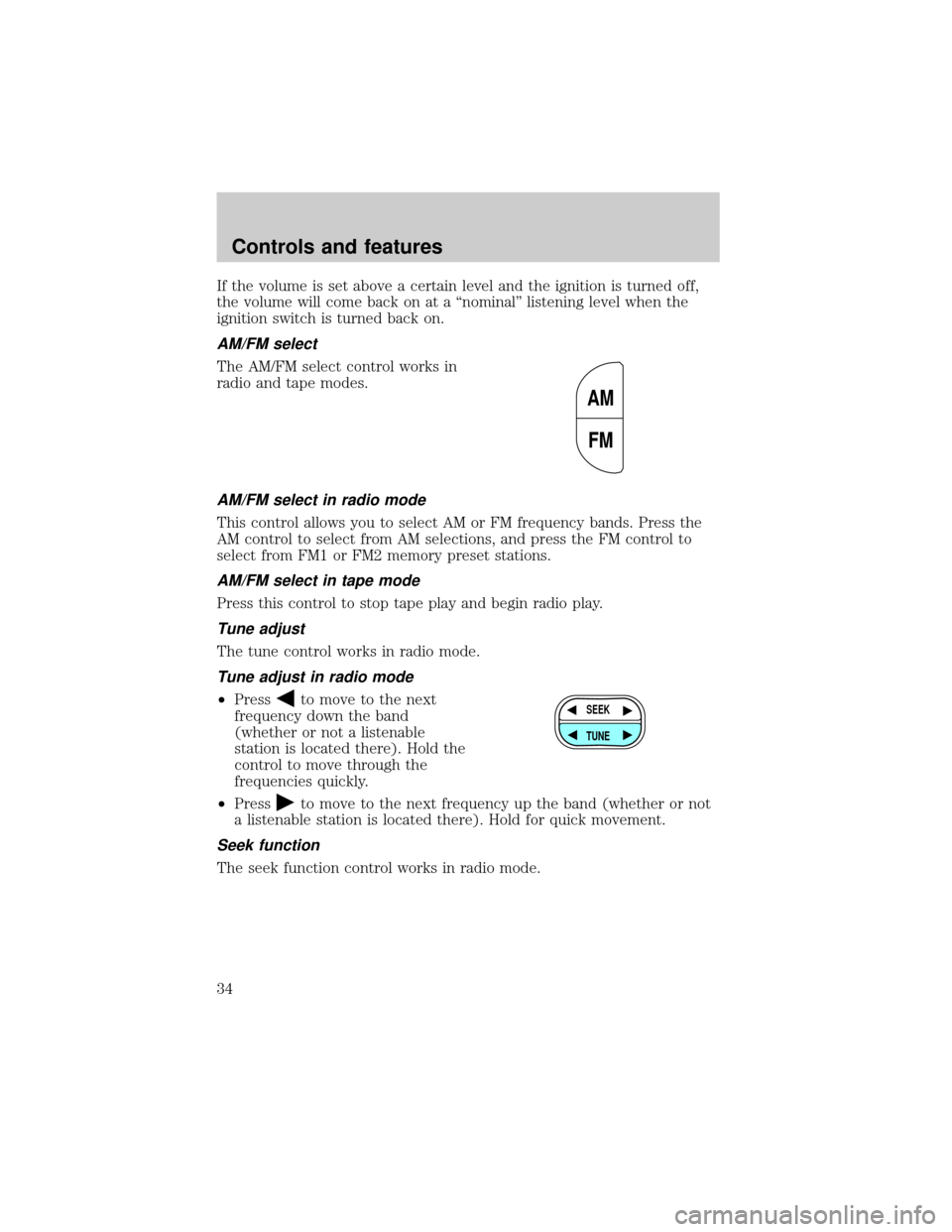
The AM/FM select control works in
radio and tape modes.
AM/FM select in radio mode
This control allows you to select AM or FM frequency bands. Press the
AM control to select from AM selections, and press the FM control to
select from FM1 or FM2 memory preset stations.
AM/FM select in tape mode
Press this control to stop tape play and begin radio play.
Tune adjust
The tune control works in radio mode.
Tune adjust in radio mode
²Pressto move to the next
frequency down the band
(whether or not a listenable
station is located there). Hold the
control to move through the
frequencies quickly.
²Press
to move to the next frequency up the band (whether or not
a listenable station is located there). Hold for quick movement.
Seek function
The seek function control works in radio mode.
AM
FM
SEEK
TUNE
Controls and features
34
Page 35 of 264
Seek function in radio mode
²Pressto find the next
listenable station down the
frequency band.
²Press
to find the next
listenable station up the
frequency band.
Scan function
The scan function works in radio
mode.
Scan function in radio mode
Press the SCAN control to hear a brief sampling of all listenable stations
on the frequency band. Press the SCAN control again to stop the scan
mode.
Radio station memory preset
The radio is equipped with six station memory preset controls. These
controls can be used to select up to six preset AM stations and twelve
FM stations (six in FM1 and six in FM2).
Setting memory preset stations
1. Select the frequency band with the AM or the FM select control.
2. Select a station. Refer toTune adjustorSeek functionfor more
information on selecting a station.
3. Press and hold a memory preset control until the sound returns,
indicating the station is held in memory on the control you selected.
SEEK
TUNE
SCAN
12 3456
Controls and features
35
Page 41 of 264
AM/FM select
The AM/FM select control works in
radio and CD modes.
AM/FM select in radio mode
This control allows you to select AM or FM frequency bands. Press the
control to switch between AM, FM1 or FM2 memory preset stations.
AM/FM select in CD mode
Press this control to stop CD play and begin radio play.
Tune adjust
The tune control works in radio mode.
Tune adjust in radio mode
²Pressto move to the next
frequency down the band
(whether or not a listenable
station is located there). Hold the
control to move through the
frequencies quickly.
²Press
to move to the next frequency up the band (whether or not
a listenable station is located there). Hold for quick movement.
Seek function
The seek function control works in radio or CD mode.
Seek function in radio mode
²Pressto find the next
listenable station down the
frequency band.
CDAM
FM
SEEK
TUNE
SEEK
TUNE
Controls and features
41
Page 42 of 264
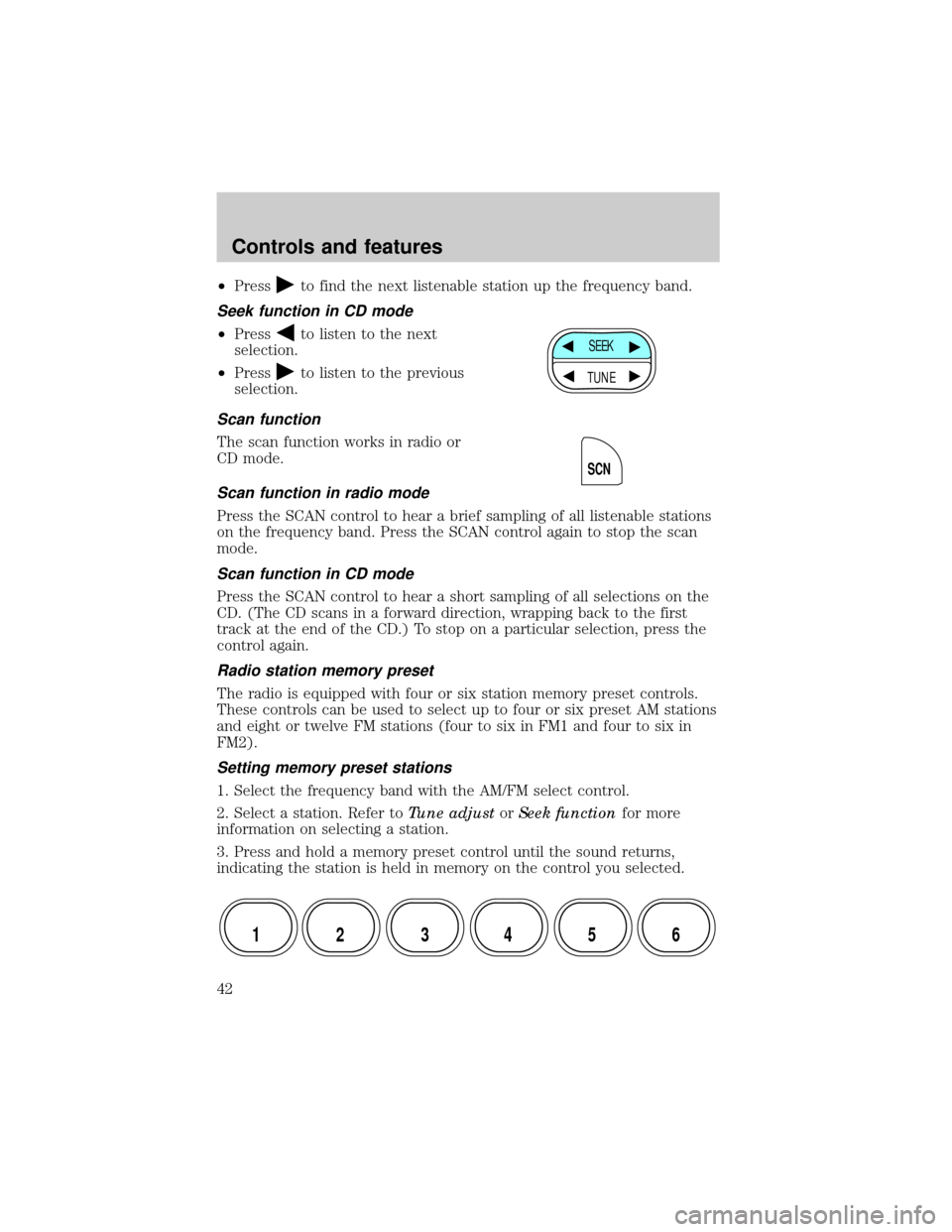
²Pressto find the next listenable station up the frequency band.
Seek function in CD mode
²Pressto listen to the next
selection.
²Press
to listen to the previous
selection.
Scan function
The scan function works in radio or
CD mode.
Scan function in radio mode
Press the SCAN control to hear a brief sampling of all listenable stations
on the frequency band. Press the SCAN control again to stop the scan
mode.
Scan function in CD mode
Press the SCAN control to hear a short sampling of all selections on the
CD. (The CD scans in a forward direction, wrapping back to the first
track at the end of the CD.) To stop on a particular selection, press the
control again.
Radio station memory preset
The radio is equipped with four or six station memory preset controls.
These controls can be used to select up to four or six preset AM stations
and eight or twelve FM stations (four to six in FM1 and four to six in
FM2).
Setting memory preset stations
1. Select the frequency band with the AM/FM select control.
2. Select a station. Refer toTune adjustorSeek functionfor more
information on selecting a station.
3. Press and hold a memory preset control until the sound returns,
indicating the station is held in memory on the control you selected.
SEEK
TUNE
SCN
12 3456
Controls and features
42
Page 47 of 264
If the volume is set above a certain level and the ignition is turned off,
the volume will come back on at a ªnominalº listening level when the
ignition switch is turned back on.
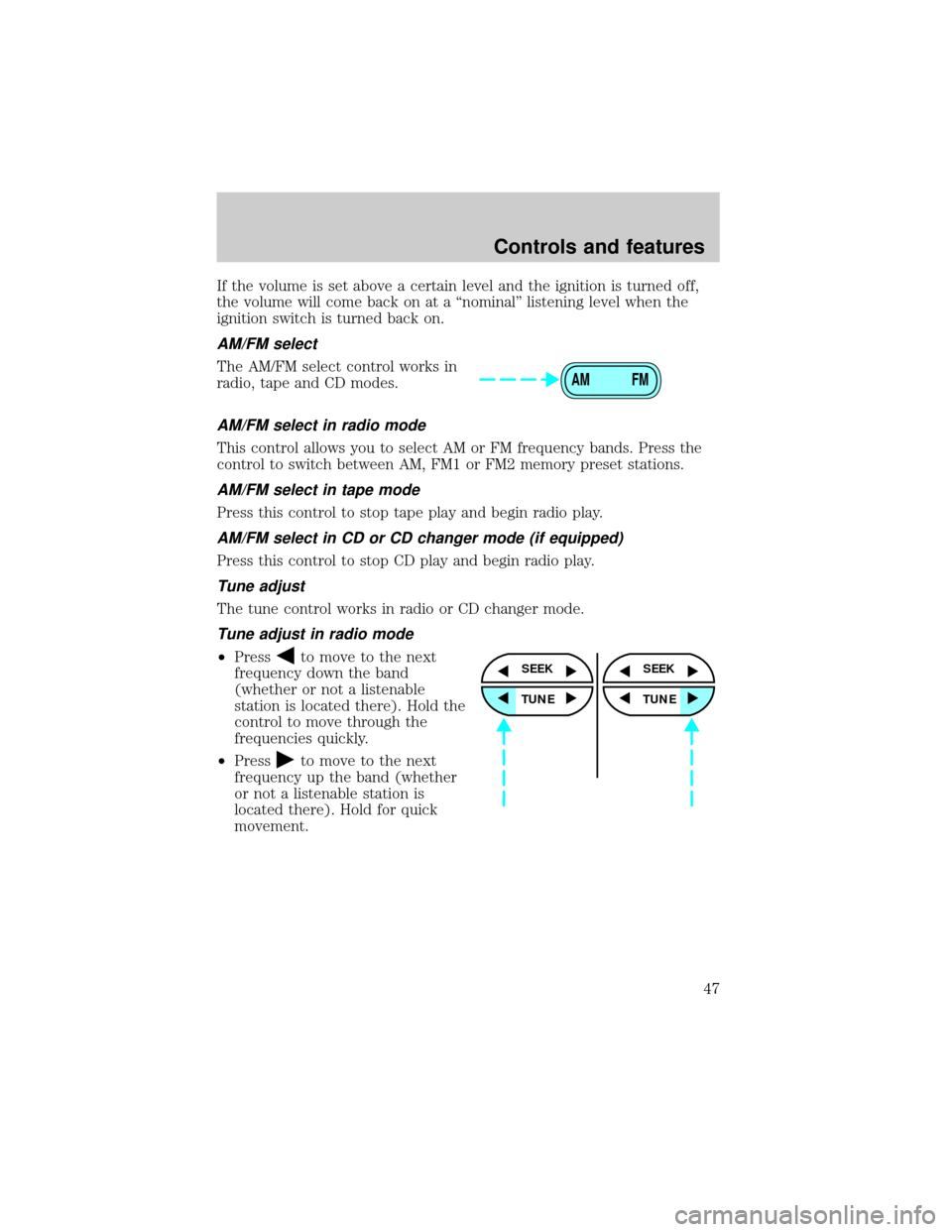
AM/FM select
The AM/FM select control works in
radio, tape and CD modes.
AM/FM select in radio mode
This control allows you to select AM or FM frequency bands. Press the
control to switch between AM, FM1 or FM2 memory preset stations.
AM/FM select in tape mode
Press this control to stop tape play and begin radio play.
AM/FM select in CD or CD changer mode (if equipped)
Press this control to stop CD play and begin radio play.
Tune adjust
The tune control works in radio or CD changer mode.
Tune adjust in radio mode
²Pressto move to the next
frequency down the band
(whether or not a listenable
station is located there). Hold the
control to move through the
frequencies quickly.
²Press
to move to the next
frequency up the band (whether
or not a listenable station is
located there). Hold for quick
movement.
AM FM
SEEK
TUNE
SEEK
TUNE
Controls and features
47
Page 49 of 264
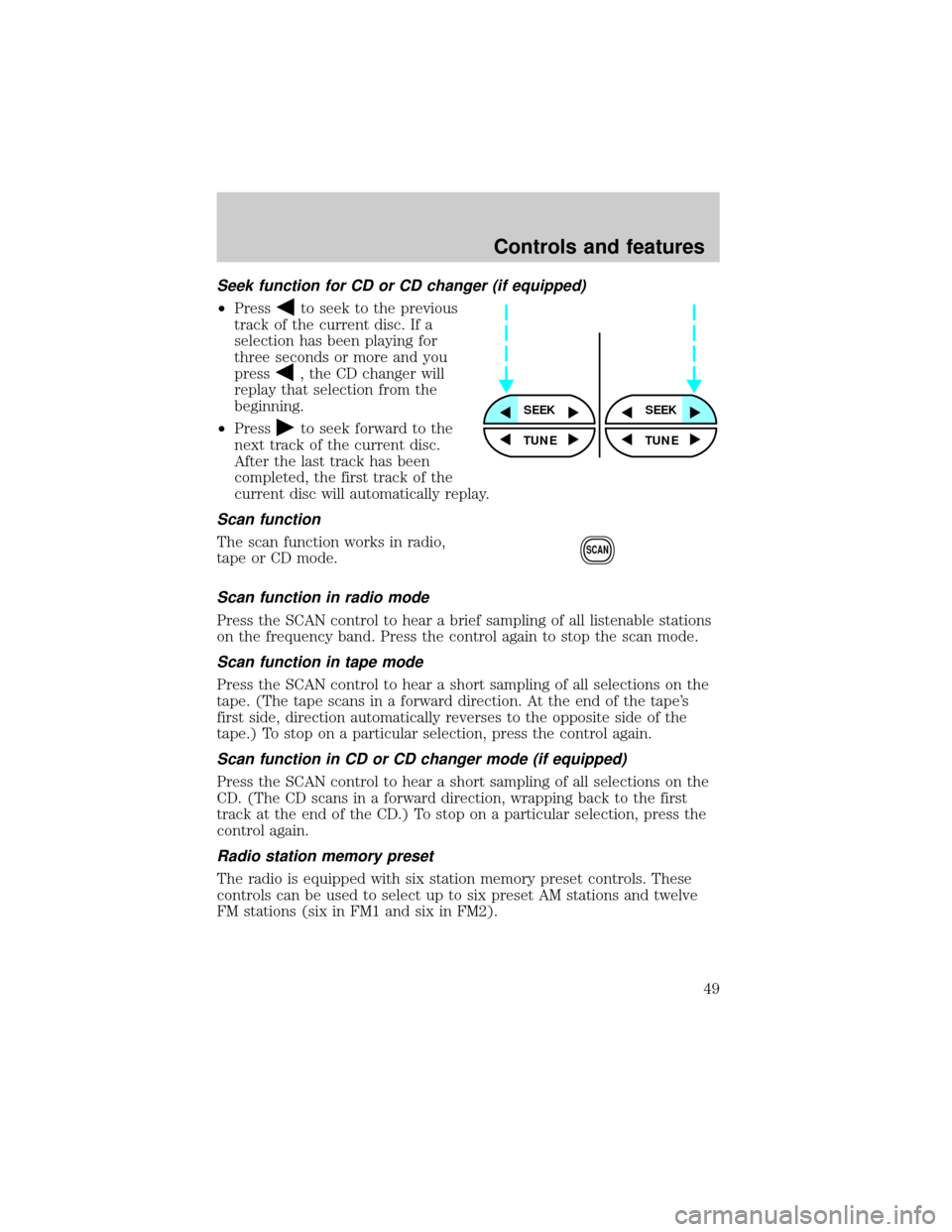
Seek function for CD or CD changer (if equipped)
²Pressto seek to the previous
track of the current disc. If a
selection has been playing for
three seconds or more and you
press
, the CD changer will
replay that selection from the
beginning.
²Press
to seek forward to the
next track of the current disc.
After the last track has been
completed, the first track of the
current disc will automatically replay.
Scan function
The scan function works in radio,
tape or CD mode.
Scan function in radio mode
Press the SCAN control to hear a brief sampling of all listenable stations
on the frequency band. Press the control again to stop the scan mode.
Scan function in tape mode
Press the SCAN control to hear a short sampling of all selections on the
tape. (The tape scans in a forward direction. At the end of the tape's
first side, direction automatically reverses to the opposite side of the
tape.) To stop on a particular selection, press the control again.
Scan function in CD or CD changer mode (if equipped)
Press the SCAN control to hear a short sampling of all selections on the
CD. (The CD scans in a forward direction, wrapping back to the first
track at the end of the CD.) To stop on a particular selection, press the
control again.
Radio station memory preset
The radio is equipped with six station memory preset controls. These
controls can be used to select up to six preset AM stations and twelve
FM stations (six in FM1 and six in FM2).
SEEKSEEK
TUNE TUNE
SCAN
Controls and features
49
Page 50 of 264
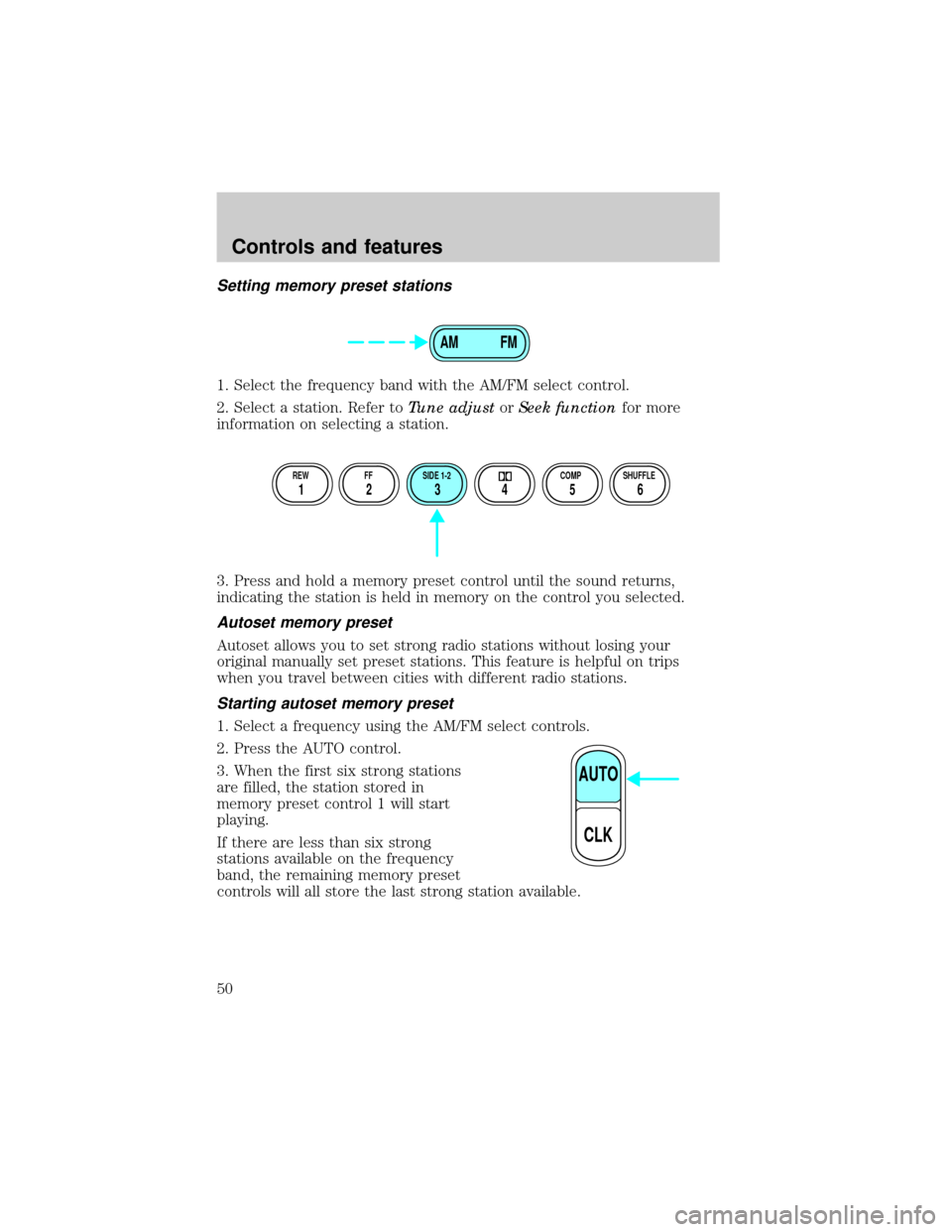
Setting memory preset stations
1. Select the frequency band with the AM/FM select control.
2. Select a station. Refer toTune adjustorSeek functionfor more
information on selecting a station.
3. Press and hold a memory preset control until the sound returns,
indicating the station is held in memory on the control you selected.
Autoset memory preset
Autoset allows you to set strong radio stations without losing your
original manually set preset stations. This feature is helpful on trips
when you travel between cities with different radio stations.
Starting autoset memory preset
1. Select a frequency using the AM/FM select controls.
2. Press the AUTO control.
3. When the first six strong stations
are filled, the station stored in
memory preset control 1 will start
playing.
If there are less than six strong
stations available on the frequency
band, the remaining memory preset
controls will all store the last strong station available.
AM FM
REW FF SIDE 1-2 COMP SHUFFLE
12 3456
AUTO
CLK
Controls and features
50