Page 114 of 440

yellowblue
2-14Entering Programming Mode
To program features that are available on your vehicle,
your vehicle must be in the programming mode. Follow
these steps:
1. The Content Theft
-Deterrent system (if equipped)
must be disarmed. See ªContent Theft
-Deterrent
Systemº in this section.
2. Remove the BCM PRGRM fuse from the instrument
panel fuse block, located to the right of the glove
box. (See ªFuses and Circuit Breakersº in the Index.)
3. Close the driver's door.
4. Turn the ignition key towards you to ACCESSORY.
5. Count the number of chimes you hear. You will hear
two to four chimes depending on the features your
vehicle is equipped with. Refer to the chart
shown previously.
You can now program your choices.
To exit the programming mode, follow the steps listed
under ªExiting Programming Modeº later in
this section.
Delayed Illumination and Exit Lighting
With Delayed Illumination, the interior lamps will stay
on for about 25 seconds after all the doors and the
liftgate are closed.
With Exiting Lighting, the interior lamps will come on
and stay on for about 25 seconds whenever you remove
the key from the ignition.
To customize these features to your preference, see
ªProgrammable Modesº following.
Programmable Modes
Your vehicle can be programmed to one of the
following modes.
Mode 1: Both Features Off (The interior lamps will turn on
or off at the same instant that a door is opened or closed.)
Mode 2: Delayed Illumination Only (The interior lamps
will stay on for about 25 seconds after all the doors and
liftgate are closed, or until you lock the doors.)
Mode 3: Exit Lighting Only (The interior lamps will come
on whenever you remove the key from the ignition and stay
on for about 25 seconds, or until you lock the doors.)
Mode 4: Both Features On (This combines Modes 2 and 3.)
Vehicles are delivered programmed in Mode 4.
Page 133 of 440
yellowblue
2-33
Parking at Night
Park in a lighted spot, close all windows and lock your
vehicle. Remember to keep your valuables out of sight.
Put them in a storage area, or take them with you.
Parking Lots
If you park in a lot where someone will be watching
your vehicle, it's best to lock it up and take your key.
But what if you have to leave your key? What if you
have to leave something valuable in your vehicle?
�Put your valuables in a storage area, like your
glove box.
�If your vehicle has a remote keyless entry system,
take the transmitter with you.
�Lock all the doors except the driver's.
Content Theft-Deterrent (Option)
If your vehicle has this option, it has a theft-deterrent
alarm system.
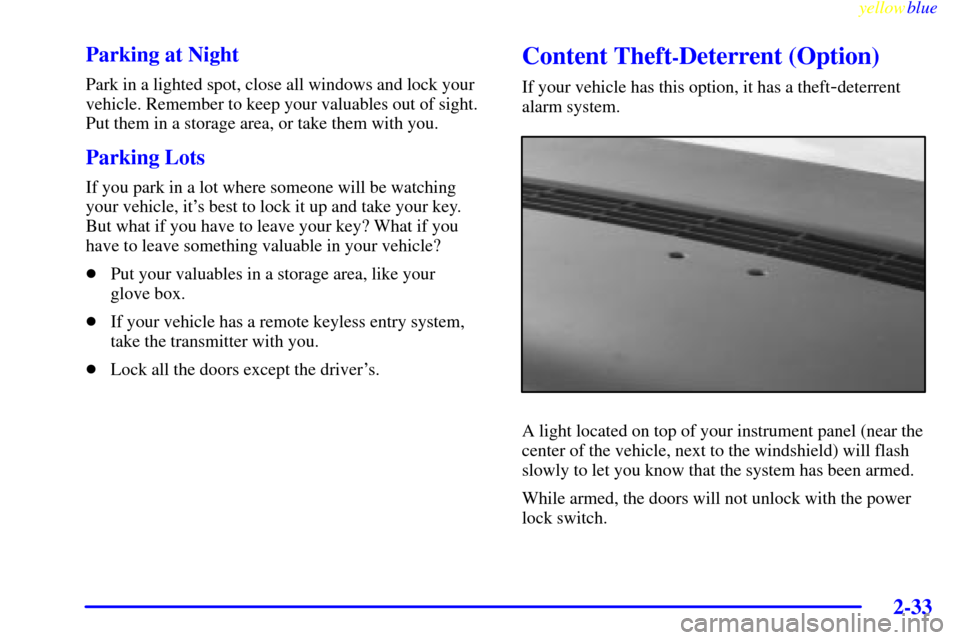
A light located on top of your instrument panel (near the
center of the vehicle, next to the windshield) will flash
slowly to let you know that the system has been armed.
While armed, the doors will not unlock with the power
lock switch.
Page 163 of 440

yellowblue
2-63
When it's dark enough outside, the exterior lamps will
come on automatically. When it's bright enough outside,
the exterior lamps will go out and the DRL will turn on.
Of course, you may still turn on the headlamps any time
you need to.
To idle your vehicle with the DRL off, set the parking
brake while the ignition is in OFF or LOCK. Then start
the vehicle. The DRL will stay off until you release the
parking brake.
As with any vehicle, you should turn on the regular
headlamp system when you need it.
Interior Lamps
Instrument Panel Intensity Control
Turn the control, located below the headlamps switch,
clockwise to increase the brightness of the instrument
panel lights, and counterclockwise to decrease the
brightness. Turn the control all the way
counterclockwise to turn them off.
Interior Lamps Control
Turn the dial all the way clockwise to turn on the
interior lamps, if the interior lamps override switch is
off. Turn the dial counterclockwise to turn the lamps off.
Interior Lamps Override Switch
This switch is located in the
overhead console
switchbank. Press the
symbol on the bottom of the
switch to override control of
the interior lamps and turn
off power to the courtesy
lamps, reading lamps and
glove box lamp.
Press the top of the interior lamps override switch to
turn power back on to the interior lamps. This will allow
the lamps to stay on when any door is open.
Page 168 of 440
yellowblue
2-68
Storage Compartments
Your vehicle's large carrying capacity can store many
items. If you have the extended wheelbase version, you
can carry things as large as a 4� x 8� piece of plywood.
You can also use the floor pins that are used to attach the
seats, to secure larger loads. This section also describes
storage areas for specific items like sunglasses and cups.
Glove Box
Your vehicle has a glove box below the instrument
panel. To open the glove box, lift the latch release. Use
the key to lock or unlock the glove box.
The glove box door has a detent to prevent the door
from lowering too far. Open the glove box until the door
is partway open, then pull the door down if you need it
fully open. To close the glove box, the door must be
pushed up past the detent.
In the door of the glove box, you will find a tissue pack
holder and clip for a pen or pencil.
Compact Overhead Console
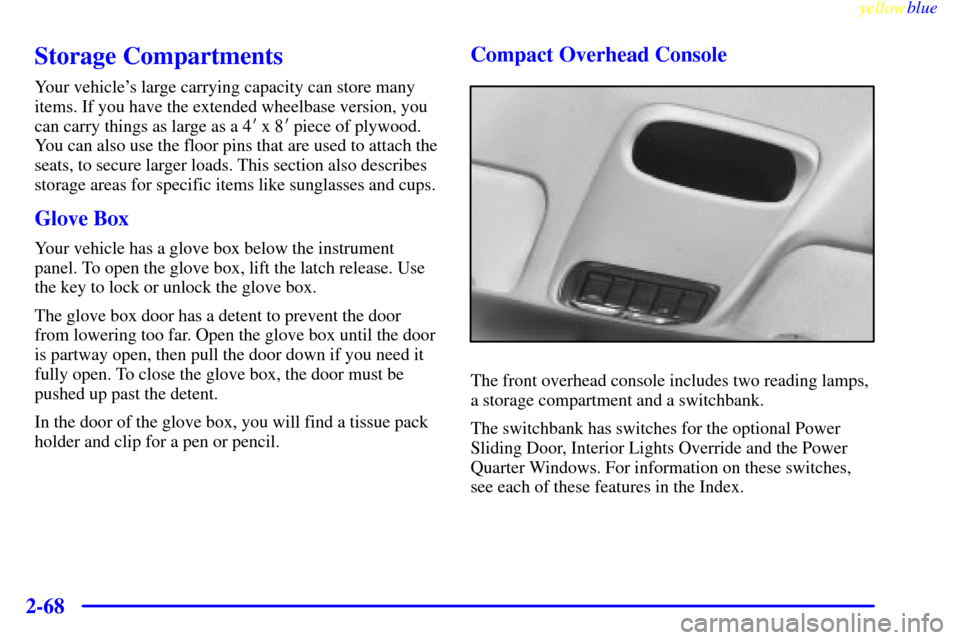
The front overhead console includes two reading lamps,
a storage compartment and a switchbank.
The switchbank has switches for the optional Power
Sliding Door, Interior Lights Override and the Power
Quarter Windows. For information on these switches,
see each of these features in the Index.
Page 171 of 440
yellowblue
2-71
Sunglasses Storage Compartment
To open the sunglasses storage compartment in the
overhead console, press the release button. Then pull the
compartment down to the full open position.
Storage Bin
At the base of the center instrument panel console, there
is a storage bin. To open the bin, lift the latch release
and the door will fold down.
Inside the bin, you will find a tray that slides out. Slide
the tray all the way toward the rear of the vehicle until
the tray locks onto the plastic tabs at the end of the guide
rails. The tray holds CDs or cassettes in the center area.
You can also store cassettes in the left side area. The
right side area can hold either the coinholder, which lifts
out, or another cassette. The tray can be removed for
cleaning or when you want to replace the selection of
CDs or cassettes. Slide the tray back into the storage bin
before closing the bin door. The tray can also be placed
in the glove box for locked storage if desired.
Page 181 of 440
yellowblue
2-81
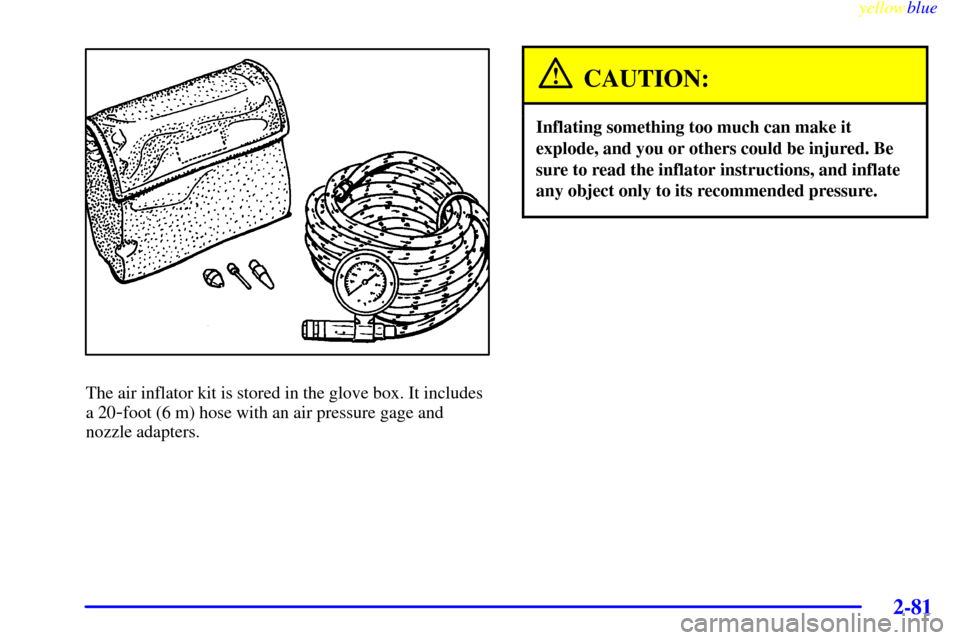
The air inflator kit is stored in the glove box. It includes
a 20
-foot (6 m) hose with an air pressure gage and
nozzle adapters.
CAUTION:
Inflating something too much can make it
explode, and you or others could be injured. Be
sure to read the inflator instructions, and inflate
any object only to its recommended pressure.
Page 182 of 440

yellowblue
2-82
To use your air inflator system, the engine must be
running or the ignition key in ACCESSORY. Attach the
appropriate nozzle adapter, if required, to the end of the
hose that has the pressure gage. Then attach that end of
the hose to the object you wish to inflate. Remove the
protective cap covering the outlet. Attach the other end
of the hose to the outlet. Press the ON switch.If the air inflator system does not turn on, the fuse may
be blown or installed incorrectly. See ªFuses and Circuit
Breakersº in the Index or see your dealer for service.
Your air inflator will automatically shut off after about
10 minutes. To reset, press the ON switch again.
Don't run your air inflator for longer than 30 minutes at
one time. If you do, you may damage the system. After
30 minutes, wait at least 10 minutes before restarting the
air inflator.
To turn off the inflator, press OFF and detach the hose,
first from the inflated object, then from the outlet.
Replace the protective cap. Place the inflator kit tools in
the pouch, and store in the glove box.
To replace the cover, line up the tabs at the back of the
cover and put it in place. Push down the tab to secure
the cover.
Page 185 of 440
yellowblue
2-85
The main components of the instrument panel are:
A. Side Vents
B. Front Vents
C. Turn Signal/Multifunction Lever
D. Hazard Warning Flashers Switch
E. Instrument Panel Cluster
F. Center Vents
G. Audio System
H. Side Vents
I. Lamp Switch
J. Hood Release
K. HornL. Ignition Switch
M. Climate Controls
N. Rear Fan Controls (Option)
O. Accessory Power Outlet
P. Storage Bin
Q. Remote CD Player (Option)
R. Instrument Panel Switchbank
S. Ashtray and Cigarette Lighter
T. Glove Box
U. Front Vents
V. Instrument Panel Fuse Block