Page 136 of 328
yellowblue
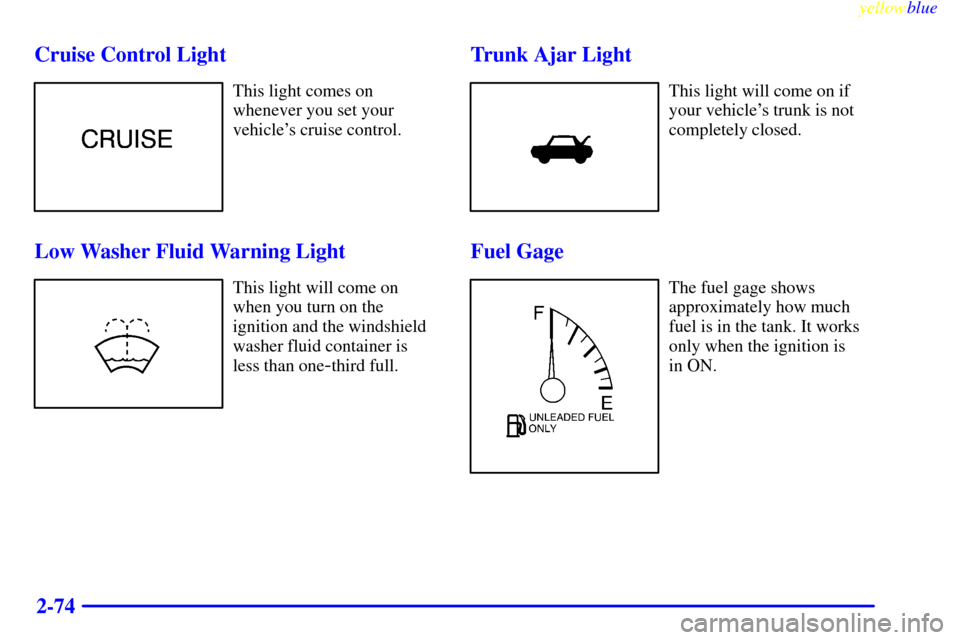
2-74 Cruise Control Light
This light comes on
whenever you set your
vehicle's cruise control.
Low Washer Fluid Warning Light
This light will come on
when you turn on the
ignition and the windshield
washer fluid container is
less than one
-third full.
Trunk Ajar Light
This light will come on if
your vehicle's trunk is not
completely closed.
Fuel Gage
The fuel gage shows
approximately how much
fuel is in the tank. It works
only when the ignition is
in ON.
Page 139 of 328

3-
yellowblue
3-1
Section 3 Comfort Controls and Audio Systems
In this section, you'll find out how to operate the comfort control and audio systems offered with your vehicle. Be
sure to read about the particular systems supplied with your vehicle.
3
-2 Comfort Controls
3
-2 Electronic Climate Control (ECC)
3
-3 Automatic Operation
3
-4 Manual Operation
3
-6 Air Conditioning
3
-6 Heating
3
-6 Defrosting
3
-7 Rear Window Defogger
3
-7 Ventilation System
3
-9 Audio Systems
3
-9 Setting the Clock
3
-9AM-FM Stereo with Cassette Tape Player
3
-13 AM-FM Stereo with Cassette Tape and
Compact Disc Player with Radio Data
Systems (RDS) (If Equipped)3
-22 Radio Data Systems (RDS) Program Type
(PTY) Selections
3
-23 CD Adapter Kits
3
-23 Trunk-Mounted CD Changer (Option)
3
-27 Theft-Deterrent Feature
3
-27 Audio Steering Wheel Controls
3
-28 Understanding Radio Reception
3
-28 Tips About Your Audio System
3
-29 Care of Your Cassette Tape Player
3
-30 Care of Your Compact Discs
3
-31 Care of Your Compact Disc Player
3
-31 Heated Backlite Antenna
Page 161 of 328
yellowblue
3-23 CD Adapter Kits
It is possible to use a CD adapter kit with your cassette
tape player after activating the bypass feature on your
tape player.
To activate the bypass feature, use the following steps:
1. Turn the ignition to ON (II).
2. Turn the radio off.
3. Press and hold the SOURCE button for two seconds.
The tape symbol on the display will flash three
times, indicating the feature is active.
4. Insert the adapter.
This override routine will remain active until the eject
button is pressed.
Trunk-Mounted CD Changer (Option)
With the compact disc changer, you can play up to
12 discs continuously. Normal size discs may be played
using the trays supplied in the magazine. The smaller
discs (8 cm) can be played only with specially
designed trays.
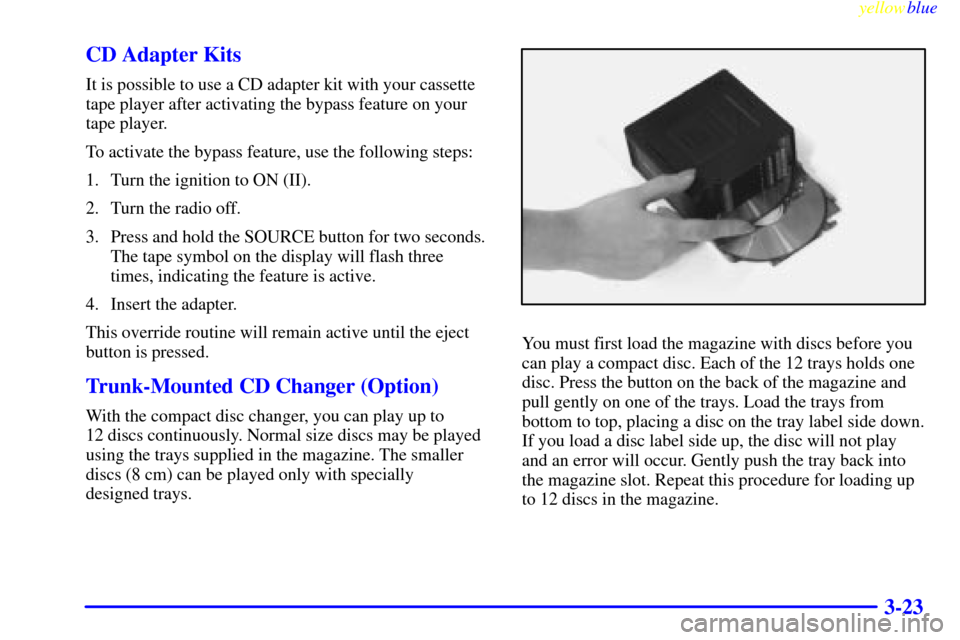
You must first load the magazine with discs before you
can play a compact disc. Each of the 12 trays holds one
disc. Press the button on the back of the magazine and
pull gently on one of the trays. Load the trays from
bottom to top, placing a disc on the tray label side down.
If you load a disc label side up, the disc will not play
and an error will occur. Gently push the tray back into
the magazine slot. Repeat this procedure for loading up
to 12 discs in the magazine.
Page 166 of 328
yellowblue
3-28
�(BAND): Press this button to change between AM,
FM1 or FM2 for the radio. This button also changes a
tape to the other side, restarts a CD if playing a single
CD or goes to the next available CD loaded in the
trunk
-mounted CD changer.
+: Pressing this button increases volume.
-: Pressing this button decreases volume.
o (SOURCE): To change to a tape or CD, press
this button.
Understanding Radio Reception
AM
The range for most AM stations is greater than for FM,
especially at night. The longer range, however, can
cause stations to interfere with each other. AM can pick
up noise from things like storms and power lines. Try
reducing the treble to reduce this noise if you ever get it.FM Stereo
FM stereo will give you the best sound, but FM signals
will reach only about 10 to 40 miles (16 to 65 km). Tall
buildings or hills can interfere with FM signals, causing
the sound to come and go.
Weather Band (If Equipped)
Weather band is restricted to speech and the audio
quality is not as good as with the AM or FM bands.
Depending on location, the radio should receive one or
two channels.Tips About Your Audio System
Hearing damage from loud noise is almost undetectable
until it is too late. Your hearing can adapt to higher
volumes of sound. Sound that seems normal can be loud
and harmful to your hearing. Take precautions by
adjusting the volume control on your radio to a safe
sound level before your hearing adapts to it.
Page 194 of 328
yellowblue
4-24
CAUTION:
Coasting downhill in NEUTRAL (N) or with the
ignition off is dangerous. Your brakes will have to
do all the work of slowing down. They could get so
hot that they wouldn't work well. You would then
have poor braking or even none going down a hill.
You could crash. Always have your engine running
and your vehicle in gear when you go downhill.
�Know how to go uphill. You may want to shift down
to a lower gear. The lower gears help cool your engine
and transmission, and you can climb the hill better.
�Stay in your own lane when driving on two
-lane
roads in hills or mountains. Don't swing wide or cut
across the center of the road. Drive at speeds that let
you stay in your own lane.
�As you go over the top of a hill, be alert. There could be
something in your lane, like a stalled car or an accident.
�You may see highway signs on mountains that warn of
special problems. Examples are long grades, passing or
no
-passing zones, a falling rocks area or winding
roads. Be alert to these and take appropriate action.
Winter Driving
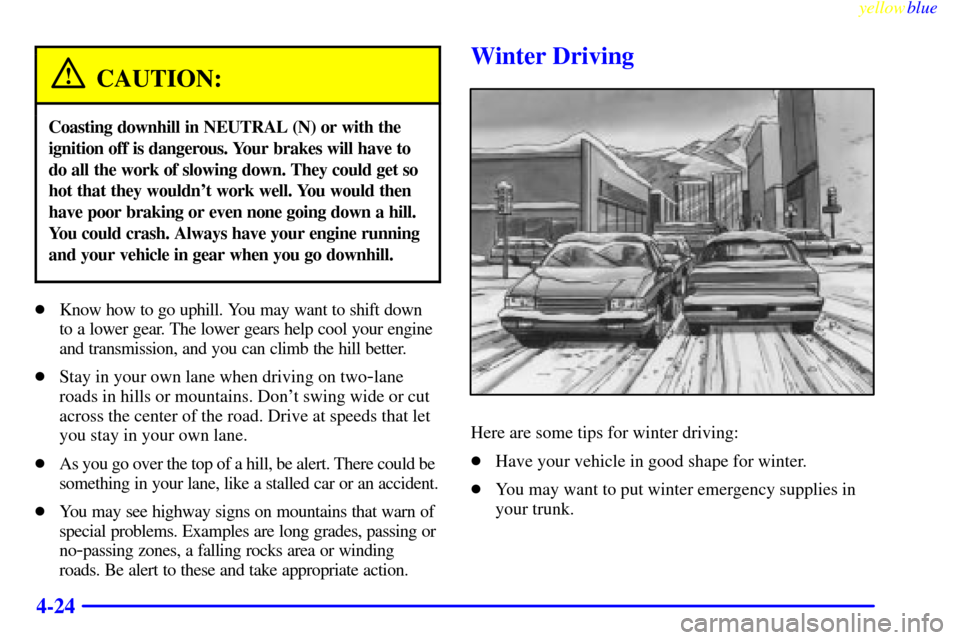
Here are some tips for winter driving:
�Have your vehicle in good shape for winter.
�You may want to put winter emergency supplies in
your trunk.
Page 199 of 328

yellowblue
4-29
Loading Your Vehicle
Two labels on your vehicle show how much weight it
may properly carry. The Tire
-Loading Information label
found on the rear edge of the driver's door tells you the
proper size, speed rating and recommended inflation
pressures for the tires on your vehicle. It also gives you
important information about the number of people that
can be in your vehicle and the total weight that you can
carry. This weight is called the Vehicle Capacity Weight
and includes the weight of all occupants, cargo and all
options not installed at the factory.
The other label is the certification label, found on the
rear edge of the driver's door. It tells you the gross
weight capacity of your vehicle, called the Gross
Vehicle Weight Rating (GVWR). The GVWR includes
the weight of the vehicle, all occupants, fuel and cargo.
Never exceed the GVWR for your vehicle, or the Gross
Axle Weight Rating (GAWR) for either the front or
rear axle.
If you do have a heavy load, you should spread it out.
Don't carry more than 176 lbs. (80 kg) in the trunk.
Page 200 of 328
yellowblue
4-30
CAUTION:
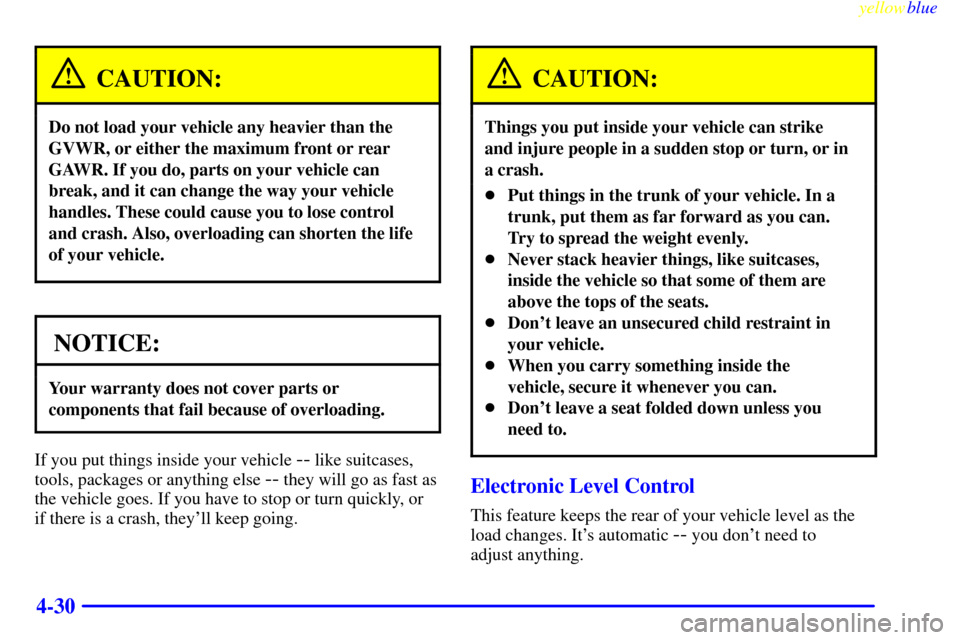
Do not load your vehicle any heavier than the
GVWR, or either the maximum front or rear
GAWR. If you do, parts on your vehicle can
break, and it can change the way your vehicle
handles. These could cause you to lose control
and crash. Also, overloading can shorten the life
of your vehicle.
NOTICE:
Your warranty does not cover parts or
components that fail because of overloading.
If you put things inside your vehicle -- like suitcases,
tools, packages or anything else
-- they will go as fast as
the vehicle goes. If you have to stop or turn quickly, or
if there is a crash, they'll keep going.
CAUTION:
Things you put inside your vehicle can strike
and injure people in a sudden stop or turn, or in
a crash.
�Put things in the trunk of your vehicle. In a
trunk, put them as far forward as you can.
Try to spread the weight evenly.
�Never stack heavier things, like suitcases,
inside the vehicle so that some of them are
above the tops of the seats.
�Don't leave an unsecured child restraint in
your vehicle.
�When you carry something inside the
vehicle, secure it whenever you can.
�Don't leave a seat folded down unless you
need to.
Electronic Level Control
This feature keeps the rear of your vehicle level as the
load changes. It's automatic
-- you don't need to
adjust anything.
Page 227 of 328
yellowblue
5-19 Removing the Spare Tire and Tools
The equipment you'll need is in the trunk. On the
driver's side of the trunk is the spare tire. Pull the
fasteners on the spare tire cover to access the tire.
Unbuckle the tire and lift it up to remove it from
the trunk.