Page 164 of 339

Downloaded from www.Manualslib.com manuals search engine 01-156
ABS warning light -K47-
Electrical Wiring Diagrams,
Troubleshooting & Component Locations
binder
If the ABS warning light -K47- -1- does
not go out after switching ignition on and
completion of test sequence then the
malfunction may be:
-a- Voltage supply is below 10 Volt
-b- There is a malfunction in the ABS
The anti-locking brake system remains
switched off with an ABS malfunction -b-,
but the brake system remains fully
operational.
-c- Since the last time the vehicle was
started there was a temporary speed
sensor malfunction.
In the case of a sensor malfunction -c-,
the ABS warning light -K47- will
extinguish after restarting the engine and
attaining a speed of above 20 km/h
(approx. 13 mph).
-d- The connection from instrument
cluster to ABS Control Module (w/EDL) -
J104- is interrupted (open circuit).
-e- Instrument cluster is faulty.
Стр. 2из 4 Diagnostic Trouble Codes (DTCs) displayed by warning lights -K47-, -K118- and -K155-
Page 165 of 339
Downloaded from www.Manualslib.com manuals search engine 01-157
Warning lights -K47- and -K118-
Electrical Wiring Diagrams,
Troubleshooting & Component Locations
binder
WARNING!
After the ABS warning light -K47- and
warning light for brake system -K118-
have illuminated, it is possible that the
rear wheels will lock-up earlier when
braking.
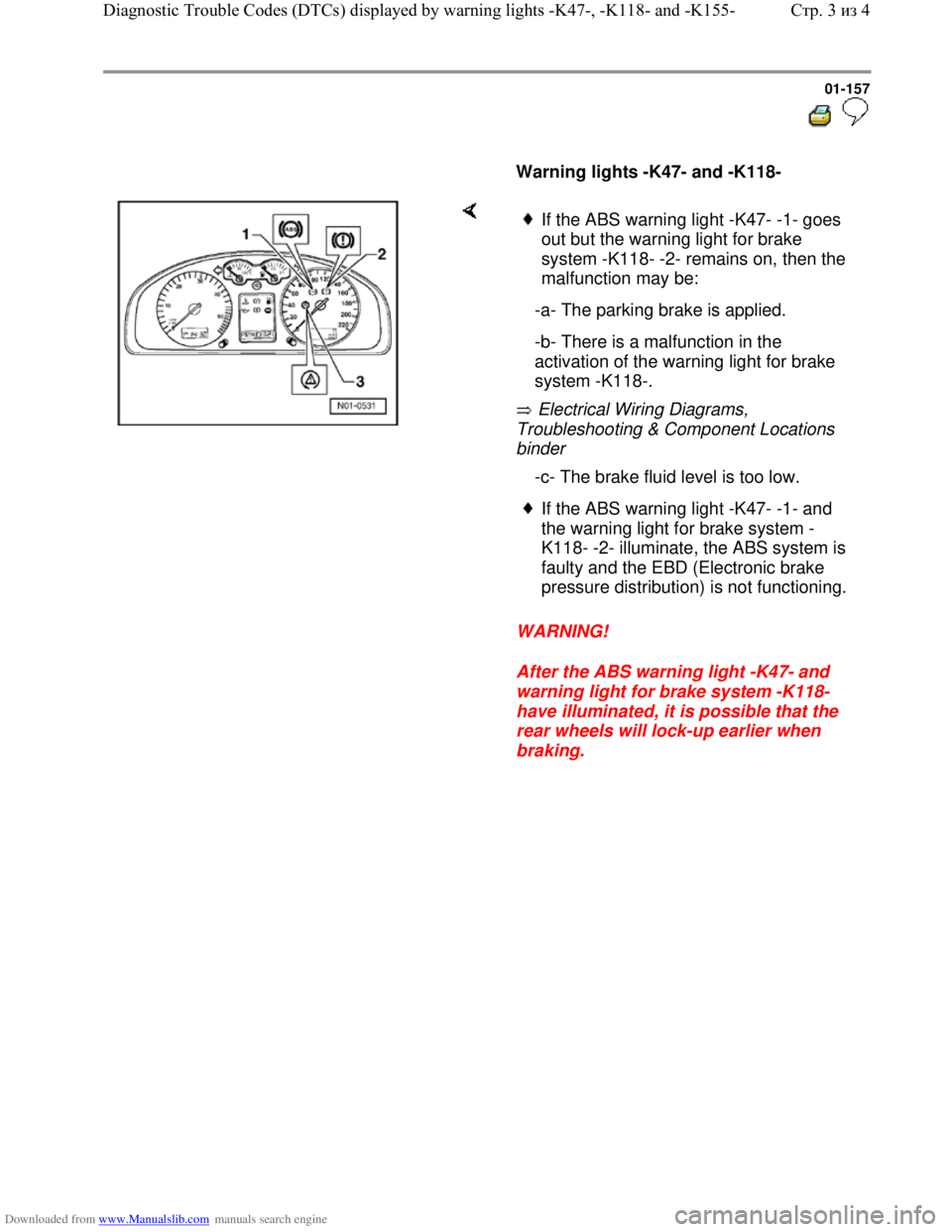
If the ABS warning light -K47- -1- goes
out but the warning light for brake
system -K118- -2- remains on, then the
malfunction may be:
-a- The parking brake is applied.
-b- There is a malfunction in the
activation of the warning light for brake
system -K118-.
-c- The brake fluid level is too low.
If the ABS warning light -K47- -1- and
the warning light for brake system -
K118- -2- illuminate, the ABS system is
faulty and the EBD (Electronic brake
pressure distribution) is not functioning.
Стр. 3из 4 Diagnostic Trouble Codes (DTCs) displayed by warning lights -K47-, -K118- and -K155-
Page 166 of 339
Downloaded from www.Manualslib.com manuals search engine 01-158
ASR/ESP Control Lamp -K155-
Electrical Wiring Diagrams,
Troubleshooting & Component Locations
binder
If ASR/ESP control lamp -K155- flashes
while driving, the ASR or ESP system is
regulating the system.
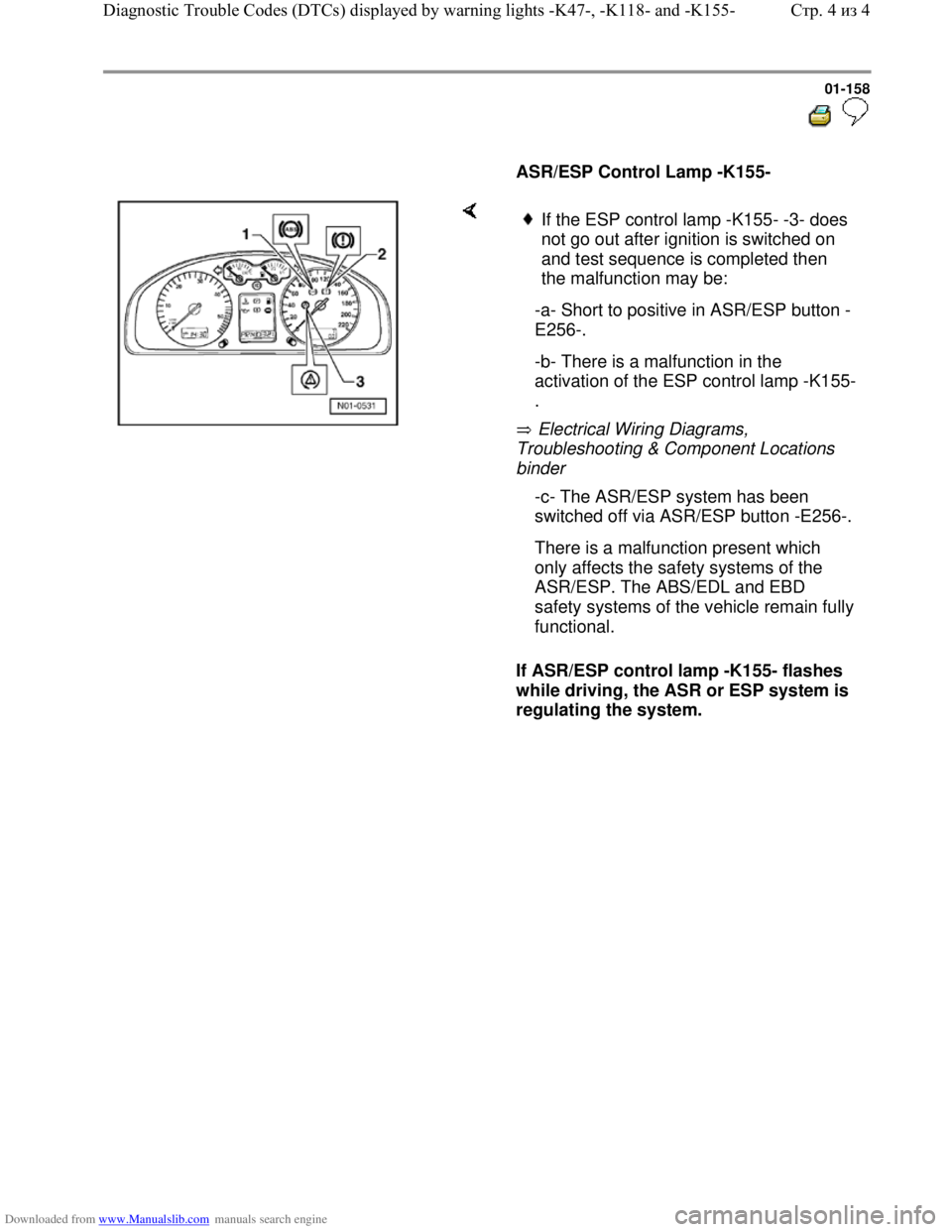
If the ESP control lamp -K155- -3- does
not go out after ignition is switched on
and test sequence is completed then
the malfunction may be:
-a- Short to positive in ASR/ESP button -
E256-.
-b- There is a malfunction in the
activation of the ESP control lamp -K155-
.
-c- The ASR/ESP system has been
switched off via ASR/ESP button -E256-.
There is a malfunction present which
only affects the safety systems of the
ASR/ESP. The ABS/EDL and EBD
safety systems of the vehicle remain fully
functional.
Стр. 4из 4 Diagnostic Trouble Codes (DTCs) displayed by warning lights -K47-, -K118- and -K155-
Page 172 of 339
Downloaded from www.Manualslib.com manuals search engine 01-164
Note:
The ABS function is switched off in the control
module during the OBD. This is indicated by th
e
flashing of ABS warning light -K47- and warning
light for brake system -K118-. If there is a
malfunction currently, it will be indicated by the
lights being on constantly.
The DTC memory can be erased after
successful check and repair.
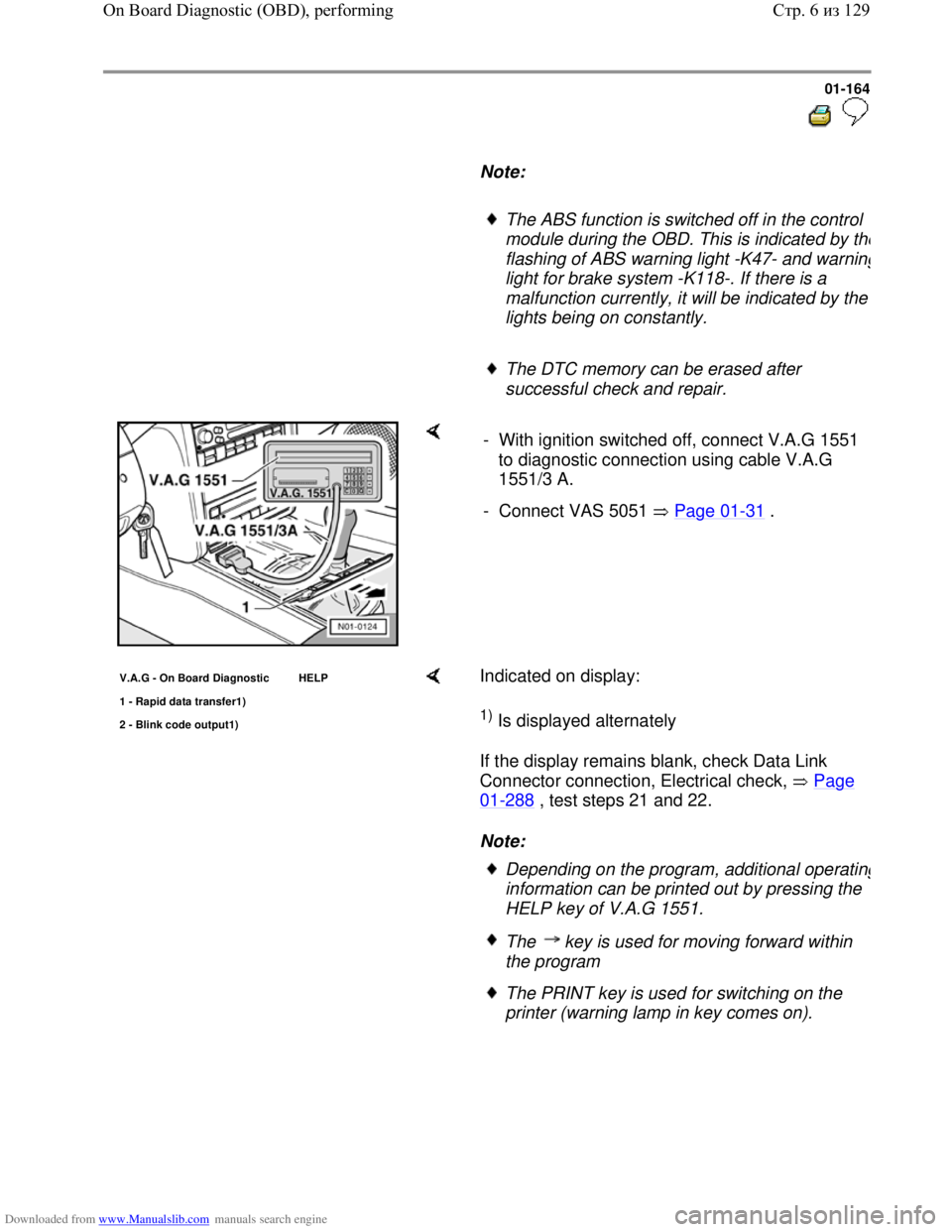
- With ignition switched off, connect V.A.G 1551
to diagnostic connection using cable V.A.G
1551/3 A.
- Connect VAS 5051 Page 01
-31 .
V.A.G - On Board Diagnostic HELP
1 - Ra
pid data transfer1)
2 - Blink code output1)
Indicated on display:
1) Is displayed alternately
If the display remains blank, check Data Link
Connector connection, Electrical check, Page
01-288 , test steps 21 and 22.
Note:
Depending on the program, additional operating
information can be printed out by pressing the
HELP key of V.A.G 1551.
The key is used for moving forward within
the program
The PRINT key is used for switching on the
printer (warning lamp in key comes on).
Стр. 6из 129 On Board Diagnostic (OBD), performing
Page 260 of 339

Downloaded from www.Manualslib.com manuals search engine 01-252
Read measured value block
4 Display group number: 004
0.0
0.0m/s2-
1.26 /s
Indicated on display (example)
Vacant
Sender for rotation rate:
Specification when vehicle is stationary:+/- 2.5 /s
Perform electrical check from Page 01-288
Sensor for transverse acceleration:
Specification when vehicle stationary:+/- 1.5m/s2
Specification at full lock at a speed of 20 km/h (13 mph) in a left-hand
curve: the values increase steadily.
Specification at full lock at a speed of 20 km/h (13 mph) in a right-hand
curve: the values increase steadily with a negative (-) sign.
Check lateral acceleration sensor -G200- Page 01-253
Perform electrical check from from Page 01-288
Steering angle sensor:
If the steering angle sensor -G85- is tested during straight-ahead travel, then zero
compensation must also be performed.
1)
Specification at straight ahead 4.5
Perform electrical checks from Page 01-288
- Initiate basic setting Page 01-264 Display group number 060
1) During a test drive with the V.A.G 1551 scan tool or tester VAS 5051 connected and in
"Diagnosis" or "Measured value block", there is no ABS or ESP regulation. The ABS or ESP
warning lights will flash. The OBD of ABS control module (w/EDL) -J104- is terminated when a
speed of 20 km/h (13 mph) is exceeded.
Стр. 94из 129 On Board Diagnostic (OBD), performing
Page 282 of 339
Downloaded from www.Manualslib.com manuals search engine 01-274
- or:
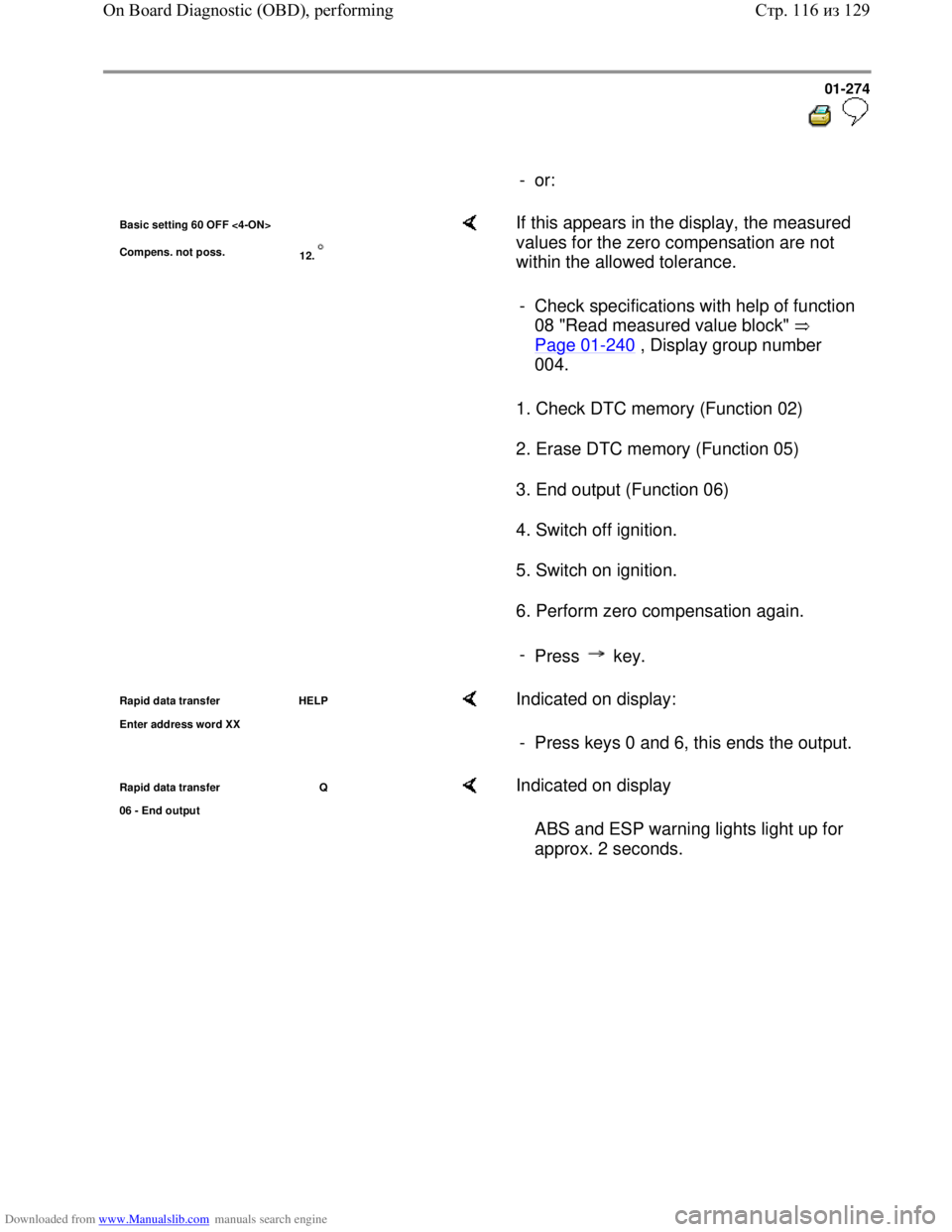
Basic setting 60 OFF <4-ON>
Compens. not poss.
12. If this appears in the display, the measured
values for the zero compensation are not
within the allowed tolerance.
1. Check DTC memory (Function 02)
2. Erase DTC memory (Function 05)
3. End output (Function 06)
4. Switch off ignition.
5. Switch on ignition.
6. Perform zero compensation again. - Check specifications with help of function
08 "Read measured value block"
Page 01
-240 , Display group number
004.
-
Press key.
Rapid data transfer HELP
Enter address word XX Indicated on display:
- Press keys 0 and 6, this ends the output.
Rapid data transfer Q
06 - End output Indicated on display
ABS and ESP warning lights light up for
approx. 2 seconds.
Стр. 116из 129 On Board Diagnostic (OBD), performing
Page 285 of 339
Downloaded from www.Manualslib.com manuals search engine 01-277
1. Check DTC memory (Function 02)
2. Erase DTC memory (Function 05)
3. End output (Function 06)
4. Switch off ignition.
5. Switch on ignition.
6. Perform zero compensation again.
-
Press key.
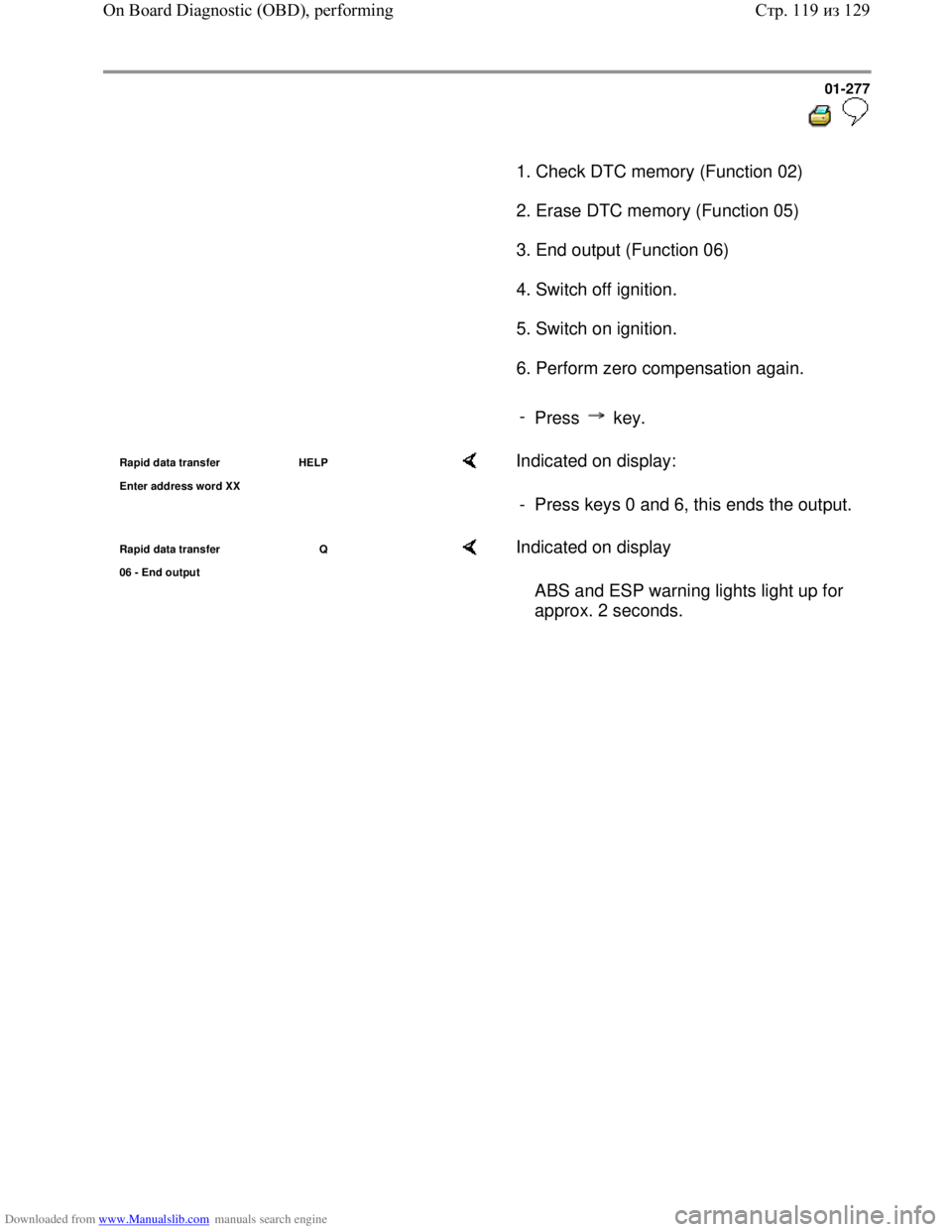
Rapid data transfer HELP
Enter address word XX Indicated on display:
- Press keys 0 and 6, this ends the output.
Rapid data transfer Q
06 - End output Indicated on display
ABS and ESP warning lights light up for
approx. 2 seconds.
Стр. 119из 129 On Board Diagnostic (OBD), performing
Page 288 of 339
Downloaded from www.Manualslib.com manuals search engine 01-280
1. Check DTC memory (Function 02)
2. Erase DTC memory (Function 05)
3. End output (Function 06)
4. Switch off ignition.
5. Switch on ignition.
6. Perform zero compensation again.
-
Press key.
Rapid data transfer HELP
Enter address word XX Indicated on display:
- Press keys 0 and 6, this ends the output.
Rapid data transfer Q
06 - End output Indicated on display
ABS and ESP warning lights light up for
approx. 2 seconds.
Стр. 122из 129 On Board Diagnostic (OBD), performing