1998 NISSAN FRONTIER radio
[x] Cancel search: radioPage 98 of 224

Loose tape may cause jamming and
wavering sound quality.
cOver a period of time, the playback
head, capstan and pinch roller may
gather a tape coating residue as the
tape is played. This residue accumu-
lation can cause a weak or wavering
sound and should be removed peri-
odically with a head cleaning tape. If
the residue is not removed periodi-
cally, the player may need to be dis-
assembled for cleaning.
PLAY/STOP TAPE button
When thebutton is pushed with the
system turned off and a tape loaded, the
system comes on and the tape plays.
The word tape illuminates.
When the
button is pushed with either
the radio or compact disc turned on and a
tape loaded, the compact disc or the radio
turns off and the tape plays.
While the tape is playing, pushing the
button stops tape play. Pushing the
button again resumes tape play.
FF (fast forward) and REW (rewind)
buttons
Push thebutton to fast forward the
tape. Push the
button to rewind the
tape. Either
orilluminates in
the display. To stop the FF or REW function,
press the
,,orbuttons.
Automatic Program Search (APS)
FF and REW buttons
When thebutton is pushed while the
tape is being played, the tape runs quickly,
stops, then plays the next selection from the
beginning. Push the
button several
times to skip several selections. Each time
the button is pushed, the tape fast forwards
one additional selection. This number ap-
pears in the display window. The tape can
be fast forwarded through up to nine selec-
tions. (for example: 7 in the display indi-
cates that the
button has been
pushed seven times to skip forward through
seven selections).
When the
button is pushed, the se-
lection being played starts again from the
beginning. Push the
button severaltimes to rewind several selections. Each
time the
button is pushed, the tape
rewinds back one additional selection. The
number of selections skipped appears in the
display window as a negative number (for
example: -7 in the display indicates that the
button has been pushed seven times
to rewind back through seven selections).
Either the
orilluminates in the
display when the
orbutton is
pushed.
The system searches for the blank intervals
between selections. If there is a blank inter-
val within one selection or there is no inter-
val between selections, the system may not
stop in the desired or expected location.
PROG (Program) button
Push thebutton to change the tape
side while the tape is being played.
The cassette tape automatically changes
directions to play the other side when the
first side is complete.
Dolby NR (noise reduction)
Push thebutton for Dolby NR en-
coded tapes to reduce high frequency tape
Heater, air conditioner and audio systems
4-19
ZX
Page 99 of 224
noise. Theindicator illuminates in the
display.
Dolby NR is manufactured under license
from Dolby Laboratories Licensing Corpora-
tion. DOLBY NR and the double-D symbol
are trademarks of Dolby Laboratories Li-
censing Corporation.
Metal or chrome tape usage
The cassette player is automatically set to
high performance play when playing a metal
or chrome cassette tape.
TAPE EJECT button
Push thebutton to eject the cassette
an inserted tape.
Precautions on cassette player op-
eration
COMPACT DISC (CD) PLAYER
OPERATION
Turn the ignition key to the ACC or ON
position and carefully insert the compact
disc into the slot with the label side up. The
compact disc is automatically pulled into the
slot and starts to play.
If the radio or cassette tape is alreadyoperating, it automatically turns off and the
compact disc begins to play.
CAUTION
Do not force the compact disc into the
slot. This could damage the player.
CD button
When thebutton is pushed with the
compact disc loaded and the tape or the
radio playing, the tape or radio turns off and
compact disc starts to play. Push the
button again to stop compact disc
play.
FF (fast forward) REW (rewind)
buttons
When theorbutton is pushed
while the compact disc is playing, the com-
pact disc plays at an increased speed while
fast forwarding or rewinding. When the but-
ton is released, the compact disc returns to
normal play speed.
Automatic Program Search (APS)
APS FF, APS REW buttons
When thebutton is pushed while the
compact disc is playing, the selection fol-
lowing the present one starts to play from
the beginning. Push the
button sev-
eral times to skip several selections. Each
time the button is pushed, the CD advances
one additional selection. The number ap-
pears in the display window. (When the last
selection on the compact disc is skipped,
the first selection is played.)
When the
button is pushed, the se-
lection being played returns to the begin-
ning. Push the
button several times
to skip back several selections. Each time
the button is pushed, the CD moves back
one selection.
PROG (program) button
When thebutton is pushed while the
compact disc is playing, the play pattern
changes as follows.
ALL:All selections are played repeatedly in
sequence.
1.The current selection is repeated.
4-20Heater, air conditioner and audio systems
ZX
Page 101 of 224
Microphone installed model
If equipped with a genuine cellular phone,
your NISSAN features a non-directional
microphone in the steering column cover,
so it is not necessary to look at or speak
directly into the microphone when calling.
To do so could detract from the driving
operation and cause an accident. See the
manual for car phone operation.
Pre-wired and antenna for phone
installed model
Some models are pre-wired to accept the
genuine NISSAN cellular phone. In addition,
the same model has the phone antenna
built into the rear glass window.
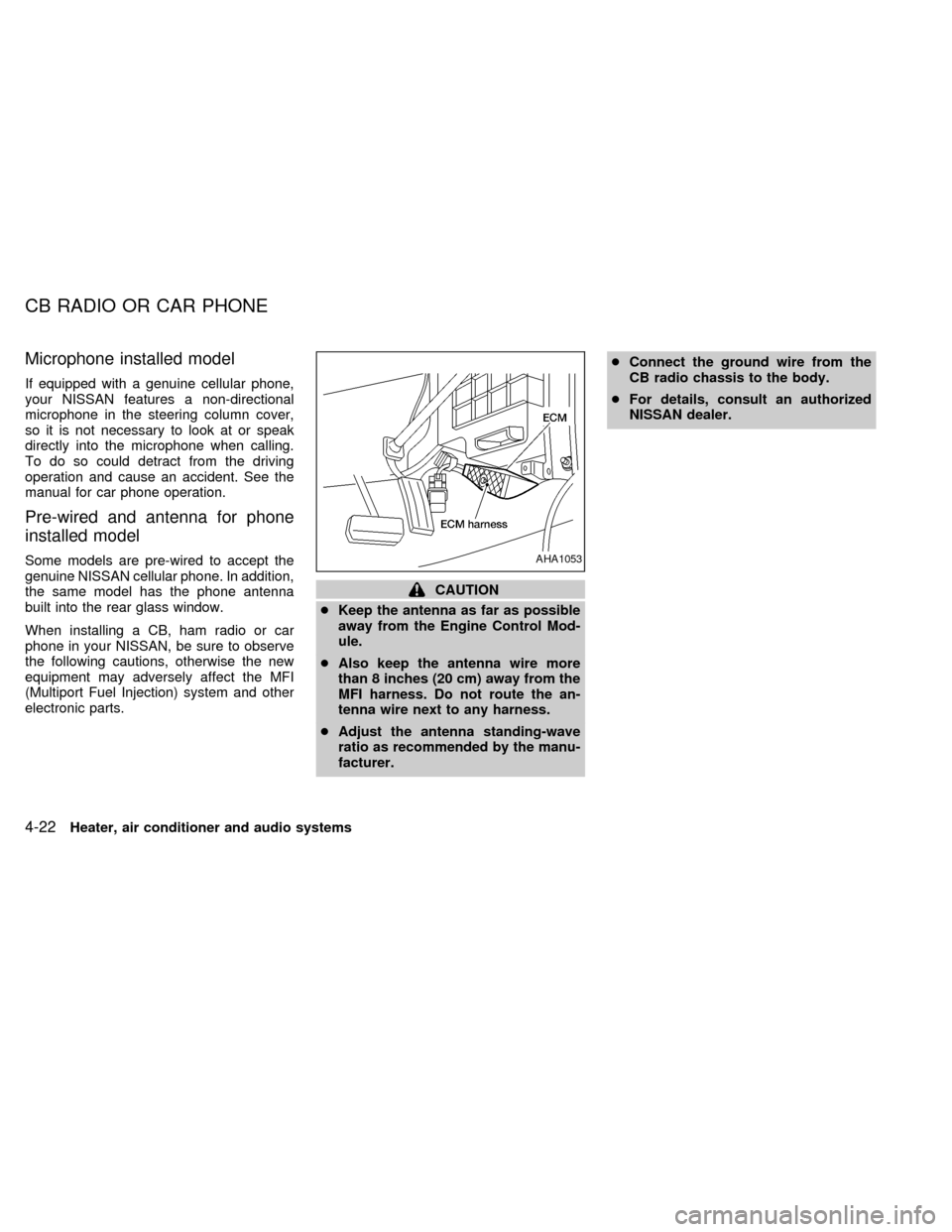
When installing a CB, ham radio or car
phone in your NISSAN, be sure to observe
the following cautions, otherwise the new
equipment may adversely affect the MFI
(Multiport Fuel Injection) system and other
electronic parts.
CAUTION
cKeep the antenna as far as possible
away from the Engine Control Mod-
ule.
cAlso keep the antenna wire more
than 8 inches (20 cm) away from the
MFI harness. Do not route the an-
tenna wire next to any harness.
cAdjust the antenna standing-wave
ratio as recommended by the manu-
facturer.cConnect the ground wire from the
CB radio chassis to the body.
cFor details, consult an authorized
NISSAN dealer.
AHA1053
CB RADIO OR CAR PHONE
4-22Heater, air conditioner and audio systems
ZX
Page 106 of 224
AUTOMATIC TRANSMISSION
On automatic transmission models, the ig-
nition lock is designed so the key cannot be
turned to LOCK and removed until the shift
selector lever is moved to the P (Park)
position.
When removing the key from the ignition,
make sure the shift selector lever is in the P
(Park) position.
If the key cannot be turned to the LOCK
position, proceed as follows to remove the key:
1) Move the shift selector lever into the P
(Park) position.2) Turn the ignition key slightly in the ON
direction.
3) Turn the key toward the LOCK position.
4) Remove the key.
The shift lever is designed so it cannot be
moved out of P (Park) and into any of the
other gear positions if the ignition key is
turned to OFF or if the key is removed from
the switch.The shift lever can be moved if
the ignition switch is in the ACC posi-
tion. The shift lever can also be moved if
the ignition switch is in the ON position
and the foot brake pedal is depressed.
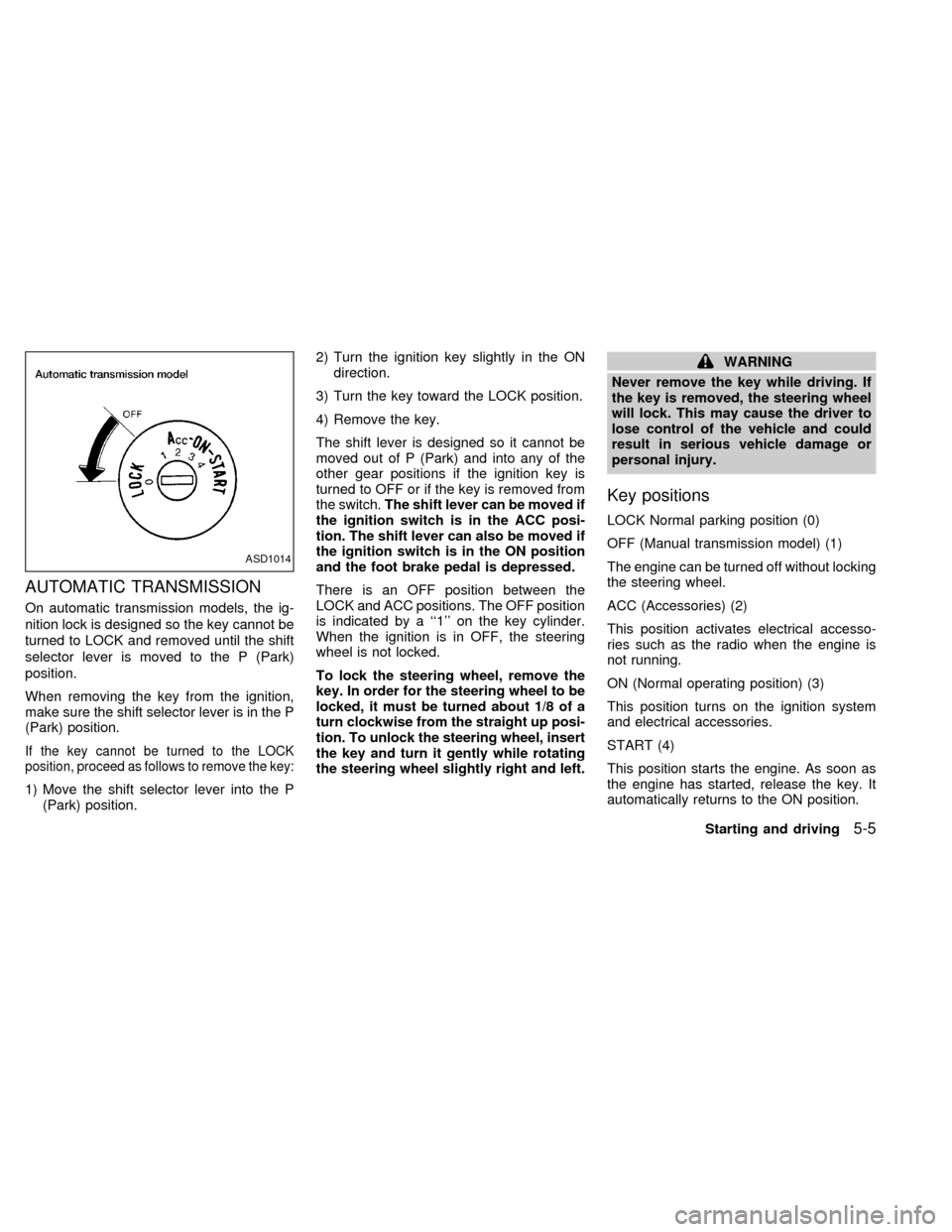
There is an OFF position between the
LOCK and ACC positions. The OFF position
is indicated by a ``1'' on the key cylinder.
When the ignition is in OFF, the steering
wheel is not locked.
To lock the steering wheel, remove the
key. In order for the steering wheel to be
locked, it must be turned about 1/8 of a
turn clockwise from the straight up posi-
tion. To unlock the steering wheel, insert
the key and turn it gently while rotating
the steering wheel slightly right and left.
WARNING
Never remove the key while driving. If
the key is removed, the steering wheel
will lock. This may cause the driver to
lose control of the vehicle and could
result in serious vehicle damage or
personal injury.
Key positions
LOCK Normal parking position (0)
OFF (Manual transmission model) (1)
The engine can be turned off without locking
the steering wheel.
ACC (Accessories) (2)
This position activates electrical accesso-
ries such as the radio when the engine is
not running.
ON (Normal operating position) (3)
This position turns on the ignition system
and electrical accessories.
START (4)
This position starts the engine. As soon as
the engine has started, release the key. It
automatically returns to the ON position.
ASD1014
Starting and driving5-5
ZX
Page 144 of 224
you in choosing the proper product.
cWax your vehicle only after a thorough
washing. Follow the instructions supplied
with the wax.
cDo not use a wax containing any abra-
sives, cutting compounds or cleaners
that may damage the vehicle finish.
cIf the surface does not polish easily, use
a ``road tar'' remover and wax again.
Machine compounding or aggressive pol-
ishing on a base coat/clear coat paint finish
may dull the finish or leave swirl marks.
Only apply black wax or black shoe polish to
the black urethane or polypropylene
bumper.
Removing spots
Remove tar and oil spots, industrial dust,
insects and tree sap as quickly as possible
from the surface of the paint to avoid per-
manent damage or staining. Special clean-
ing products are available at an authorized
NISSAN dealer or any automotive accesso-
ries store.
Underbody
In areas where road salt is used in winter, itis necessary to clean the underbody regu-
larly in order to prevent dirt and salt from
building up and causing corrosion on the
underbody and suspension. Before the win-
ter period and again in the spring, the
underseal must be checked and, if neces-
sary, retreated.
Cleaning glass
Use glass cleaner to remove smoke and
dust film from the glass surfaces. It is nor-
mal for glass to be coated with a film after
the vehicle is parked in the hot sun. Glass
cleaner and a soft cloth easily remove this
film.
CAUTION
When cleaning the inside of the win-
dow, do not use any sharp-edged tools
or abrasive cleaners or chlorine-based
disinfectant cleaners. They could dam-
age the electrical conductors, radio an-
tenna elements or rear window defog-
ger elements.
Cleaning aluminum alloy wheels
Wash regularly, especially during winter
months in areas where road salt is used.Salt could discolor the wheel if not removed.
Chrome parts
Clean all chrome parts regularly with a
non-abrasive chrome polish to maintain the
finish.
Cleaning interior
Occasionally remove loose dust from the
interior trim, plastic parts and seats using a
vacuum cleaner or soft brush. Wipe the
vinyl and leather surfaces with a clean, soft
cloth dampened in mild soap solution, then
wipe clean with a dry soft cloth. Before
using any fabric protector, read the manu-
facturer's recommendations. Some fabric
protectors contain chemicals that stain or
bleach the seat material.
CAUTION
cNever use benzine, thinner or any
similar material.
cNever use fabric protectors unless
recommended by the manufacturer.
Appearance and care
7-3
ZX
Page 218 of 224
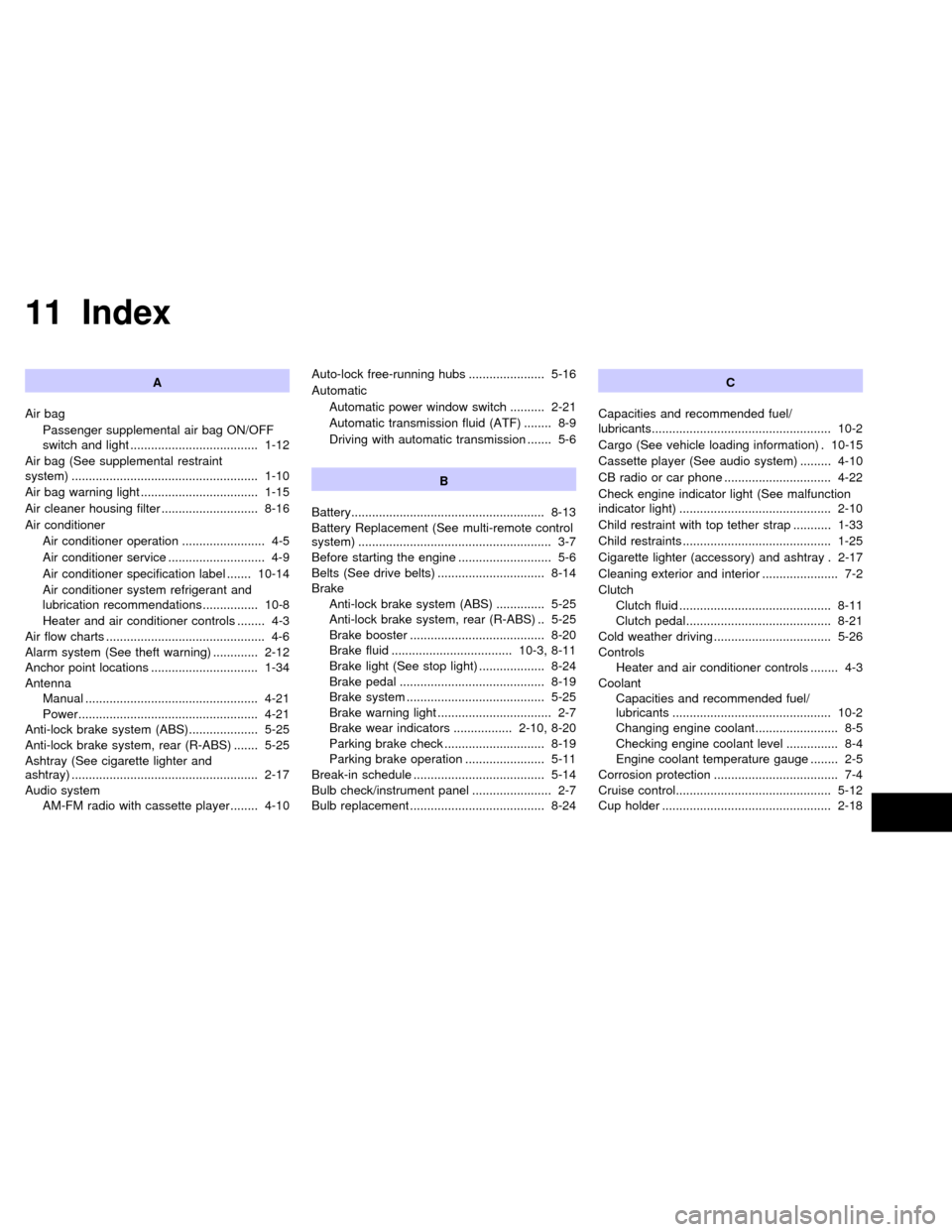
11 Index
A
Air bag
Passenger supplemental air bag ON/OFF
switch and light ..................................... 1-12
Air bag (See supplemental restraint
system) ...................................................... 1-10
Air bag warning light .................................. 1-15
Air cleaner housing filter ............................ 8-16
Air conditioner
Air conditioner operation ........................ 4-5
Air conditioner service ............................ 4-9
Air conditioner specification label ....... 10-14
Air conditioner system refrigerant and
lubrication recommendations ................ 10-8
Heater and air conditioner controls ........ 4-3
Air flow charts .............................................. 4-6
Alarm system (See theft warning) ............. 2-12
Anchor point locations ............................... 1-34
Antenna
Manual .................................................. 4-21
Power.................................................... 4-21
Anti-lock brake system (ABS).................... 5-25
Anti-lock brake system, rear (R-ABS) ....... 5-25
Ashtray (See cigarette lighter and
ashtray) ...................................................... 2-17
Audio system
AM-FM radio with cassette player ........ 4-10Auto-lock free-running hubs ...................... 5-16
Automatic
Automatic power window switch .......... 2-21
Automatic transmission fluid (ATF) ........ 8-9
Driving with automatic transmission ....... 5-6
B
Battery........................................................ 8-13
Battery Replacement (See multi-remote control
system) ........................................................ 3-7
Before starting the engine ........................... 5-6
Belts (See drive belts) ............................... 8-14
Brake
Anti-lock brake system (ABS) .............. 5-25
Anti-lock brake system, rear (R-ABS) .. 5-25
Brake booster ....................................... 8-20
Brake fluid ................................... 10-3, 8-11
Brake light (See stop light) ................... 8-24
Brake pedal .......................................... 8-19
Brake system ........................................ 5-25
Brake warning light ................................. 2-7
Brake wear indicators ................. 2-10, 8-20
Parking brake check ............................. 8-19
Parking brake operation ....................... 5-11
Break-in schedule ...................................... 5-14
Bulb check/instrument panel ....................... 2-7
Bulb replacement ....................................... 8-24C
Capacities and recommended fuel/
lubricants.................................................... 10-2
Cargo (See vehicle loading information) . 10-15
Cassette player (See audio system) ......... 4-10
CB radio or car phone ............................... 4-22
Check engine indicator light (See malfunction
indicator light) ............................................ 2-10
Child restraint with top tether strap ........... 1-33
Child restraints ........................................... 1-25
Cigarette lighter (accessory) and ashtray . 2-17
Cleaning exterior and interior ...................... 7-2
Clutch
Clutch fluid ............................................ 8-11
Clutch pedal.......................................... 8-21
Cold weather driving .................................. 5-26
Controls
Heater and air conditioner controls ........ 4-3
Coolant
Capacities and recommended fuel/
lubricants .............................................. 10-2
Changing engine coolant........................ 8-5
Checking engine coolant level ............... 8-4
Engine coolant temperature gauge ........ 2-5
Corrosion protection .................................... 7-4
Cruise control............................................. 5-12
Cup holder ................................................. 2-18
ZX
Page 221 of 224

Overdrive switch .......................................... 5-8
Overheat
If your vehicle overheats ........................ 6-9
Owner's manual order form ..................... 10-27
P
Pantograph type jack ................................... 6-5
Parking
Parking brake check ............................. 8-19
Parking brake operation ....................... 5-11
Parking/parking on hills ........................ 5-23
Passenger supplemental air bag ON/OFF
switch and light
Passenger supplemental air bag ON/OFF
switch and light ..................................... 1-12
Periodic maintenance schedules ................. 9-5
Power
Power antenna ..................................... 4-21
Power door lock...................................... 3-3
Power steering fluid .............................. 8-11
Power steering system ......................... 5-24
Power windows..................................... 2-20
Precautions
Maintenance precautions ....................... 8-2
On-pavement and off-road driving
precautions ............................................. 5-3
Precautions on seat belt usage............ 1-17
Precautions when starting and driving ... 5-2
Push starting ................................................ 6-8R
Radio
AM-FM radio with cassette player ........ 4-10
CB radio or car phone .......................... 4-22
Readiness for inspection maintenance (I/M)
test ........................................................... 10-26
Rear anti-lock brake warning light ............. 2-10
Rear sliding window................................... 2-21
Registering your vehicle in another
country ..................................................... 10-12
Remote keyless entry system (See
multi-remote control system) ....................... 3-4
Reporting safety defects (USA) ............... 10-25
S
Safety
Reporting safety defects (USA) .......... 10-25
Seat
Jump seat ............................................... 1-6
Seat belt
2-point type without retractor................ 1-22
3-point type with retractor..................... 1-20
Precautions on seat belt usage............ 1-17
Seat belt extenders .............................. 1-25
Seat belt maintenance.......................... 1-25
Seat belts.............................................. 1-17
Seat belt warning light ................................. 2-8
Seats
Adjustment .............................................. 1-2Bench seat.............................................. 1-4
Separate seats ....................................... 1-2
Service manual order form ...................... 10-27
Shifting
Automatic transmission .......................... 5-7
Manual transmission............................... 5-9
Spark plug replacement............................. 8-15
Speedometer ............................................... 2-3
Spotlights (See map light) ......................... 2-19
SRS warning label ..................................... 1-15
Starting
Before starting the engine ...................... 5-6
Jump starting .......................................... 6-7
Precautions when starting and driving ... 5-2
Push starting........................................... 6-8
Starting the engine ............................... 5-10
Steering
Power steering fluid .............................. 8-11
Power steering system ......................... 5-24
Tilting steering wheel............................ 3-12
Stop light .................................................... 8-24
Sun shade.................................................. 2-23
Sunroof ...................................................... 2-22
Supplemental restraint system (Supplemental
air bag system) ............................................ 1-7
Switch
Automatic power window switch .......... 2-21
Hazard warning flasher switch ............. 2-16
Headlight and turn signal switch .......... 2-14
Ignition switch ......................................... 5-4
Overdrive switch ..................................... 5-8
Passenger supplemental air bag ON/OFF
11-4
ZX