1998 HONDA PRELUDE manual radio set
[x] Cancel search: manual radio setPage 92 of 278

Comfort and Convenience Features
The heating and air conditioning- systems in your Honda provide a
comfortable driving environment in
all weather conditions.
The standard audio system has many features. This section de-scribes those features and how to
use them. (If you selected an optional audio system, refer to the
operating instructions that came
with it.)
Your Honda has an anti-theft audio system that requires a code number
to enable it.
Heating and Cooling........................ 92
What Each Control Does............ 92How to Use the System............... 94
To Turn Everything Off ............. 99
Audio System................................. 100
AM/FM/CD Audio System..... 100Operating the Radio.................. 101
Adjusting the Sound.................. 104
Audio System Lighting............. 105
Radio Frequencies..................... 105
Radio Reception......................... 105
Operating the CD Player.......... 107
Operating the CD Changer...... 109
Protecting Compact Discs........ 110
CD Player Error Indications.... 111
CD Changer Error
Indications.............................. 112
Operating the Cassette Player...................................... 113
Tape Search Functions............. 114 Caring for the Cassette Player...................................... 116
Theft Protection........................ 117
Comfort and Convenience FeaturesProCarManuals.comMain Menu s t
Page 102 of 278

Audio System
Operating the Radio
The ignition switch must be in
ACCESSORY (I) or ON (II) to operate the audio system. Turn the
system on by pushing the PWR/
VOL knob. Adjust the volume by turning the same knob.
The band and frequency that the radio was last tuned to is displayed.
To change bands, press the AM/FM 1-2 button. On the FM band, ST will
be displayed if the station is broad- casting in stereo. Stereo reproduc-
tion on AM is not available. You can use any of three methods to
find radio stations on the selected
band: TUNE, SEEK, or the Preset
buttons.
TUNE— Use the TUNE bar to tune
the radio to a desired frequency. Press the side of the bar to tune
to a higher frequency, and the side to tune to a lower
frequency. The frequency numbers
will start to change rapidly. Release
the bar when the display reaches the desired frequency. To change the
frequency in small increments, press and release the TUNE bar quickly. SEEK — The SEEK function
searches the band for a station with
a strong signal. To activate it, press the SEEK bar on either the or
side, then release it.
Depending on which side you press,
the system scans upward or down-
ward from the current frequency. It stops when it finds a station with a
strong signal.
Preset — You can store the fre-
quencies of your favorite radiostations in the six preset buttons.
Each button will store one frequency on the AM band, and two on the FM
band.
CONTINUED
Comfort and Convenience Features
ProCarManuals.comMain Menu Table of Contents s t
Page 103 of 278

Audio System
To store a frequency:
1. Select the desired band, AM or
FM. FM1 and FM2 let you store
two frequencies with each Preset
button.
2. Use the TUNE or SEEK function to tune the radio to a desired
station.
3. Pick the Preset button you want for that station. Press the button
and hold it until you hear a beep.
4. Repeat steps 1 to 3 to store a total of six stations on AM and twelve
on FM.
Once a station's frequency is stored,
simply press and release the proper
Preset button to tune to it.
The preset frequencies will be lost if your vehicle's battery goes dead, is
disconnected or the radio fuse is
removed.
Comfort and Convenience Features
AM/FM 1-2 BUTTON
TUNE BAR
PRESET BUTTONS SEEK BARProCarManuals.comMain Menu Table of Contents s t
Page 115 of 278

Audio System
The tape direction indicator will lightto show you which side of the cassette is playing. The indicates
the side you inserted facing upward
is now playing. If you want to play
the other side, press the PROG
button.
Dolby B noise reduction turns on
when you insert a cassette. If the tape was not recorded with Dolby B
noise reduction, turn it off by
pressing the NR button.
When the system reaches the end of the tape, it will automatically reverse direction and play the other side. If
you want to remove the cassette from the drive, press the EJECT
button.
If you turn the system off while a
tape is playing, either with the PWR/
VOL knob or by turning off the ignition, the cassette will remain in
the drive. When you turn the system
back on, the tape will begin playing
where it left off.
To switch to the radio or CD player while a tape is playing, press the
AM/FM1-2 or CD button. To change back to the cassette player, push the CD button.
Tape Search Functions
With a cassette playing, you can use the FF, REW, TMS, or REPEAT
function to find a desired program.
FF/REW — Fast Forward and
Rewind move the tape rapidly. Press and release the side of the
TUNE bar to fast forward the tape, or the side to rewind. You will
see FF or REW flashing in the
display. To stop fast forward or
rewind, press the PLAY button. If
the system reaches the end of the
tape while in fast forward or rewind, it automatically stops that function,reverses direction, and begins to play.
Comfort and Convenience Features
ProCarManuals.comMain Menu Table of Contents s t
Page 118 of 278
Audio System
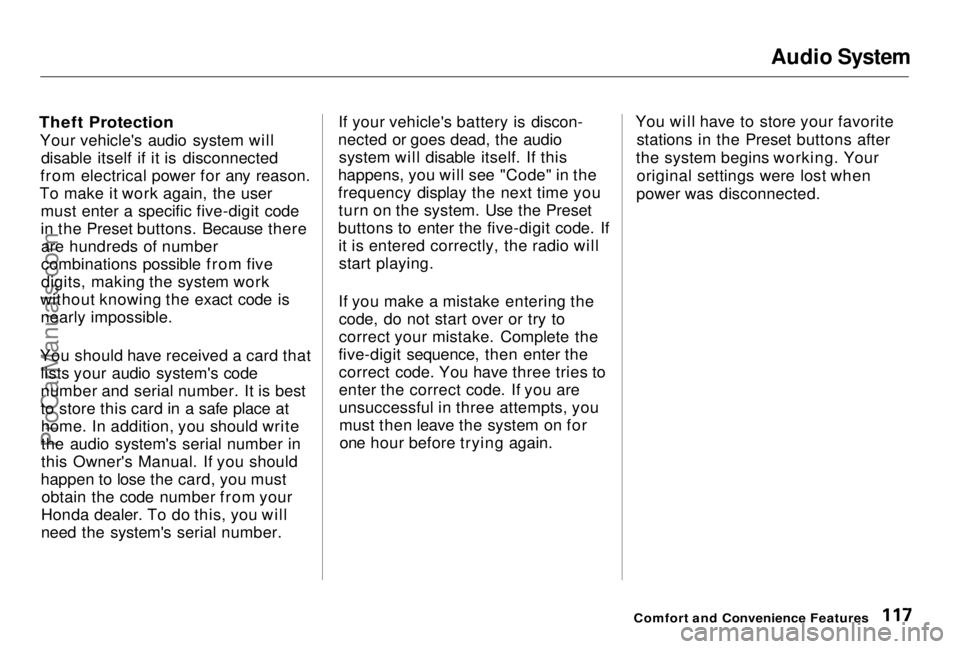
Theft Protection
Your vehicle's audio system will disable itself if it is disconnected
from electrical power for any reason.
To make it work again, the user must enter a specific five-digit code
in the Preset buttons. Because thereare hundreds of number
combinations possible from five
digits, making the system work
without knowing the exact code is nearly impossible.
You should have received a card that lists your audio system's code
number and serial number. It is best
to store this card in a safe place athome. In addition, you should write
the audio system's serial number in
this Owner's Manual. If you should
happen to lose the card, you must obtain the code number from your
Honda dealer. To do this, you will
need the system's serial number. If your vehicle's battery is discon-
nected or goes dead, the audio system will disable itself. If this
happens, you will see "Code" in the
frequency display the next time you turn on the system. Use the Preset
buttons to enter the five-digit code. If it is entered correctly, the radio willstart playing.
If you make a mistake entering the code, do not start over or try to
correct your mistake. Complete the
five-digit sequence, then enter the correct code. You have three tries to
enter the correct code. If you are
unsuccessful in three attempts, youmust then leave the system on forone hour before trying again. You will have to store your favorite
stations in the Preset buttons after
the system begins working. Your original settings were lost when
power was disconnected.
Comfort and Convenience FeaturesProCarManuals.comMain Menu Table of Contents s t
Page 191 of 278

Battery
If your vehicle's battery is discon-
nected or goes dead, the audio system will disable itself. The next
time you turn on the radio you will see "Code" in the frequency display.Use the Preset buttons to enter the
five-digit code (see page 117).
Charging the battery with the cables
connected can seriously damage your vehicle's electronic controls. Detach
the battery cables before connecting
the battery to a charger.
Maintenance
NOTICEProCarManuals.comMain Menu Table of Contents s t
Page 244 of 278

Fuses
5. Look for a burned wire inside the fuse. If it is burned, replace it withone of the spare fuses of the same
rating or lower. If you cannot drive the vehicle
without fixing the problem, and you do not have a spare fuse, take a fuse
of the same rating or a lower rating
from one of the other circuits. Make sure you can do without that circuit
temporarily (such as the accessory
power socket or radio).
If you replace the blown fuse with a
spare fuse that has a lower rating, it
might blow out again. This does not indicate anything wrong. Replace the
fuse with one of the correct rating as soon as you can.
Replacing a fuse with one that has a
higher rating greatly increases the
chances of damaging the electrical
system. If you do not have a replace-
ment fuse with the proper rating for the
circuit, install one with a lower rating.
6. If the replacement fuse of the same rating blows in a short time,
there is probably a serious electrical problem in your vehicle.
Leave the blown fuse in that
circuit and have your vehicle
checked by a qualified mechanic.
If the radio fuse is removed, the audio system will disable itself. The
next time you turn on the radio you
will see "Code" in the frequency display. Use the Preset buttons to
enter the five-digit code (see page 95).
Taking Care of the Unexpected
CONTINUED
NOTICE
BLOWNProCarManuals.comMain Menu Table of Contents s t
Page 275 of 278
Index
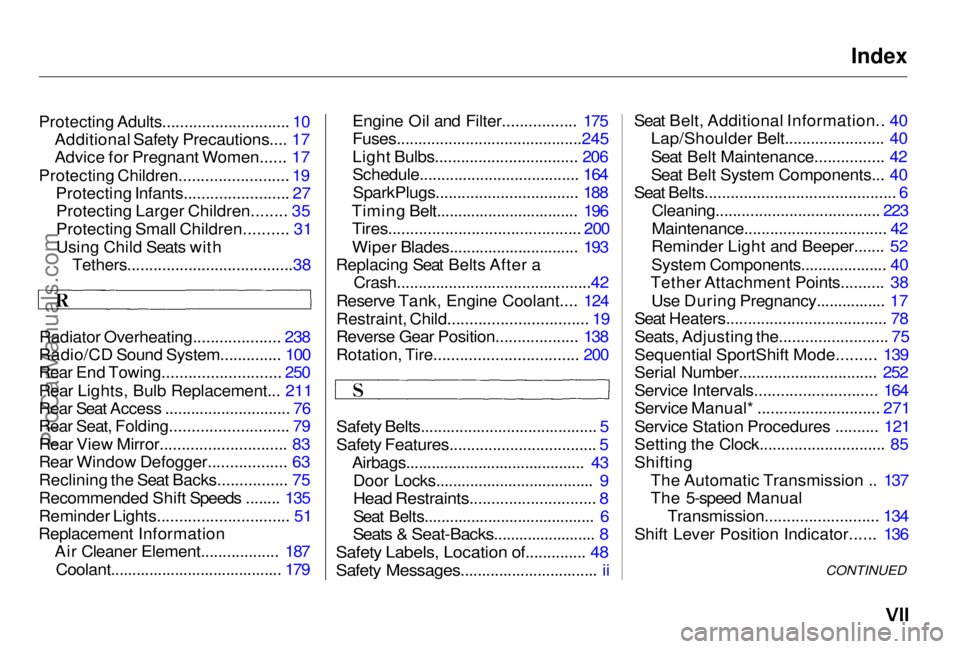
Protecting Adults............................. 10
Additional Safety Precautions.... 17
Advice for Pregnant Women...... 17
Protecting Children......................... 19
Protecting Infants........................ 27
Protecting Larger Children........ 35
Protecting Small Children.......... 31
Using Child Seats with Tethers......................................38
Radiator Overheating.................... 238
Radio/CD Sound System.............. 100
Rear End Towing........................... 250
Rear Lights, Bulb Replacement... 211
Rear Seat Access ............................. 76
Rear Seat, Folding........................... 79
Rear View Mirror............................. 83
Rear Window Defogger.................. 63
Reclining the Seat Backs................ 75
Recommended Shift Speeds ........ 135
Reminder Lights.............................. 51
Replacement Information Air Cleaner Element.................. 187
Coolant........................................ 179 Engine Oil and Filter................. 175
Fuses...........................................245
Light Bulbs................................. 206
Schedule..................................... 164
SparkPlugs................................. 188
Timing Belt................................. 196 Tires............................................ 200
Wiper Blades.............................. 193
Replacing Seat Belts After a
Crash.............................................42
Reserve Tank, Engine Coolant.... 124
Restraint, Child................................ 19
Reverse Gear Position................... 138
Rotation, Tire................................. 200
Safety Belts......................................... 5
Safety Features.................................. 5
Airbags.......................................... 43Door Locks..................................... 9
Head Restraints............................. 8
Seat Belts........................................ 6
Seats & Seat-Backs........................ 8
Safety Labels, Location of.............. 48
Safety Messages................................ ii
Seat Belt, Additional Information.. 40
Lap/Shoulder Belt....................... 40
Seat Belt Maintenance................ 42
Seat Belt System Components... 40
Seat Belts............................................ 6
Cleaning...................................... 223
Maintenance................................. 42
Reminder Light and Beeper....... 52
System Components.................... 40
Tether Attachment Points.......... 38
Use During Pregnancy................ 17
Seat Heaters..................................... 78
Seats, Adjusting the......................... 75
Sequential SportShift Mode......... 139
Serial Number................................ 252
Service Intervals............................ 164
Service Manual* ............................ 271
Service Station Procedures .......... 121
Setting the Clock............................. 85
Shifting
The Automatic Transmission .. 137
The 5-speed Manual Transmission.......................... 134
Shift Lever Position Indicator...... 136
CONTINUEDProCarManuals.comMain Menu s t