Page 44 of 216
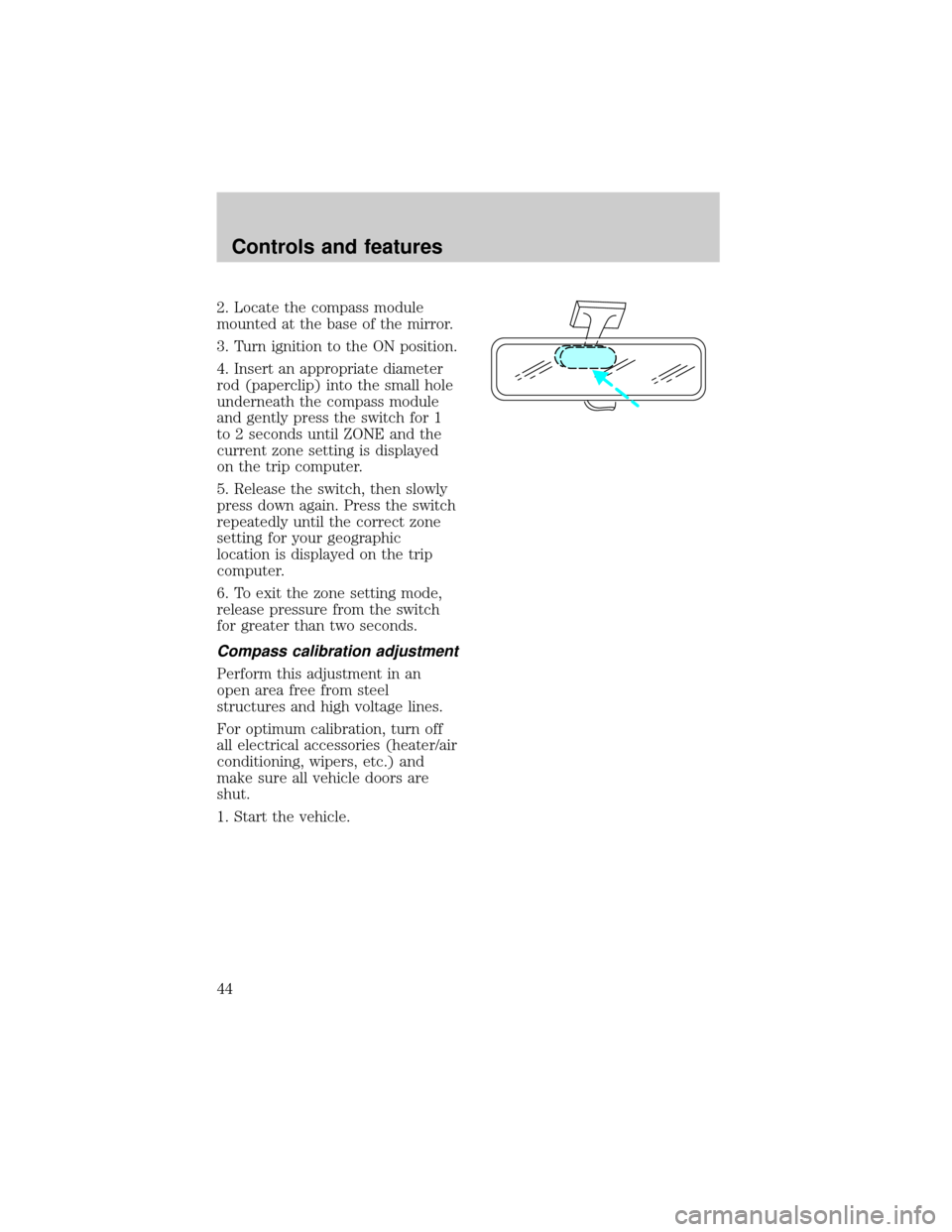
2. Locate the compass module
mounted at the base of the mirror.
3. Turn ignition to the ON position.
4. Insert an appropriate diameter
rod (paperclip) into the small hole
underneath the compass module
and gently press the switch for 1
to 2 seconds until ZONE and the
current zone setting is displayed
on the trip computer.
5. Release the switch, then slowly
press down again. Press the switch
repeatedly until the correct zone
setting for your geographic
location is displayed on the trip
computer.
6. To exit the zone setting mode,
release pressure from the switch
for greater than two seconds.
Compass calibration adjustment
Perform this adjustment in an
open area free from steel
structures and high voltage lines.
For optimum calibration, turn off
all electrical accessories (heater/air
conditioning, wipers, etc.) and
make sure all vehicle doors are
shut.
1. Start the vehicle.
Controls and features
44
Page 48 of 216
Window lock
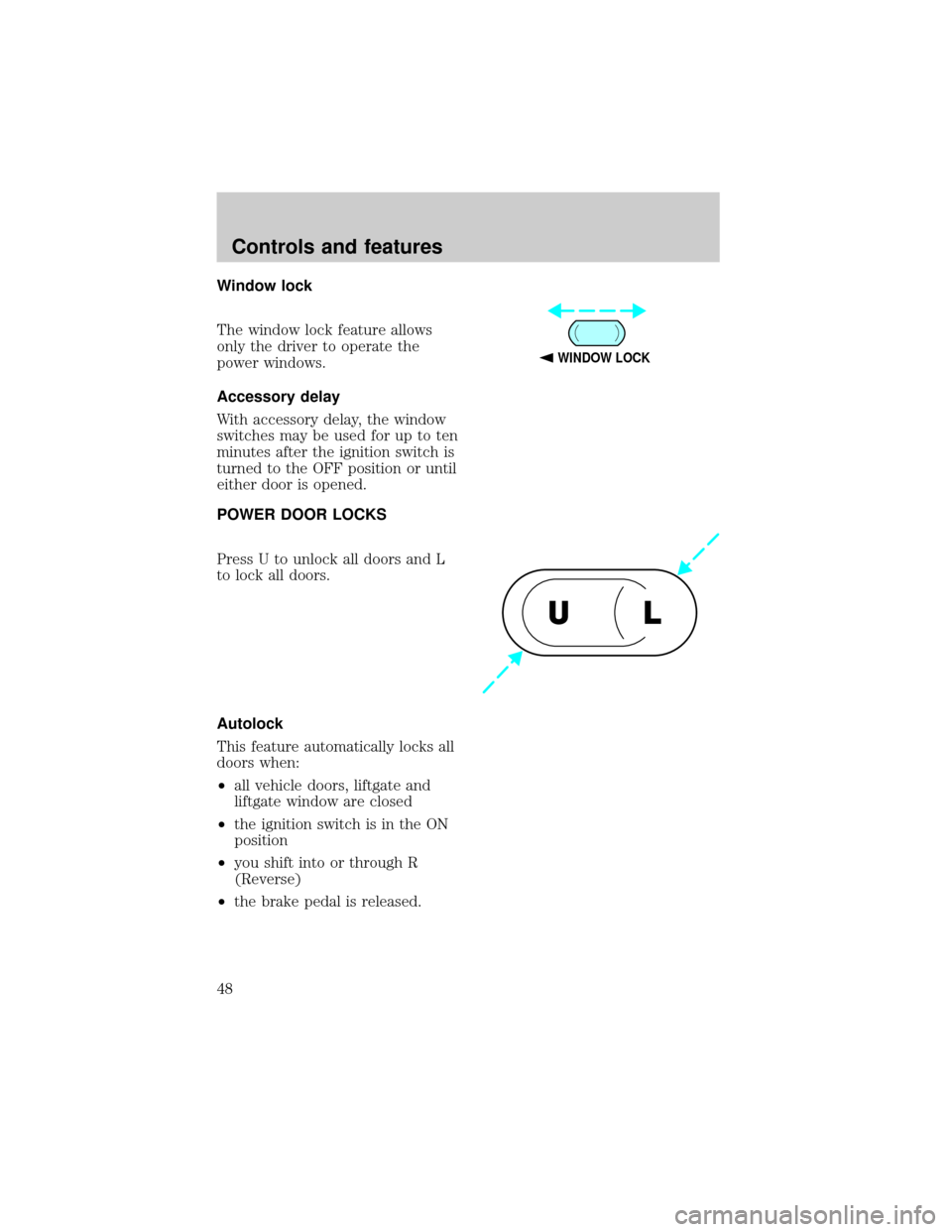
The window lock feature allows
only the driver to operate the
power windows.
Accessory delay
With accessory delay, the window
switches may be used for up to ten
minutes after the ignition switch is
turned to the OFF position or until
either door is opened.
POWER DOOR LOCKS
Press U to unlock all doors and L
to lock all doors.
Autolock
This feature automatically locks all
doors when:
²all vehicle doors, liftgate and
liftgate window are closed
²the ignition switch is in the ON
position
²you shift into or through R
(Reverse)
²the brake pedal is released.
WINDOW LOCK
UL
Controls and features
48
Page 49 of 216
Relock
The autolock feature repeats when:
²any door is opened and closed
²the brake pedal is released.
Deactivating/activating the
autolock feature
Before following the procedure,
make sure that the ignition is OFF
and all vehicle doors and the
liftgate window are closed.
You must complete steps 1-5
within 30 seconds or the
procedure will have to be
repeated. If the procedure needs
to be repeated, you must wait 30
seconds.
1. Turn the ignition key to ON.
2. Press the power door unlock
control three times.
3. Turn the ignition key from ON
to OFF.
4. Press the power door unlock
control three times.
5. Turn the ignition back to ON.
The horn will chirp.
6. Press the unlock control, then
press the lock control. The horn
will chirp once if autolock was
deactivated or twice (one short
and one long chirp) if autolock was
activated.
7. Turn the ignition to OFF. The
horn will chirp once to confirm the
procedure is complete.
Controls and features
49
Page 50 of 216
CHILDPROOF DOOR LOCKS
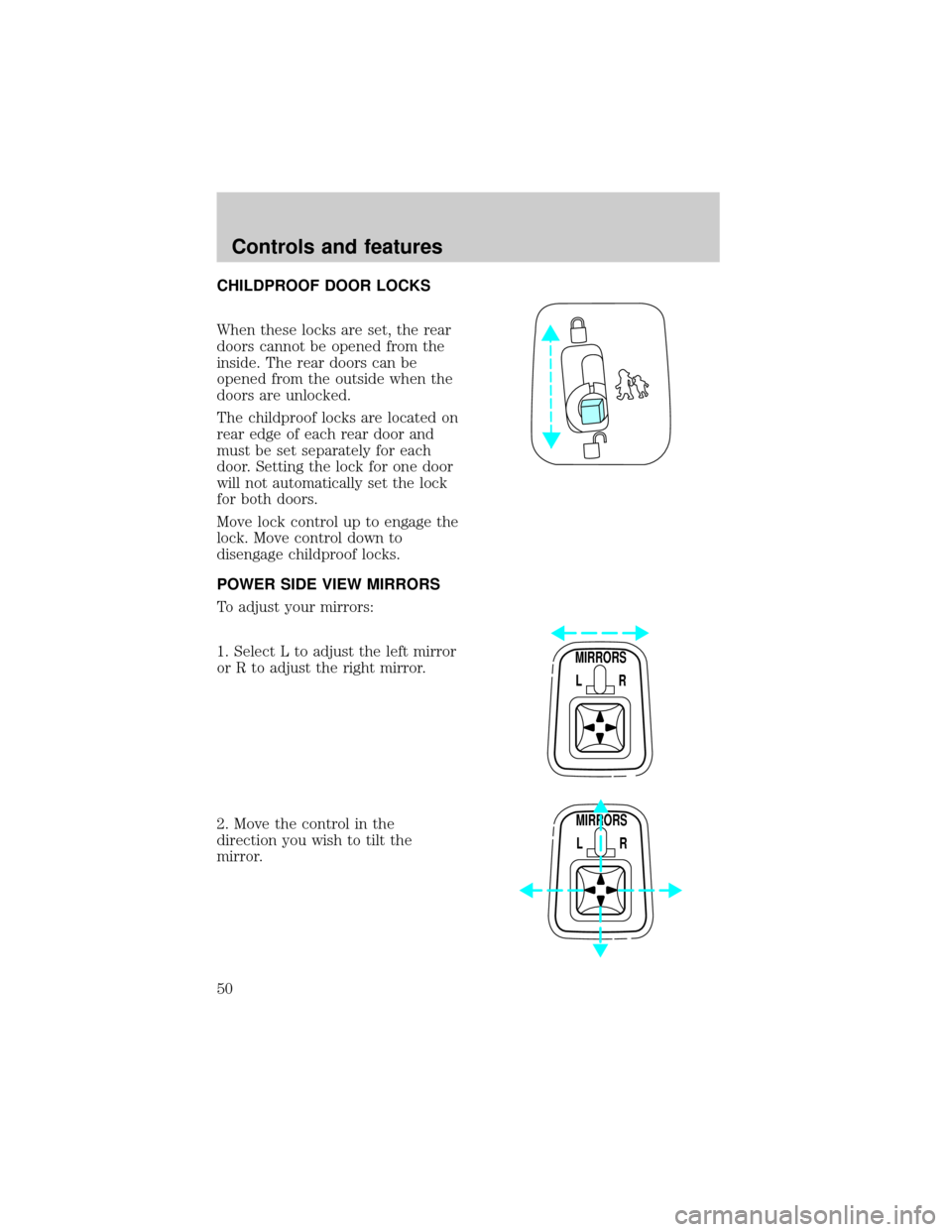
When these locks are set, the rear
doors cannot be opened from the
inside. The rear doors can be
opened from the outside when the
doors are unlocked.
The childproof locks are located on
rear edge of each rear door and
must be set separately for each
door. Setting the lock for one door
will not automatically set the lock
for both doors.
Move lock control up to engage the
lock. Move control down to
disengage childproof locks.
POWER SIDE VIEW MIRRORS
To adjust your mirrors:
1. Select L to adjust the left mirror
or R to adjust the right mirror.
2. Move the control in the
direction you wish to tilt the
mirror.
MIRRORS
L R
MIRRORS
L R
Controls and features
50
Page 55 of 216
light will illuminate for two
seconds. Repeat procedure for all
new keys.
If key coding fails, the THEFT
indicator light will flash.
Coding failure can be caused by
any of the following:
²The new key was not inserted
into the ignition within 15
seconds.
²16 keys have already been
programmed.
²The new key does not have an
electronic code.
REMOTE ENTRY SYSTEM
The remote entry system allows
you to lock or unlock all vehicle
doors without a key.
The remote entry features only
operate with the ignition in the
OFF position.
Unlocking the doors
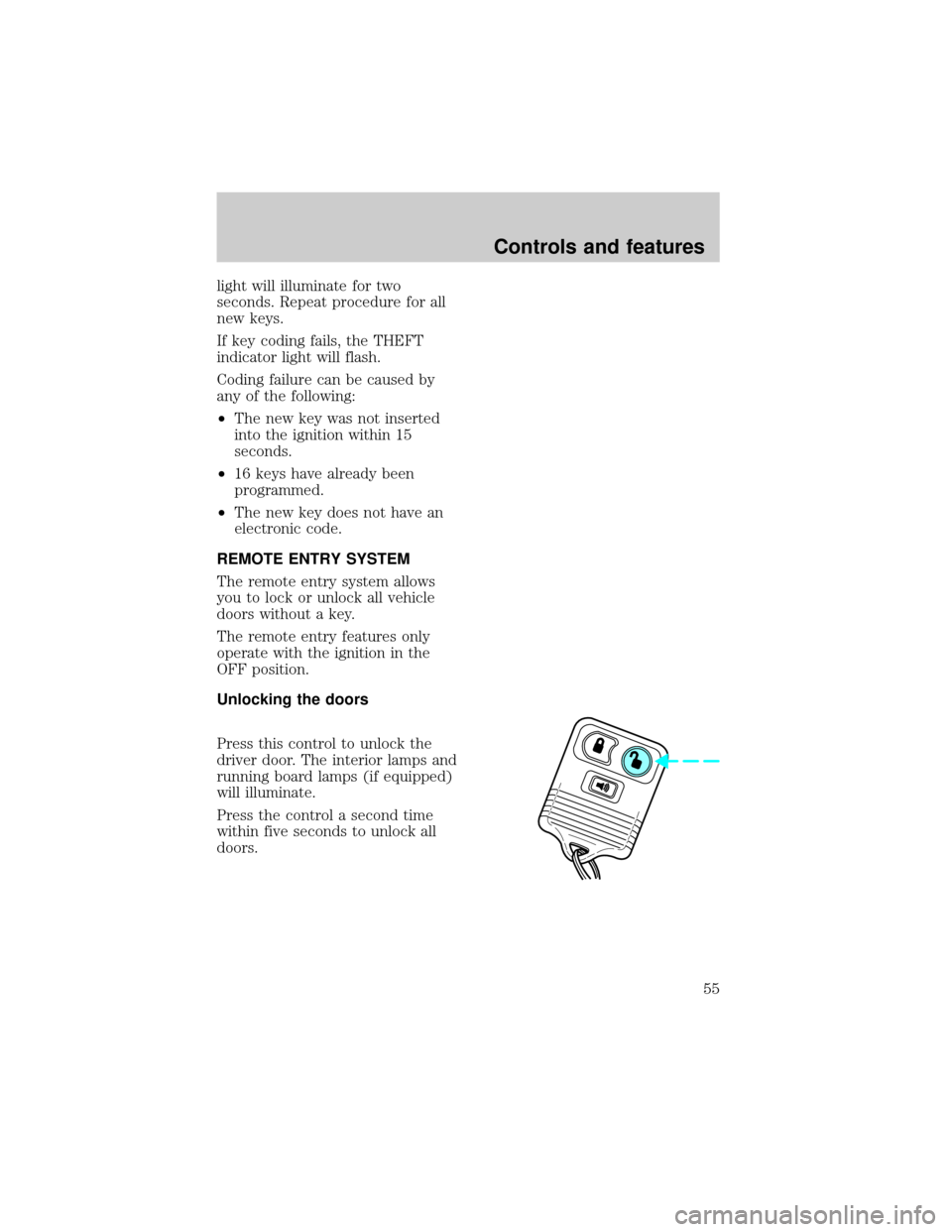
Press this control to unlock the
driver door. The interior lamps and
running board lamps (if equipped)
will illuminate.
Press the control a second time
within five seconds to unlock all
doors.
Controls and features
55
Page 56 of 216
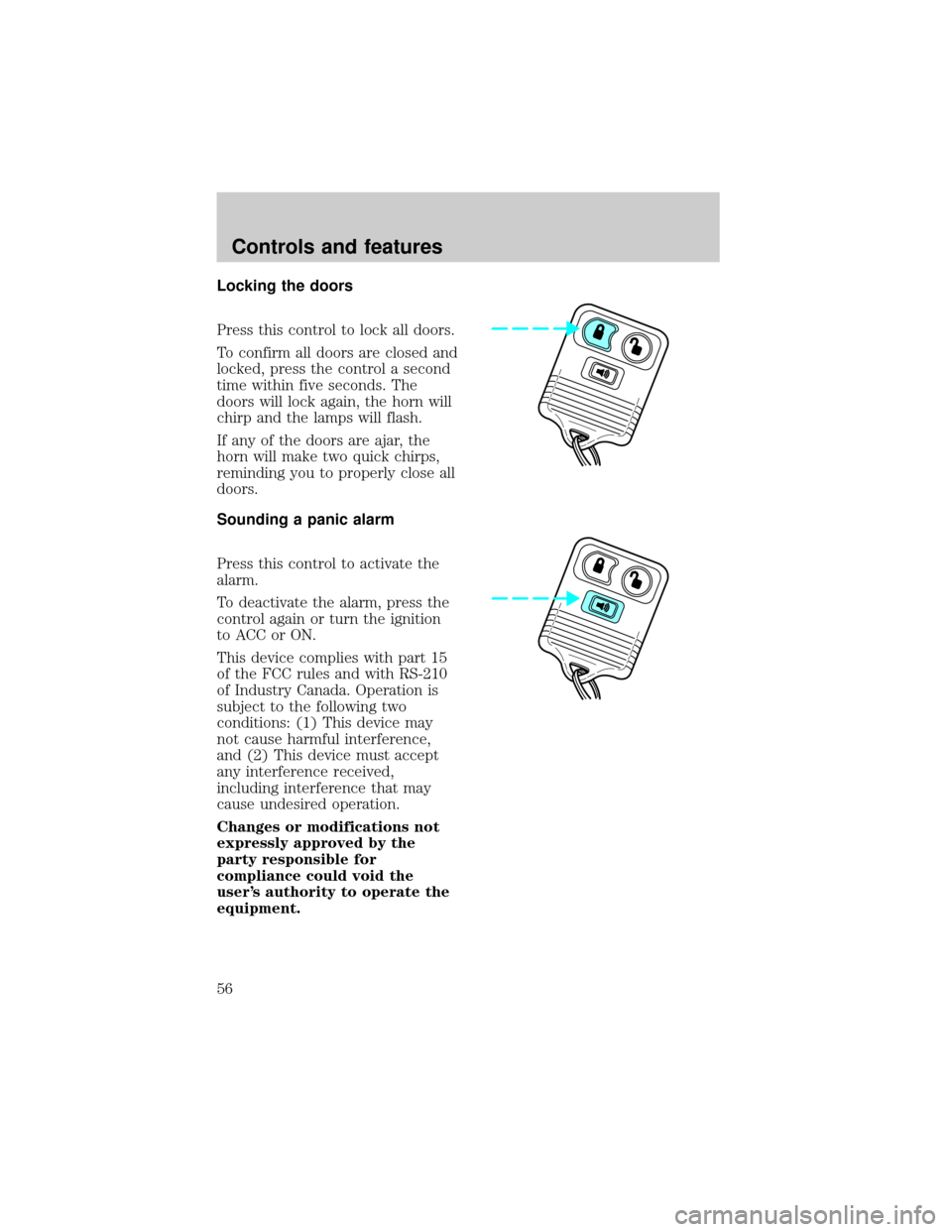
Locking the doors
Press this control to lock all doors.
To confirm all doors are closed and
locked, press the control a second
time within five seconds. The
doors will lock again, the horn will
chirp and the lamps will flash.
If any of the doors are ajar, the
horn will make two quick chirps,
reminding you to properly close all
doors.
Sounding a panic alarm
Press this control to activate the
alarm.
To deactivate the alarm, press the
control again or turn the ignition
to ACC or ON.
This device complies with part 15
of the FCC rules and with RS-210
of Industry Canada. Operation is
subject to the following two
conditions: (1) This device may
not cause harmful interference,
and (2) This device must accept
any interference received,
including interference that may
cause undesired operation.
Changes or modifications not
expressly approved by the
party responsible for
compliance could void the
user's authority to operate the
equipment.
Controls and features
56
Page 58 of 216
Replacing lost transmitters
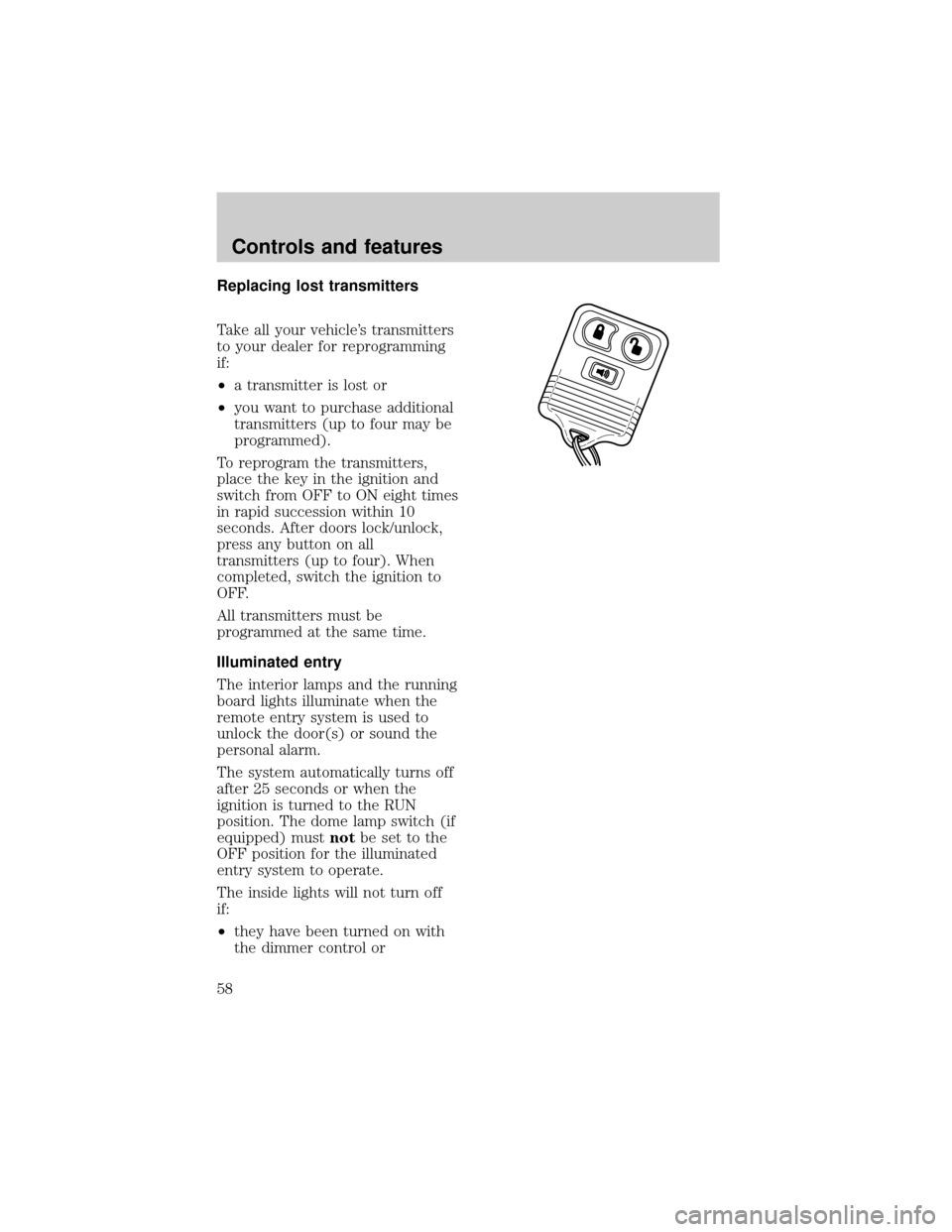
Take all your vehicle's transmitters
to your dealer for reprogramming
if:
²a transmitter is lost or
²you want to purchase additional
transmitters (up to four may be
programmed).
To reprogram the transmitters,
place the key in the ignition and
switch from OFF to ON eight times
in rapid succession within 10
seconds. After doors lock/unlock,
press any button on all
transmitters (up to four). When
completed, switch the ignition to
OFF.
All transmitters must be
programmed at the same time.
Illuminated entry
The interior lamps and the running
board lights illuminate when the
remote entry system is used to
unlock the door(s) or sound the
personal alarm.
The system automatically turns off
after 25 seconds or when the
ignition is turned to the RUN
position. The dome lamp switch (if
equipped) mustnotbe set to the
OFF position for the illuminated
entry system to operate.
The inside lights will not turn off
if:
²they have been turned on with
the dimmer control or
Controls and features
58
Page 121 of 216

is properly attached to your
vehicle. See your dealer or a
reliable trailer dealer if you require
assistance.
If your vehicle is not equipped
with the factory heavy duty trailer
tow option, auxiliary coolers are
recommended for the automatic
transmission system if you are
planning on:
²traveling farther than 80 km
(50 miles)
²towing in hilly terrain
²towing frequently
Hitches
Do not use hitches that clamp onto
the vehicle's bumper or attach to
the axle. You must distribute the
load in your trailer so that 10 to
15% of the total weight of the
trailer is on the tongue.
Load equalizing hitch
When hooking up a trailer using a
load equalizing hitch, always use
the following procedure:
1. Park the unloaded vehicle on a
level surface. With the ignition on
and all doors closed, allow the
vehicle to stand for several
minutes so that it can level.
2. Turn the air suspension (if
equipped) control to OFF.
3. Measure the height of a
reference point on the front and
rear bumpers at the center of the
vehicle.
Driving
121