1998 CHEVROLET TRACKER brake
[x] Cancel search: brakePage 92 of 386

Downloaded from www.Manualslib.com manuals search engine Rear Window Wiper/Washer (If Equipped)
To turn on your rear wiper,
push
the upper button. hsh
the same button again to
turn it
off.
To spray washer fluid on the rear window, push the
lower button about halfway down. Washer fluid will
spray as long as you hold this button. To wash and wipe
at the same time, push the button all the way in.
The washer and wiper will run as long
as you hold this
button.
To add washer fluid, see “Windshield Washer
Fluid” in the Index.
Cruise Control (If Equipped)
With cruise control, you can maintain a speed of about
25 mph (40 kmk) or more without keeping your foot
on the accelerator. This can really help on long trips.
Cruise control does not work at speeds below about
25 mph (40 krn/h).
When you apply your brakes, or push the clutch pedal
if you have a manual transmission, the cruise control
turns off.
2-33
Page 94 of 386

Downloaded from www.Manualslib.com manuals search engine 3. Once you’re going 25 mph (40 km/h) or more, turn
the lever to COAST/SET and release. Your cruise
will set.
4. Take your foot off the accelerator pedal.
Resuming a Set Speed
If you set your cruise control at a desired speed and then
apply the brake,
this will turn off the cruise control
function. But you don’t need to reset it.
Once you’re going about
25 mph (40 km/h) or more,
you can
turn the lever to
RESUME/ACCEL for
about one second. You’ll
go
right back to your chosen
speed and stay there.
2-35
Page 95 of 386

Downloaded from www.Manualslib.com manuals search engine Increasing Speed While Using Cruise Control
There are two ways to go to a higher speed.
Use the accelerator pedal to go to a higher speed.
Turn the lever to COAST/SET and release. Take
your foot
off the accelerator pedal. You’ll now
cruise at the higher speed.
at RESUME/ACCEL until you get up to the speed
you want, then release the lever.
Turn the lever to RESUME/ACCEL. Hold the lever
Reducing Speed While Using Cruise Control
To reduce your speed, turn and hold the lever in the
COASTISET position until you reach the lower speed
you want, then release the lever.
Passing Another Vehicle While Using Cruise Control
Use the accelerator pedal to increase your speed. When
you take your
foot off the pedal, your vehicle will slow
down to the cruise control speed you set earlier.
Using Cruise Control on Hills
How well your cruise control will work on hills depends
upon your speed, load and
the steepness of the hills.
When going up steep hills, you may have to step on the
accelerator pedal
to maintain your speed. When going
downhill, you may have to brake or shift to a lower
gear
to keep your speed down. Of course, applying the brake
takes you out of cruise control. Many drivers find this to
be too much trouble and don’t use cruise control on
steep hills.
Getting Out of Cruise Control
There are three ways to turn off cruise control:
Step lightly on the brake pedal, or push the clutch
pedal if you have a manual transmission.
Push in the CANCEL button on the end of the
cruise control lever.
Press the CRUISE CTlU switch on the
instrument panel.
Erasing Speed Memory
When you turn off the cruise control or the ignition,
your cruise control set speed memory
is erased.
2-36
Page 96 of 386
Downloaded from www.Manualslib.com manuals search engine Exterior Lamps
Daytime Running Lamps
Daytime Running Lamps (DIU) can make it easier
for others to see the front of your vehicle during the
day.
DRL can be helpful in many different driving
conditions, but they can be especially helpful in the
short periods after dawn and before sunset.
The DIU system will make your low-beam headlamps
come on at
a reduced brightness when:
0 The ignition is on,
0 The headlamp switch is off and
The parking brake is released.
When you turn on the headlamp switch, your DRL will
go out, and your headlamps will come on.
The other lamps that come on with your headlamps
will also come on. To
idle your vehicle with the DRL off, set the parking
brake. The
DRL will stay off until you release the
parking brake.
As with any vehicle, you should turn on the regular
headlamp system when you need it.
Interior Lamps
Instrument Panel Brightness Control
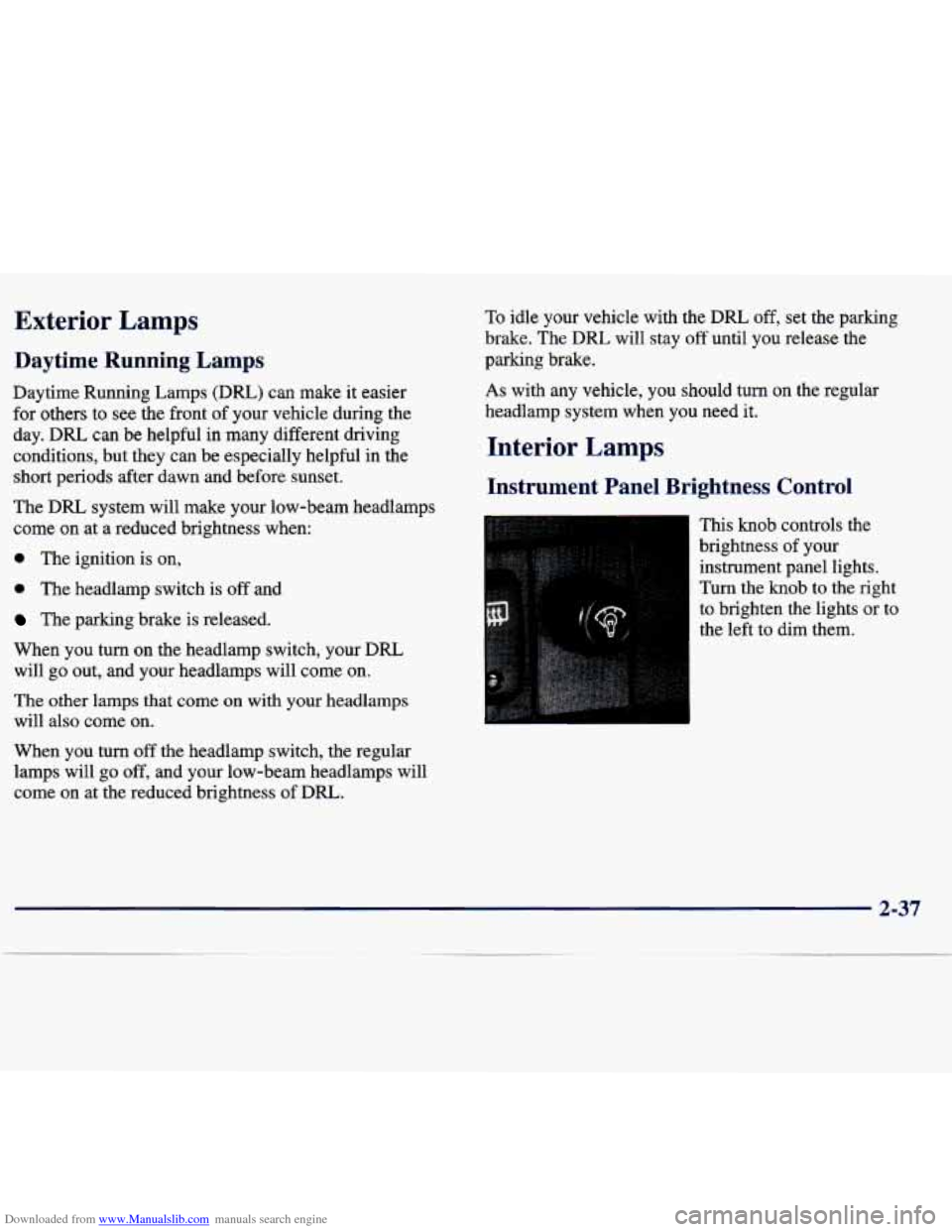
This knob controls the
brightness of your
instrument panel lights.
Turn the knob
to the right
to brighten the lights or to
the left to dim them.
When
you turn off the headlamp switch, the regular
lamps will go off, and your low-beam headlamps will
come on at the reduced brightness of DRL.
2-37
Page 99 of 386

Downloaded from www.Manualslib.com manuals search engine Front Seat Side Pockets
On the outside of each front seat is a storage pocket.
Coinholder and Bin
Your console has a coinholder and a small storage bin.
Cupholder
Two cupholders are on the center console next to the
parking brake lever.
Ashtrays and Cigarette Lighter
To use the lighter, push the lighter in all the way and let
go. When it’s ready, it will pop back by itself.
I NOTICE:
Pull the door to open the ashtray. To remove it, press
down on the silver tab and pull the ashtray out. To
replace the ashtray, push it in until the silver tab latches.
The rear ashtray is on the back of the center console.
Pull on the top
of the door to open it. To remove the
ashtray, press
down on the tab and pull it out.
NOTICE:
Don’t put papers and other things that burn
into your ashtray.
If you do, cigarettes or other
smoking materials could set them on fire,
causing damage.
Sun Visors ~
Don’t hold a cigarette lighter in with your hand
while
it is heating. If you do, it won’t be able to You can also swing them to the side. If the visors swing
back
away from the heating element when it’s too easily, tighten the screw on the roof rail.
ready. That can make
it overheat, damaging the
lighter and the heating element.
To block out glare, you can swing down the visors.
2-40
Page 114 of 386

Downloaded from www.Manualslib.com manuals search engine A. Defroster
B. Rear Defogger (If Equipped)
C.
Turn SignalMultifunction Lever
D. Power Mirror Control (If Equipped)
E. Air Vent
E Instrument Panel Brightness Control
G. Hazard Switch
H. Fuse Block
I. Instrument Cluster
J. Ignition Switch
K. Horn
L. Windshield WiperNasher Lever
M. Cruise Control ON/OFF Button (If Equipped)
N. Rear Window Wiper Button (If Equipped)
0. Rear Window Washer Button (If Equipped)
P. Comfort Controls
Q. Cigarette Lighter
R. Shift Lever
S. Parking Brake Lever
T. CoinholderBin
U. Audio System
V. Transfer Case Shift Lever (If Equipped)
W. Ashtray
X. Glove Box
2-55
Page 119 of 386

Downloaded from www.Manualslib.com manuals search engine Brake System Warning Light
When the ignition is on, the brake system warning light will come
on when you set your parking brake. The light
will stay on if your parking brake doesn’t release fully.
If it stays on after your parking brake is fully released, it
means
you have a brake problem.
Your vehicle’s hydraulic brake system is divided into
two
parts. If one part isn’t working, the other part can
still work and stop you. For good braking, though, you
need both parts working well.
If the warning light comes on, there could be a brake
problem. Have your brake system inspected right away.
BRAKE
United States Canada
This light should come on when you turn the ignition
key to START. If it doesn’t come on then, have it fixed
so it will be ready to warn you if there’s a problem.
If the light comes
on while you are driving, pull off the
road and stop carefully. You may notice that the pedal is
harder to push. Or,
the pedal may go closer to the floor.
It may take longer to stop.
If the light is still on, or if the
anti-lock brake system warning light is flashing, have
the vehicle towed for service. (See “Anti-Lock Brake
System Warning Light” and “Towing Your Vehicle” in
the Index.)
I k!, CAUTION:
Your brake system may not be working properly
if the brake system warning light is on. Driving
with the brake system warning light on can lead
to an accident. If the light is still on or if the
anti-lock brake system warning light is flashing
after you’ve pulled
off the road and stopped
carefully, have the vehicle towed for service.
2-60
Page 120 of 386

Downloaded from www.Manualslib.com manuals search engine Anti-Lock Brake System Warning
Light (Option)
ABS
With the anti-lock brake
system, this light will
come on when you start
your engine and it will
stay on for three seconds.
That’s normal.
If the light flashes when you’re driving, you don’t have
anti-lock brakes and there could be a problem with your
regular brakes. Pull
off the road and stop carefully. You
may notice that the pedal is harder to push. Or, the pedal
may
go closer to the floor. It may take longer to stop.
Have the vehicle towed for service. (See “Towing Your
Vehicle’’ in the Index.)
I
I h, CAUTION:
Your regular brake system may not be working
properly if the anti-lock brake system warning
light is flashing. Driving with the anti-lock
brake system warning light flashing can lead to an accident. After you’ve pulled off the road
and stopped carefully, have the vehicle towed
for service.
If the anti-lock brake system warning light stays on longer than normal after you’ve started your engine, turn
the ignition off. Or, if the light comes
on and stays on
when you’re driving, stop
as soon as possible and turn
the ignition off. Then start the engine again to reset the
system.
If the light still stays on, or comes on again
while you’re driving, your vehicle needs service. If the
light is on but not flashing and the regular brake system
warning light isn’t on, you still have brakes, but
you
don’t have anti-lock brakes.
The anti-lock brake system warning light should come
on briefly when you turn the ignition key to
ON. If the
light doesn’t come on
then, have it fixed so it will be
ready to warn you
if there is a problem.