1998 CHEVROLET PRIZM tow
[x] Cancel search: towPage 125 of 364

Downloaded from www.Manualslib.com manuals search engine BRAKE
Brake System Warning Light
Your vehicle’s hydraulic brake system is divided into
two parts.
If one part isn’t working, the other part can
still work and stop you. For good braking, though, you
need both parts working well.
If the warning light comes on, there is a brake problem.
Have your brake system inspected right away.
This light should come
on
when you turn the key to
START.
If it doesn’t come
on then, have it fixed
so it
will be ready to warn you
if there’s a problem.
If the light comes on while you are driving, pull off the
road and stop carefully.
You may notice that the pedal is
harder to push. Or, the pedal may go closer to the floor.
It may take longer to stop. If the light is still on, or if the
anti-lock brake system warning light is flashing, have
the vehicle towed for service, (See “Anti-Lock Brake
System Warning Light” and “Towing Your Vehicle” in
the Index.)
Your brake system may not be working properly
if the brake system warning light is
on. Driving
with the brake system warning light on can lead
to an accident. If the light is still on or if the
anti-lock brake system warning light is flashing
after you’ve pulled
off the road and stopped
carefully, have the vehicle towed for service.
When the ignition is on, the brake system warning light
will also come on when you set your parking brake. The
light will stay on if your parking brake doesn’t release
fully. If it stays on after your parking brake
is fully
released, it means you have a brake problem.
2-47
Page 126 of 364
Downloaded from www.Manualslib.com manuals search engine Anti-Lock Brake System Warning
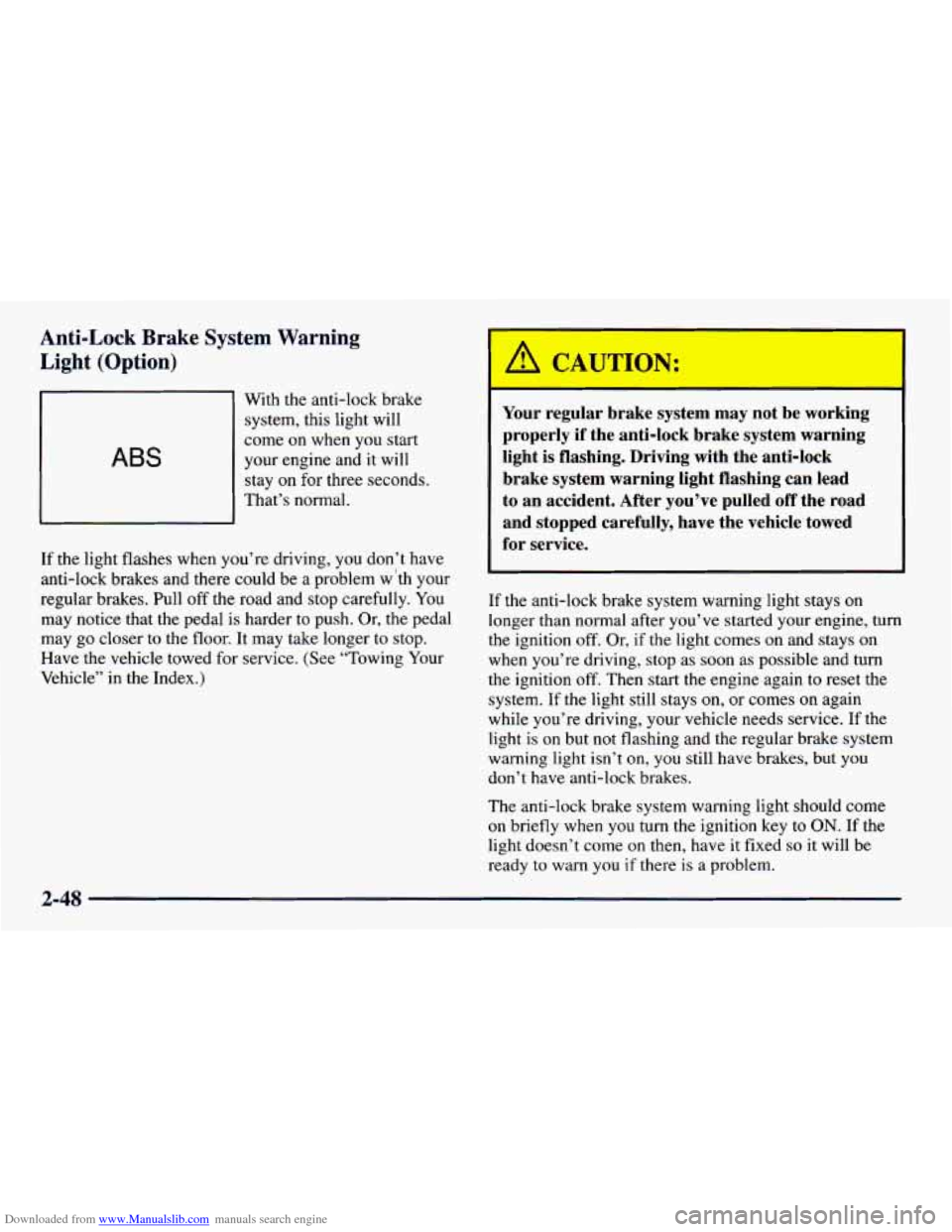
Light (Option)
ABS
With the anti-lock brake
system, this light will
come
on when you start
your engine and it will
stay on for three seconds.
That’s normal.
If the light flashes when you’re driving, you don’t have
anti-lock brakes and there could be a problem w ‘th your
regular brakes. Pull
off the road and stop carefully. You
may notice that the pedal is harder to push. Or, the pedal
may go closer to the floor. It may take longer to stop.
Have the vehicle towed for service. (See “Towing Your
Vehicle” in the Index.)
Your regular brake system may not be working
properly if the anti-lock brake system warning
light is flashing. Driving with the anti-lock
brake system warning light flashing can lead
to an accident. After you’ve pulled
off the road
and stopped carefully, have the vehicle towed
for service.
If the anti-lock brake system warning light stays on
longer than normal after you’ve started your engine, turn
the ignition
off. Or, if the light comes on and stays on
when you’re driving, stop as soon as possible and turn
the ignition
off. Then start the engine again to reset the
system. If the light still stays
on, or comes on again
while you’re driving, your vehicle needs service. If the
light is
on but not flashing and the regular brake system
warning light isn’t
on, you still have brakes, but you
don’t have anti-lock brakes.
The anti-lock brake system warning light should come
on briefly when you turn the ignition key to ON. If the
light doesn’t come
on then, have it fixed so it will be
ready to warn
you if there is a problem.
Page 128 of 364

Downloaded from www.Manualslib.com manuals search engine NOTICE:
If you keep driving your vehicle with this light
on, after
a while, your emission controls may not
~ work as well, your fuel economy may not be as
good and your engine may not run as smoothly.
This could lead to costly repairs that may not be
covered
by your warranty.
This light should come on, as a check to show you it is
working, when the ignition is on and the engine
is not
running. If the light doesn’t come on, have it repaired.
This light will also come on during a malfunction in
one of two ways:
Light Flashing -- A misfire condition has been
detected.
A misfire increases vehicle emissions and
may damage the emission control system on your
vehicle. Dealer or qualified service center diagnosis
and service may be required.
@ Light On Steady -- An emission control system
malfunction has been detected on your vehicle.
Dealer or qualified service center diagnosis and
service may be required.
If the Light Is Flashing
The following may prevent more serious damage to
your vehicle:
0 Reducing vehicle speed.
Avoiding hard accelerations.
0 Avoiding steep uphill grades.
0 If you are towing a trailer, reduce the amount of
cargo being hauled as soon as it is possible.
If the light stops flashing and remains on steady, see “If
the Light Is
On Steady” following.
If the light continues to flash, when it is
safe to do so,
stop the vehicle. Find a safe place to park your vehicle.
Turn the key off, wait at least
10 seconds and restart the
engine. If the light remains on steady, see “If the Light
Is On Steady” following. If the light is still flashing,
follow the previous steps, and drive the vehicle to your
dealer or qualified service center for service.
2-50
Page 136 of 364
Downloaded from www.Manualslib.com manuals search engine Comfort Controls
With this system, you can control the heating and
ventilation in your vehicle.
If you have the air
conditioning option, you can also control cooling.
Your vehicle also has the flow-through ventilation
system described later in this section.
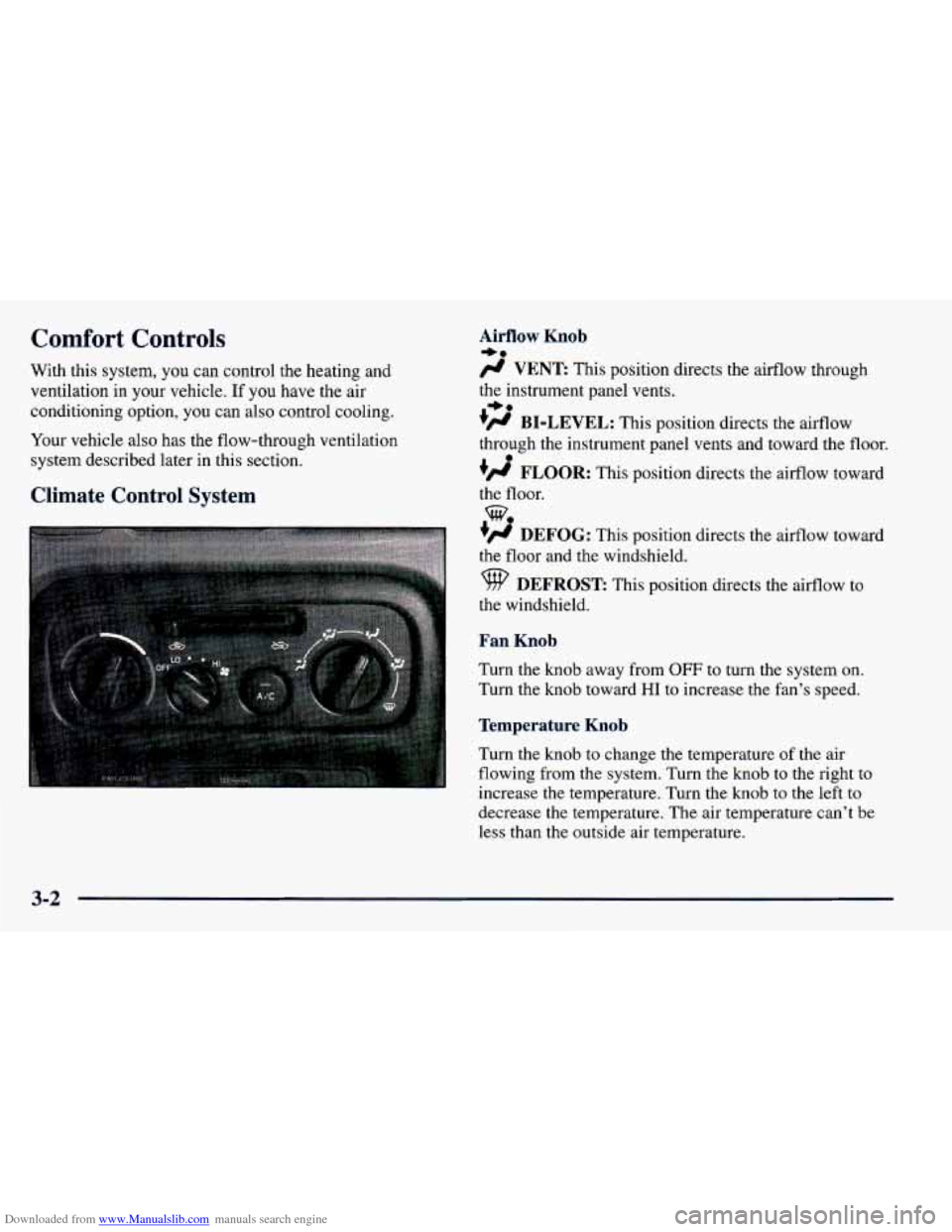
Climate Control System
Airflow Knob
/J VENT This position directs the airflow through
the instrument panel vents.
+’ BI-LEVEL: This position directs the airflow
through the instrument panel vents and toward the floor.
#’ FLOOR: This position directs the airflow toward
the floor.
+# DEFOG: This position directs the airflow toward
the floor and the windshield.
9 DEFROST: This position directs the airflow to
the windshield.
Fan Knob
Turn the knob away from OFF to turn the system on.
Turn the knob toward
HI to increase the fan’s speed.
Temperature Knob
Turn the knob to change the temperature of the air
flowing from the system. Turn the knob to the right to
increase the temperature. Turn the knob to the left
to
decrease the temperature. The air temperature can’t be
less than the outside
air temperature.
+e
+e
e
we
3-2
Page 137 of 364
Downloaded from www.Manualslib.com manuals search engine Air Intake Lever RECIRCULATE:
Choose this position to
recirculate the inside air through the comfort
control system.
outside air through the comfort control system.
CIRCULATE: Choose this position to circulate
Air Conditioner Controls (Option)
The air conditioning system uses the same controls as
described previously.
The function of each control is explained under
“Climate Control System” in this part. The incoming air
is cooled and dehumidified instead of being heated.
Push the NC button to change your comfort control
system from heating to air conditioning. A light will
come on when the air conditioning is
on. The NC
button can also control the humidity in your vehicle.
The air conditioner works best if
you keep your
windows closed. On very hot days, open the windows
just long enough for the hot air
to escape.
For normal cooling, push the A/C button and move the
air intake lever
to CIRCULATE for normal cooling. For faster cooling, move
the lever to RECIRCULATE.
Then move the airflow knob to VENT and turn the
temperature control knob to the left. Turn the fan knob
to HI.
On days when it is raining or the humidity is high,
follow these dehumidifying steps instead of the cooling
directions. It will help clean windows that are cloudy
with moisture.
Move the air intake lever to CIRCULATE and turn the
airflow knob to DEFROST. Turn the fan knob to
HI and
adjust the temperature knob to
a comfortable setting.
Heating
For the quickest results, move the air intake lever to
RECIRCULATE and the airflow knob to FLOOR.
Turn the temperature knob to the right for warmer air
and turn the fan knob toward
HI. You should switch
to CIRCULATE once in a while to avoid stale air
and cloudy windows. To prevent cold air from
blowing in, you may shut
off the outer dash vents by
using the thumbwheels.
3-3
Page 138 of 364
Downloaded from www.Manualslib.com manuals search engine Bi-Level
You may want to use bi-level heating on cool, but sunny
days. This setting directs outside air toward your body
and warmer air toward your feet.
Move the air intake lever to CIRCULATE and turn the
airflow knob
to BI-LEVEL. Turn the temperature knob
to the white area and the fan knob toward
HI.
Ventilation System
For mild outside temperatures, when very little heating
is required,
you can still direct outside air through
your vehicle.
Move the air intake lever to CIRCULATE and turn the
airflow knob
to VENT. Turn the temperature knob to a
comfortable setting and the fan knob toward
HI.
Airflow through the side vents is normal in all airflow
modes.
To optimize the effectiveness of your system in
FLOOR, DEFOG, or DEFROST modes, turn
the
outboard vent (shut-off) thumbwheels down to the
closed position.
Your vehicle's flow-through ventilation system
supplies outside air into the vehicle when it
is moving.
Outside air will also enter the vehicle when the heater or
the air conditioning fan is running and
the air intake
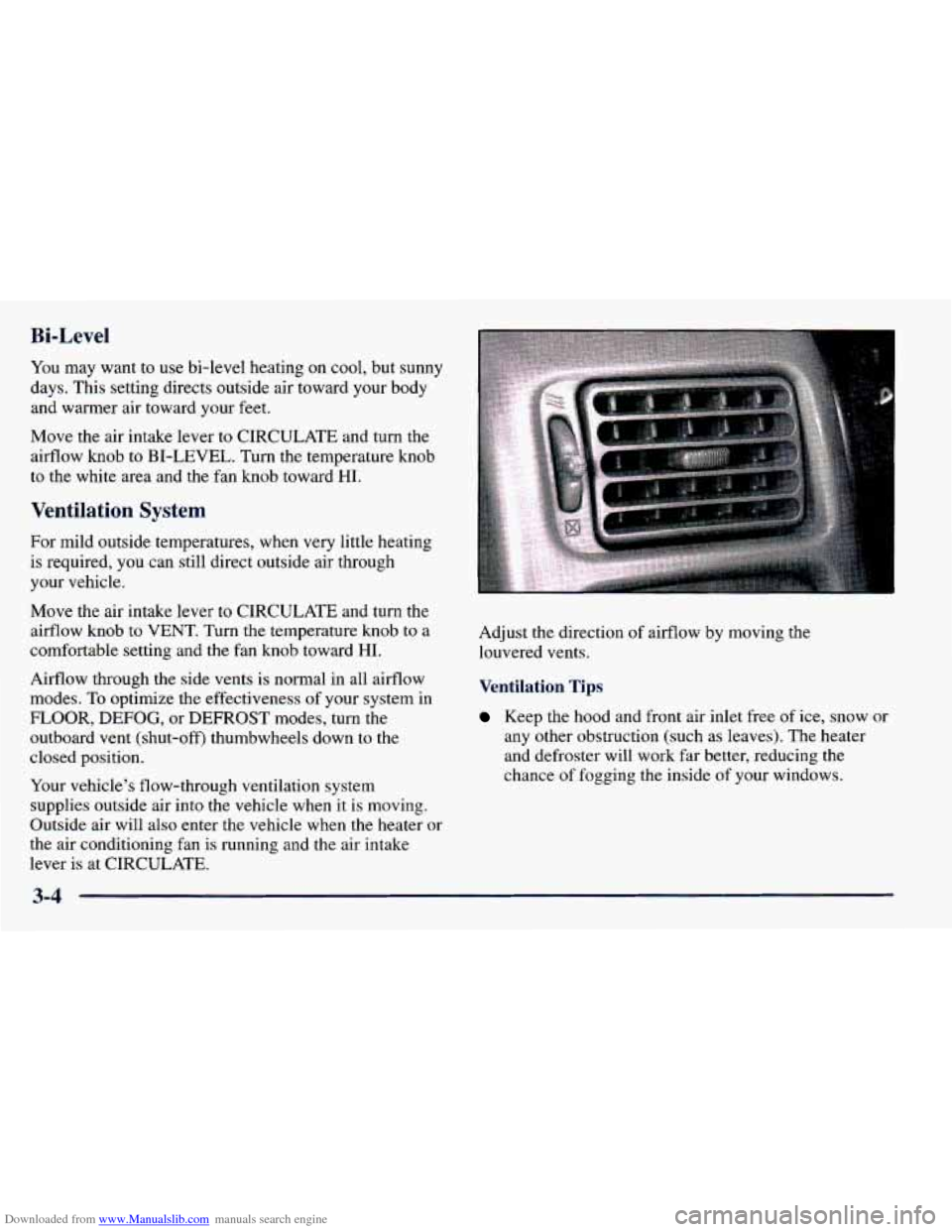
lever is at CIRCULATE. Adjust the direction
of airflow
by moving the
louvered vents.
Ventilation Tips
Keep the hood and front air inlet free of ice, snow or
any other obstruction (such as leaves). The heater
and defroster will work far better, reducing the
chance of fogging
the inside of your windows.
3-4
Page 139 of 364

Downloaded from www.Manualslib.com manuals search engine 0
0
0
When you enter a vehicle in cold weather, move the
fan lever toward
HI for a few moments before
driving
off. This helps clear the intake ducts of snow
and moisture, and reduces the chance
of fogging the
inside of your windows.
Keep the air path under the front seats clear
of
objects. This helps air to circulate throughout
your vehicle.
Shut
off outboard dash vents to keep cold air from
blowing in.
Defogging and Defrosting
Move the air intake lever to CIRCULATE and turn
the airflow knob to DEFROST to direct air to the
windshield vents. The air conditioner is automatically
turned
on. Turn the temperature knob to the
right and the fan knob toward
HI.
When the windshield is clear, turn down the fan speed.
To defog the windshield and side windows, turn
the aifflow knob to DEFROST.
Rear Window Defogger (Option)
The rear window defogger
uses a warming grid to
remove fog from the
rear window.
Press the switch
to turn on the defogger. The defogger
will stay on for about 15 minutes, then it will shut off
automatically. You can also turn it
off by pressing the
switch again. Use it only when the engine is running.
Make sure you turn the defogger off when the window
is clear. Leaving the defogger on for a long time could
cause the battery to run down, especially during
stop-and-go driving. The defogger is
not designed for
drying water or melting snow.
Do not attach anything like a temporary vehicle license
or a decal across the defogger grid on the rear window.
3-5
Page 153 of 364
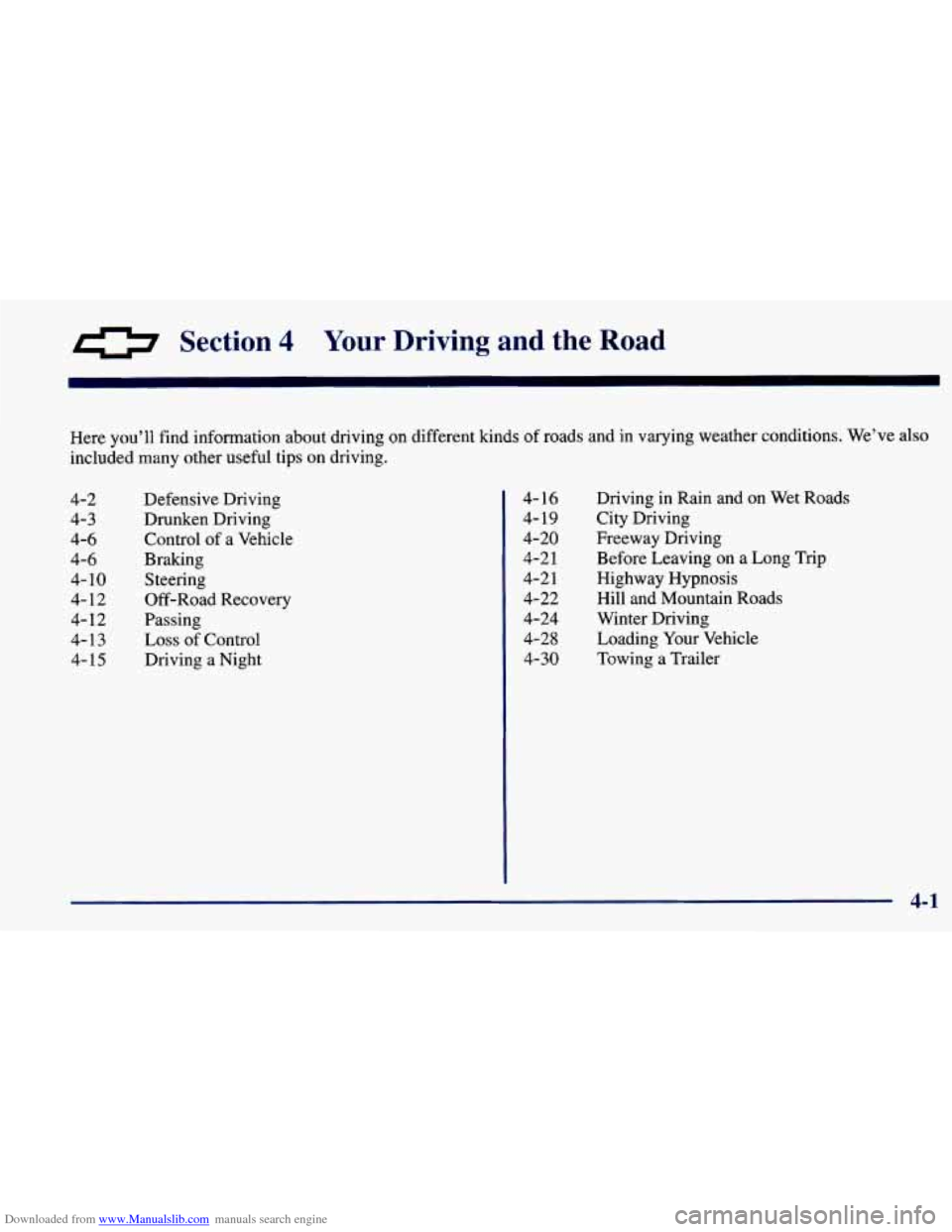
Downloaded from www.Manualslib.com manuals search engine 0 Section 4 Your Driving and the Road
Here you’ll find information about driving on different kinds of roads and in varying weather conditions. We’ve also
included many other useful tips
on driving.
4-2 4-3
4-6
4-6 4-
10
4-12
4-12
4-13
4- 15 Defensive Driving
Drunken Driving Control of a Vehicle
Braking Steering
Off-Road Recovery
Passing
Loss of Control
Driving
a Night Driving
in Rain and on Wet Roads
City Driving
Freeway Driving Before Leaving on a Long Trip
Highway Hypnosis
Hill and Mountain Roads
Winter Driving Loading Your Vehicle
Towing a Trailer
4- 16
4- 19
4-20
4-2
1
4-2 1
4-22
4-24
4-2 8
4-30
4-1