1998 CHEVROLET MALIBU set clock
[x] Cancel search: set clockPage 128 of 362
Downloaded from www.Manualslib.com manuals search engine Section 3 Cornfort Controls and Audio Systems
In this section, you’ll find out how to operate the comfort control and audio systems offered with your vehicle. Be
sure to read about the particular systems supplied with your vehicle.
3-2 3-2
3-3
3-4
3-4
3-5
3-5
3-6
3-6
3-6 Cornfort Controls
Climate Control System with
Air Conditioning
Air Conditioning
Heating
Defogging and Defrosting Windows
Rear Window Defogger
(If Equipped)
Ventilation System
Audio Systems Setting the Clock for Systems without
Automatic
Tone Control
Setting the Clock for Systems with Automatic
Tone Control 3
-7
3-9
3-14
3-18
3-19
3-21
3-2
1
3-22
3-23
3-23
3-23 AM-FM Stereo
AM-FM Stereo with Cassette Tape Player and
Automatic Tone
Control (If Equipped)
AM-FM Stereo with Compact Disc Player and
Automatic Tone Control
(If Equipped)
Remote Cassette Tape Player
(If Equipped)
Theft-Deterrent Feature
Understanding Radio Reception
Tips About
Your Audio System
Care of
Your Cassette Tape Player
Care of Your Compact Discs
Care of Your Compact Disc Player
Fixed Mast Antenna
3-1
Page 133 of 362
Downloaded from www.Manualslib.com manuals search engine Ventilation Tips
0
0
0
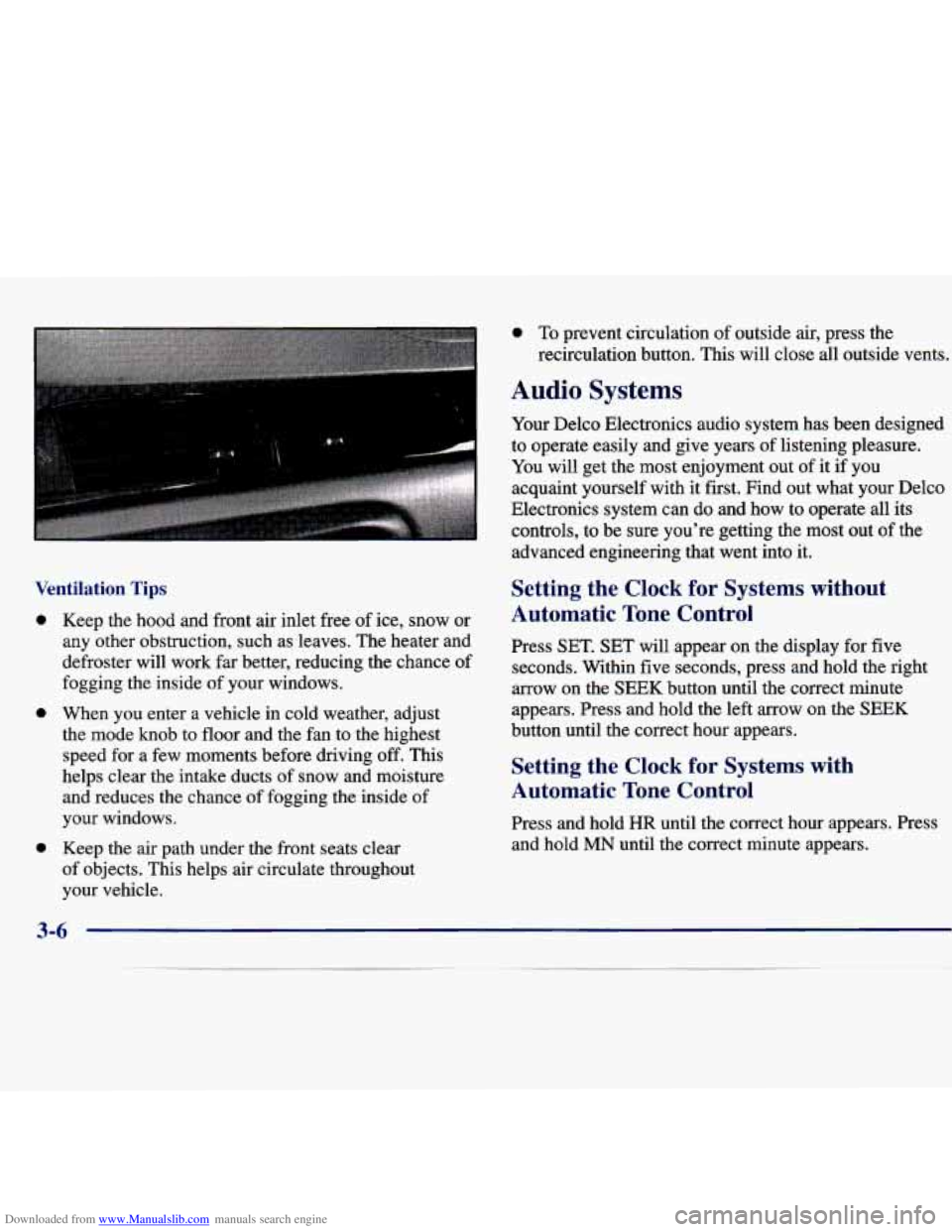
Keep the hood and front air inlet free of ice, snow or
any other obstruction, such as leaves. The heater and
defroster will work far better, reducing the chance of
fogging the inside
of your windows.
When you enter a vehicle in cold weather, adjust
the mode knob to floor and the fan to the highest speed for a few moments before driving off. This
helps clear the intake ducts of snow and moisture
and reduces the chance of fogging the inside
of
your windows.
Keep the air path under the front seats clear
of objects. This helps air circulate throughout
your vehicle.
0 To prevent circulation of outside air, press the
recirculation button.
This will close all outside vents.
Audio Systems
Your Delco Electronics audio system has been designed
to operate easily and give years of listening pleasure.
You will get the most enjoyment
out of it if you
acquaint yourself with it first. Find out what your Delco
Electronics system
can do and how to operate all its
controls, to be sure you’re getting the most out of the
advanced engineering that went into
it.
Setting the Clock for Systems without
Automatic Tone Control
Press SET. SET will appear on the display for five
seconds. Within five seconds, press and hold the right
arrow on the SEEK button until the correct minute
appears. Press and hold the left arrow on the SEEK
button until the correct hour appears.
Setting the Clock for Systems with
Automatic Tone Control
Press and hold HR until the correct hour appears. Press
and hold
MN until the correct minute appears.
3-6
Page 136 of 362
Downloaded from www.Manualslib.com manuals search engine AM-FM Stereo with Cassette Tape Player
and Automatic Tone Control
(If Equipped)
and wind noise as you drive. Set the volume at the
desired level. Move the control ring behind the upper
knob to the right to adjust the SCV. Then, as you drive,
SCV automatically increases the volume, as necessary,
to overcome noise at any particular speed. The volume
level should always sound the sme
to you as you drive.
If you don't want to
use SCV, turn the control all the
way down. Each notch on the control ring allows for
more volume compensation at faster vehicle speeds.
Finding a Station
AM-FM:
Press this button to switch between AM,
FM1 and
FM2. The display shows your selection.
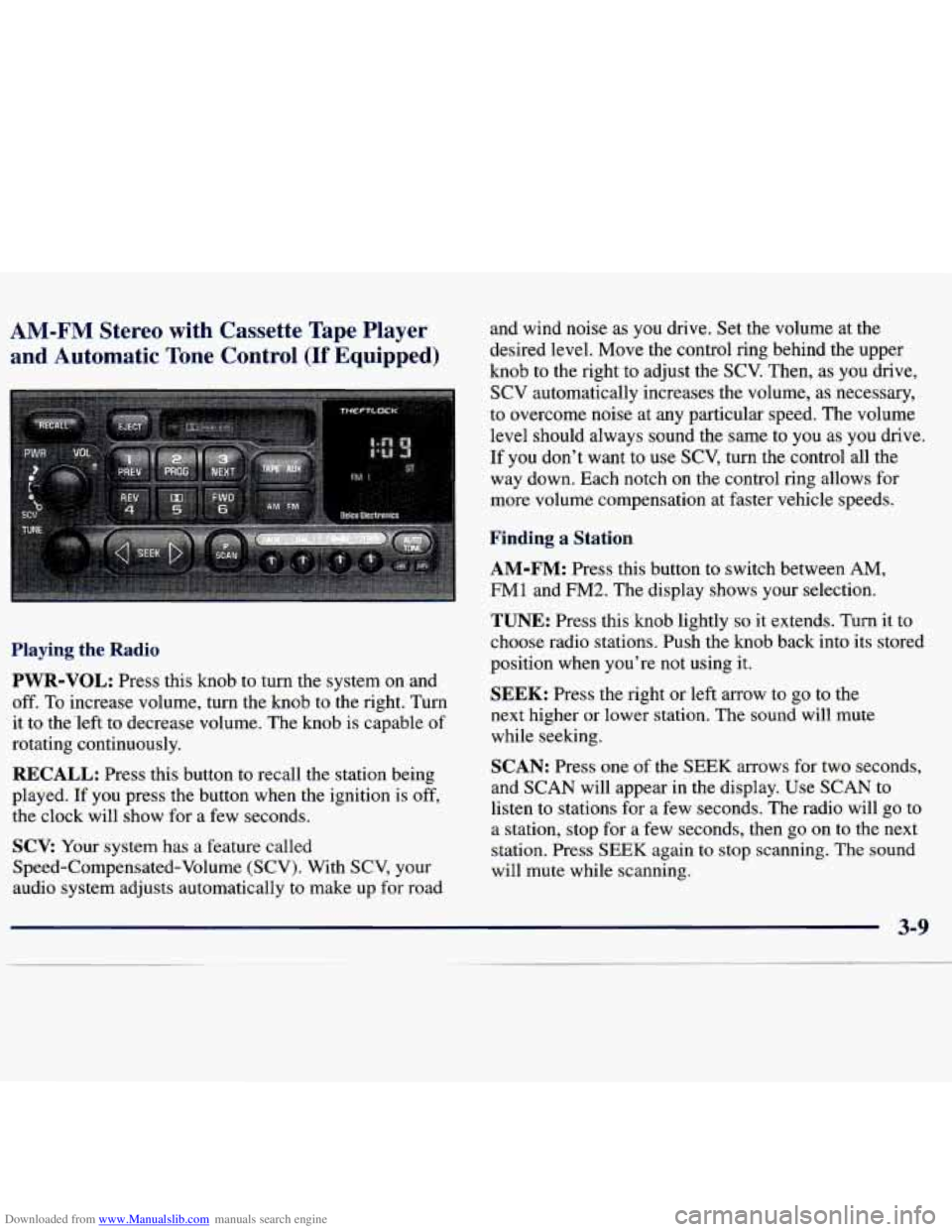
Playing the Radio
PWR-VOL:
Press this knob to turn the system on and
off. To increase volume, turn the knob to the right. Turn
it to the'left to decrease volume. The knob is capable of
rotating continuously.
RECALL: Press this button to recall the station being
played.
If you press the button when the ignition is off,
the clock will show for a few seconds.
SCV: Your system has a feature called
Speed-Compensated-Volume (SCV). With SCV, your
audio system adjusts automatically to make up
for road
TUNE: Press this knob lightly so it extends. Turn it to
choose radio stations. Push the knob back into its stored
position when you're not using it.
SEEK: Press the right or left arrow to go to the
next higher or lower station. The sound will mute
while seeking.
SCAN: Press one of the SEEK arrows for two seconds,
and SCAN will appear in the display. Use SCAN to
listen to stations for a few seconds. The radio will go to
a station, stop for a few seconds, then
go on to the next
station. Press
SEEK again to stop scanning. The sound
will mute while scanning.
Page 141 of 362
Downloaded from www.Manualslib.com manuals search engine AM
and
:-FM Stereo with Compact Disc Player
Automatic
Tone Control (If Equipped)
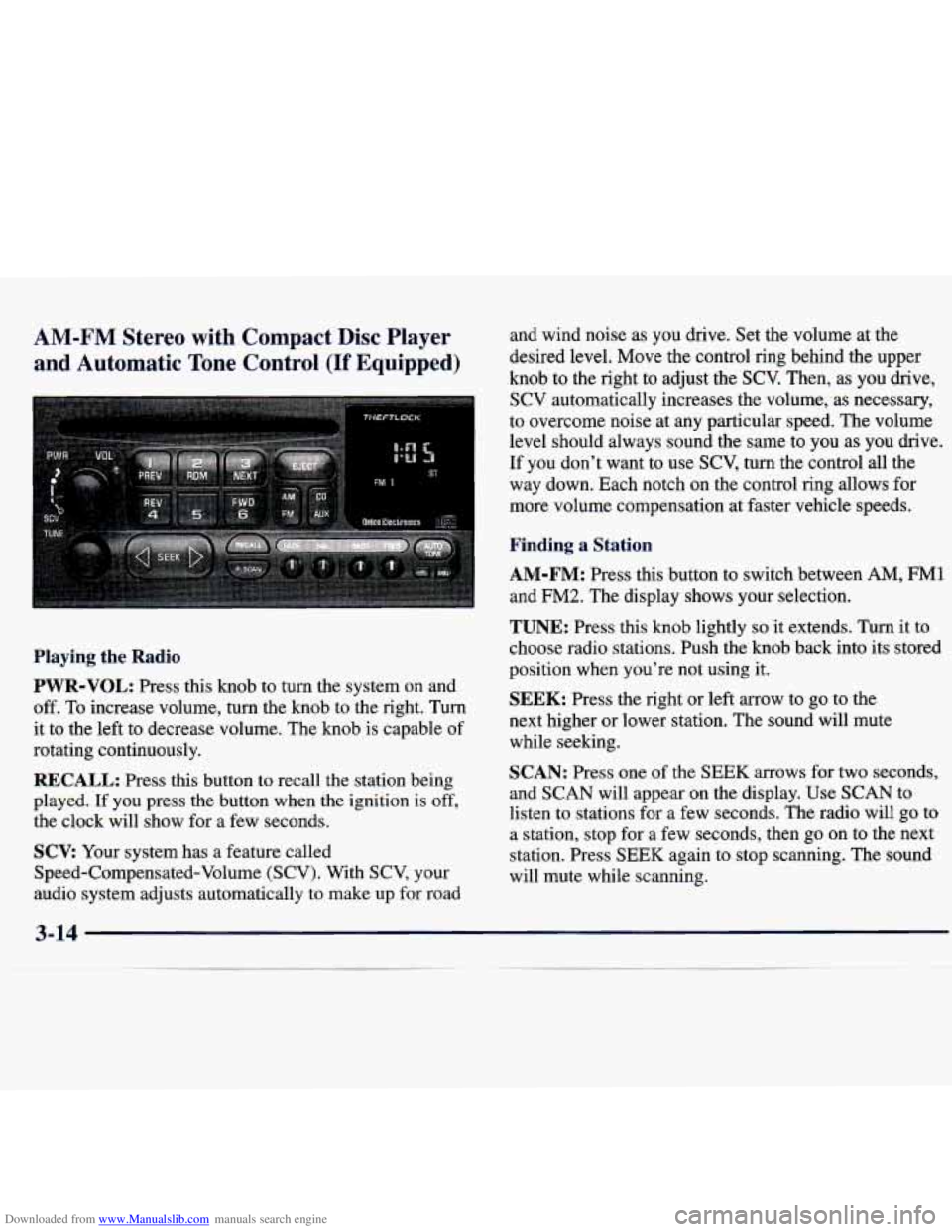
Playing the Radio
PWR-VOL: Press this knob to turn the system on and
off. To increase volume, turn the knob to the right. Turn
it to the left to decrease volume. The knob is capable of
rotating continuously.
RECALL: Press this button to recall the station being
played. If you press the button when the ignition is off,
the clock will show for
a few seconds.
SCV: Your system has a feature called
Speed-Compensated-Volume (SCV). With SCV, your
audio system adjusts automatically to make up
for road and wind noise as you drive. Set the volume
at the
desired level. Move the control ring behind the upper
knob to the right to adjust the
SCV. Then, as you drive,
SCV automatically increases the volume, as necessary,
to overcome noise at any particular speed. The volume
level should always sound the same to you as you drive.
If you don't want to use
SCV, turn the control all the
way down. Each notch
on the control ring allows for
more volume compensation at faster vehicle speeds.
Finding a Station
AM-FM: Press this button to switch between AM, FM1
and
FM2. The display shows your selection.
TUNE: Press this knob lightly so it extends. Turn it to
choose radio stations. Push the knob back into its stored
position when you're not using it.
SEEK: Press the right or left arrow to go to the
next higher or lower station. The sound will mute
while seeking.
SCAN: Press one of the SEEK arrows for two seconds,
and SCAN will appear on the display. Use SCAN to
listen to stations for a few seconds. The radio will go to
a station, stop for a few seconds, then go on to the next
station. Press
SEEK again to stop scanning. The sound
will mute while scanning.
3-1 4
Page 348 of 362
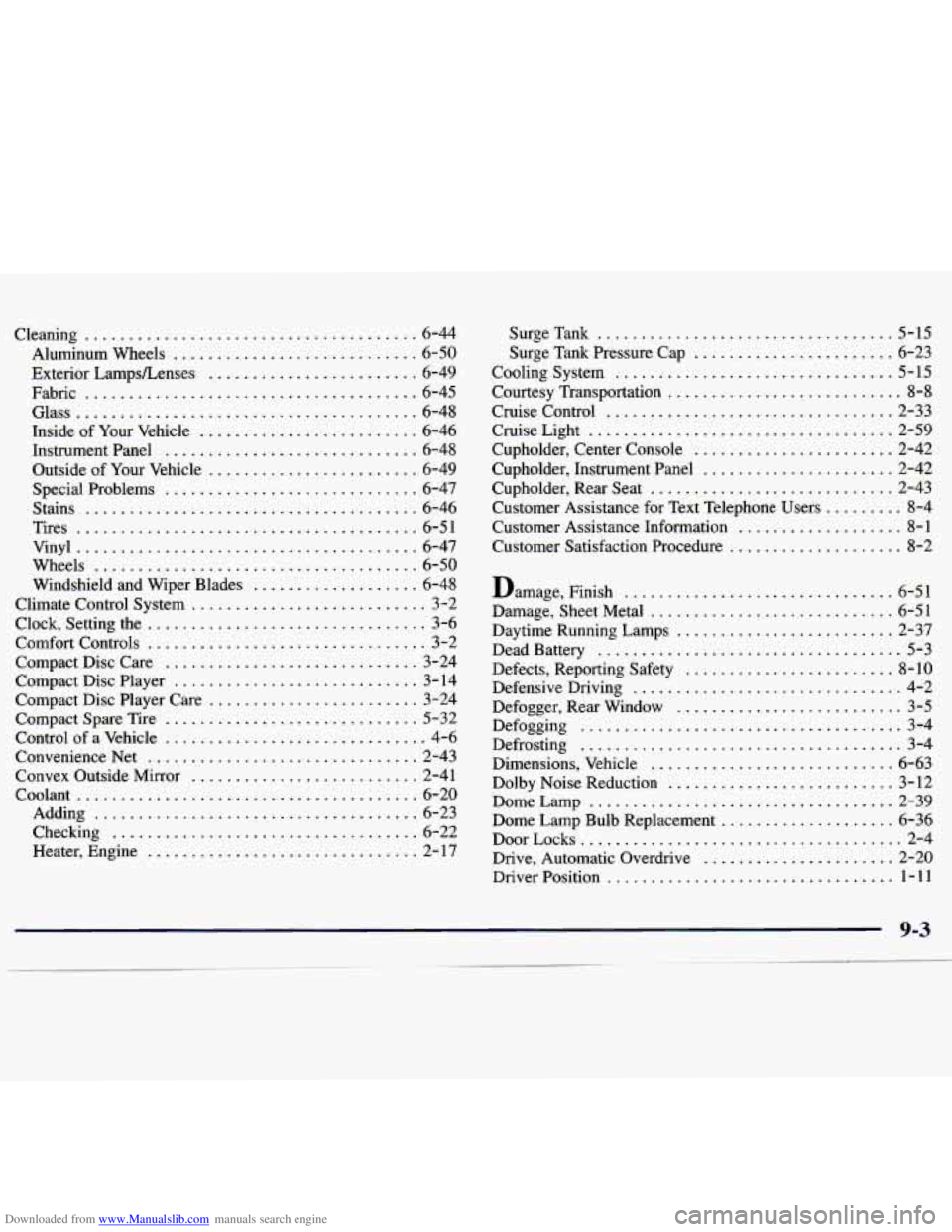
Downloaded from www.Manualslib.com manuals search engine Cleaning ...................................... 6-44
Aluminum Wheels
............................ 6-50
Exterior LampsLenses
........................ 6-49
Fabric
...................................... 6-45
Glass
....................................... 6-48
Inside of Your Vehicle
......................... 6-46
Instrumentpanel
............................. 6-48
Outside of Your Vehicle
........................ 6-49
Special Problems
............................. 6-47
Stains
...................................... 6- 46
Tires
....................................... 6-51
Vinyl
....................................... 6-47
Wheels
..................................... 6-50
Windshield and Wiper Blades
................... 6-48
Climate Control System
........................... 3-2
Clock. Setting the
................................ 3-6
Comfort Controls
................................ 3-2
Compact Disc Care
............................. 3-24
Compact Disc Player
............................ 3-14
Compact Disc Player Care
........................ 3-24
Compact Spare Tire
............................. 5-32
Control of a Vehicle
.............................. 4-6
ConvenienceNet
............................... 2-43
Convex Outside Mirror
.......................... 2-41
Coolant
....................................... 6-20
Adding
..................................... 6-23
Checking
................................... 6-22
Heater. Engine
............................... 2- 17 Surge
Tank
.................................. 5-15
Surge Tank Pressure Cap
....................... 6-23
Cooling System
................................ 5-15
Courtesy Transportation
........................... 8-8
Cruise Control ................................. 2-33
Cruise Light
................................... 2-59
Cupholder. Center Console
....................... 2-42
Cupholder. Rear Seat
............................ 2-43
Customer Assistance for Text Telephone Users
......... 8-4
Customer Assistance Information
................... 8-1
Customer Satisfaction Procedure
.................... 8-2
Cupholder. Instrument Panel
...................... 2-42
Damage. Finish
............................... 6-51
Damage. Sheet Metal
............................ 6-51
Daytime Running Lamps
......................... 2-37
Dead Battery
................................... 5-3
Defects. Reporting Safety
........................ 8-10
Defensive Driving
............................... 4-2
Defogger. Rear Window
.......................... 3-5
Defogging
..................................... 3-4
Defrosting
..................................... 3-4
Dimensions. Vehicle
............................ 6-63
Dolby Noise Reduction
.......................... 3-12
Dome Lamp
................................... 2-39
Dome Lamp Bulb Replacement
.................... 6-36
DoorLocks
..................................... 2-4
Drive. Automatic Overdrive
...................... 2-20
DriverPosition
................................. 1-11
9-3
.