1998 CHEVROLET CORVETTE flat tire
[x] Cancel search: flat tirePage 6 of 378
Downloaded from www.Manualslib.com manuals search engine The 1998 Chevrolet Corvette Owner’s Manual
1-1
2-1
3-1
4-1
5-1
6-1
7- 1
8- 1
9-1
Seats and Restraint Systems
This section tells you how to use your seats and safety belts properly. It also explains the air bag system.
Features and Controls
This section explains how to start and operate your vehicle.
Comfort Controls and Audio Systems
This section tells you how to adjust the ventilation and comfort controls and how to operate your audio system.
Your Driving and the Road
Here you’ll find helpful information and tips about the road and how to drive under different conditions.
Problems on the Road
This section tells what to do if you have a problem while driving, such as a flat tire or overheated engine, etc.
Service and Appearance Care
Here the manual tells you how to keep your vehicle running properly and looking good.
Maintenance Schedule
This section tells you when to perform vehicle maintenance and what fluids and lubricants to use.
Customer Assistance Information
This section tells you how to contact Chevrolet for assistance and how to get service and owner publications.
It also gives you information on “Reporting Safety Defects” on page
8-10.
Index
Here’s an alphabetical listing of almost every subject in this manual. You can use it to quickly find
something you want to read.
i
Page 156 of 378
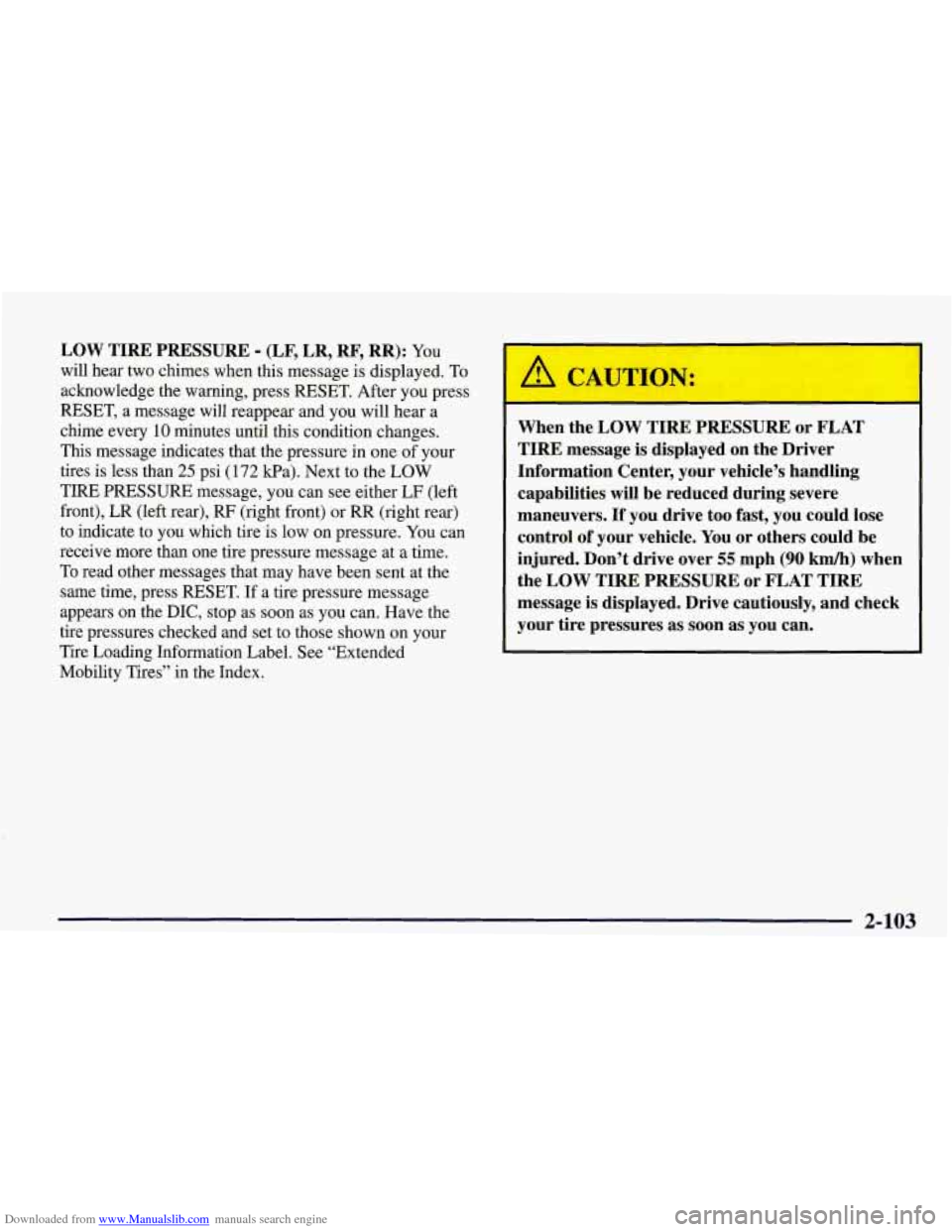
Downloaded from www.Manualslib.com manuals search engine LOW TIRE PRESSURE - (LF, LR, RF, RR): YOU
will hear two chimes when this message is displayed. To
acknowledge the warning, press RESET. After you press
RESET, a message will reappear and you will hear a
chime every
10 minutes until this condition changes.
This message indicates that the pressure in one of your
tires is less than
25 psi (172 Ea). Next to the LOW
TIRE PRESSURE message, you can see either
LF (left
front), LR (left rear),
RF (right front) or RR (right rear)
to indicate to you which tire is low on pressure.
You can
receive more than one tire pressure message at a time.
To read other messages that may have been sent at the
same time, press RESET. If a tire pressure message
appears on the
DIC, stop as soon as you can. Have the
tire pressures checked and set to those shown on your
Tire Loading Information Label. See “Extended
Mobility Tires” in the Index.
When the LOW TIRE PRESSURE or FLAT
TIRE message is displayed on the Driver
Information Center, your vehicle’s handling
capabilities will be reduced during severe
maneuvers.
If you drive too fast, you could lose
control of your vehicle.
You or others could be
injured. Don’t drive over
55 mph (90 km/h) when
the LOW TIRE PRESSURE or FLAT TIRE
message is displayed. Drive cautiously, and check
your tire pressures as
soon as you can.
2-103
Page 157 of 378
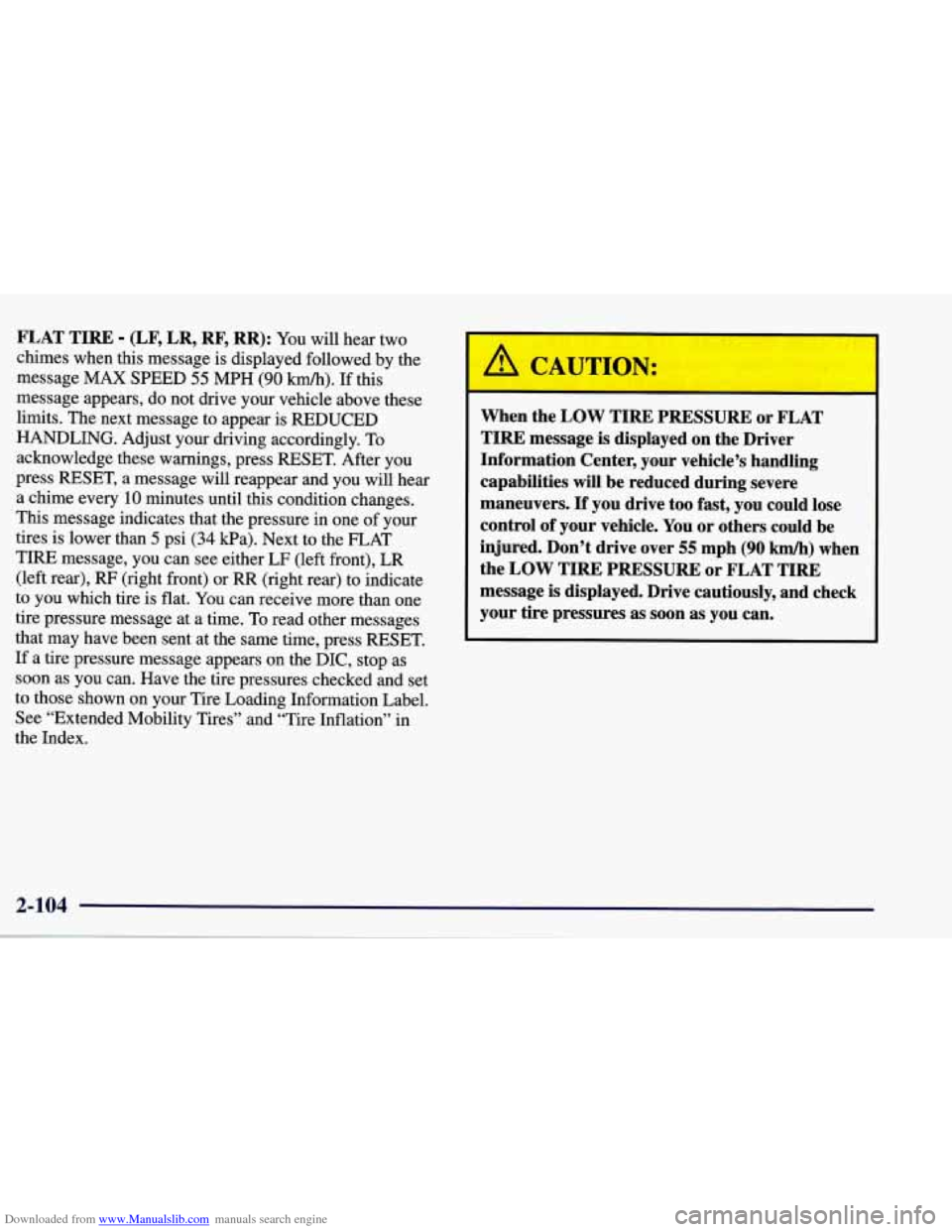
Downloaded from www.Manualslib.com manuals search engine FLAT TIRE - (LF, LR, RF, RR): You will hear two
chimes when this message is displayed followed by the
message MAX SPEED
55 MPH (90 km/h). If this
message appears, do not drive your vehicle above these
limits. The next message to appear is REDUCED
HANDLING. Adjust your driving accordingly. To acknowledge these warnings, press RESET. After you
press RESET, a message will reappear and you will hear
a chime every
10 minutes until this condition changes.
This message indicates that the pressure in one
of your
tires is lower than
5 psi (34 Wa). Next to the FLAT
TIRE message, you can see either LF (left front),
LR
(left rear), RF (right front) or RR (right rear) to indicate
to you which tire is flat. You can receive more than one
tire pressure message at a time. To read other messages
that may have been sent at the same time, press RESET.
If a tire pressure message appears on the
DIC, stop as
soon as you can. Have the tire pressures checked and set
to those shown on your Tire Loading Information Label.
See “Extended Mobility Tires” and “Tire Inflation” in
the Index.
When the LOW TIRE PRESSURE or FLAT
TIRE message
is displayed on the Driver
Information Center, your vehicle’s handling
capabilities will be reduced during severe
maneuvers.
If you drive too fast, you could lose
control of your vehicle. You or others could be
injured. Don’t drive over
55 mph (90 kmh) when
the
LOW TIRE PRESSURE or FLAT TIRE
message
is displayed. Drive cautiously, and check
your tire pressures as soon as you can.
Page 158 of 378
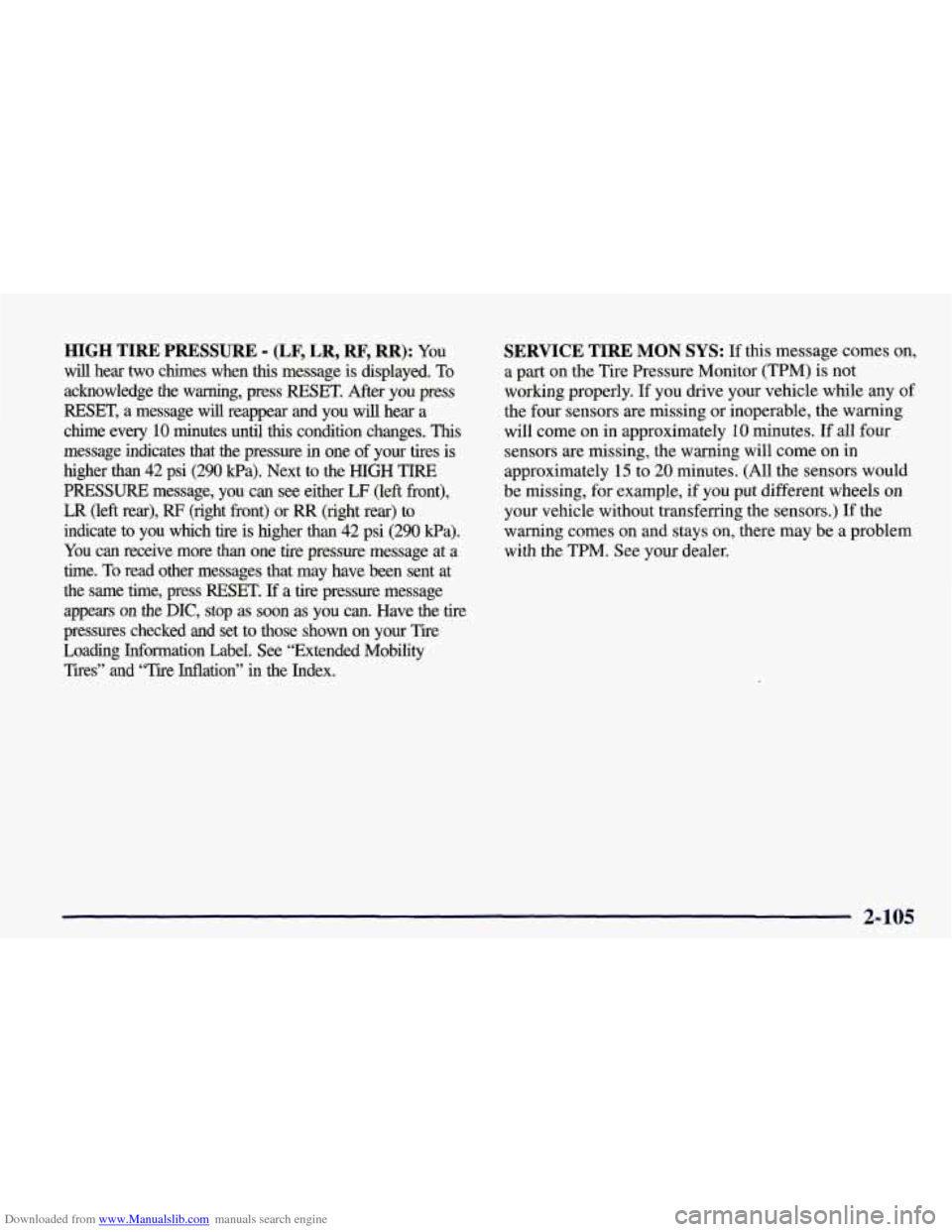
Downloaded from www.Manualslib.com manuals search engine HIGH TIRE PRESSURE - (LF, LR, RF, RR): YOU
will hear two chimes when this message is displayed. To
acknowledge the warning, press RESET. After you press
RESET, a message
will reappear and you will hear a
chime every
10 minutes until this condition changes. This
message indicates that the pressure in one of your tires is higher than
42 psi (290 Pa). Next to the HIGH TIRE
PRESSURE message,
you can see either LF (left front),
LR (left rear), RF (right front) or RR (right rear) to
indicate to you which tire is higher than
42 psi (290 Wa).
You can receive more than one tire pressure message at a
time. To read other messages that may have been sent at
the same time, press RESET.
If a tire pressure message
appears
on the DX, stop as soon as you can. Have the tire
pressures checked and set to those shown on your Tire
Loading Information Label. See “Extended
Mobility
Tires” and “Tire Inflation” in the Index.
SERVICE TIRE MON SYS: If this message comes on,
a part on the Tire Pressure Monitor (TPM) is not
working properly. If you drive your vehicle while any of
the four sensors are missing or hoperable, the warning
will come on in approximately
10 minutes. If all four
sensors are missing, the warning will come on in
approximately
15 to 20 minutes. (All the sensors would
be missing, for example, if you put different wheels on
your vehicle without transferring the sensors.) If the
warning comes
on and stays on, there may be a problem
with the TPM. See your dealer.
2-105
Page 212 of 378
Downloaded from www.Manualslib.com manuals search engine The exit speed is usually posted.
Reduce your speed according to your speedometer, not
to your sense
of motion. After driving for any distance
at higher speeds, you may tend to think you are going slower than you actually are.
Before Leaving on a Long Trip
Make sure you’re ready. Try to be well rested. If you
must start when you’re not fresh
-- such as after a day’s
work
-- don’t plan to make too many miles that first part
of the journey. Wear comfortable clothing and shoes you
can easily drive in.
Is your vehicle ready for a long trip?
If you keep it
serviced and maintained, it’s ready
to go. If it needs
service, have it done before starting out. Of course,
you’ll find experienced and able service experts in
GM
dealerships all across North America. They’ll be ready
and willing to help if you need it. Here are some things you can check before a
trip:
0
0
0
0
0
0
0
Windshield Washer Fluid: Is the reservoir full? Are
all windows clean inside and outside?
Wiper Blades: Are they in good shape?
Fuel, Engine Oil, Other Fluids: Have you checked
all levels?
Lamps: Are they all working? Are the lenses clean?
Tires: They are vitally important to a safe,
trouble-free trip.
Is the tread good enough for
long-distance driving? Are the tires all inflated to the
recommended pressure?
Weather Forecasts: What’s the weather outlook
along your route? Should you delay your trip a short’
time to avoid a major storm system?
Maps: Do you have up-to-date maps?
4-21
Page 213 of 378
Downloaded from www.Manualslib.com manuals search engine Highway Hypnosis
Is there actually such a condition as “highway hypnosis”?
Or is it just plain falling asleep at the wheel?
Call it
highway hypnosis, lack of awareness, or whatever.
There is something about an easy stretch of road with the same scenery, along with the hum of the tires on the road,
the drone
of the engine, and the rush of the wind against
the vehicle that can make you sleepy. Don’t let it happen to you!
If it does, your vehicle can leave the road in less
than a second, and you could crash and be injured.
What can you do about highway hypnosis? First, be
aware that it can happen.
Then here are some tips:
0
0
0
Make sure your vehicle is well ventilated, with a
comfortably cool interior.
Keep your eyes moving. Scan the road ahead and to
the sides. Check your rearview mirrors and your
instruments frequently.
If you get sleepy, pull
off the road into a rest, service
or parking area and take a nap, get some exercise, or
both. For safety, treat drowsiness on the highway as
an emergency.
Hill and Mountain Roads
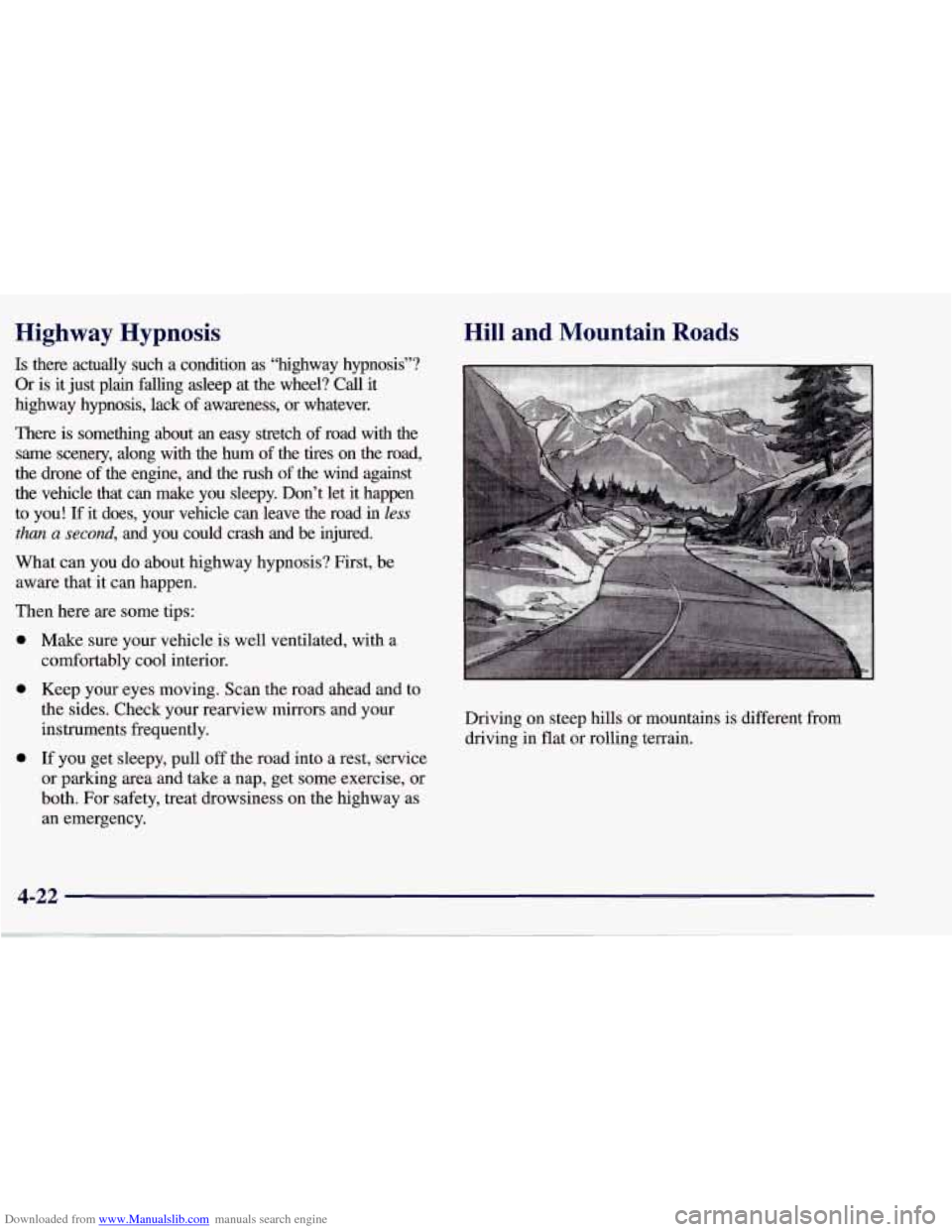
Driving on steep hills or mountains is different from driving in flat or rolling terrain.
Page 220 of 378
Downloaded from www.Manualslib.com manuals search engine Loading Your Vehicle
TIRE-LOADING INFORMATION
VEHICLE CAP. WT.
FRT. CTR. RR. TOTAL LBS.
MAX. LOADING & GVWR SAME AS VEHICLE
CAPACITY WEIGHT
XXX COLD TIRE
TIRE
SIZE SPEED PRESSURE
RTG PSI/KPa
FRT.
RR.
SPA.
IF TIRES ARE HOT, ADD 4PSIi28KPa
SEE OWNER‘S MANUAL FOR ADDITIONAL
INFORMATiON
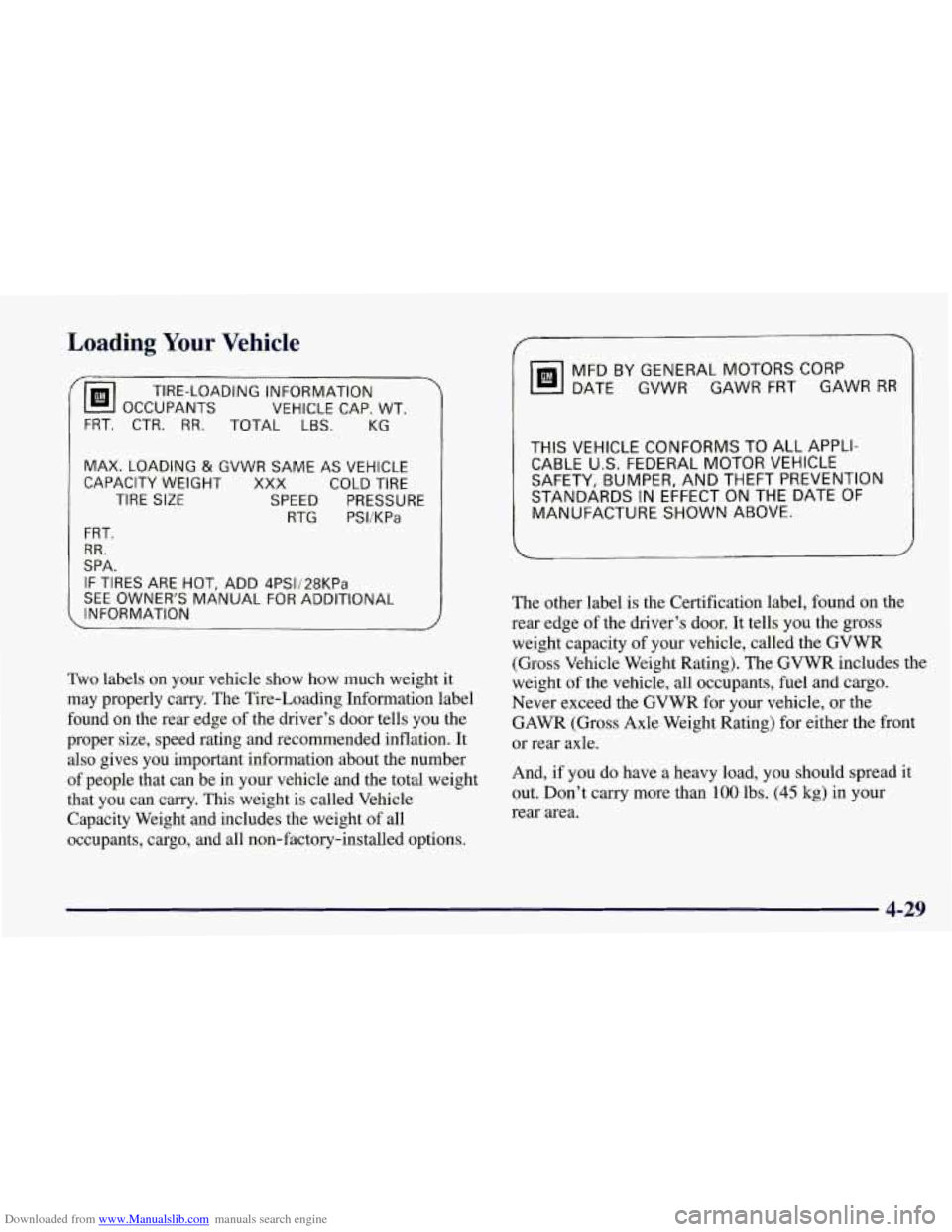
Two labels on your vehicle show how much weight it
may properly carry. The Tire-Loading Information label
found on the rear edge of the driver’s door tells you the
proper size, speed rating and recommended inflation. It
also gives you important information about the number
of people that can be in your vehicle and the total weight
that you can carry. This weight is called Vehicle
Capacity Weight and includes the weight
of all
occupants, cargo, and all non-factory-installed options.
MFD BY GENERAL MOTORS CORP
DATE GVWR GAWR FRT GAWR
RR
THIS VEHICLE CONFORMS TO ALL APPLI-
CABLE U.S. FEDERAL MOTOR VEHICLE
SAFETY, BUMPER, AND THEFT PREVENTION
STANDARDS IN EFFECT ON THE DATE
OF
MANUFACTURE SHOWN ABOVE.
I
The other label is the Certification label, found on the
rear edge of the driver’s door. It tells you the gross
weight capacity of your vehicle, called the GVWR
(Gross Vehicle Weight Rating). The GVWR includes the
weight of the vehicle, all occupants, fuel and cargo.
Never exceed the GVWR for your vehicle, or the
GAWR (Gross Axle Weight Rating) for either the front
or rear axle.
And, if you do have a heavy load,
you should spread it
out. Don’t carry more than
100 lbs. (45 kg) in your
rear area.
4-29
Page 222 of 378

Downloaded from www.Manualslib.com manuals search engine Section 5 Problems on the Road
Here you’ll find what to do about some problems that can occur on the ro\
ad.
5-2
5-3
5-8 5-13 Hazard Warning Flashers
Jump Starting
Towing Your Vehicle
Engine Overheating
5-16 Cooling System
5-22 If a Tire Goes Flat
5-22 If You’re Stuck: In Sand, Mud, Ice or Snow
5-1