Page 14 of 378
Downloaded from www.Manualslib.com manuals search engine Adaptive Seat Control (If Equipped)
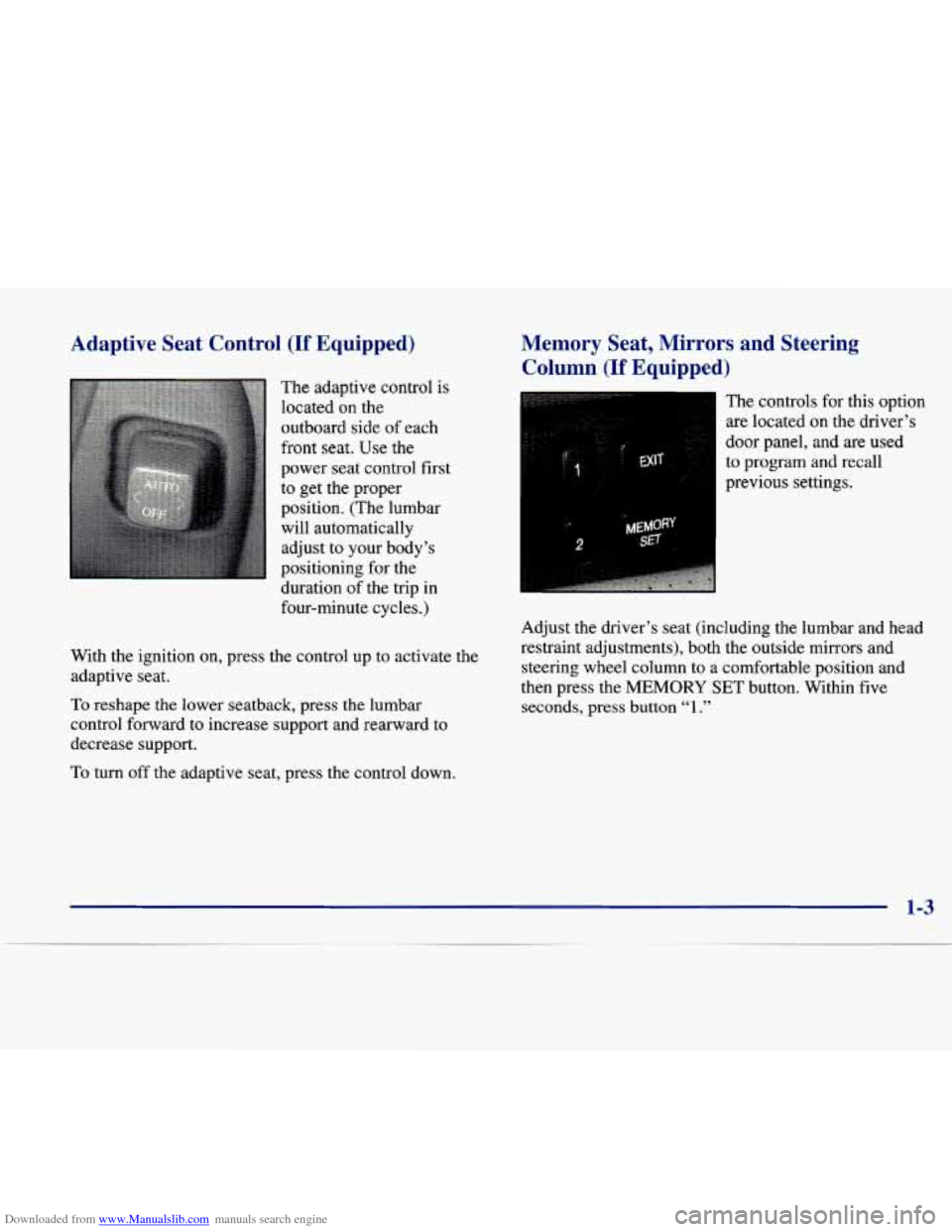
The adaptive control is
located
on the
outboard side of each
front
seat. Use the
power seat control first
to get the proper
position. (The lumbar
will automatically
adjust to your body’s
positioning for the
duration of the trip in
four-minute cycles.)
With the ignition on, press the control up to activate the
adaptive seat.
To reshape the lower seatback, press the lumbar
control forward to increase support and rearward to
decrease support.
To turn off the adaptive seat, press the control down.
Memory Seat, Mirrors and Steering
Column
(If Equipped)
2 MEMOffY
SET
The controls for this option
are located
on the driver’s
door panel, and
are used
to program and recall
previous settings.
Adjust the driver’s seat (including the lumbar and head
restraint adjustments), both the outside mirrors and steering wheel column to a comfortable position and
then press the MEMORY SET button. Within five
seconds, press button “1.”
Page 79 of 378
Downloaded from www.Manualslib.com manuals search engine Ignition Positions
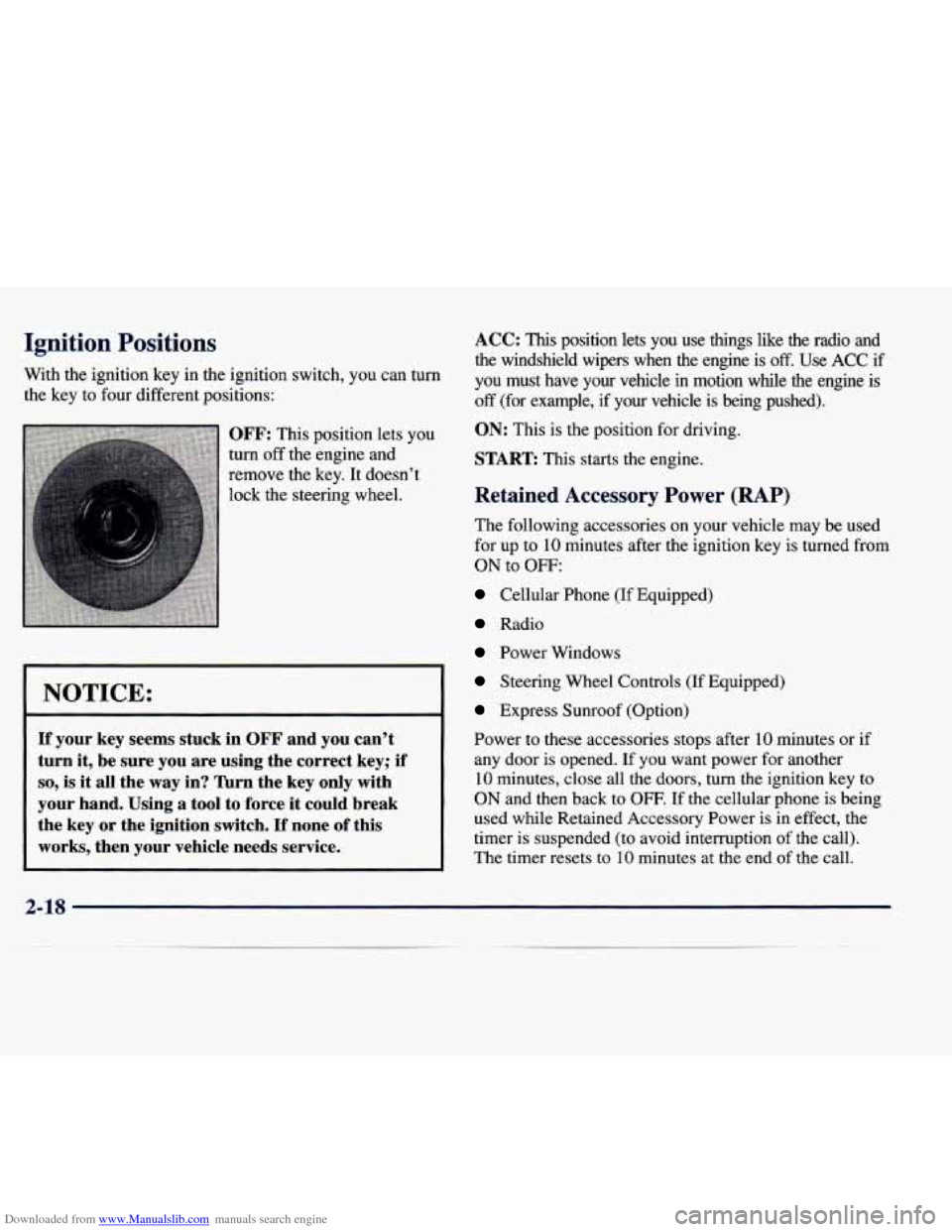
With the ignition key in the ignition switch, you can turn
the key to four different positions:
OFF: This position lets you
turn
off the engine and
remove the key. It doesn’t
lock the steering wheel.
NOTICE:
If your key seems stuck in OFF and you can’t
turn it, be sure you are using the correct key; if
so, is it all the way in? Turn the key only with
your hand. Using a tool to force it could break
the key
or the ignition switch. If none of this
works, then your vehicle needs service.
- ~
ACC: This position lets you use things like the radio and
the windshield wipers when the engine is
off. Use ACC if
you must have your vehicle in motion while
the engine is
off (for example, if your vehicle is being pushed).
ON: This is the position for driving.
START This starts the engine.
Retained Accessory Power (RAP)
The following accessories on your vehicle may be used
for up to
10 minutes after the ignition key is turned from
ON to OFF:
Cellular Phone (If Equipped)
Radio
Power Windows
Steering Wheel Controls (If Equipped)
Express Sunroof (Option)
Power to these accessories stops after
10 minutes or if
any door is opened. If you want power for another
10 minutes, close all the doors, turn the ignition key to
ON and then back to OFF. If the cellular phone is being
used while Retained Accessory Power is in effect, the
timer is suspended (to avoid interruption of the call).
The timer resets to
10 minutes at the end of the call.
2-18
Page 149 of 378
Downloaded from www.Manualslib.com manuals search engine THEFT ATTEMPTED - 40: This message is
displayed
if the theft system has detected a break-in
attempt while
you were away from your vehicle.
TOP SPEED FUEL CUT-OFF - 111: This message
will appear when the
PCM senses that the maximum
speed for your vehicle has been reached. The speed of
your vehicle will surge as the fuel supply is cutoff. This
allows your vehicle to stay in
a safe tire operating range.
The top speed is set based on the top speed rating of
the tires.
TRACTION ENGAGED - 91 : When your traction
control system is limiting wheel spin, the TRACTION
ENGAGED message will be displayed. Slippery road conditions may exist if this message is displayed,
so
adjust your driving accordingly. This message will stay
on for a few seconds after the traction control system
stops limiting wheel spin.
TRACTION OFF - 89: This message will be displayed
after the traction control has been turned
off by the
button
on the center console.
TRACTION READY - 90: This message informs the
driver that the traction control system
is available. This
occurs when the traction ordoff button on the console has
been returned to ON (pressing the button once turns the
traction control system
off: pressing the button again turns
the system back on). This message will automatically
disappear from the display after five seconds.
TRACTION SUSPENDED - 56: This message
displays when the traction control system has been
temporarily shut off because your vehicle’s brakes have overheated. This message does not indicate a problem
with your vehicle’s traction control system. After a few
minutes, the traction control system will be available
again and the TRACTION
READY message
will appear.
TRANS HOT IDLE ENGINE - 112: This message
indicates that the transaxle fluid
in your vehicle is too
hot. Stop and allow your vehicle to idle until it cools
down or until this message is removed.
TRUNK OPEN - 24: This message indicates that the
trunk is open when the ignition is on.
TURN SIGNAL ON - 20: This message is a reminder,
after driving about a mile, that you have the turn signal
on.
A multiple chime will also sound when this message
is displayed.
2-88
Page 263 of 378
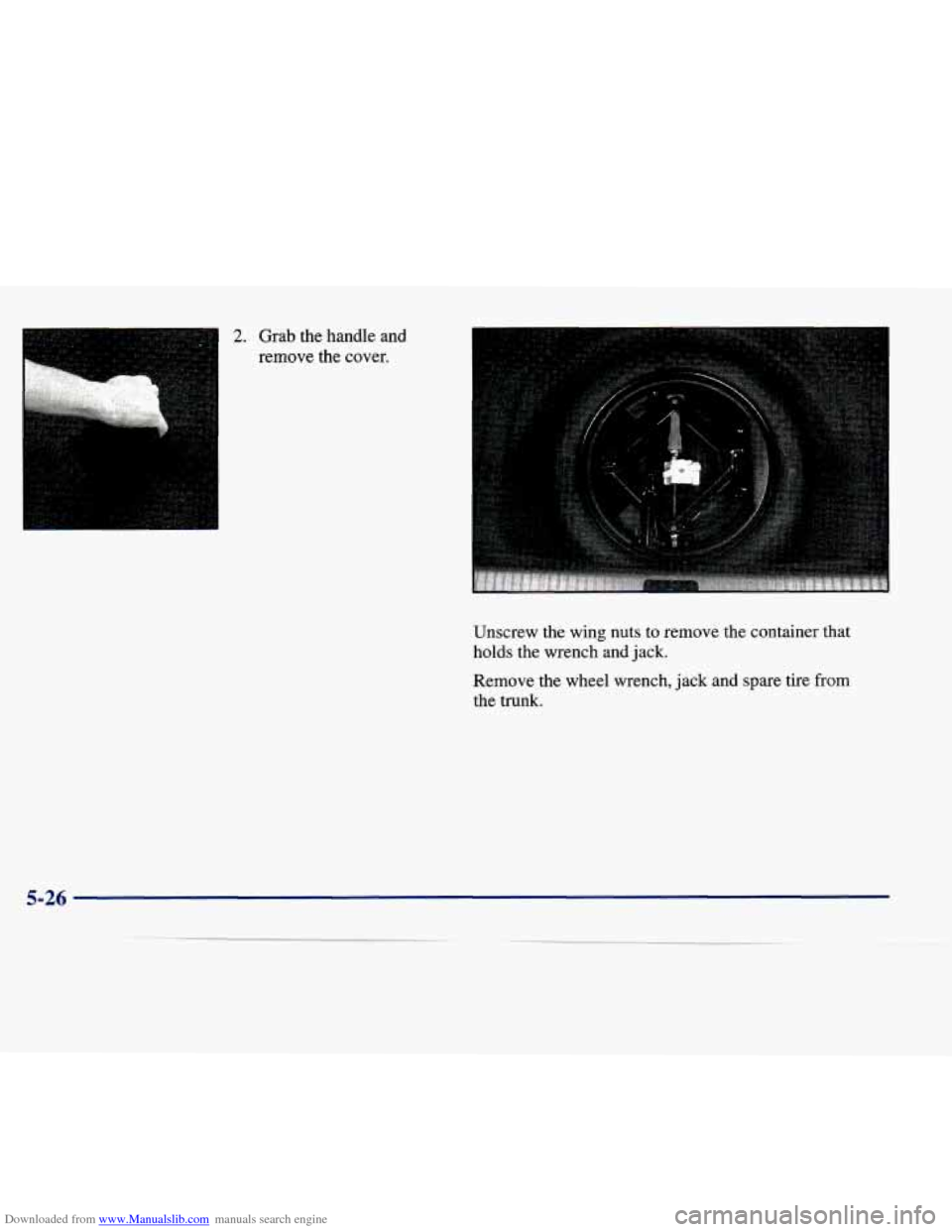
Downloaded from www.Manualslib.com manuals search engine I 2. Grab the handle and
remove the cover.
Unscrew the wing nuts
to remove the container that
holds the wrench and jack.
Remove the wheel wrench, jack and spare tire from
the trunk.
5-26
Page 264 of 378
Downloaded from www.Manualslib.com manuals search engine I ' --
.A
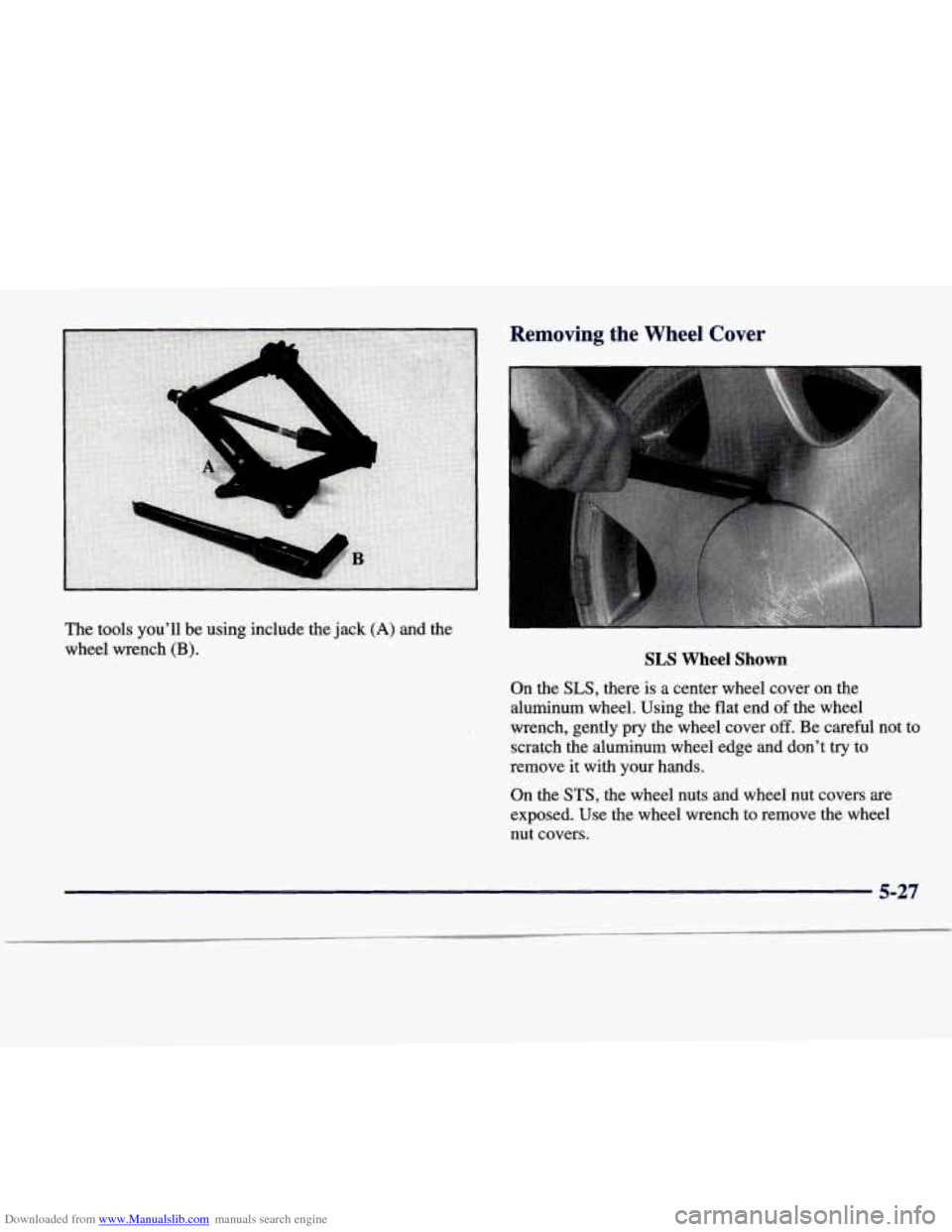
The tools you'll be using include the jack (A) and the
wheel wrench (B).
Removing the Wheel Cover
SLS Wheel Shown
On the SLS, there is a center wheel cover on the
aluminum wheel. Using the flat end
of the wheel
wrench, gently
pry the wheel cover off. Be careful not to
scratch the aluminum wheel edge and don't try to
remove it with your hands.
On the
STS, the wheel nuts and wheel nut covers are
exposed. Use the wheel wrench to remove the wheel nut covers.
5-27
Page 265 of 378
Downloaded from www.Manualslib.com manuals search engine Removing the Flat Tire and Installing the Spare Tire
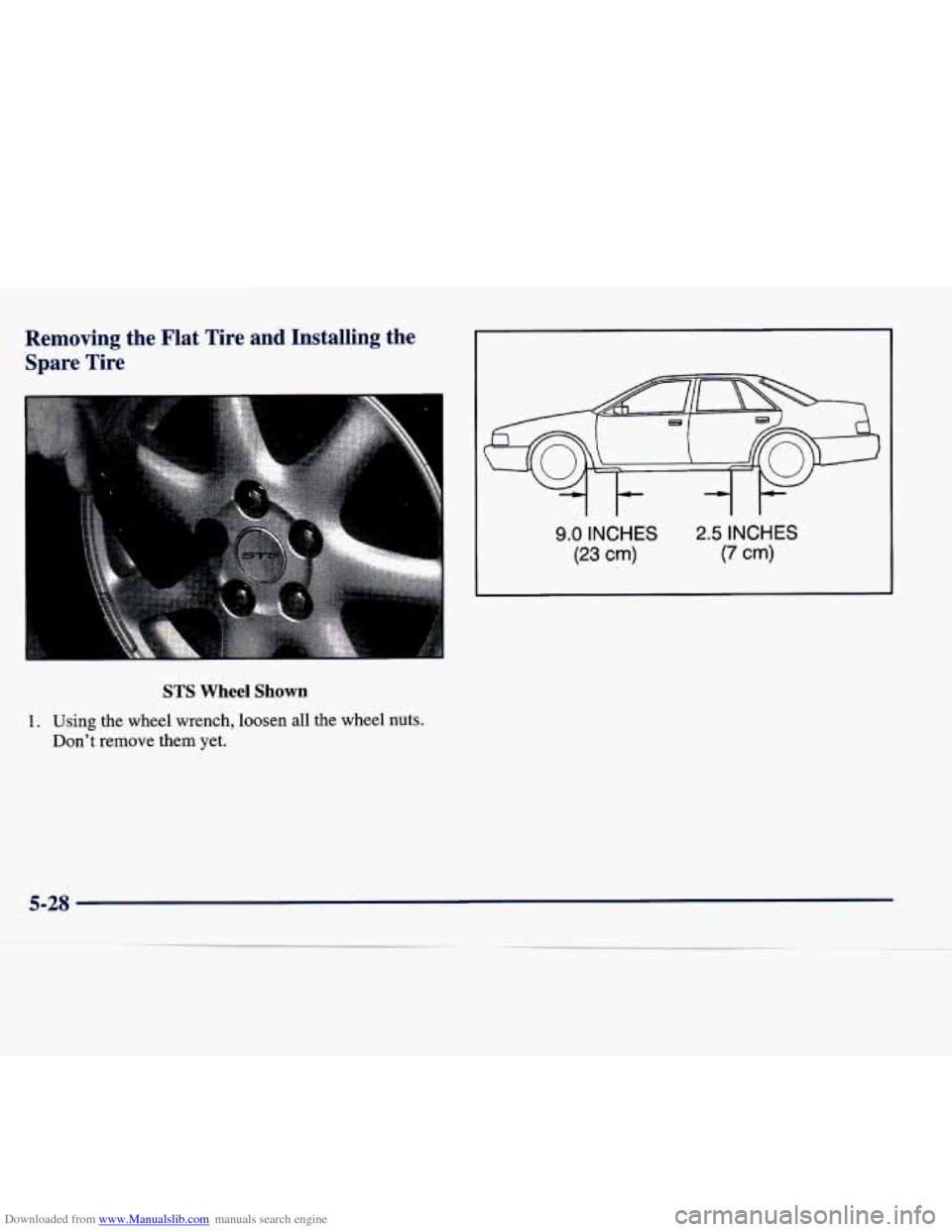
9.0 INCHES
(23 cm)
2.5 INCHES
(7 cm)
STS Wheel Shown
1. Using the wheel wrench, loosen all the wheel nuts.
Don’t remove them yet.
5-28
Page 267 of 378
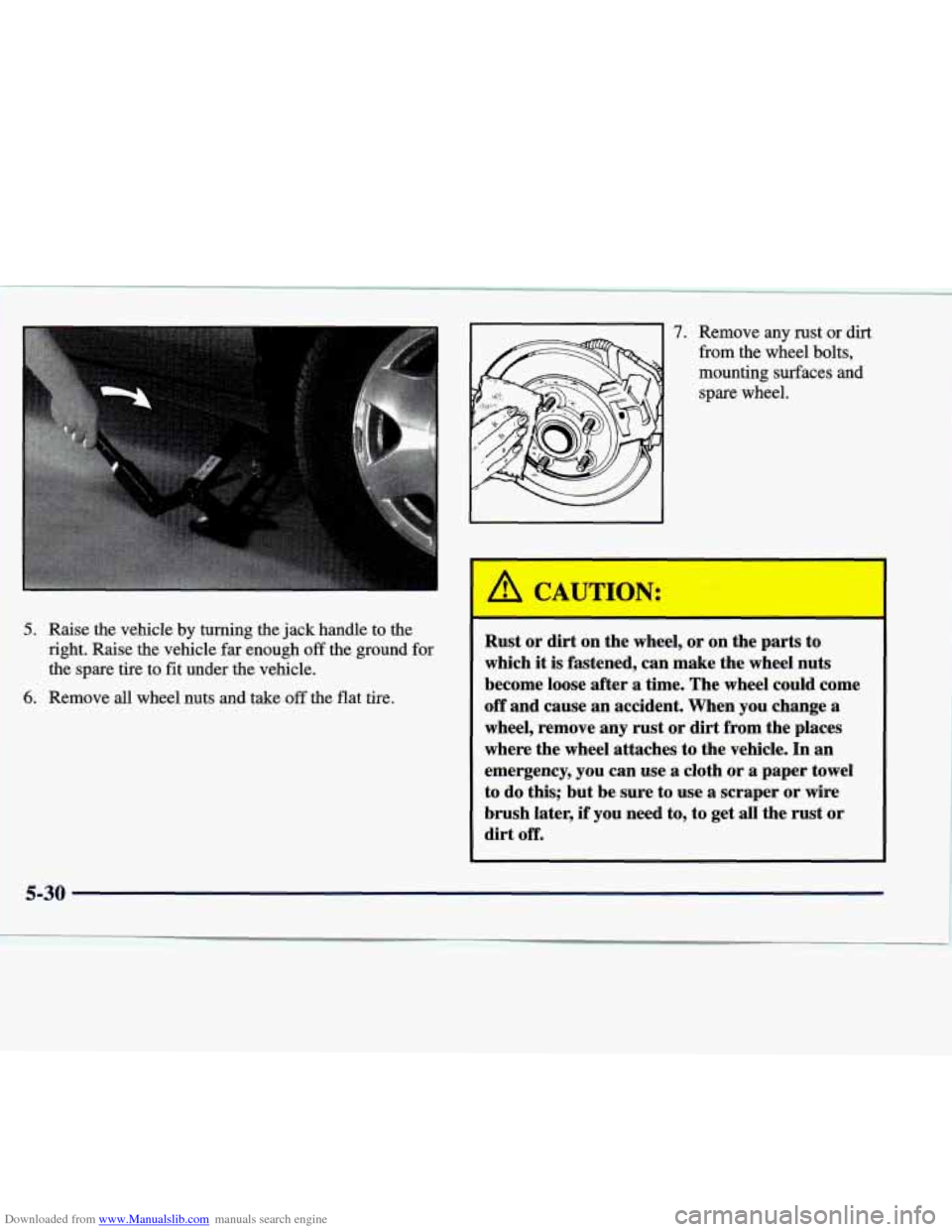
Downloaded from www.Manualslib.com manuals search engine 5. Raise the vehicle by turning the jack handle to the
right. Raise the
vehicle far enough off the ground for
the spare tire to fit under the vehicle.
6. Remove all wheel nuts and take off the flat tire.
1.
~
~~ ~ ~~
~ ~ ~~
Remove any rust or dirt
from the wheel bolts,
mounting surfaces and
spare wheel.
Rust or dirt on the wheel, or on the parts to
which it
is fastened, can make the wheel nuts
become loose after
a time. The wheel could come
off and cause an accident. When you change a
wheel, remove any rust or dirt from the places
where the wheel attaches to the vehicle.
In an
emergency, you can use a cloth or
a paper towel
to do this; but be sure to use a scraper or wire
brush later, if you need to, to get all the rust or
dirt off.
5-30
Page 268 of 378
Downloaded from www.Manualslib.com manuals search engine 1 A CAUTION:
4
Never use oil or grease on studs or nuts. If you
do, the nuts might come loose. Your wheel could
fall off, causing a serious accident.
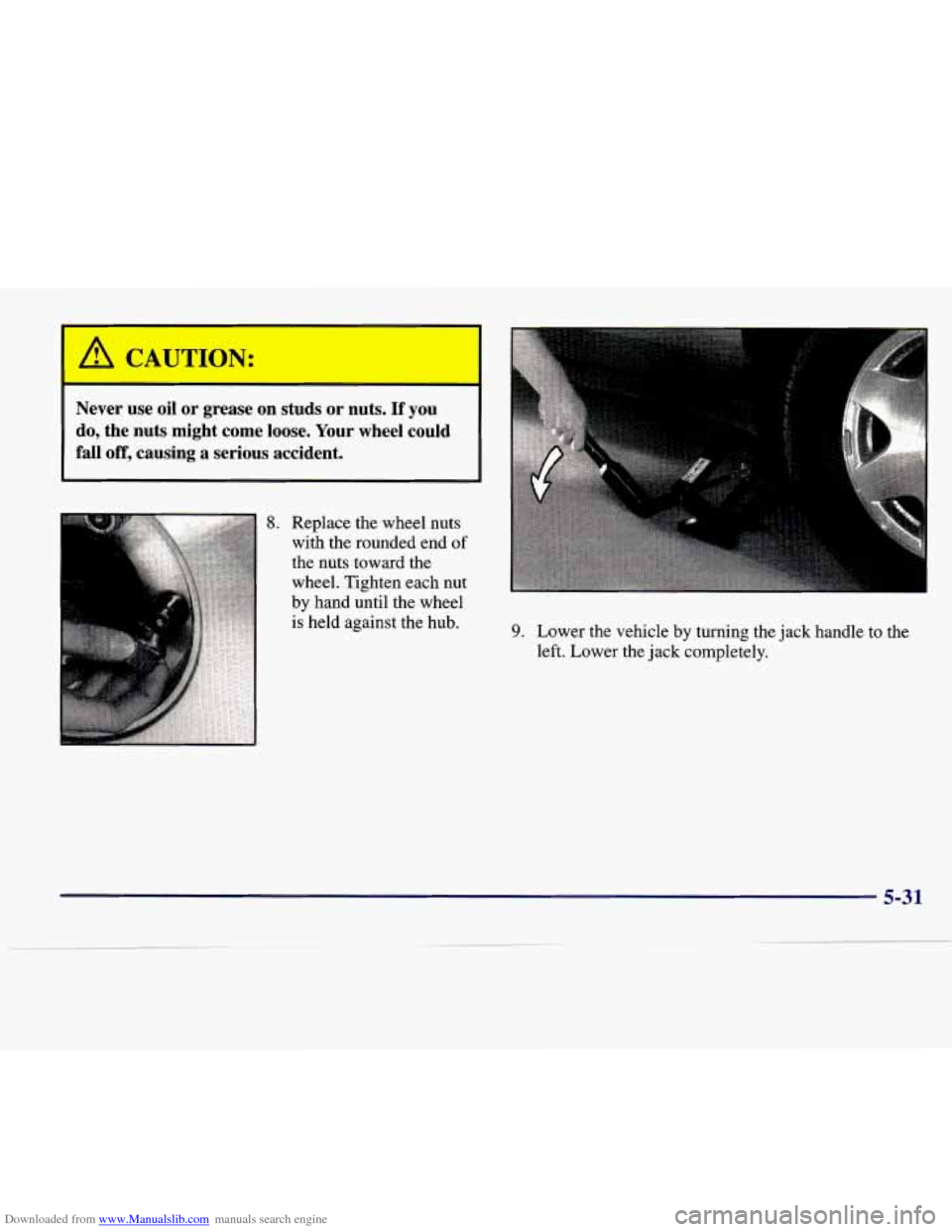
8. Replace the wheel nuts
with the rounded end
of
the nuts toward the
wheel. Tighten each nut
by hand until the wheel
is held against the hub.
I
9. Lower the vehicle by turning the jack handle to the
left. Lower the jack completely.