1998 CADILLAC ELDORADO display
[x] Cancel search: displayPage 115 of 380
Downloaded from www.Manualslib.com manuals search engine r
I I
i
r
r
r
I
Cleaning the Photocells
Use a cotton swab and glass cleaner to clean the
photocells when necessary.
Electrochromic Daymight Rearview Mirror
with Compass
(If Equipped)
1
1
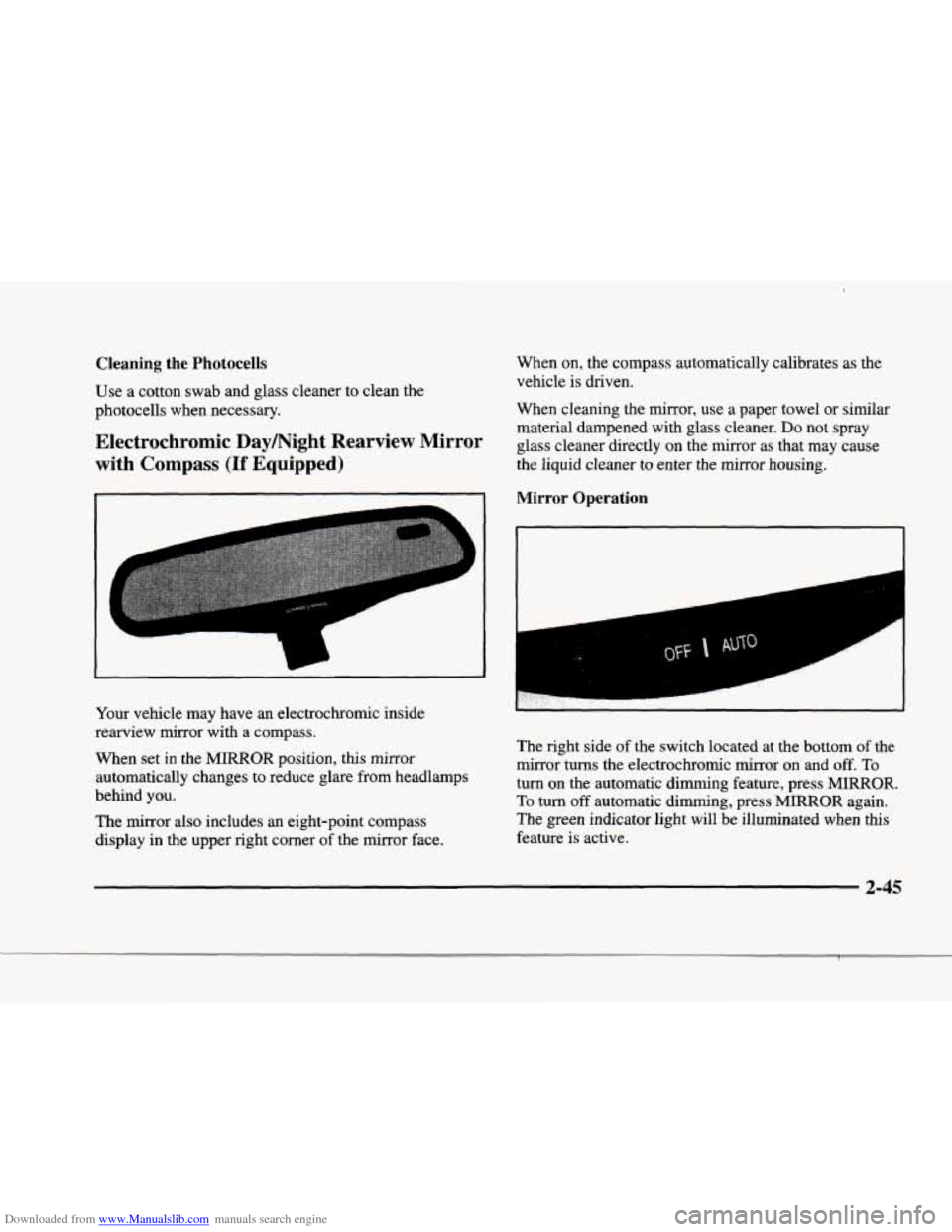
Your vehicle may have an electrochromic inside
rearview mirror with a compass.
When set in the MIRROR position, this mirror
automatically changes to reduce glare from headlamps
behind you.
The mirror also includes an eight-point compass
display in the upper right corner of the mirror face. When
on, the compass automatically calibrates as
the
vehicle is driven.
When cleaning the mirror, use a paper towel
or similar
material dampened with glass cleaner.
Do not spray
glass cleaner directly on the mirror as that may cause
the liquid cleaner to enter the mirror housing.
Mirror Operation
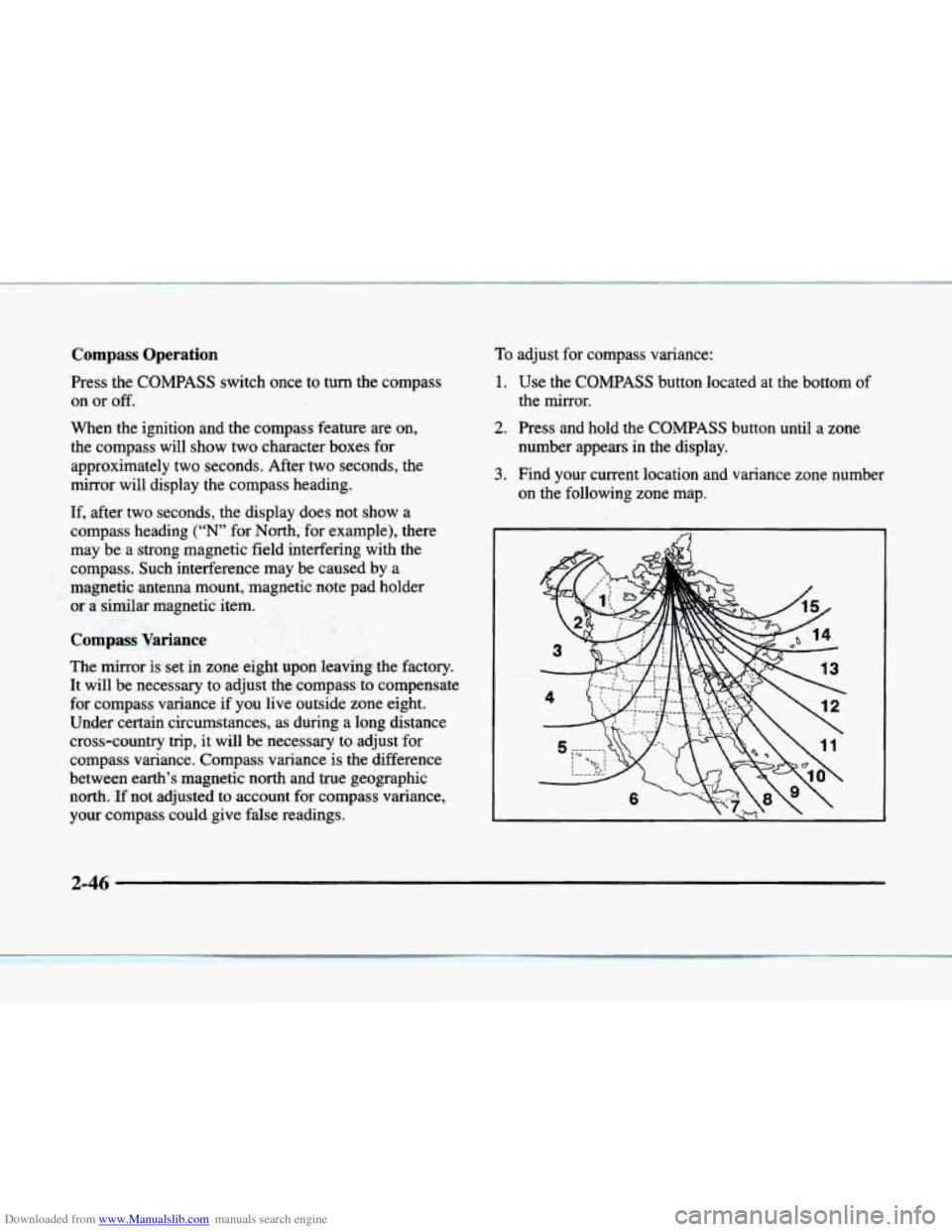
The right side of the switch located at the bottom of the
mirror turns the electrochromic mirror on and
off. To
turn on the automatic dimming feature, press MIRROR.
To turn off automatic dimming, press MmOR again.
The green indicator light will be illuminated when this
feature is active.
2-45
Page 116 of 380
Downloaded from www.Manualslib.com manuals search engine Compass Operation
Press the COMPASS switch once to turn the compass
on or
off.
When the ignition and the compass feature are on,
the compass will show two character boxes for
approximately two seconds. After two seconds, the
mirror will display the compass heading.
If, after two seconds, the display does not show
a
compass heading (“N’ for North, for example), there
may be
a strong magnetic field interfering with the
compass. Such interference may be caused by a
magnetic antenna mount, magnetic note pad holder
or a similar magnetic item.
Compass Variance
The mirror is set .in zone eight upon leaving the factory.
It will be necessary to adjust the compass to compensate
for compass variance
if you live outside zone eight.
Under certain circumstances, as during a long distance
cross-country trip, it will be necessary to adjust
for
compass variance. Compass variance is the difference
between earth’s magnetic
north and true geographic
north.
If not adjusted to account for compass variance,
your compass could give false readings.
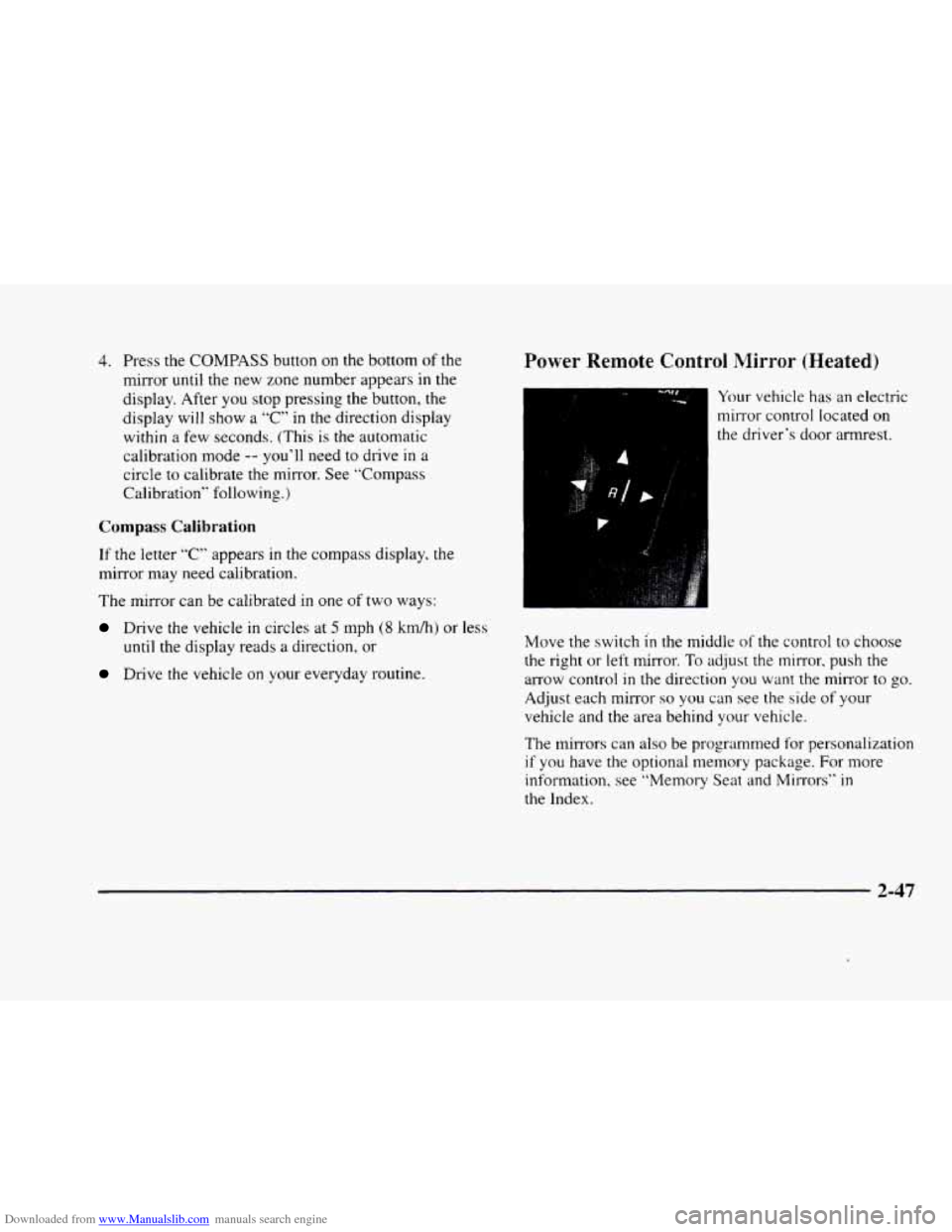
To adjust for compass variance:
1. Use the COMPASS button located at the bottom of
2. Press and hold the COMPASS button until a zone
the
mirror.
number appears in the display.
on the following zone map.
3. Find your current location and variance zone number
2-46
Page 117 of 380
Downloaded from www.Manualslib.com manuals search engine 4. Press the COMPASS button on the bottom of the
mirror until the new zone number appears
in the
display. After you stop pressing the button, the
display will
show a “C” in the direction display
within
a few seconds. (This is the automatic
calibration mode
-- you’ll need to drive in a
circle to calibrate the mirror. See “Compass
Calibration” following.)
Compass Calibration
If the letter “C” appears in the compass display, the
mirror may need calibration.
The mirror can be calibrated
in one of two ways:
Drive the vehicle in circles at 5 mph (8 km/hj or less
until the display reads a direction, or
Drive the vehicle on your everyday routine.
Power Remote Control Mirror (Heated)
Your vehicle has an electric
mirror control located
on
the driver‘s door armrest.
Move the switch
in the middle of the control to choose
the right or left mirror.
To adjust the mirror, push the
arrow control
in the direction you want the mirror to go.
Adjust each mirror so you can see the side of your
vehicle and the area behind your vehicle.
The
mirrors can also be programmed for personalization
if you have the optional memory package. For more
information, see “Memory Seat and Mirrors” in
the Index.
2-47
Page 129 of 380
Downloaded from www.Manualslib.com manuals search engine Speedometer and Odometer
The speedometer lets you see your speed in both miles
per hour (mph) and kilometers per hour
(km/h). The
odometer shows how far your vehicle has been driven,
in either miles (used in the United States) or kilometers
(used in Canada).
You may wonder what happens if a vehicle has to have a
new odometer installed. The new one may read the
correct mileage. This is because your vehicle’s computer
has stored the mileage in memory.
Trip Odometer
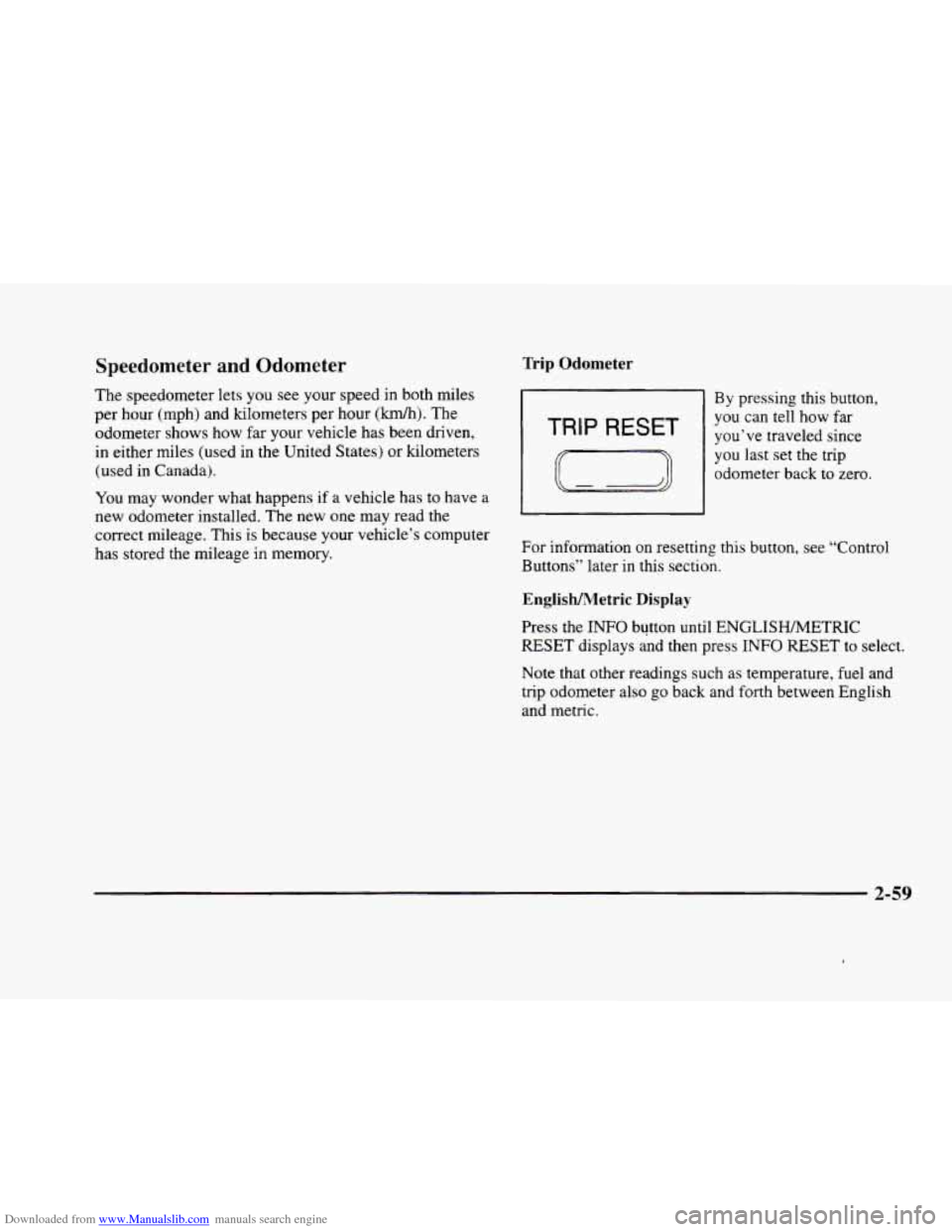
By pressing this button,
TRIP RESET I
you-can tell how far
you’ve traveled since
you last set the trip
odometer back to zero.
For information on resetting this button, see “Control
Buttons’’ later in this section.
EnglisWetric Display
Press the INFO button until ENGLISHMETRIC
RESET displays and then press INFO RESET to select.
Note that other readings such as temperature, fuel and
trip odometer also go back and
forth between English
and metric.
2-59
Page 139 of 380

Downloaded from www.Manualslib.com manuals search engine Fuel Gage
The fuel gage shows
approximately how much
fuel
is in the tank. It
works only when the
ignition is
in RUN.
Here are a few concerns some owners have had about
the fuel gage. All
of these situations are normal and do
not indicate that anything is wrong with the fuel gage.
0 At the gas station the gas pump shuts off before the
gage reads F.
It takes more (or less) gas to fill the tank than the
gage said. For example, the gage read
8 GALLONS
(30 L), but it took more (or less) than the tank’s
remaining capacity to fill it.
0 The gage may change when you turn, stop or
speed up.
Fuel Data Display
Everything you need to know about the fuel economy
and how far you can travel with your vehicle’s
remaining fuel
is displayed. Fuel data can be obtained
by pressing the
INFO button. See “Control Buttons”
later in this section.
2-69
Page 140 of 380
Downloaded from www.Manualslib.com manuals search engine Driver Information Center (DIC)
This display gives you the status of many of your
vehicle’s systems. The DIC is also used to display driver
personalization features and warningktatus messages.
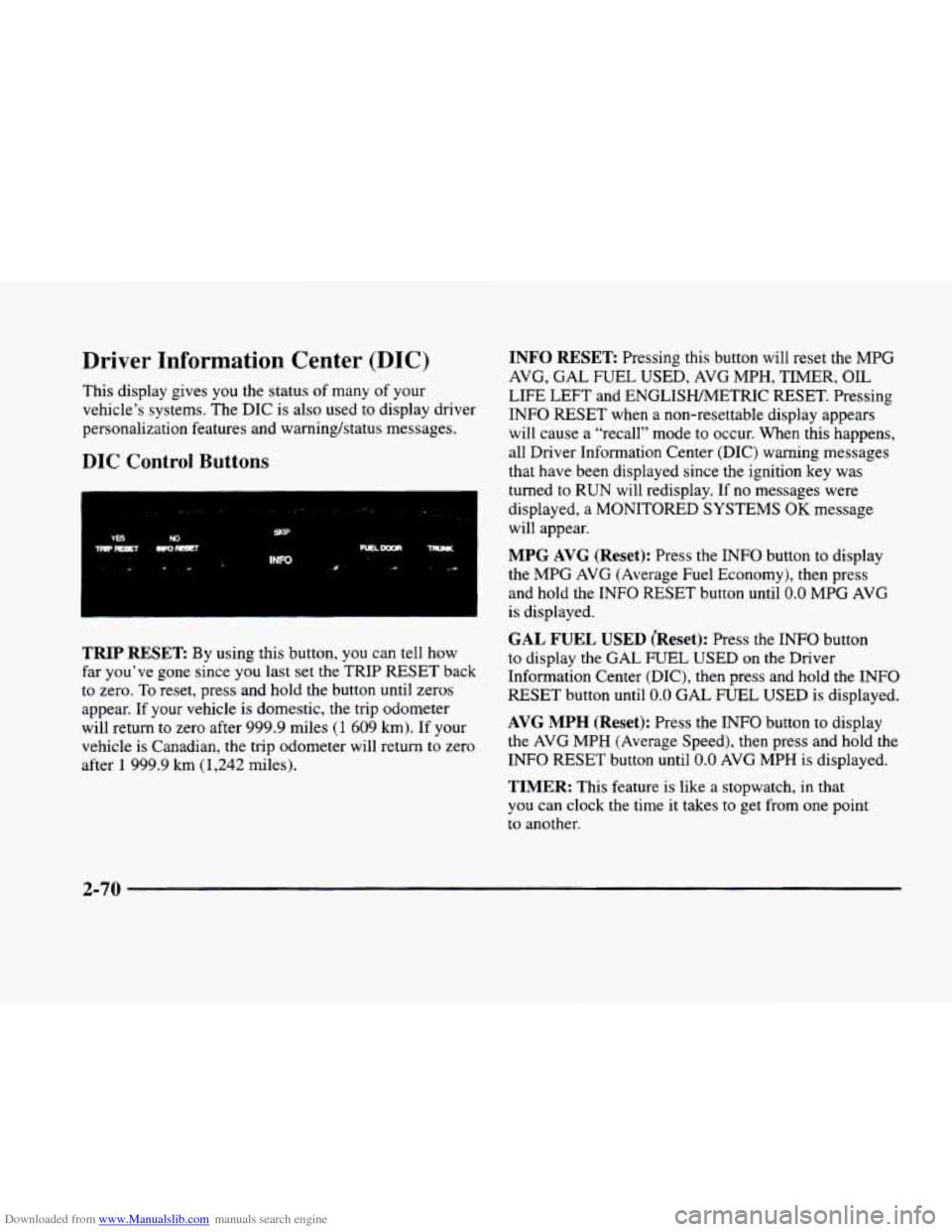
DIC Control Buttons
TRIP RESET By using this button, you can tell how
far you’ve gone since you last set the TRIP
RESET back
to zero.
To reset, press and hold the button until zeros
appear. If your vehicle is domestic, the trip odometer
will return to zero after 999.9 miles
(1 609 km). If your
vehicle is Canadian, the trip odometer will return to zero
after
1 999.9 km (1,242 miles).
INFO RESET Pressing this button will reset the MPG
AVG,
GAL FUEL USED, AVG MPH, TIMER, OIL
LIFE LEFT and ENGLISHMETRIC RESET. Pressing
INFO RESET when a non-resettable display appears
will cause a “recall” mode to occur. When this happens,
all Driver Information Center (DIC) warning messages
that have been displayed since the ignition key was
turned to RUN will redisplay. If no messages were
displayed, a MONITORED SYSTEMS
OK message
will appear.
MPG AVG (Reset): Press the INFO button to display
the MPG
AVG (Average Fuel Economy), then press
and hold the INFO RESET button until
0.0 MPG AVG
is displayed.
GAL FUEL USED (Reset): Press the INFO button
to display the
GAL FUEL USED on the Driver
Information Center (DIC), then press and hold the
INFO
RESET button until 0.0 GAL FUEL USED is displayed.
AVG MPH (Reset): Press the INFO button to display
the
AVG MPH (Average Speed), then press and hold the
INFO RESET button until
0.0 AVG MPH is displayed.
TIMER: This feature is like a stopwatch, in that
you can clock the time
it takes to get from one point
to another.
2-70
Page 141 of 380
Downloaded from www.Manualslib.com manuals search engine To operate, press the INFO button to display TIMER.
Each
of the fields for the hours, minutes and seconds are
two numeric digits.
Once TIMER OFF
0O:OO:OO is displayed, press the
INFO RESET button to start the timing feature. Press
the INFO RESET button again to stop it. If
you will be
starting and stopping your vehicle
-- during a trip for
instance
-- the TIMER feature will automatically start
timing where it left off when
you last stopped. To reset
it, press and hold the INFO RESET button until the
display reads TIMER
0O:OO:OO. Press the INFO button
to exit from the TIMER function.
OIL LIFE LEFT (Reset): Press the INFO button to
display the OIL LIFE LEFT, then press and hold the
INFO RESET button until 100% OIL LIFE LEFT is
displayed. (This only needs
to be reset after you have
had the oil changed.)
ENGLISHAWETRIC (Reset): Press the INFO button to
display ENGLISWMETRIC RESET, then press the
INFO RESET button to select. The display will change
from English (miles) to metric (kilometers).
INFO: Pressing this button repeatedly will display the
RANGE, MPG AVG,
MPG INST, GAL FUEL USED,
MPH, AVG MPH, TIMER, BATTERY VOLTS,
COOLANT TEMP, OIL LIFE LEFT and
ENGLISWMETRIC RESET.
FUEL DOOR: Press this button to open the fuel
door. (This feature will work
only when the shift lever
is in PARK
(P) regardless of whether or not the vehicle
is running.)
TRUNK: Press this button to open the trunk. (This
feature will work only when the shift lever
is in
PARK (P) regardless of whether or not the vehicle
is running.)
DIC Messages
These messages will appear if there is a problem sensed
in one
of your vehicle’s systems. Vehicles that are first
sold
in Canada will have a number after each message.
This number helps
to identify the message which is only
displayed in English.
APPLY BRAKE TO SHIFT - 46: This message will
appear if your vehicle is in PARK
(P) for about 15
seconds and the brake is not pressed. To remove this
message from the Driver Information Center (DIC)
display, hold the
OFF and the blue (cooler) buttons on
the digital cluster control panel for about five seconds.
On the analog climate control panel, press the
OFF
button (next to the MODE button) and the down arrow
on
the PASS TEMP button for about five seconds. Hold
the same two buttons
to display the message again.
2-7 1
Page 143 of 380

Downloaded from www.Manualslib.com manuals search engine CHECK BRAKE FLUID LEVEL - 37: This message
will display if the ignition is in
RUN to inform the
driver that the brake fluid level is low. Check the brake
reservoir level and add fluid as needed. Have the brake
system serviced by a technician as soon as possible. If
the brake warning light is on, follow the directions in
that part.
CHECK COOLANT LEVEL - 2: This message will
appear when there is a low level
of engine coolant.
Have
the cooling system serviced by a technician as
soon as possible.
CHECK FUEL GAUGE - 39: This message will
appear when the fuel supply is less than
4 gallons
( 15.2 L) and the display is turned off (digital clusters
only).
A single chime will also sound when this
message is displayed.
CHECK GAS CAP - 61: This message will appear if
the gas cap has not been fully tightened. You should
recheck your gas cap to ensure that it’s fully tightened.
CHECK OIL LEVEL - 36: For correct operation of
the low oil sensing system, your vehicle should be on a
level surface. A false CHECK OIL LEVEL message
may appear if the vehicle is parked on grades. The oil
level sensing system does not check for actual oil level
if
the engine has been off for a short period of time, and
the oil level is never sensed while the engine is running. If
the CHECK
OIL LEVEL message appears and your
vehicle has been parked on level ground with the engine
off for at least 30 minutes, the oil level should be
checked by observing
the oil dipstick. Prior to checking
the oil level,
be sure the engine has been off for five
minutes and your vehicle is on
a level surface. Then
check the dipstick and add oil
if necessary. See “Engine
Oil” in the Index.
CHECK WASHER FLUID - 25: This message will
appear for several seconds indicating that you need
washer solvent.
CRUISE ENGAGED - 43: This message will
appear for a few seconds when
you select a speed at
which to cruise.
DOOR A JAR - 141: A door other than the driver’s
is open or ajar when this message appears. The
vehicle’s engine must be running and the transaxle not
in PARK (P) for this message to display. A chime will
also sound when the vehicle’s speed is greater than
5 mph (8 km/h).
DRIVER DOOR AJAR - 140: This message will
display when the vehicle
is being shifted out of
PARK (P) with the engine running to signal that the
driver’s
door is open or ajar. A chime will also sound
when the vehicle’s speed is greater
than 5 mph (8 km/h).